
Devil May Cry Dress to Impress outfit & theme guide
Dante or Nero? Here's how to make a Devil May Cry fit in DTI.
Reviewed by: Naim Rosinski
The Devil May Cry Dress to Impress outfit theme is your chance to channel the gothic flair and fearless attitude of the iconic demon hunters from the Devil May Cry series.
Whether you're stepping into the shoes of Dante, Vergil, or crafting your own devil-slaying persona, this DTI guide will walk you through building a look that dominates both the runway and the battlefield.
Devil May Cry DTI theme explained
The Devil May Cry Dress to Impress outfit theme is a high-impact, character-inspired trend within Roblox’s Dress to Impress game mode. It draws directly from the aesthetics of Devil May Cry, a stylish action franchise known for its dramatic visuals, long coats, silver hair, and powerful weaponry.
This DTI theme lets players bring those visuals to life through creative fashion. Think:
- Hero coats: Long leather trench coats in red, black, or deep blue
- Monochrome layers: Black or grey base outfits to highlight the coat
- Combat-ready boots: Gothic, buckled, or platformed styles
- White or silver hair: Iconic for both Dante and Vergil-inspired looks
- Accessories: Sword props, gauntlets, belts, and minimal metal details
- Edgy attitude: Your Dress to Impress outfit should reflect confidence, mystery, and strength
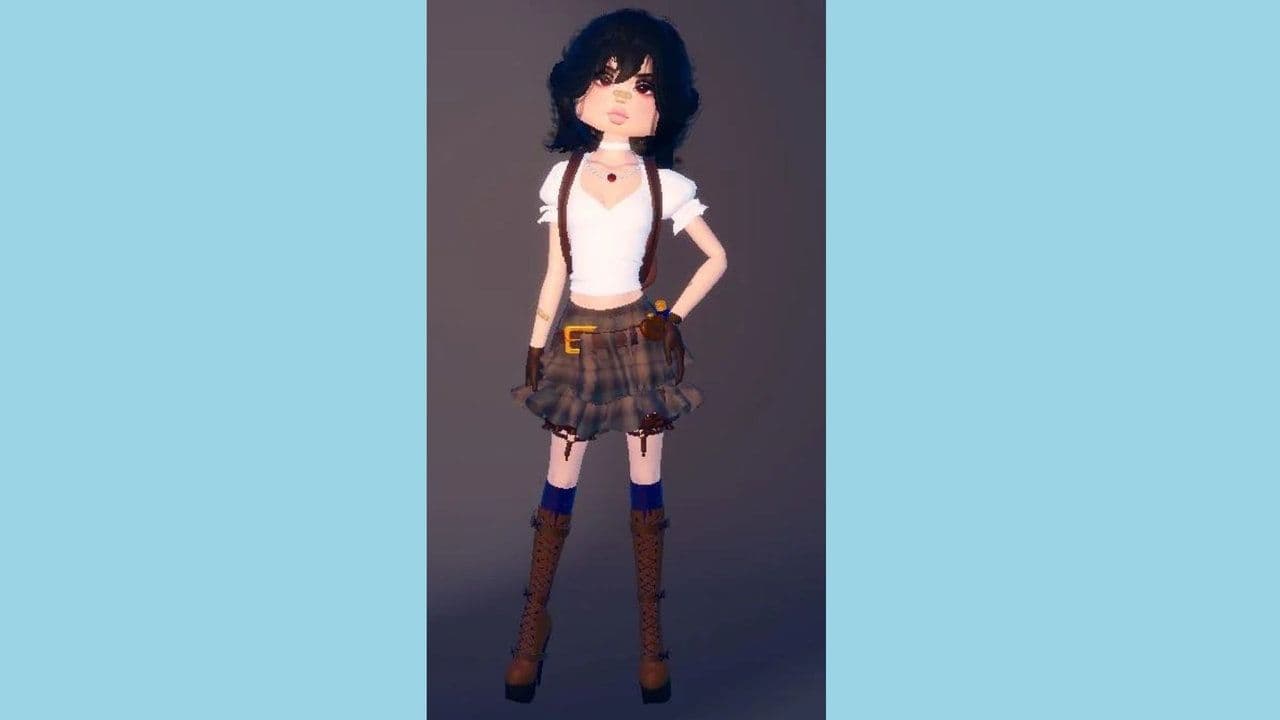
Each element should feel sleek, dramatic, and slightly otherworldly, just like the characters they’re inspired by.
How to build the perfect Devil May Cry Dress to Impress outfit in 5 steps
Creating a standout Devil May Cry look in Dress to Impress requires attention to both detail and storytelling. Follow these five steps to build an avatar worthy of the DMC universe.
1. Choose your persona: Dante, Vergil, or Original
Start by choosing which character to channel:
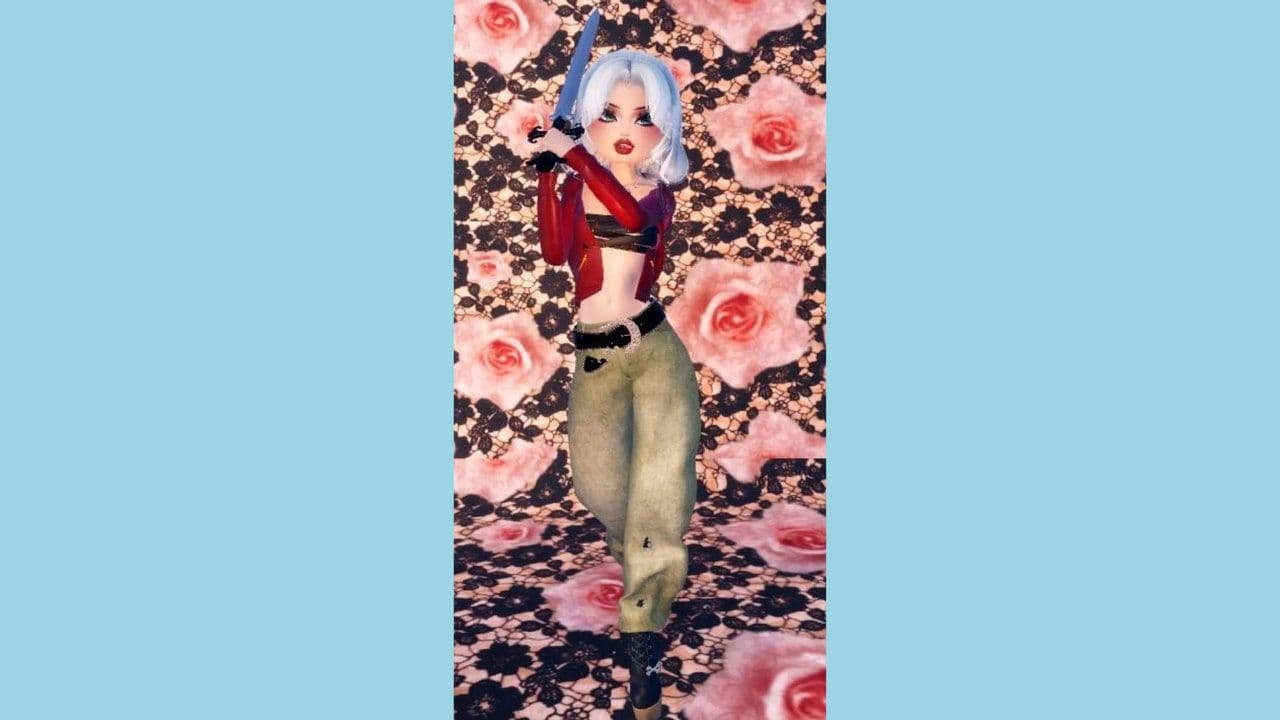
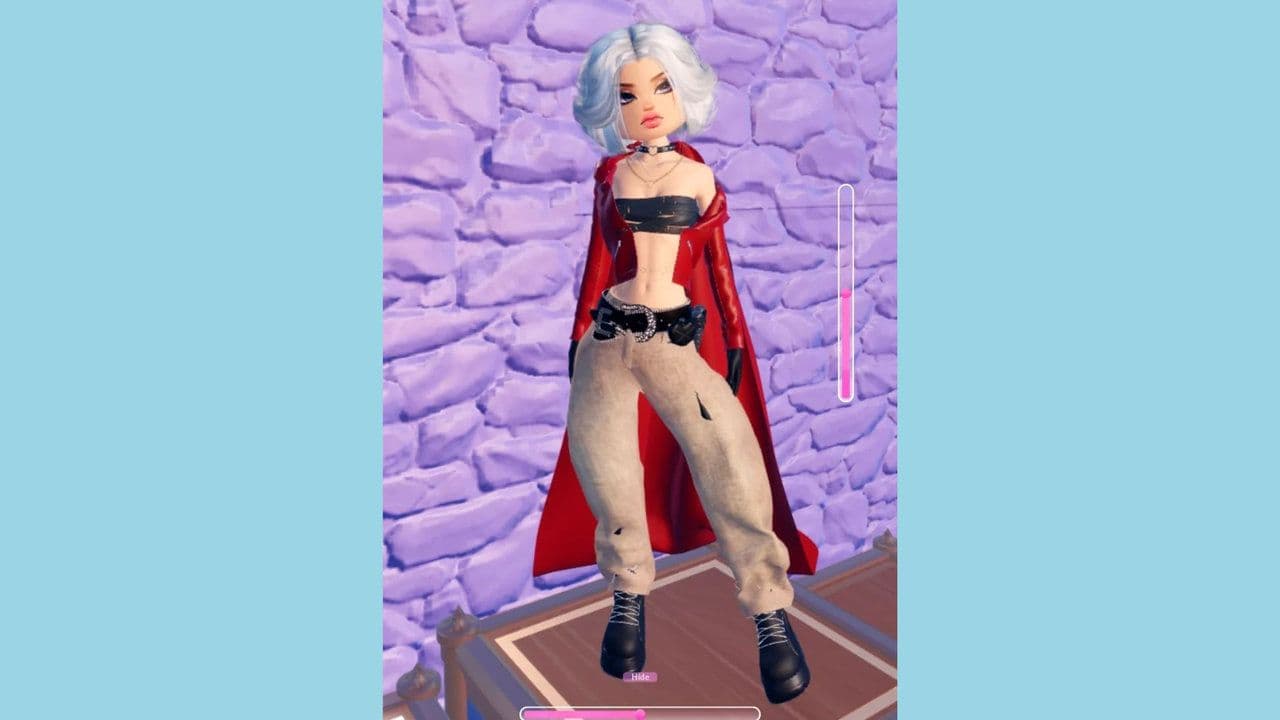
- Dante: Red trench coat, open shirt or tank top, rugged boots, tousled white hair
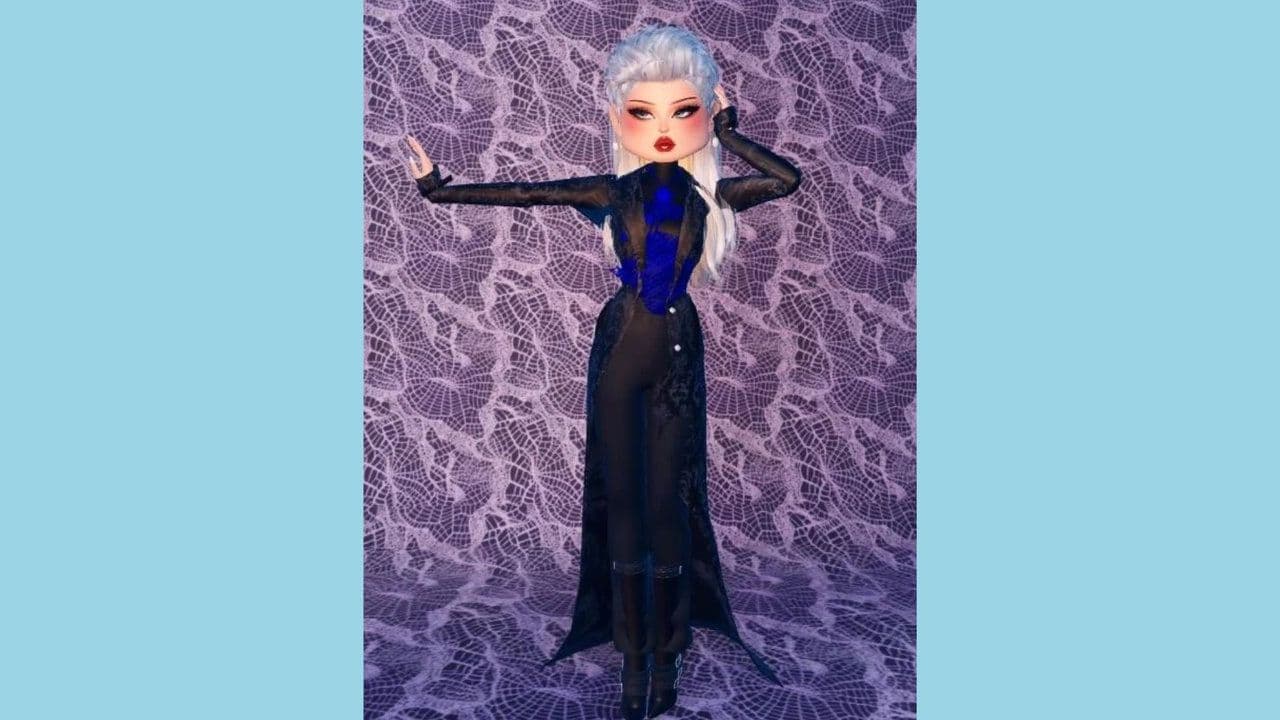
- Vergil: Sleek black or dark blue coat, minimal accessories, slicked-back silver hair
- Custom Demon Hunter: Mix gothic elements with modern DTI flair-think asymmetric cuts, dark gloves, and neon accents.
This decision guides your DTI outfit’s entire tone, from color scheme to accessories.
2. Layer like a Devil Hunter
Strong silhouettes and layered textures are key to the Devil May Cry aesthetic. Try:
- Fitted dark trousers and shirts as your base
- A dramatic overcoat as the centerpiece
- Leather textures, ripped edges, or metallic trims
Layering should add depth and motion.
3. Accessorize with purpose
Accessories turn your look from generic to unmistakably Devil May Cry. Consider:
- Sword or blade props
- Cross-body belts, gauntlets, or chokers
- Gloves with cutouts or metal accents
- Subtle glowing items for a supernatural edge
4. Select bold footwear
Footwear should feel functional and fierce:
- Heavy black boots or high combat heels
- Buckled or strapped designs
- Knee-high silhouettes for maximum drama
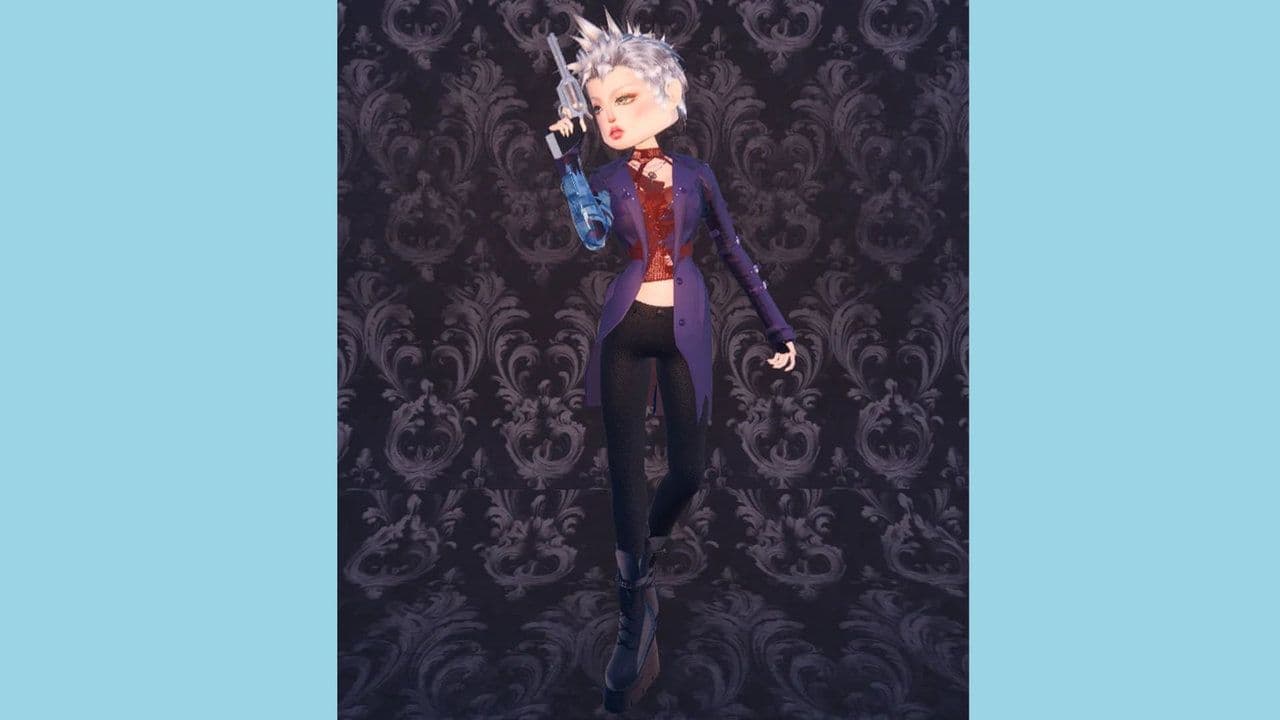
5. Finish with signature hair and face
Hair and facial styling define the Devil May Cry vibe. Aim for:
- Tousled or slicked-back white or silver hair
- Pale makeup or cold-toned blush
- Minimal facial expressions, serious or confident looks work best
These elements give your Devil May Cry Dress to Impress outfit its final layer of intensity.

Outfit ideas: Devil May Cry Dress to Impress theme
Here are some outfit examples tailored to this DTI trend:
How to create this outfit in-game
Once you’ve planned your look, it’s time to bring your Devil May Cry Dress to Impress outfit to life in Roblox.
- Enter the Dressing Room in Free Mode or during a round
- Search for items using terms like “red coat,” “black trench,” “white hair,” “sword”
- Use the color tool to keep tones dark and bold-focus on blacks, reds, and silvers
- Style hair with silver or white tones; choose cuts that reflect character traits
- Add accessories such as belts, weapon props, and gothic jewelry
- Select poses that emphasize strength, confidence, or mystery

Look through user-generated content (UGC) for coats and weapons inspired by Devil May Cry. Combine these with sharp poses to create a look that tells a story the moment your avatar enters the stage.
Looking for more Dress to Impress themes? Check out guides on:
Meet Eray, a tech enthusiast passionate about AI, crypto, gaming, and more. Eray is always looking into new developments, exploring unique topics, and keeping up with the latest trends in the tech industry, and gaming is the sweetest spot.
Eray has been rocking it as a news manager and content creator at spots like, TechBriefly, Gamelevate, Softonic, and various tech realms. Crafting over 2k tech articles, Eray captivated millions of readers for over three years.
Now, over at THESPIKE, Eray is a content writer, blending the love for spinning stories and helpful guides for all-things gaming.
- 1
- 2
- 3
- 4
- 5
- 6
- 7
- 8
- 9
- 10
- 11
- 12
- 13
- 14
- 15
- 16
- 17
- 18
- 19