
Model photoshoot DTI outfit theme guide
Build the perfect outfit for the runway in Roblox DTI.
Reviewed by: Naim Rosinski
When Model photoshoot DTI theme appears, your goal is to design a DTI outfit that feels polished, stylish, and ready for a high-fashion photoshoot. This guide will show you how to build a winning model photoshoot DTI outfit from clothing and accessories to hair, makeup, and posing.
Model photoshoot Dress to Impress theme explained
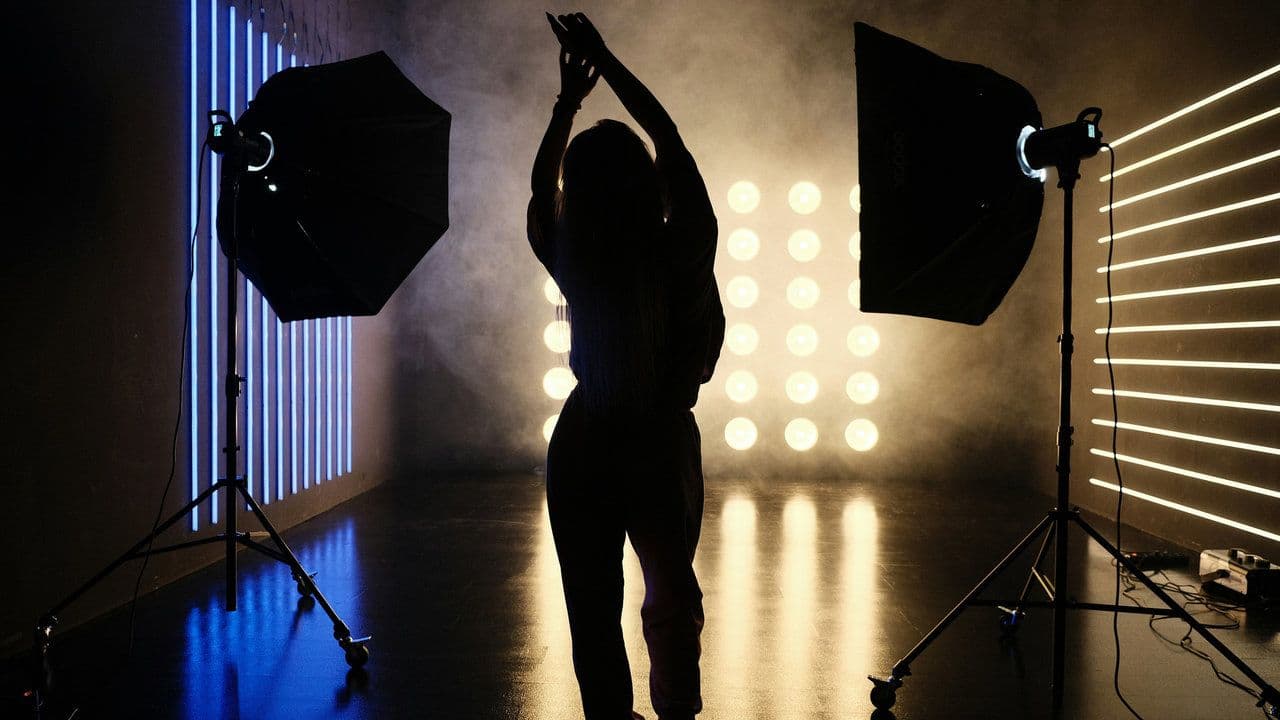
The Model Photoshoot theme in Dress to Impress draws inspiration from fashion shoots, editorials, and runway campaigns. Outfits should look polished, stylish, and ready for the camera.
Focus on clean lines, bold shapes, or statement pieces that stand out in photos. Accessories, makeup, and hair should complement the outfit and give a high-fashion feel.
Posing is key. Strong stances, confident angles, and a poised presence turn the look into a professional, photoshoot-ready appearance.
How to make your model photoshoot DTI outfit in 4 steps
A model photoshoot DTI outfit combines stylish clothing, thoughtful accessories, polished hair and makeup, and a confident pose to create a camera-ready look.
Choose your photoshoot style
The first step to creating a model photoshoot DTI outfit is choosing the style of shoot you want to represent. Here are some popular options:
- High Fashion / Editorial: Bold shapes, dramatic cuts, and unique textures.
- Glamorous / Red Carpet: Long gowns, sequins, metallics, and luxury fabrics.
- Street Fashion Editorial: Edgy streetwear, leather, or urban-chic outfits.
- Minimalist Editorial: Simple lines, neutral colors, and clean silhouettes.
- Vintage / Retro Shoot: Classic dresses, gloves, and retro-inspired accessories.
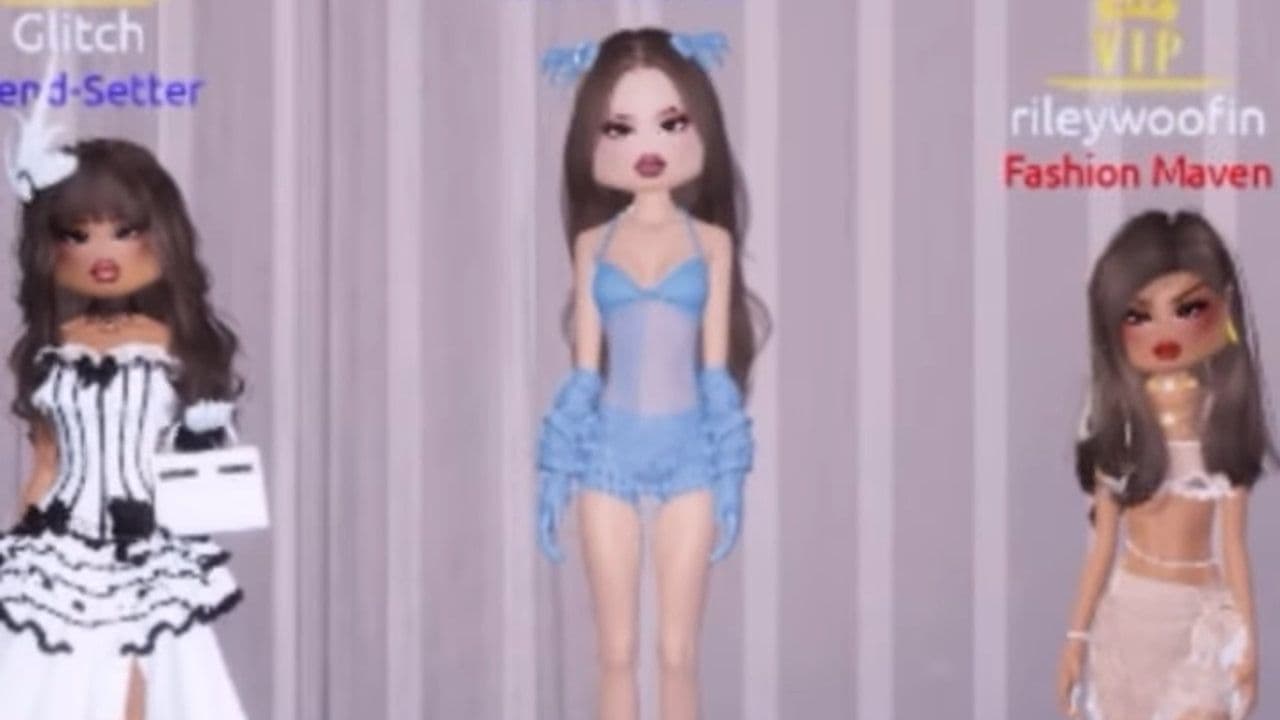
Picking a style will help guide your clothing, accessories, hair, and makeup choices.
Pick core clothing pieces
The main clothing items form the base of your model photoshoot DTI outfit. Focus on pieces that are stylish, well-fitted, and photograph well.
- Tops / Dresses / Suits: Structured dresses, blazers, gowns, or unique tops with dramatic sleeves or tailored cuts.
- Bottoms: Pencil skirts, high-waisted trousers, fitted pants, or sleek long skirts depending on your shoot style.
- Footwear: Heels, statement boots, or strappy sandals that match your outfit and style.
- Fabric & Texture: Satin, silk, leather, sequins, or sheer fabrics for depth and visual interest.
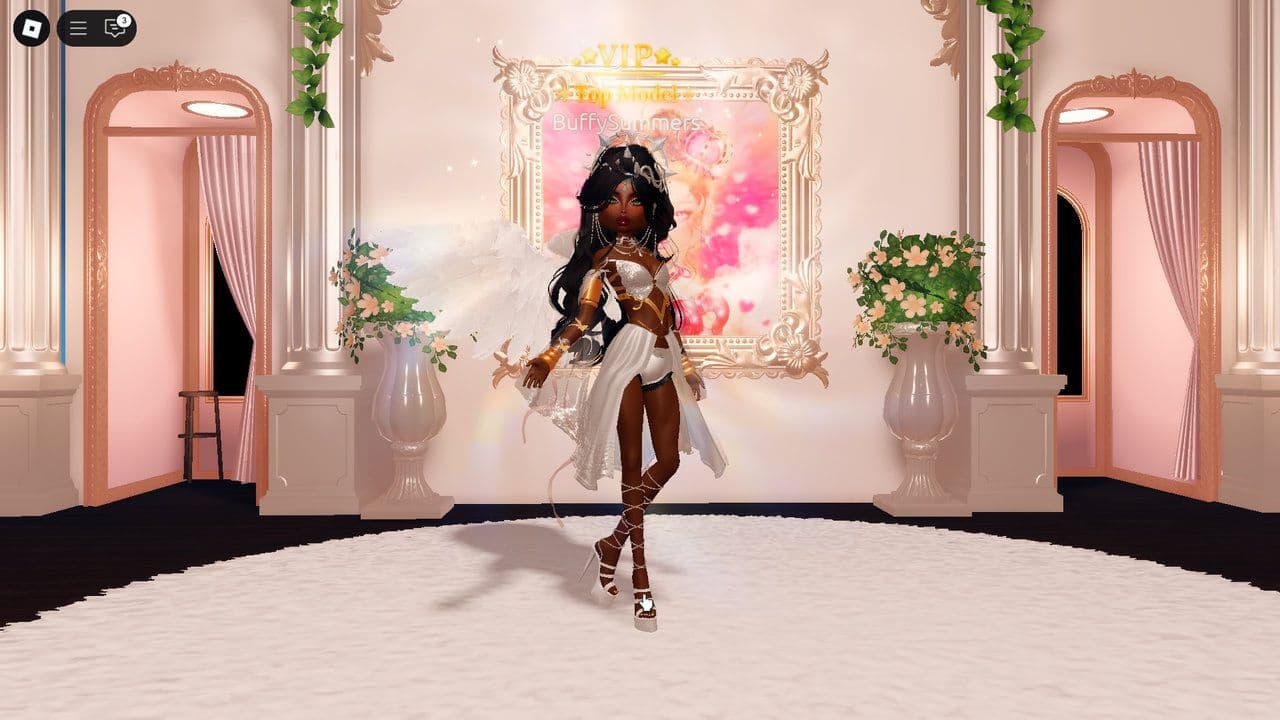
Avoid overly busy patterns that can distract from your overall look. Choose textures and shapes that pop on the runway or in photos.
Add accessories and props
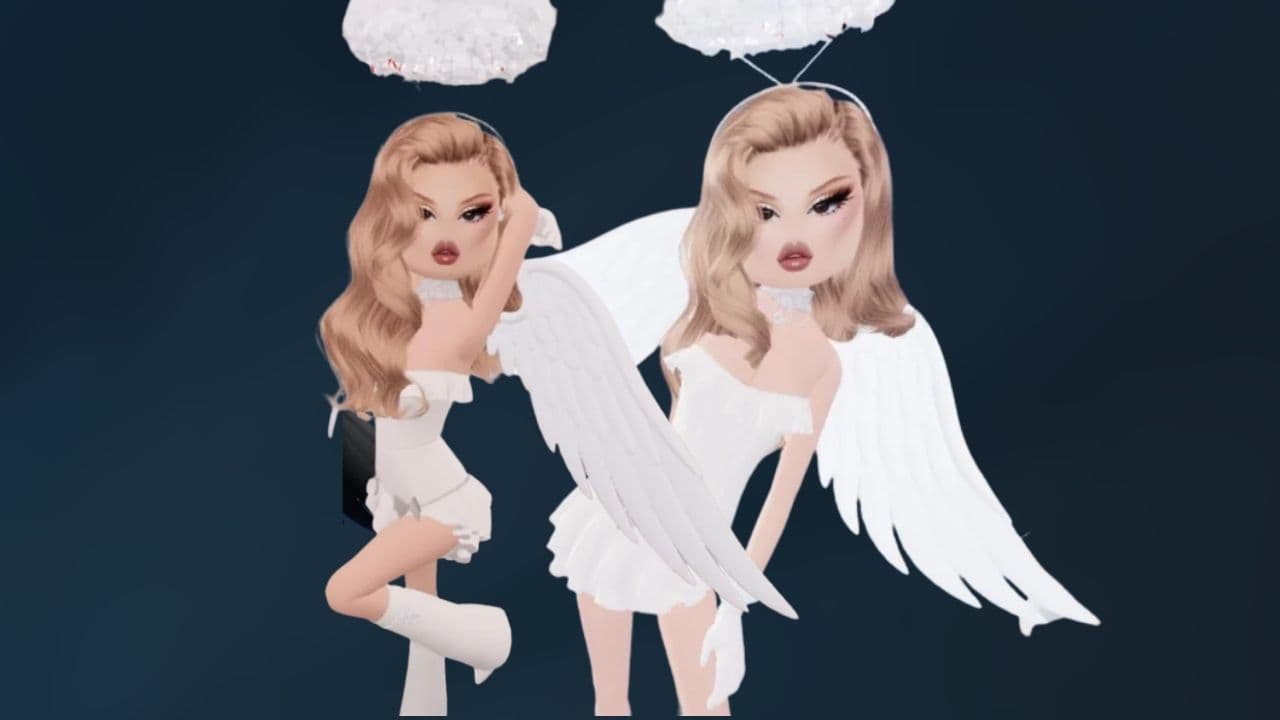
Accessories help bring your model photoshoot DTI outfit to life. Small details can make a big difference.
- Jewelry: Statement earrings, layered necklaces, or chokers that catch light.
- Props: Optional items like handbags, hats, sunglasses, gloves, or even studio props if available.
- Belts / Pins / Layers: Help shape your silhouette and add structure.
- Color Accents: Use a bold accessory or pop of color to draw attention.
Accessories should complement your DTI outfit, not overpower it. One or two standout items often work best.
Style hair, makeup, and pose
Since the model photoshoot DTI outfit is about looking camera-ready, hair, makeup, and pose are just as important as clothing.
- Hair: Sleek ponytails, voluminous waves, updos, or textured styles depending on your theme.
- Makeup: Bold eyes, contouring, highlighter, glossy lips, or shimmer to stand out in photos.
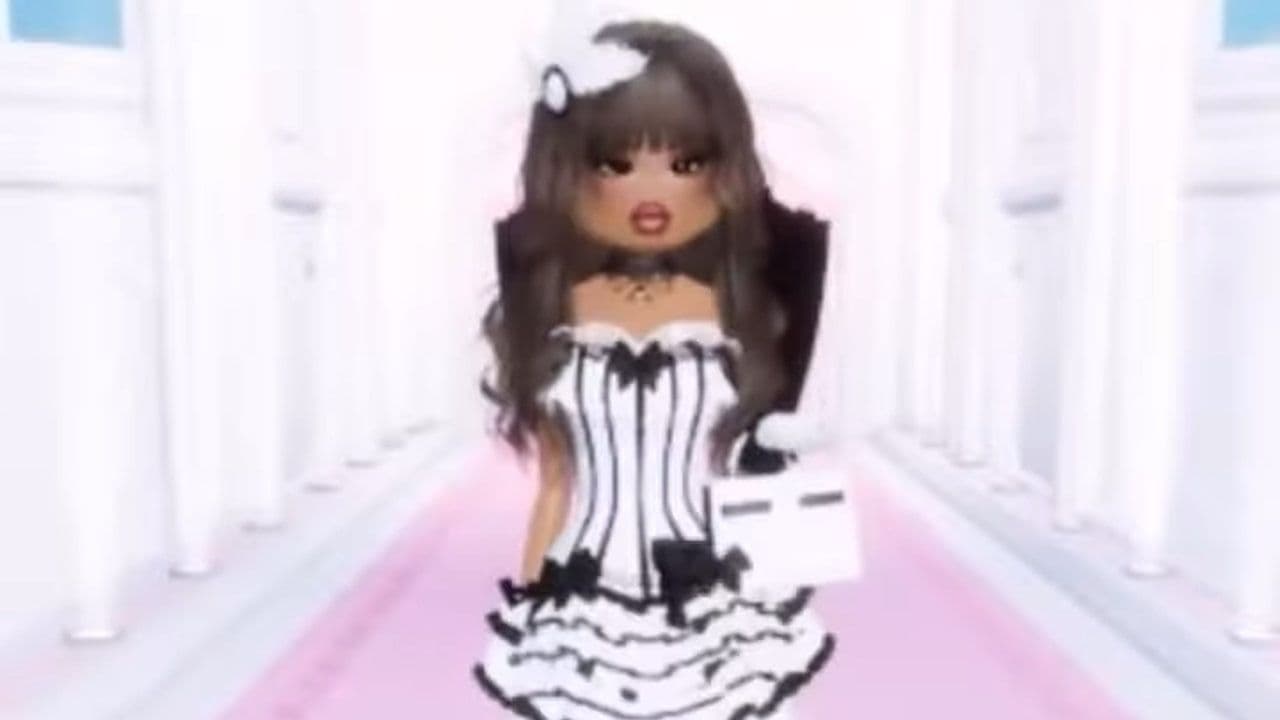
Model-like stance, confident walk, and expressive gestures enhance your DTI outfit’s impact.
Model Photoshoot Dress to Impress outfit ideas
Here are five ready-to-use DTI outfit ideas for inspiration:
5 tips for a winning model photoshoot DTI outfit
- Every item should fit the photoshoot style.
- Satin, sequins, leather, and sheer fabrics photograph well.
- If your background is dark, wear lighter colors; if it’s light, wear darker shades.
- A statement dress, unique shoes, or bold accessory draws attention.
- Even the best outfit can look flat without the right stance and expression.
How to dress for model photoshoot DTI theme in Roblox
Enter a round or Free Mode to access the dressing area.
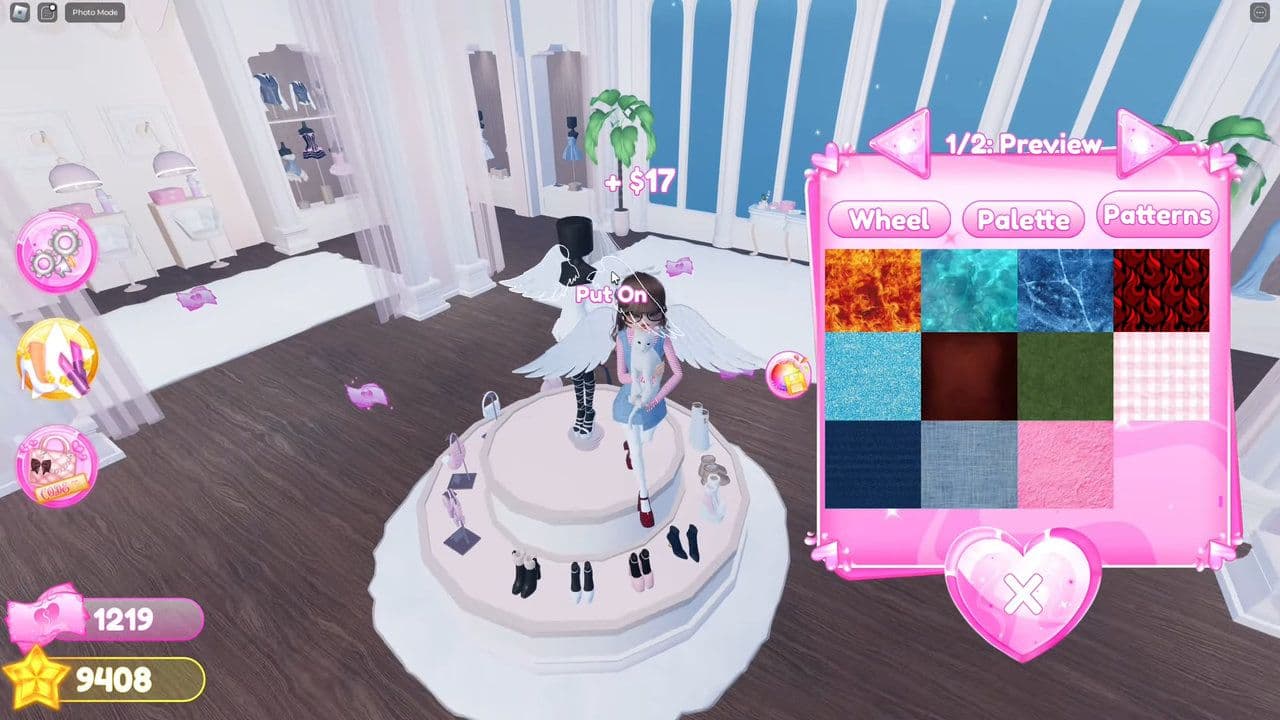
- Start with your main outfit: top, bottom, or full dress/suit depending on your theme.
- Add accessories, props, and shoes to enhance your look.
- Style hair and makeup in the salon to match your photoshoot vibe.
- Check your complete model photoshoot DTI outfit in Currently Wearing, save it, and hit the runway with confidence.
That’s all for today! Looking for more theme guides? Check out:
- Dress to Impress School Trip outfits in 5 steps
- Detective DTI outfit & theme guide
- Android vs. Cyborg Dress to Impress outfit & theme
- Monster High Dress to Impress outfit & theme guide
- Make winner Met Gala Dress to Impress outfits in 4 easy steps
Meet Eray, a tech enthusiast passionate about AI, crypto, gaming, and more. Eray is always looking into new developments, exploring unique topics, and keeping up with the latest trends in the tech industry, and gaming is the sweetest spot.
Eray has been rocking it as a news manager and content creator at spots like, TechBriefly, Gamelevate, Softonic, and various tech realms. Crafting over 2k tech articles, Eray captivated millions of readers for over three years.
Now, over at THESPIKE, Eray is a content writer, blending the love for spinning stories and helpful guides for all-things gaming.
- 1
- 2
- 3
- 4
- 5
- 6
- 7
- 8
- 9
- 10
- 11
- 12
- 13
- 14
- 15
- 16
- 17
- 18
- 19