New Roblox Abyss codes (May 2026)
Dive deep with fresh codes
Roblox Abyss codes are free promo strings that players can redeem in the Roblox game Abyss to claim helpful rewards such as Star Shards, Oxygen Pods, Speed Potions, and other items that support progression.
This guide covers everything you need: active Roblox codes, rewards, how to redeem them, where to find new ones, and what to do if a code is not working.
Working Roblox Abyss codes for May 2026
Below are the currently working Roblox Abyss codes:
Unlike cosmetic rewards in some Roblox games, Roblox Abyss codes usually give useful gameplay items such as:
- Star Shards
- Oxygen Pods
- Speed Potions
- Other progression boosts
These items help you explore deeper areas, survive longer underwater, and upgrade equipment more quickly.
Expired Abyss codes
- BUGFIX01
- RELEASE
How to use Roblox Abyss codes
Redeeming Roblox Abyss codes is simple. Follow these steps carefully:
- Open Roblox and launch Abyss.
- Complete the tutorial if required (some features unlock after it).
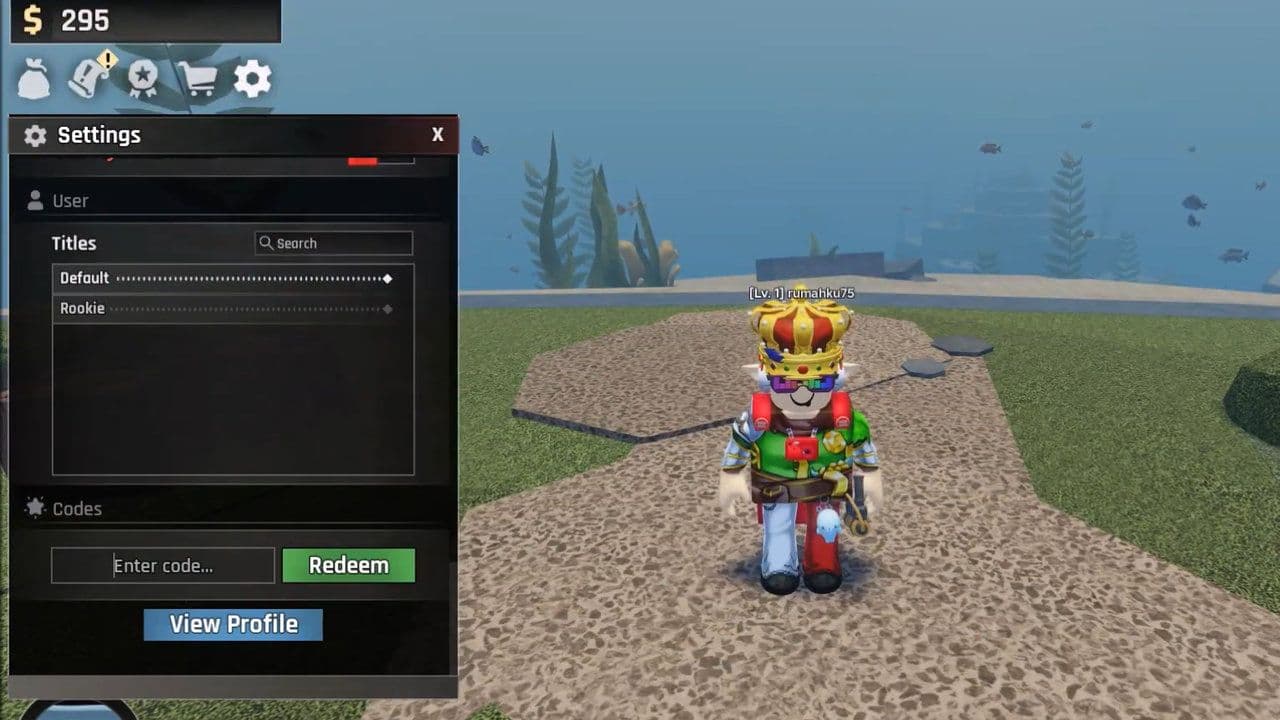
- Once inside the game, find the Gear icon (Settings) on your screen.
- Open the Settings menu.
- Scroll until you see the Enter Code box.
- Type or paste the code exactly as shown.
- Click Redeem to claim your rewards.
Is your Abyss code not working?
If your Abyss code is not redeeming, here are the most common reasons and how to fix them.
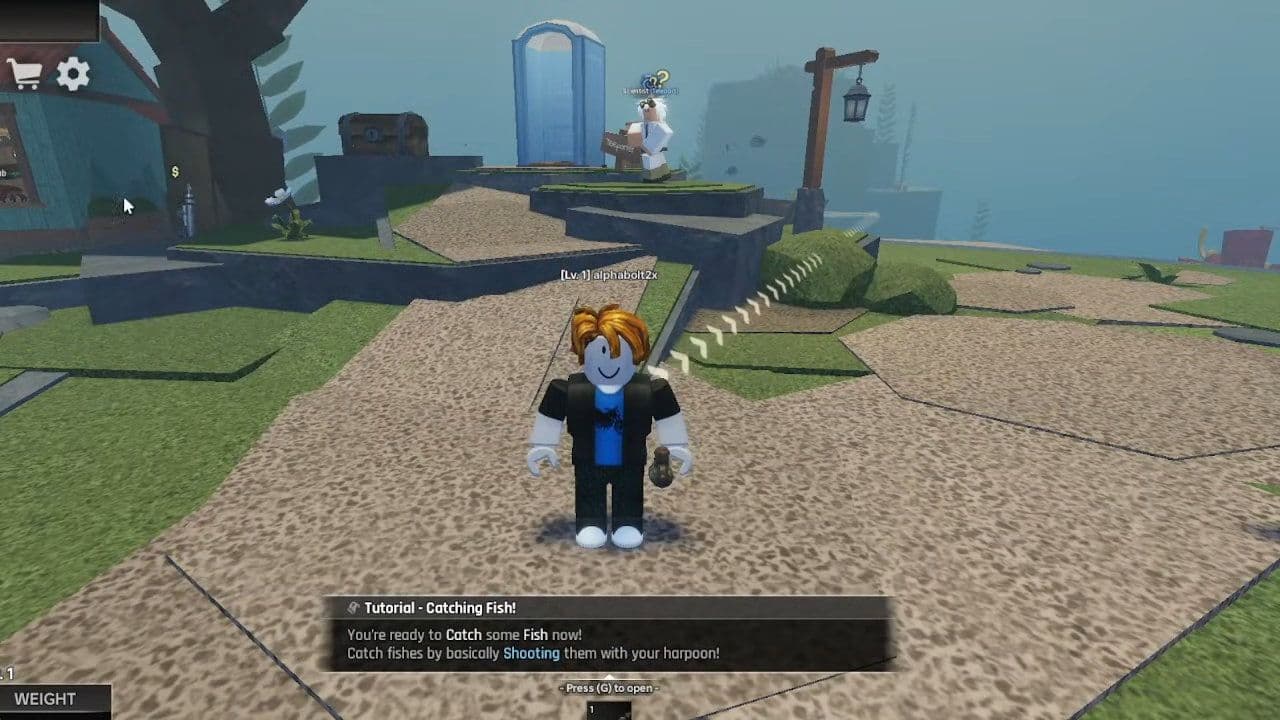
- Tutorial not completed: Some game features unlock only after you finish the starting tutorial. If you try to redeem a code too early, the system may block it. Complete the tutorial, then restart the game and try again.
- Code entered incorrectly: All Roblox Abyss codes must be typed exactly as shown. They are case-sensitive, meaning uppercase and lowercase letters matter.
- Extra spaces when pasting: Sometimes when you paste a code, an invisible space appears at the beginning or end. This small issue can cause the code to fail. If it does not work, delete the code completely and type it manually to avoid spacing errors.
- Code has expired: Developers can disable Roblox Abyss codes at any time. If a code worked before but now shows an “invalid” message, it has likely expired.
- Code already redeemed: Most Roblox Abyss codes can only be used once per account. If you have already claimed the reward, the system will not allow you to redeem the same code again.
- Server-related issue: Occasionally, the redemption feature may not load properly in your server. If you do not see the Enter Code option in the Settings menu, try leaving the game and joining a new server. Restarting Roblox can also fix temporary glitches.
If none of these solutions work, double-check that the code is still active. Staying updated with the latest Roblox Abyss codes will help you avoid expired or invalid entries.
Where to find new Roblox Abyss codes
New Roblox Abyss codes are usually released during updates, events, or milestone celebrations. Since there is no fixed schedule, checking reliable sources regularly is important, such as:
- Official Discord server: Developers often announce new Roblox Abyss codes first in their official Discord community. Update notes, celebrations, and limited-time rewards are typically shared there.
- Roblox game page & community: Codes may appear in the description or update log.
- Milestones: Likes, visits, or player goals often trigger new codes.
- Social media: Updates and rewards may be posted on X or YouTube.
- Bookmark this page (Ctrl+D): We frequently refresh our Roblox Abyss codes list, ensuring you can quickly access the newest working codes in one convenient place without checking multiple sources.
What is the Roblox Abyss game about
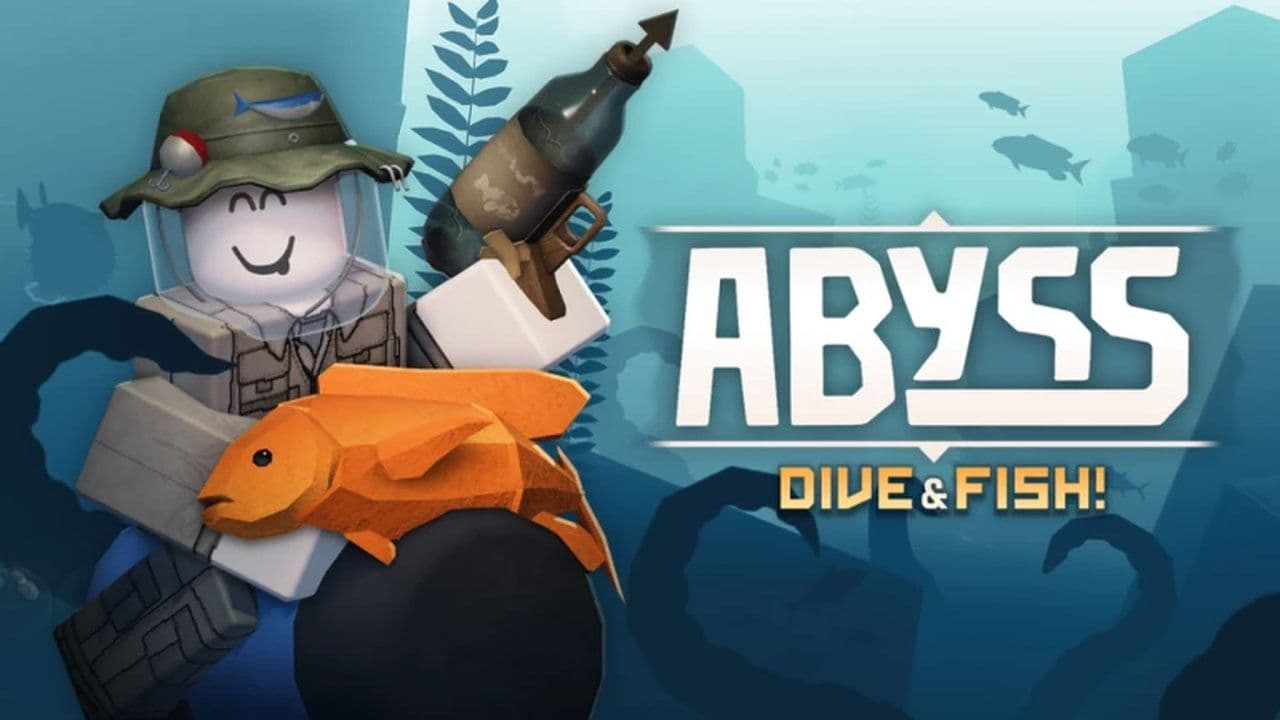
Roblox Abyss is an underwater exploration and fishing game on the Roblox platform where players dive into the deep sea to catch fish, explore biomes, and survive the ocean’s depths. Gameplay centers around diving with a tube, using a harpoon-style tool to catch fish, and managing resources like oxygen while venturing deeper into the abyss. There are hundreds of fish varieties to collect and sell, gear upgrades to unlock, quests to complete, and new environments to discover as you progress.
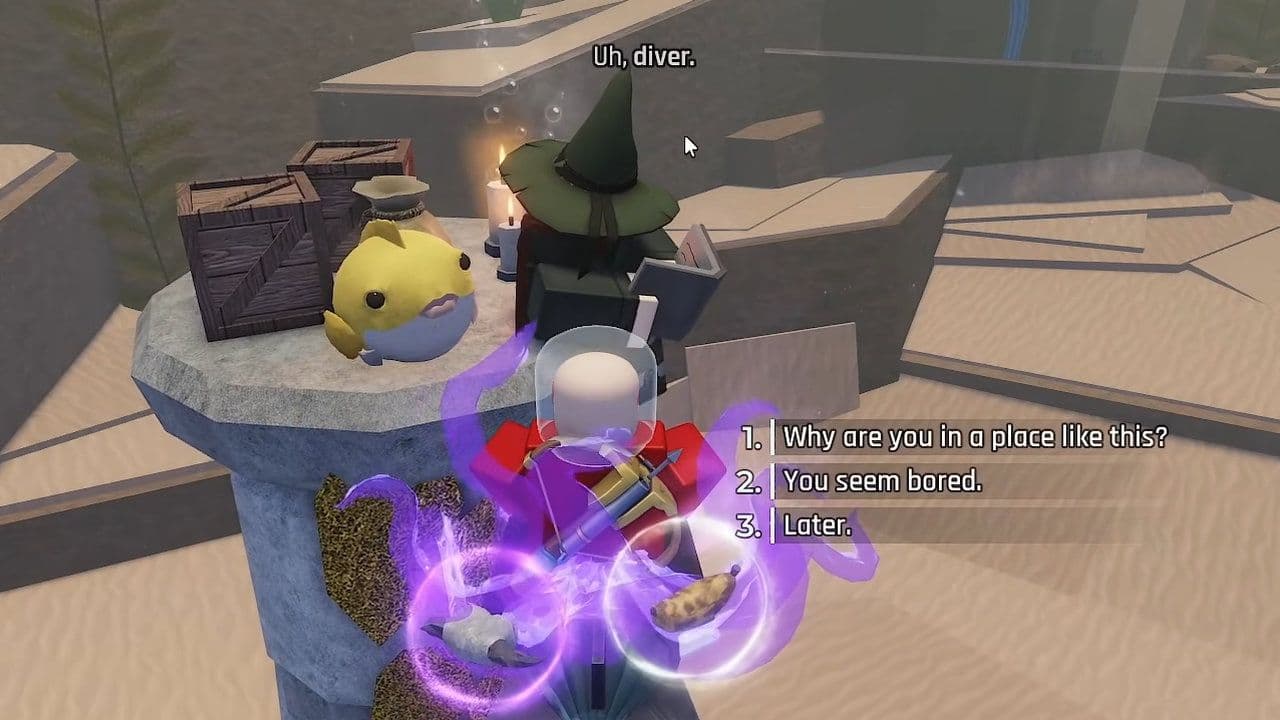
In Abyss, you start in a safe hub area and must venture out into the open ocean to catch fish and gather items that earn you money. Selling catches and completing quests allows you to buy better tubes (which increase your oxygen and depth range), stronger harpoon guns, and artifacts that improve your stats. As you explore deeper water, you’ll find rarer fish and tougher challenges, making each dive progressively more rewarding and strategic.
That’s all for today! Looking for more free Roblox items? Check out these: