Roblox Music Codes (September 2026)
These music codes can make playing Roblox even more enjoyable.
One exciting feature of Roblox is the ability to add music to games. Players use music codes to do this. These codes are special numbers that play specific songs inside the games. The list of songs changes frequently as new songs get added and old ones get removed. In this guide, we compiled lists of Roblox music codes you can play in the game. If you enjoy adding a bit of music to your gameplay, this guide is perfect for you. Music codes let you play a wide variety of songs during your games. Also, the working codes and those that are not copyrighted can be found in our guide!
What are music codes in Roblox?
Music codes in Roblox are numbers that correspond to specific songs. When you enter these codes into a music player in the game, like a Boombox, the chosen song will start playing. This feature lets players customize their gaming experience with their favorite music, making the gameplay more enjoyable. It's a great way to share the music you like with other players in the game.
Working Roblox music codes for September 2026
Here are all the working Roblox music codes that you can use in the game right now:
A-F
G-L
M-R
S–Z
0–9
Other alphabets
Please remember that these songs may be copyrighted so you may not be able to use them if you are shooting a video or doing something similar.
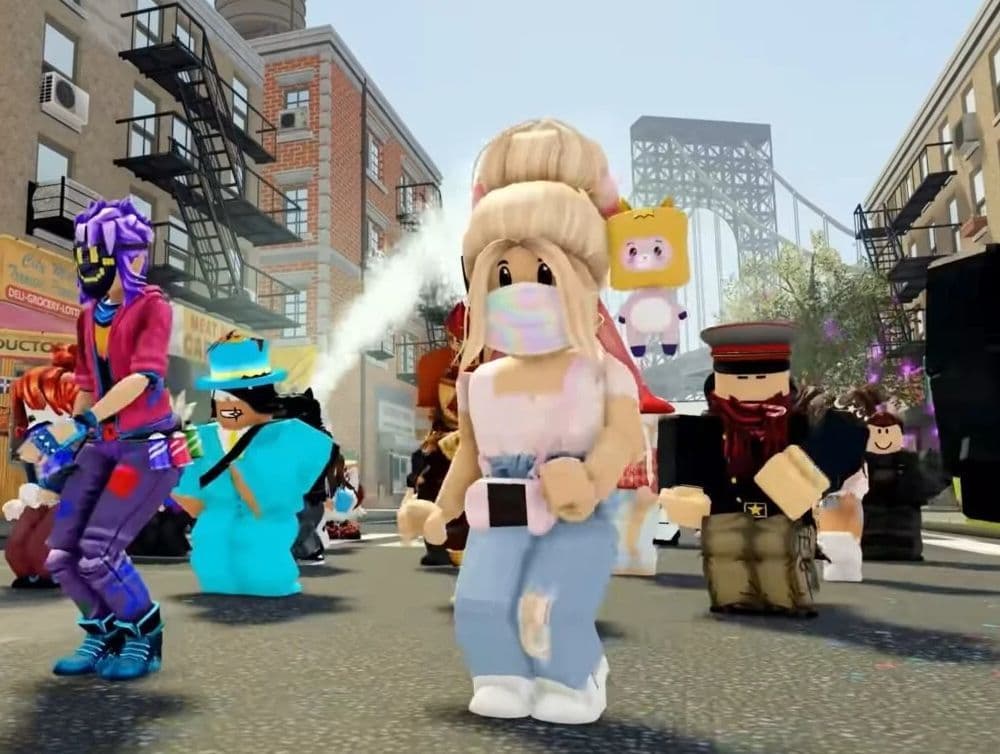
Roblox music codes not copyrighted
Here is a list of music codes that you can use without worrying about copyright issues:
- DEAF KEV - Invincible: 259816079
- Lost Sky - Vision: 3073775476
- Prismo - Weakness: 696691506
- Alan Walker - Fade [NCS Release]: 292315830
- JJD - Future: 1283379898
- Dirty Palm - Oblivion: 1221704843
- WATEVA - Ber Zer Ker: 2149254684
- Alan Walker - Spectre: 313726644
- Lost Sky - Dreams: 7547342615
- Diamond Eyes - Everything: 1613711615
- Electro-Light - Symbolism: 948704371
- Prismo - Stronger: 1384066755
- Robin Hustin - Light It Up (feat. Jex): 2291227488
- Alan Walker: Fade Full: 531158940
- Zaza - Be Together: 599679668
- Diamond Eyes - Everything: 163252235
How to redeem music codes in Roblox
How to get Roblox song IDs to work? To play music in Roblox, you need an in-game music player like a Boombox. Here are the steps to redeem music codes:
- Join a Roblox game that lets you use a Boombox.
- Click on the Boombox to open a text box.
- Enter the music code of the song you want to play.
- If the code is correct, the music will start playing. This lets everyone nearby hear the music too.
Boombox code for Roblox
Before you can use a music code, you need to get a Boombox. You can buy one from the Roblox catalog. Once you buy a Boombox, you can find it in your inventory. Equip it, and it will appear in your Roblox character's hands. When you click on the Boombox, a box will pop up where you can enter a music code. If everything is done correctly, the song you chose will play in the game. Some games might require you to buy a Game Pass to use the radio instead of a Boombox. The steps are the same.
Now you know how to use music codes in Roblox, you can begin adding your favorite songs to your games. Just get a Boombox, input the code, and start enjoying the music. It's a great way to make playing games more fun and share your musical tastes with others.
If you want to learn more about Roblox, you should check out more code and beginner guides. We have a couple that can help you.
What is the loudest Roblox sound ID?