Dig and Clean Roblox Codes (August 2026)
Claim free Instant Cleans
The latest Dig and Clean Roblox codes give you free rewards that boost your digging and cleaning progression, helping you advance faster through early areas and upgrades. These codes are especially useful after updates and like milestones, where the developer often drops limited-time rewards
Latest Dig and Clean codes for August 2026
Here are all the working Dig and Clean codes as of 16th August 2026:

Redeem all three as soon as possible, as update-based and secret codes like these are often removed without warning when new patches or milestones are released.
Expired Dig and Clean codes
There are currently no Dig and Clean codes we can confidently confirm as expired.
How to use Dig and Clean codes
The code redemption option is available from inside Dig and Clean itself.
- Launch Dig and Clean on Roblox.
- Look for the Codes option in the game's interface.
- Open the code redemption window.
- Enter a working code exactly as it appears in the table above.
- Press Redeem.
- Check that your free rewards have been added.
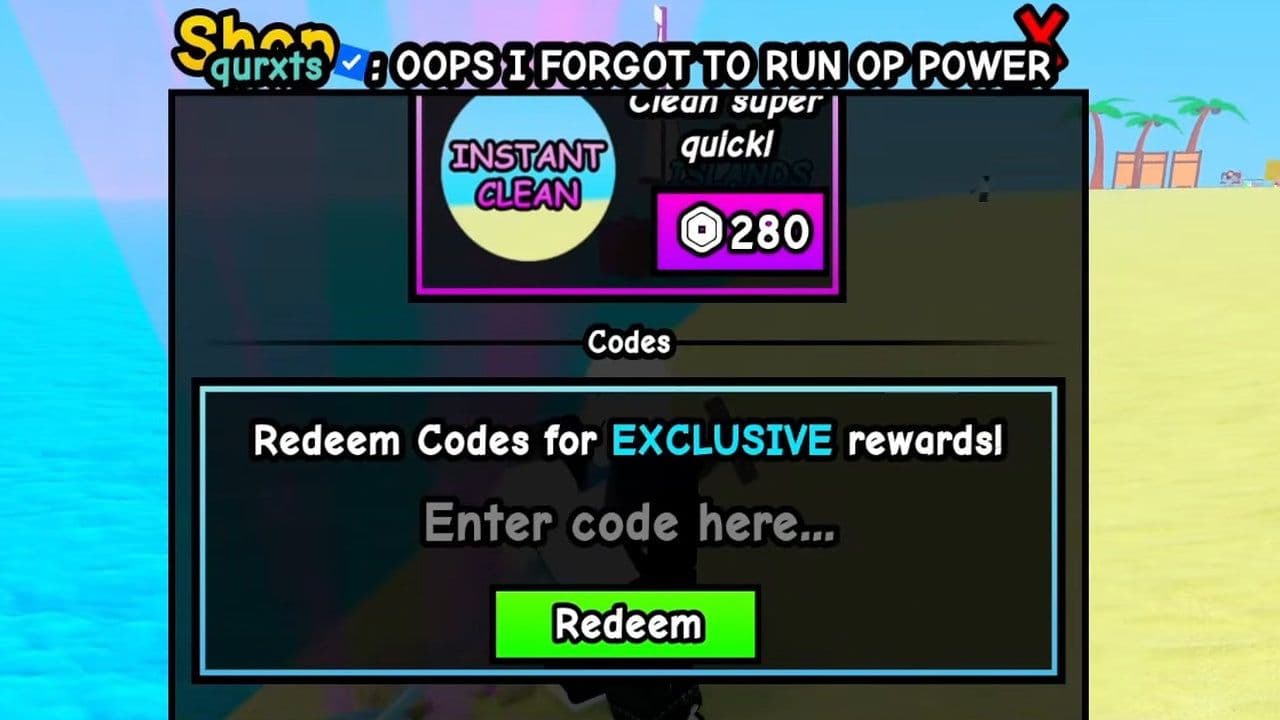
Copying a code directly from the table is safer than typing it manually, particularly for milestone codes containing numbers.
Troubleshooting
Check the following:
- Make sure the code is spelled correctly.
- Preserve the capitalization shown in the table.
- Remove any spaces before or after the code.
- Check whether you've already redeemed it.
- Leave the game and join a fresh server if the code was released recently.
- The developer may have disabled an older milestone code.
Codes such as 5KLIKES and 10KLIKES are tied to community milestones, so they shouldn't automatically be assumed to work forever.
How to get more Dig and Clean codes
New Dig and Clean codes are most likely to appear alongside updates and community milestones. The current code names already include update and like-based rewards, making the official Roblox experience and developer community the first places worth checking after something changes.
There isn't enough evidence yet to say Dig and Clean follows a fixed code schedule, so don't expect a guaranteed new code every day or week.
The easy way: bookmark this page with CTRL+D. We'll keep checking Dig and Clean codes and update the working list as new rewards appear.
What is the Roblox Dig and Clean game about?
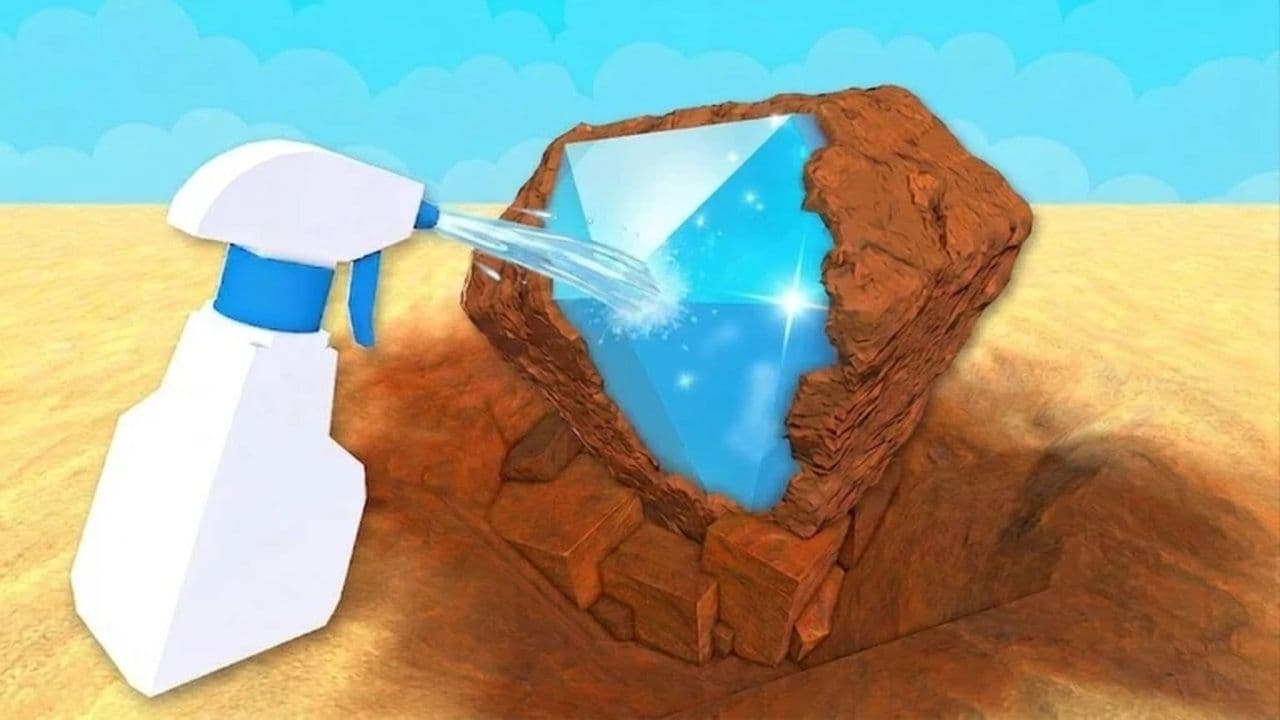
Dig and Clean is a Roblox simulator built around digging through dirty areas and cleaning up what you uncover as you progress.
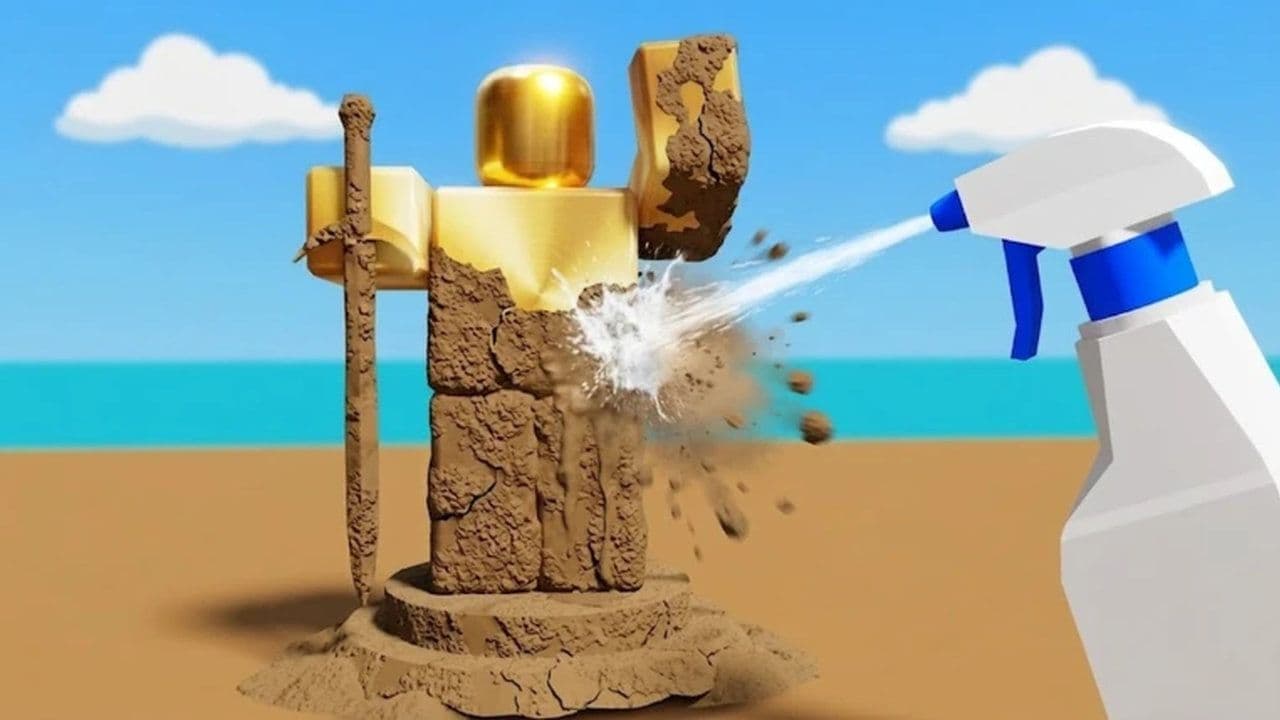
The gameplay loop combines digging, cleaning, collecting rewards, and upgrading your ability to clear increasingly valuable areas. Instead of simply clicking for currency, your progression is tied to how efficiently you can work through the game's digging and cleaning cycle.
As you earn more resources, upgrading becomes increasingly important. Better progression lets you clear content more efficiently and move beyond the slower early-game stages rather than repeatedly farming the same low-value areas.
That makes free code rewards most useful early on, when even a relatively small boost can help you reach your next upgrade sooner.
Games like Roblox Dig It, Prospecting, and Grow Mine are all built around the same core loop: dig smarter, not harder. In Dig It, scan for high-value layers before digging, don’t just tunnel straight down. In Prospecting, prioritize early tool upgrades; a better pickaxe boosts efficiency far more than grinding low-tier ores. In Grow Mine, reinvest first earnings into speed upgrades instead of cosmetics—profit first, fashion later.
6 Dig and Clean tips to progress faster
- Redeem every active code before buying upgrades. Check your full balance first so you don't spend resources only to receive more immediately afterward.
- Prioritize upgrades that improve your clearing speed. Faster digging and cleaning feeds directly back into how quickly you earn your next batch of resources.
- Don't stay in early areas longer than necessary. Once you can comfortably progress, moving forward generally gives you more room to improve than repeatedly clearing beginner content.
- Keep the dig-and-clean loop moving. Standing around between upgrades slows every other part of your progression.
- Reinvest early earnings. Progression upgrades are usually more valuable early on than sitting on a large unused balance.
- Check after major updates. UPD1 is directly tied to an update, so future patches are sensible times to look for another free reward.
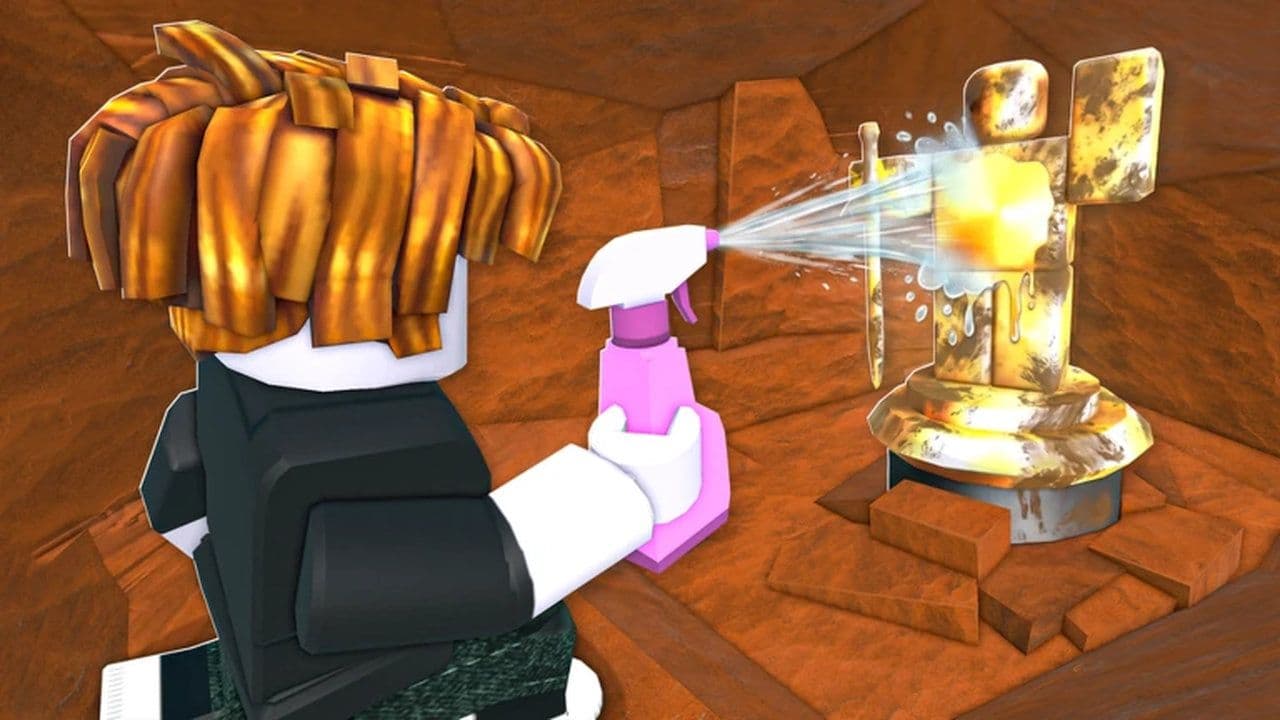
If you enjoy Roblox games built around steadily upgrading your tools and pushing into more valuable areas, Dig and Clean fits neatly alongside other digging, cleaning, mining, and simulator experiences. You can also visit our Roblox game codes hub for active rewards across simulators, anime games, sports experiences, tycoons, and more.
That’s all for today! Looking for more free Roblox items? Check out these: