New Roblox TDS codes (September 2026): All active Tower Defense Simulator rewards
Don't miss free Tower Defense Simulator skins
Redeeming Roblox TDS codes is one of the easiest ways to unlock free tower skins and other exclusive rewards without spending Robux.
We'll keep this guide updated with all active Tower Defense Simulator codes, expired codes, redemption instructions, and everything else you need to know.
Roblox TDS (Tower Defense Simulator) codes for September 2026
Here are all the currently active TDS (Tower Defense Simulator) codes:
Tower Defense Simulator codes can reward players with a variety of exclusive items, including:
- Tower skins
- Skin crates
- Coins
- Gems
- Limited-time cosmetics
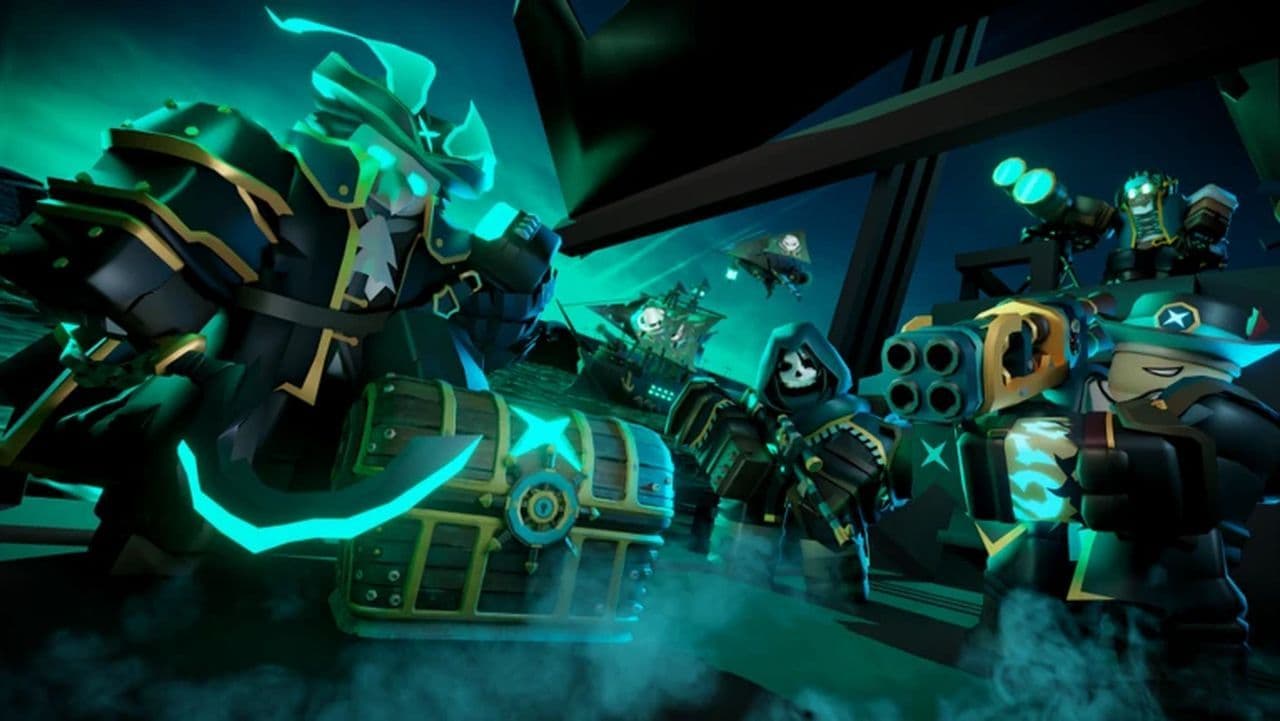
Currently, all active TDS codes reward exclusive tower skins, though future codes may offer different rewards depending on updates or special events. Roblox codes that stop working are moved to the expired section as soon as they're confirmed inactive.
Expired Tower Defense Simulator codes
The following codes no longer work:
- CHRISTMAS2025
- NOTESLA?
- 4BVisits
- 1POINT7MIL
- MERRY2024
- QNJOU11
- M3RRY2022TDS
- JOHNRETURNS
- robloxisback
- COMMUNITY20
- BLOXY21
- celebration21
- 1BILLION
- beachglad2022
- imababy
We'll continue updating this list whenever additional codes expire.
How to use TDS codes
Redeeming TDS (Tower Defense Simulator) codes only takes a few seconds.
- Launch Tower Defense Simulator.
- Click the Codes button on the left side of the screen.
- Enter one of the active codes exactly as shown.
- Click Redeem.
- Claim your free reward.
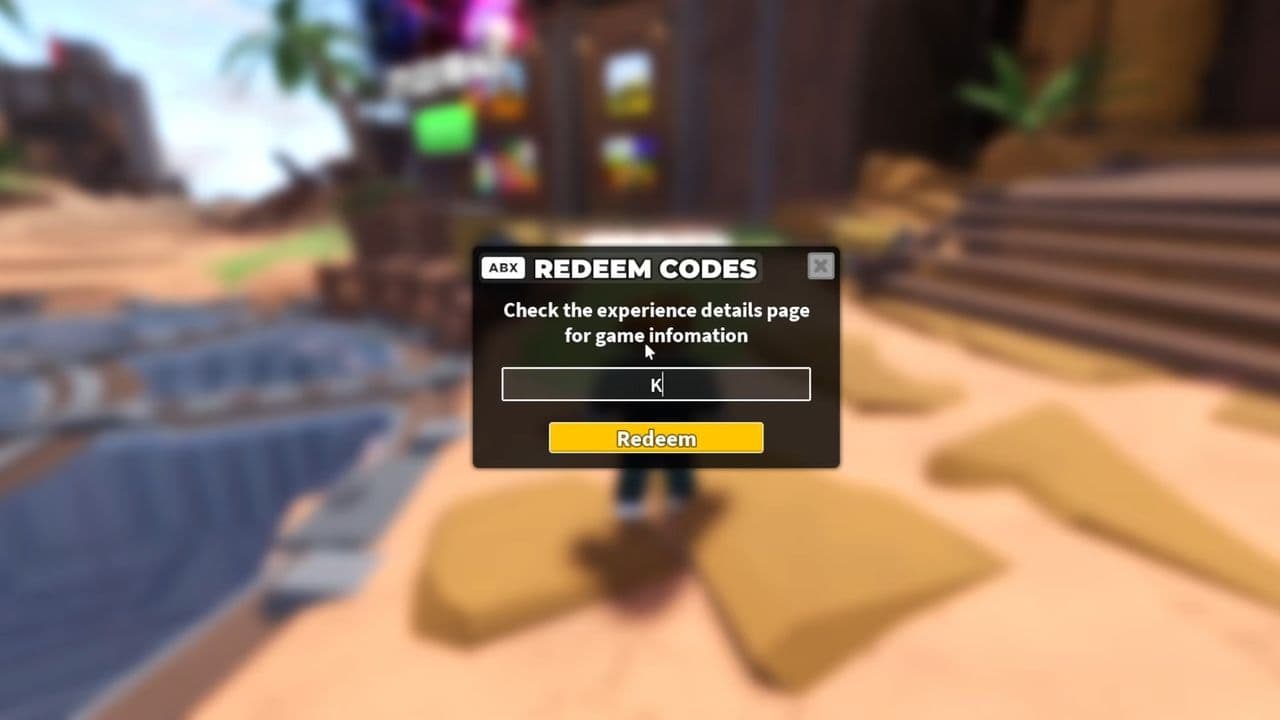
If your Roblox code is valid, your reward will be added immediately.
Other ways to get free rewards in Tower Defense Simulator
Besides redeeming TDS codes, you can earn free rewards by:
- Completing seasonal events.
- Claiming login rewards.
- Participating in limited-time game modes.
- Joining official community events.
- Unlocking event-exclusive cosmetics.
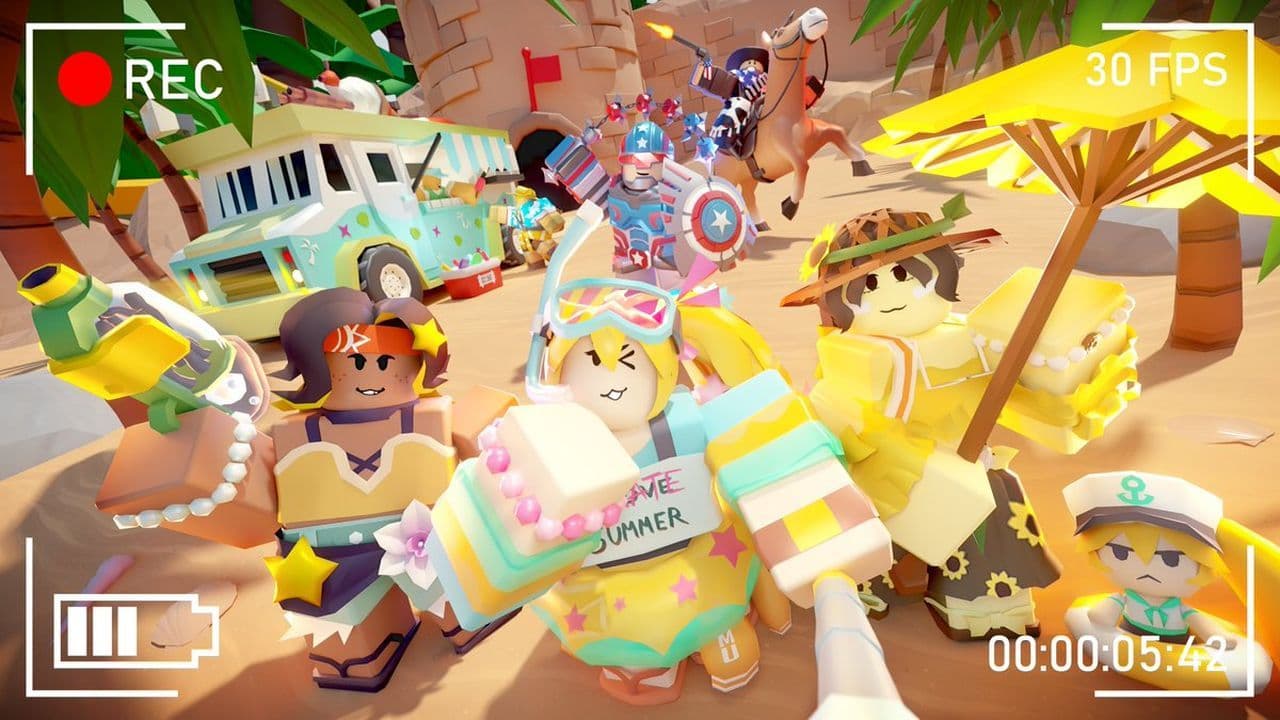
Some official Tower Defense Simulator merchandise has also included exclusive in-game rewards in the past.
Why isn't my TDS code working?
If your TDS code isn't redeeming, it could be for one of these reasons:
- You don't own the required tower.
- The code has expired.
- You entered the code incorrectly.
- You've already redeemed it.
- The developers have disabled the code.
For example, 1MILCOMMUNITY requires the Shotgunner Tower, while 2MILLION requires the Pursuit Tower before their exclusive skins can be unlocked.
How to get more Tower Defense Simulator codes
New TDS codes are usually released during:
- Major game updates
- Seasonal events
- Community milestones
- Anniversary celebrations
- Developer livestreams
To stay updated:
What is the Roblox Tower Defense Simulator game about?
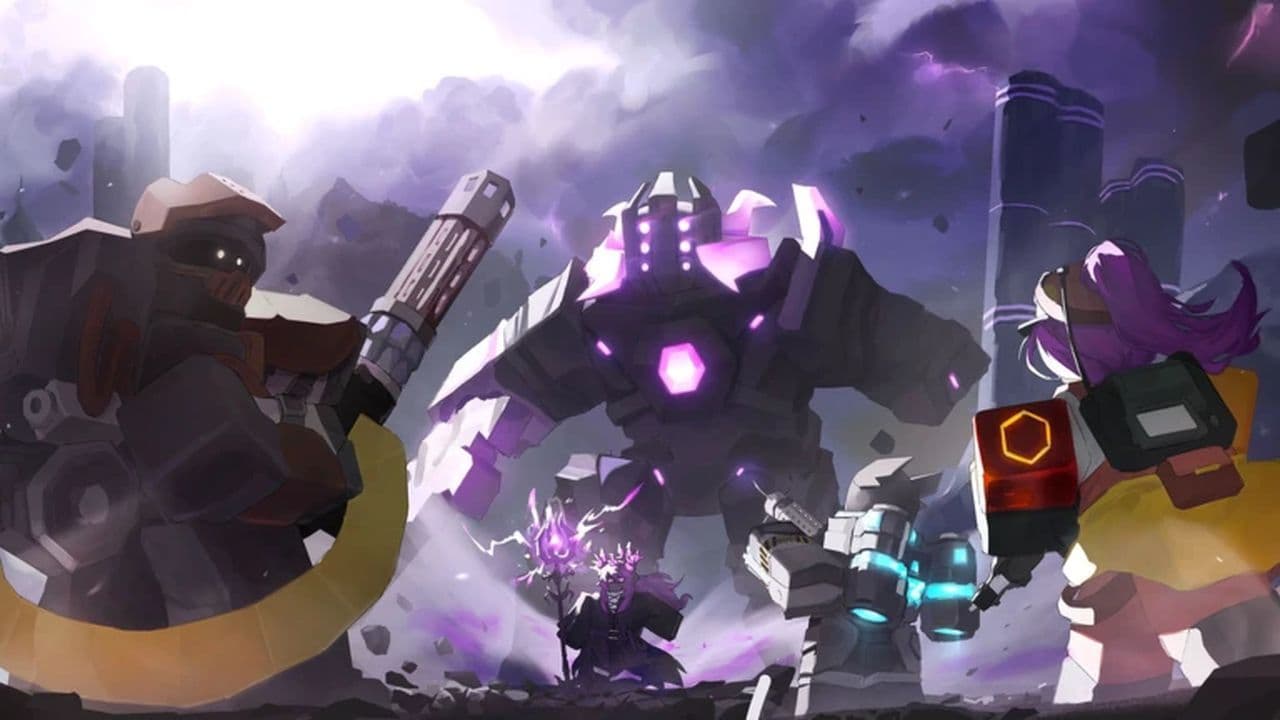
Tower Defense Simulator (TDS) is one of Roblox's most popular tower defense experiences, developed by Paradoxum Games. Players work together to defend their base by placing and upgrading towers, defeating increasingly difficult enemy waves, and taking on powerful bosses across multiple game modes.
8 TDS tips you should know
- Redeem every new code before it expires.
- Own the required tower before redeeming skin codes.
- Upgrade towers instead of placing too many early.
- Save Gems for powerful late-game towers.
- Play with teammates for higher difficulties.
- Complete seasonal events for exclusive rewards.
- Learn enemy resistances to build stronger defenses.
- Check for updates since new codes often accompany major patches.
Tower Defense Simulator codes are one of the easiest ways to unlock exclusive cosmetics without spending additional resources. While active codes aren't released very often, they frequently coincide with major updates and community milestones, making it worthwhile to check back regularly so you don't miss your chance to claim free rewards.
We regularly verify every Tower Defense Simulator code and update this guide whenever new codes are released or existing ones expire, ensuring you always have access to the latest working rewards.
That’s all for today! Looking for more free Roblox items? Check out these: