How to check VALORANT Flashback 2025: Stats, persona, and more
VALORANT Flashback has become a year-end tradition for players, offering a personalized look back at everything they achieved on the server over the past twelve months, similar to Spotify Wrapped. This annual recap breaks down your stats, highlights your best moments, and packages them into a shareable format that feels tailor-made for every rank and playstyle.
What is VALORANT Flashback?
VALORANT Flashback is an annual year‑in‑review feature that compiles your in‑game data into a personalized highlight reel. It typically showcases stats like total matches played, matches won, favorite agents, and other fun stats, wrapped in a shareable graphic.
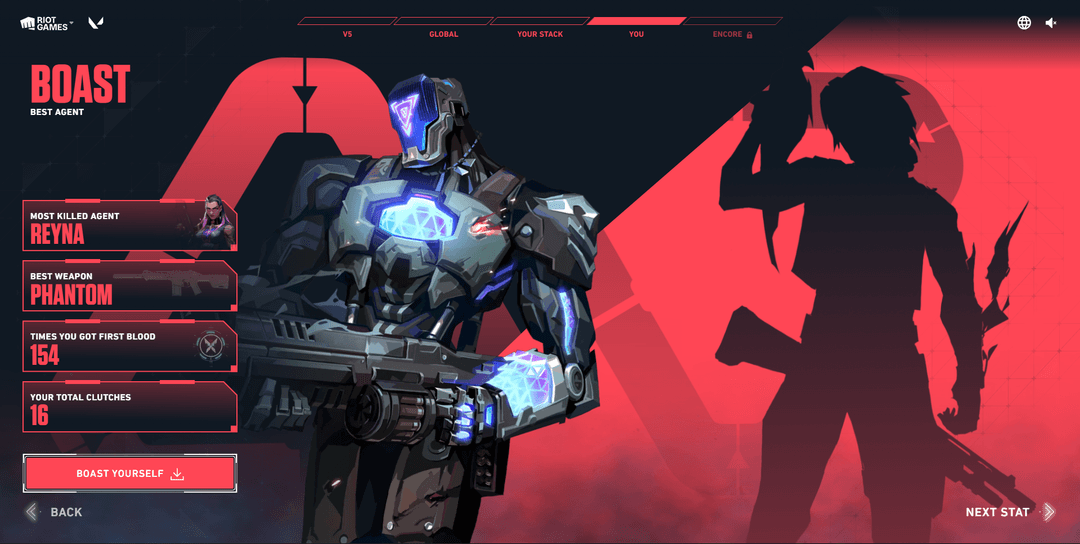
An example of the new Boast style of this year's VALORANT Flashback (Image Source: Screenshot from Flashback site)
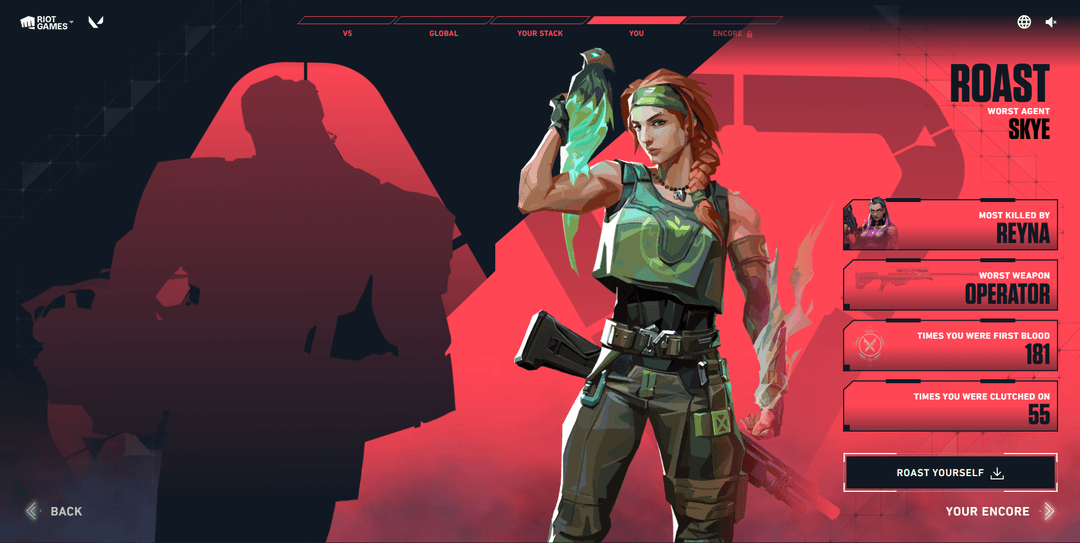
An example of the new Roast style of this year's VALORANT Flashback (Image Source: Screenshot from Flashback site)
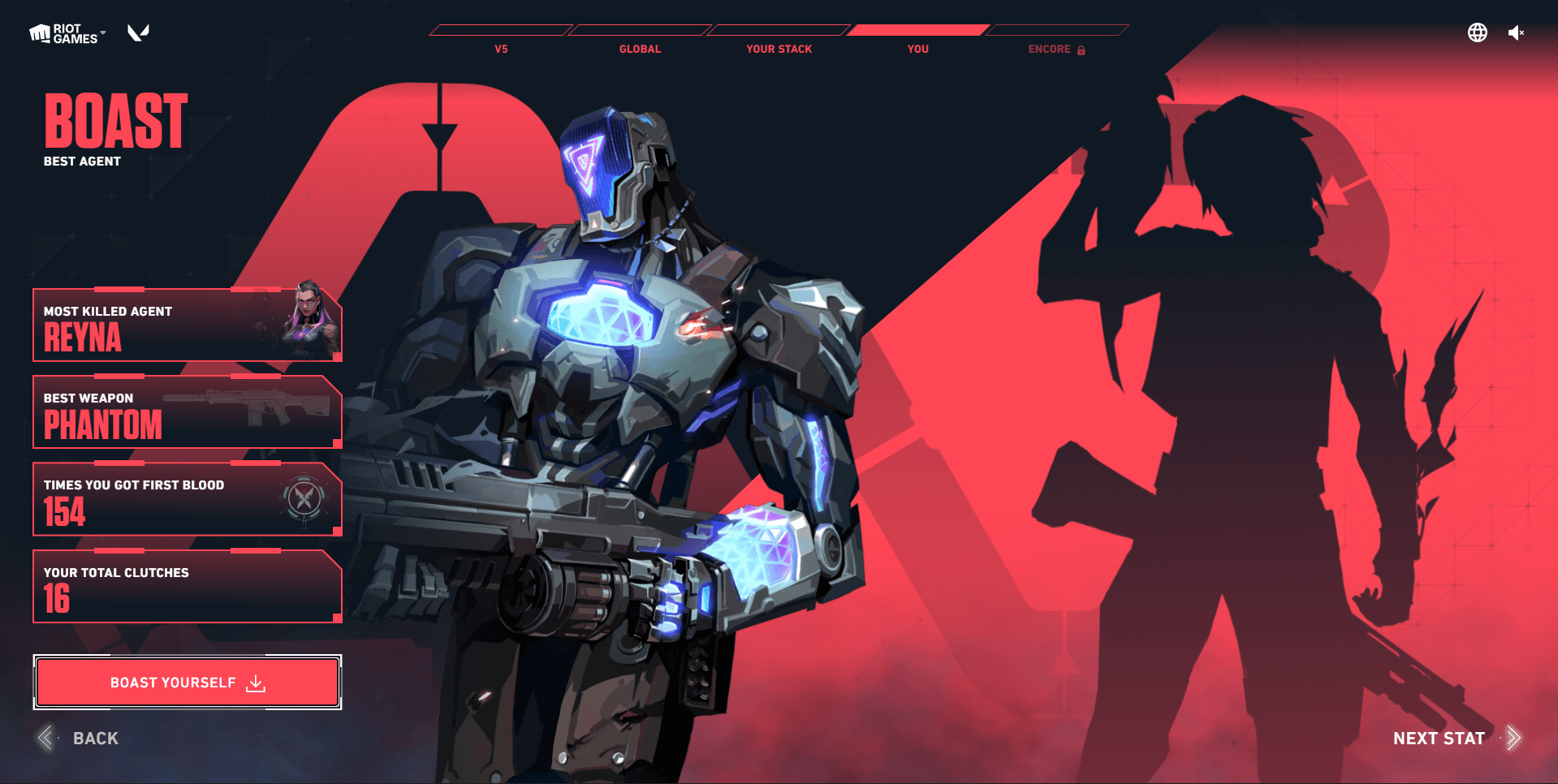
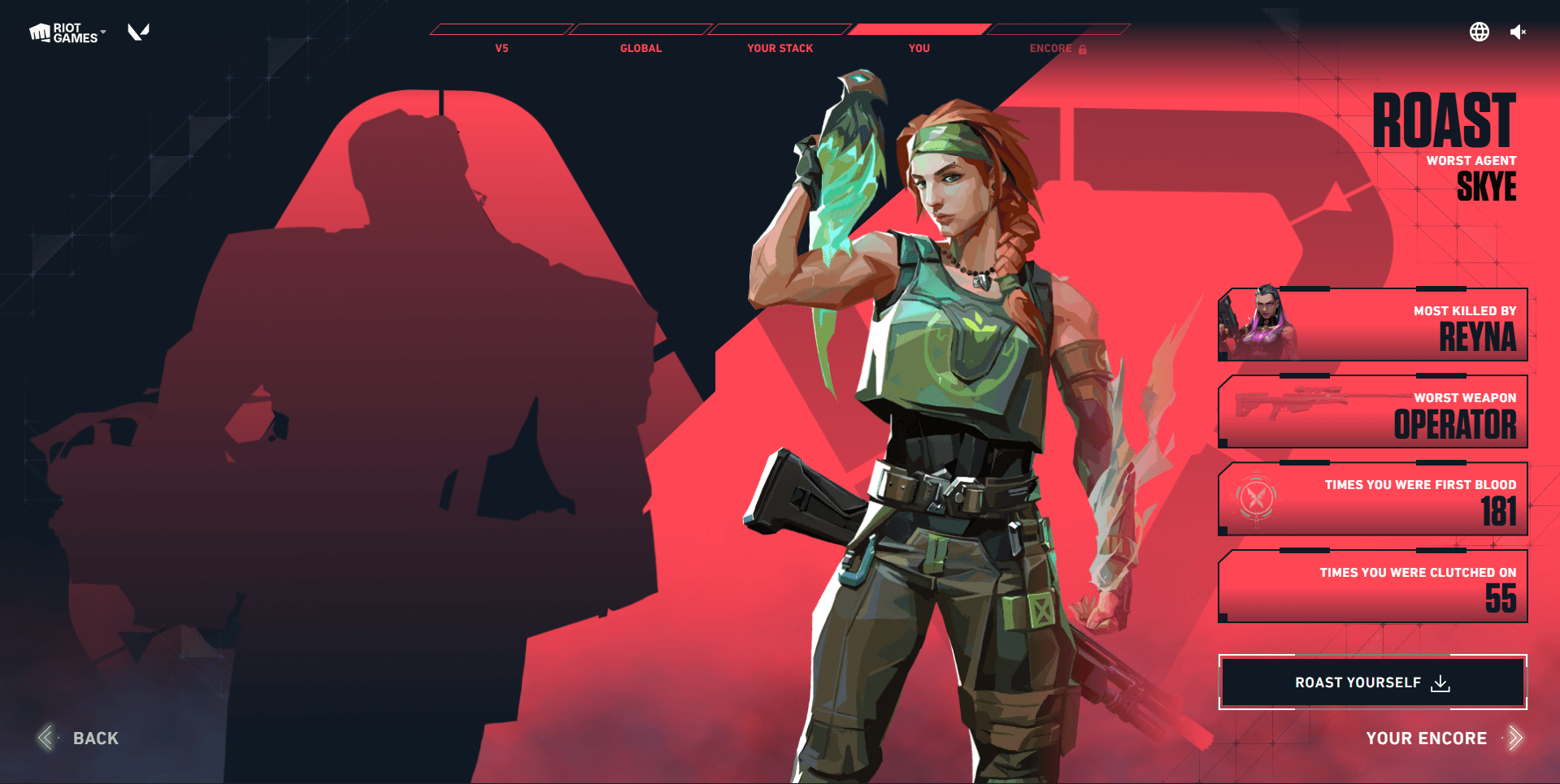
This year, Riot Games amps up the fun with a Boast/Roast format: Boast celebrates your standout stats like top K/Ds and win streaks, while Roast pokes gentle fun at embarrassing habits. Beyond raw numbers, Flashback builds a “VALORANT persona” that describes your playstyle with the pro player your style resembles. The experience is designed for social sharing, so players can easily download cards to flex their performance on in both square or vertical layouts for the social media of their choice.
Players can check their own Flashbacks either through a dedicated website or via a recap email, depending on their communication settings.
How to check VALORANT Flashback via website
The most reliable way to view your recap is through the official VALORANT Flashback site. This method works even if you did not enable promotional emails in time for the yearly rollout.
To check your Flashback on the site:
- Go to the official Flashback website at flashback.playvalorant.com or the regional Flashback link promoted by Riot.
- Enter your Riot ID and tagline in the format Name#TAG (for example, Player1#NA1), then click the button to generate your recap.
- Once loaded, you can browse tabs for global and personal stats, stack/friends stats, playstyle persona, and more, as well as download or screenshot the cards for sharing.
How to get VALORANT Flashback via email
Riot also sends Flashback recaps directly to eligible players through email each year. These emails usually start going out in December and include a link or embedded card summarizing your yearly performance.
To receive future Flashback emails, you must enable communication preferences on your Riot account before the yearly cutoff, often around early December. Go to account.riotgames.com, log in, open Communication Preferences, and tick the box for getting emails from Riot Games so Flashback and other VALORANT announcements can reach your inbox.
Why your Flashback might not appear
Sometimes players do not see their VALORANT Flashback immediately, even if they are active in the game. Common reasons include not having email communications enabled before the deadline, the email landing in spam, or regional rollout delays.
If you do not get an email, the website method is your best fallback, since it lets you pull your recap directly using your Riot ID and tag. If the site still cannot find your data after checking for typos, waiting for rollout, and confirming you played during the year, contacting Riot Support may be necessary for further help.
For all things VCT-related, make sure to stay tuned to THESPIKE.GG as we continue to update you with the freshest game and esports news.
Featured Image Source: Riot Games
Latest News
- MIBR tex: “I should definitely be playing better”Tex addresses MIBR's struggles and admits to performing below expectations.
 about 12 hours ago
 - "They're World Champion Caliber" — GE PatMen reflects on 0-3 loss to Paper RexGE PatMen reflects on their 0-3 loss to Paper Rex in VCT Pacific 2026 Stage 1 lower finals, discussing mental battles, growth, and patch hopes.
 about 16 hours ago
 - "Just delete her" — Global Esports coach FrosT on Neon and the 0-3 loss to Paper RexGlobal Esports coach FrosT breaks down the 0-3 loss to Paper Rex, Udo's struggles, the Neon nerf, and why he's eyeing a rematch at Masters London. about 20 hours ago
Comments
vct 2023
For all information about the VCT 2023, check out our VCT Hub. There you will find our FAQ to answer all of your questions and details about the teams, different Leagues, and more.