
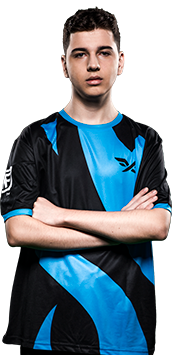
Recent Matches
 FUT Esports
 Fire Flux Esports
 Cypher
 ViperCypherFUT Esports
 T1CypherCypherFUT Esports
 100 ThievesCypherViperFUT Esports
 JD GamingCypherCypherFUT Esports
 Team LiquidViperCypherViper
yetujey Events
No events.
yetujey News
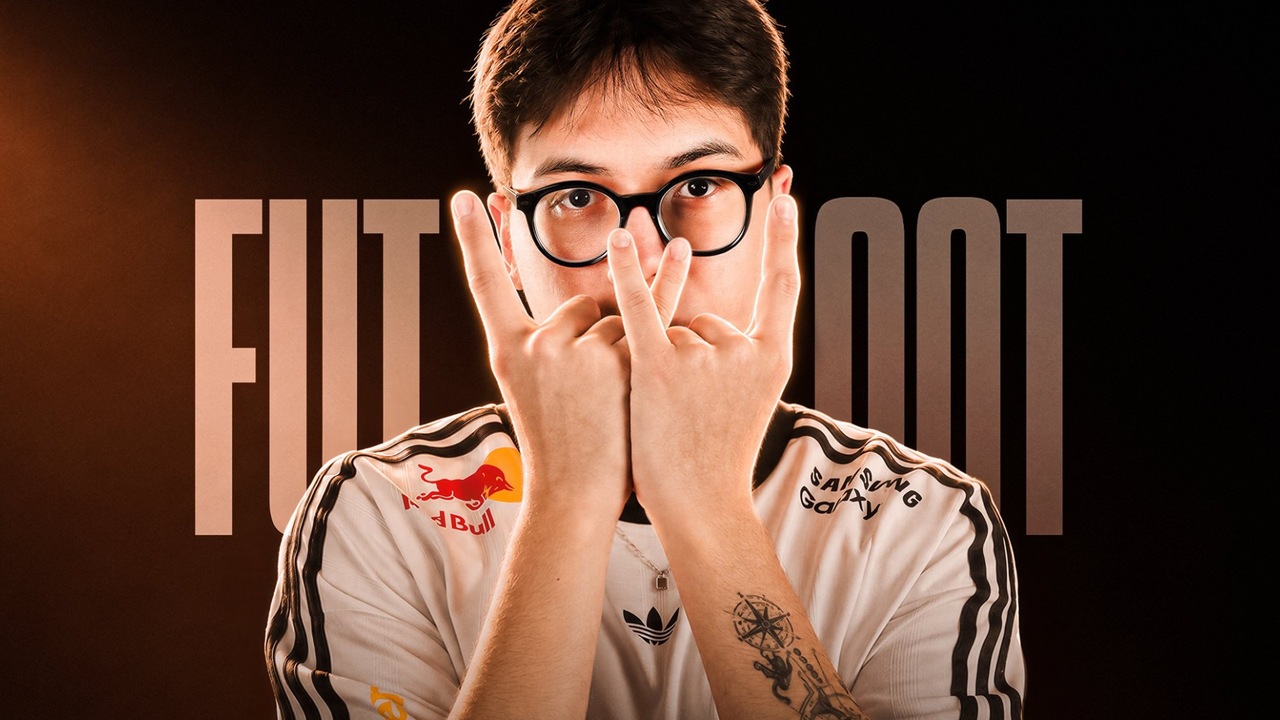 EsportsWo0t joins FUT Esports for VCT 2027 seasonWo0t returns to Turkey to begin a new chapter with FUT Esports.
 5 days ago
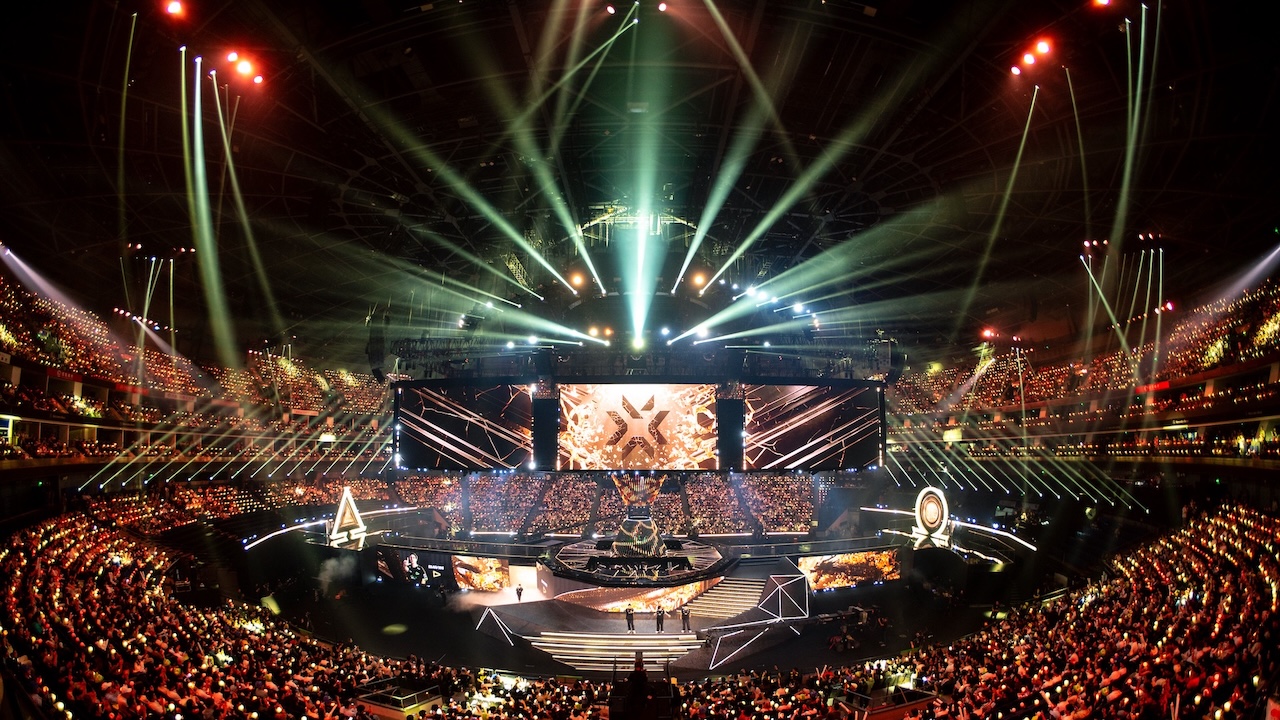 EsportsVALORANT Champions Shanghai 2026 top performers by ACS, KD, and moreCheck out the top performers of VALORANT Champions Shanghai 2026 by ACS, K/D, Kills/Round, and HS%, from Kamo and Erde to Xeus and Tkzin.
 22 days ago
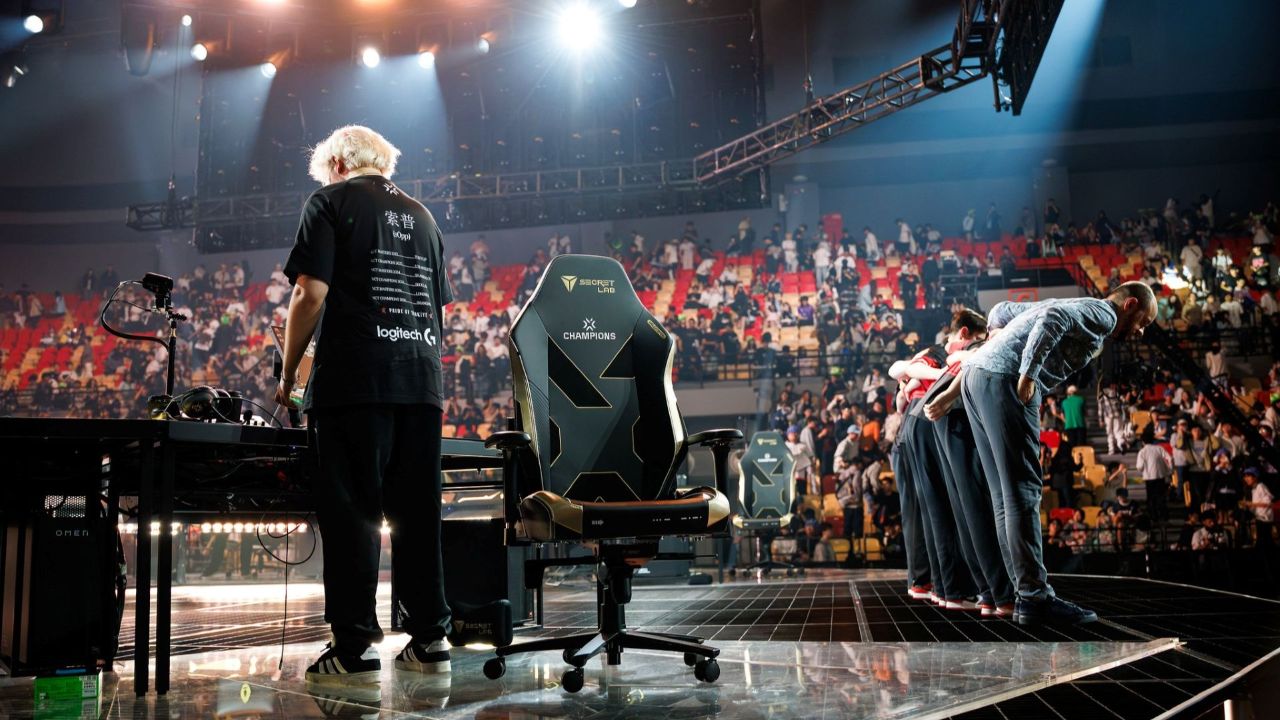 EsportsFUT player boycotts press conference after controversial call from Riot at Champions ShanghaiFUT players voice their complaints after tech issues disrupt their match against 100 Thieves at VALORANT Champions Shanghai.about 1 month ago
Biography
More information about yetujey
More information about yetujey
How old is yetujey?
18 years old
Does yetujey stream?
No
yetujey Crosshair Setting
Are you looking to take your VALORANT gameplay to the next level? One important aspect to consider is your crosshair settings. Your crosshair is the visual guide that helps you aim accurately and hit your targets. In VALORANT, you can customize your crosshair to suit your playstyle and preferences. From changing the color, shape, size, and even adding an outline, the possibilities are endless.
But how do you find the perfect crosshair settings? Well, it depends on your personal preference and the role you play in the game. For example, if you play as a sniper, you may want a smaller crosshair with a dot in the center to help you aim precisely. On the other hand, if you play as a rusher, a larger crosshair with a bright color may be better for quick target acquisition.
Whatever your preference, experimenting with different crosshair settings can help you find the one that feels most comfortable and effective for you. Not only can customizing your crosshair improve your aim and accuracy, but it can also give you a competitive advantage in the game.
PRIMARY
- Color = Unknown
- Crosshair Color = Unknown
- Outlines = Unknown
- Outline Opacity = Unknown
- Outline Thickness = Unknown
- Center Dot = Unknown
- Center Dot Opacity = Unknown
- Center Dot Thickness = Unknown
INNER LINES
- Show Inner Lines = Unknown
- Inner Line Opacity = 1
- Inner Line Length = 3
- Inner Line Thickness = 1
- Inner Line Offset = 2
- Movement Error = Unknown
- Firing Error = Unknown
OUTER LINES
- Show Outer Lines = Unknown
- Movement Error = Unknown
- Movement Error Multiplier = Unknown
- Firing Error = Unknown
CROSSHAIR CODE
- Unknown
What mouse settings does yetujey use?
In VALORANT, players can adjust their mouse sensitivity in the game settings. The sensitivity settings allow players to customize their cursor movement speed based on their personal preferences and playing style. Generally, players will find that a lower mouse sensitivity is better for precise aiming, while a higher sensitivity is more suitable for quick movements.
- DPI = 800
- Sensitivity = 0.7
- Scoped Sensitivity = 1
- ADS Sensitivity = Unknown
- eDPI = 560
- Hz = 1000
- Windows Sensitivity = 6
What video settings does yetujey use?
Fine-tune your gameplay experience in VALORANT with customizable graphics settings. Optimize your FPS, adjust your resolution, and toggle on/off visual effects to enhance your competitive advantage. Learn how to adjust your graphics settings in VALORANT for maximum performance and visual quality. Don't settle for a subpar gaming experience - level up your game with VALORANT graphics settings.
GENERAL
- Resolution = 1280x960
- Aspect Ratio = 4:3
- Aspect Ratio Method = Fill
- Display Mode = Fullscreen
GRAPHICS QUALITY
- Multithreaded Rendering = On
- Material Quality = Low
- Texture Quality = Low
- Detail Quality = Low
- UI Quality = Low
- Vignette = Off
- VSync = Off
- Anti-Aliasing = None
- Anisotropic Filtering = 1x
- Improve Clarity = Off
- Experimental Sharpening = Off
- Bloom = On
- Distortion = Off
- Cast Shadows =Off
ACCESSABILITY
- Enemy Highlight Color = Unknown
What peripherals/gear does yetujey use?
Elevate your gaming experience with the right peripherals. Choose from a wide selection of gaming peripherals, including keyboards, mice, headsets, and controllers, designed to enhance your gameplay and provide a competitive edge. With features like precision sensors, programmable buttons, and immersive sound, gaming peripherals are essential tools for serious gamers. Find the perfect gaming peripheral to suit your play style and take your gaming to the next level.
- Monitor = ASUS TUF VG279QM
- Mouse = Razer Viper V3 Pro White
- Keyboard = Wooting 80HE Black
- Headset = Logitech G Pro X Headset
- Mousepad = ZOWIE G-SR-SE Rouge
What key binds does yetujey use?
Master VALORANT gameplay with customized key binds. Assign specific actions to your keyboard and mouse buttons to streamline your gameplay and gain a competitive edge. With VALORANT's key binding feature, you can optimize your controls to match your play style, improving your reaction time and accuracy. Learn how to customize your key binds in VALORANT to achieve your full potential and dominate the competition. Don't settle for default settings - level up your game with personalized key binds in VALORANT.
- Walk = L-Shift
- Crouch = L-Ctrl
- Jump = Space Bar
- Use Object = F
- Equip Primary Weapon = 1
- Equip Secondary Weapon = 2
- Equip Melee Weapon = 3
- Equip Spike = 4
- Use/Equip Ability: 1 = C
- Use/Equip Ability: 2 = Q
- Use/Equip Ability: 3 = E
- Use/Equip Ability: Ultimate = X