Roblox Animal Hospital Anomalies guide: How to spot every anomaly
Twenty anomalies, three ways to check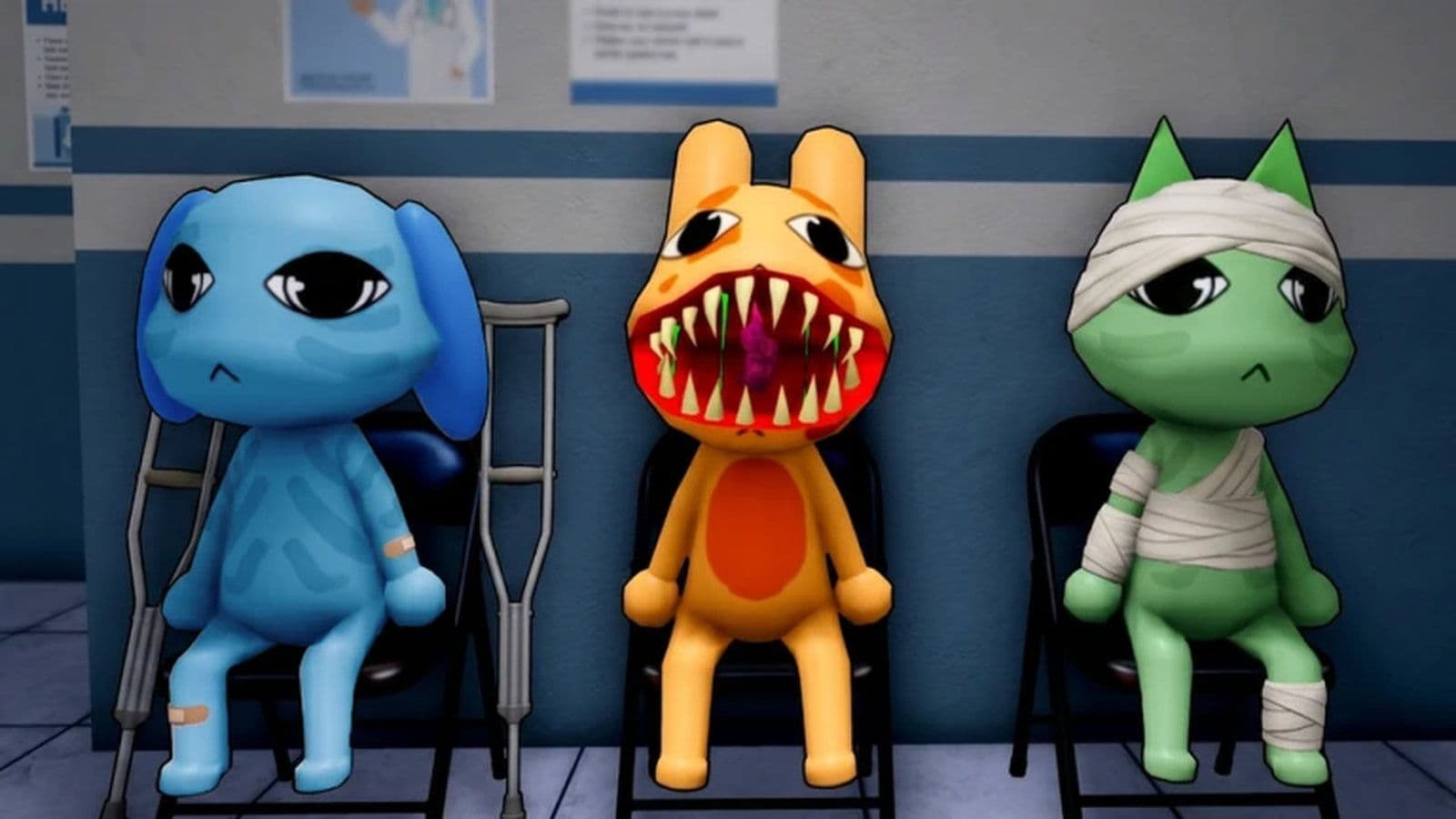
Animal Hospital anomalies are abnormal patients you must identify at reception. Some have visible physical or behavioral tells, while others only appear in a developed photo or on CCTV.
Check every patient in the same order: appearance, photo, then CCTV. Keep the shutters closed if any detail doesn’t match.
What are anomalies in Animal Hospital?
Anomalies are suspicious patients with abnormal features, movement, photographs, or camera appearances. They must be detected before you admit them to the hospital.
The currently documented patient anomalies fall into three groups:
- Appearance anomalies: Visible at the reception window.
- Photo anomalies: Revealed by the developed patient photo.
- CCTV anomalies: Visible only through the security cameras.
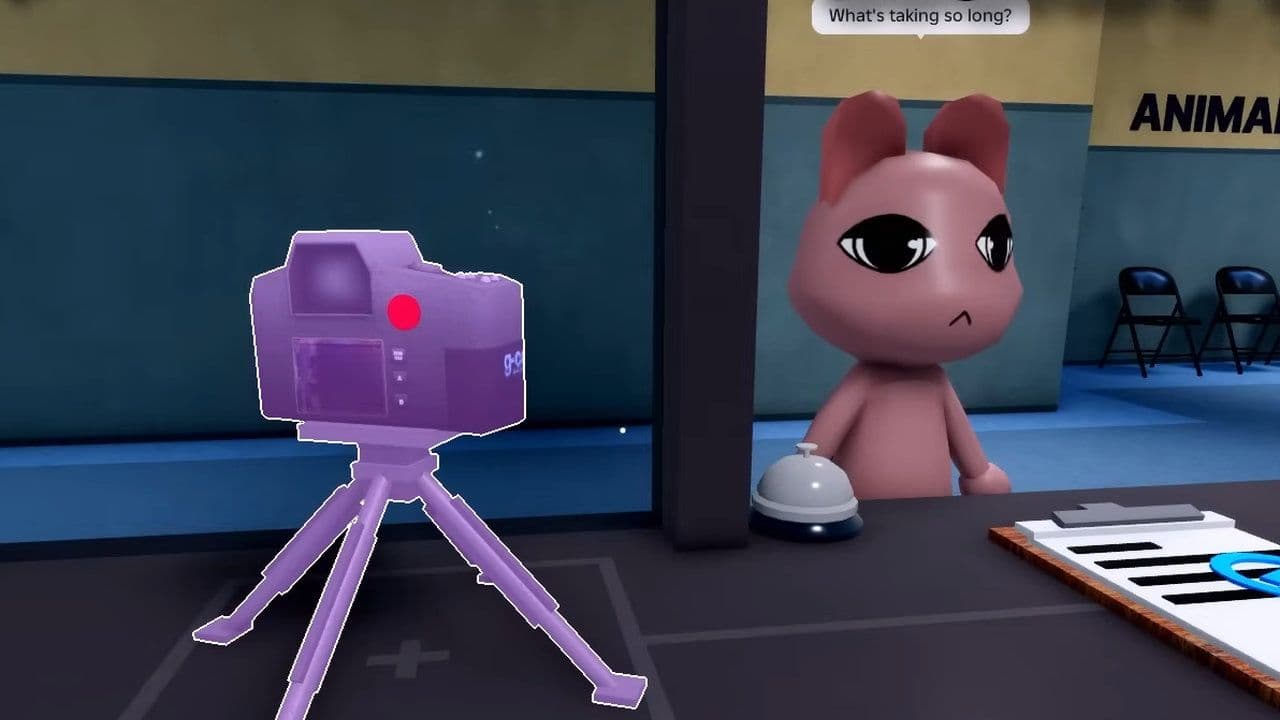
Enemies such as Ghost, Stalker, Bed Monster, and Mass of Eyes aren’t reception anomalies. They appear inside the hospital and have separate counter mechanics.
How many anomalies are in Animal Hospital?
There are currently 20 documented patient anomalies: seven appearance anomalies, six photo anomalies, and seven CCTV anomalies. Higher totals may include enemies, special characters, or unused models.
All Animal Hospital anomalies list
All appearance Animal Hospital anomalies
Inspect the patient’s face, mouth, posture, and movement before using the camera.
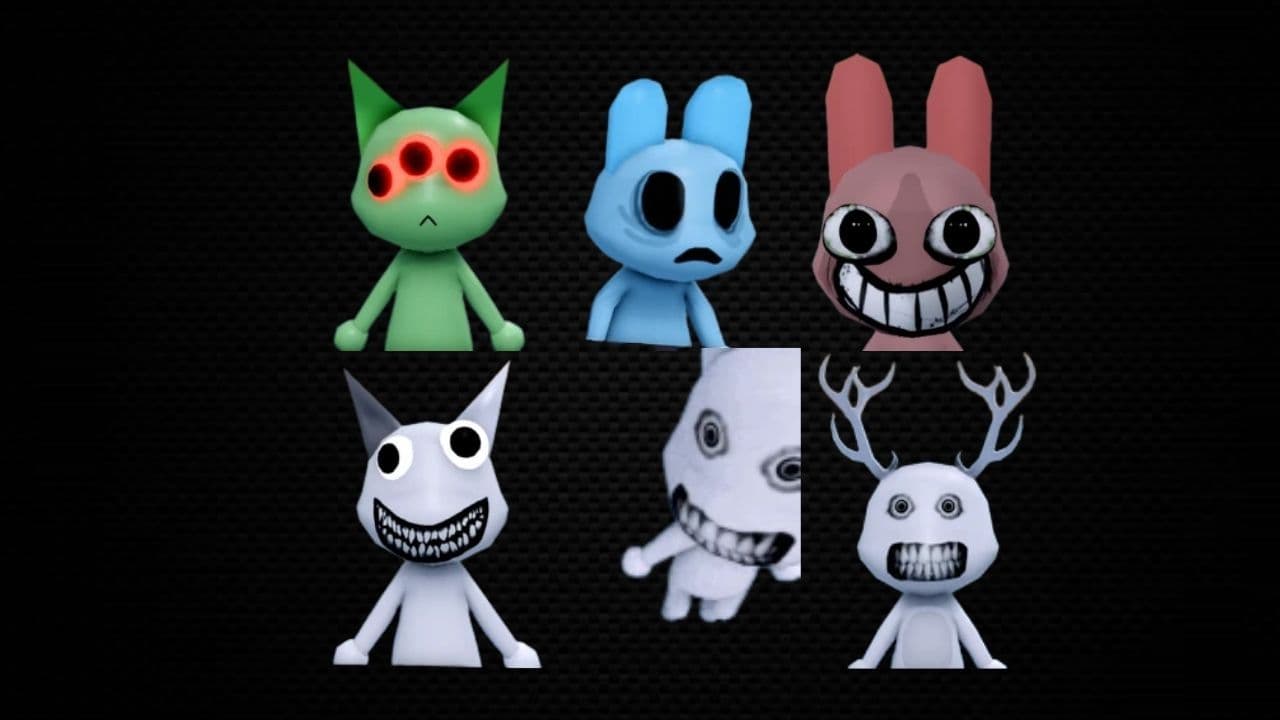
Twitching and Wandering Eyes are easy to miss if you open the shutters too quickly. A patient can have abnormal behavior even when its face looks normal.
All photo Animal Hospital anomalies
Take a picture of the patient and wait for it to finish developing. Compare the image directly with the animal outside.
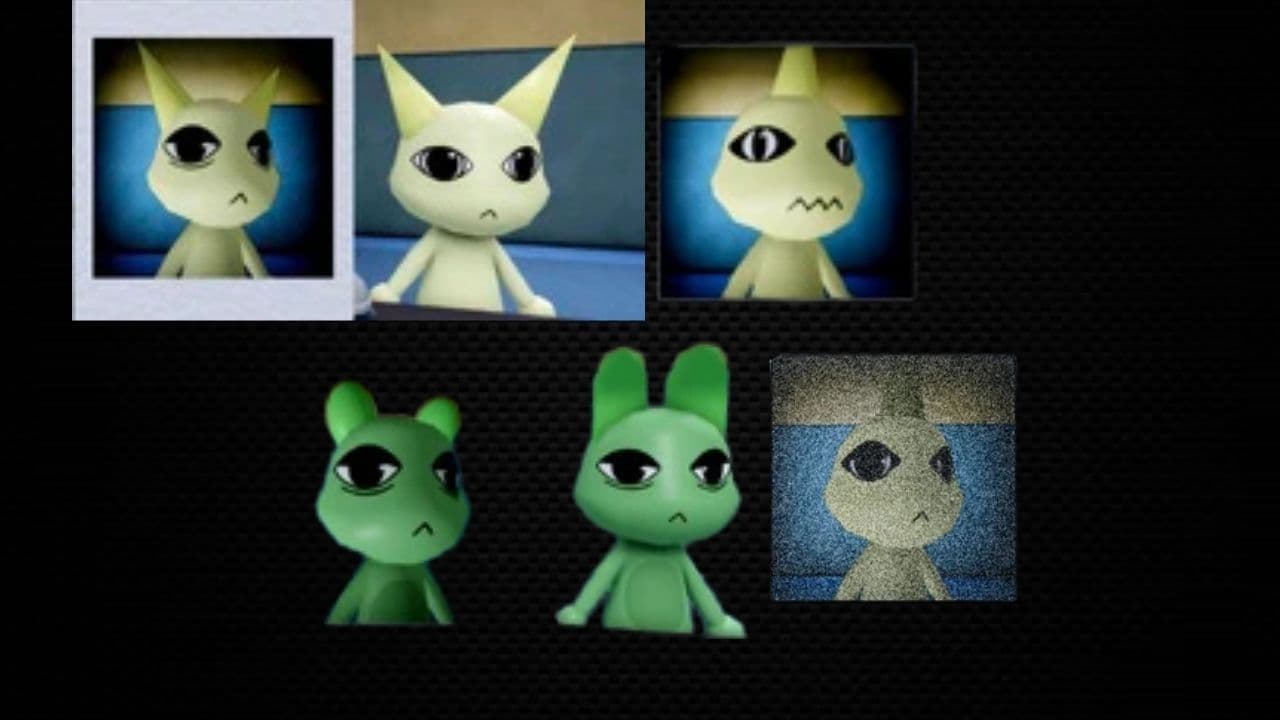
Different Ears is one of the most subtle photo anomalies. Compare each ear separately rather than judging the entire image at once.
All CCTV Animal Hospital anomalies
A CCTV anomaly may pass both the visual and photo inspections. Check the patient on the security cameras before opening the shutters.
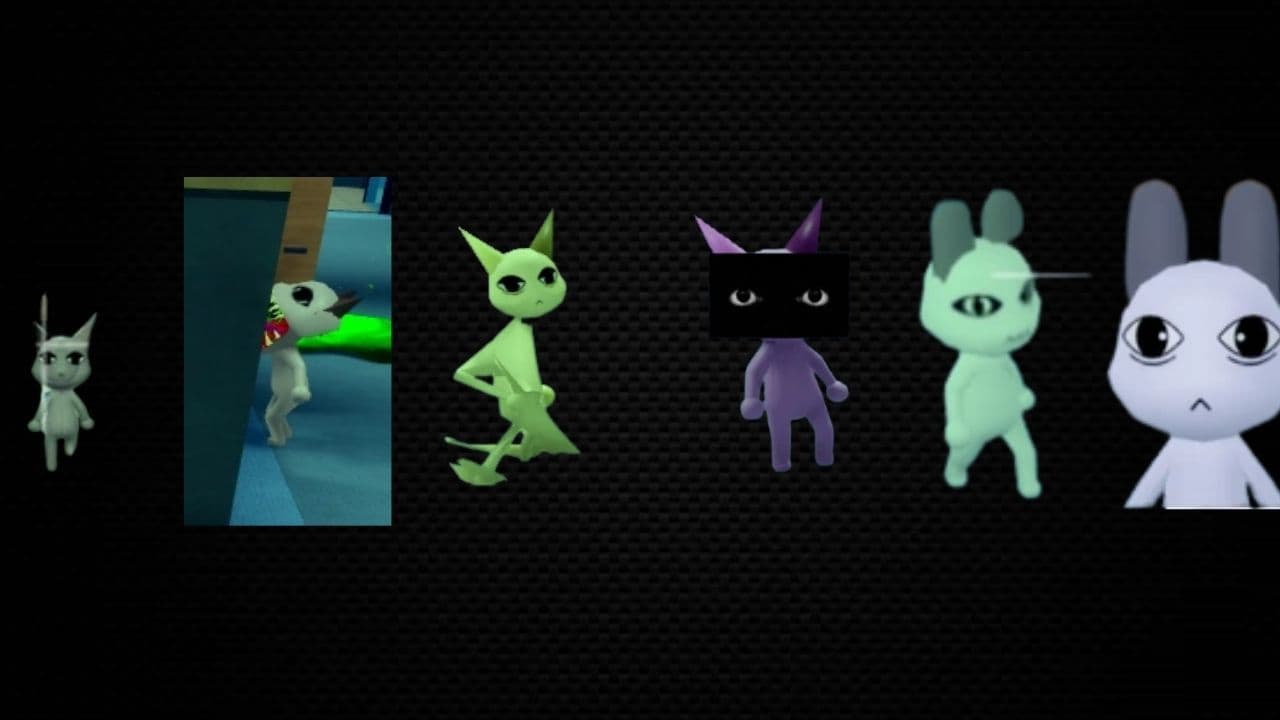
Keep the feed open long enough to detect movement. Camera Twitching may not be obvious if you only glance at the monitor.
There are currently 20 documented patient anomalies: seven appearance anomalies, six photo anomalies, and seven CCTV anomalies.
How to check patients for anomalies in Animal Hospital
Use this process for every patient to check patients for Anomalies in Animal Hospital:
- Keep the reception shutters closed.
- Inspect the patient’s eyes, mouth, ears, and posture.
- Watch for twitching or eye movement.
- Take a patient photo.
- Wait until the picture finishes developing.
- Compare the photo with the patient.
- Check the patient through CCTV.
- Compare their body, ears, eyes, and movement again.
- Open the shutters only if all three checks are clear.
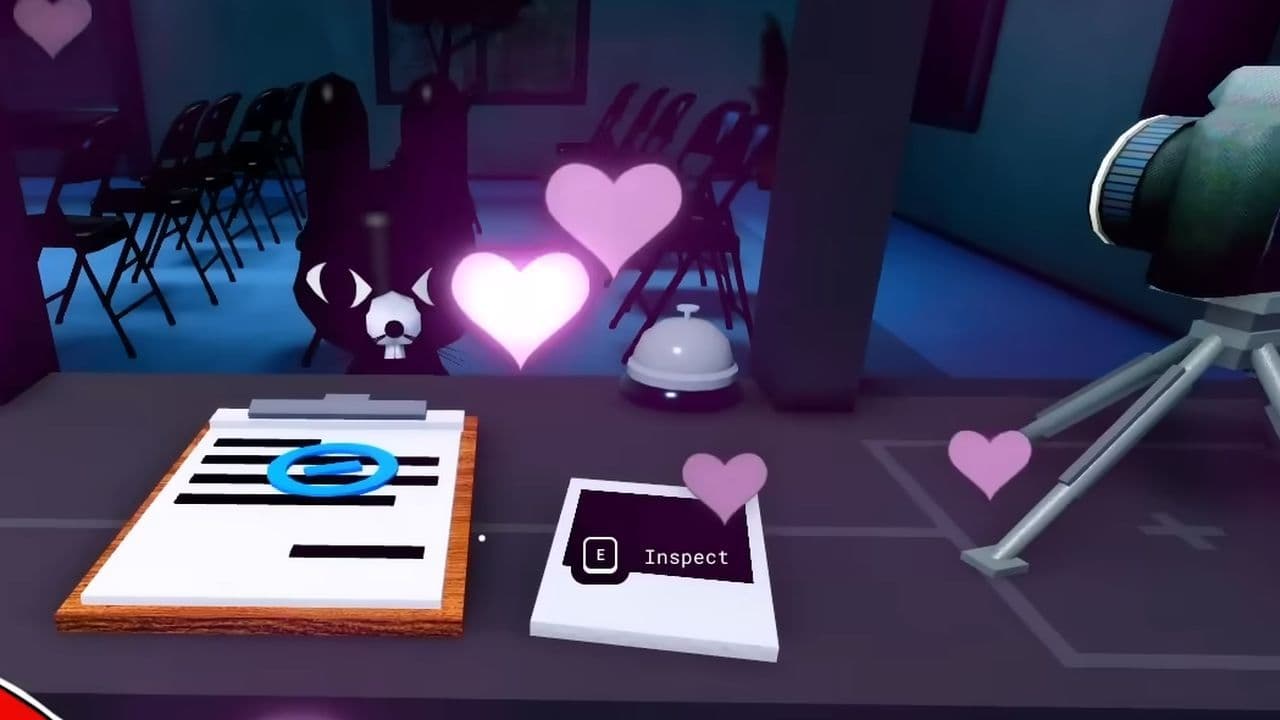
Using a fixed routine reduces the chance of skipping a check during a busy shift.
What happens if you admit an anomaly?
Admitting an anomaly can trigger a dangerous event and put players or patients at risk. The exact outcome can vary depending on the anomaly and the current update.
If something looks wrong, don’t admit the patient. Keep the shutters closed and repeat the photo and CCTV checks.
Can an anomaly look normal?
Yes. Photo and CCTV anomalies can appear normal at the reception window. Every patient should receive all three checks.
What is the hardest anomaly to identify?
Different Ears and Camera Mismatched Ears are among the hardest to detect because the change can be small. Twitching can also be missed if you inspect the patient too quickly.
Anomalies vs. Enemies
Patient anomalies are detected at reception. Enemies and other threats spawn inside the hospital and require specific items or actions.
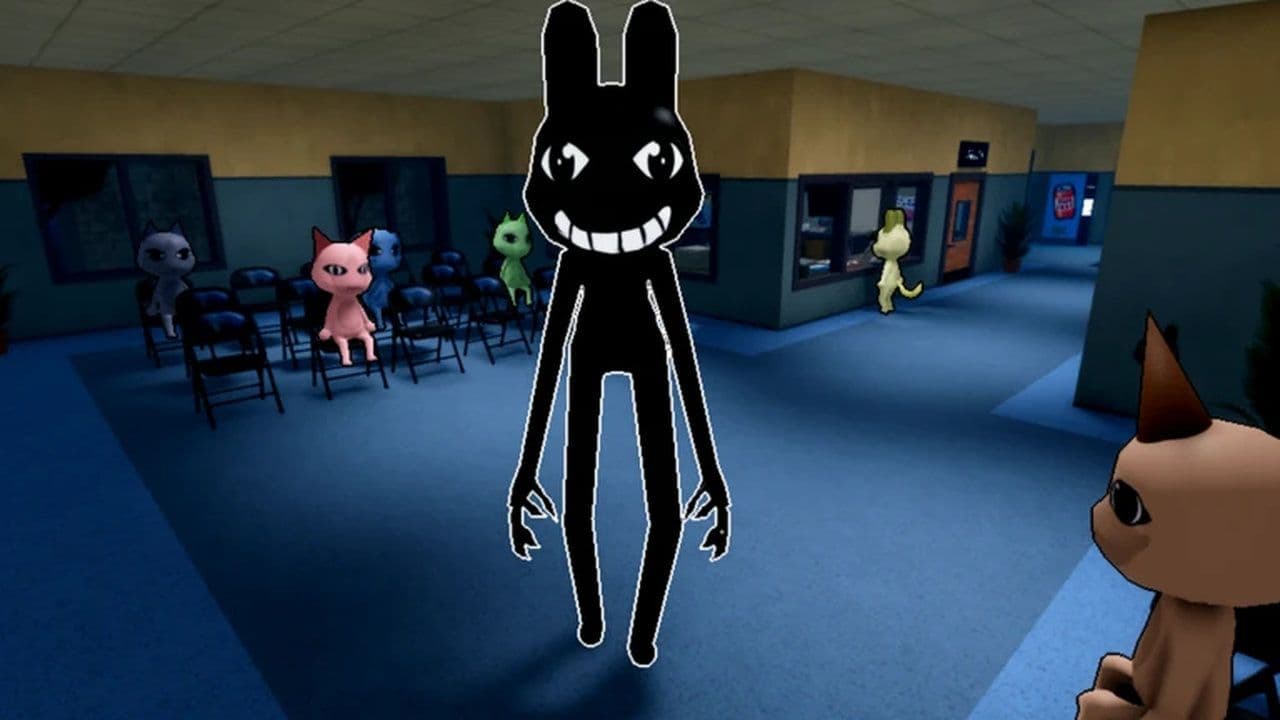
Closing the reception shutters won’t stop an enemy that has already appeared inside the hospital.
Secret Animal Hospital anomalies
Several anomaly-related models have been found outside the playable map. These are out-of-bounds development assets, not confirmed encounters.
Anomaly Dr. Harlow
An abnormal version of Dr. Harlow can be seen through a lobby window. The model turns its head to follow the player’s camera. The model exists in the game, but there’s no confirmed reception encounter or enemy mechanic associated with it.
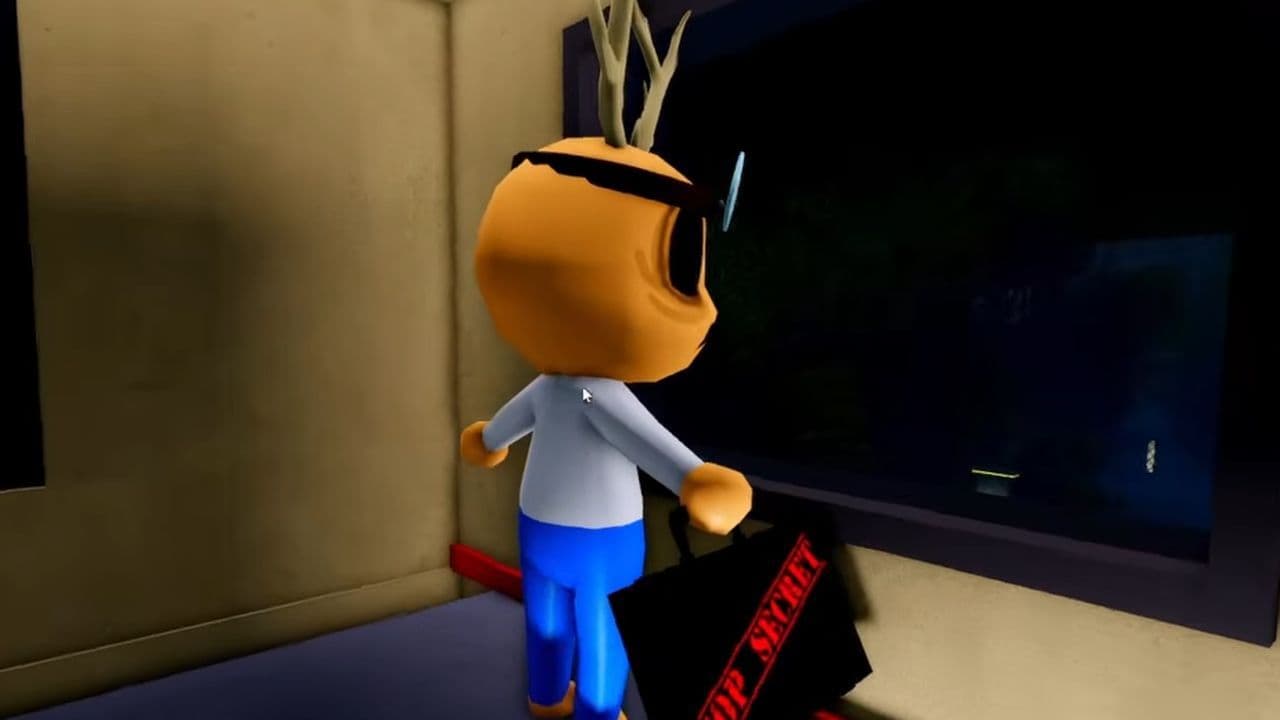
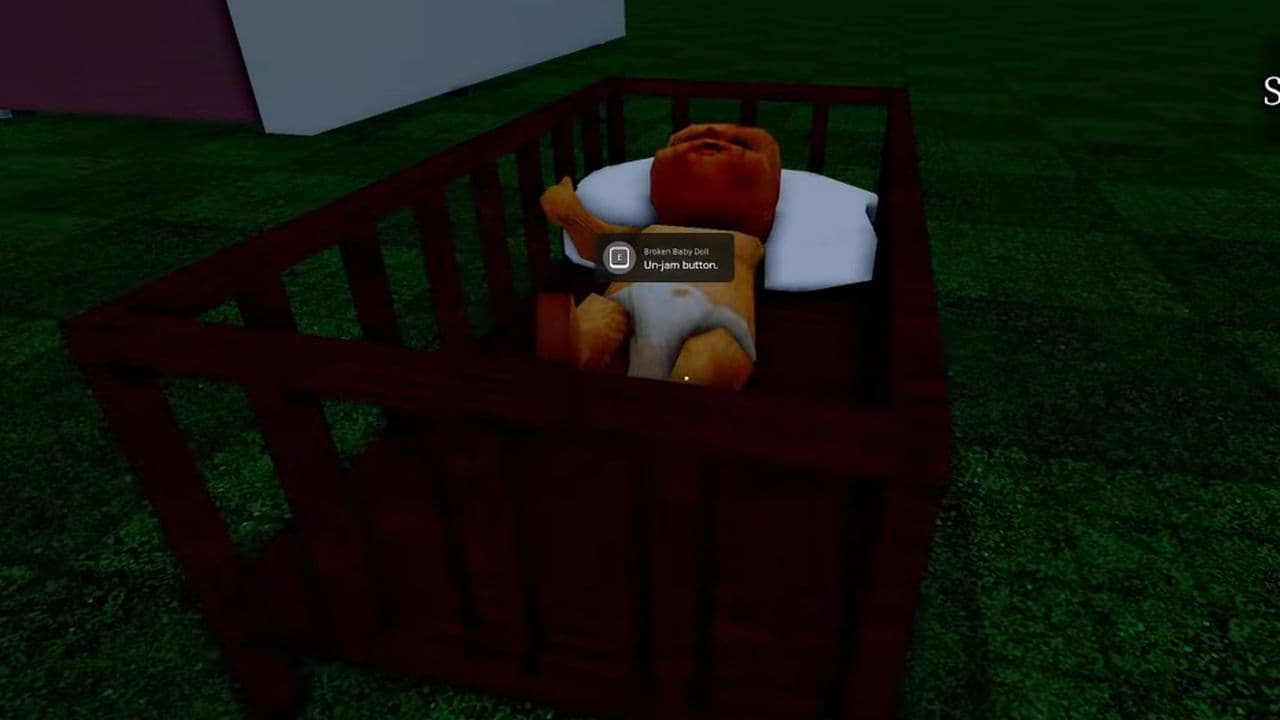
Broken Baby Doll
A broken baby doll and a button that plays a loud sound have been found outside the map. No normal spawn condition, reward, or gameplay purpose has been confirmed.
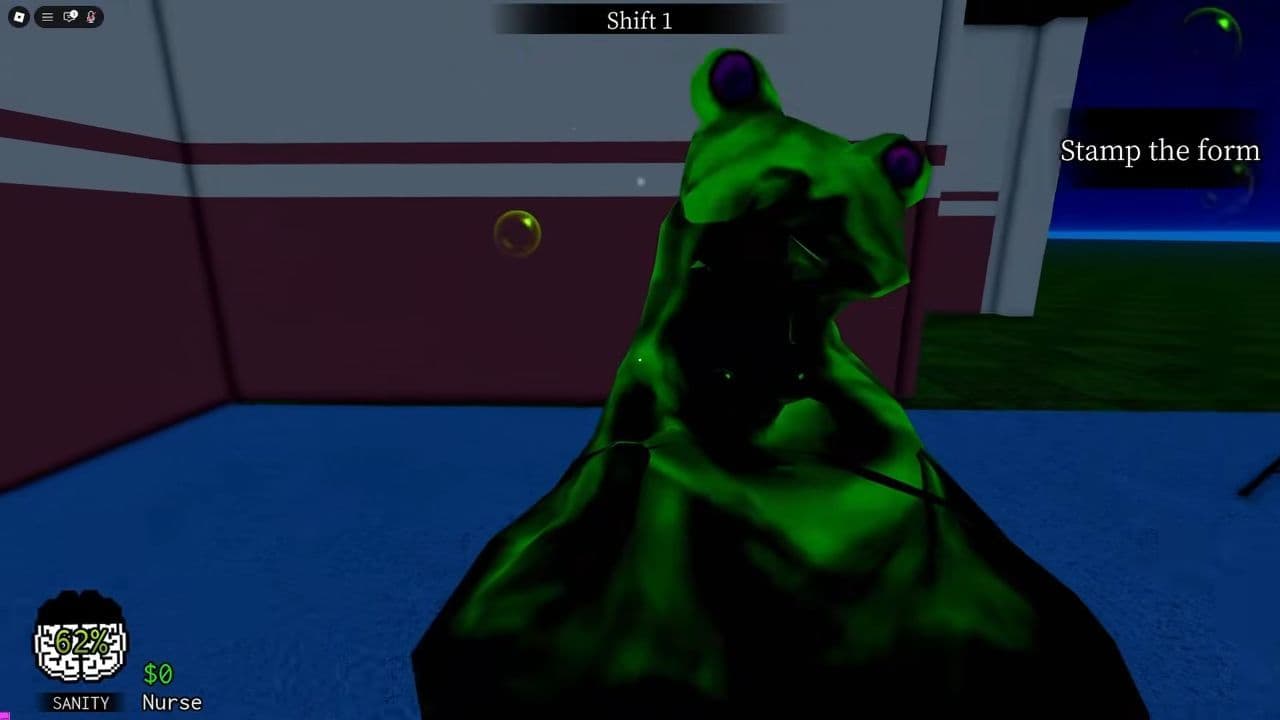
Slime Monster
A slime-like creature model exists outside the accessible area. It may be unused, removed, or intended for development testing.
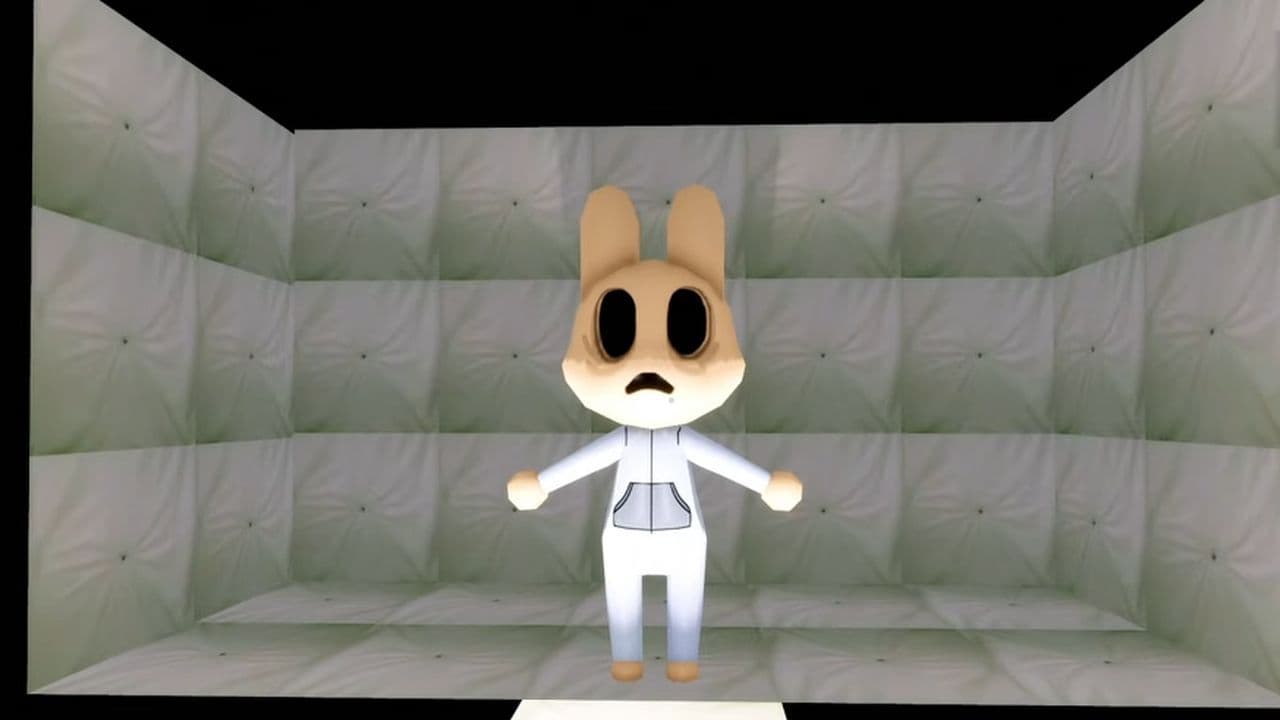
Padded-Room Anomaly
An unidentified humanoid anomaly has been found inside an inaccessible padded room. It currently has no verified role during a normal shift.
Clown Anomaly
A clown-like model is stored outside the playable map. Its intended mechanics and release status are unknown.
Jumpscare Masks
Several masks can be found near the stored character and class models. These may be components used for existing jumpscares rather than separate anomalies.
Finding a complete model outside the map doesn’t confirm future content. Until these assets appear in an official update, they should be described as unused or hidden models—not upcoming anomalies.
8 Animal Hospital anomaly tips you should know
- Never skip CCTV because the patient and photo appear normal.
- Watch each patient long enough to catch Twitching or Wandering Eyes.
- Compare the ears individually when checking photos and CCTV.
- Wait for every picture to finish developing.
- Keep the shutters closed until all checks are complete.
- Repeat the inspection if any detail is unclear.
- Don’t confuse roaming enemies with patient anomalies.
- Treat out-of-bounds models as unconfirmed content.
That’s all for today! Want free Roblox items? Check out these: