10 best Roblox VR games to try: Meta Quest & more!
The finest VR games you should try in Roblox if you have a VR headset!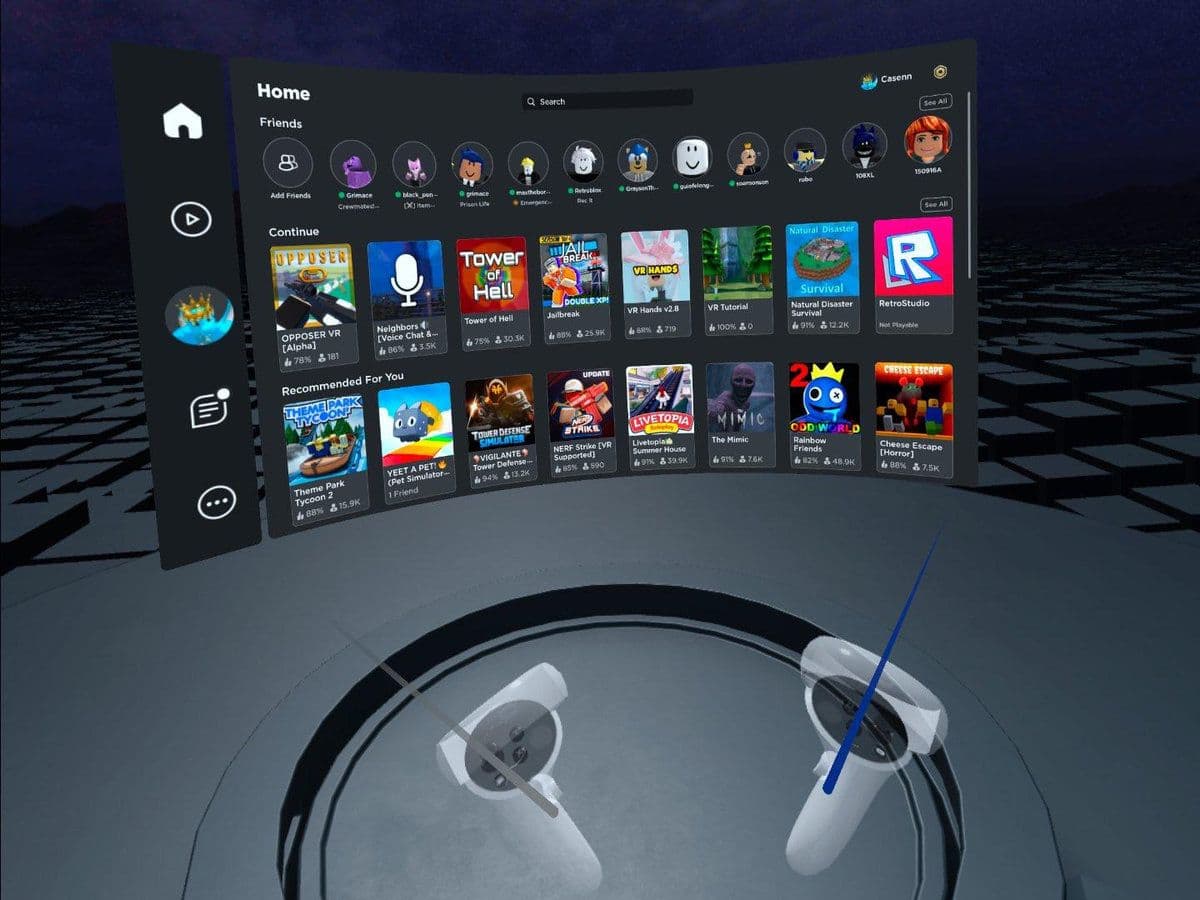
Have you tried Roblox VR games? Roblox isn’t just for flat-screen play anymore. With VR support and platforms like Meta Quest embracing Roblox, players can now step inside their favorite digital worlds.
But not every Roblox experience shines in VR. That’s why we’ve rounded up some of the best VR-friendly Roblox games to try.
What makes a Roblox game good in VR?
Before the list, here are a few qualities that elevate a Roblox title in VR:
- Intuitive movement & controls (so you don’t get motion sickness)
- Interactive environments — physics, objects you can grab or push
- Multiplayer / social features — VR is more fun with others
- Optimization — frames, lag, and comfort matter more in VR
10 best Roblox VR games
Here are some standout Roblox games with VR compatibility (or ones that perform well when played in VR):
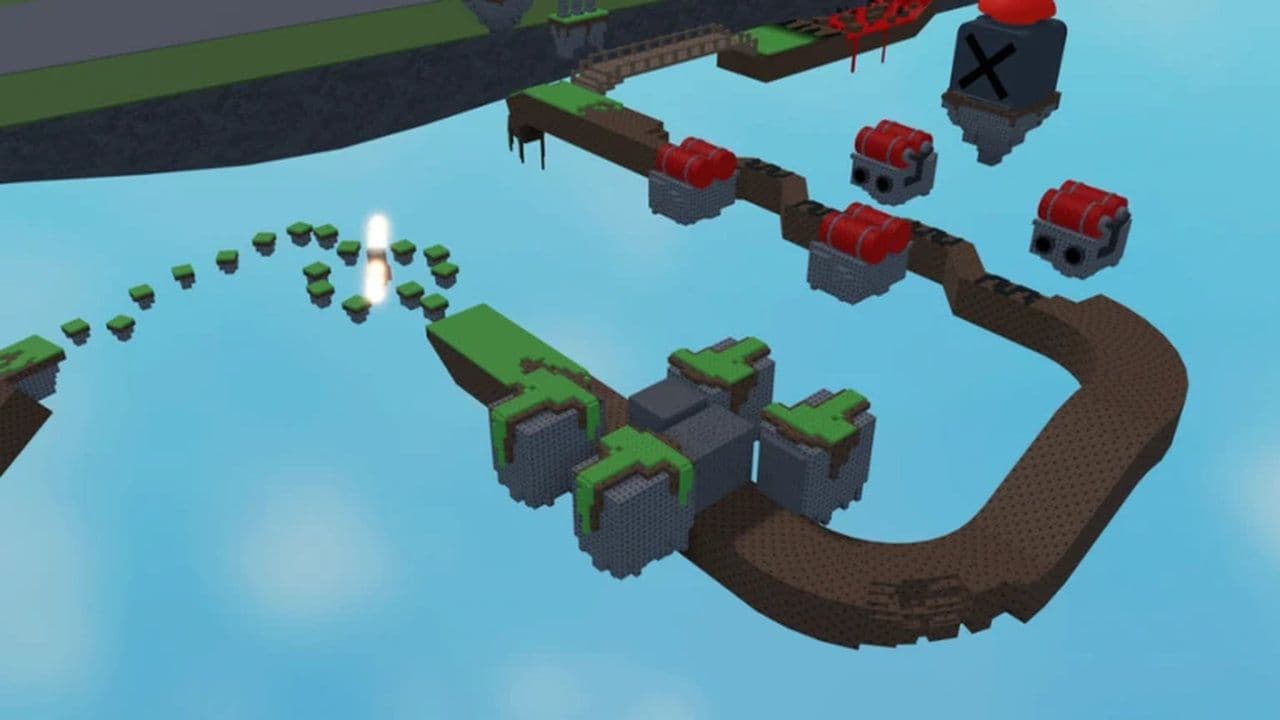
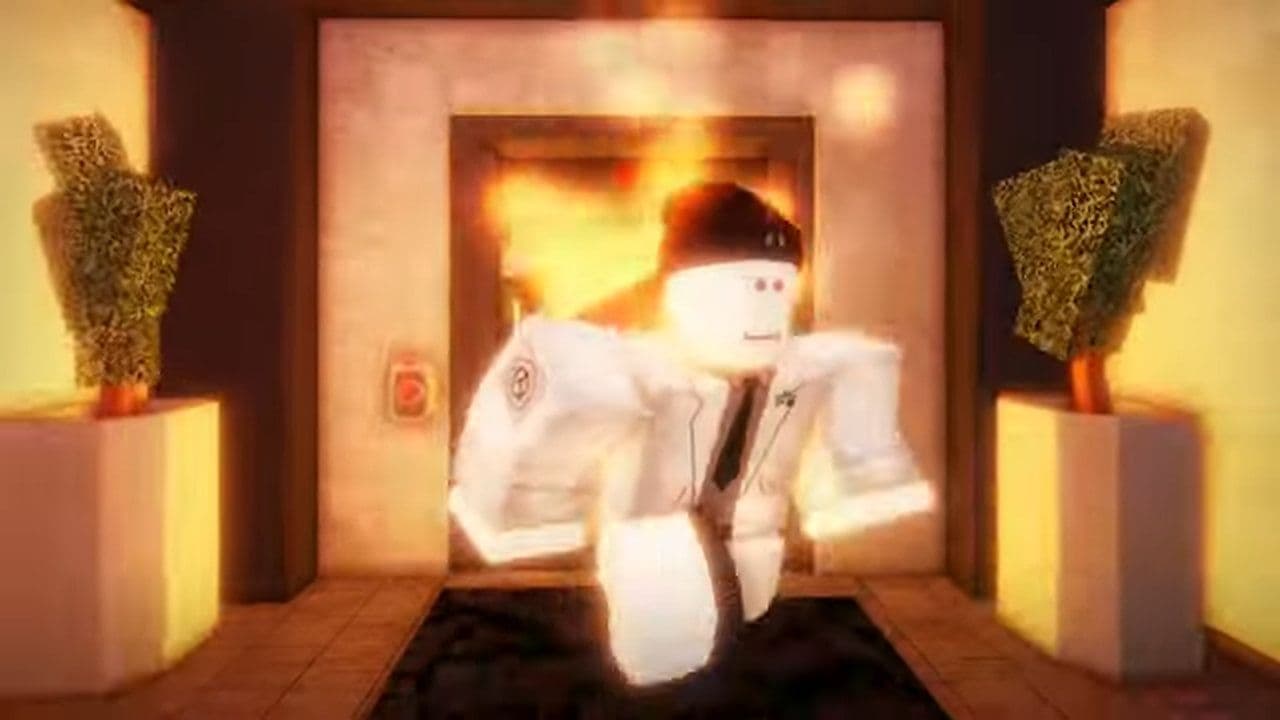
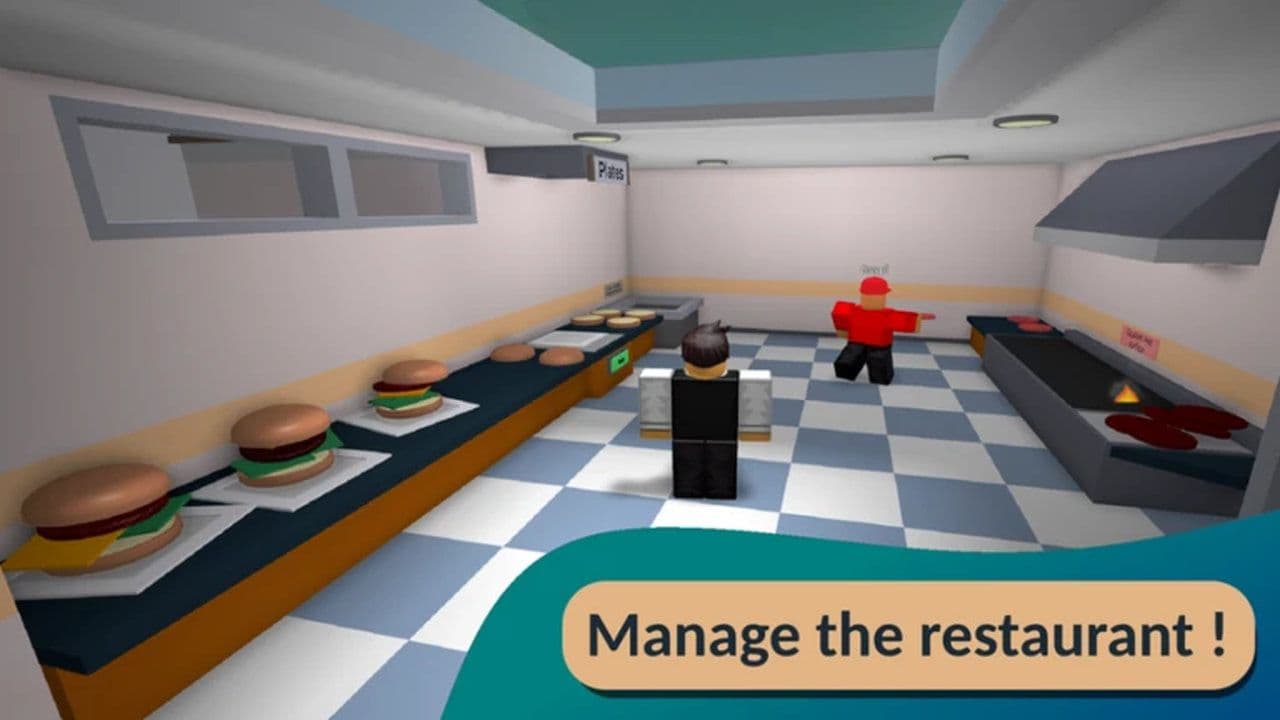
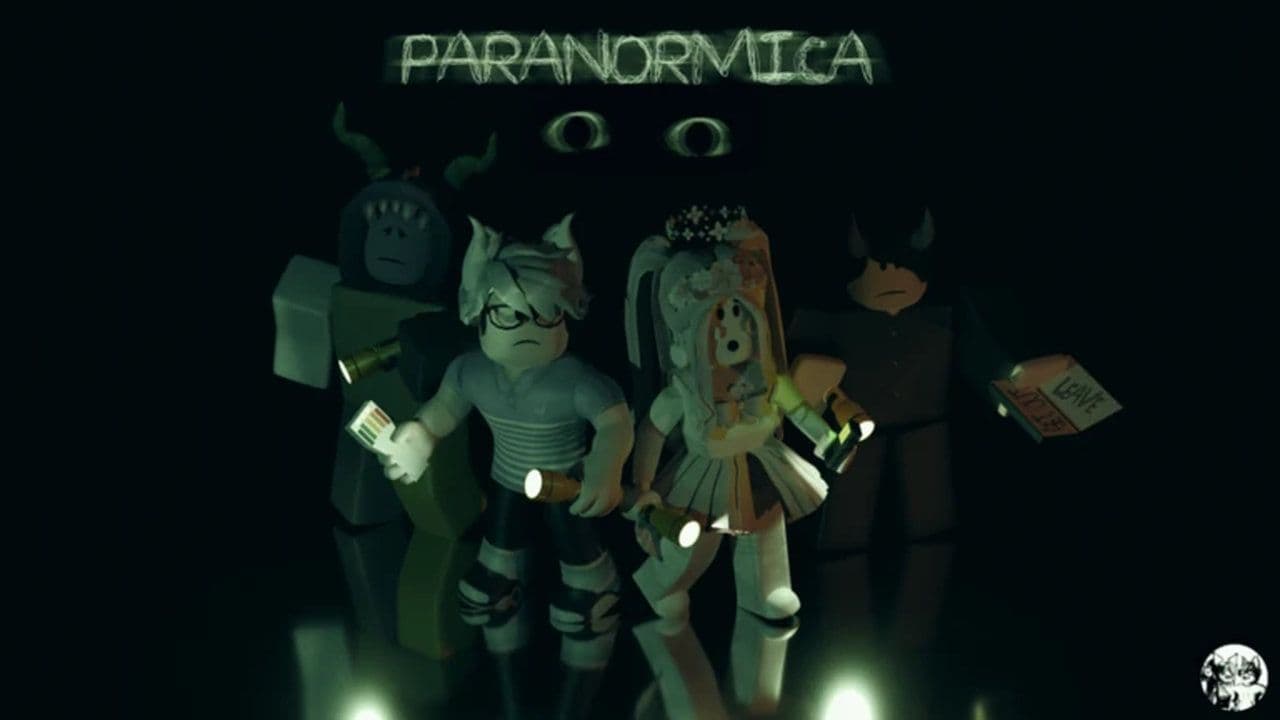
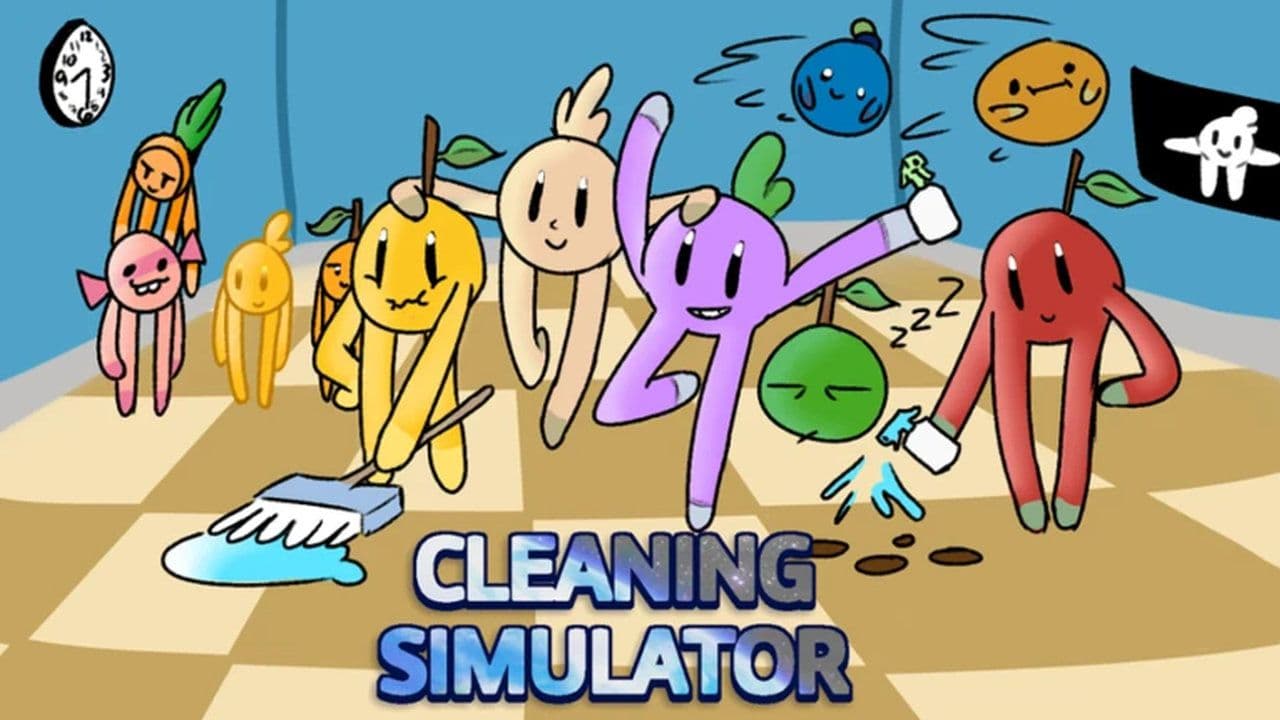

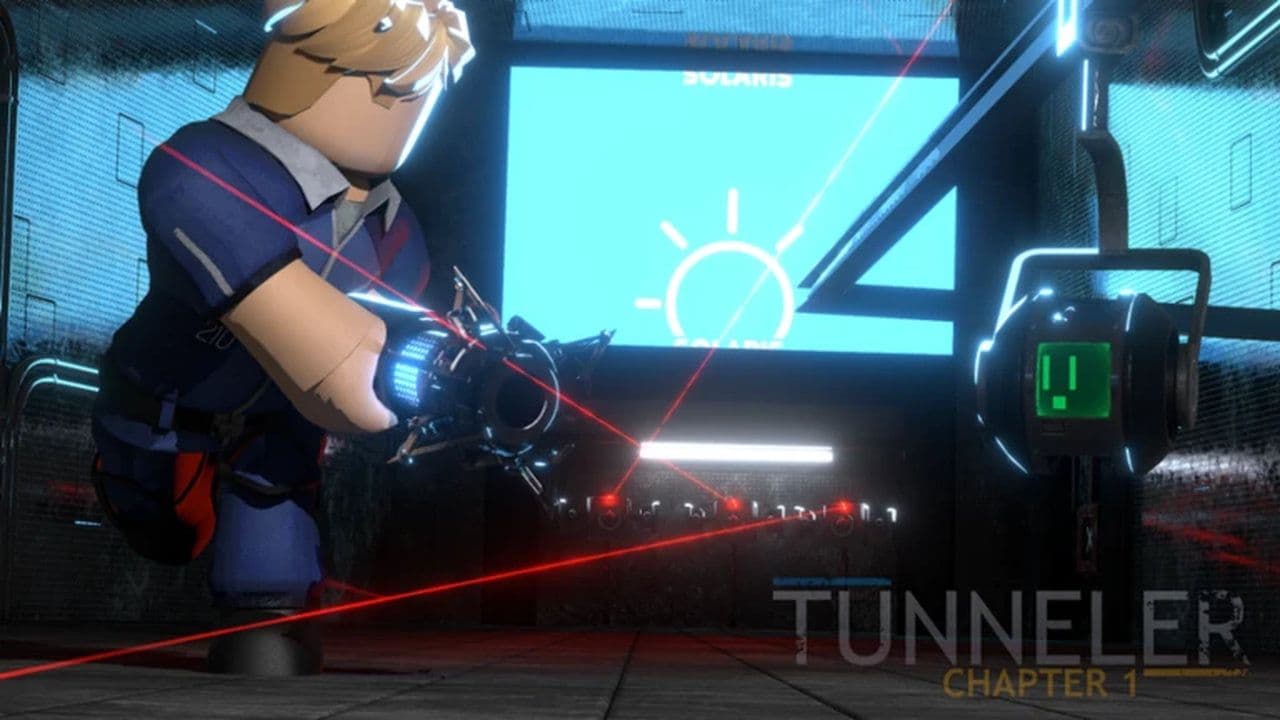
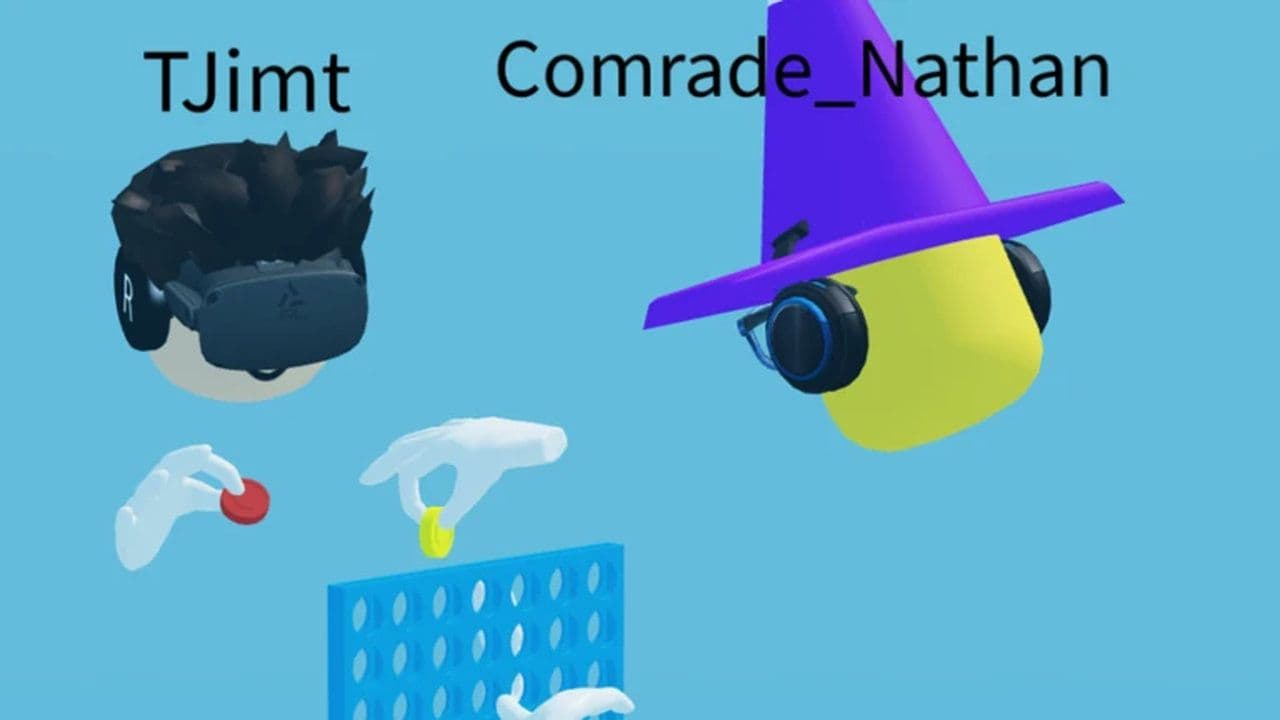
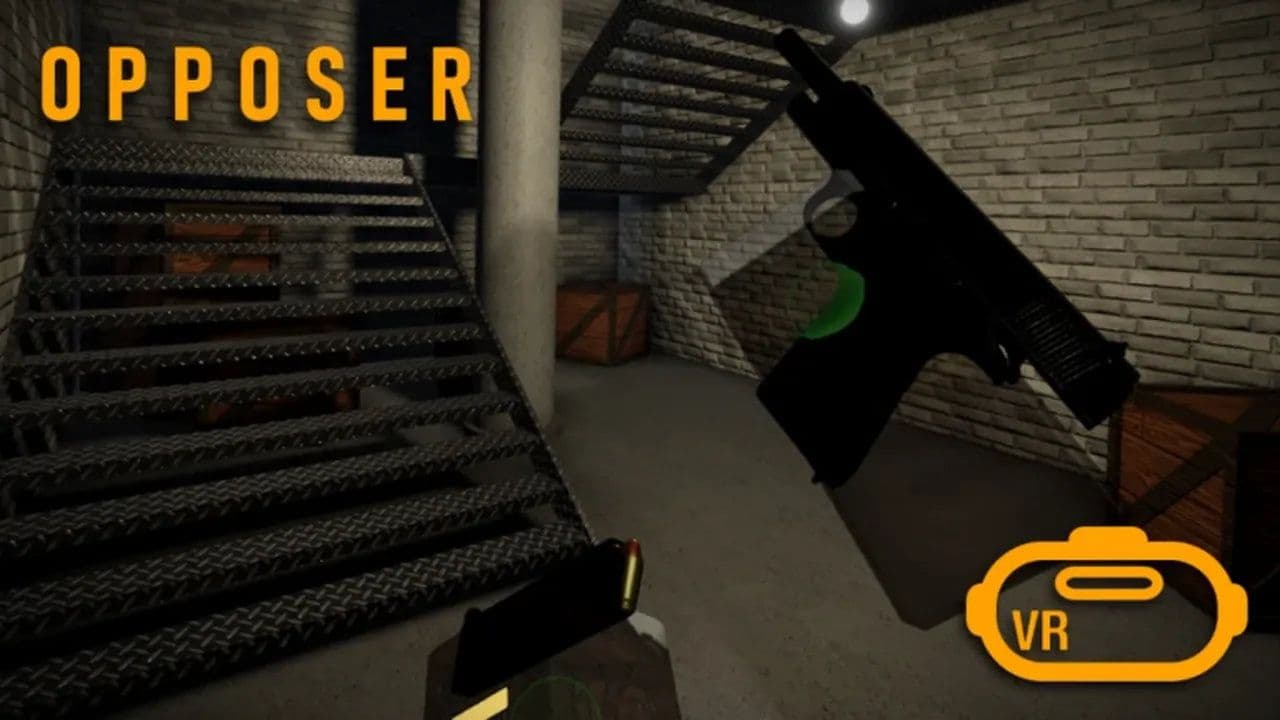
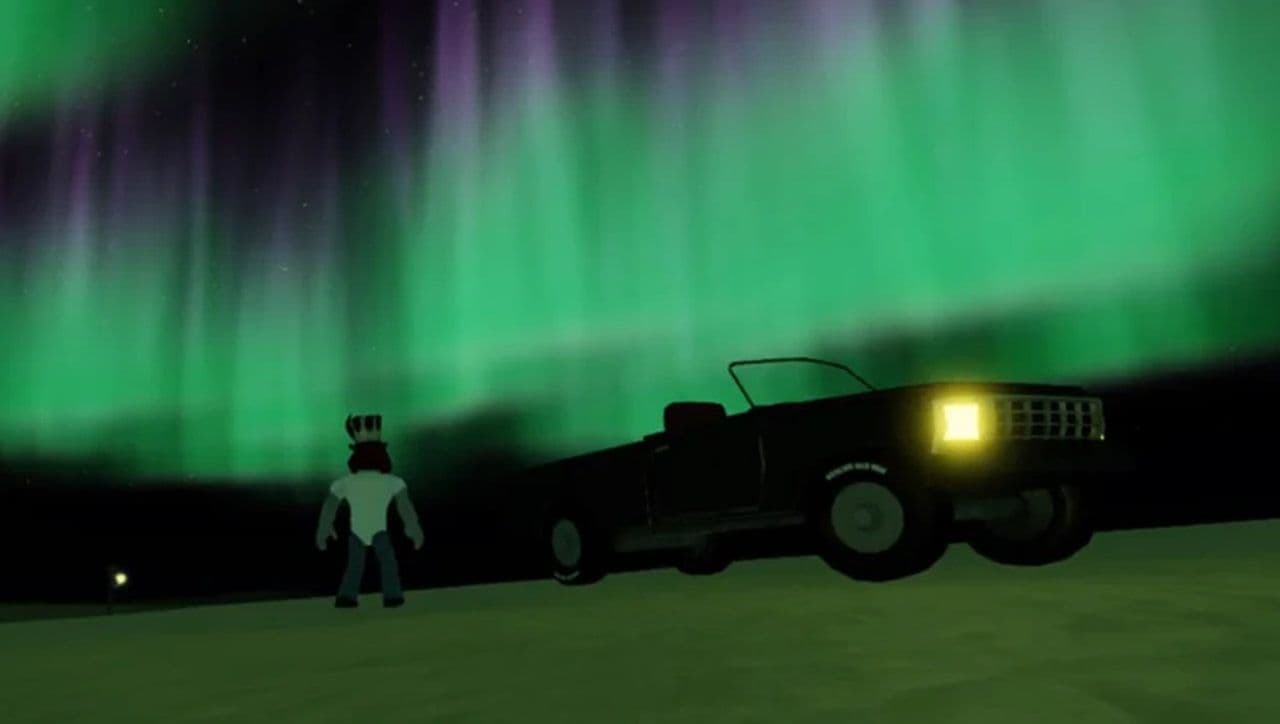
Whether you enjoy solving puzzles, cooking burgers, fighting zombies, or just hanging out with friends, there’s a VR-friendly Roblox game that can match your style.
Does Meta Quest work well with Roblox?
Roblox works well on Meta Quest 2, Quest Pro, and Quest 3, offering smooth performance, intuitive VR controls, and access to thousands of VR-ready experiences directly through the Quest Store. However, the original Quest (Quest 1) is not supported, and players must use the Quick Log In method instead of typing usernames and passwords in the headset.
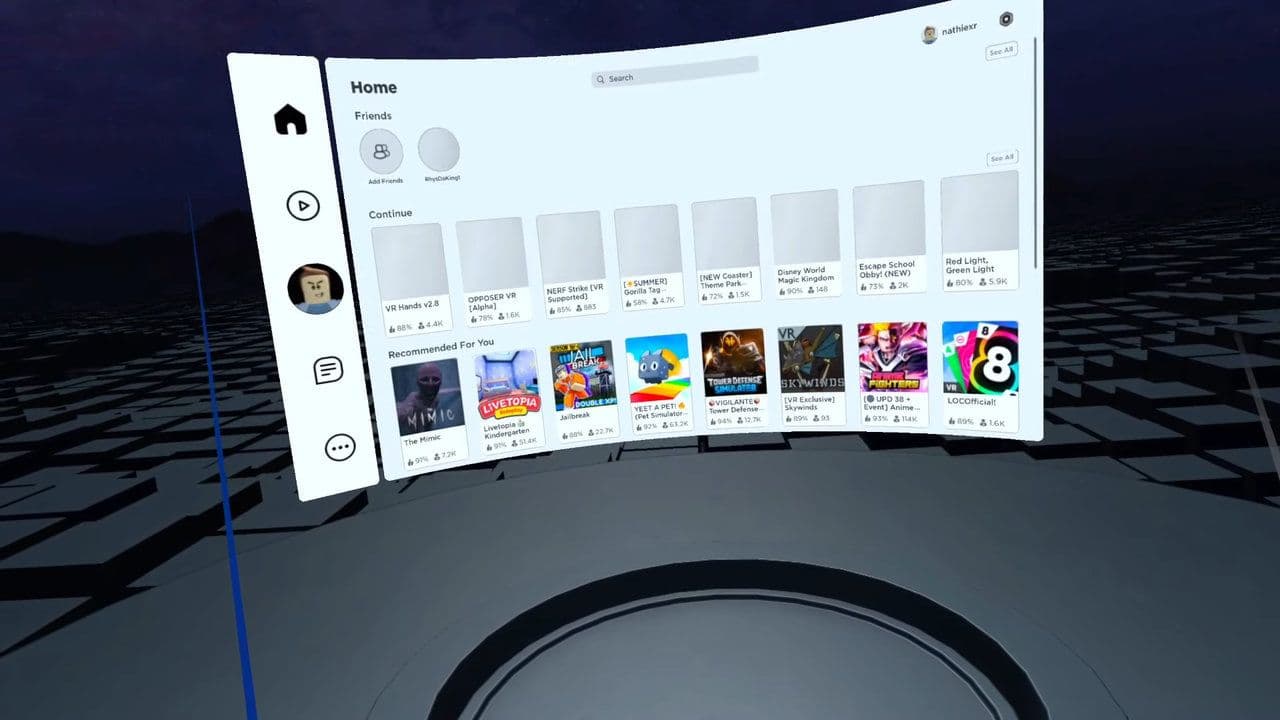
While many games feel great in VR, not all Roblox titles are built for it, so some may feel awkward, and younger players may also encounter age restrictions.
What's the best VR set for Roblox?
The best VR headset for Roblox is the Meta Quest 3, as it delivers smooth performance, crisp visuals, and works both as a standalone device and with PC VR.
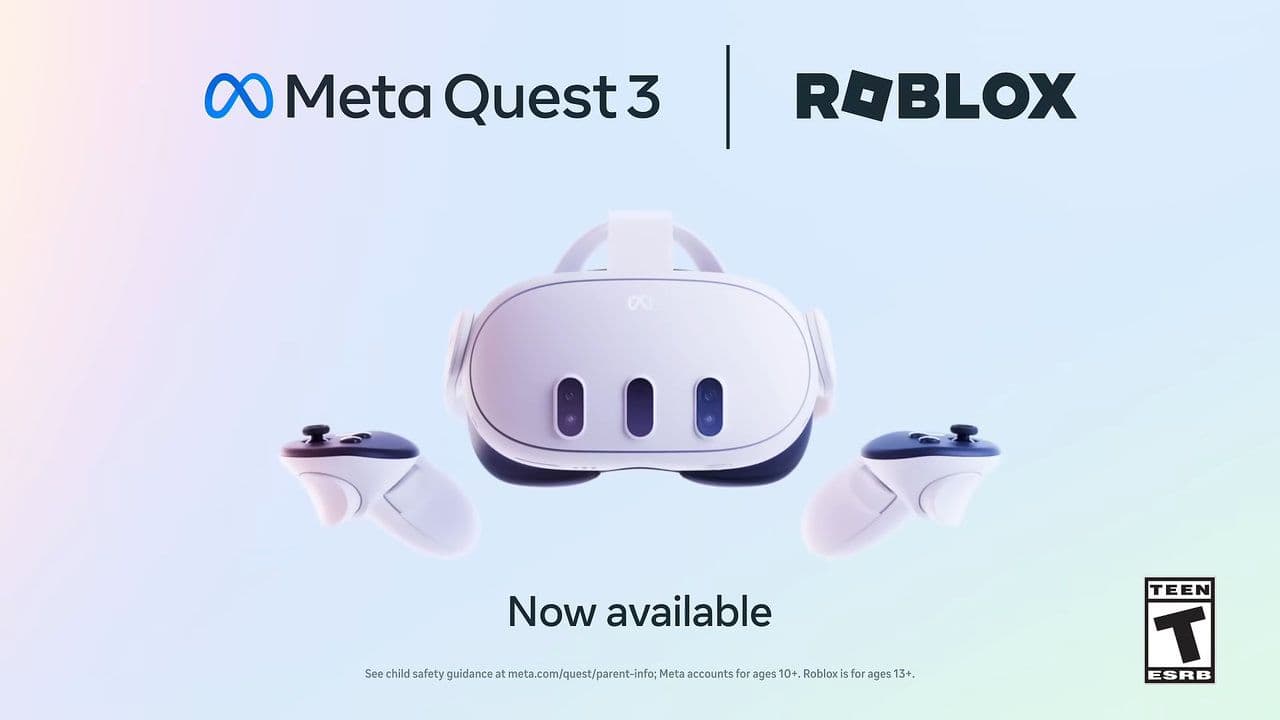
For those on a budget, the Quest 2 or Quest 3S are strong alternatives, offering reliable compatibility and comfort. Players with powerful PCs may also prefer SteamVR headsets like the Valve Index, which provide top-tier visuals and tracking.
Is Roblox VR for kids?
As for kids, Roblox VR is available but comes with age considerations. Officially, Roblox supports VR on Meta Quest 2, Quest Pro, and Quest 3 for players aged ten and up, though many ratings systems, like the ESRB, suggest that Roblox content is more appropriate for teens.
The platform is built around user-generated experiences, so the quality and maturity of content can vary widely. With that in mind, Roblox VR can be suitable for kids if parents set up proper supervision, use parental controls, and guide them toward safe and age-appropriate experiences.
5 Roblox VR tips you need to know before playing
- Use options like snap turning and VR vignette to avoid motion sickness.
- Begin with games that don’t require much movement until you get used to VR.
- Teleport or snap turning is easier on your body than smooth walking.
- Stop playing if you feel dizzy or tired. Short sessions are better.
- Wear your headset properly, clear your room, and make sure your game runs smoothly.
Is Roblox VR laggy?
Roblox VR can feel laggy for several reasons:
- High hardware demands: VR rendering takes a lot of graphic power. If your headset or system isn’t strong enough, you’ll see frame drops or stuttering.
- Poor optimization: Some Roblox experiences aren’t built for VR and are not optimized well, which causes latency, stutter, or dropped frames.
- Network or server issues: Lag can come from slow internet or server delays—not just your device.
- Too many processes running: If your headset or device is handling background tasks or apps, it can reduce performance for Roblox.
- Synchronization / networking delays: In multiplayer, actions (like moving your hands) need to sync over the network; delays there cause “laggy hands” or delayed responses.
That’s all for today! Want free Roblox items? Check out our Roblox code guides: