How to get the EA FC 24 web app and build the best teams anywhere
The EA FC 24 web app is a handy tool for everyone that enjoys Ultimate Team. Here's how to get it.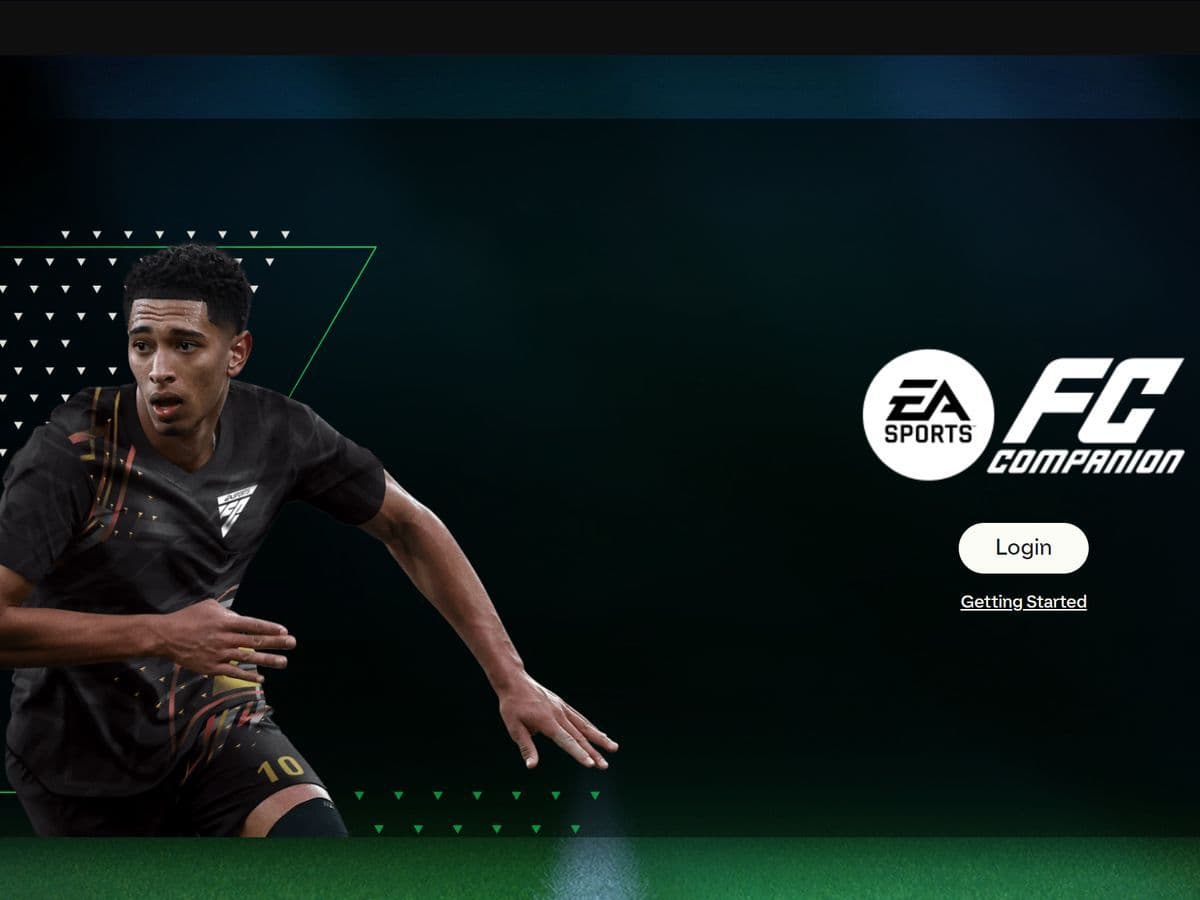
Alright, squad! It's time to level up our game by learning how to get the EA FC 24 web app!
Does EA FC have a web app?
Yes — EA FC does have a Web App. It’s called the FC Ultimate Team Web App, and it lets you manage your Ultimate Team, make transfers, open packs, and more — all via browser when you're away from your console or PC
What is the EA FC 24 web app?
The EA FC 24 Web App is an online application provided by Electronic Arts (EA) specifically designed for Ultimate Team (UT) users. It is a convenient tool for managing various aspects of a player's Ultimate Team club outside of the main game interface.
Key features and functionalities of the EA FC 24 Web App include:
- Club management: Users can oversee and manage their Ultimate Team club, including player squads, club items, and unassigned items.
- Transfer market: Access to the Transfer Market allows users to buy, sell, and trade players with other users to enhance their team.
- Squad building challenges: Engage in strategic challenges designed to test team-building skills and earn rewards.
- FUT Store: Access to exclusive packs and items available for purchase to strengthen the club.
- Daily & weekly objectives: Accomplishing dynamic objectives within specified timeframes offers in-game rewards and benefits.
- Special squads: Access to special squads, such as the Team of the Week (TOTW) and other unique line-ups.

The EA FC 24 Web App is accessible through web browsers on desktop or laptop computers and allows players to manage their Ultimate Team experience remotely. It offers greater flexibility in club management, market transactions, and engagement with various in-game challenges without the need to access the game directly on the console or PC.
How to get the EA FC 24 web app
Here are the steps you need to follow:
- Activate login verification: This step is crucial for account security. Log in to your Origin account and enable Login Verification. It helps protect your account from unauthorized access.
- Security question and answer setup: Verify and set up your Security Question and Answer within your account settings. This serves as an additional layer of security.
- Log out of the console or PC version: Before accessing the web app, make sure to log out from the Console or PC version of FIFA 24. This prevents any potential login conflicts.
- Accessing the Web App:
- Visit the EA FC 24 Web App.
- Log in using your registered email address and the corresponding password linked to your FIFA 24 account.
- Once logged in, familiarize yourself with the various features available, including managing your club, accessing the Transfer Market, playing Squad Building Challenges, and more.
- Keep in mind that remaining logged in to the Console or PC version while using the web app is not supported. Logging out from the primary version before accessing the web app is essential to avoid conflicts.

If you encounter issues accessing the web app or require further assistance, refer to EA's support resources or contact their customer support for guidance.
The EA FC 24 Web App is a powerful tool for remotely managing your FIFA 24 Ultimate Team experience. By following these steps and ensuring the necessary account settings, you can unlock the full potential of this online application, enabling seamless club management, market transactions, and engaging challenges on your desktop or laptop browser.
Do I need EA apps to play FC 24?
You generally do need the EA App (or EA’s desktop launcher) on PC to play FC 24.
If you’re using a console (PlayStation, Xbox), you don’t need the EA App—just sign in with your EA account through the console interface.
All Related Guides
 FC Mobile redeem code list (July 2026): Latest EA FC Mobile codesLatest EA FC Mobile redeem codes for June 2026 — claim free packs, coins, and rewards before EA FC Mobile code...
 All EA SPORTS FC 26 objectives & fastest ways to complete themComplete every EA SPORTS FC 26 Objective faster with our guide covering Journey of Nations, Glory Hunters, Sea...
 EA FC 26 Low Driven Shot guide: Controls, PlayStyle+, best players & moreLearn how to perform the EA FC 26 Low Driven Shot, use Low Driven Shot+, score more goals, and choose the best...
 FC 26 FoF & Champions Tokens guide: How to get, rewards & moreFC 26 FoF Tokens guide: How to earn Tokens, best rewards, Pelé upgrades, Journey of Nations, and spending tips...
 Failed to join lobby error in EA FC 26: What is it and how to fix itFix the failed to join lobby error in EA FC 26 Pro Clubs with simple steps for server issues, cross-play probl...
 EA SPORTS FC Mobile Beta: 18 Playstyles & moreEA SPORTS FC Mobile Beta guide: PlayStyles, features, release dates, regions, and how to join the beta....
 Top 5 EA FC 26 players with the highest potential in career modeDiscover the top 5 EA FC 26 players with highest potential in Career Mode, plus the best wonderkids by positio...
 What is the “EA unable to connect to FC 26” and how to fix itLearn how to fix EA unable to connect FC 26 errors, why FC 26 keeps losing connection, and what to do when ser...
- 1
- 2
- 3