The Forge forging/crafting guide: Roblox Forge Calculator & more
Forge smarter, craft stronger in Roblox.
The Forge forging might look simple at first glance, but the Roblox Forge Calculator quickly proves why there’s more happening behind the scenes than most players realize. Before you can craft strong weapons or reliable armor, you need to understand how ores mix, how multipliers shape your stats, and why the mini-games can completely change the final result.
First of all, how forging works in The Forge
The Forge crafting system in Roblox is one of the main reasons the game stands out. Instead of a simple “click to craft” feature, it uses a deep combination of ore selection, multipliers, item types, and skill-based mini-games. This system gives players full control over the strength, size, and traits of the weapons or armor they create. So, it is important to understand how forging functions.
Need a little help? Try Roblox The Forge codes to get extra rerolls & more!
1. Understanding ores in The Forge crafting
Ores are the core of The Forge crafting system. Each ore you mine comes with three key traits:
- Rarity: Common ores are easy to find; rare ores are stronger but harder to get.
- Multiplier: This affects your item’s damage or defense. All multipliers are averaged, so mixing strong ores with weak ones lowers the final result.
- Traits/Bonuses: Some ores give special effects if they make up enough of your mix, such as extra damage, defense boosts, or elemental-style perks.
2. Selecting ores in The Forge crafting system
Choosing ores decides what you craft, how heavy it becomes, and how powerful it turns out.
- Few ores = Light weapons/armor (fast, small, simple to craft)
- More ores = Heavy weapons/armor (stronger but resource-heavy)
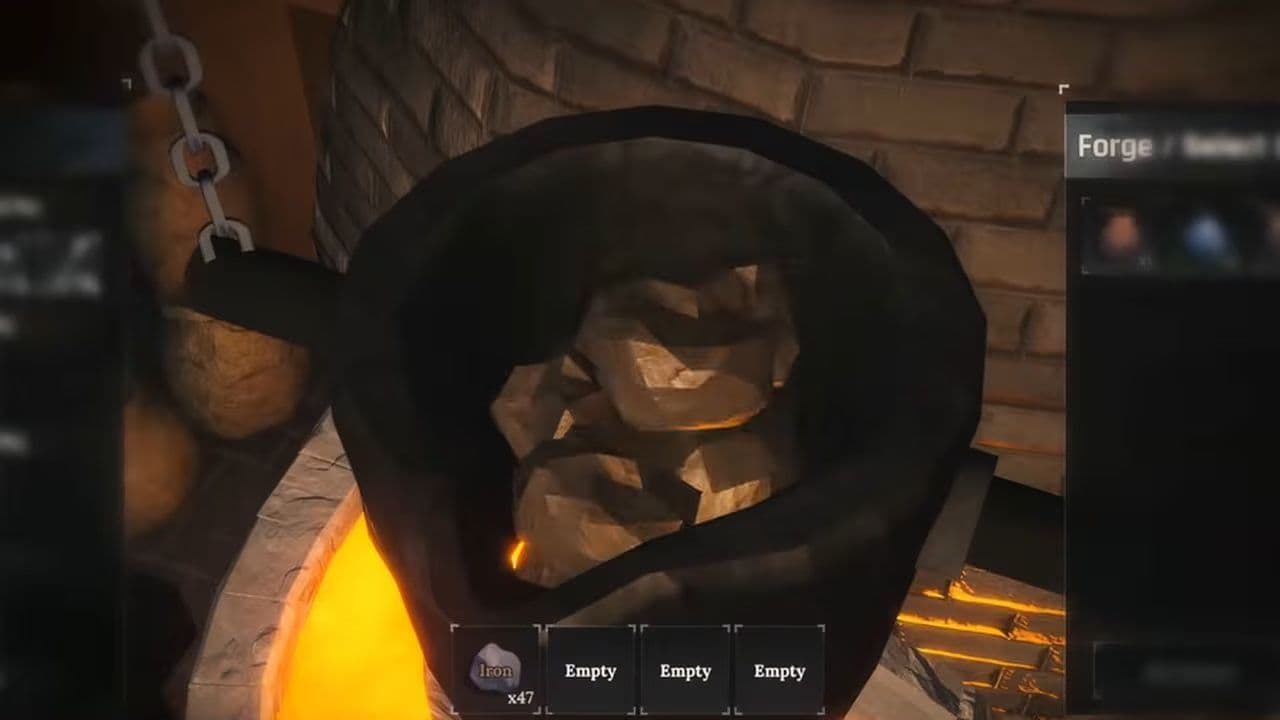
Because the game averages all multipliers, low-tier ores weaken high-tier ones. Most players avoid mixing rares with cheap materials.
3. Mini-games in The Forge forging
Crafting isn’t automatic. After choosing your ores, you must complete skill-based mini-games:
- Smelting: Heat the ores with good timing.
- Pouring: Pour metal into the mold accurately.
- Hammering/Shaping: Hit prompts to shape the item.
Your performance affects:
- Final quality
- How well multipliers apply
- Whether the item turns out high- or low-grade
Even perfect ores can become weak if you fail the mini-games.
4. Item outcomes in The Forge
Your final item depends on ore quality, ore amount, traits, and mini-game results.
Weapon types:
- Light (daggers, small swords)
- Medium (swords, katanas)
- Heavy (greatswords, colossal weapons)
Armor types:
- Light (fast, low protection)
- Medium (balanced defense)
- Heavy (high protection, tanky)
Power factors:
- Average multiplier
- Number of ores
- Trait percentages
- Mini-game performance

If your ore mix meets trait requirements, your item can gain bonuses like extra damage, crit chance, HP boosts, or special effects—making traits one of the most valuable parts of crafting.
5 tips for The Forge crafting
- Use similar-rarity ores to avoid lowering your average multiplier.
- Use enough ores if you want heavy armor or larger weapons.
- Focus on trait percentages to unlock special item bonuses.
- Practice the mini-games with cheap ores to avoid wasting rare ones.
- Test ore mixes with a forge calculator before forging in-game.
What is Roblox Forge Calculator?
Roblox Forge calculators are online tools that simulate the forging system used in The Forge. Instead of guessing which ores to combine, you can enter your ore list into the calculator and see:
- The average multiplier of your ore mix
- The quality or strength you can expect
- Possible weapons or armor outcomes
- Trait chances and percentages
- How adding or removing an ore changes the final result
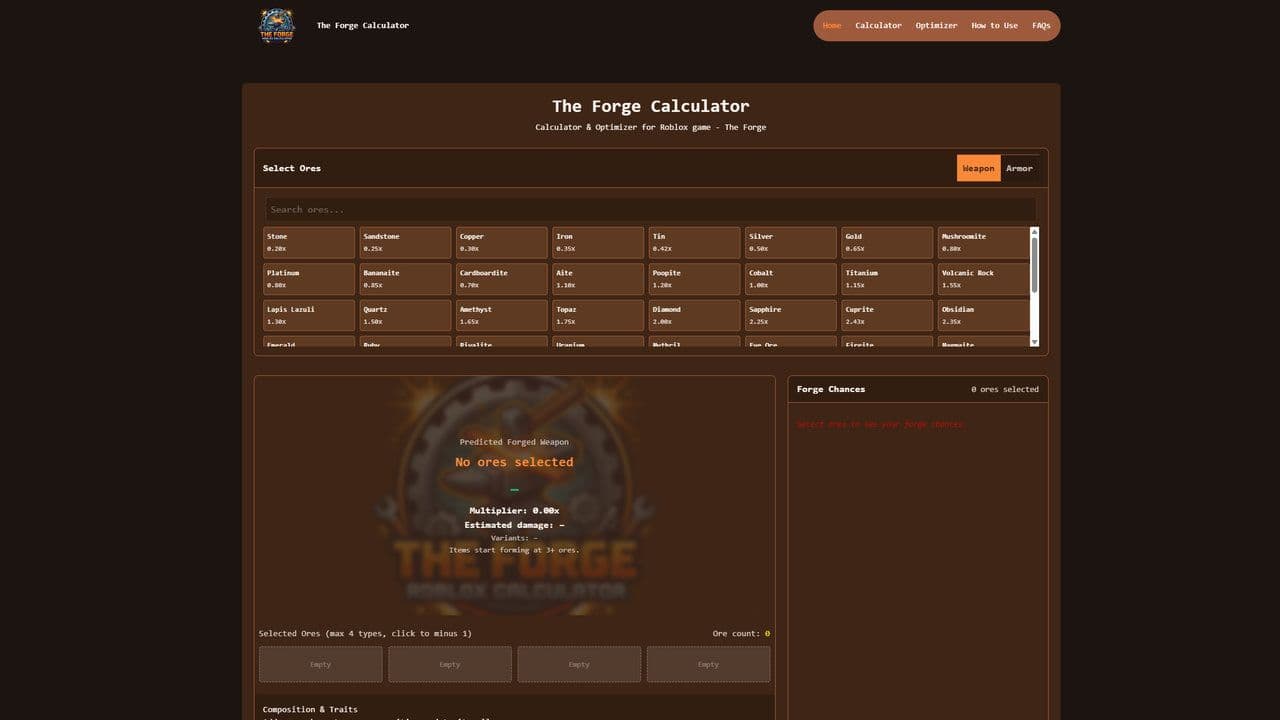
Roblox Forge calculators work like a preview system. You get a clear prediction of your crafting result without spending any actual ores in the game.
For players who want efficient progression, Roblox Forge Calculators are almost essential. It lets you test many mixes in seconds, something that would take hours if done in-game.
How to use Roblox Forge calculators
Most calculators for The Forge follow the same pattern. Here is a simple step-by-step guide:
- Pick your ores: Select the ores you want to include. Add multiples if needed.
- Check the multiplier: The calculator shows the average multiplier. Remove low-tier ores if they drag the mix down.
- Preview item type: Based on ore count, the tool predicts whether you’ll get light/medium/heavy weapon or armor.
- Review traits: See if your ore percentages meet required trait thresholds.
- Adjust until ready: Test different combinations, then forge in-game once you’re satisfied.
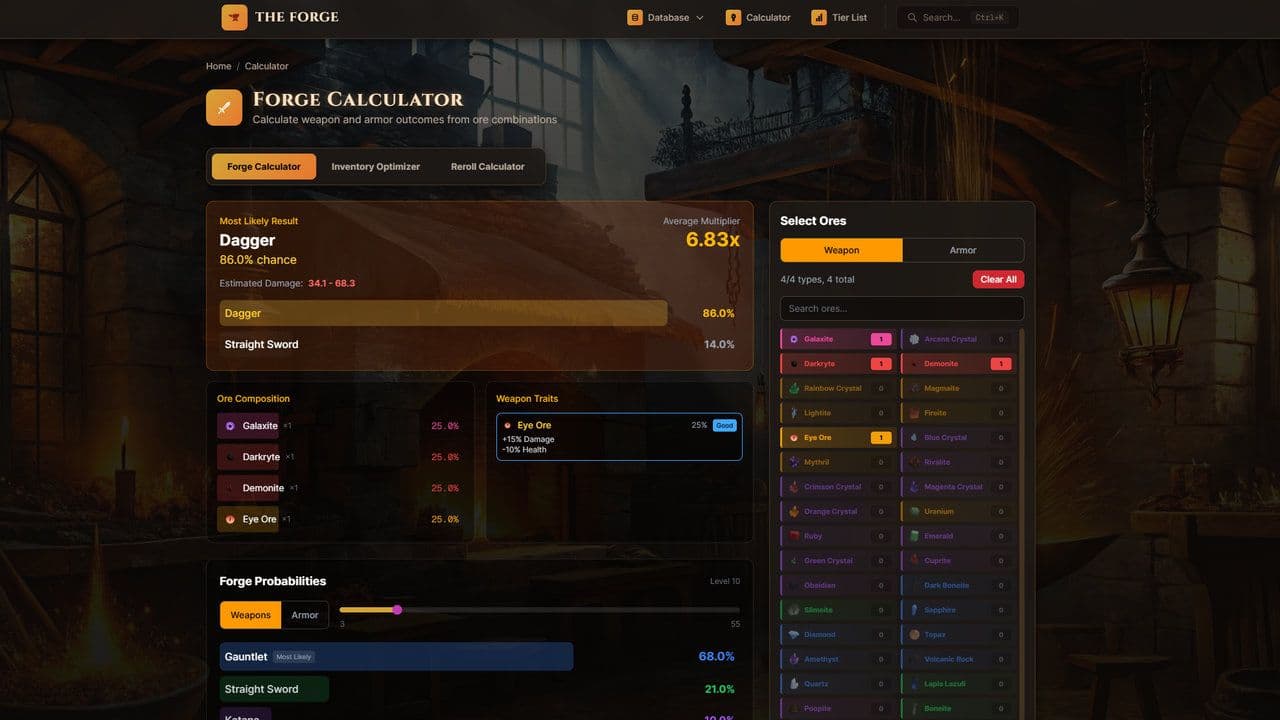
The best Roblox The Forge Calculator to use
Most Roblox The Forge calculators work in a similar way, offering the same core features: average multiplier previews, trait percentages, and item type predictions. Sites like theforgecalculator.com and theforgecalculator.org both provide quick, accurate simulations of your ore combinations, while some players also use community-made spreadsheet versions for simple customization.
Since they all follow the same basic logic, any of these calculators can help you test mixes, plan resources, and avoid wasting rare ores before crafting in-game.
That’s all for today! Do you want free Roblox items? It’s possible with Roblox game codes like:
All Related Guides
 How to get money fast in The Forge: Cash farming guideLearn how to get money fast in The Forge on Roblox with the best farming methods, forging tips, quests, and sm...
 How to complete the Goblin King quest in The Forge: All you need to knowGoblin King quest in The Forge made simple. See all 5 tasks, gem drop tips, and how to unlock the Goblin Cave ...
 How to dash in The ForgeLearn how to dash in The Forge Roblox with keybinds, dash directions, dash cancel tips, cooldowns, and common ...
 How to get Large Essence in the Forge: Locations, farming tips & moreLearn how to get Large Essence in The Forge Roblox with best locations, enemy drops, farming routes, and tips ...
 Roblox The Forge Luck Totem: How to get & use it effectivelyLearn how to get and use the Roblox The Forge Luck Totem to boost drops by 25%, farm rare ores faster, and pro...
 Darkryte in The Forge Roblox: Location, drop rate, and best usesA complete Darkryte guide for The Forge Roblox: locations, drop chances, and the best builds using this Mythic...
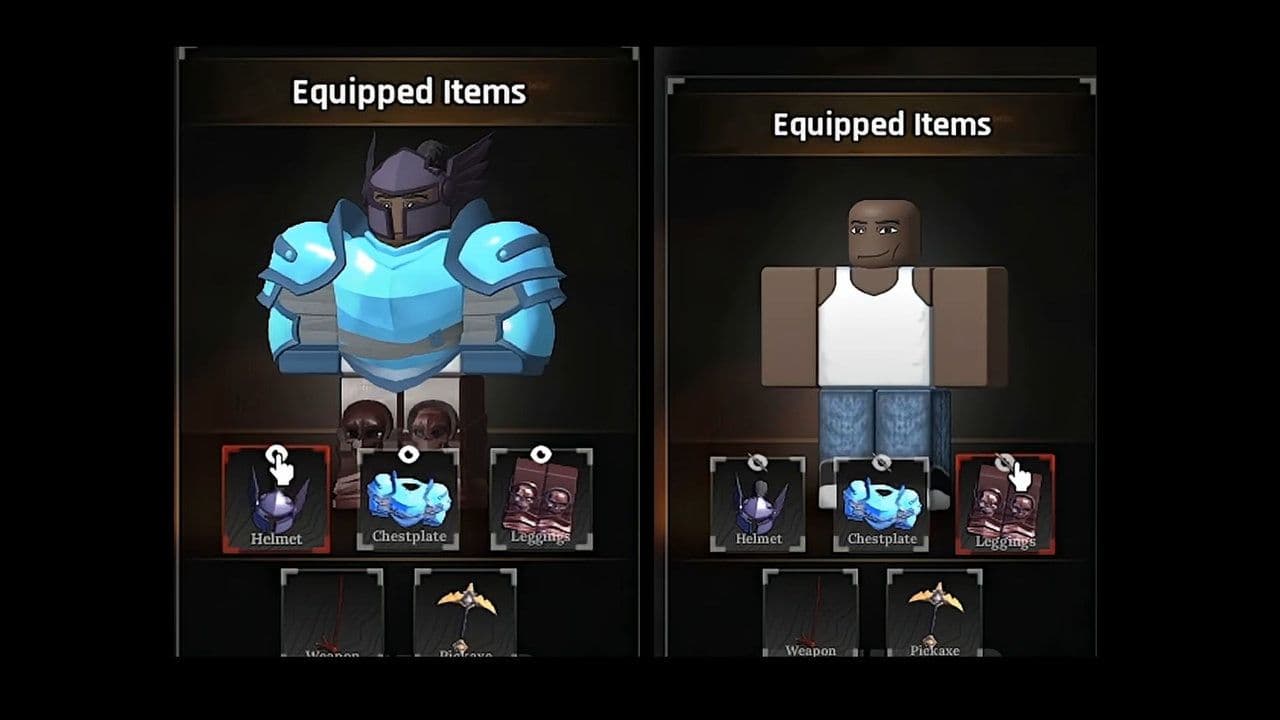 How to hide armor in The Forge RobloxLearn how to hide armor in The Forge Roblox without losing stats. Simple steps for PC and mobile to customize ...
 How to get Roblox The Forge stone, why it doesn’t drop, and what it’s used forLearn how to get Roblox The Forge stone, why it won’t drop, and how to use it for early progression, forging, ...
- 1
- 2