All Roblox The Forge runes: How to get the best ones?
Best runes to dominate The Forge.
Roblox The Forge runes are one of the most important systems in the game. Runes improve your gear, improve your combat performance, speed up mining, and directly affect how fast you progress. Whether you are a beginner or an advanced player, understanding how runes work and which ones are worth using gives you a major advantage.
This The Forge guide explains what runes are, how to get them, how to use them properly, and everything you need to know.
What are runes in Roblox The Forge?
Runes are special upgrade items that can be attached to weapons, armor, and tools like pickaxes. Each rune gives a main effect, such as extra damage, life steal, or mining bonuses. Many runes also roll secondary stats, which can further boost your character.
Unlike simple upgrades, runes shape your entire playstyle. A mining-focused player will use very different runes than a combat-focused one. Choosing the right rune matters just as much as choosing the right weapon.
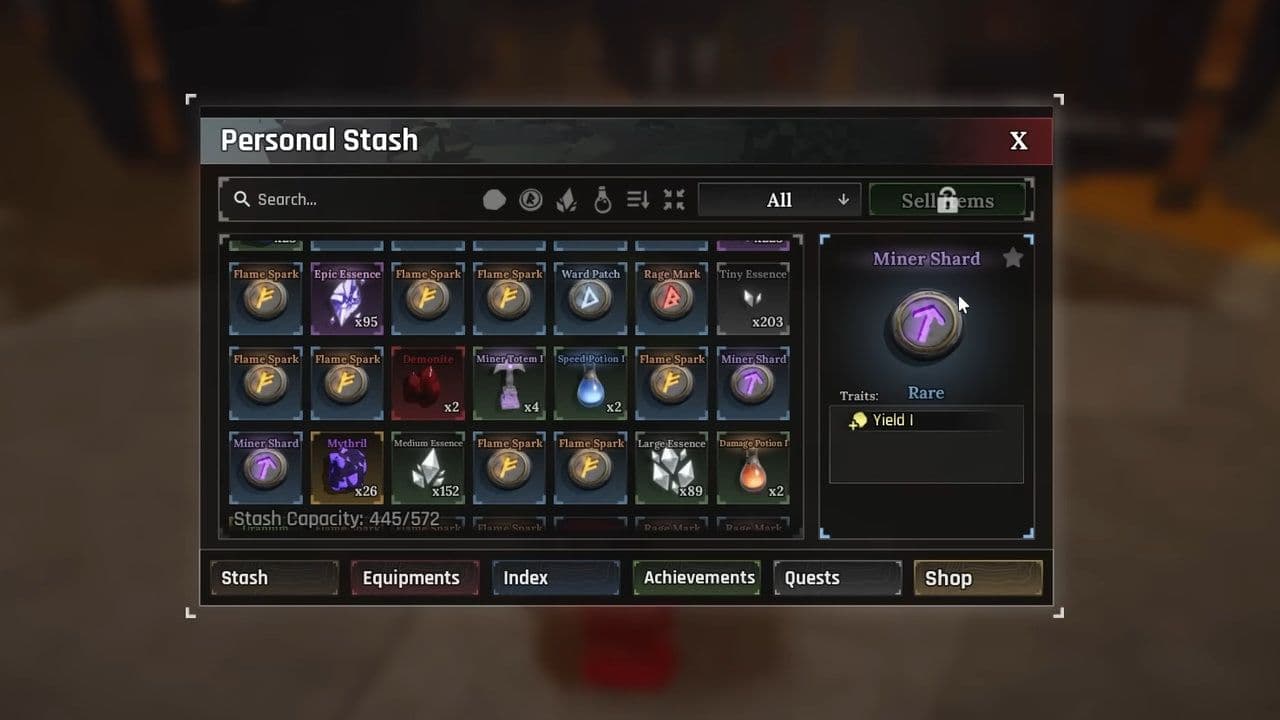
How rune levels work
Rune level directly affects:
- The number of abilities on the rune
- The strength of each ability
- The chance to roll a secondary passive
Higher-level runes are significantly more powerful and valuable, especially when paired with strong secondary passives.
How to get runes in The Forge
The only way to get runes in Roblox The Forge is by defeating enemies. Runes drop randomly, meaning there is no guaranteed method to obtain a specific rune quickly.

4 tips for The Forge rune farming
- Stronger enemies generally have better chances to drop runes
- Elite enemies and bosses are more efficient for farming
- Rune drops are affected by randomness (RNG)
- Higher luck stats may help but do not guarantee drops
Because of this, rune farming requires patience and repetition.
How to use The Forge runes
To use runes, you must visit the RuneMaker NPC in the game.

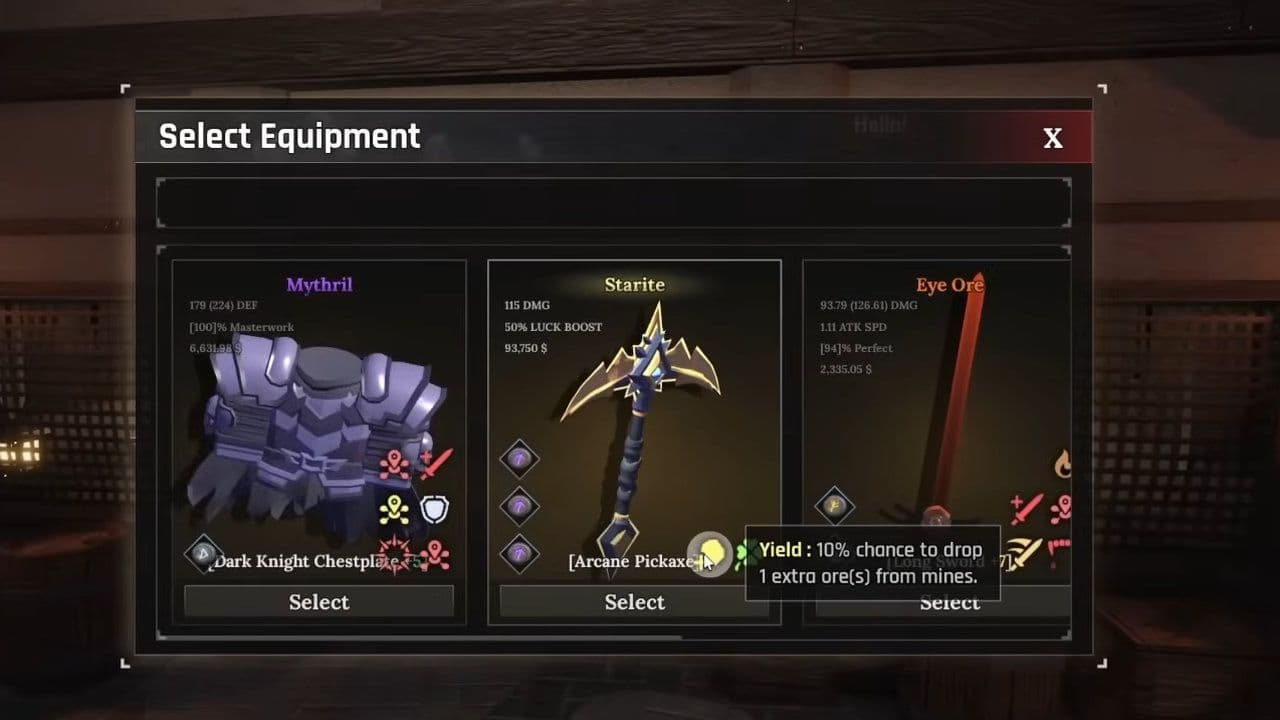
Before equipping runes:
- Weapons and armor must be upgraded to unlock rune slots
- Most gear unlocks rune slots at +3 or higher
- Pickaxes usually come with a rune slot already unlocked
Once equipped, runes enhance the item permanently until removed. Removing a rune costs resources, so players usually save strong runes for better gear.
How to remove runes
You can remove runes from weapons, armor, and pickaxes in Roblox The Forge at any time.
- Go to the RuneMaker NPC.
- Open the equipment management menu.
- Select the item with the attached rune.
- Click the rune slot and choose Detach.
- Confirm and pay the gold cost.
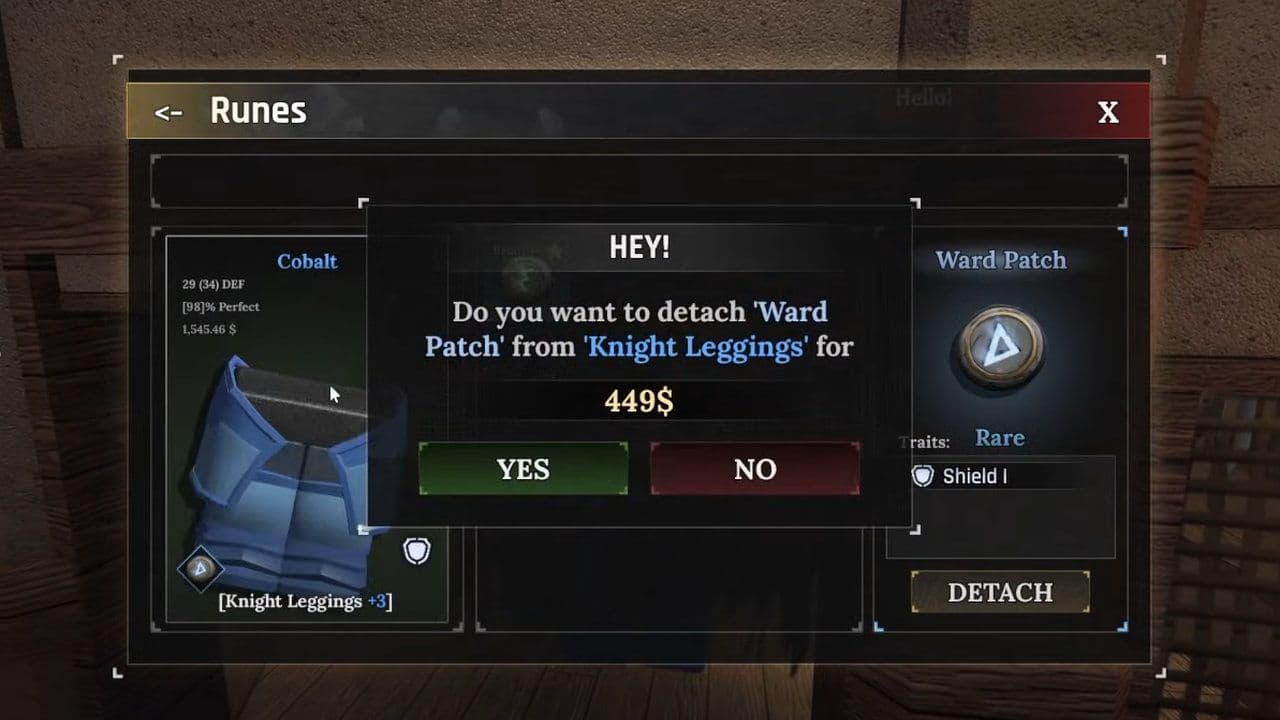
The rune is returned to your inventory and can be reused. Only remove runes when upgrading to better gear to avoid wasting gold.
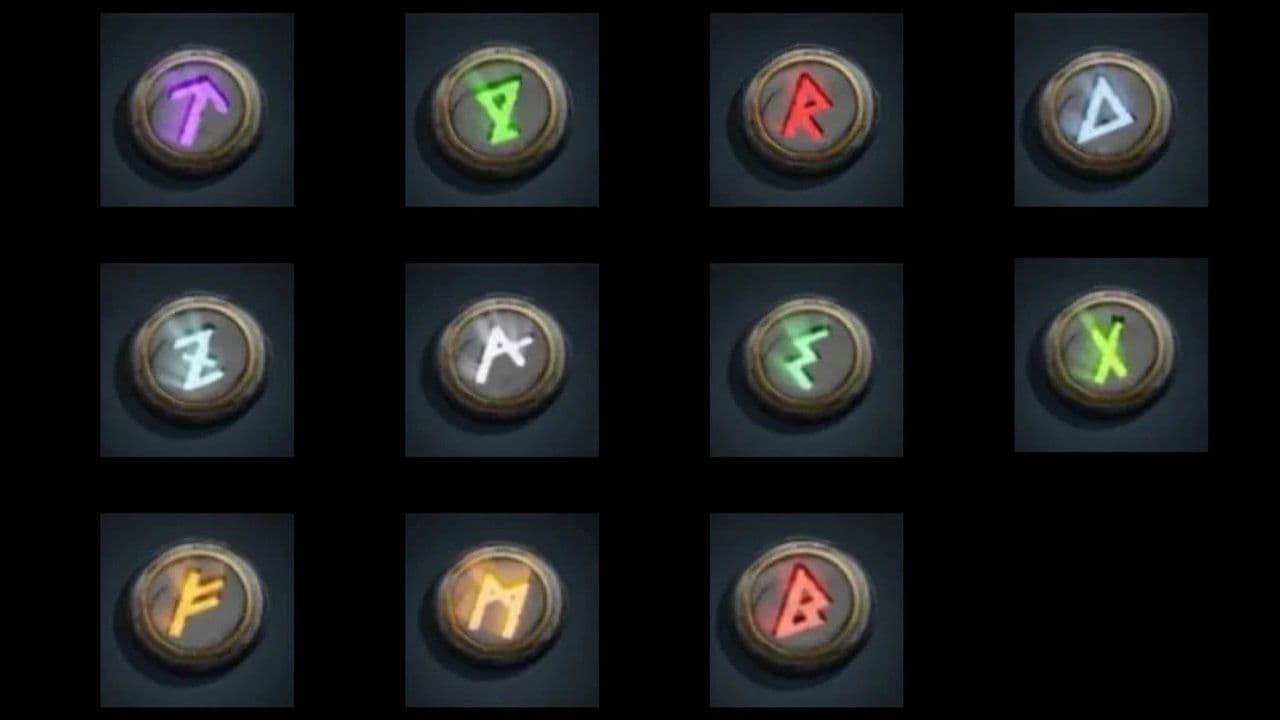
Complete list of all The Forge runes
Currently, there are 11 runes available in the game, each with unique abilities that enhance weapons or pickaxes.
All secondary passives in The Forge
Secondary passives are rare bonus effects that can appear when a rune is attached to equipment. These passives significantly improve weapon or armor performance, making a rune far more valuable.
A The Forge rune with a strong secondary passive can be better than a higher-tier rune without one. Players often farm the same rune multiple times, specifically to get a good secondary roll.
Best runes in The Forge
If you only plan to keep a few runes, these are the ones most players benefit from:

For most players, focusing on Miner Shard for mining and pairing Blast Chip with Drain Edge for combat offers the best balance between progression and survivability. However, the best rune setup ultimately depends on your playstyle—whether you mine, explore dungeons, or fight bosses regularly.
By choosing the right runes, upgrading your gear wisely, and farming efficiently, you can unlock the full potential of Roblox The Forge runes and stay ahead as the game becomes more challenging.