CS2 left-hand command: How to change to left hand in Counter-Strike 2?
While the right-hand viewmodel is default in CS2, some players want to have the left-hand viewmodel, like in CS:GO.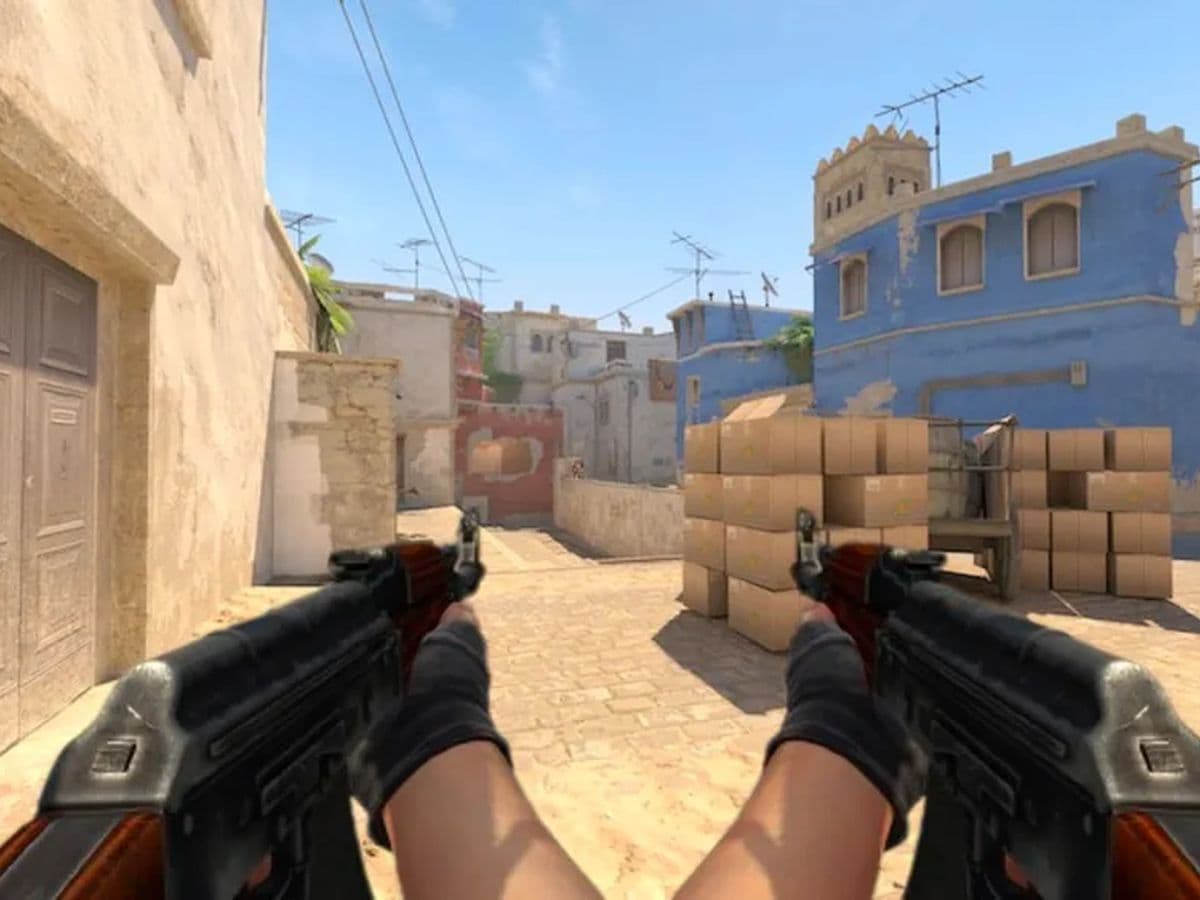
Are you looking for the CS2 left-hand command and want to learn how to change to left-hand in Counter-Strike 2? Whether you're a left-handed player looking for a more comfortable setup or just curious about how a left-handed perspective might change your gameplay, the good news is that switching to a left-handed view in CS2 is now easier than ever. This is a big change from the past, where you had to rely on console commands to make the switch.
CS2 left-hand command explained: Changing to left-hand view in Counter-Strike 2 is easy
As of the 4/25/2024 update, Valve has added a new feature that allows players to switch to the left-hand view with a simple button press. This marks a major shift from the previous method, where players needed to enter a console command to change their perspective.
How to put gun in left hand in CS2
To change to a left-handed view in CS2 now, all you need to do is:
- H on US Keyboards by default (this is customizable in your settings).
That's it! Your in-game perspective will instantly switch to the left hand, making your character hold weapons and equipment in their left hand instead of the right.
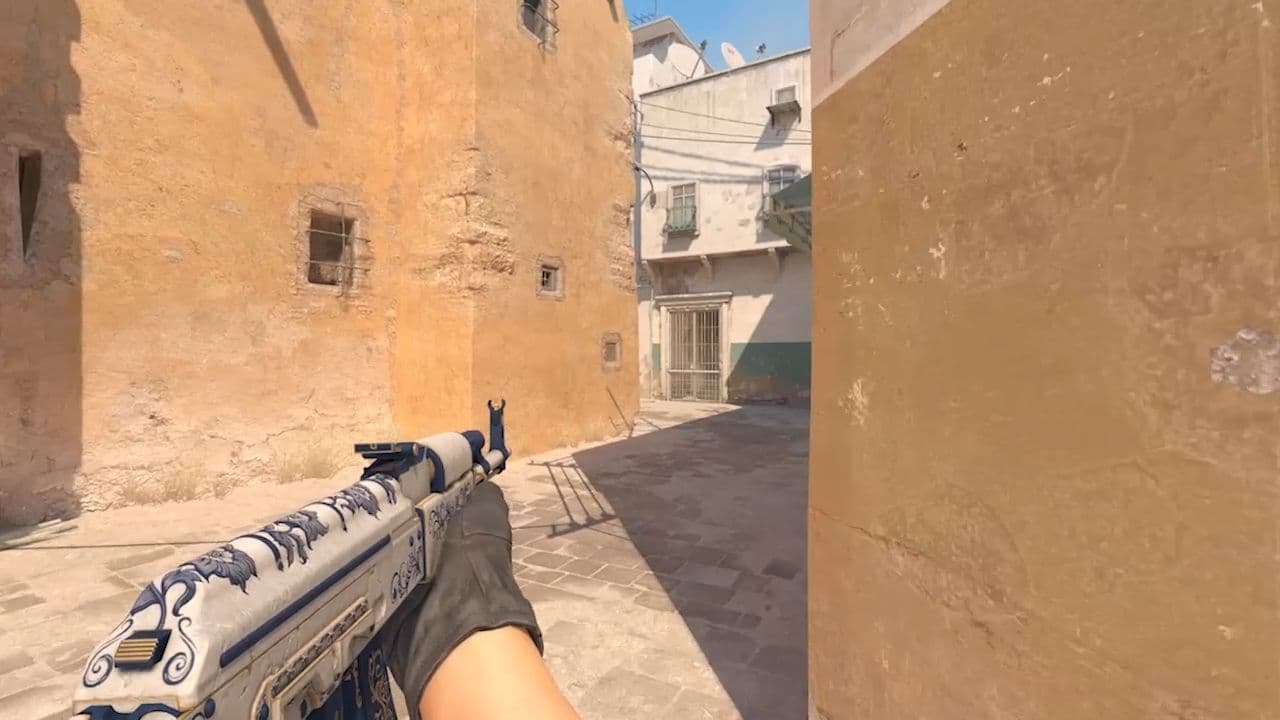
This update simplifies the process and allows you to easily toggle between left and right-handed views during gameplay, giving you more flexibility. Whether you’re trying it out for comfort or simply want to experiment, this feature puts you in control.
How it was done before the update
Before this update, the method for switching to a left-handed view involved using the console command "cl_righthand 0". Here's how it worked:
- Open CS2 and enter a match or training session.
- Press the tilde key (~) on your keyboard to open the console.
- Type the command (cl_righthand 0) and press Enter.
This would switch your character’s perspective to the left hand, with your character holding weapons in their left hand instead of the default right. However, the downside was that changes made via console commands wouldn’t persist between game sessions, meaning you would have to enter the command every time you launched the game. However, using `cl_righthand 0` and adding it to the autoexec.cfg file allowed it to persist between game sessions.
Why switch to the left?
Switching to a left-handed view in Counter-Strike 2 can offer several advantages, particularly for left-handed players who find it more comfortable to have their weapon and equipment in their dominant hand. It can help improve precision and reaction times since the controls feel more natural. Even for right-handed players, experimenting with a left-handed view can offer a fresh perspective, providing a different angle and some players prefer to have the weapon in this way when peeking to the left. In this way, their weapon doesn't obstruct the view when they fully swing the angle.
Should I use left or right hand CS2?
In CS2 you can place your weapon on the left or right side of the screen. The default setting is the right hand, and most players keep it that way because it feels natural. Some players prefer the left hand because it can give a clearer view when peeking from certain corners. For example, peeking around a right corner can feel easier when the weapon is on the left side. The choice does not affect the mechanics of shooting, recoil, or movement. Many players test both sides before deciding which feels better. The best choice is the one that makes aiming and visibility more comfortable for you.
Does switching hands in CS2 do anything?
Switching hands in CS2 changes how your weapon appears on the screen, and it can affect visibility in some situations.
- Changing hands can clear your view when peeking around corners.
- The game adds a small animation when you switch hands, which means it takes a moment to change.
- Many players use a toggle bind so the weapon flips automatically when they move in different directions.
Switching hands does not change the way weapons perform, but it helps some players see enemies more clearly during fights. It is mainly a tool for improving vision and making gameplay more comfortable.
That’s all! Looking for more CS2 guides? Scroll down:
All Related Guides
 How to Show FPS on CS2Find out how to turn on your FPS counter in-game in CS2 to monitor your performance....