Best bhop maps and servers in CS2
Bunny hopping is one way of how to out-maneuver your opponents and get around maps faster. These maps will let you practice that so that you can style on your enemies when playing ranked.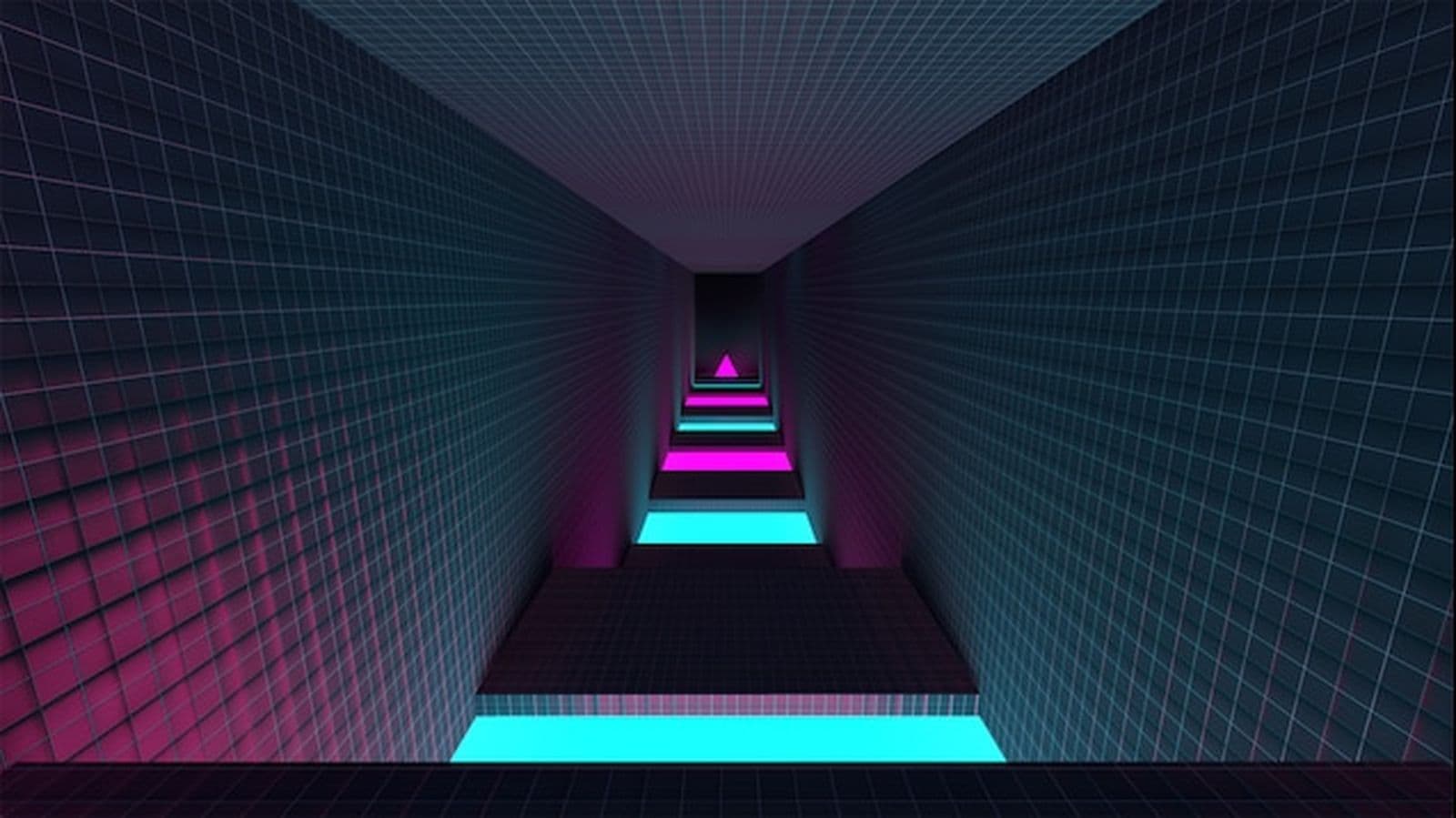
Best BHOP maps and servers in CS2 are crucial for players aiming to master bunny hopping (also known as "bhop" or "bhopping”), a movement technique that lets you jump quickly and move faster, dodging enemy fire. To improve your skills, practicing in dedicated BHOP maps and servers is key. In this guide, we’ll highlight the top options available, helping you improve your gameplay and outmaneuver your opponents. Let’s jump in!
What is Bunny Hopping?
Bunny hopping is a movement trick that involves jumping in quick succession. By performing a series of jumps, players can move faster than if they were just running. This powerful technique allows you to zip around the map, dodge enemy bullets, and keep your opponents guessing.
The first jump is the most important. If you don’t get it right, you’ll struggle to keep hopping smoothly. Bunny hopping in CS2 has been modified over the years, and some find it more difficult than in older versions.
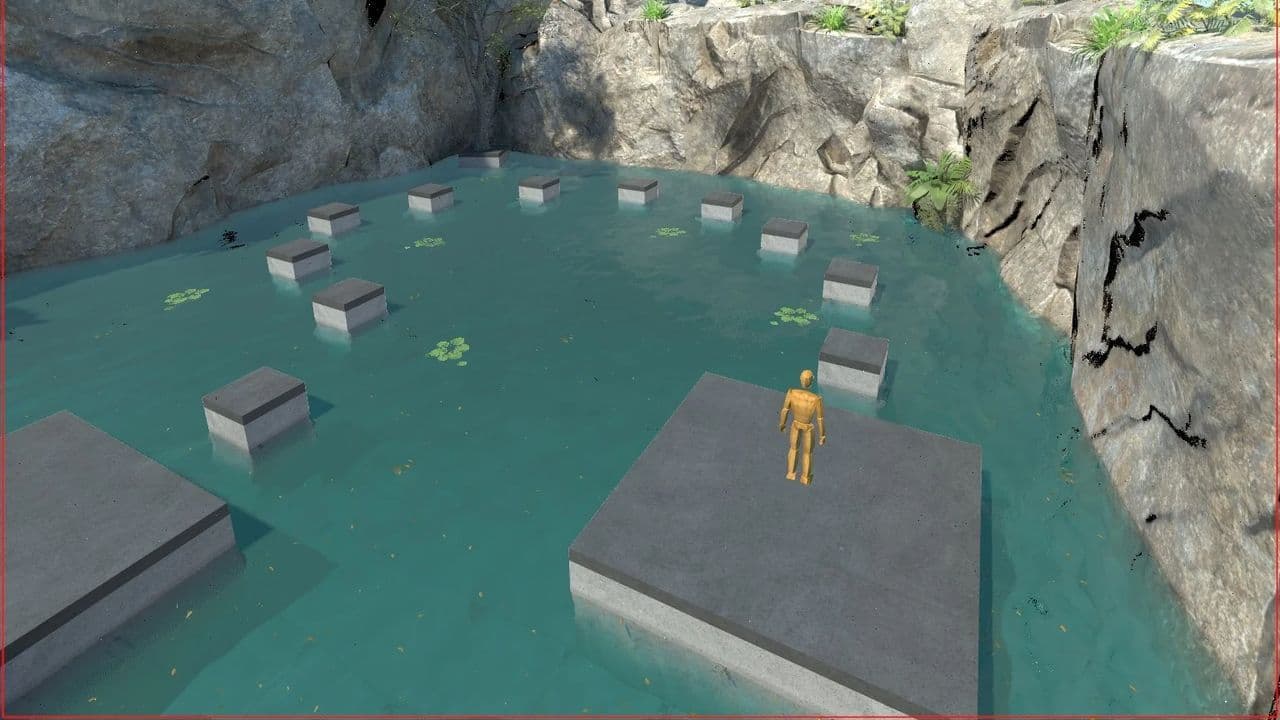
Constant jumping makes you a harder target to hit, enabling unexpected attacks and quick escapes from danger. Skilled players can also access high or hard-to-reach spots on the map, offering additional tactical options. However, mastering bunny hopping requires dedicated practice, as it takes time to develop this skill effectively.
Remember, mastering bunny hopping takes practice. Like any skill in CS2, you won’t master it overnight.
How to perform a bunny hop in CS2?
Here’s a simple step-by-step guide to help you get started with bunny hopping:
- Start Running: Press the W key to move forward.
- Jump: When you have enough speed, press the jump key (usually the space bar). For easier consecutive jumps, bind your jump action to the mouse wheel.
- Air Strafe: Once you’re in the air, let go of the W key. Move your mouse slightly to the left or right and press the corresponding strafe key (A for left, D for right).
- Land and Jump Again: Just before you touch the ground, press the jump key again. If you time it right, you’ll jump again right after landing, keeping your speed.
- Repeat: Keep jumping and air strafing. Each time you do it right, you’ll go faster.
On a side note, it's more effective to strafe using A and D keys rather than just pressing W and jumping.
Advanced techniques and commands before jumping into CS2 BHOP maps and servers
To improve your bunny hopping, you can use some console commands. These commands can be used in offline matches with bots or custom maps but can’t be used in official competitive servers.
CS2 BHOP maps and servers explained
CS2 BHOP servers are dedicated game servers in Counter-Strike 2 (CS2) designed specifically for practicing and mastering the bunny hopping (BHOP) technique. These servers often come with modified settings that make bunny hopping easier and more effective, allowing players to focus solely on improving their movement skills.
To find CS2 BHOP servers:
- In-Game Server Browser: Use the server browser within CS2 to search for BHOP or bunny hop servers.
- Online Communities: Check online forums, Discord servers, or websites dedicated to CS2 for recommendations on popular BHOP servers.
- Custom Maps: Some players create and host their own BHOP maps, which can also be found in the Steam Workshop.
10 best CS2 BHOP maps and servers
Here are some of the best CS2 BHOP maps and servers:
1. awp_bhop_rocket
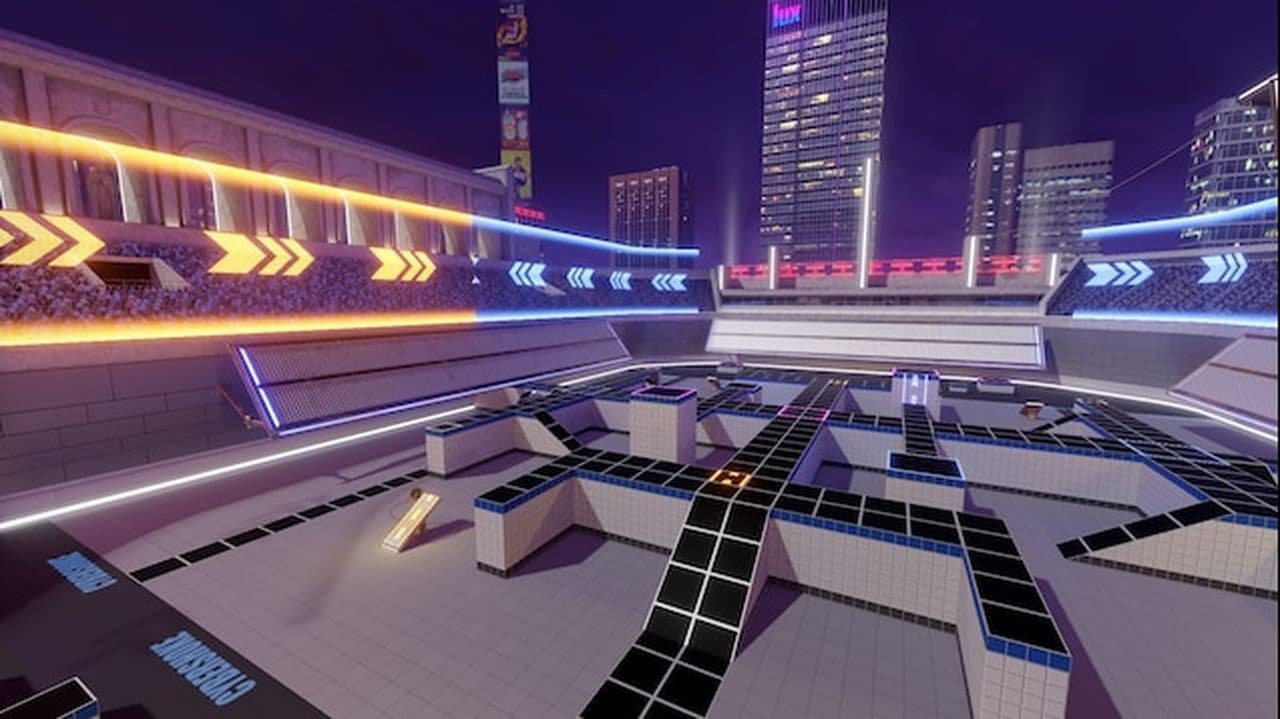
A visually engaging remaster of the classic CS map, awp_bhop_rocket features fast-paced bunny hopping mechanics within a rocket-themed environment. Players can enjoy the nostalgic elements while navigating intricate jumps and boosts, making it suitable for both casual and competitive play.
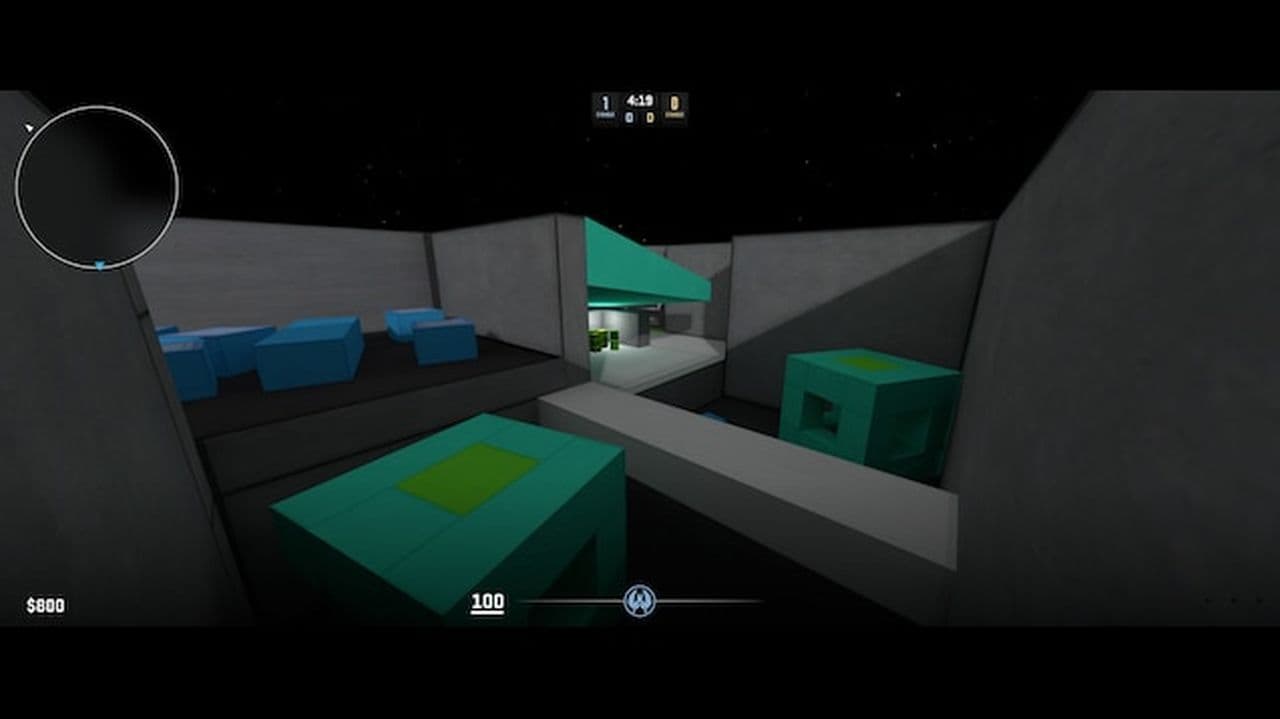
2. bhop_emevaelx3
Designed specifically for bunny hopping practice, bhop_emevaelx3 allows players to jump right into the action with pre-configured commands. This map is perfect for newcomers looking to refine their movement skills and familiarize themselves with the mechanics of jumping, offering an accessible and straightforward experience.
3. bhop_minecraft_cave
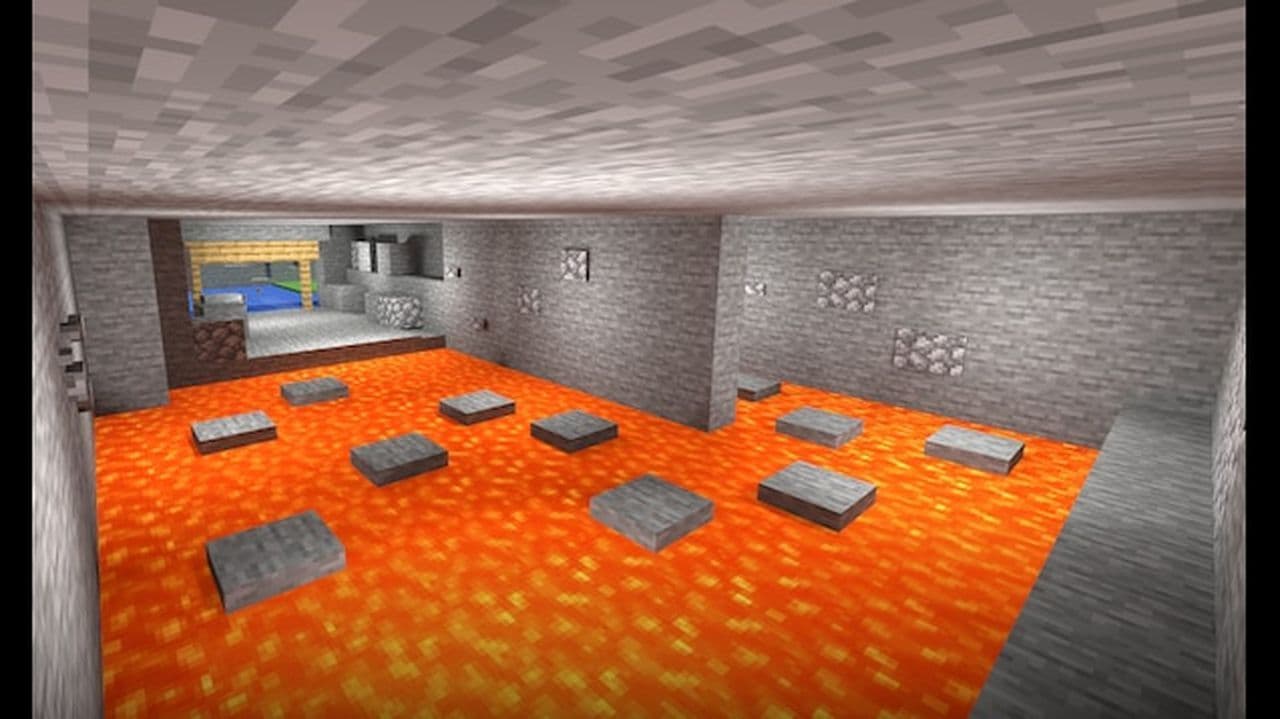
Blending the iconic Minecraft aesthetic with BHOP gameplay, bhop_minecraft_cave immerses players in a cave system filled with obstacles. The unique environment not only provides a visually stimulating experience but also challenges players to improve their jumping techniques as they navigate through the colorful terrain.
4. Bhop_Colour
A vibrant remake of a previous map, Bhop_Colour showcases a colorful design that enhances the gameplay experience. With 32 spawn points and support for server plugins, this map encourages fluid movement and creativity while allowing server administrators to customize features to suit their community's needs.

5. bhop_dunedash
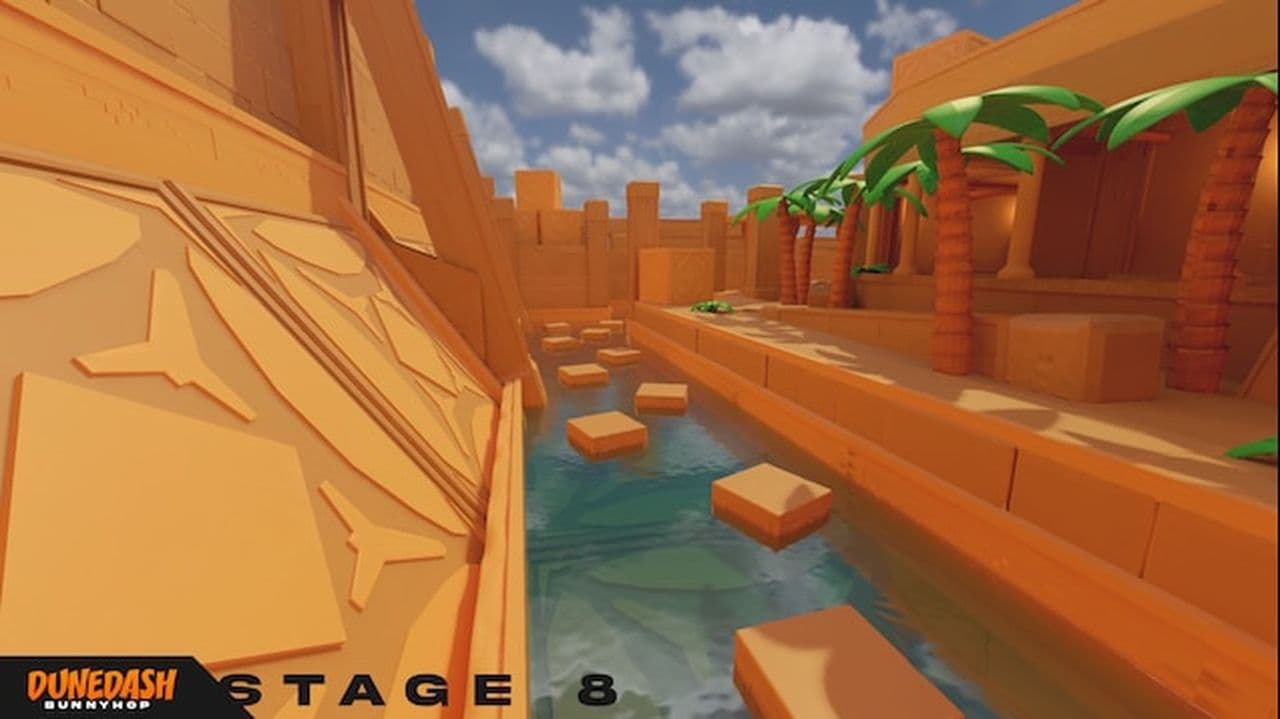
The first version of Bunnyhop Dunedash presents a desert-themed environment with dynamic obstacles that challenge players to master their bunny hopping skills. Featuring 32 spawn points, this map is designed for both casual and competitive play, promoting quick reflexes and precise movements.
6. bhop_minecraft_village
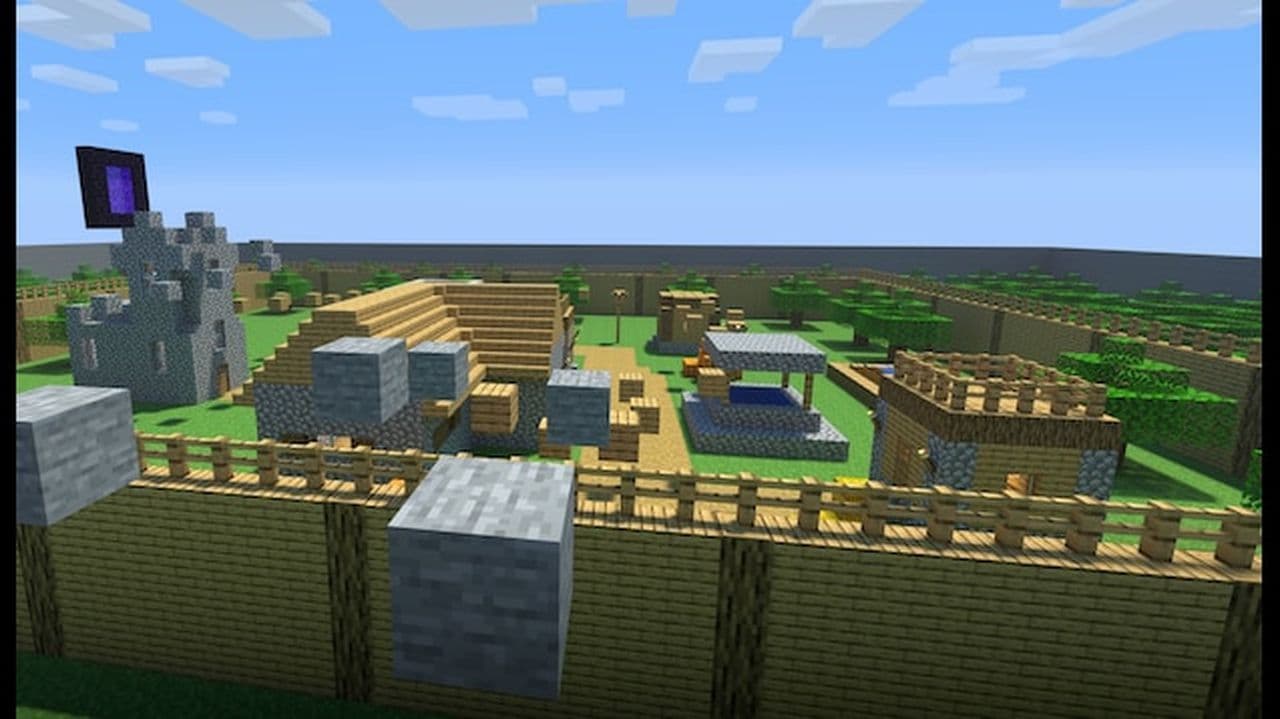
Another entry in the Minecraft-themed series, bhop_minecraft_village offers a charming village setting that merges aesthetics with BHOP mechanics. This map allows players to engage in playful navigation while honing their skills in a nostalgic and familiar environment.
7. |BHOP| UTOPIA 2
Utopia 2 features an expansive and intricate design that invites players to explore its varied routes and obstacles. This map encourages creativity and skill development, making it a favorite among players looking to experiment with different bunny hopping techniques in a vibrant atmosphere.
8. bhop_rushb
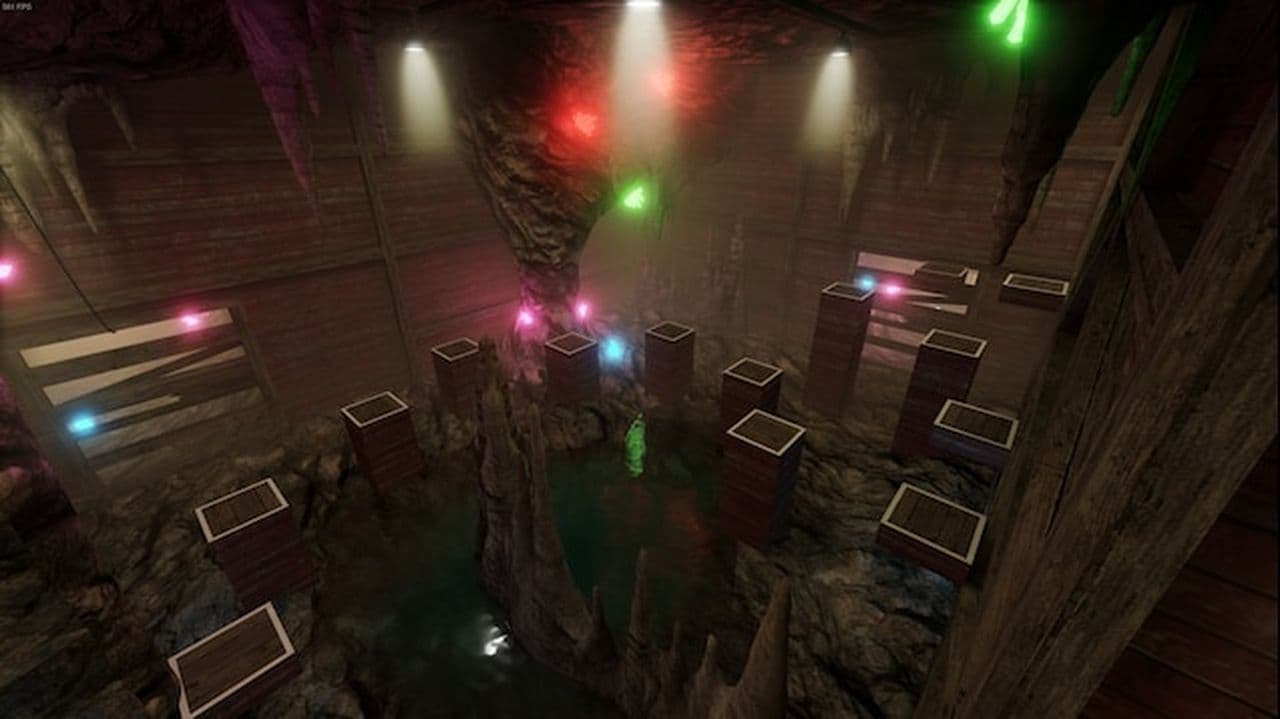
Designed for quick bursts of speed, bhop_rushb focuses on fast-paced action and reflex-driven gameplay. This straightforward map is ideal for players looking to practice their jumping skills in a competitive setting, emphasizing agility and precision.
9. Bhop_Vaporwave
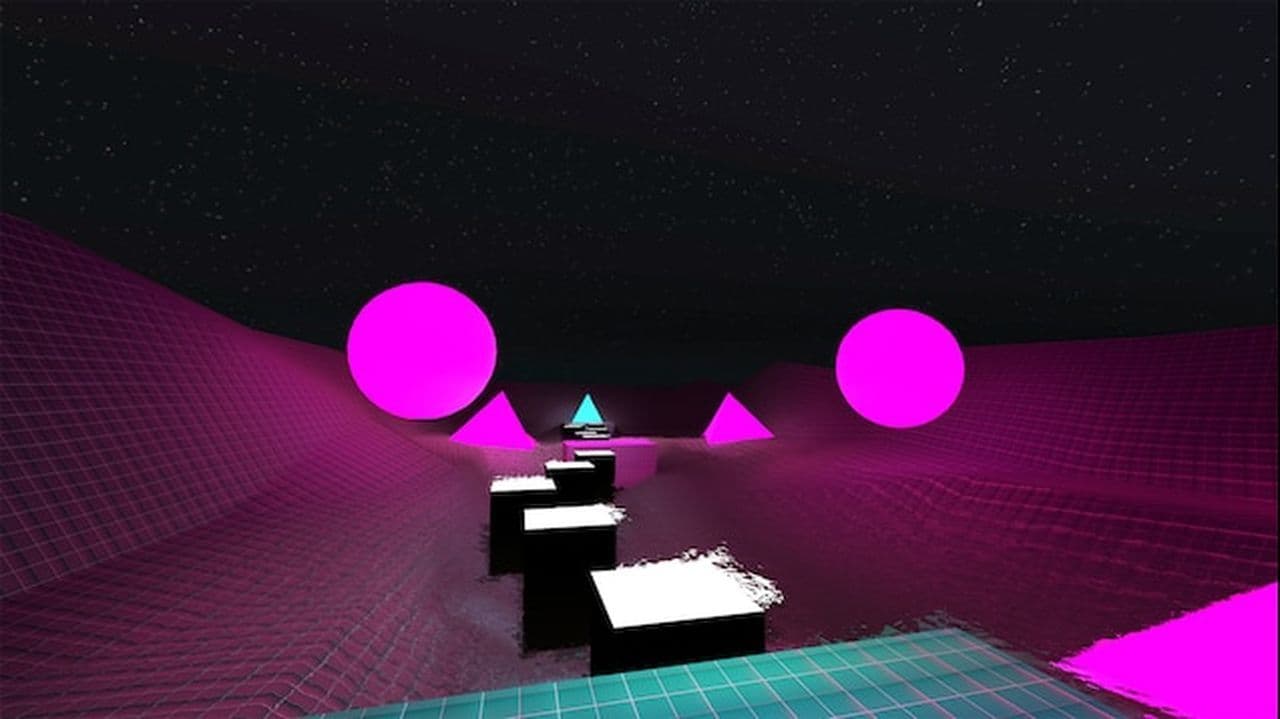
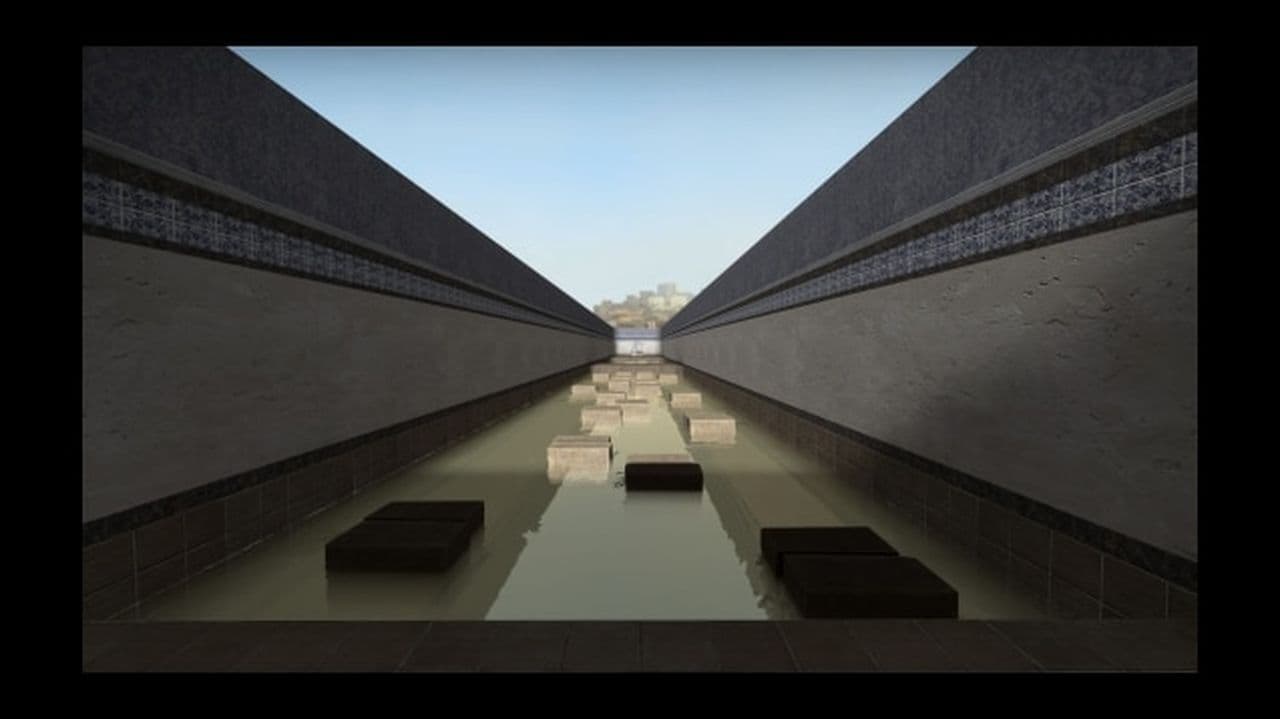
The updated version of Bunnyhop Vaporwave (1.2) combines retro visuals with challenging bunny hopping mechanics. With support for various server plugins and 32 spawn points, this map encourages players to push their skills further in a lively and colorful setting while connecting with the community.

10. bhop_internetclub
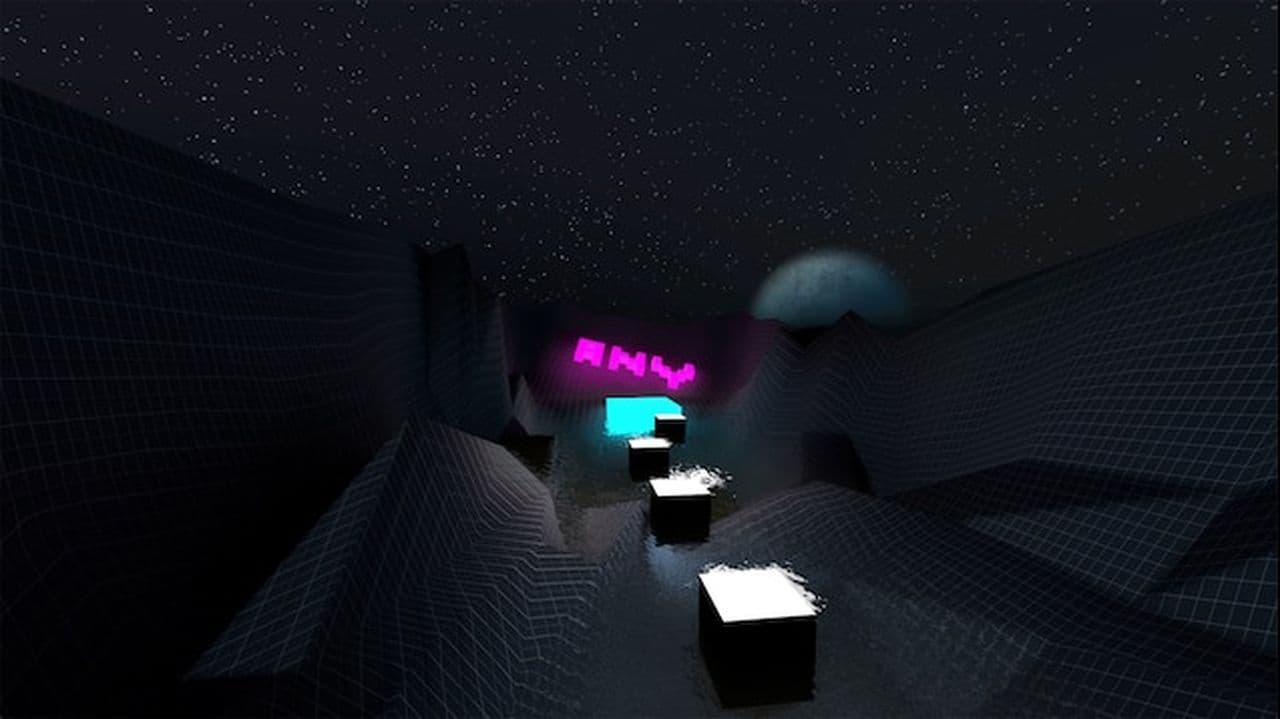
Created by ANY and ported by DeF4Q, bhop_internetclub features enhanced textures and a modern design that resonates with community-driven experiences. This map allows players to enjoy classic BHOP mechanics in a contemporary atmosphere, providing an engaging space to practice and improve their skills.
Is bhop bannable in CS2?
Bunny hopping is allowed in CS2 when you perform it by hand, but using macros or scripts to automate it is bannable. A macro is a program or input command that makes your jumps perfect every time without effort. Valve considers this cheating because it gives players an unfair advantage. If the anti-cheat system detects a macro, it can result in a ban from official servers. Players who only bind their mouse wheel to jump are safe since that is an in-game setting and not a script. Many players use the scroll wheel method because it makes jumping easier, but it still requires timing and practice.
How to hit every bhop in CS2?
To hit bunny hops consistently in CS2 you need to practice the correct movement and timing. Start by jumping forward to build momentum. While in the air, hold the A key and move your mouse slightly to the left, or hold the D key and move your mouse slightly to the right. Switch sides each time you land to keep your speed going. You also need to press jump at the exact moment you land, otherwise you will lose speed. Many players use the mouse wheel for jumping because it makes timing easier.
The CS2 BHOP scene is relatively new, so the availability of maps and servers may change rapidly. It's always a good idea to check online communities and forums for the latest updates.