CS2 jumpthrow bind
If you can't play Counter-Strike without the jumpthrow bind, don't worry. Here is how to set the jumpthrow bind in CS2!
Ever wondered how the pros in Counter-Strike 2 manage to land those perfect grenade throws every single time? Well, there's a little trick called the jumpthrow bind that makes all the difference. You obviously don’t have to be a pro player to use a jumpthrow bind in CS2. In this guide, we will show you how to set a CS2 jumpthrow bind, what exactly it is and more information about it!
What is a jumpthrow bind in CS2?
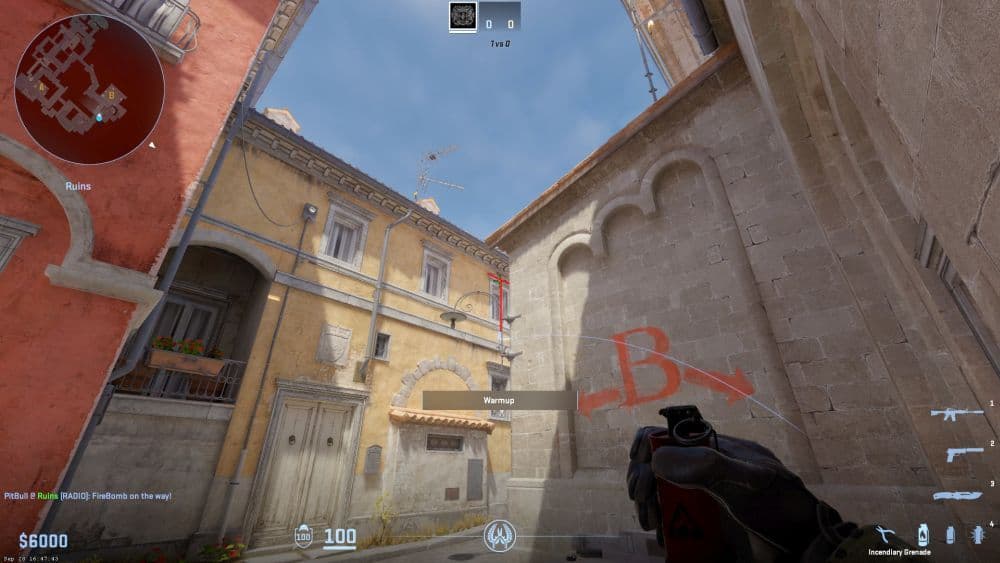
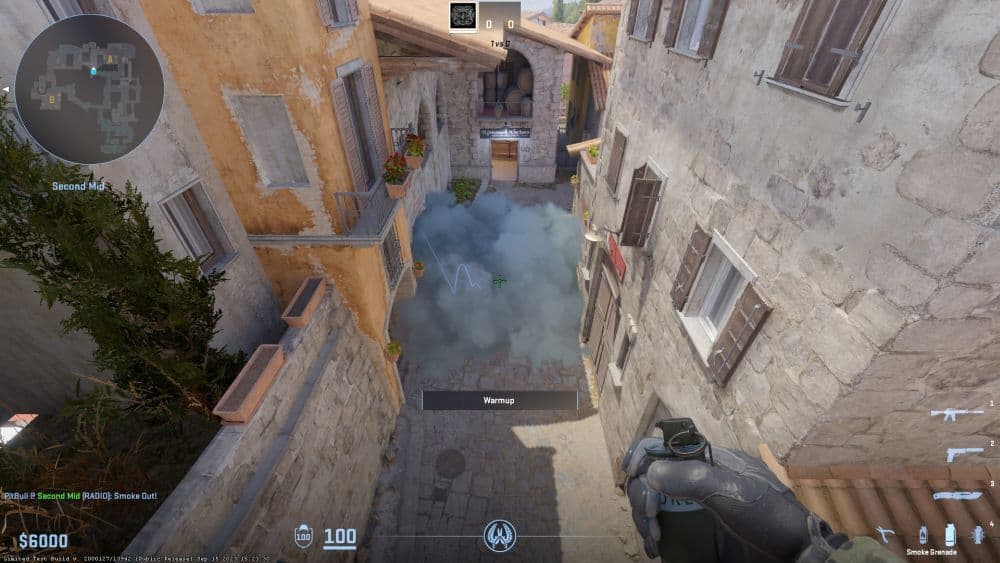
A jumpthrow bind in CS2 is essentially a custom shortcut that allows players to perform two actions – jumping and throwing a grenade – at the same time with just one button. In the high-stakes environment of a CS2 match, manually timing these actions can be difficult. A fraction of a second too early or too late, and the grenade may not land where intended, potentially ruining a strategic play. The jumpthrow bind eliminates this uncertainty, ensuring that every grenade thrown while jumping follows the same trajectory, reaching its target accurately.
How does a jumpthrow bind help you?
Even though many players still don’t like to use a jumpthrow bind in CS2, there are others who think it is still very useful. Even though if you don’t think that the bind is still useful, if you used it for years during CS:GO, it might be hard to get rid of it. There are some reasons why the CS2 jumpthrow bind is still very useful. Here are some of the most important ones:
- Consistency: The jumpthrow bind ensures that your grenade lands in the exact spot every time, removing the variable of human error in timing.
- Accessibility: It levels the playing field, allowing players who may lack reflexes or timing to execute advanced plays.
- Strategic Advantage: With the ability to reliably place grenades, teams can develop complex strategies to control the map involving precise smoke, flash, or Molotov placements.
Can you still bind jumpthrow in CS2?
Yes, you can! The jumpthrow bind remains a feature in CS2, much to the relief of players transitioning from Counter-Strike: Global Offensive (CS:GO). This continuity means that your well-practiced strategies and techniques can still be applied, allowing for a smoother adaptation to the new game dynamics of CS2.
How to set a CS2 jumpthrow bind
Setting up a jumpthrow bind in CS2 is pretty straightforward. You need to go into the game's files, create a new file called "binds.cfg", and write some special commands in it. Of course, that is not it, as the bind needs to be written in its special type. To set up a jumpthrow bind in CS2, follow these steps:
- Find the CS2 Config Folder: First, navigate to the CS2 configuration files folder. This is usually located in the Steam apps directory.
- Create a New Config File: In this folder, create a new file and name it "binds.cfg".
- Edit the Config File: Open your newly created "binds.cfg" file in a text editor like Notepad. Here, you'll enter the commands that create your jumpthrow bind.
- Input the Bind Commands: Copy and paste the following commands into your file. Replace [KEY] with the key you wish to bind the jumpthrow to, and [KEY2] for an alternative bind, if desired:
- alias "+jumpthrow" "+jump;-attack"; //Starts the jump and grenade throw
- alias "-jumpthrow" "-jump"; //Ensures you can jump again after executing
- bind "[KEY]" "+jumpthrow"; //Binds the above aliases to your chosen key (LEAVE ONE LINE SPACE AFTER THIS CODE AND THEN CONTINUE WITH THE OTHER ONES)
- alias "+runthrow" "+forward;+jump;-attack";
- alias "-runthrow" "-jump;-forward";
- bind "[KEY2]" "+runthrow"; //For running jump throws
- Save Your Config File: After entering the commands, save and close the "binds.cfg" file.
- Execute Your Bind in CS2: Launch CS2, open the console in-game (usually with the ~ or key), and type exec binds to activate your jumpthrow bind.
How does CS2 jumpthrow bind work?
When you set up a key for the jumpthrow bind in CS2 and press it, the game quickly makes your character do two things at once: jump and throw a grenade. This is possible because of a special setup that tells the game to make your character jump and throw the grenade together. This way, the grenade flies out right when your character is at the top of the jump, which means it goes further and lands more accurately.
Are keybinds allowed in CS2?
Yes, CS2 allows players to use keybinds. You can set them in the settings menu or the developer console. Keybinds help with actions like movement, weapon switching, or throwing grenades. Many players also use special binds for jump throws or quick bomb drops. Valve accepts these keybinds in official matchmaking, but scripts that give unfair advantages are not allowed. Keybinds make the game smoother, improve reaction time, and give more control.
How to bind right in CS2
You can bind a right turn in CS2 with console commands. To do this, you need to enter an alias for the movement and then connect it to a key. An example command is:
- alias +turnright "turnright 0.70"
- alias -turnright "turnright -0.70"
- bind "RIGHTARROW" +turnright
This makes your character turn right when you press the arrow key. Another useful bind changes the weapon hand view. You can switch between right hand and left hand with the command:
- bind "L" "toggle cl_righthand 0 1"
This toggle gives you better vision depending on which side of the map you play. It is useful for peeking around corners and adjusting comfort
The CS2 jumpthrow bind is a great example of how you can use what the game offers to really up your game, showing there's always something new to learn or a new strategy to try. It gives you a powerful move that can make a difference during important game moments. The jumpthrow bind lets every player, no matter how experienced, have the chance to make these big plays that could change the match's outcome.