Guide to the Roblox Bite By Night x Medal Quest: Get your free Fighter Class skin
Complete the Medal quest quickly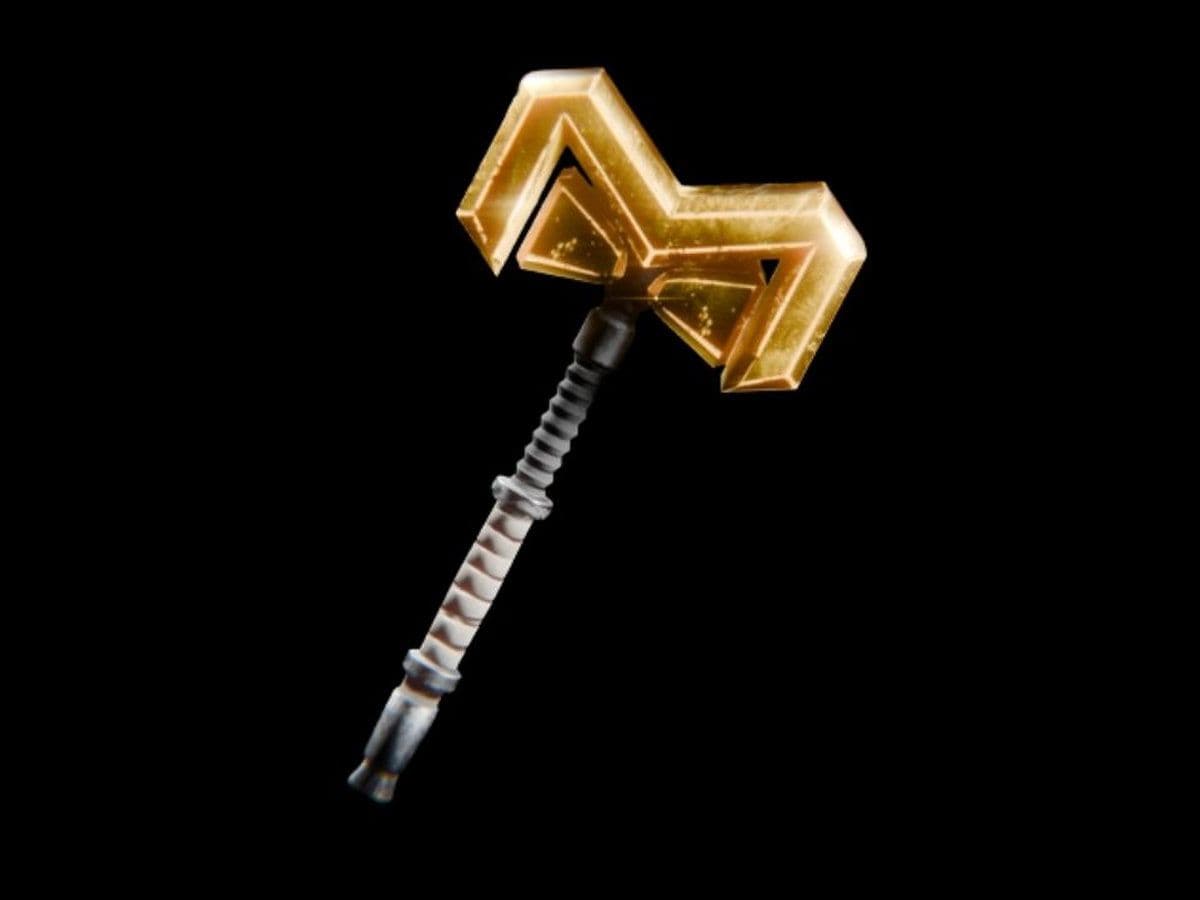
The Roblox Bite By Night x Medal Quest is a limited-time collaboration that lets players unlock an exclusive reward: the Fighter Class Skin. This skin is a Medal Exclusive In-Game Reward, which means you cannot get it through normal gameplay in Roblox Bite By Night.
To unlock it, you need to complete a quest on Medal Medal by linking your Roblox account and posting a gameplay clip.
If you want the reward quickly and without mistakes, here is everything you need to know about the Roblox Bite By Night x Medal Quest.
What Is the Roblox Bite By Night x Medal Quest?
The Roblox Bite By Night x Medal Quest is a promotional event between Bite By Night and Medal. The quest has two simple requirements:
- Connect your Roblox account
- Post your best Bite By Night clip to your Medal profile
Once both tasks are complete, you can redeem the Fighter Class Skin.
This makes the event easy compared to most Roblox collaborations, but many players still miss steps and fail to claim the reward.
Reward: Fighter Class Skin
The reward for completing the Roblox Bite By Night x Medal Quest is the Fighter Class Skin.
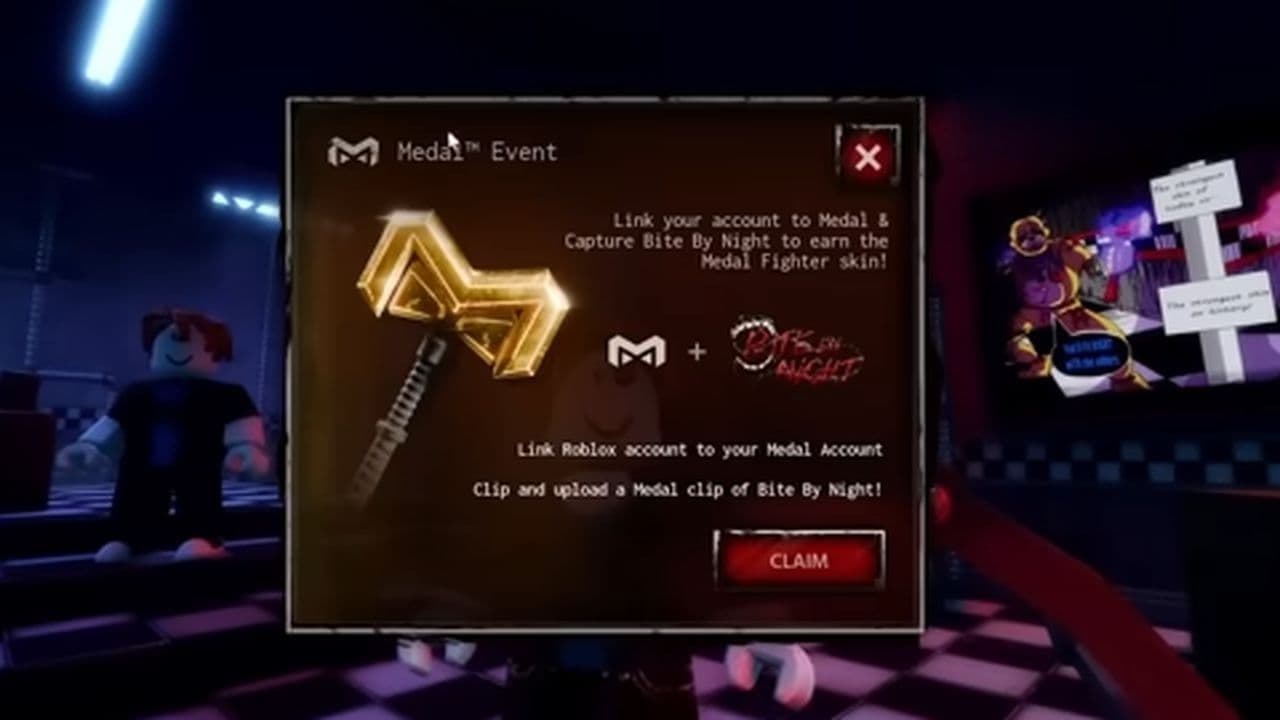
How to complete Roblox Bite By Night x Medal Quest fast
Follow these steps to complete Roblox Bite By Night x Medal Quest
Step 1: Install Medal on PC
First, download and install Medal on your PC. This is required because the quest depends on Medal’s clipping system.
Open Medal and sign in.
Make sure Medal stays running in the background while playing Roblox. If Medal is closed, your gameplay clip may not register.
Step 2: Connect your Roblox Account
Next, link your Roblox account inside Medal.
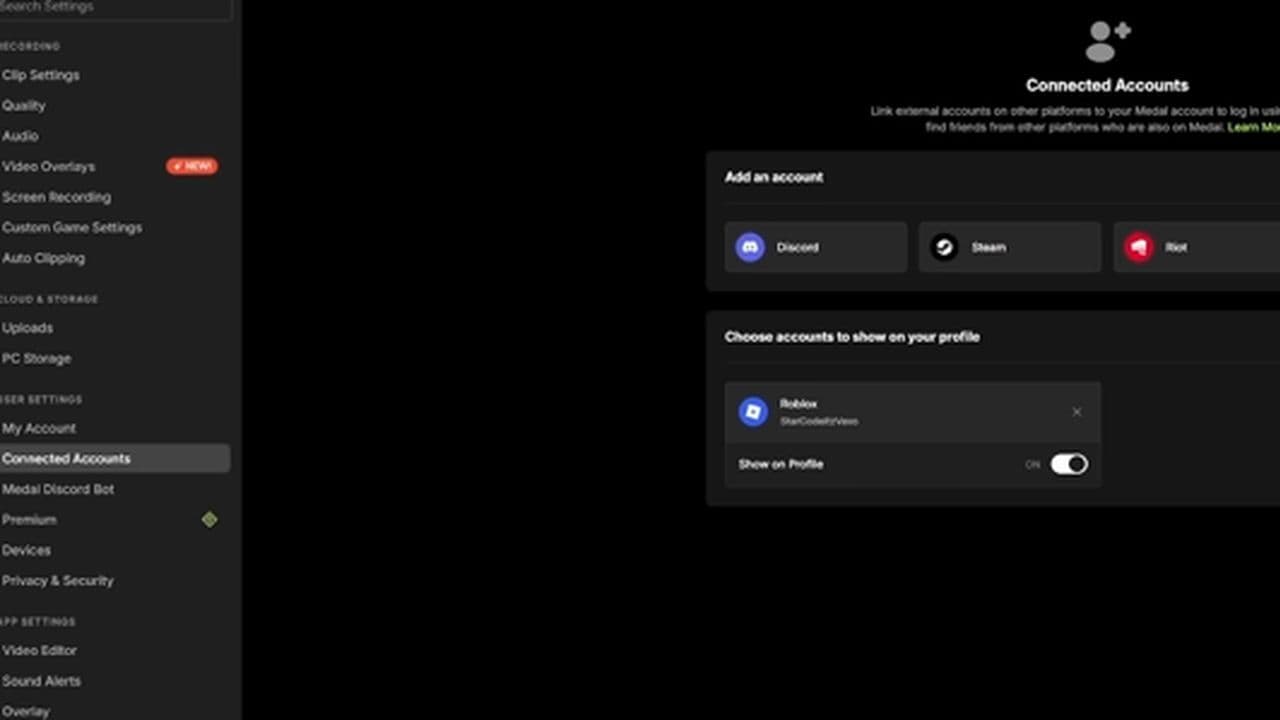
This is one of the two required tasks, and it must be completed before claiming the reward.
Important tips:
- Link your main Roblox account
- Do not use an alt account
- Double-check the connection before continuing
If the wrong account is linked, the reward may go to the wrong profile.
Step 3: Launch Bite By Night
Open Bite By Night Bite By Night in Roblox and join a match.
The game is an asymmetrical horror survival experience where:
- Survivors complete objectives and survive until 6 AM
- The Killer hunts survivors and prevents escape
This creates perfect moments for clips—escapes, kills, jump scares, or close calls.
Step 4: Record a clip
Now record gameplay using Medal.
The default Medal hotkey is usually: F8
Press F8 during gameplay to save your recent footage. Medal automatically captures gameplay in the background, so you only need one key press to save the clip.
Best clip ideas:
- Last-second escape
- Intense chase
- Jump scare moment
- Team survival play
- Killer elimination
- Funny fail
Avoid:
- Lobby footage
- AFK clips
- Menus
- Black screen recordings
- Wrong game footage
Step 5: Upload your clip to Medal
Recording is not enough, you must upload the clip.
Go back to Medal, open your saved clip, and post it to your Medal profile.
Make sure the clip is:
- Published
- Visible on your profile
- Properly uploaded
- From Bite By Night gameplay
- This completes the second quest requirement.
Step 6: Claim the Reward
Once both requirements are complete:
- Roblox account connected
- Bite By Night clip posted
You can redeem the reward and unlock the Fighter Class Skin.
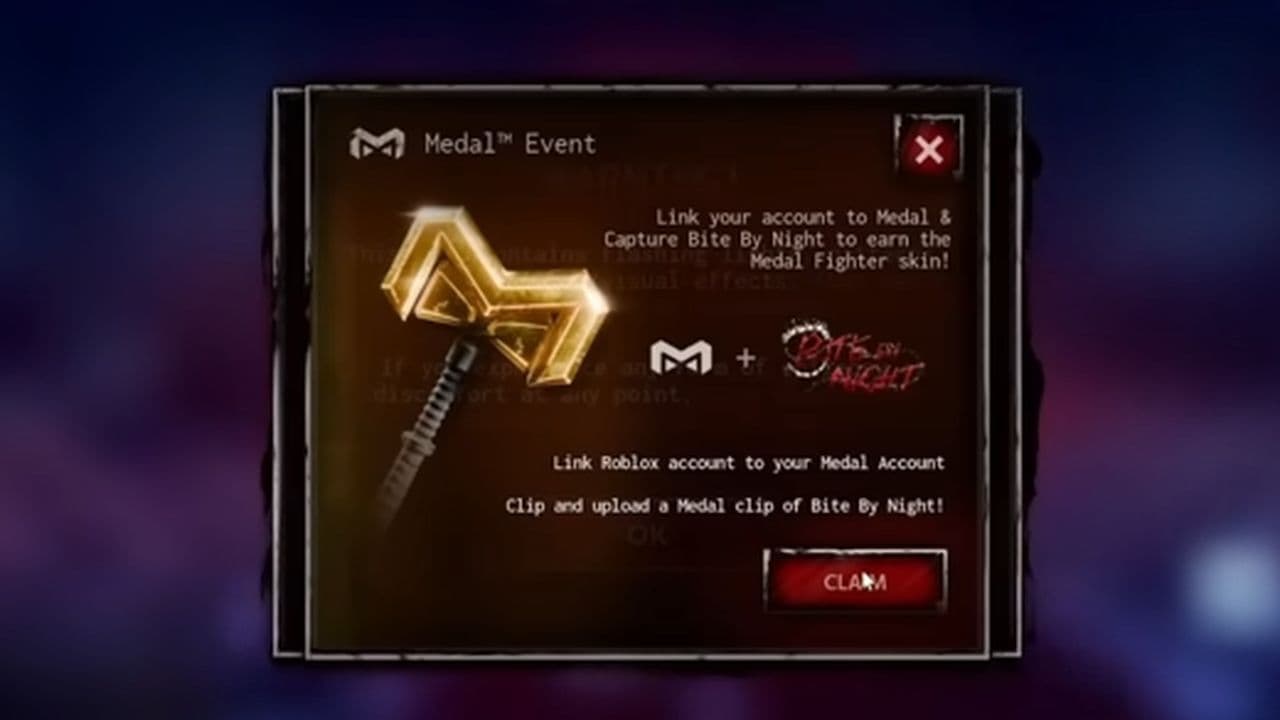
Check your Bite By Night inventory and the skin should appear.
Roblox Bite By Night x Medal Quest troubleshooting
If the quest does not complete:
- Clip not counted: Upload another 15–30 second Bite By Night clip with clear gameplay and make sure it is publicly posted.
- Reward not showing: Restart Roblox, rejoin Bite By Night, check your cosmetics inventory, and wait a few minutes for the reward to sync.
- Quest progress stuck: Make sure your Roblox account is linked correctly, Medal is running, and your clip was uploaded successfully.
The Roblox Bite By Night x Medal Quest is one of the easiest Roblox event rewards to complete. It costs nothing, takes around 5–10 minutes, and gives you the exclusive Fighter Class Skin.
If you play Bite By Night, this is absolutely worth completing before the event disappears.
That’s all for today! Meanwhile, you can enjoy these free Roblox items:
All Related Guides
 How to start a hunt in Demonology (Roblox)Learn how to start a hunt in Demonology using cursed objects, Energy management, and hunt triggers to identify...
 Roblox playtime check: How to see how many hours you have on RobloxLearn how to check Roblox playtime, view weekly hours, track game activity, and estimate total time spent on R...
 How to make gamepasses in RobloxA simple guide to Roblox gamepasses, covering what they do, how to make one, and how to sell it the right way....
 Universal Tower Defense X tier list (2026): Best units & moreUniversal Tower Defense X tier list for 2026: best units, Infinite Mode picks, beginner recommendations, and c...
 How to get Dark Ring in Roblox Sailor Piece fastLearn how to get Dark Rings fast in Sailor Piece, including Jinwoo boss location, drop rate, respawn timer, an...
 Opera GX Forsaken rewards guide (2026)Opera GX Forsaken rewards guide: unlock exclusive skins, XP Boosters, Killer Chance Tokens, and daily event re...
 All Roblox color codes list & how to use themComplete Roblox color codes guide: BrickColors, RGB values, Color3, HEX conversion, and how to use colors in R...
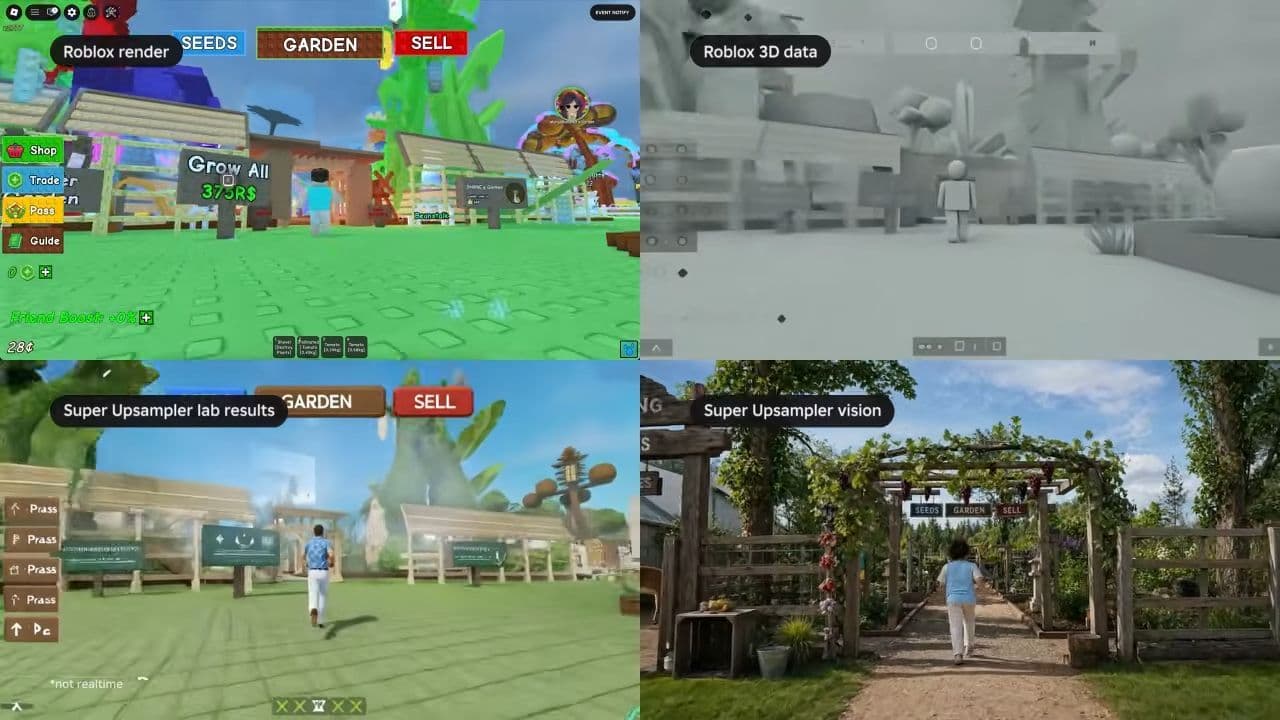 What is Roblox Reality? A detailed look at Roblox’s new hybrid architectureWhat is Roblox Reality? Learn how Roblox’s new AI-powered hybrid architecture brings photorealistic multiplaye...
- 1
- 2
- 3
- 4
- 5
- 6
- 7
- 8
- 9
- 10
- 11