Opera GX Forsaken rewards guide (2026)
Free Forsaken skins through Opera GX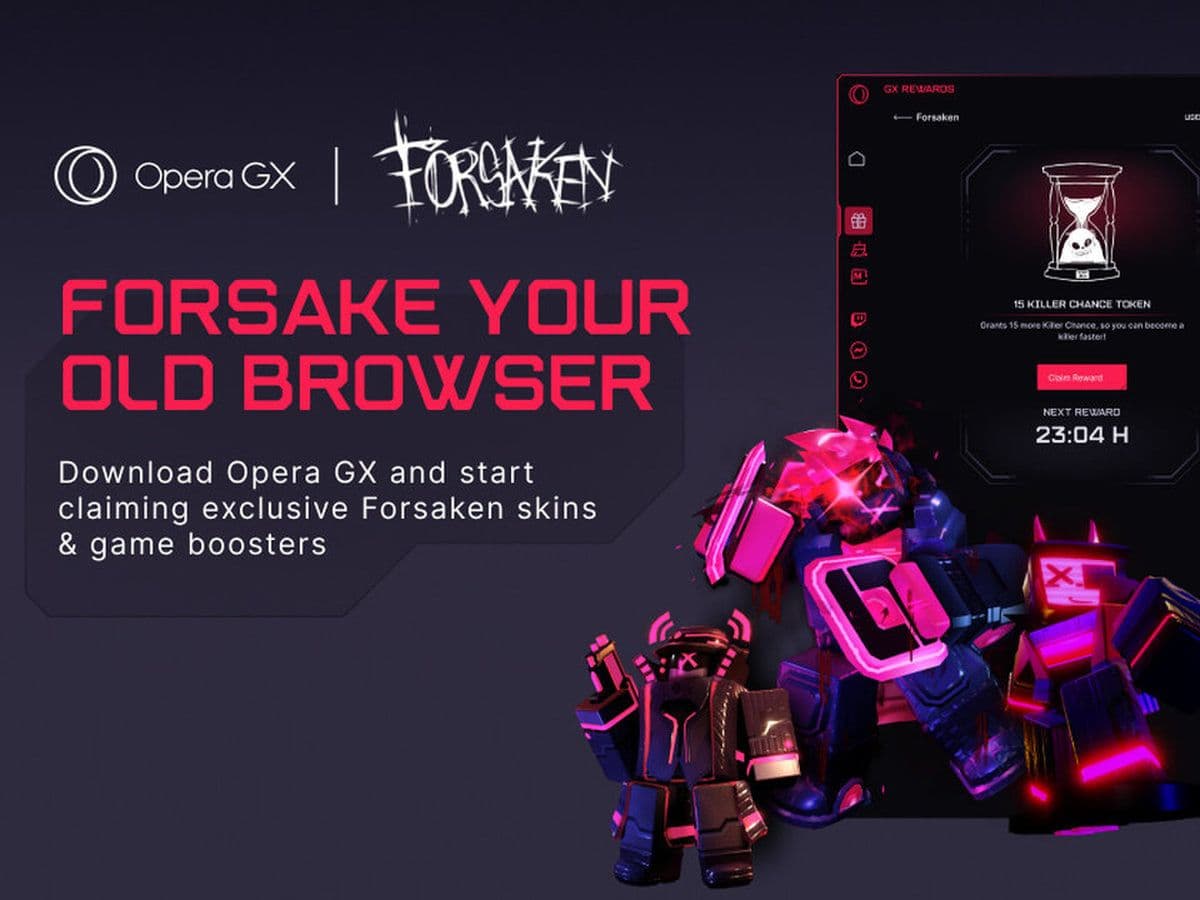
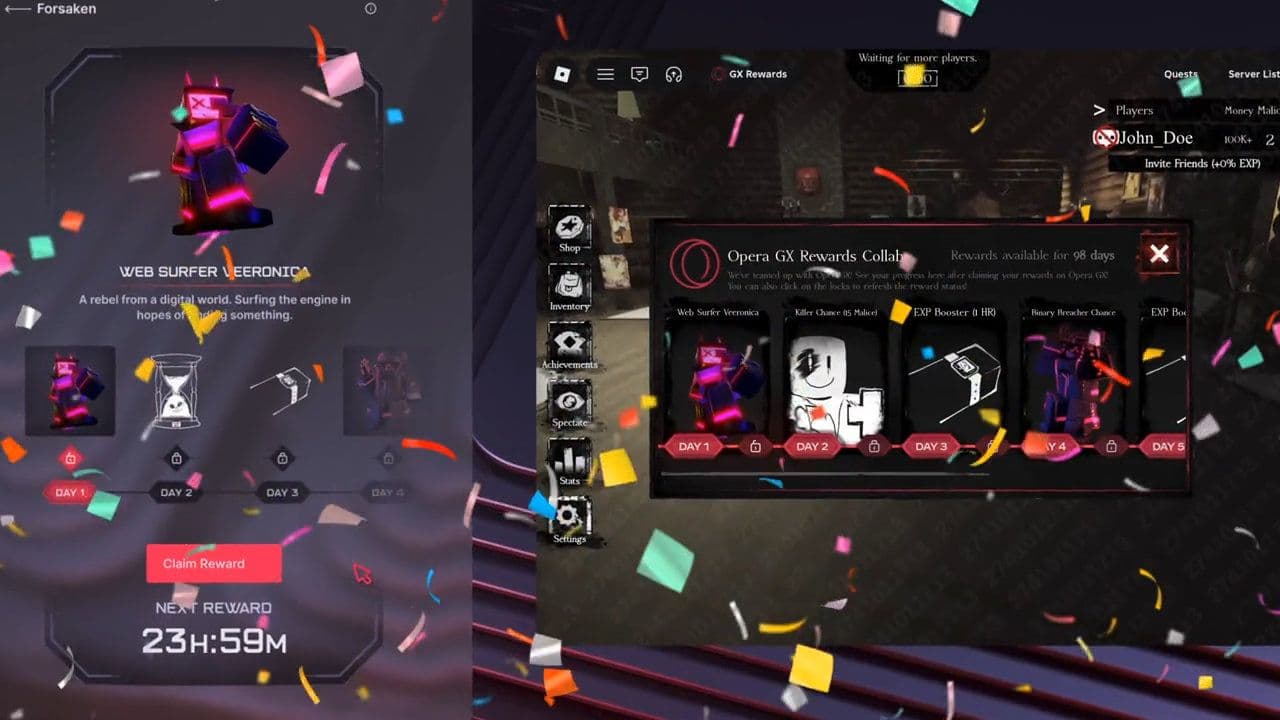
If you play Forsaken regularly, you definitely do not want to miss the new Opera GX Forsaken rewards event. Opera GX teamed up with Forsaken to release a free 7-day rewards pass packed with exclusive skins, XP Boosters, and special items that you cannot get through normal gameplay.
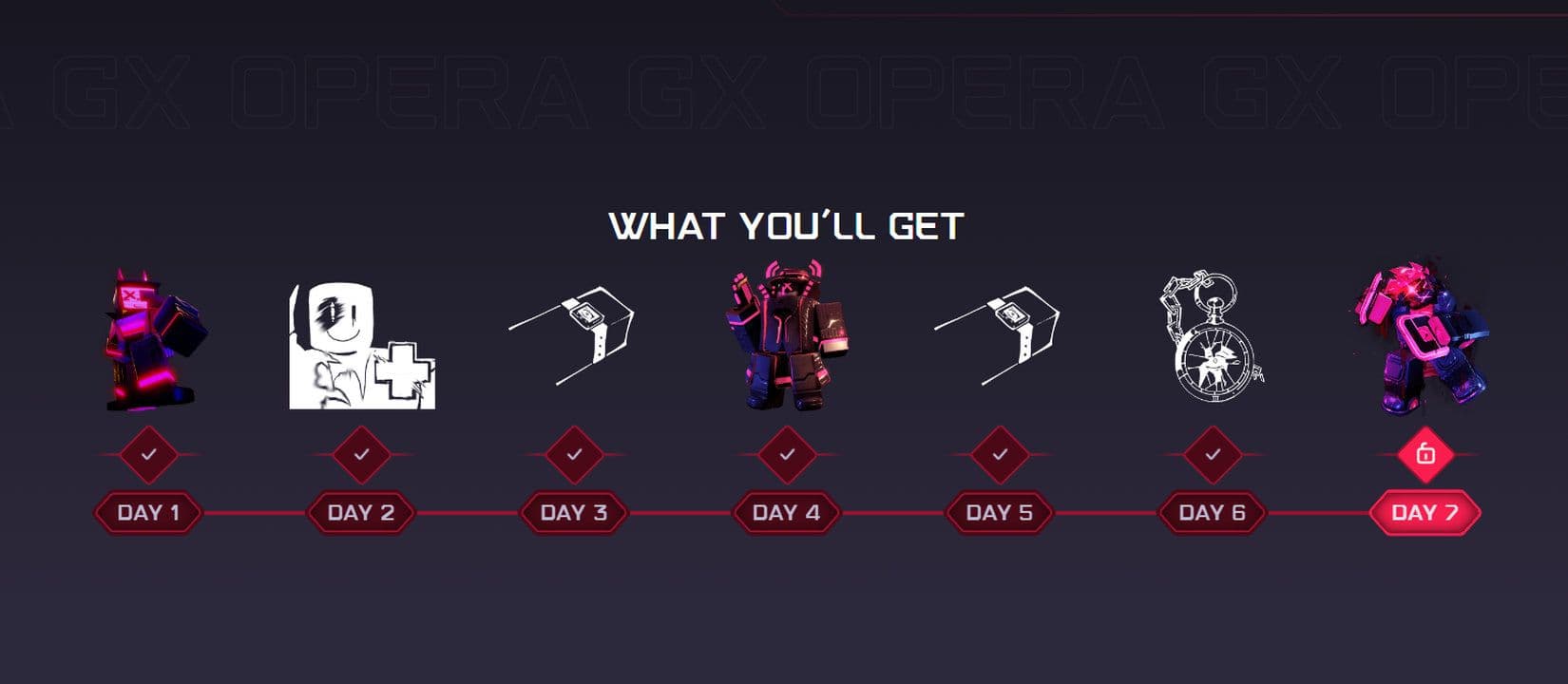
Some of the biggest rewards include the Web Surfer Veeronica skin, Binary Breacher Chance, and the Digital Rider 1x1x1x1 cosmetic, all designed with the signature Opera GX cyber aesthetic. Players can also claim Killer Chance Tokens and EXP Boosters to level up faster and improve progression during matches.
All you need to do is download Opera GX, open the GX Rewards menu, enter your Roblox username, and confirm it inside Forsaken. After that, you can start claiming one reward every day.
In this Opera GX Forsaken rewards guide, we cover the full rewards list, how to unlock every item, how the GX Rewards system works, and the exclusive Forsaken browser mods released during the collaboration.
What are Opera GX Forsaken rewards?
Opera GX Forsaken rewards are limited-time in-game items connected to a collaboration between Opera GX and the Roblox horror game Forsaken.
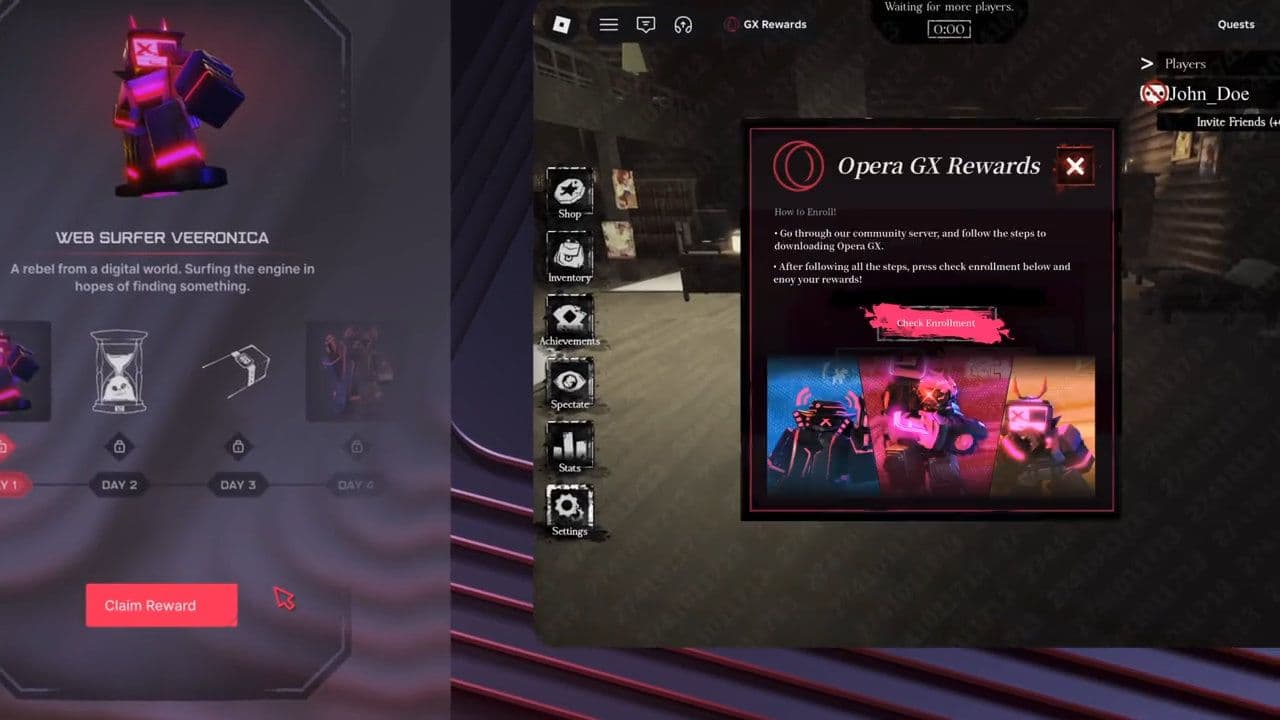
Opera GX is a gaming-focused browser made by Opera Software. The browser is known for features like GX Control, Twitch integration, Discord integration, browser mods, and gaming-themed events.
Forsaken players can earn special rewards by participating in the Opera GX promotion. These rewards are usually tied to:
- Installing Opera GX
- Logging into an Opera account
- Linking a Roblox account
- Completing event tasks
- Redeeming promo codes
The rewards are mostly cosmetic, but some events may also include XP boosts or progression bonuses.
Full Opera GX Forsaken rewards list
The Opera GX Forsaken rewards event uses a 7-day reward system. Players can claim free rewards every day after completing the setup process.
Here is the complete reward list.
How to get Opera GX Forsaken rewards
The process is simple if you follow the correct steps.
- Download Opera GX and install the browser on your desktop device.
- Inside Opera GX, open the GX Rewards menu. The rewards icon is located in the sidebar and looks like a gift box.
- Players do not need to connect or log into their Roblox account directly. Instead:
- Enter your Roblox username
- Open Forsaken
- Confirm your account in-game
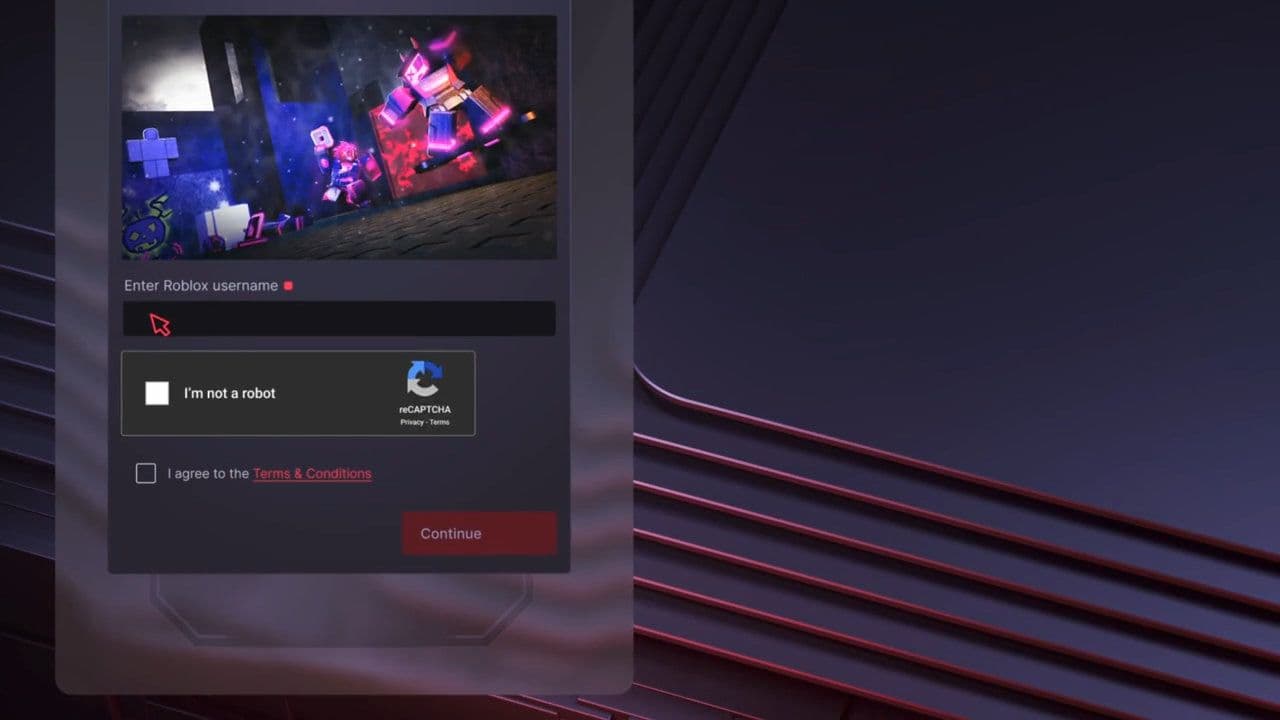
- After confirming your Roblox username, you can start claiming daily rewards.
- Players can claim one reward per day during the event.
Forsaken Opera GX Browser mods
Opera GX also released custom Forsaken browser mods during the collaboration.
These include:
- Forsaken wallpapers
- Custom browser themes
- GX visual mods
- Forsaken-inspired browser customization
Players can use these mods to match their browser style with the Forsaken event.
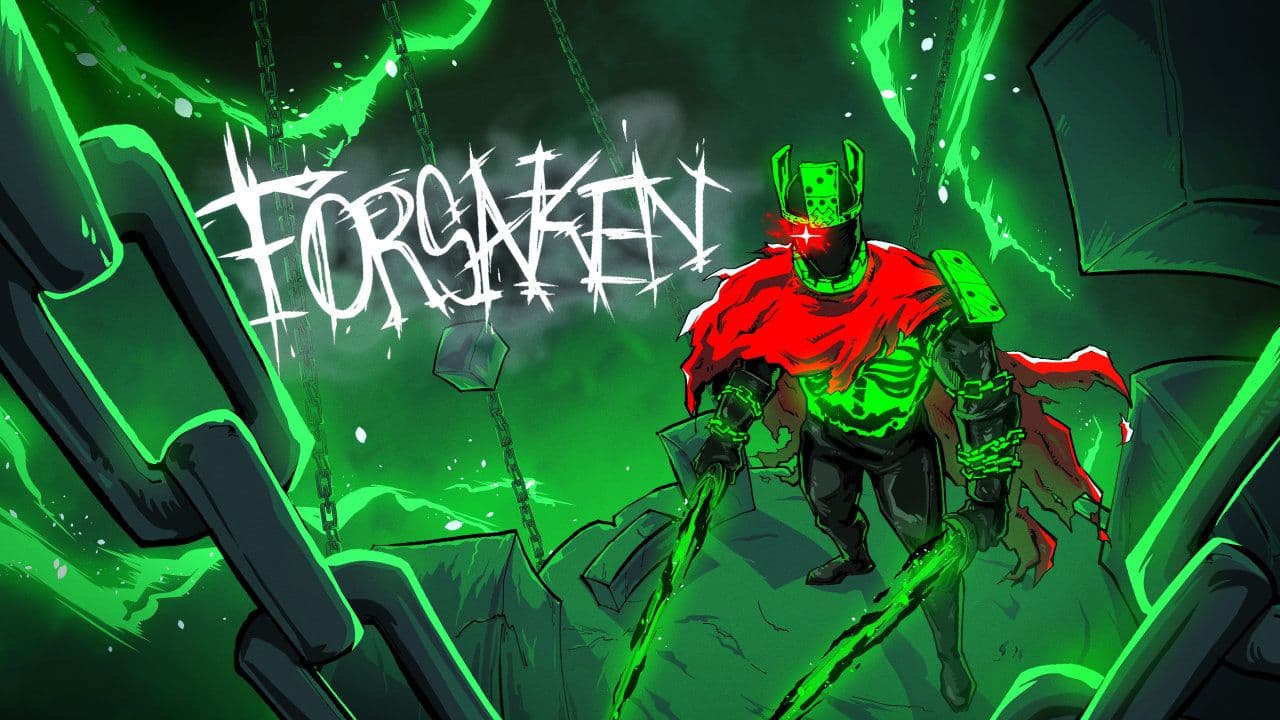
Since many Opera GX collaboration rewards are temporary, waiting too long could mean missing the items permanently.
At the moment, Opera GX has not officially announced an end date for the Opera GX Forsaken rewards event. The rewards page is still live and active on the official Opera GX website.
If you are an active Forsaken player or Roblox collector, this is one event worth checking out.
That’s all for today! Looking for more free Roblox items? Check out these:
All Related Guides
 How to create a player whitelist in RobloxNeed to limit Roblox game access? Learn how to create a player whitelist in Roblox using UserIds and a server-...
 How to start a hunt in Demonology (Roblox)Learn how to start a hunt in Demonology using cursed objects, Energy management, and hunt triggers to identify...
 Roblox playtime check: How to see how many hours you have on RobloxLearn how to check Roblox playtime, view weekly hours, track game activity, and estimate total time spent on R...
 How to make gamepasses in RobloxA simple guide to Roblox gamepasses, covering what they do, how to make one, and how to sell it the right way....
 Universal Tower Defense X tier list (2026): Best units & moreUniversal Tower Defense X tier list for 2026: best units, Infinite Mode picks, beginner recommendations, and c...
 How to get Dark Ring in Roblox Sailor Piece fastLearn how to get Dark Rings fast in Sailor Piece, including Jinwoo boss location, drop rate, respawn timer, an...
 All Roblox color codes list & how to use themComplete Roblox color codes guide: BrickColors, RGB values, Color3, HEX conversion, and how to use colors in R...
 Guide to the Roblox Bite By Night x Medal Quest: Get your free Fighter Class skinRoblox Bite By Night x Medal Quest guide: how to unlock the free Fighter Class Skin fast and redeem the reward...
- 1
- 2
- 3
- 4
- 5
- 6
- 7
- 8
- 9
- 10
- 11