How to turn off Roblox UI Navigation in 5 easy steps
Stop Roblox movement glitches instantly.
If your character won’t move or your keys suddenly start selecting menu buttons, you may have activated Roblox UI Navigation. This feature is helpful for accessibility, but most players turn it on by accident. Below is a simple guide on how to turn off Roblox UI Navigation, why it happens, and how to fix related Roblox errors.

If you have a controller connected, Roblox may activate UI Navigation automatically. Unplug the controller and reopen the game.
If the toggle does not turn off, reset your character or restart the game.
Why can’t I move in Roblox?
If you’re stuck and can’t move, UI Navigation is a common cause, but not the only one. Here are the usual reasons:
- UI Navigation is active and blocking movement.
- A controller is connected and taking focus.
- The game loaded incorrectly.
- A game script disabled movement.
- Your keyboard isn’t sending input.
- A temporary Roblox bug occurred.
Quick workarounds
You can try these quick fixes for “Roblox can’t move” glitch:
- Press “\” to turn UI Navigation off.
- Reset your character in the Roblox menu.
- Unplug any game controllers.
- Test your keyboard keys.
- Leave and rejoin the game.
- Restart Roblox.
Common Roblox bugs that stop movement
Some Roblox bugs can cause movement issues even when UI Navigation is off. These bugs may appear as:
- Character loading without controls.
- Camera stuck or not following the avatar.
- WASD stops working after respawn.
- Game focus stuck on a UI element.
These Roblox bugs are usually temporary and fixed by refreshing the game or resetting your character.
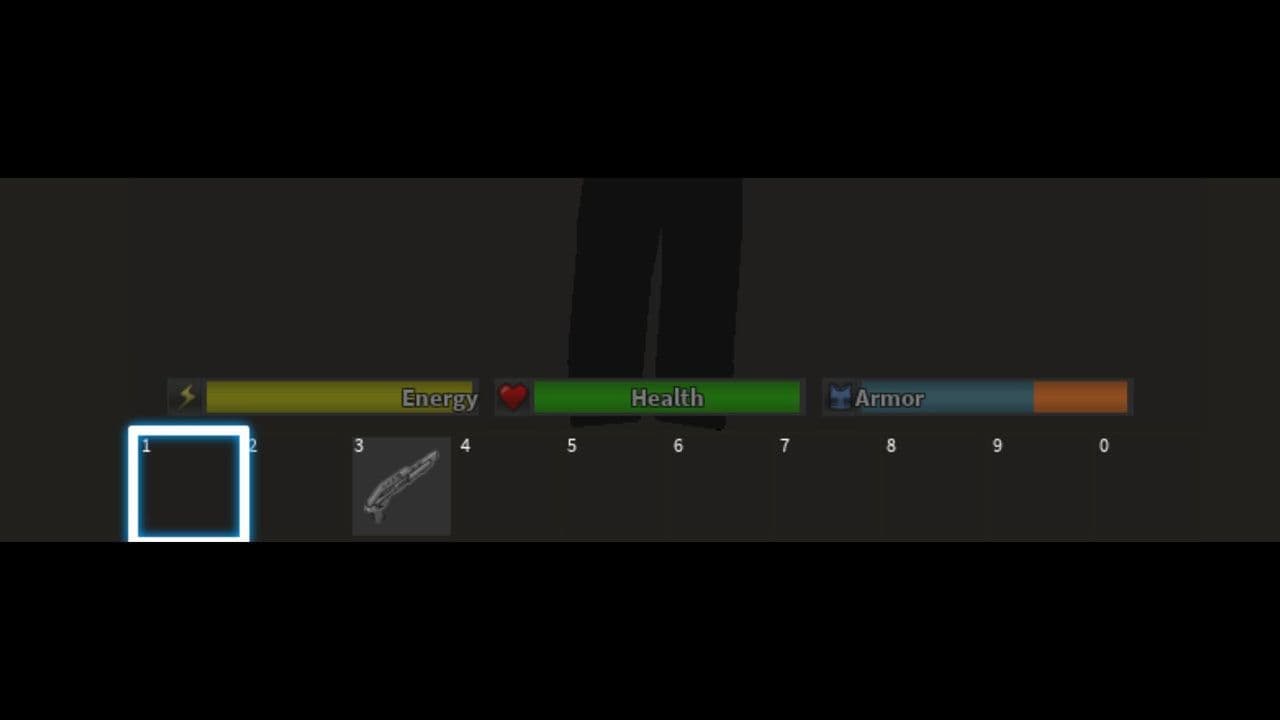
Knowing how to turn off Roblox UI Navigation helps you fix one of the most common reasons players can’t move. If UI Navigation isn’t the issue, quick steps like unplugging controllers, resetting your character, or restarting Roblox usually solve the problem fast.
That’s all for today! Looking for free Roblox items? Check out these:
All Related Guides
 How to get Dark Ring in Roblox Sailor Piece fastLearn how to get Dark Rings fast in Sailor Piece, including Jinwoo boss location, drop rate, respawn timer, an...
 Opera GX Forsaken rewards guide (2026)Opera GX Forsaken rewards guide: unlock exclusive skins, XP Boosters, Killer Chance Tokens, and daily event re...
 All Roblox color codes list & how to use themComplete Roblox color codes guide: BrickColors, RGB values, Color3, HEX conversion, and how to use colors in R...
 Guide to the Roblox Bite By Night x Medal Quest: Get your free Fighter Class skinRoblox Bite By Night x Medal Quest guide: how to unlock the free Fighter Class Skin fast and redeem the reward...
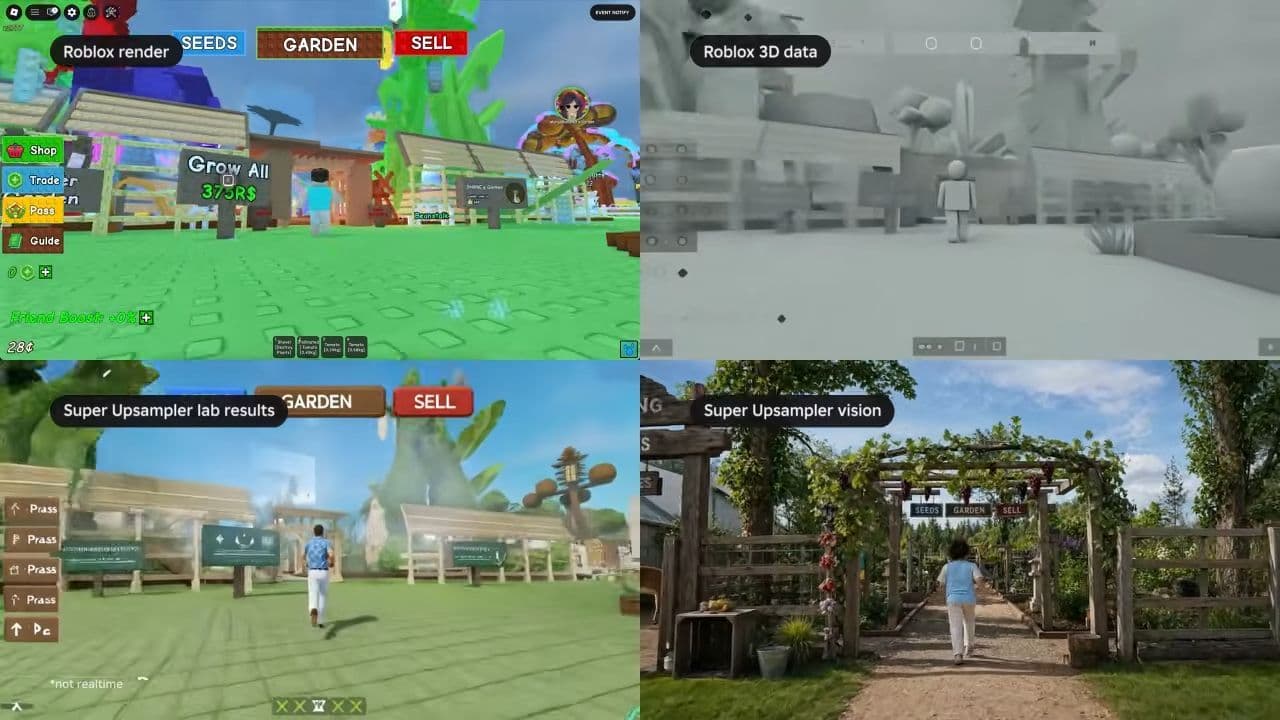 What is Roblox Reality? A detailed look at Roblox’s new hybrid architectureWhat is Roblox Reality? Learn how Roblox’s new AI-powered hybrid architecture brings photorealistic multiplaye...
 What is Roblox Plus? Benefits, Robux, Premium changes & how to get itWhat is Roblox Plus? Learn benefits, pricing, Robux bundles, Premium changes, private servers, and whether Plu...
 How to cancel Roblox PremiumLearn how to cancel Roblox Premium on mobile, PC, iPhone, and Android with simple steps to stop renewal and av...
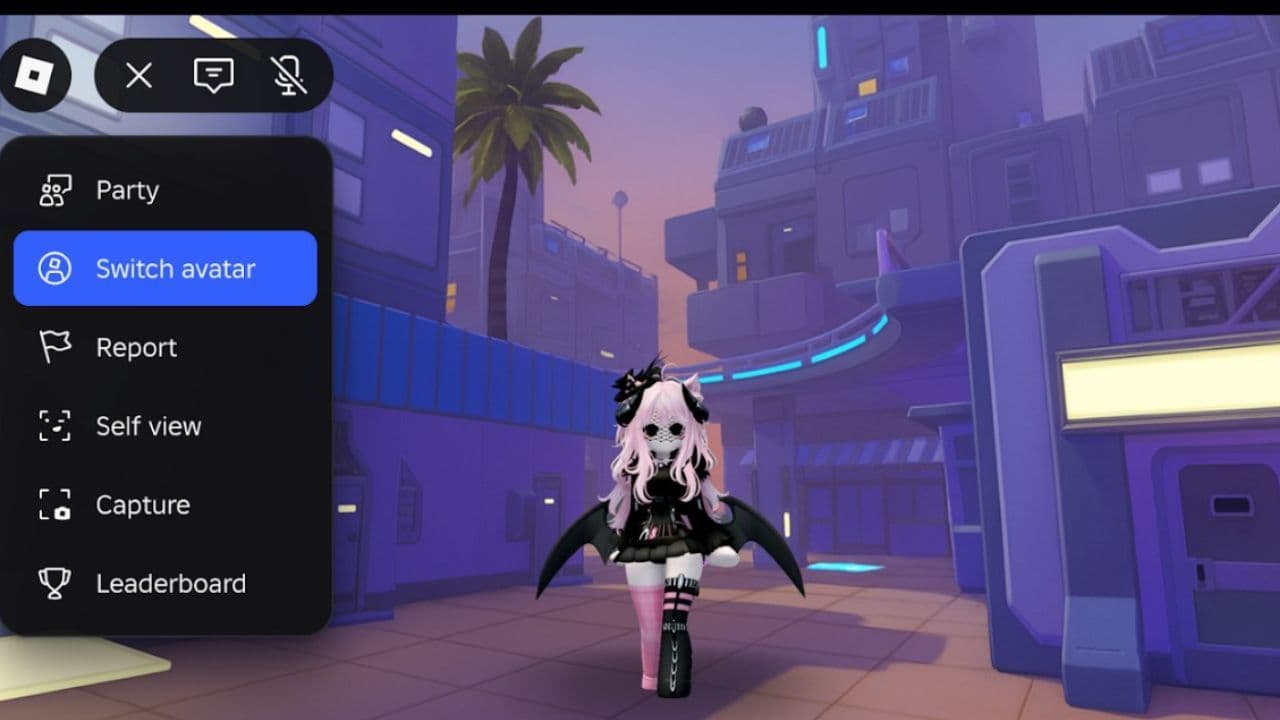 How to change your avatar in RobloxRoblox Avatar Switcher lets you swap saved avatars in game. Learn how it works, where to find it, and how to c...
- 1
- 2
- 3
- 4
- 5
- 6
- 7
- 8
- 9
- 10