10 best Rocket League workshop maps and how to get one
These workshop maps will surely spice up how you play Rocket League.
If you love Rocket League and want to improve your game, Steam Rocket League Workshop maps are perfect for you. Created by the community, these custom maps offer unique training and gameplay experiences that go beyond the standard arenas.
Steam Rocket League workshop maps explained
Steam Rocket League Workshop maps are custom RL mods created by the Rocket League community and shared through Steam. These maps offer unique challenges, training scenarios, and gameplay variations that are not available in the standard game.
How to get workshop maps in Rocket League (Steam & Epic Games)
Rocket League's Workshop maps are a fantastic way to enhance your skills and challenge to yourself with custom-designed arenas. Here’s an easy guide to accessing these maps, tailored for both Steam and Epic Games users.
For Steam users
- Launch your Steam client.
- Go to the Rocket League Workshop section on Steam.
- Explore the available user-created maps. When you find a map you like, click “Subscribe” to download it.
- Once downloaded, you can access these maps in Rocket League under the “Play Offline” menu.
For Epic Games users
- Install BakkesMod:
- Download and install BakkesMod, a popular modding tool for Rocket League.
- Install Workshop Map Loader Plugin:
- Go to the BakkesMod plugin installation page.
- Find the Workshop Map Loader and Downloader plugin and click “Install with BakkesMod.” A black window will appear to complete the installation.
- Create a Folder for Maps:
- In your BakkesMod directory, create a new folder to store your downloaded Workshop maps.
- Copy the file path of this folder for future use.
- Configure BakkesMod for Maps:
- Open BakkesMod and go to the “Plugins” tab. Select “WorkshopMapLoader.”
- Paste the copied file path into the “Save Path” field, adding a forward slash (/) at the end. Click “Save Path.”
- Download and Refresh Maps:
- In the “Search Workshop” tab of BakkesMod, search for the maps you want and download them.
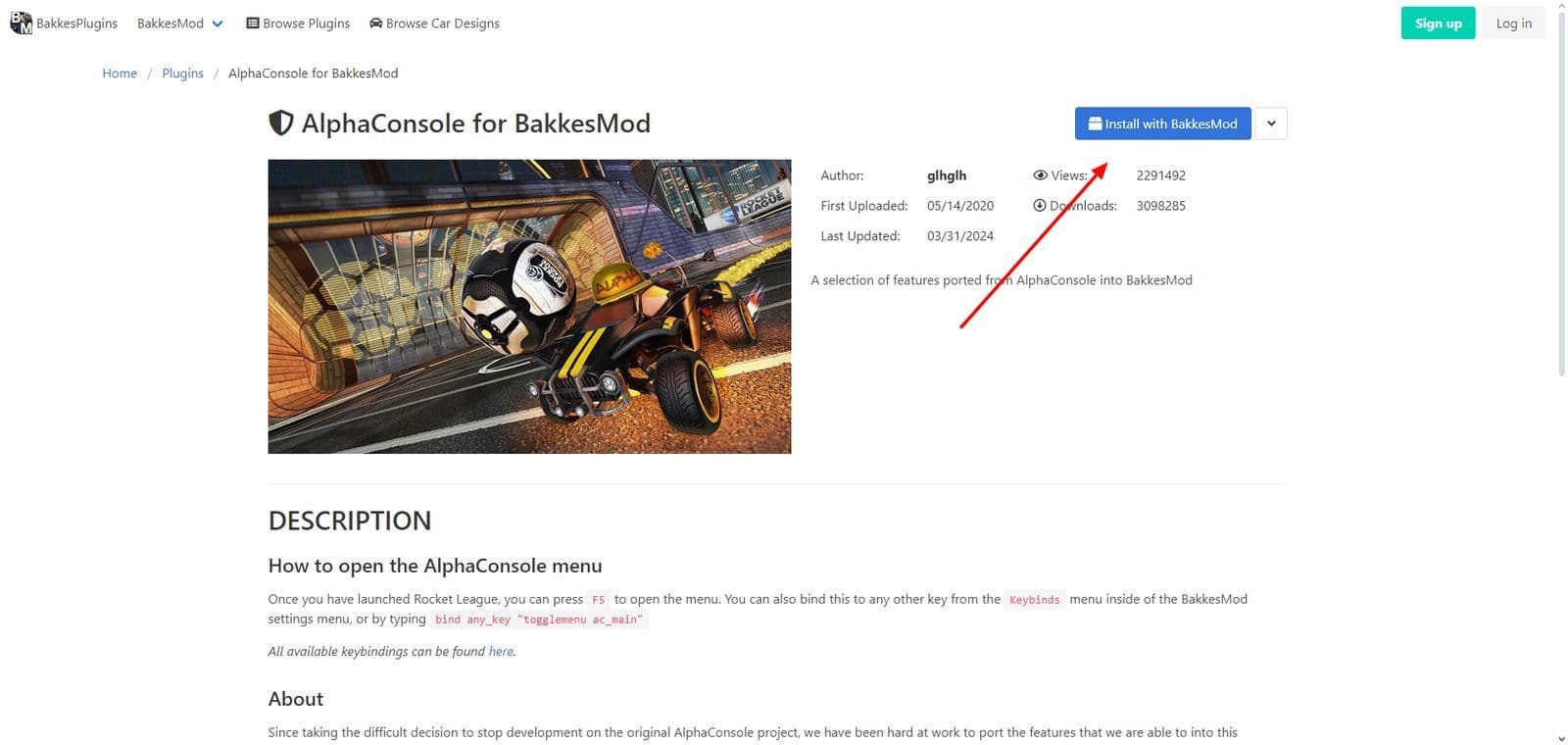
By following these steps, you’ll be able to enjoy a wide range of custom Workshop maps, and you can find some of them in the following part!
Best Rocket League Workshop maps
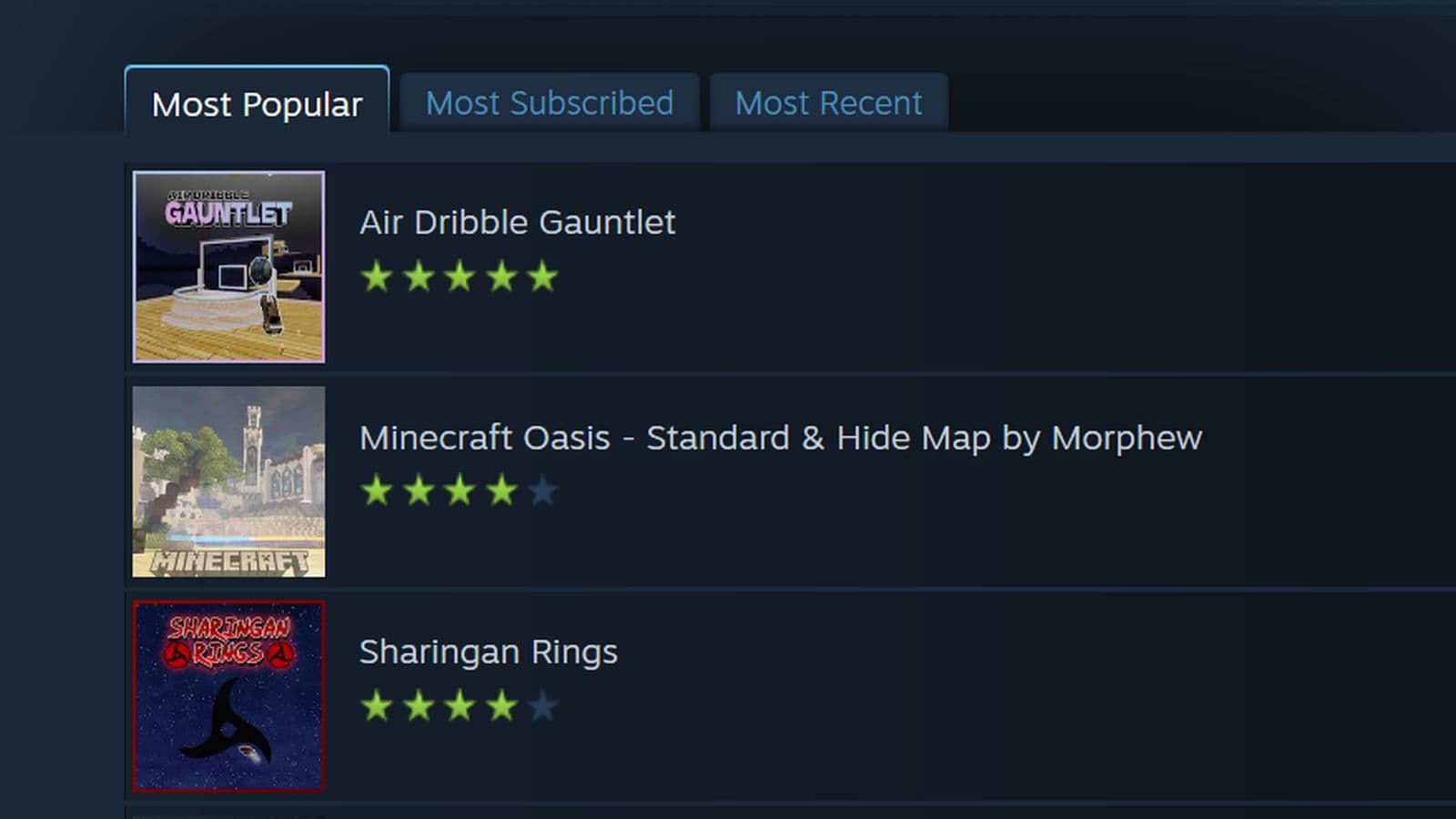
Best Rocket League Workshop maps chosen from most popular and most subscribed Steam Rocket League Workshop maps at the time of the writing.
Air Dribble Gauntlet
Air Dribble Gauntlet is a single-player training map for Rocket League that features 10 challenging levels designed to improve your air dribbling skills. Inspired by tjbrother's Air Dribble Hoops, this map offers progressively harder dribbling tasks.
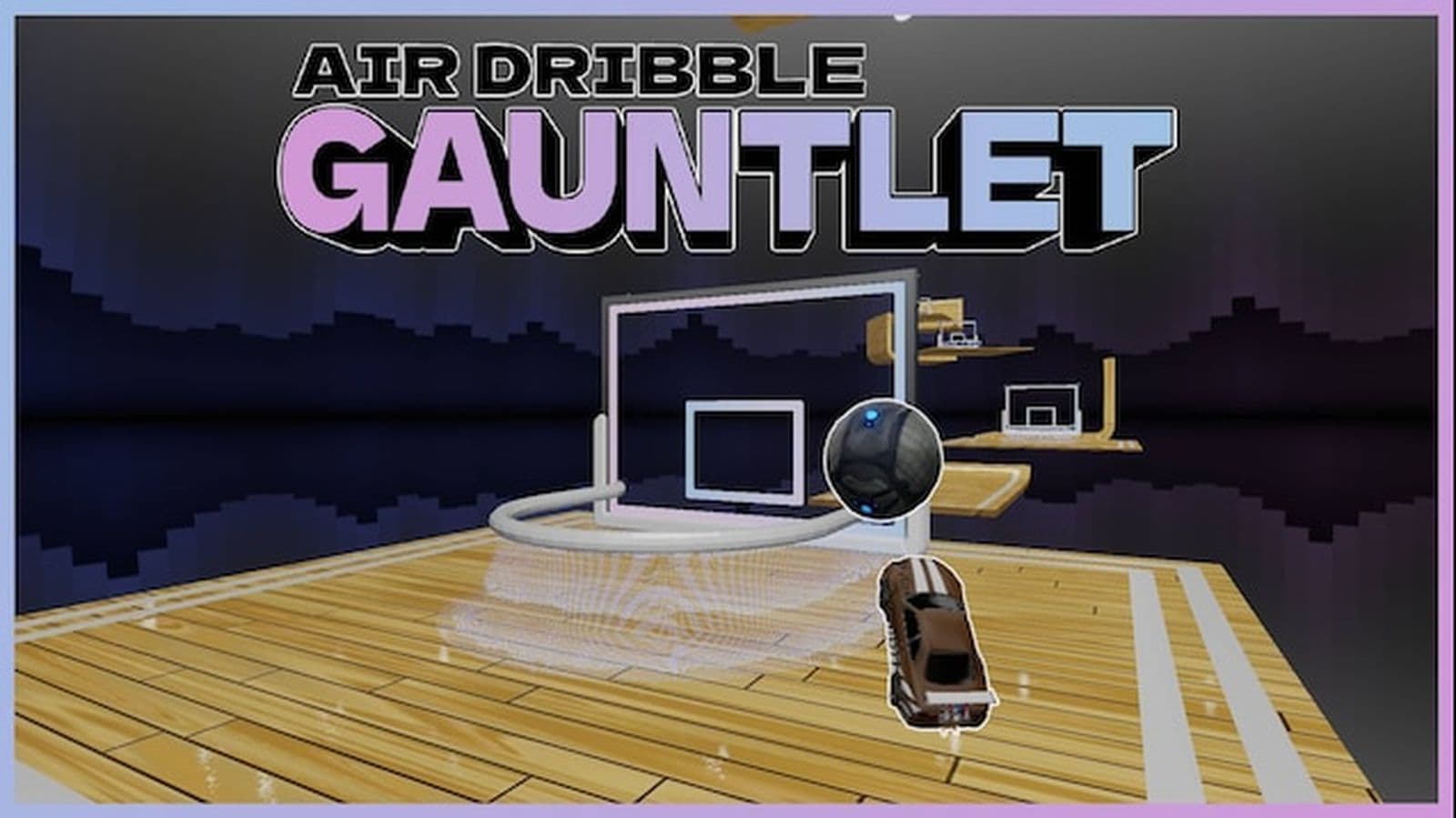
For Epic Games users, the map can be downloaded via the BakkesMod Workshop Map Loader and Downloader plugin or directly from RocketLeagueMaps.us.
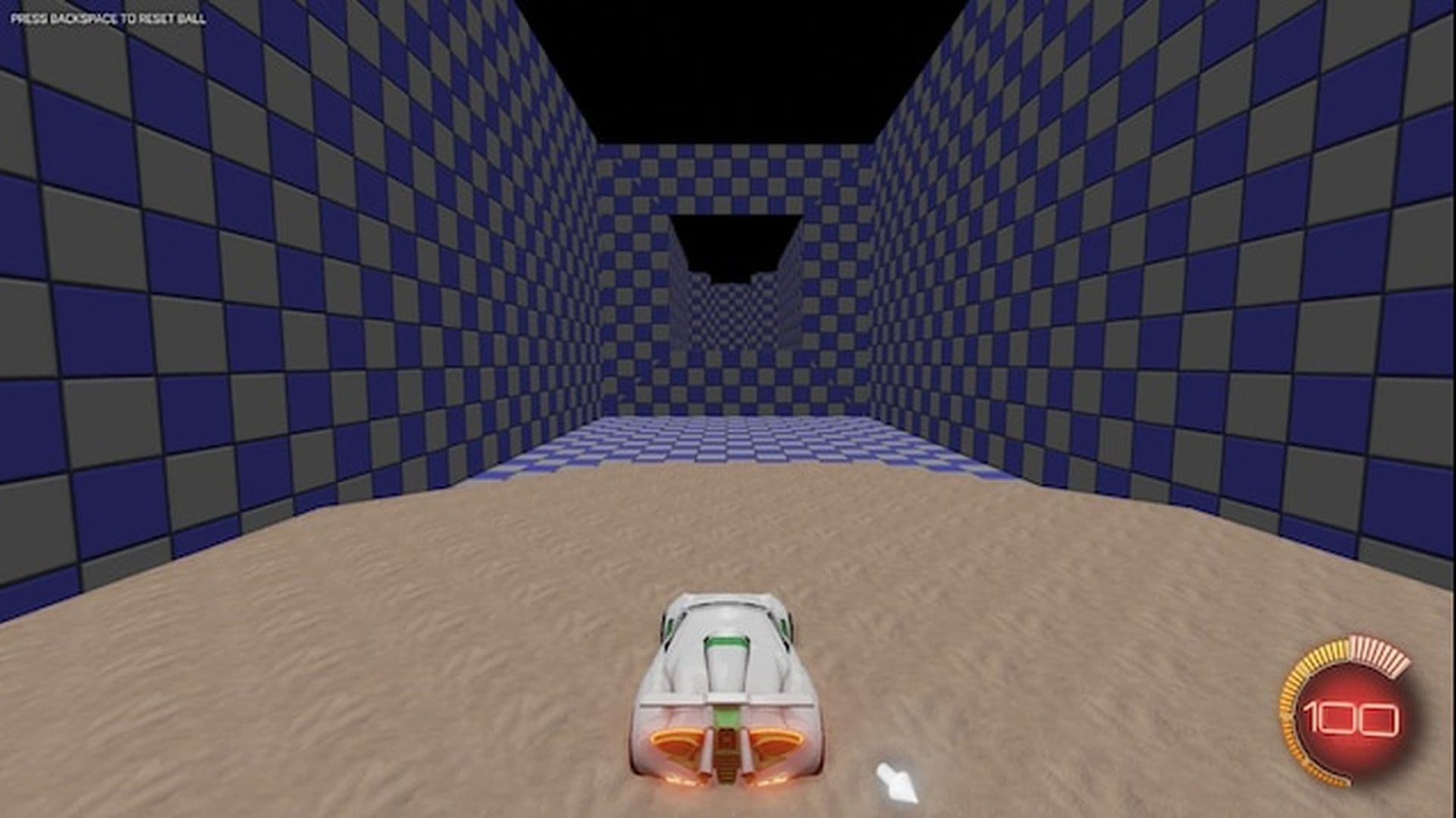
Obstacle Course 1
Flying Obstacle Challenges by French Fries offers a series of aerial obstacle courses to test your skills. Note that this map is only available on PC.
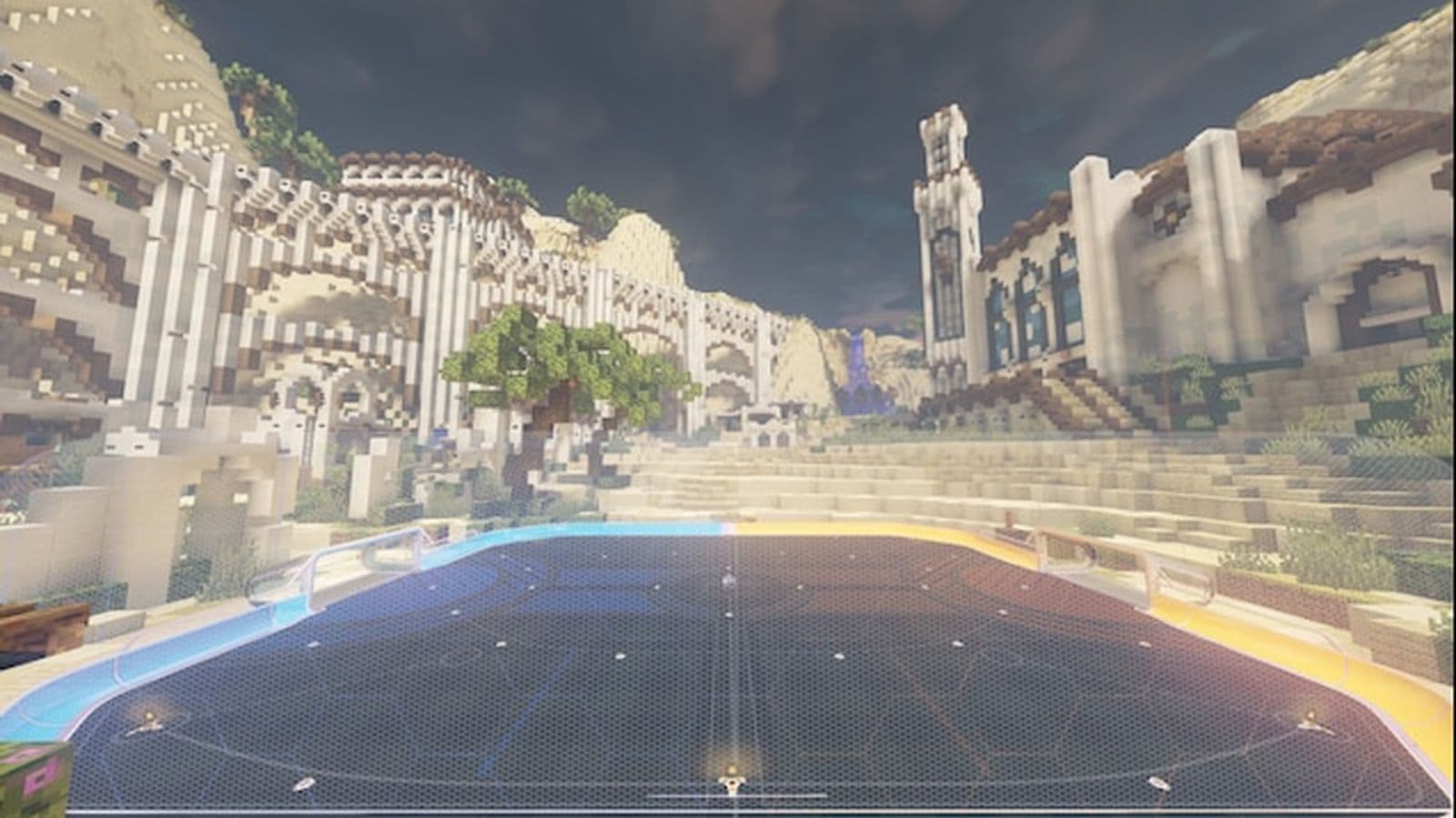
Minecraft Oasis - Standard & Hide Map by Morphew
Minecraft Oasis - Standard is a Rocket League map adapted from Sluda Builds' "Desert Oasis" Minecraft map. Adjusted to fit Rocket League's field, this map offers a unique and enjoyable experience with an exploration feature: an exit hole at the top center of the field.
Speed Jump: Rings 3 - By dmc
Speed Jump: Rings 3 by dmc is an obstacle course designed for intermediate to hard skill levels. Test your agility and precision as you navigate through challenging rings and improve your aerial skills.
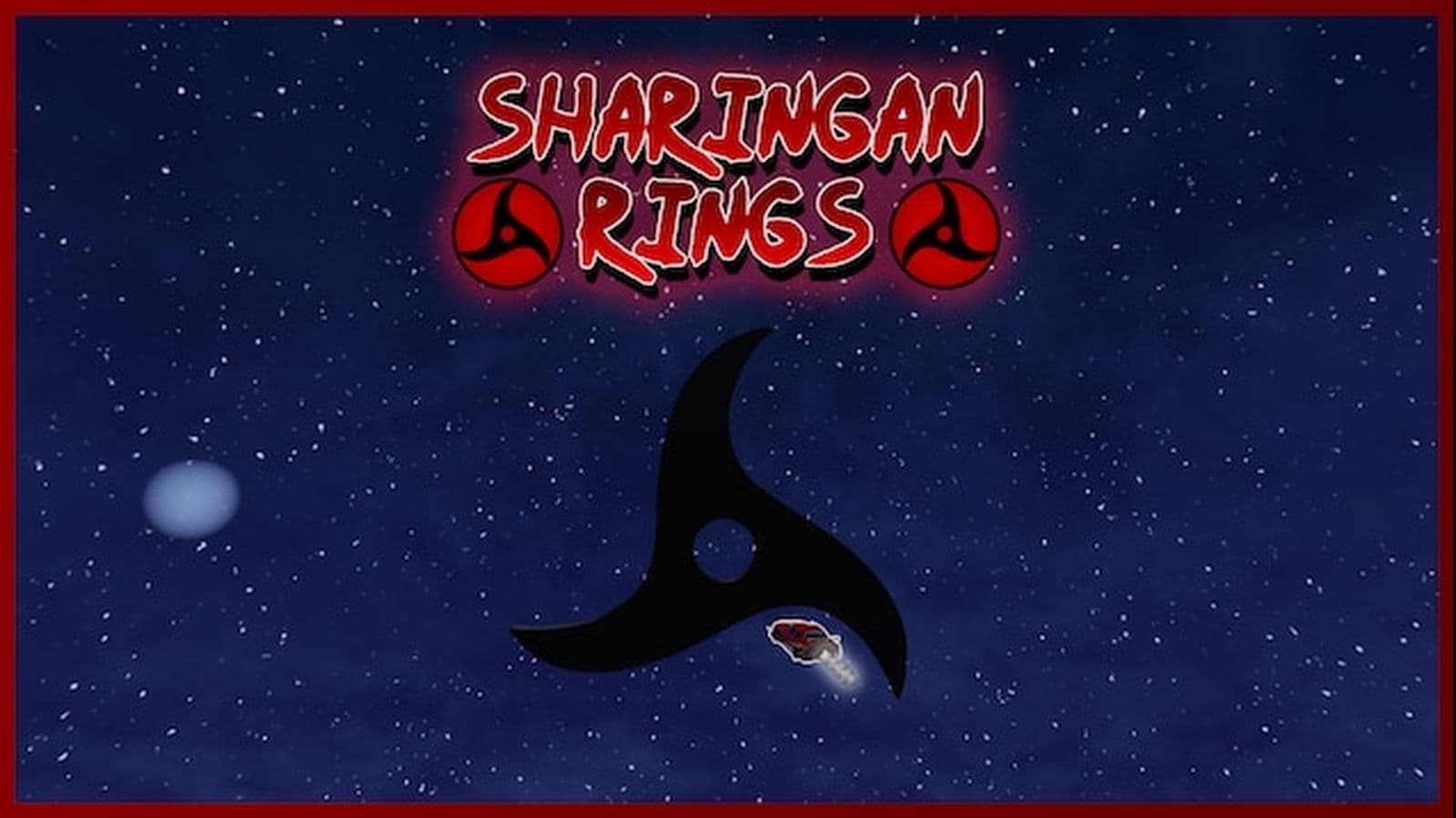
Sharingan Rings
Sharingan Rings is a Rocket League map featuring 13 levels of Sharingan-themed rings challenges designed to test and increase your aerial skills.
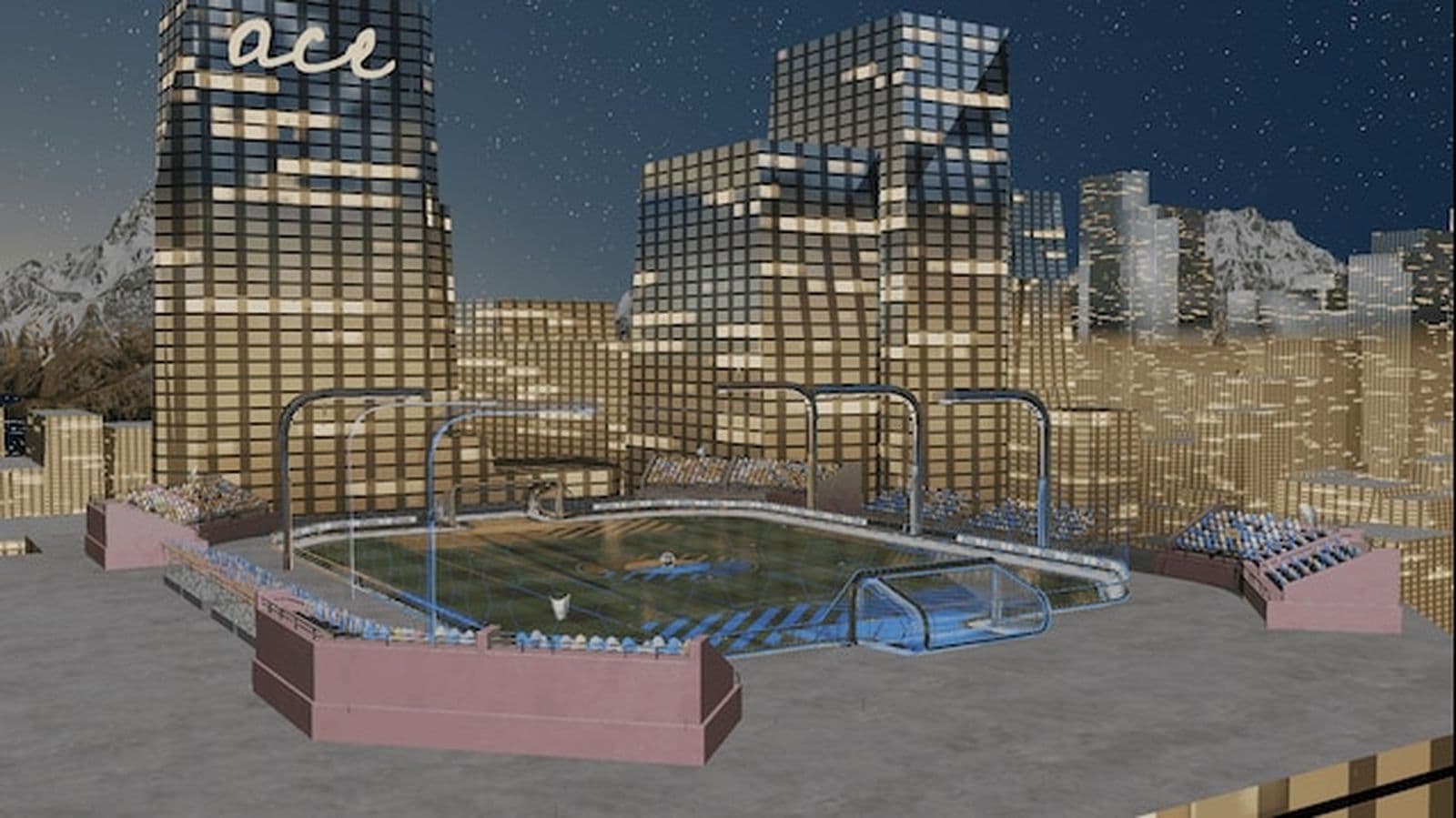
The Rooftop
The Rooftop is a standard Rocket League arena designed by Aceman3000 and Fractal, featuring a unique rooftop setting that adds a fresh twist to the classic gameplay.
Team Deathmatch
This mode turns Rocket League into a third-person shooter. Use your boost as ammo and aim with a dynamic crosshair. Enjoy fast-paced action with quick respawns and a 10-minute timer!
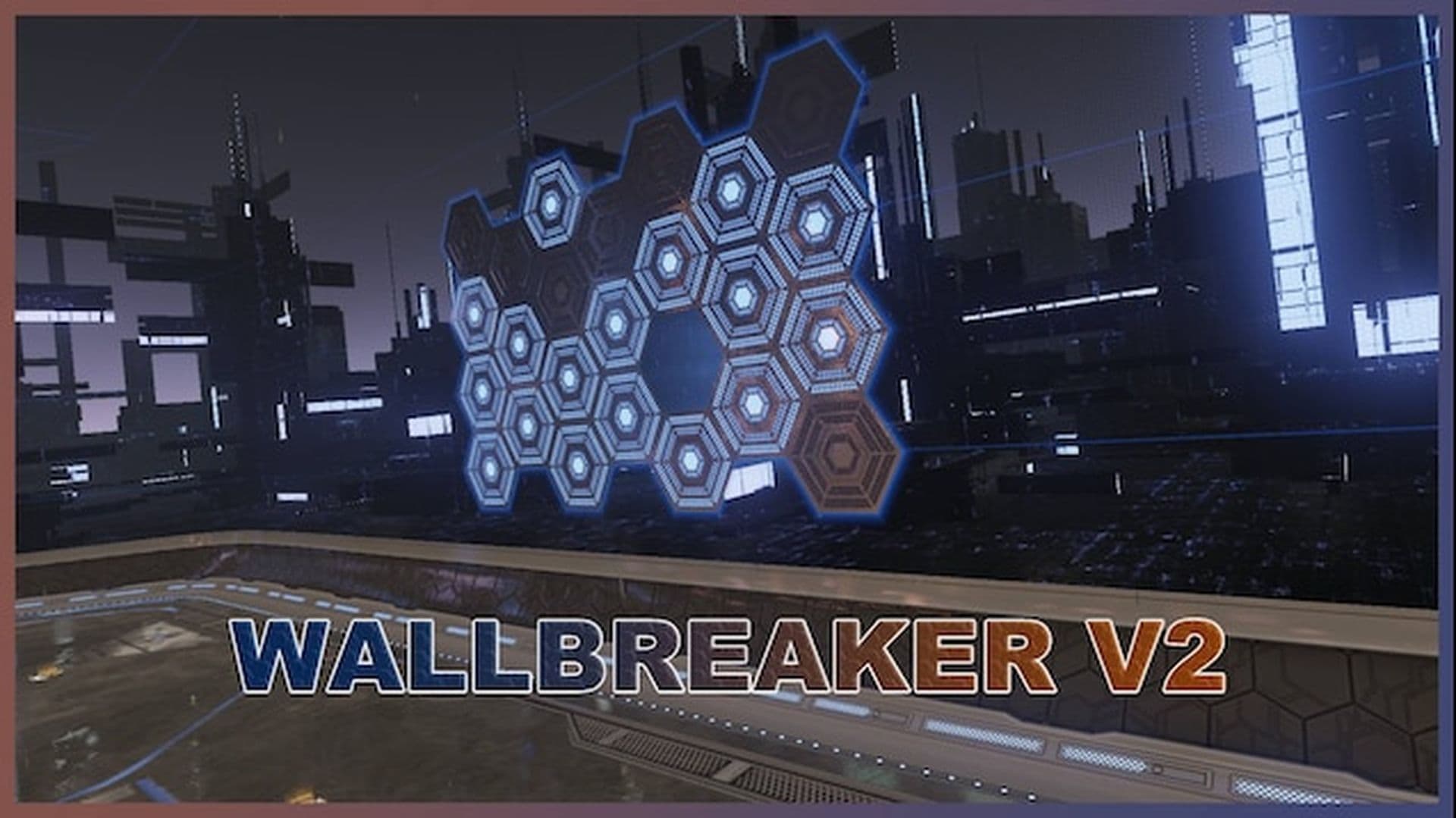
Wallbreaker 2
Wallbreaker v2 is a remake of the original map by glhglh, which no longer works. The map features 25 dropshot tiles on each wall that need to be destroyed before scoring is allowed. To play, you must use the Dropshot game mode, and Rocket Plugin is required to enable tile breaking.
Jet Car Stunts | Rocket League Edition
Jet Car Stunts (JCS) is a console and iOS game that shares similar mechanics with Rocket League, but focuses on car platforming and parkour. For this custom map, they created a race level in Rocket League inspired by the JCS theme.
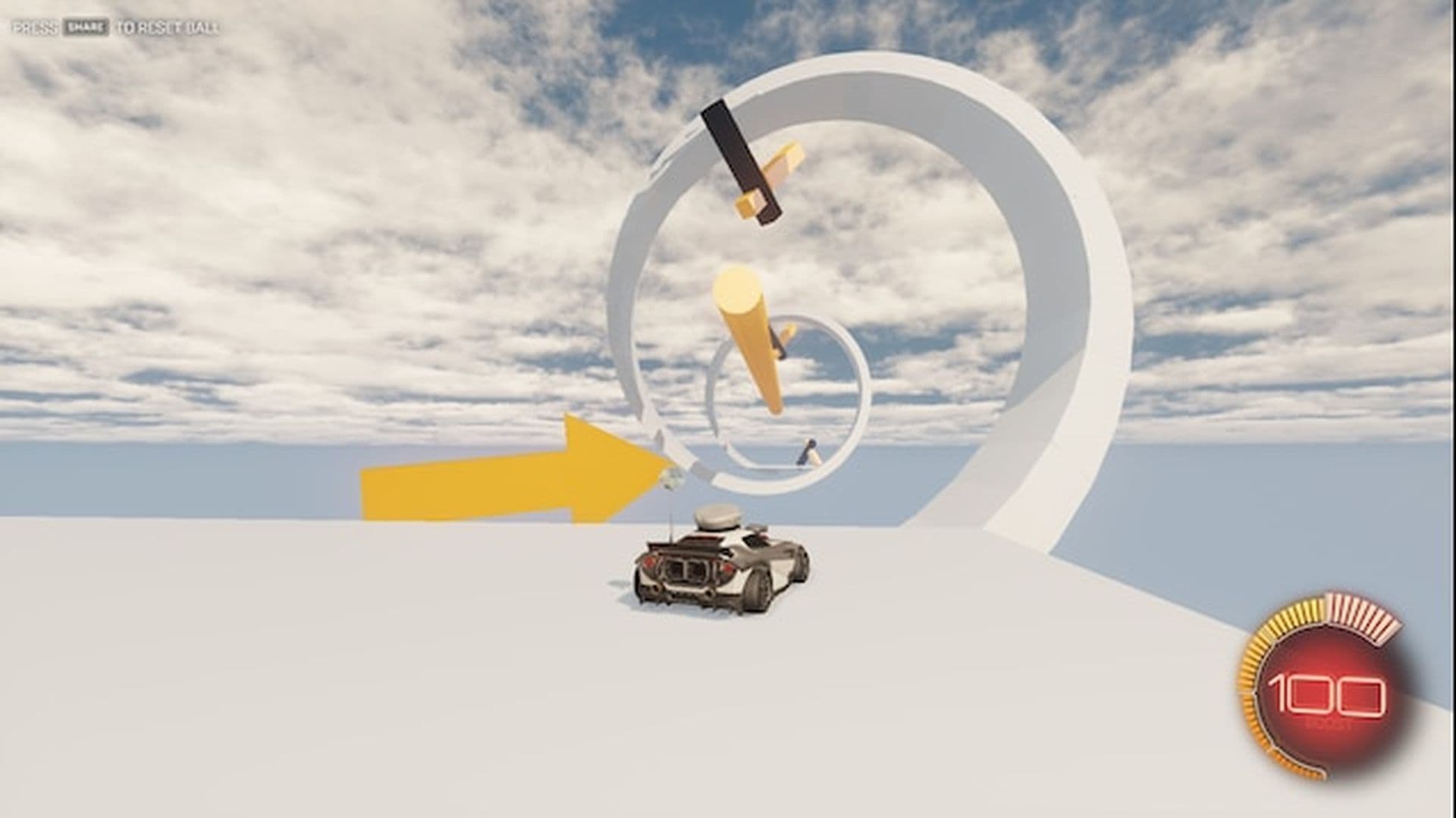
The yellow and black triangles throughout the course represent checkpoints, which in the original game also refill your boost.
Minigolf
This 9-hole minigolf map has players advance after scoring. In Single Player, aim for the red side, with touches counted like minigolf, but you can hit the ball while it's moving.
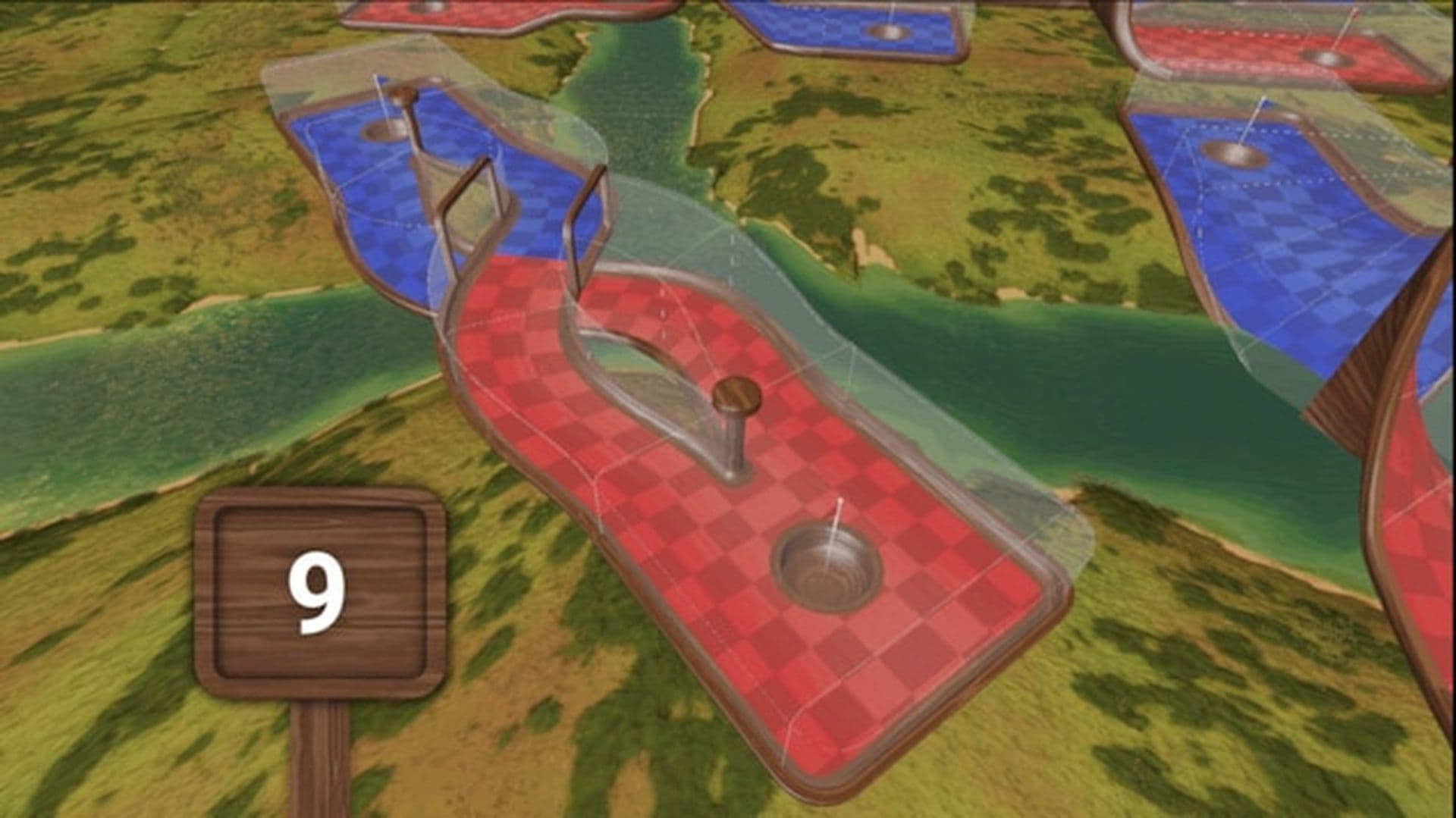
In Multiplayer, standard Rocket League rules apply, with teams scoring on opposite sides. Set match length to 20 minutes or unlimited, with recharging boost. Touch counters and scores are disabled unless all players join the blue team for cooperative play.
Bonus: Top Rocket League workshop maps for training
To help you get the most out of your practice, here are some of the best Workshop maps for honing your skills:
- Lethamyr’s Rings Maps: Perfect for improving aerial control, these maps require you to navigate through a series of rings. Various versions cater to different skill levels, making them ideal for progressive training.
- Aerial Training: Aerial Training Map is designed to help you master car control in Rocket League with 12 challenging levels, complete with elevators for added complexity. Each level is crafted to enhance your aerial skills and improve overall control, featuring a fixed spawn for consistent practice.
- Dribbling Challenge #2: For mastering dribbling, this map features 30 levels of increasing difficulty. It’s a great way to enhance your ball control while progressing through diverse challenges.
Now that you've learned everything about the best Rocket League workshop maps, it’s time uncover new things, including but not limited to:
FAQs
Are Rocket League workshops hard for beginners?
Rocket League workshops can be challenging at first, especially for beginners. However, they are designed to help improve your skills step-by-step. Starting with easier workshops and practicing regularly can make them more manageable over time.
Can you still mod Rocket League?
Yes, you can still mod Rocket League, but only in offline or private modes. Modding is not allowed in official online play and can lead to bans if used in competitive matches.