Best Rocket League settings

Is there any better way to pull off those precise moves that make for a winning play? We’re not saying configuring the best settings on Rocket League will turn you into an instant champion, but it’s one heck of a nitro boost for anyone with that goal in their sights.
Yes, the right settings, whether controller or camera, are as big a deciding factor for winners as the right car shape and the best hitboxes. You’d be amazed at the difference a small tweak to your settings can make.
And when you start crushing even the hardest moves that much easier, you can come back and thank us for this in-depth guide.
Best Video Settings
The best video settings for Rocket League largely come down to the processing power of your rig. Still, one thing always rings true among the game’s pro players – they always optimize video settings for performance over pretty.
Rocket League isn’t here to look like Final Fantasy on wheels.
So, here are the kind of video settings we suggest aiming for (unless your rig is some kind of futuristic quantum computer or you time-traveled with a PlayStation 7)...
Window Settings | Resolution | 1920 x 1080 16:9 |
Display Mode | Fullscreen | |
Vertical Sync | Off | |
Basic Settings | Anti-Aliasing | Off |
Render Quality | High Quality | |
Render Detail | Custom | |
Frames per Second | Same as your monitor | |
Advanced Settings | Texture Detail | High Performance |
World Detail | Performance | |
Particle Detail | Performance | |
Effect Intensity | Low Intensity | |
High Quality Shaders | Off | |
Ambient Occlusion | Off | |
Depth of Field | Off | |
Bloom | Off | |
Light Shafts | Off | |
Lens Flares | Off | |
Dynamic Shadows | Off | |
Motion Blur | Off | |
Weather Effects | Off | |
Transparent Goalposts | On |

Best Camera Settings
Don’t underestimate the power of the right camera settings. Seriously. That’d be like underestimating how useful it is to be able to see. Don’t do that. Just use these camera settings in your next Rocket League match and you’ll see what we mean.
And don’t be afraid to tweak them if you feel something’s a bit off. Personal preference is everything.
Camera Shake | Off |
Field of View | 110 |
Distance | 270 |
Height | 110 |
Angle | -3.5 |
Stiffness | 0.45 |
Swivel Speed | 5.5 |
Transition Speed | 1.2 |
Invert Swivel | Off |
Ball Camera Mode | Toggle |
Camera Shake has got to be the most useless camera setting in Rocket League. Seriously. It just makes life difficult. “Realistic” and “immersive” – maybe. But definitely difficult. If all you do is turn this setting off, you’ll already be lightyears ahead on your next match.
Be careful with the Field of View setting. You don’t want to crank it all the way up. The sweet spot for this camera setting is enough that really opens up your view, without being overkill. Most Rocket League players prefer around 110 for this setting, or at least 108.
Too much Distance and Height can totally mess up your perspective if you’re not careful. 270 for Distance and 110 for Height are around the sweet spot most pros agree on, but feel free to play around with this setting if you feel like something’s off.
You shouldn’t have to adjust the Angle setting much (or at all), and same goes for Stiffness – drop that a touch and leave it.
Swivel Speed, Transition Speed, and Invert Swivel all come down to personal preference more than anything else. Find what you’re comfy with and make sure it gives you the kind of maneuverability and camera responsiveness that works for you.

What Camera Settings Do The Pros Use?
Most Rocket League pros use very similar settings. Rather than show you every option with the minor differences of each pro, we’ve pulled all those pro settings into one set of averages and ranges…
Camera Shake | Always off |
Field of View | 108–110 |
Distance | 270–280 |
Height | 90–110 |
Stiffness | 0.4–0.7 |
Swivel Speed | 4.2–7 |
Ball Camera Mode | Toggle |
Best Controller Settings
Camera settings aren’t the only settings in Rocket League you should be looking at. If you’re new to Rocket League, controller settings are especially important – this isn’t like your typical racing game and if you trip out your controller settings like it is, you’ll only be screwing yourself over.
And yes, you should be using a controller to play Rocket League. It’s far superior to a keyboard and we’ll absolutely ignore you if you claim otherwise.
Steering Sensitivity | 1.00 |
Aerial Sensitivity | 1.00 |
Controller Deadzone | 0.60 |
Dodge Deadzone | 0.60 |
Controller Vibration | Disabled |
Vibration Intensity | N/A |
Ball Camera Mode | Toggle |
We can’t stress this enough – keep the Steering and Aerial Sensitivity settings down low. These settings mess with your car’s traction, and that’s not doing you any favors.
The same goes for the Controller and Dodge Deadzone settings too. If you’ve used a controller while playing FPS games like Fortnite before, Deadzones are a familiar concept; if not, they refer to have much you need to push the sticks before the controller registers the movement. Either way, you generally want your Deadzones fairly neutral.
Vibration settings are totally down to personal preferences, but most Rocket League players find the rumble is little more than a distraction.
Like we did with the camera settings, you’ll want the Ball Camera Mode set to toggle, so you can easily keep your eye on the ball throughout the match.
Pro tip: while your controller choice isn’t exactly a setting like the rest, most pro players prefer using a PS4 controller for competitive Rocket League. PS4 controllers tend to give you the best car control, but as usual, go with your preferences.
FAQs
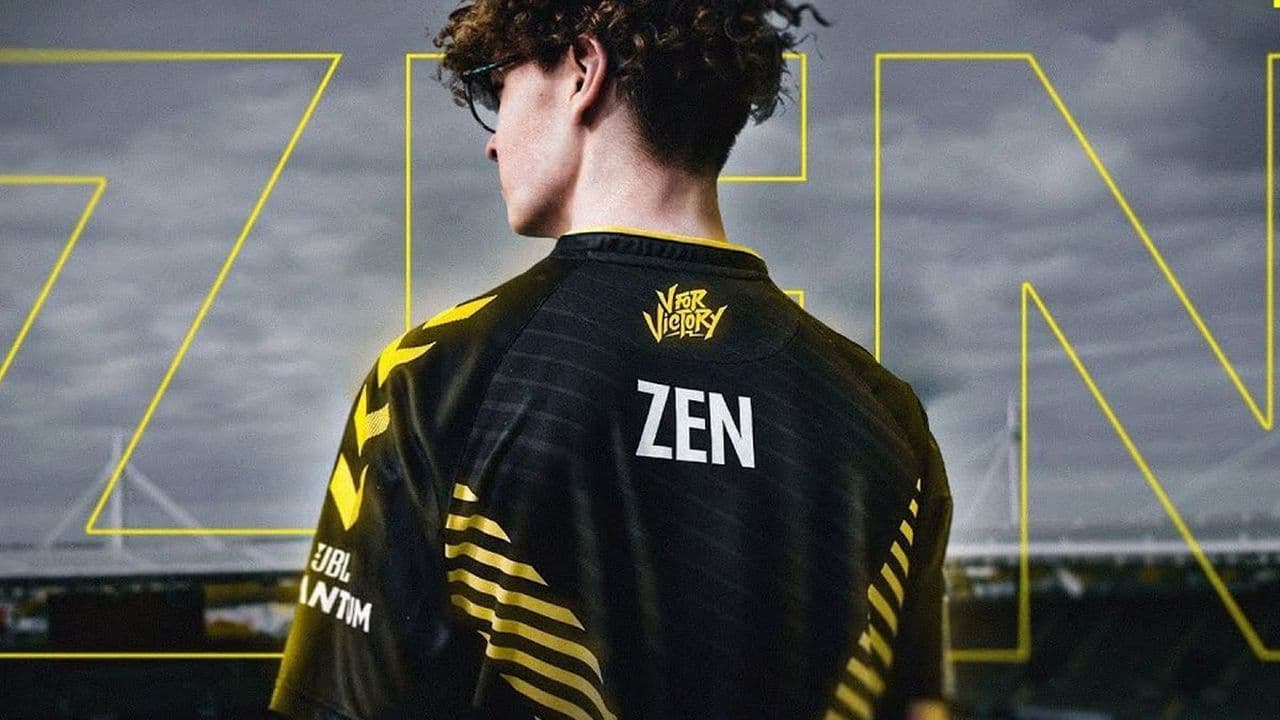
What settings does Zen use?
Here are the latest zen camera settings for Rocket League:
- Camera Shake: Off
- Field of View (FOV): 110
- Height: 100
- Angle: -3.0°
- Distance: 270
- Stiffness: 0.35
- Swivel Speed: 4.00
- Transition Speed: 1.00
- Ball Camera: Toggle
What are Squishy Muffinz's camera settings?
Squishy Muffinz, another renowned Rocket League professional, uses the following camera settings:
- Camera Shake: Off
- Field of View (FOV): 110
- Height: 90
- Angle: -5.0°
- Distance: 270
- Stiffness: 0.45
- Swivel Speed: 6.90
- Transition Speed: 1.50
- Ball Camera: Toggle
What are M0nkey M00n's camera settings?
M0nkey M00n, a top-tier Rocket League professional, utilizes the following camera settings as of January 2025:
- Camera Shake: Off
- Field of View (FOV): 109
- Height: 110
- Angle: -4.0°
- Distance: 260
- Stiffness: 0.60
- Swivel Speed: 4.00
- Transition Speed: 1.10
- Ball Camera: Toggle
Guide Categories
All Related Guides
 zen camera settings for Rocket League Discover zen camera settings in Rocket League, boosting your gameplay with precise control and better visibili...