League of Legends Vanguard errors explained
With so many issues creeping up on League of Legends players, we're here to help you solve your VAN errors.
League of Legends Vanguard errors can be frustrating for players, but understanding what they are and how to fix them can help get you back in the game.
In this guide, we’ll go over all known Vanguard error codes and provide simple solutions to help you resolve them quickly.
What are LoL Vanguard errors?
If you’re trying to play League of Legends and see an error code starting with "VAN," it usually means there’s an issue with Riot's anti-cheat system, Vanguard.
Vanguard is an anti-cheat system created by Riot Games to stop players from cheating or using hacks in League of Legends and other Riot Games, like VALORANT error codes. It helps keep the game fair by detecting and blocking cheating software.
What makes Vanguard different is that it works at the kernel level of your computer. This means it has deep access to your computer's operating system, allowing it to closely monitor what programs are doing. With this level of control, Vanguard can find cheats that other, simpler systems might miss.
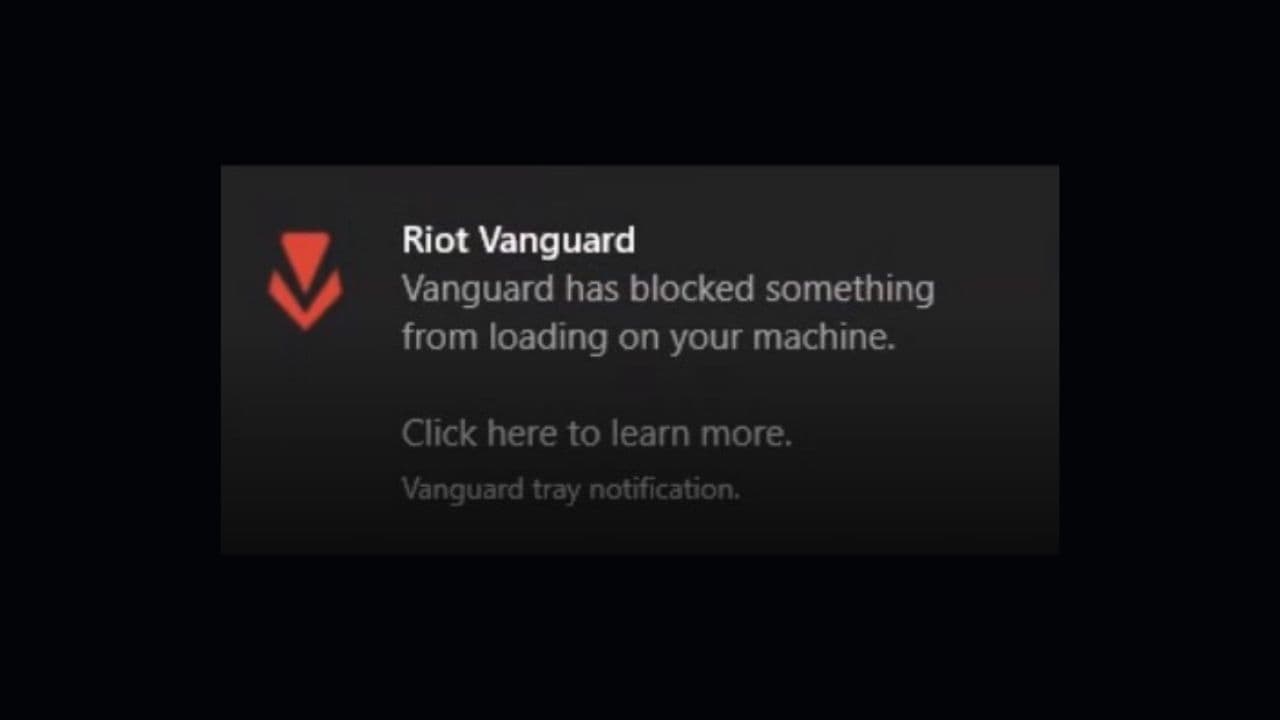
However, because Vanguard has such deep control over your system, it can sometimes cause problems, like the VAN 128 error or other connection issues. These problems happen when something on your computer isn’t working right or conflicts with Vanguard.
For Vanguard to work properly, your system needs to be in a "clean" state. This means there should be no problems with your computer’s settings or software. If something is misconfigured, Vanguard might not work as it should and cause errors.
Reasons for Vanguard errors in League of Legends
Vanguard error codes in League of Legends usually point to issues with the game’s anti-cheat system or with your computer, related to topics like:
- Connection errors: Many Vanguard errors happen because of problems with connecting to Riot's servers. These can occur if the game or Riot Client has been open too long, your internet connection isn’t stable, or Vanguard has trouble communicating with your computer.
- Installation or uninstallation problems: Some errors happen when Vanguard can't be installed or removed properly. This could be due to corrupted files or the system having trouble with the installation or uninstallation process.
- Hardware issues: Some errors are related to your hardware. For example, a HWID ban happens when your computer’s hardware is banned for breaking the game’s rules. Other errors can happen if you're using a virtual machine or if your system settings, like TPM (Trusted Platform Module) and UEFI firmware, are not set up right.
- System settings problems: Vanguard needs your system to be set up in a certain way to work properly. If features like Exploit Protection or Virtualization-Based Security are turned off, it can cause errors. You also need to have an updated version of Windows for Vanguard to work.
- Software conflicts or malware: If there’s unusual software on your computer, like malware or other security programs, they might conflict with Vanguard and cause errors. Scanning for malware or adjusting some settings can help solve this.

All Vanguard errors in League of Legends
Here are the known LoL Vanguard errors:
Do you need Vanguard to play League of Legends?
Yes, you need Vanguard to play League of Legends. Riot Games made it mandatory in 2024. Vanguard is an anti-cheat system that blocks third-party software. It works at the system level and runs when your PC starts. If Vanguard is not installed or not active, the Riot Client will not open. This system helps protect ranked games from cheaters. Riot says Vanguard only checks for cheating tools and does not read personal files.
How to check if Vanguard is running
To check if Vanguard is running, look at the icons near your clock. If you see a red Riot shield, Vanguard is active. You can also open Task Manager. Look for “vgc” or “Riot Vanguard” in the list of services. If you cannot find it, restart your PC. If it still does not work, open the Riot Client. It will tell you to install or repair Vanguard.
Where is the Vanguard file located?
Vanguard stores its main files in the following folder: C:\Program Files\Riot Vanguard
It also installs a system file named vgk.sys in your System32 folder. This file helps Vanguard start when your PC turns on. You cannot delete these files while Vanguard is active. If you try to remove them, League of Legends will not open. You must reinstall Vanguard through the Riot Client if you remove or break these files.
All Related Guides
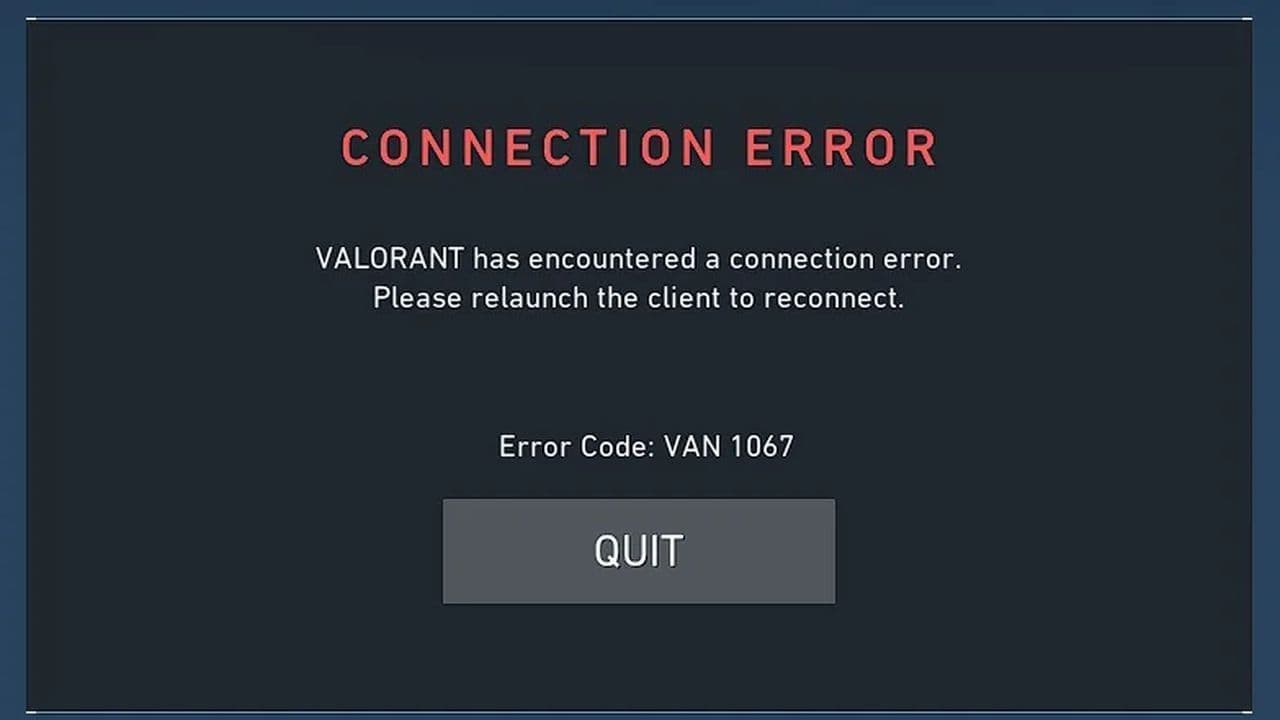 VAN 1067: League of Legends Vanguard error fixFix League of Legends VAN 1067 error with TPM 2.0, Secure Boot, Vanguard reinstall, driver checks, and proven ...
 How to fix the “Vanguard session is initializing” error in League of LegendsFix the Vanguard session is initializing error in League of Legends with simple steps that help you get back i...
 7 ways to fix LoL Vanguard Error VAN 84 errorLearn how to fix League of Legends Vanguard Error VAN 84 fast with 7 proven solutions, including Riot Client r...