Legend of Zelda: Breath of the Wild is now on VR: How to play
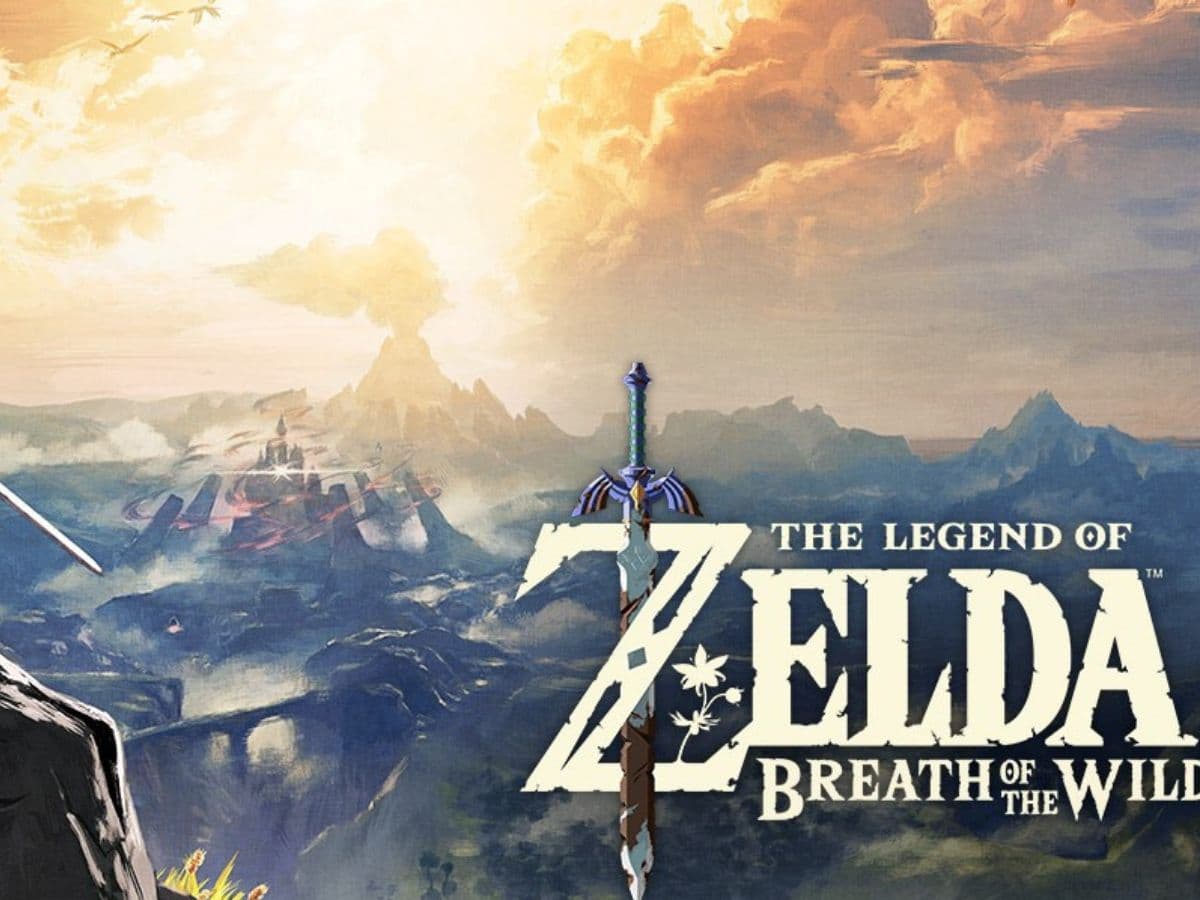
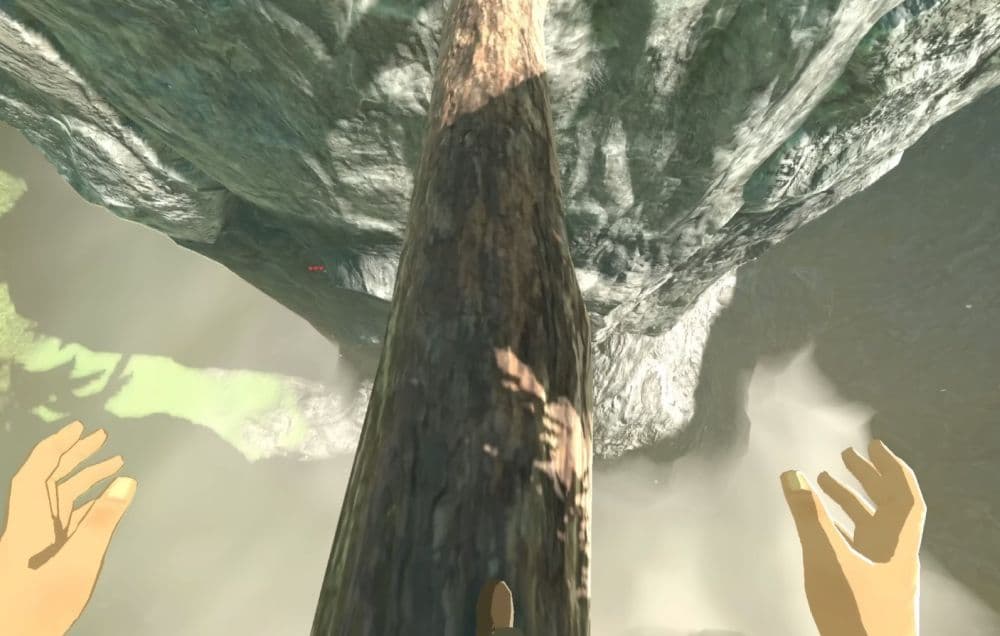
A popular modder, known by the name “Crementif” recently shared their latest work on GitHub and YouTube. Crementif released a trailer of Legend of Zelda: Breath of the Wild from a POV angle, being played on VR.
You can now play Legend of Zelda: Breath of the Wild on VR
Zelda: Breath of the Wild VR is no longer a thought experiment or a short demo. A new PC mod called BetterVR brings Nintendo’s landmark open-world game into full virtual reality, with proper head tracking and motion controls. It turns Hyrule into a place you can stand inside, look around freely, and explore at life size.
This project does not come from Nintendo. It comes from the PC modding scene, where The Legend of Zelda: Breath of the Wild has lived for years through emulation and performance upgrades. So, this is a fan-made project just like the Whisper of Mind game.
Check the gameplay video below:
How to play Legend of Zelda: Breath of the Wild on VR
To play The Legend of Zelda: Breath of the Wild in VR, you need to run the Wii U version of the game on PC and apply the BetterVR mod. This setup uses emulation and requires proper hardware, software, and a legal game copy. There is no official VR version from Nintendo.
Here is the process at a clear, high level:
- Own a legal Wii U copy of the game: You must legally purchase Breath of the Wild for Wii U and dump the game files yourself.
- Install and configure the Cemu emulator: Set up Cemu on Windows. Before VR, confirm that the game runs correctly in standard mode.
- Optimize performance for VR: Apply recommended graphics and performance settings in Cemu. VR requires a stable high frame rate, usually 60 FPS or more, to avoid discomfort.
- Download and install the BetterVR mod: Get the BetterVR files from the official project repository. Extract the files into the main Cemu folder, as instructed by the developer.
- Connect and set up your VR headset: Use a supported PC VR headset through OpenXR. Launch the VR runtime and confirm that head tracking and controllers work correctly before starting the game.
- Launch Breath of the Wild in VR mode: Start the game using the BetterVR launcher. Configure in-game VR options such as camera mode, height, and controller bindings.
Once set up, the game loads directly into VR. You can play in first-person or third-person VR, use motion controllers for combat and interaction, and explore the full world of Hyrule at life scale.
Platform and compatibility: What you need to run Zelda BotW VR on PC
BetterVR runs only on Windows and requires a PC setup that can handle both emulation and VR.
Minimum expectations include:
- A modern CPU with strong single-core performance
- A dedicated GPU, preferably NVIDIA at launch
- 16–32 GB RAM for stable performance
- A VR-ready Windows system
Test systems reported by the developer include high-end and mid-range PCs, such as an Intel Core i9-13900K with an RTX 4090 and a Ryzen 5 7600X with an RTX 3060. Performance depends heavily on CPU speed and emulator settings.
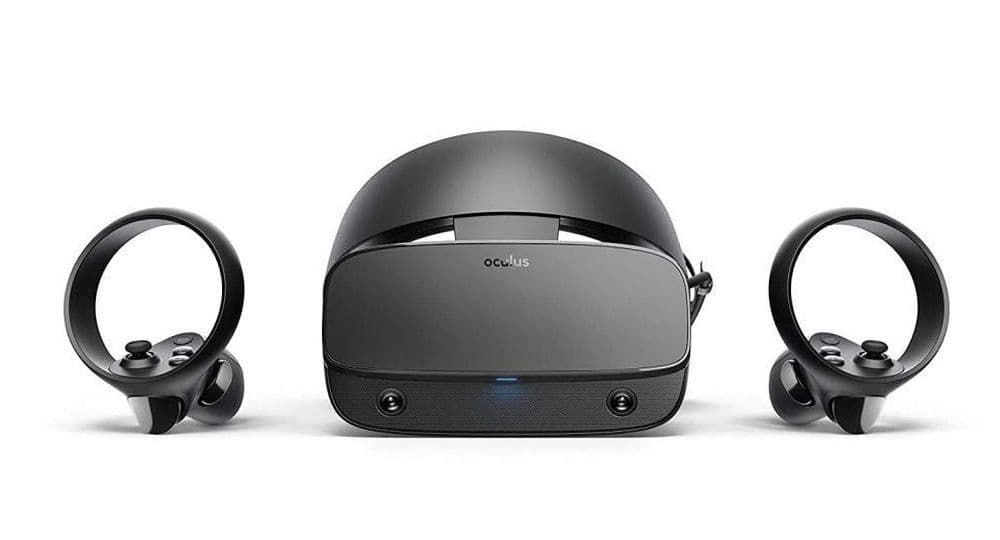
BetterVR uses OpenXR, which allows broad headset support. Reported compatible devices include:
- Valve Index
- HTC Vive
- Oculus Rift
- Meta Quest (via PC VR)
- Windows Mixed Reality headsets
Controller bindings work best with Oculus Touch layouts by default. Other controllers may require manual binding through SteamVR or OpenXR tools. Head tracking works reliably across supported devices, but controller setup can vary.
What is BetterVR?
BetterVR is a virtual reality conversion mod for Breath of the Wild on PC. It works with the Wii U version of the game through the Cemu emulator. The mod does not change the story or content. It changes how you see and control the game.
Instead of playing on a flat screen, BetterVR renders the world in stereo 3D and tracks your head and hands in real time. You move through Hyrule with natural head motion. You aim, fight, and interact using VR controllers. The goal is simple: make Breath of the Wild feel like a native VR game without rewriting the game itself.
Key features include:
- 6DOF head tracking: You can lean, crouch, and look around naturally. The camera follows your real movement.
- Hand and controller tracking: Weapons, shields, bows, and tools respond to your hands. You swing, block, and aim with motion controllers.
- Full gameplay support: Combat, climbing, paragliding, shield surfing, puzzles, and interactions all work in VR.
- Stable performance targets: The mod expects 60 FPS or higher. This target matters in VR to reduce motion sickness.
The result feels closer to a built-for-VR adventure than a simple mod experiment.
BetterVR installation path
BetterVR does not include game files. You must own a legal Wii U copy of Breath of the Wild.
The general setup flow looks like this:
- Dump your Wii U game files legally
- Set up Cemu and confirm the game runs on PC
- Download BetterVR from its official repository
- Extract the mod files into the Cemu directory
- Launch the VR entry point and configure settings
The developer provides step-by-step instructions. Users should follow them closely to avoid crashes or poor performance.
What makes BotW BetterVR different from basic VR screen modes
Many “VR” game mods only place a virtual screen in front of the player. BetterVR takes a very different approach. It builds a full 6DOF experience, which means your position and rotation both matter.
BetterVR stands out for three core reasons:
- True stereoscopic 3D for both eyes
- Full 6DOF head tracking with room-scale movement
- Native motion controller support, not mouse emulation
This design gives depth to mountains, towns, and shrines. It also removes the feeling of watching the game from the outside. You feel present in the world, not seated in front of it.
All Related Guides
 Zelda Ocarina of Time Remake changes: What's new on Nintendo Switch 2?Discover every confirmed Zelda Ocarina of Time remake change on Nintendo Switch 2, including new visuals, rede...
 How to complete the Crisis at Hyrule Castle mission in TOTKFind every step in the Crisis at Hyrule Castle mission, including the castle route, enemy fights, Phantom Gano...
 Zelda 2026: Everything We Know About Ocarina of TimeEverything we know about the Zelda 2026 Ocarina of Time remake, from its Switch 2 release window to the bigges...
 Zelda Twilight Princess Dusk: What It Is and How to Play DusklightNew to Zelda Twilight Princess Dusk? Learn how Dusklight runs, what makes it different, and why fans are payin...
 What new Legend of Zelda projects are planned?New Legend of Zelda projects include a movie, Switch 2 editions, and more. Here’s what is confirmed and what r...
 The Legend of Zelda 40th Anniversary: Everything fans need to know The Legend of Zelda 40th Anniversary guide: history, rumored remakes, Switch 2 ports, collectibles, and celebr...
 All Legend of Zelda games in orderDiscover all Legend of Zelda games in order, from the NES classic to the latest adventures on the Nintendo Swi...
 How to unlock Sahasra Slope Skyview Tower in TOTKExplore how to unlock Sahasra Slope Skyview Tower in TOTK with our step-by-step guide. Find the cave, clear ro...
- 1
- 2
- 3