How to see Roblox purchase history
See what you spent Robux on
You can see your Roblox purchase history through the My Transactions page. It shows items and passes you've bought, Robux transactions, Premium stipends, sales, and other account activity.
Here's how to find it.
How to check Roblox purchase history
- Open Roblox in a web browser and sign in.
- Click the Robux icon in the top-right corner.
- Click your Robux balance.
- The My Transactions page will open.
- Select Purchases from the transaction filter.
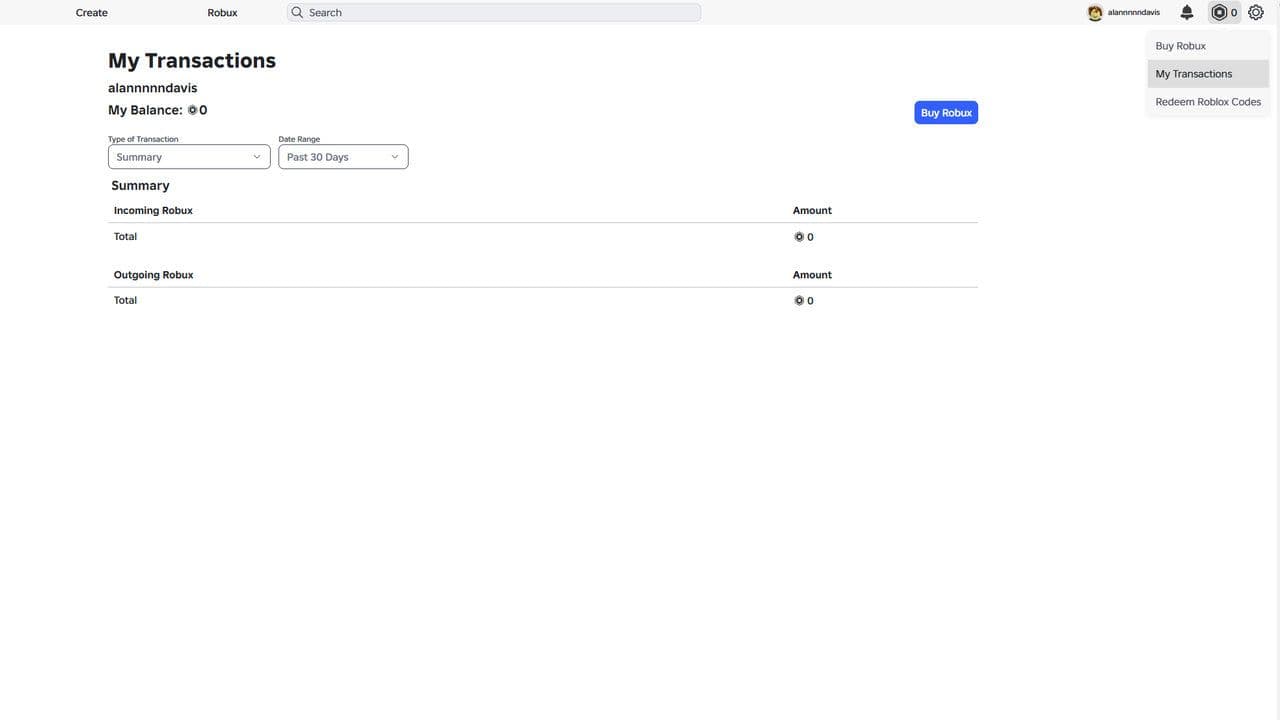
The Purchases section shows your history of virtual items and passes purchased with Robux.
Roblox My Transactions explained
Different filters show different types of activity:
If you want to know what you bought with Robux, use Purchases. If you're investigating your overall Robux activity, start with Summary or Currency Purchases.
How to see Roblox purchase history on mobile
For detailed transaction history, use Roblox through your phone's web browser.
Sign in and follow:
Robux icon → Robux balance → My Transactions → Purchases
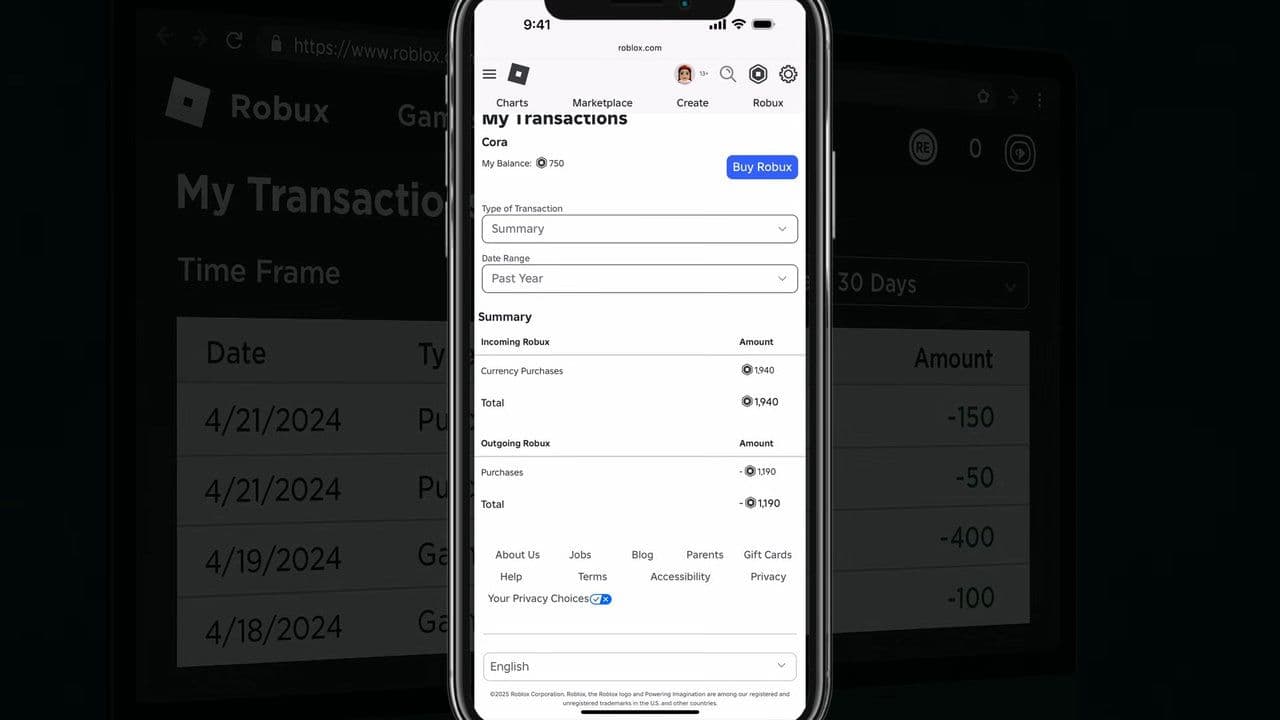
The Roblox mobile app shows your current Robux balance, while Roblox's documented method for accessing detailed spending history uses the web version.
How to check real-money Roblox purchases
Robux transaction history and real-money receipts aren't always the same thing.
If you bought Robux through another platform, check that platform's purchase history for the actual payment receipt.
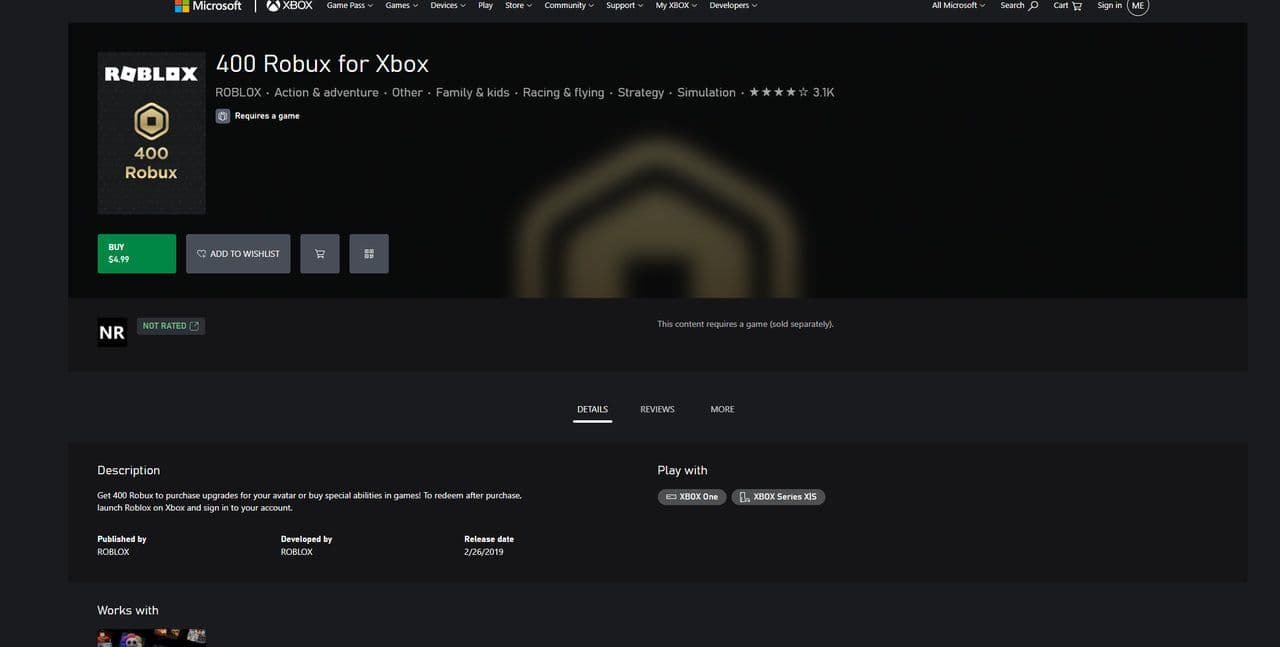
This includes purchases through Apple, Google Play, Amazon, Microsoft, Xbox, Samsung, and Xsolla.
Why isn't my Roblox purchase showing?
First, make sure you're logged into the same Roblox account that made the purchase.
For a missing Robux purchase, check My Transactions and your payment provider's receipt. If the purchased product still hasn't appeared, Roblox recommends keeping details such as the purchase date, product, device, and receipt available when contacting support.
For most players, the quickest way to check Roblox purchase history is simply:
Roblox → Robux balance → My Transactions → Purchases
That’s all for today! Want some free Roblox items? Check out these:
All Related Guides
 How to find the Monochrome Roblox code and escapeFind the Monochrome Roblox code, collect all four keys, survive the basement maze and open the elevator to com...
 How to connect Claude to Roblox StudioConnect Claude to Roblox Studio with the current MCP method and see how Claude can work with your scripts and ...
 How to fight in Gakuran RobloxLearn how to fight in Gakuran Roblox, from basic attacks to blocking, parrying, posture, and fighting styles....
 How to get a free avatar in RobloxFind out how to get a free Roblox avatar without spending Robux, from free character bundles to Marketplace it...
 How to reduce lag in Roblox: Comprehensive guideRoblox feeling slow or choppy? Find out how to reduce lag in Roblox and improve your game with a few simple ch...
 How to check Roblox player countHow many people play Roblox in 2026? Check the latest Roblox player count and learn what the numbers actually ...
 App Themes: How to change a Roblox Background (2026)Here’s how to change your Roblox background and theme, including Roblox Plus themes, Dark Mode, Light Mode, an...
 Roblox Safety Dashboard: How to check account status & ban riskLearn how the Roblox Safety Dashboard works, check your Account Status, review recent violations, and see whet...
- 1
- 2
- 3
- 4
- 5
- 6
- 7
- 8
- 9
- 10
- 11
- 12
- 13