How to fight in Gakuran Roblox
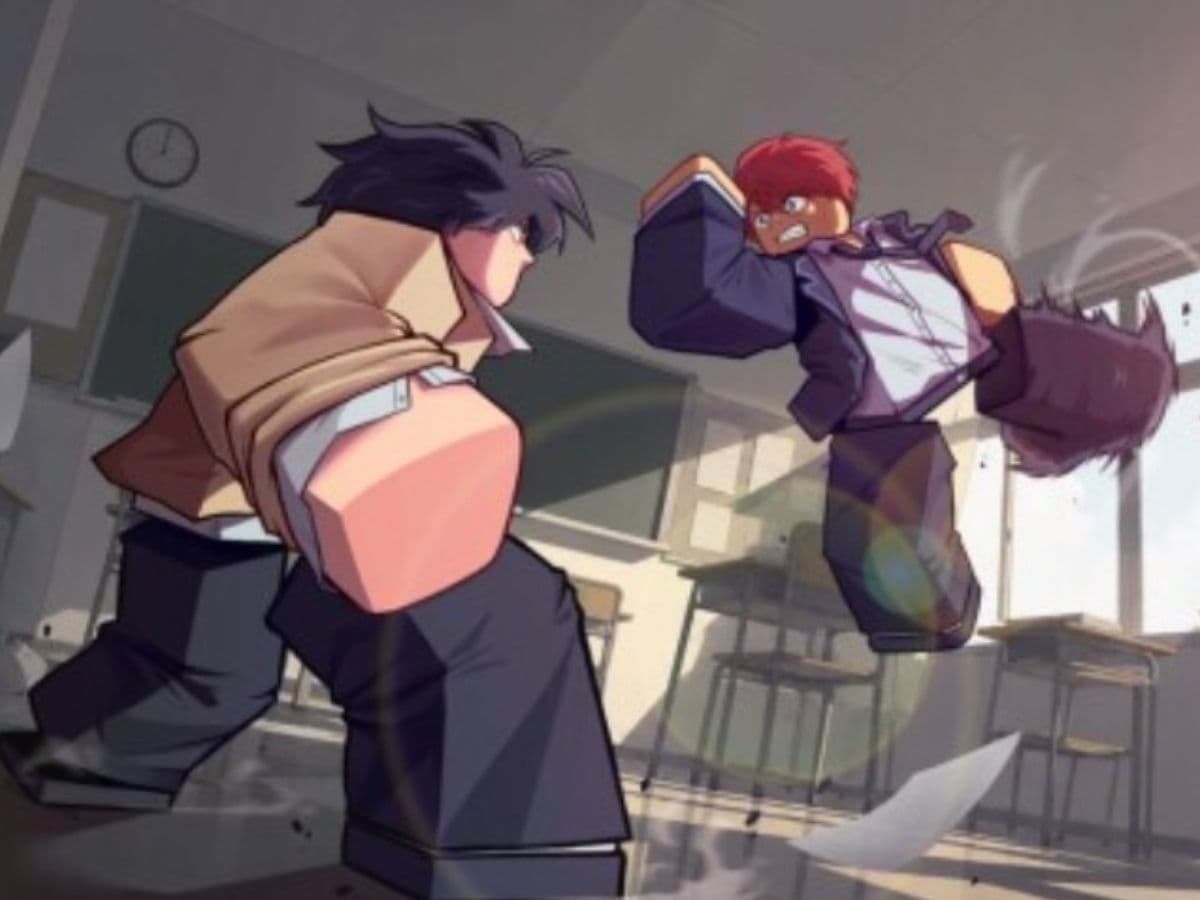
You can spend a while walking around Gakuran without getting into much trouble. Then someone throws the first punch and suddenly you need to know what every button does. If you are trying to learn how to fight in Gakuran Roblox, the basic controls are simple: M1 handles light attacks, R uses a heavy attack, F blocks or parries, and Q lets you dodge.
The harder part comes after that. Gakuran does not reward you for holding block or clicking M1 as fast as possible. You need to watch the other player, manage your posture, and know when to back off. Once you understand how those pieces work together, fights start making much more sense.
What is Gakuran Roblox?
Gakuran is a Roblox experience set in Japan in May 2007. On paper, it is a slice-of-life game. You can walk around, meet other players, and spend time in its school-themed setting.
Spend enough time in a server, though, and you will probably see a fight break out.
Combat has become a big part of how people play Gakuran. The system goes further than basic Roblox punches too. You have light and heavy attacks, blocking, parries, dodges, posture, and fighting styles to think about.
Even your character build can change how a fight feels. Height affects things such as attack speed and reach, while your fighting style can give you a different special action.
If you are still getting used to the platform itself, our Roblox beginner guide can cover the basic controls and systems before you jump deeper into Gakuran.
- Related: New Gakuran Roblox codes
How to fight in Gakuran
The easiest way to learn Gakuran combat is to start with your basic attack and add the other controls one by one.
1. Start with M1 attacks
Left-clicking throws a light attack, also called an M1. This is the attack you will use most often when you are close to another player. Before that, you need to press “T” to get into combat mode.
You can chain several M1 hits together. The full chain reaches four attacks, with the last hit sending the opponent back farther.
That does not mean you should hold the mouse button every time someone gets close. If another player sees the same rhythm again and again, they can wait for the next hit and try to parry it.
2. Use R when you want a heavy attack
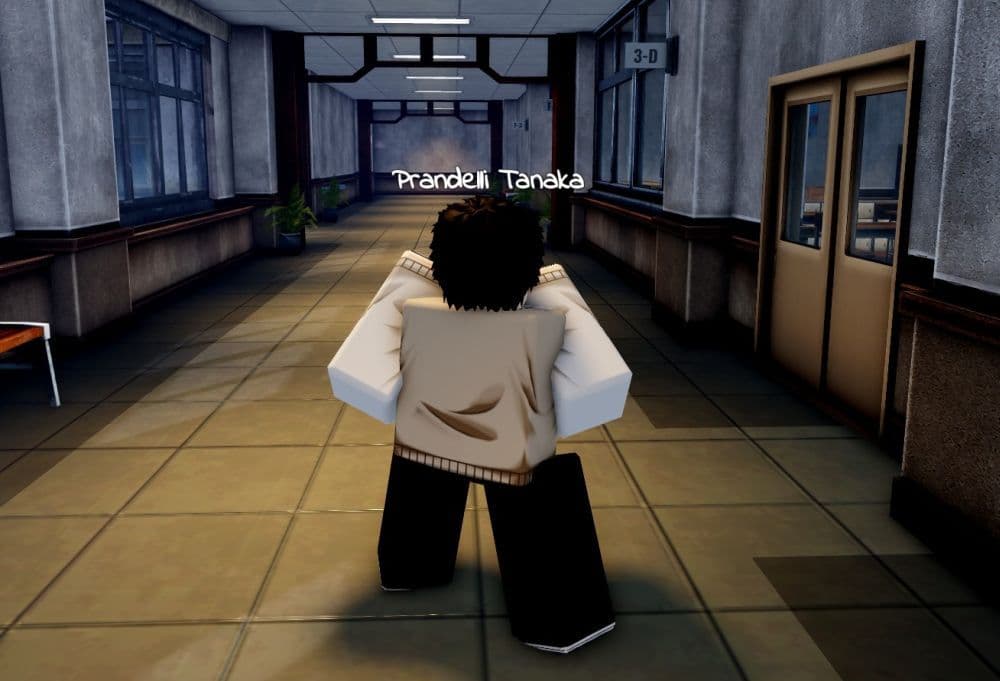
Press R for your heavy attack, or M2. It hits harder than one normal M1 and changes how the defender needs to react.
A regular block will not stop a heavy attack. The other player needs to dodge it, parry it, or interrupt you before the hit comes out when their situation allows it.
Because of that, heavies work well when someone keeps sitting behind their guard. They also become easy to read if you throw them constantly, so mix them into your normal attacks instead of relying on them.
3. Defend with F and Q
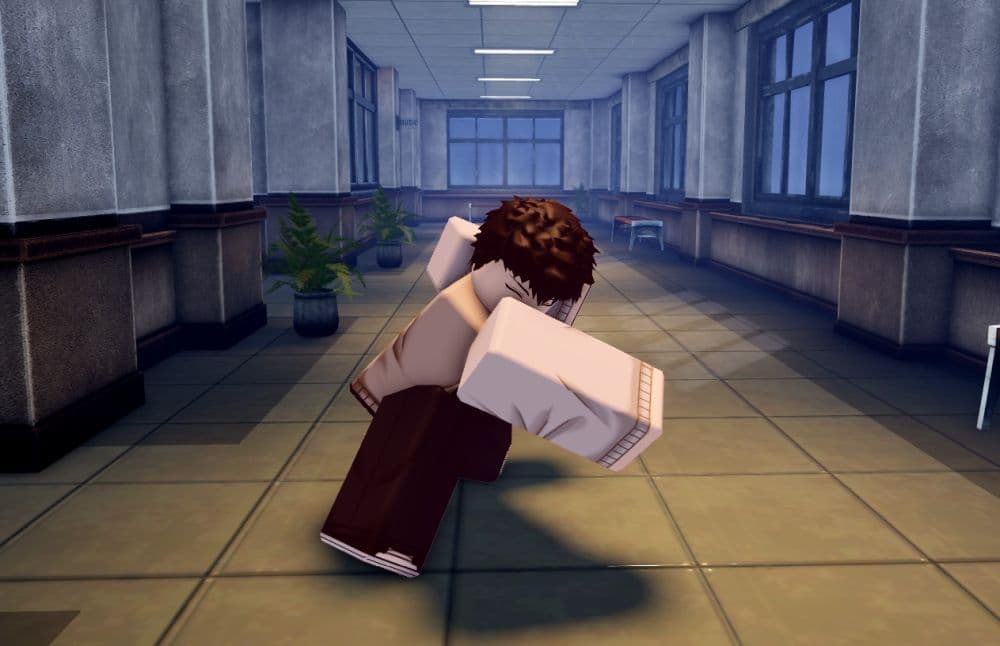
Hold F when you want to block a normal attack. Press Q when you want to dodge.
F also handles parries, but the timing changes the result. Instead of holding the button, press it just before an incoming attack reaches you. Get the timing right and you stop the hit while leaving the attacker open for a short moment.
4. Use your fighting style with T
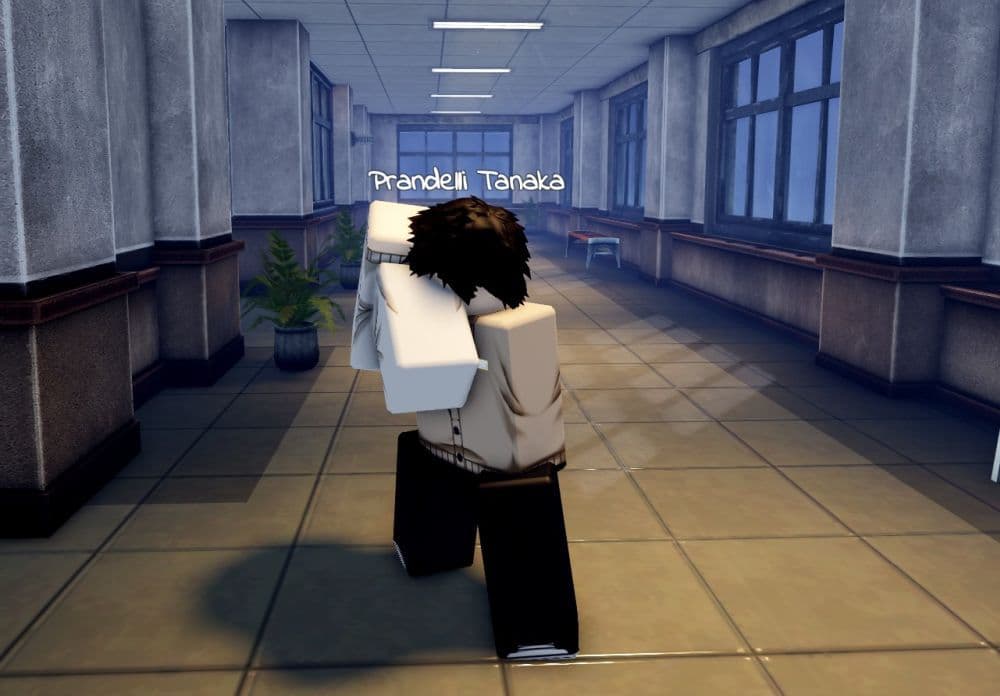
Press T to use the action tied to your current fighting style.
The result depends on the style you have, so T does not perform the same universal move for everyone. Learn what your current style does before you build your whole fighting approach around it.
When another player goes down, B lets you execute them. You can also press V to carry a player.
Gakuran combat controls
If you only want the main PC controls in one place, these are the ones you need during a fight:
Shift Lock can also make fights easier to follow. Press Ctrl and you can keep your camera lined up more comfortably while moving around an opponent.
The published control information mainly covers keyboard and mouse, so mobile or controller players should check the current in-game layout for their platform.
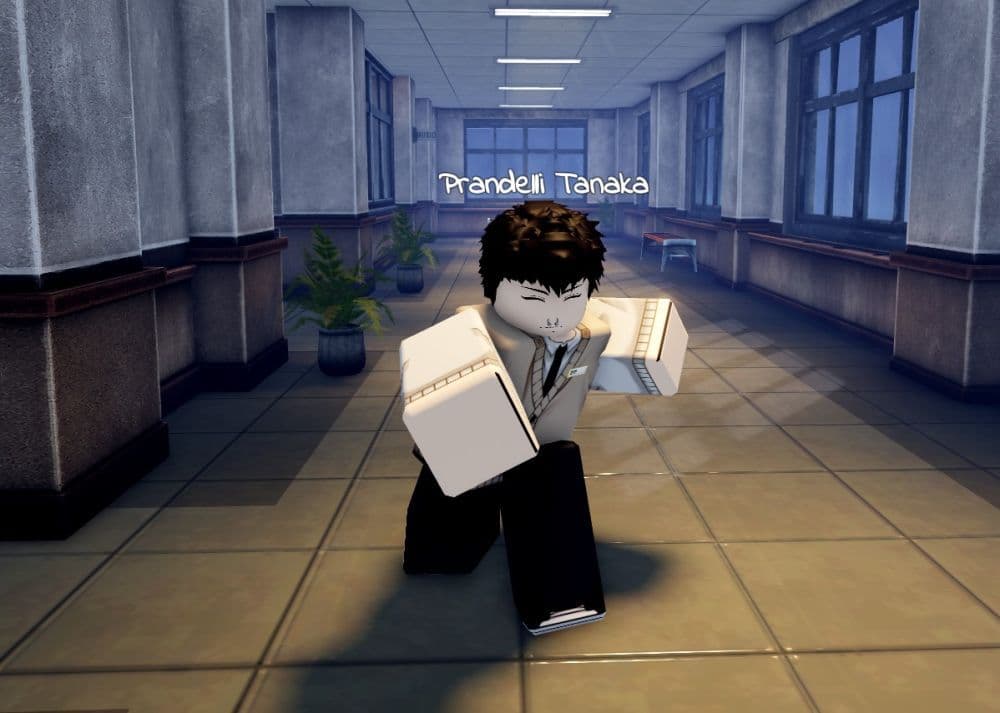
How blocking, parrying, and posture work in Gakuran
This is where new players usually start running into problems.
You can hold F and block regular attacks, but you cannot sit behind your guard forever. Every blocked hit drains posture, and sprinting uses the same resource. Run into a fight with low posture and you already put yourself at a disadvantage.
If your posture runs out and another attack catches your guard, you can suffer a guard break. That leaves you stunned long enough for the other player to follow up.
Parrying works differently. Press F shortly before the attack connects while facing your opponent. A successful parry stops the normal hit and does not drain your posture in the same way a standard block does.
There is another useful detail here. You can still parry when your posture reaches zero. So even when your guard is in bad shape, good timing can still save you.
How to get better at fighting in Gakuran
You do not need to learn every fighting style before you can win fights. Start by getting comfortable with your M1 range. Once you know how far your attacks reach, you can stop swinging at empty space and put yourself in better positions.
Then spend some time working on defense. Try blocking one or two hits instead of holding F through an entire combo. Watch the other player's attack rhythm and start looking for parry chances when you can predict the next hit.
Q also becomes more useful once you stop treating it like a panic button. Dodge when you actually see danger coming, especially against heavy attacks. If you press Q every time someone moves toward you, good players will notice.
Find more Roblox guides below:
- How to get rid of the Ghost in Roblox Animal Hospital
- Anime Expeditions Puppet unit: Evolution, traits & more
- How to get Anime Expeditions Shiny Units
- How to create a player whitelist in Roblox
- How to check Roblox play time: How many hours have I played
Featured Image Credit: Roblox
All Related Guides
 Roblox Robux codes (October 2026): Gift cards, free items & moreFind Roblox Robux codes & redeem gift cards, claim free avatar items, convert Roblox Credit, and fix codes tha...
 How to see Roblox purchase historyLearn how to see your Roblox purchase history, check Robux transactions and find real-money receipts on deskto...
 How to find the Monochrome Roblox code and escapeFind the Monochrome Roblox code, collect all four keys, survive the basement maze and open the elevator to com...
 How to connect Claude to Roblox StudioConnect Claude to Roblox Studio with the current MCP method and see how Claude can work with your scripts and ...
 How to get a free avatar in RobloxFind out how to get a free Roblox avatar without spending Robux, from free character bundles to Marketplace it...
 How to reduce lag in Roblox: Comprehensive guideRoblox feeling slow or choppy? Find out how to reduce lag in Roblox and improve your game with a few simple ch...
 How to check Roblox player countHow many people play Roblox in 2026? Check the latest Roblox player count and learn what the numbers actually ...
 App Themes: How to change a Roblox Background (2026)Here’s how to change your Roblox background and theme, including Roblox Plus themes, Dark Mode, Light Mode, an...
- 1
- 2
- 3
- 4
- 5
- 6
- 7
- 8
- 9
- 10
- 11
- 12
- 13