Roblox Robux codes (October 2026): Gift cards, free items & more
What's actually working?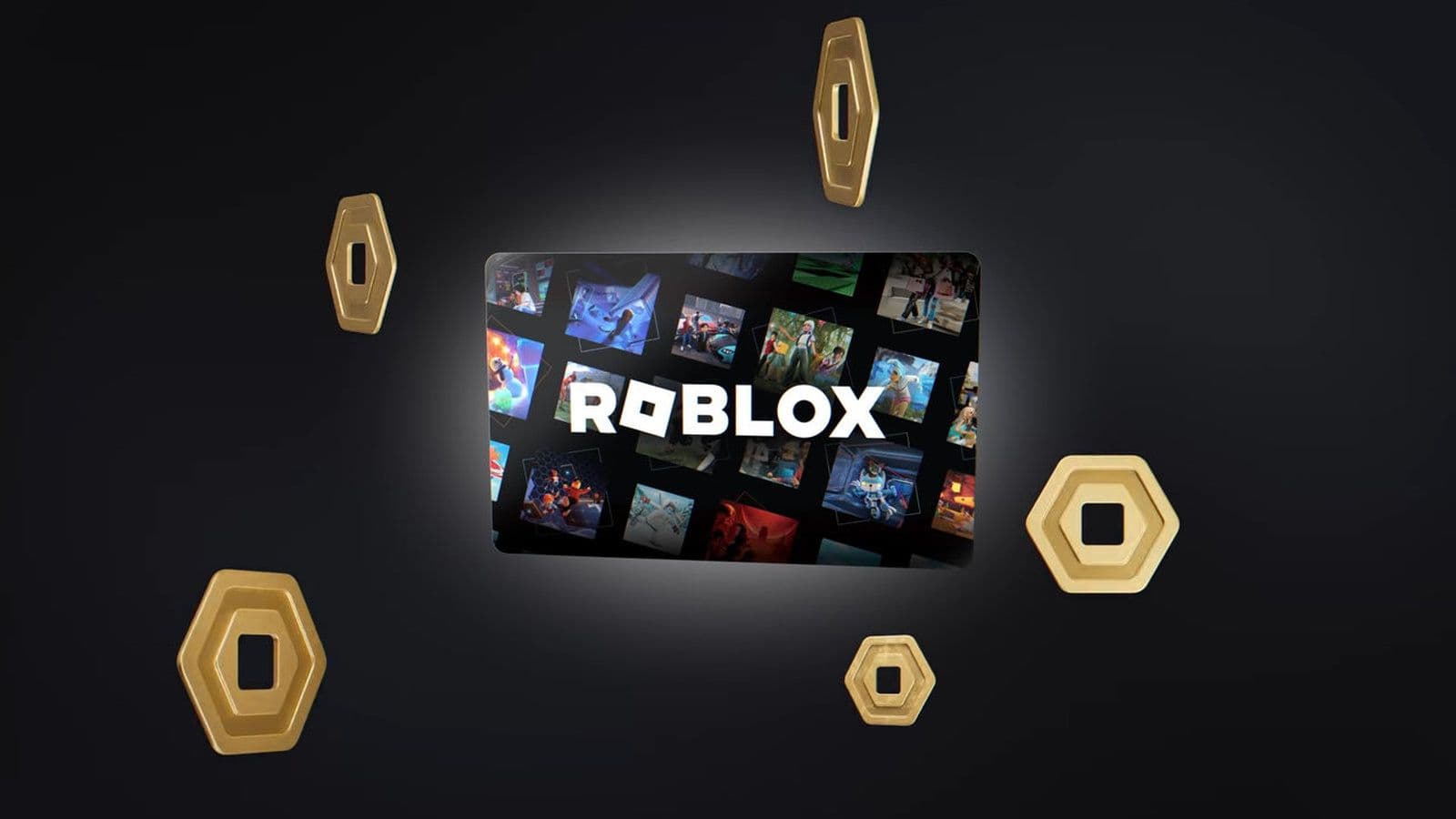
Roblox Robux codes can help fund your next avatar upgrade or game pass, provided you have a legitimate gift card PIN or retail code. Depending on the product, redemption adds Robux directly or gives you Roblox Credit to spend on currency.
For a free accessory, SPIDERCOLA is currently active and unlocks the Spider Cola shoulder accessory. It adds an item to your inventory, not Robux to your balance. There are no verified public free Robux codes, and Roblox warns against generators promising free currency.
Below, you’ll find the available promo reward, gift card redemption steps, credit conversion instructions, and fixes for missing rewards.
Are there working free Roblox Robux codes for October 2026?
Roblox does not provide public codes that give every player free Robux. Gift card PINs and retail codes represent individual purchases, so a code posted online cannot repeatedly reward everyone who copies it.
The Roblox product determines whether you receive Robux directly or credit to spend later.
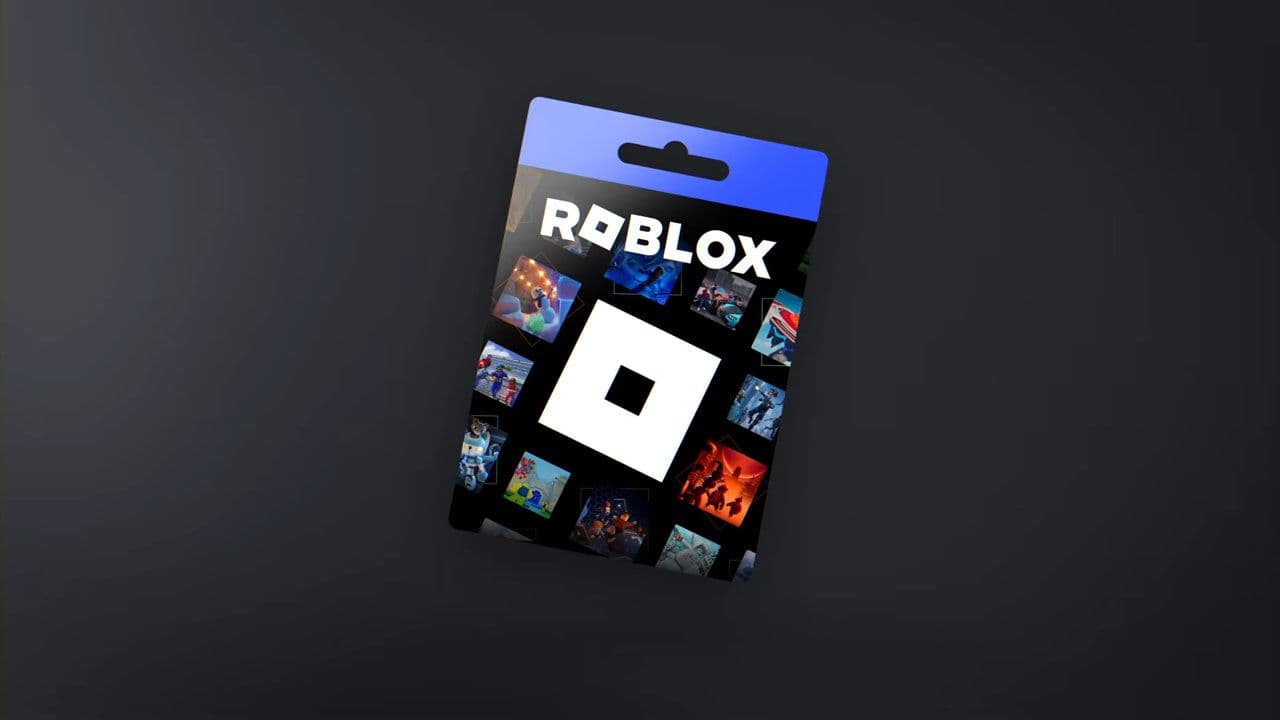
Party Packs contain 25 individual cards. Mini Packs contain 40 coins, each with a separate PIN. Both are paid retail products.
Roblox promo codes for free avatar items
If you want an accessory without spending Robux, SPIDERCOLA is currently reported as available as a general Roblox promo code.
Sign in at Roblox.com/redeem, enter SPIDERCOLA, and select Redeem. Check your inventory for the accessory afterward.
This Roblox code does not increase your Robux balance. For more cosmetic rewards and instructions, visit our Roblox promo codes guide. Codes redeemed inside individual experiences have separate redemption locations and availability.
How to redeem Roblox Robux codes
Use Roblox’s official redemption website for purchased codes. Check your username first: retail rewards go to the account signed in when you redeem them.
- Open Roblox.com/redeem in a browser.
- Sign in to the account that should receive the reward.
- Enter your gift card PIN or retail code.
- Select Redeem.
- Read the confirmation message.
- Check your Robux or Roblox Credit balance..
A standard gift card can add credit without immediately increasing your Robux balance. Amazon Roblox gift cards and Party Pack cards provide Robux directly.
How to use Roblox codes on mobile
On iPhone, iPad, and most Android devices, use a browser to open the redemption website. Standard mobile apps and consoles do not support gift card redemption.
Roblox documents an exception for supported Samsung Galaxy app redemption:
- Open the Roblox app.
- Go to More.
- Select Redeem.
- Enter your code and follow the confirmation prompts.
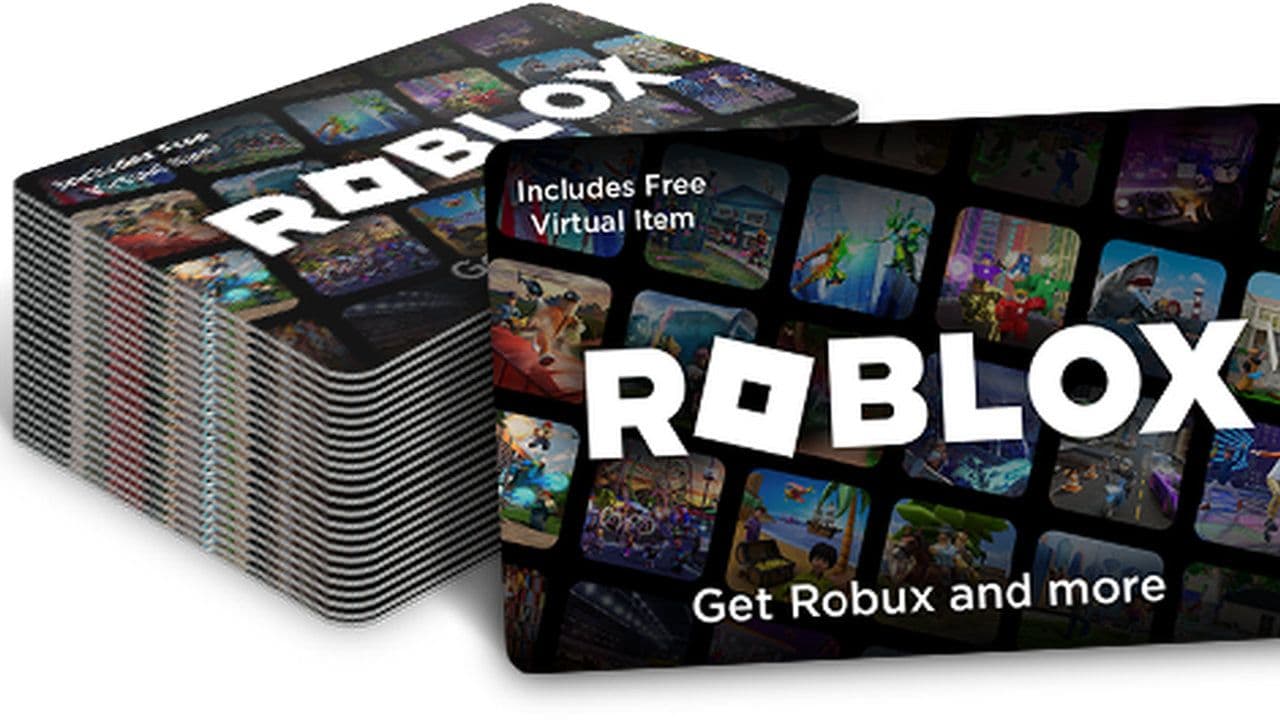
For Mini Pack and Party Pack retail codes, use the website in a browser. Their official instructions specify browser-only redemption.
How to convert Roblox Credit into Robux
If your gift card added credit, complete a separate Robux purchase through the browser.
- Sign in to the account where you redeemed the card.
- Return to Roblox.com/redeem.
- Check Available Credit beneath the redemption area.
- Select Get Robux.
- Review the selected package and press Buy.
The suggested option selects the largest package your balance can cover. To choose another package, visit the Buy Robux page.
For leftover credit too small for a full package, look for Get Robux or Convert Credit to Robux on the redemption page. Refresh afterward to see the updated balance.
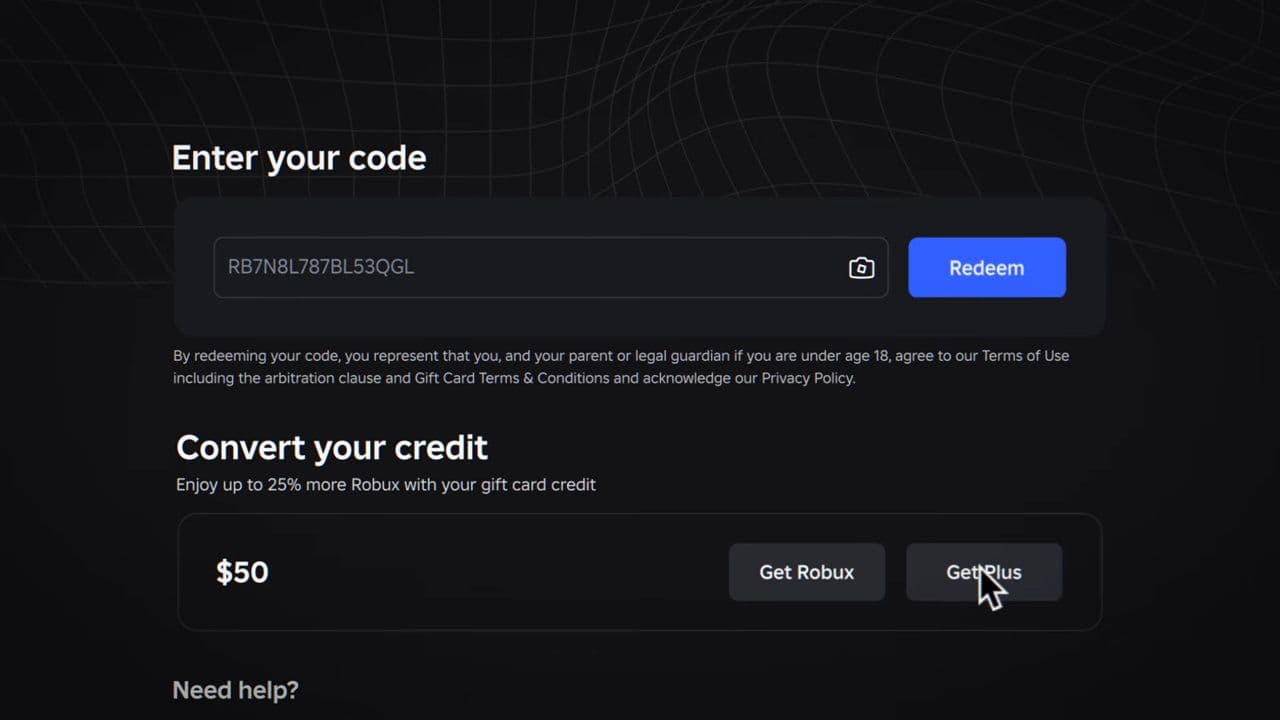
Roblox Credit is viewed and spent through a browser. You cannot split a purchase between credit and another payment method.
Why is my Roblox Robux code not working?
- Check the error message before retrying. A rejected code, an already-redeemed code, and a missing reward need different checks.
- Compare every character. Letters and numbers can look alike, especially 0/O, 1/I, and 8/B. Check your entry against the original card or digital delivery.
- Check other accounts. An already-redeemed retail code may have credited another account you use. Inspect those balances.
- Check the reward type. Gift card credit appears separately from Robux, while avatar accessories belong in your inventory.
- Check promotional availability. A time-limited promo code stops redeeming when its promotion ends. Correct spelling cannot reactivate it.
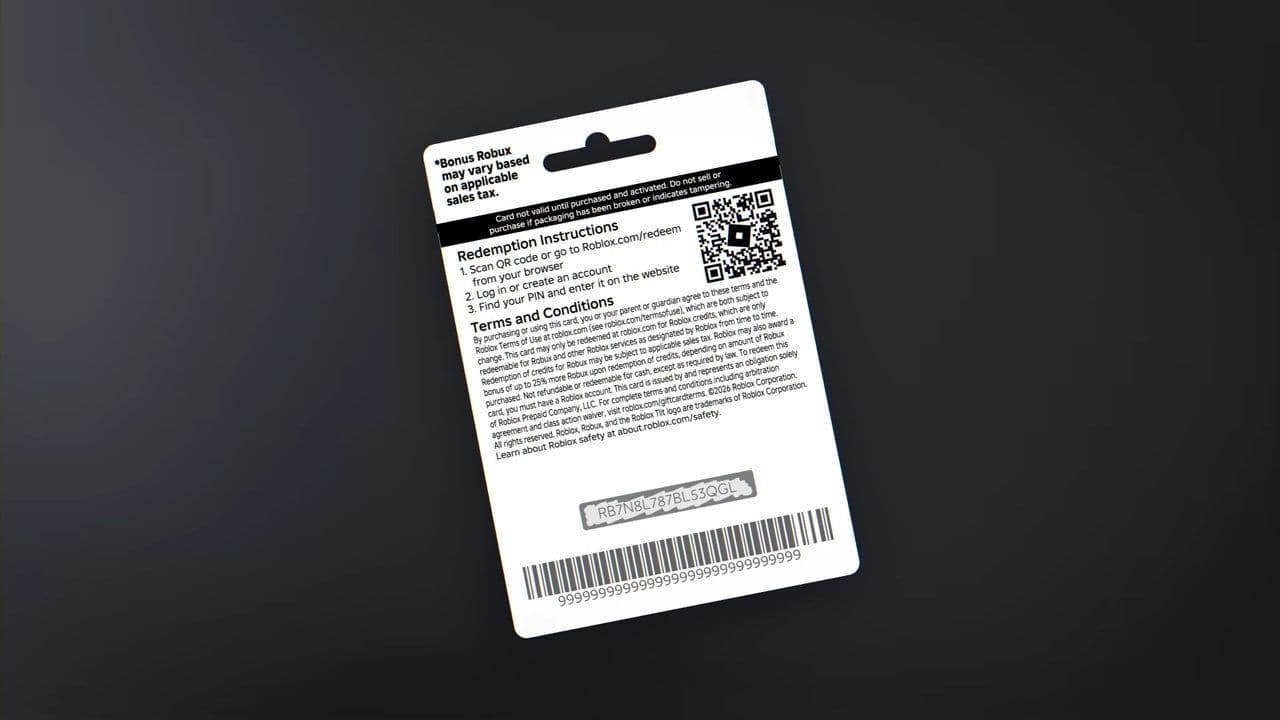
For unresolved gift card errors, contact Roblox Support. Prepare your username, purchase details, receipt, card PIN and serial number, card images, and an error screenshot. Submit these through official support rather than posting your PIN publicly.
How to get legitimate Roblox Robux codes
Bookmark this page with Ctrl+D and return for updates. We regularly update our Roblox game codes list with new rewards and redemption instructions across different experiences. These game-specific codes can provide items, currency, and boosts within their respective games.
For purchased Robux codes, find retailers through Roblox’s official gift card page. Keep your receipt until redemption succeeds.
Roblox events and giveaways can also distribute promotional codes. Read the advertised reward carefully, since an official code may unlock an accessory rather than Robux.
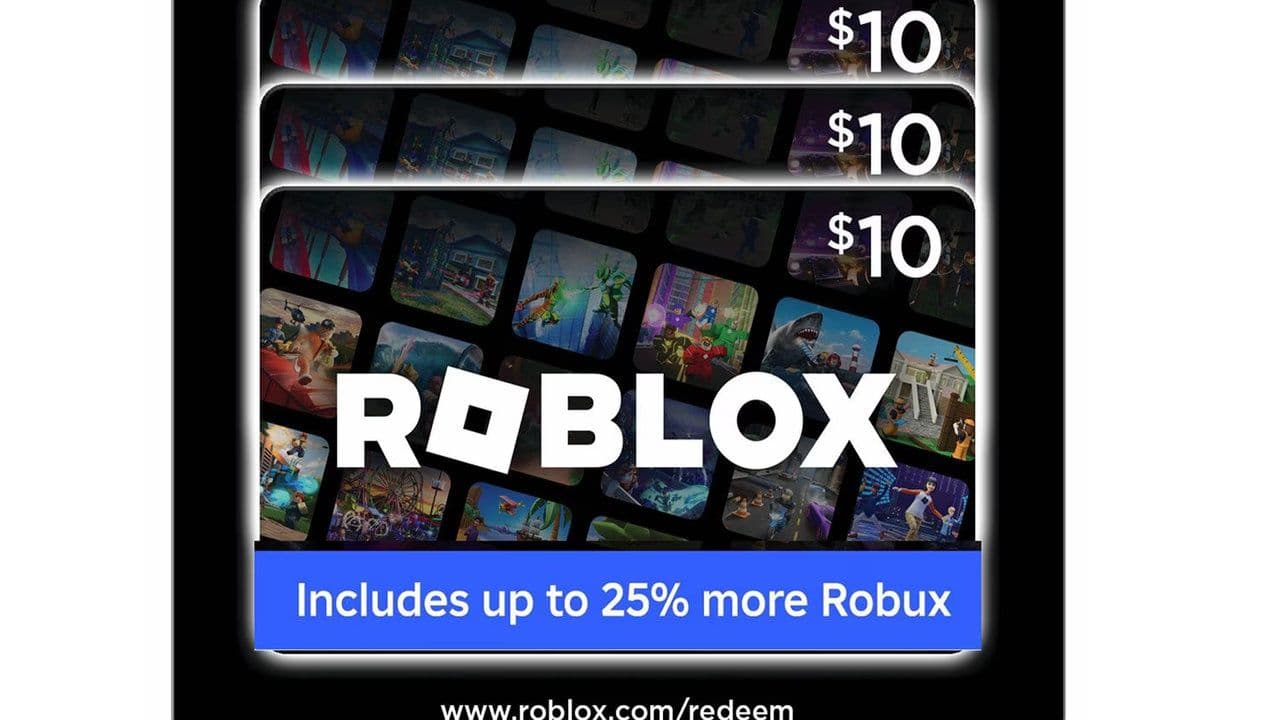
You can purchase Robux directly or earn it as a creator through experiences and eligible Marketplace items. Roblox currently advertises up to 25% more Robux for purchases through the web, computers, and gift cards. Compare the displayed packages before buying.
Are Roblox Robux generators safe?
No. Roblox states that Robux generators do not exist. Offers asking for your password, personal information, or suspicious links in exchange for free currency are not legitimate redemption methods.
Use Roblox’s official redemption website and flag suspicious messages or experiences through Report Abuse.
That’s all for today! Looking for more free Roblox items? Check out these:
All Related Guides
 How to see Roblox purchase historyLearn how to see your Roblox purchase history, check Robux transactions and find real-money receipts on deskto...
 How to find the Monochrome Roblox code and escapeFind the Monochrome Roblox code, collect all four keys, survive the basement maze and open the elevator to com...
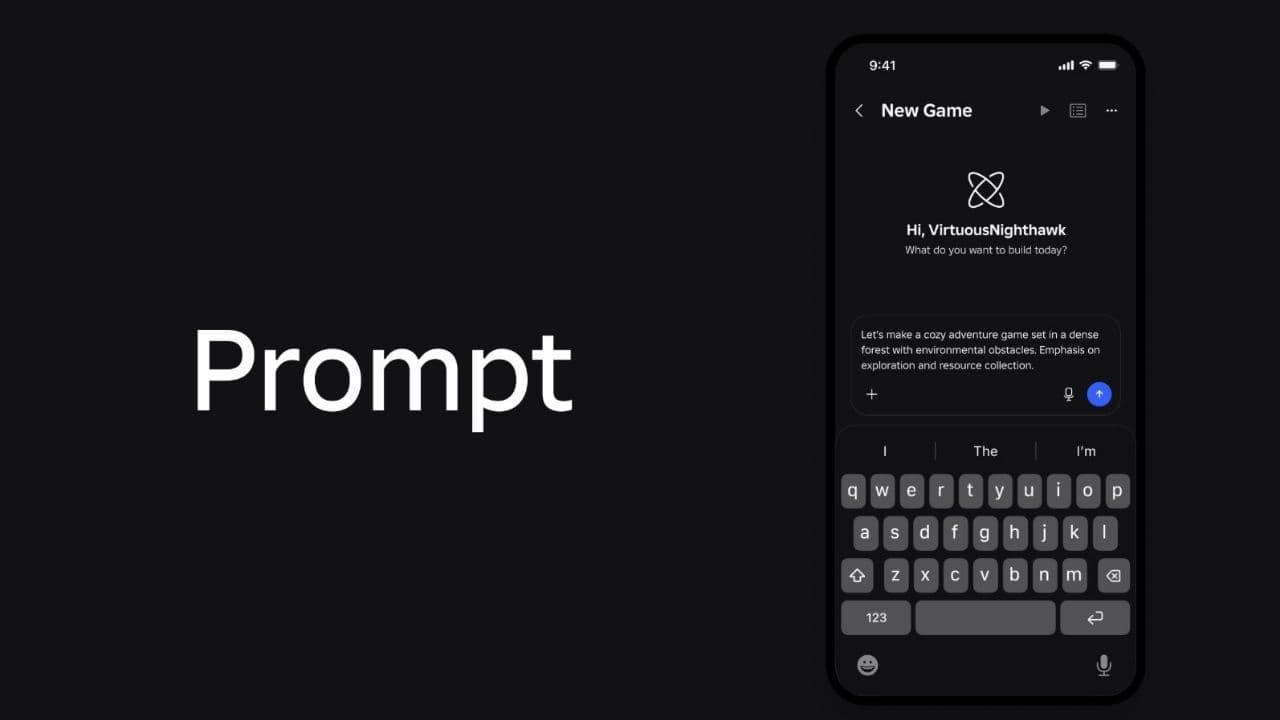 How to connect Claude to Roblox StudioConnect Claude to Roblox Studio with the current MCP method and see how Claude can work with your scripts and ...
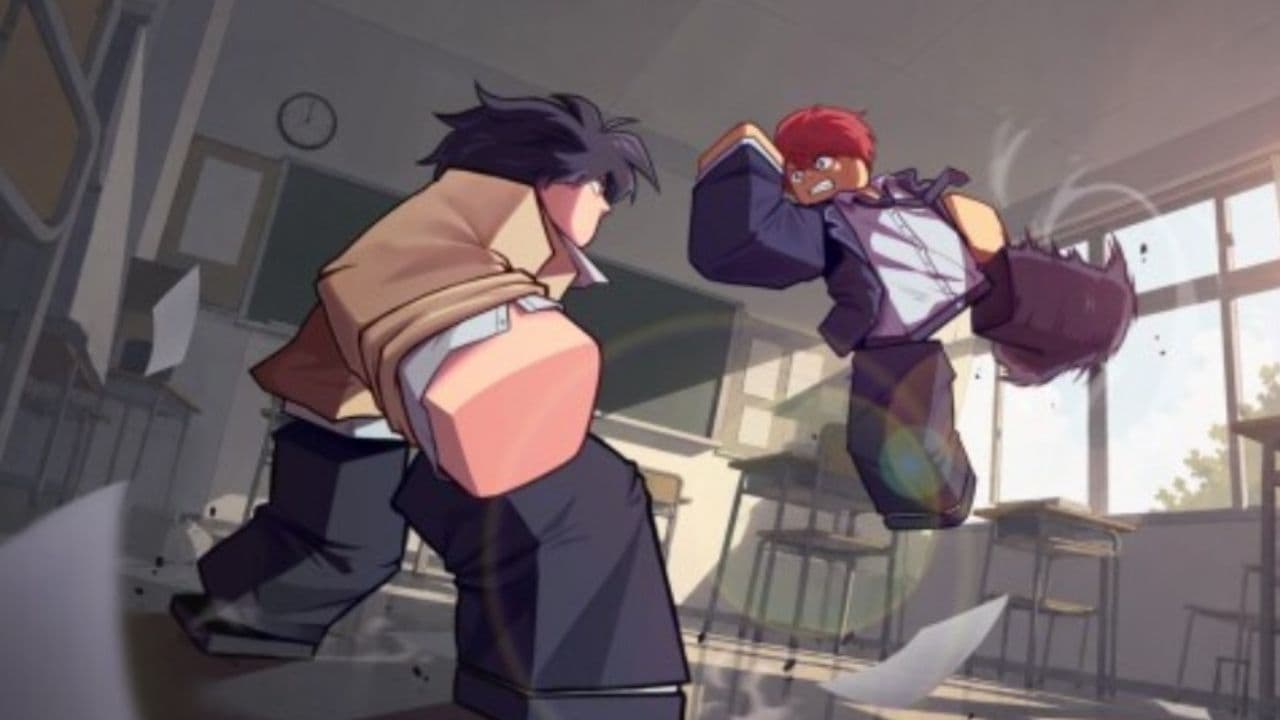 How to fight in Gakuran RobloxLearn how to fight in Gakuran Roblox, from basic attacks to blocking, parrying, posture, and fighting styles....
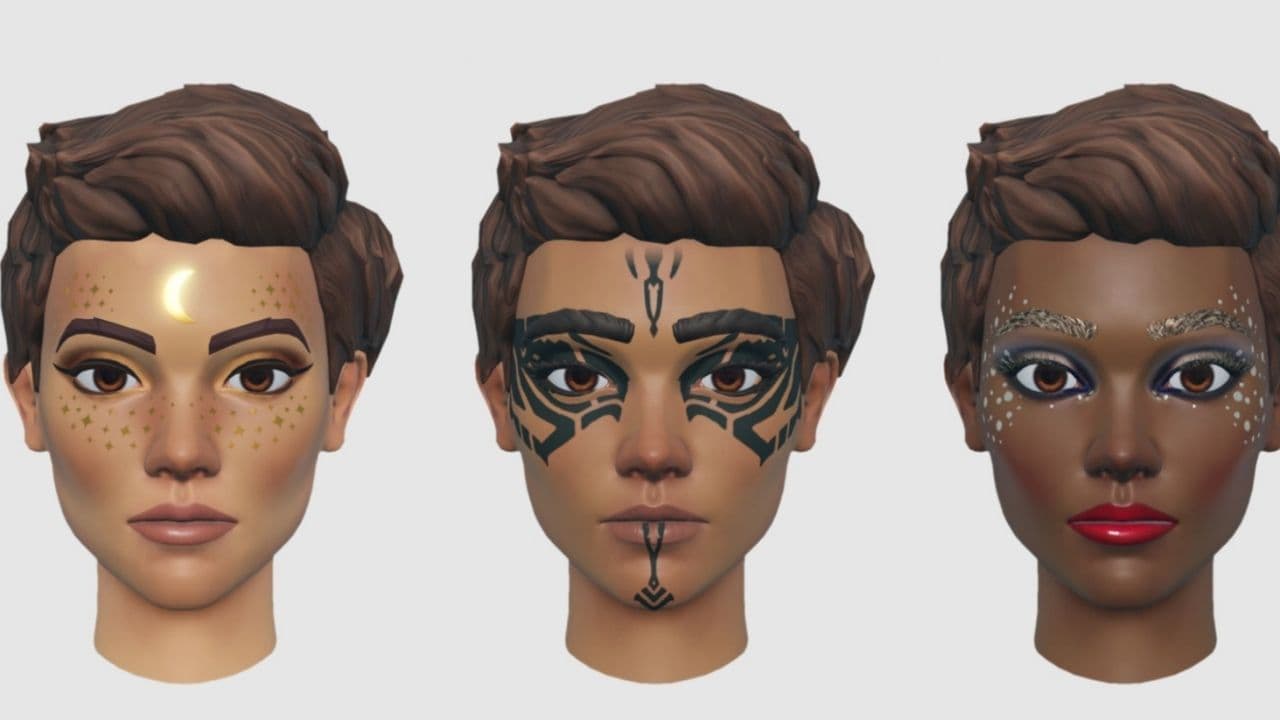 How to get a free avatar in RobloxFind out how to get a free Roblox avatar without spending Robux, from free character bundles to Marketplace it...
 How to reduce lag in Roblox: Comprehensive guideRoblox feeling slow or choppy? Find out how to reduce lag in Roblox and improve your game with a few simple ch...
 How to check Roblox player countHow many people play Roblox in 2026? Check the latest Roblox player count and learn what the numbers actually ...
 App Themes: How to change a Roblox Background (2026)Here’s how to change your Roblox background and theme, including Roblox Plus themes, Dark Mode, Light Mode, an...
- 1
- 2
- 3
- 4
- 5
- 6
- 7
- 8
- 9
- 10
- 11
- 12
- 13