How to find the Monochrome Roblox code and escape
Everything you need for the elevator escape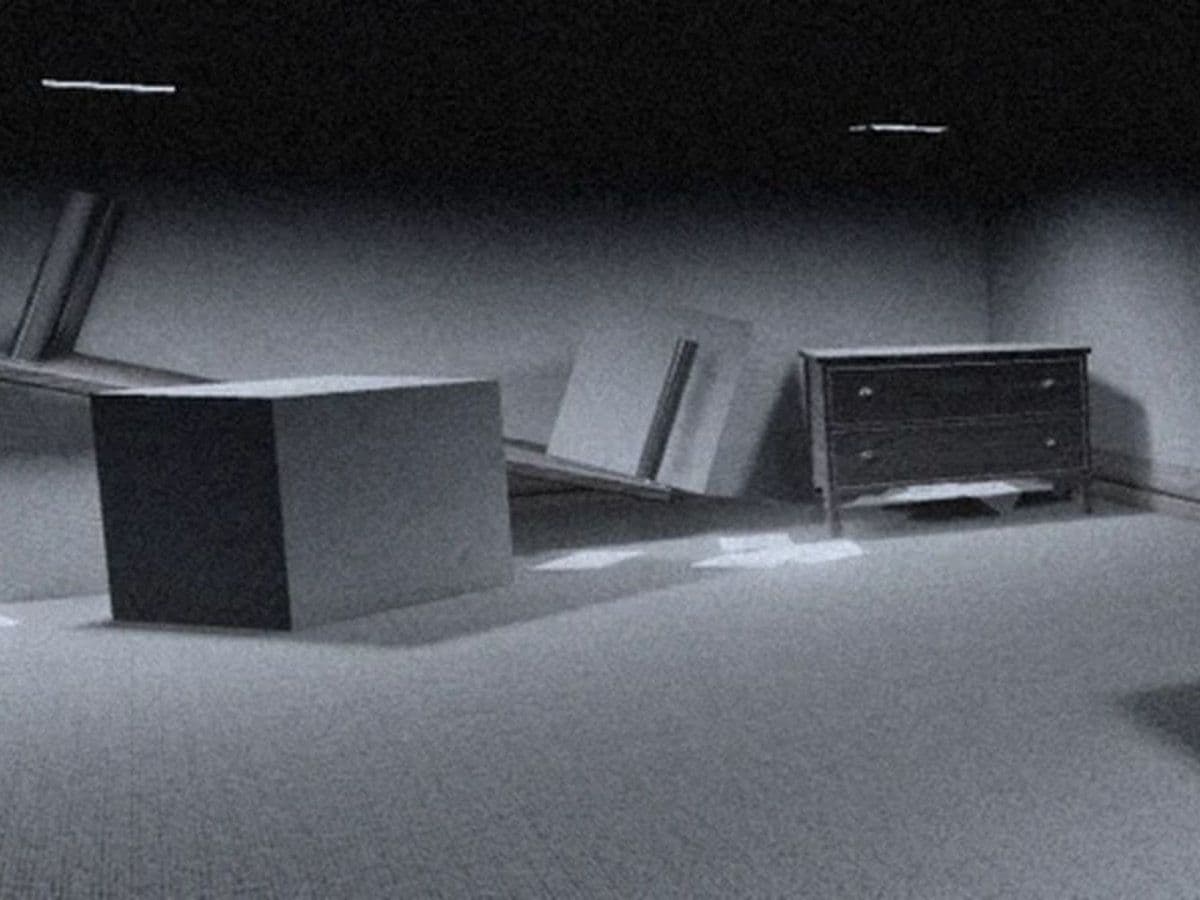
To find the Monochrome Roblox code, look for the four-digit clue in the downstairs maze and enter it at the number panel beside the elevator. You must also collect and insert all four keys to complete the escape.
This guide covers the four-key elevator escape in MONOCHROME by @paramodal.
What is the Monochrome Roblox code?
There is no verified universal code for every run. 5343 and 0333 are reported examples from different runs, so use the number displayed inside your current game.
Knowing the number does not bypass the four-key requirement. The keys and code satisfy separate parts of the elevator puzzle.
Where to find the code in Monochrome Roblox
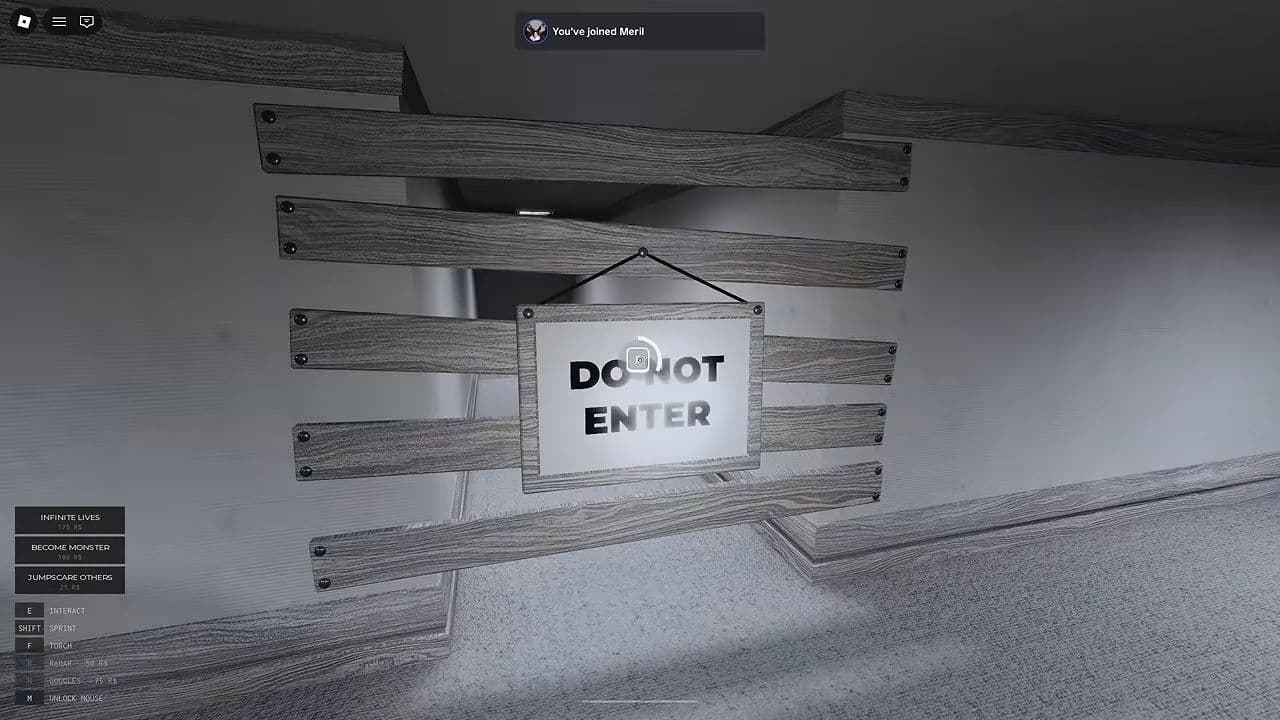
Approach the boarded doorway marked DO NOT ENTER in the starting area. On PC, hold E at the interaction prompt to remove the planks, then descend the stairs.
Search the corridors for a pale block with a small slip displaying four digits. Check the environment while searching drawers for keys; the number clue is separate from the key containers.
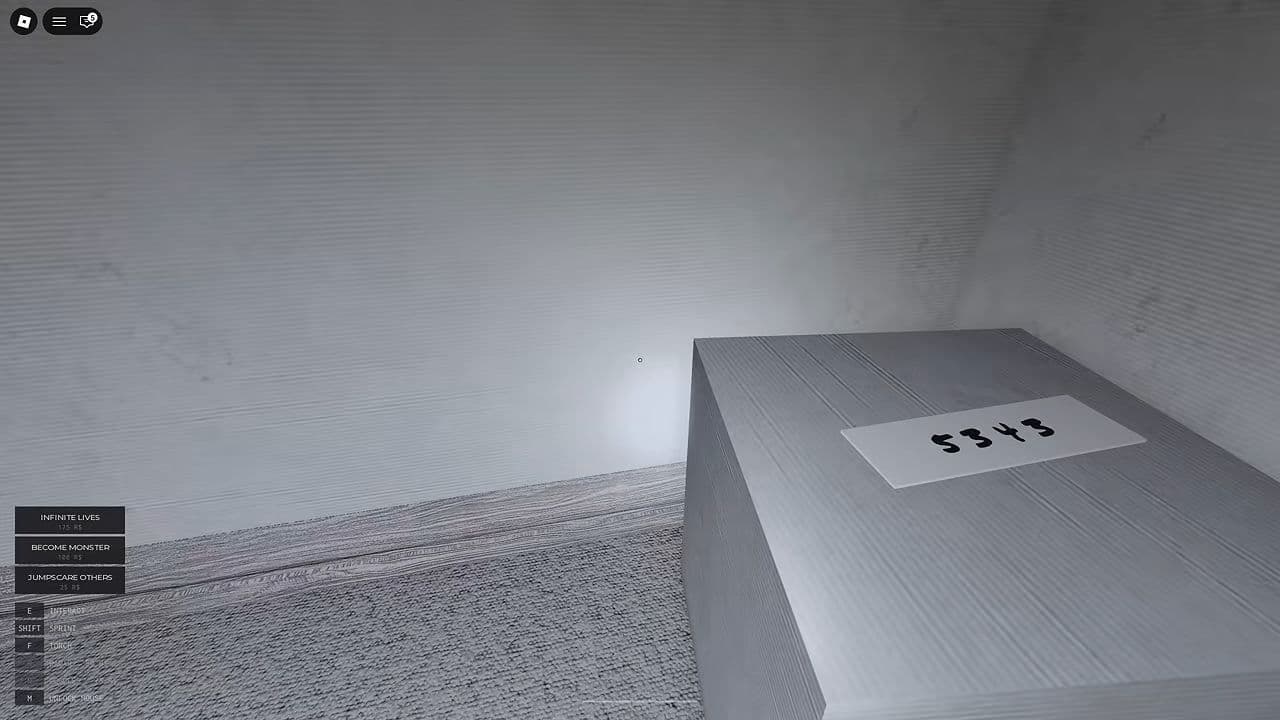
Take a screenshot or write down the number. Preserve every digit, including a leading zero: 0333 must not become 333.
Remember the route back to the stairs. The number panel is upstairs beside the elevator, so you will need to return there after searching.
How to enter the Monochrome Roblox code
- Collect all four keys from dresser drawers in the downstairs corridors.
- Insert the keys at the elevator’s lock panel and check that all four indicators are green.
- Read and record your run’s four-digit clue. You can do this while searching for keys.
- Approach the number panel beside the elevator until its interaction prompt appears.
- Enter the four digits in order, checking for missed or extra inputs.
- Use Open Elevator, then step inside once both escape requirements are complete.
On mobile or controller, follow the prompts shown on your device. The keyboard instructions in this guide refer to PC controls.
How to find and use all four keys
Open dresser drawers throughout the basement corridors. A drawer containing a key displays a Take Key prompt. Search every drawer in a furniture cluster rather than stopping after the first empty one.
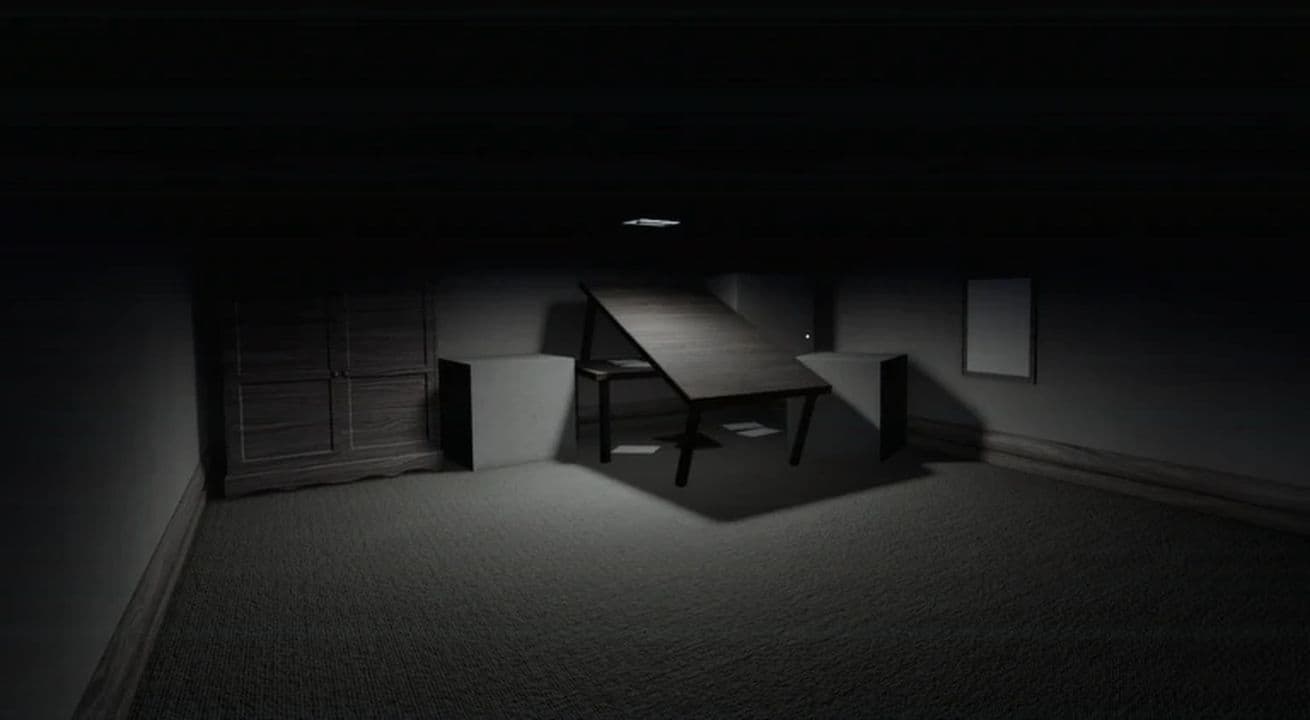
Leave searched drawers open to mark furniture you have already checked. This helps distinguish cleared areas when the rooms look similar.
Deliver each key to the elevator’s lock panel and confirm that an indicator turns green. Inserted keys remain in place after a death, so returning them as you find them secures progress before your next search.
Do not rely on a fixed list of key rooms; check the drawers in your current run.
How to survive while searching for the code
Locate nearby wardrobes before searching furniture. When you hear the monster approaching, stop opening drawers and move to a hiding place. On PC, press E at the wardrobe prompt to enter.
Wait for the danger to pass. The monster can pause near the wardrobe opening, so do not run out simply because it stops beside you.
Getting caught costs a life and returns you to the upstairs lobby. Your deposited keys remain in place, so check the lock panel before heading downstairs again.
Why is the Monochrome Roblox code not working?
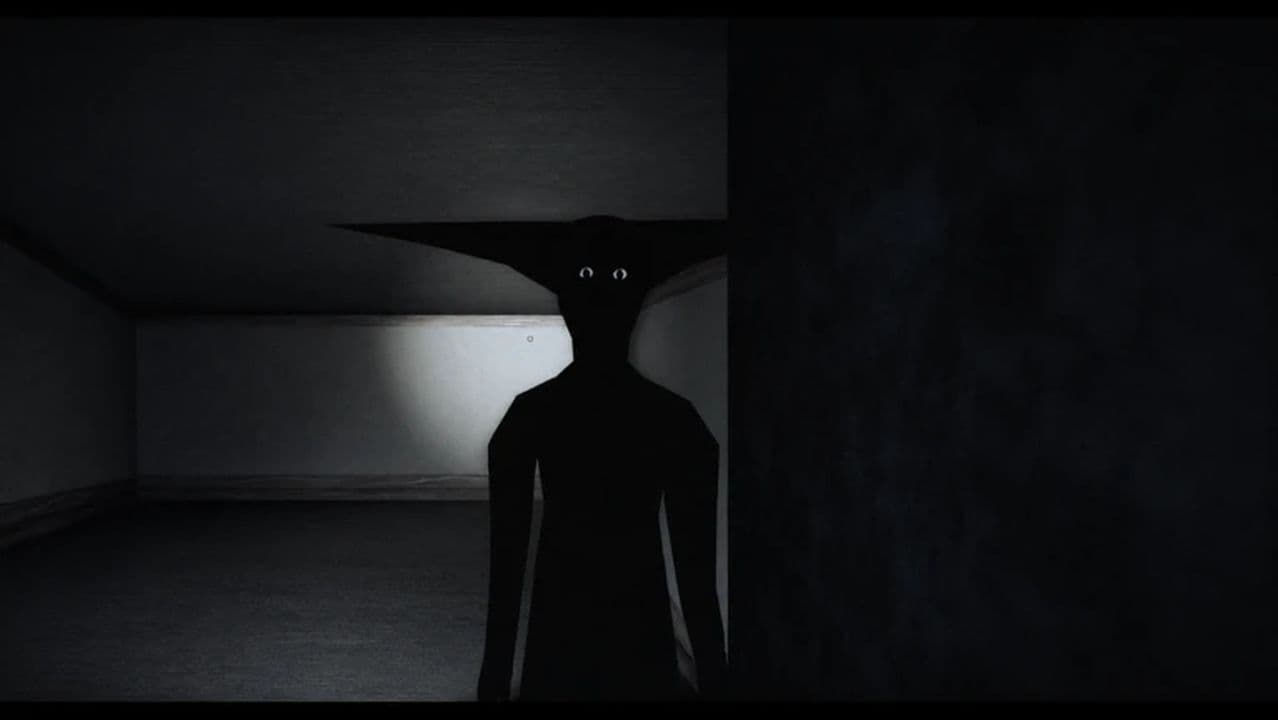
Check the number, interaction range, and key progress before restarting.
If the problem persists, reread the clue and check the panel lights. MONOCHROME is in early development, so bugs are possible. Find the clue again if you begin a fresh run.
Does Monochrome have redeem codes for free rewards?
No promotional reward codes or reward-code redemption system have been verified for MONOCHROME. The elevator number advances the escape puzzle; it has no verified free-item or currency reward.
There is no verified expired promotional-code list either. Check the official experience page and developer updates for future changes.
That’s all for today! Want some free Roblox items? Check out these:
All Related Guides
 How to see Roblox purchase historyLearn how to see your Roblox purchase history, check Robux transactions and find real-money receipts on deskto...
 How to connect Claude to Roblox StudioConnect Claude to Roblox Studio with the current MCP method and see how Claude can work with your scripts and ...
 How to fight in Gakuran RobloxLearn how to fight in Gakuran Roblox, from basic attacks to blocking, parrying, posture, and fighting styles....
 How to get a free avatar in RobloxFind out how to get a free Roblox avatar without spending Robux, from free character bundles to Marketplace it...
 How to reduce lag in Roblox: Comprehensive guideRoblox feeling slow or choppy? Find out how to reduce lag in Roblox and improve your game with a few simple ch...
 How to check Roblox player countHow many people play Roblox in 2026? Check the latest Roblox player count and learn what the numbers actually ...
 App Themes: How to change a Roblox Background (2026)Here’s how to change your Roblox background and theme, including Roblox Plus themes, Dark Mode, Light Mode, an...
 Roblox Safety Dashboard: How to check account status & ban riskLearn how the Roblox Safety Dashboard works, check your Account Status, review recent violations, and see whet...
- 1
- 2
- 3
- 4
- 5
- 6
- 7
- 8
- 9
- 10
- 11
- 12
- 13