9 ways to fix the Failed Attestation Status Call of Duty error
CoD anti-cheat troubleshooting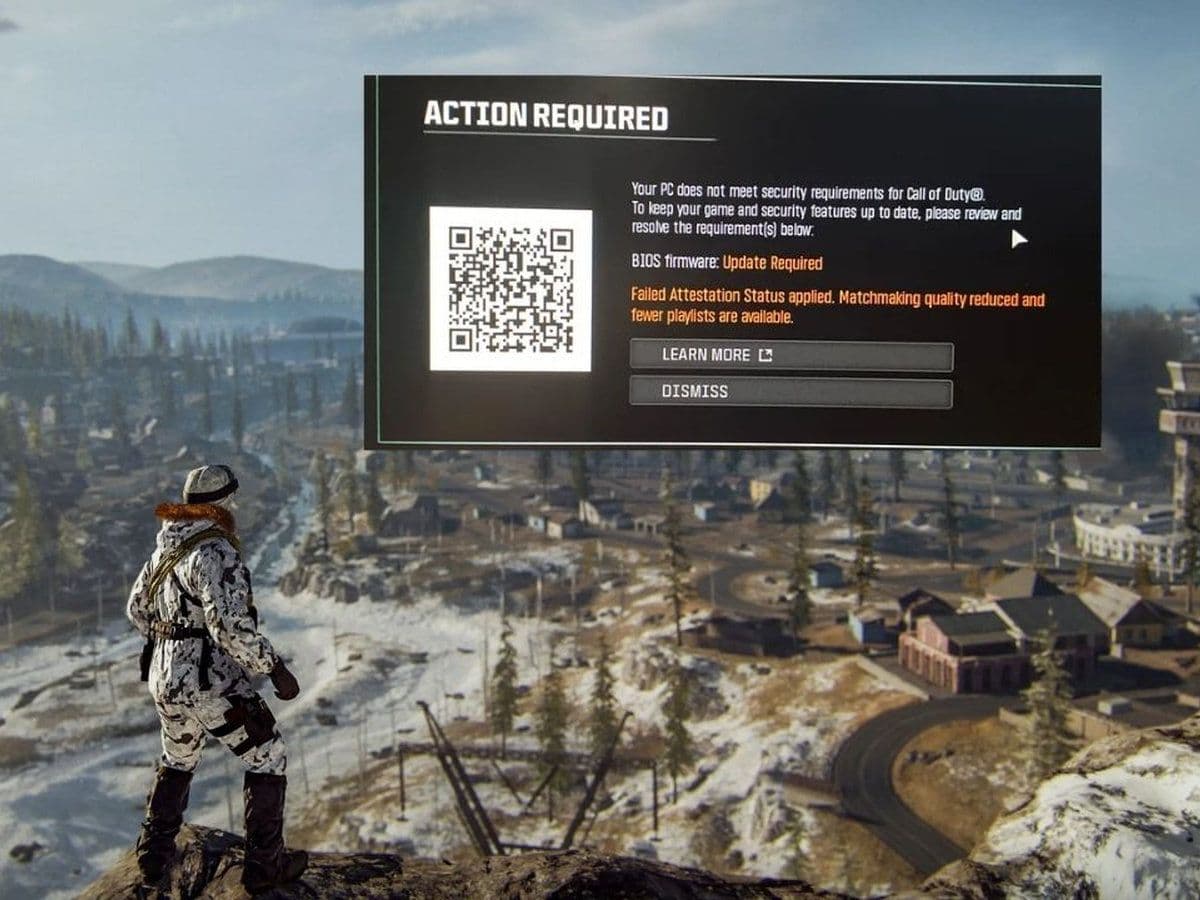
Seeing the Failed Attestation Status error in Call of Duty: Warzone or Black Ops 7? You're not alone. Since Activision expanded its RICOCHET Anti-Cheat security requirements, many PC players have been receiving attestation errors that prevent normal matchmaking or block access to certain playlists.
The good news is that the issue is usually related to Windows security settings, TPM 2.0, Secure Boot, BIOS configuration, or a recent anti-cheat update. This guide explains what the Failed Attestation Status Call of Duty error means and how to fix it.
What is the CoD Failed Attestation Status error?
Failed Attestation Status is a security verification error triggered by Call of Duty's anti-cheat system.
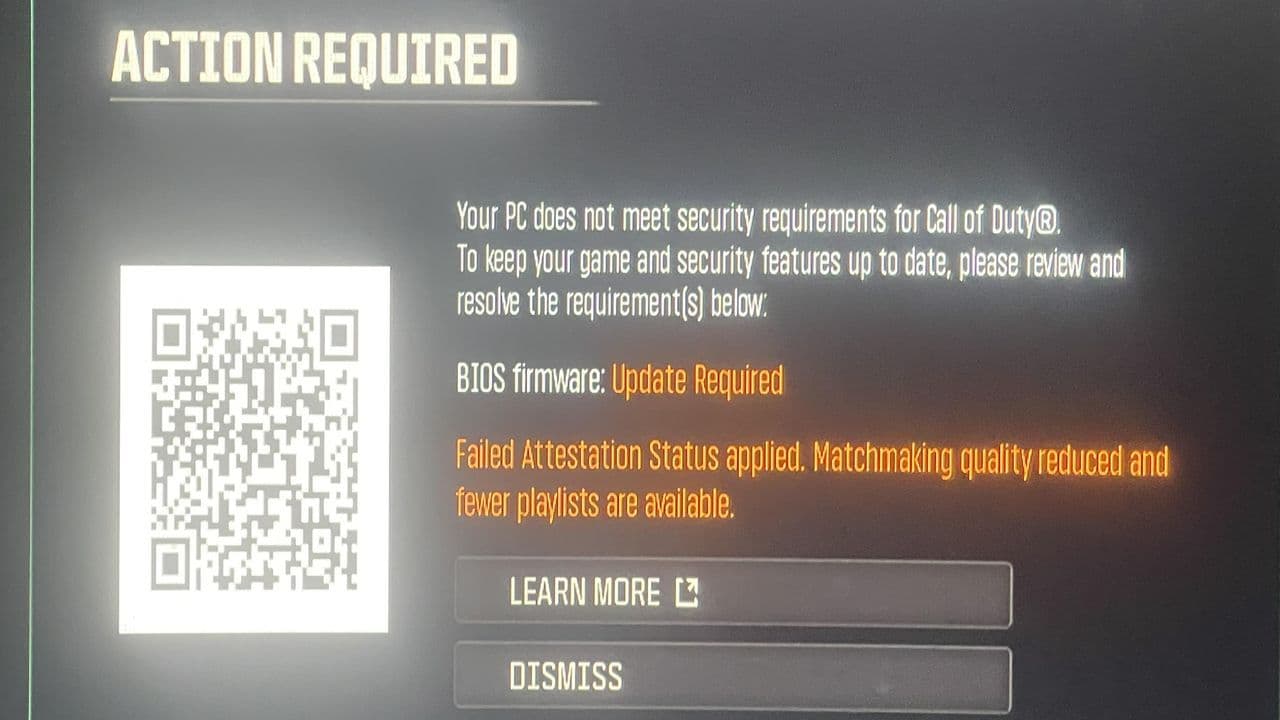
Activision now uses Microsoft Azure Attestation (MAA) to verify that your PC is running in a trusted state before allowing access to most multiplayer playlists. Systems that fail this security check may be placed into limited matchmaking pools or blocked from certain game modes.
To pass attestation, your PC generally needs:
- TPM 2.0 enabled
- Secure Boot enabled
- UEFI boot mode
- Updated BIOS firmware
- Valid Windows security configuration
If any of these requirements fail, Call of Duty may display the Failed Attestation Status message.
How to fix Failed Attestation Status in Call of Duty
Start with:
Enable TPM 2.0
The most common cause is TPM being disabled.
To check:
- Press Windows + R.
- Type tpm.msc.
- Press Enter.
- Verify that:
- TPM is ready for use.
- Specification Version shows 2.0.
If TPM is disabled, you'll need to enable it in your BIOS. Here's a short guide on how to enable TPM on your PC:
Enable Secure Boot
Secure Boot is another mandatory requirement.
To check:
- Press Windows + R.
- Type msinfo32.
- Press Enter.
- Find Secure Boot State.
- Confirm it says On.
If Secure Boot is disabled, enter your BIOS and enable it manually. Some motherboards require you to disable CSM mode before Secure Boot becomes available.
Make sure Windows uses UEFI mode
Many players discover that TPM and Secure Boot are enabled, but Windows is still running in Legacy BIOS mode.
To verify:
- Open msinfo32.
- Find BIOS Mode.
- Confirm it says UEFI.
If it shows Legacy, the attestation check may fail even when Secure Boot is enabled.
Verify your drive uses GPT
UEFI systems require GPT partition formatting.
To check:
- Open Disk Management.
- Right-click Disk 0.
- Select Properties.
- Open the Volumes tab.
- Verify Partition Style is GPT.
MBR installations can prevent successful attestation.
Update your BIOS
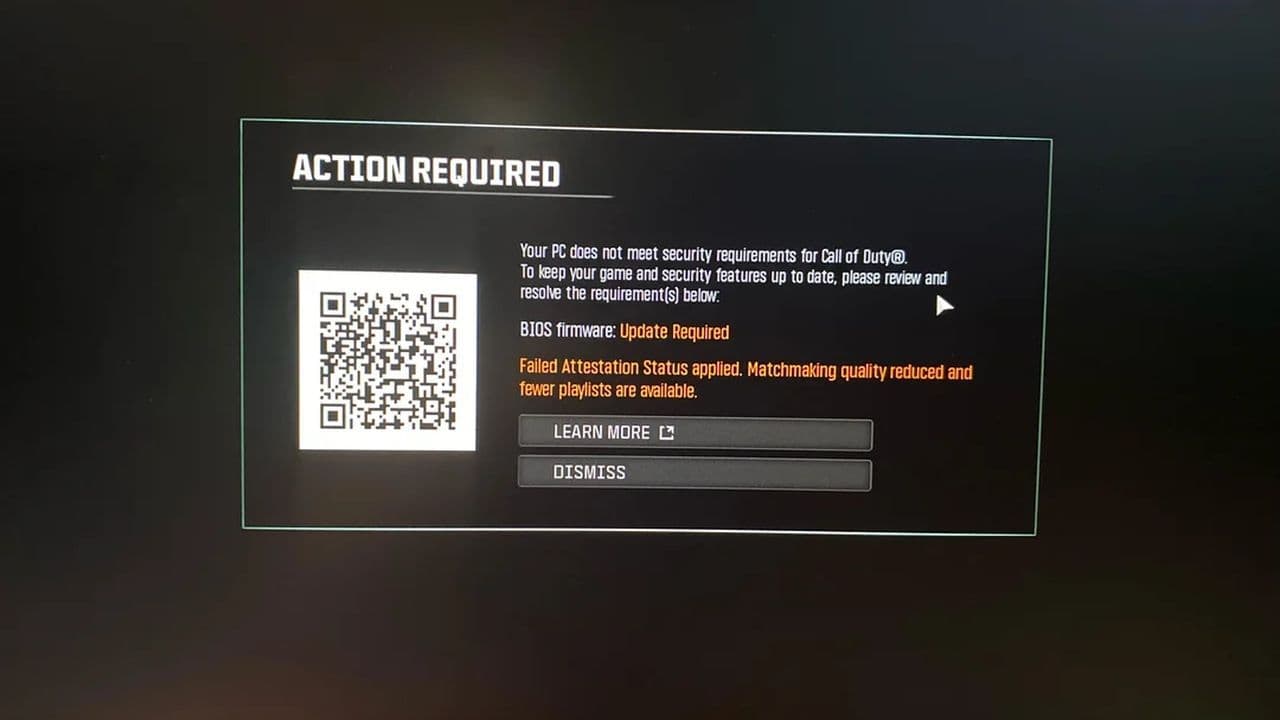
Activision support specifically notes that some motherboards require newer BIOS firmware before TPM attestation works correctly.
Even if TPM is enabled, outdated firmware may cause attestation failures. Several motherboard manufacturers have already released BIOS updates addressing TPM verification issues.
Visit your motherboard manufacturer's website and install the latest BIOS version available.
Clear and reinitialize TPM
If TPM appears enabled but the error remains:
- Enter BIOS.
- Navigate to TPM settings.
- Select TPM Clear or Clear TPM Keys.
- Save and reboot.
Some players have reported success after clearing TPM and allowing Windows to recreate the security keys.
Verify game files
Corrupted files can occasionally interfere with security verification.
For Steam:
- Open Steam Library.
- Right-click Call of Duty.
- Select Properties.
- Open Installed Files.
- Click Verify Integrity of Game Files.
For Battle.net:
- Open Battle.net.
- Select Call of Duty.
- Click the gear icon.
- Select Scan and Repair.
Update Windows completely
Older Windows security components may cause attestation failures.
Make sure:
- Windows is fully updated.
- Security updates are installed.
- Optional driver updates are installed.
- TPM-related updates are applied.
Several reports indicate Windows security updates can resolve attestation problems.
Disable conflicting software
Some applications may interfere with anti-cheat verification.
Temporarily disable:
- VPN software
- System overlays
- RGB control software
- Third-party security tools
- Hardware monitoring utilities
Then relaunch Call of Duty and test again.
What if nothing works?
Unfortunately, not every Failed Attestation Status error is caused by the player's PC.
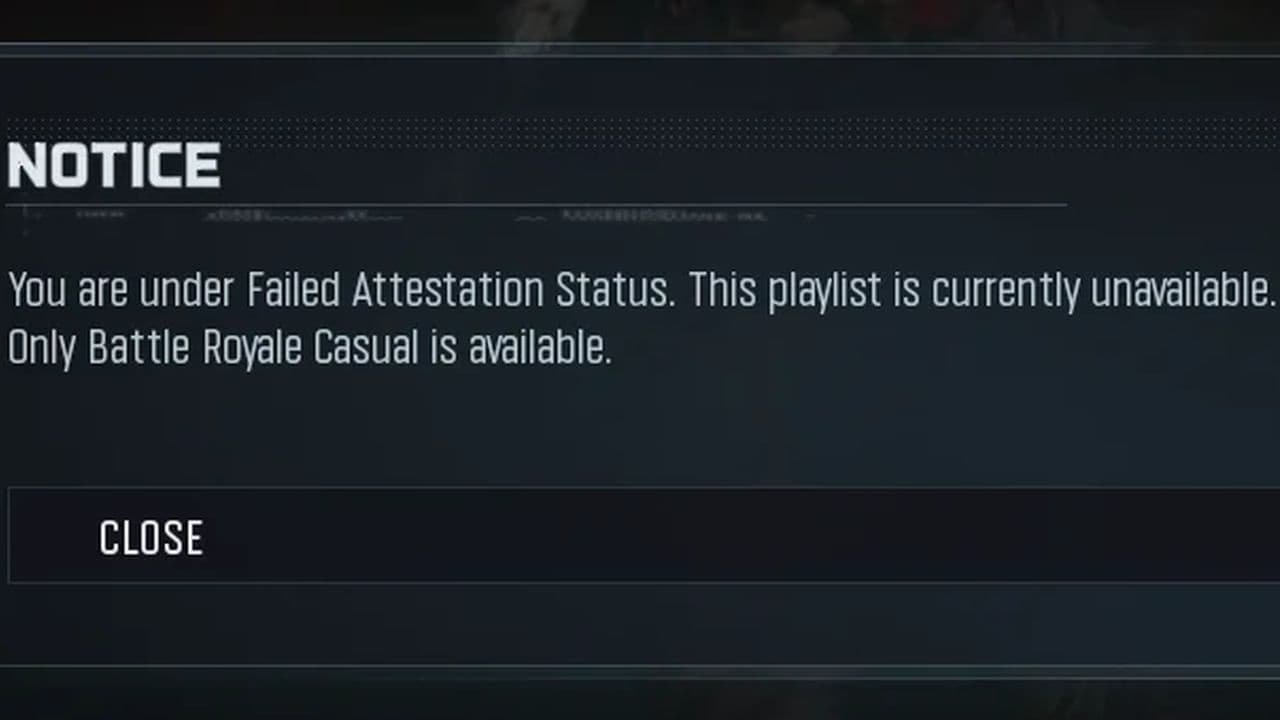
Following recent anti-cheat updates, Activision acknowledged that some systems continue failing attestation despite TPM and Secure Boot being configured correctly. Community reports and support responses indicate that certain cases are tied to BIOS compatibility issues or backend attestation bugs currently being investigated.
If you've already:
- Enabled TPM 2.0
- Enabled Secure Boot
- Updated BIOS
- Updated Windows
- Verified game files
then the issue may require a future game, BIOS, or anti-cheat update from Activision. If the error persists, contact Activision Support and provide details about your system, TPM, Secure Boot settings, and the fixes you've already tried.
Until a permanent fix arrives, keeping your BIOS, Windows installation, and motherboard firmware fully updated gives you the best chance of passing the attestation check and returning to normal matchmaking.
That’s all for today! Don’t forget to check out these Warzone guides and news too:
Guide Categories
All Related Guides
 How to make footsteps louder in Warzone: PC, PS5, and Xbox settingsLearn how to make footsteps louder in Warzone with the best audio settings for PC, PS5, and Xbox, including EQ...
 How to get easy lobbies in Warzone: Bot lobbies & moreLearn how to get easier Warzone lobbies, what bot lobbies actually are, and how matchmaking, playtime, playlis...
 How to Prestige in Warzone fastLearn how to Prestige in Warzone, what resets at Level 55, how Permanent Unlocks work and the fastest route th...
 How to check MW4 Beta stats: K/D, wins, kills & Combat RecordLearn how to check your MW4 Beta stats, including K/D, wins, kills, playtime, weapon stats, Combat Record, and...
 How to change your name in WarzoneChanging your Warzone name is simple once you know where to look. Follow the steps and learn how Activision ID...
 How to inspect your gun in WarzoneLearn how to inspect your gun in Warzone on PC, PS5, PS4, and Xbox, plus how to view a weapon’s equipped attac...
 What are Loot Caches in Warzone? Caches vs. Crates explainedWhat are Loot Caches in Warzone? Learn what counts, the difference between caches and crates, and the fastest ...
 What is an infil weapon in Warzone?What is an Infil Weapon in Warzone? Learn what counts and how to get Infil Weapon eliminations....
- 1
- 2
- 3
- 4
- 5
- 6