How to check KD in Warzone
Track your Warzone performance
If you play Call of Duty: Warzone regularly, one of the most important stats to track is your KD ratio. Many players search for how to check KD in Warzone because the menus change often, stats are hidden in different sections, and some updates replace KD with E/D ratio.
Whether you are a casual player or trying to improve your ranked performance, knowing your KD helps you understand how well you perform in matches. This guide explains exactly how to check KD in Warzone, how KD works, where to find detailed stats, and what to do if your stats are missing.
What does KD mean in Warzone?
KD stands for Kill/Death Ratio. It measures how many kills you get compared to how many times you die.
The formula looks like this: Warzone KD = Kills/Deaths
For example:
100 kills and 50 deaths = 2.0 KD
300 kills and 300 deaths = 1.0 KD
75 kills and 150 deaths = 0.5 KD

A higher KD usually means better overall performance in gunfights and survival.
How to check KD in Warzone in-game
The easiest way to check your KD is directly inside Warzone.
Step 1: Open Warzone
Launch Call of Duty: Warzone on:
- PlayStation
- Xbox
- PC via Battle.net or Steam
Wait until the main menu loads completely.
Step 2: Go to the Barracks Menu
From the main screen, navigate to:
- Barracks → Stats
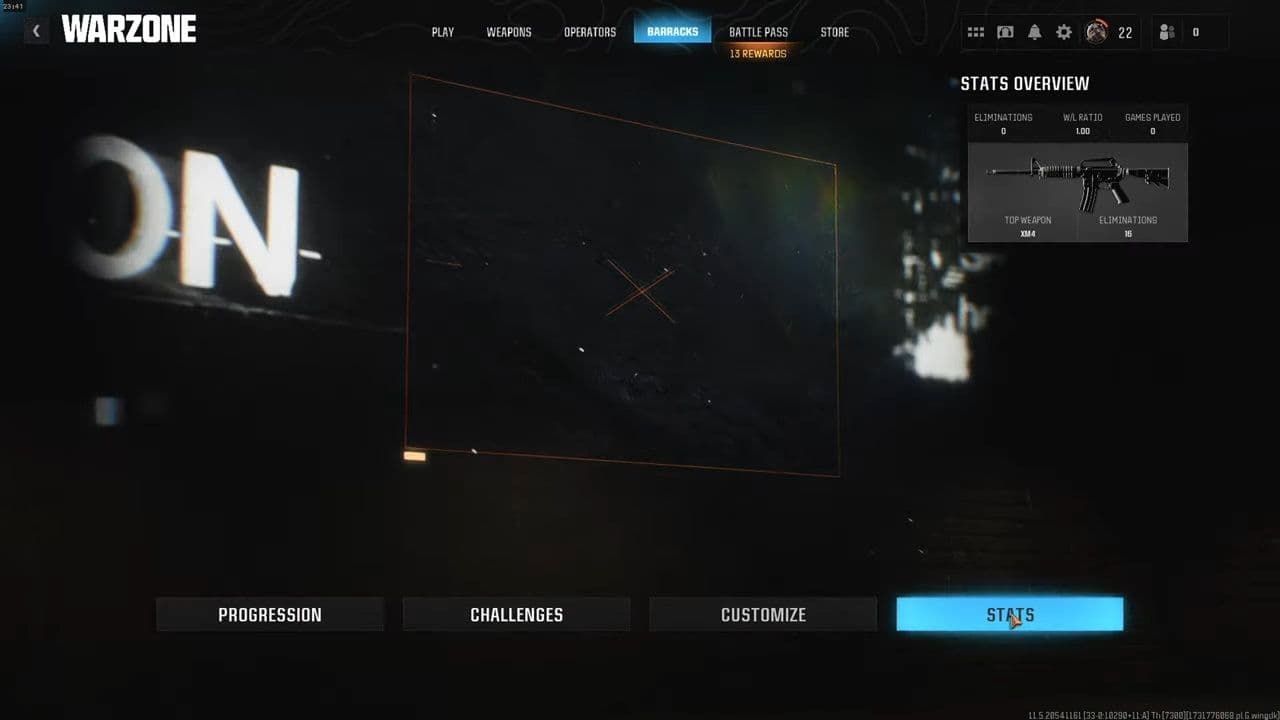
Depending on the current season or update, the menu may also appear as:
- Combat Record
- Career Stats
- Records
Activision changes the UI frequently, but your stats are usually located inside the Barracks section.
Step 3: Open Warzone Stats
Inside the stats menu, select the Warzone category instead of Multiplayer or Zombies.
You may also see separate modes such as:
- Battle Royale
- Resurgence
- Ranked Play
- Plunder
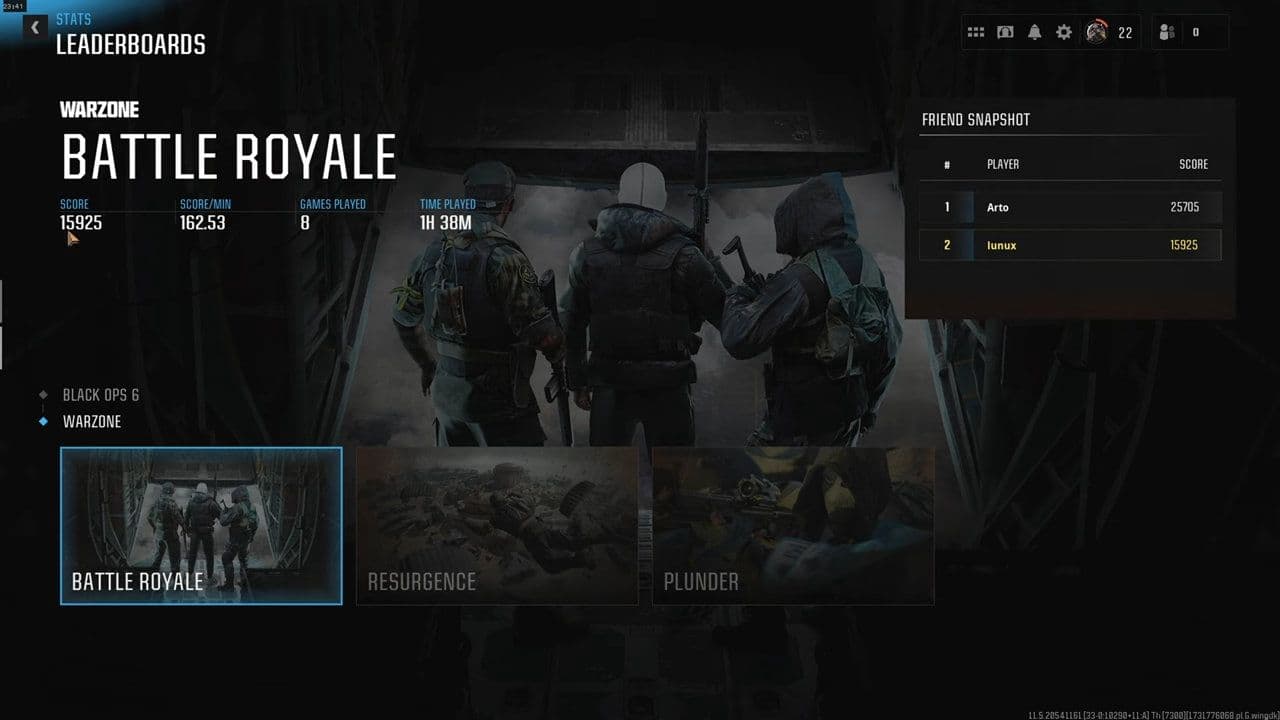
Choose the mode you want to check.
Step 4: Find Your KD Ratio
Once inside the stats page, you will see information including:
- Eliminations
- Deaths
- Wins
- Matches Played
- Damage
- KD or E/D Ratio
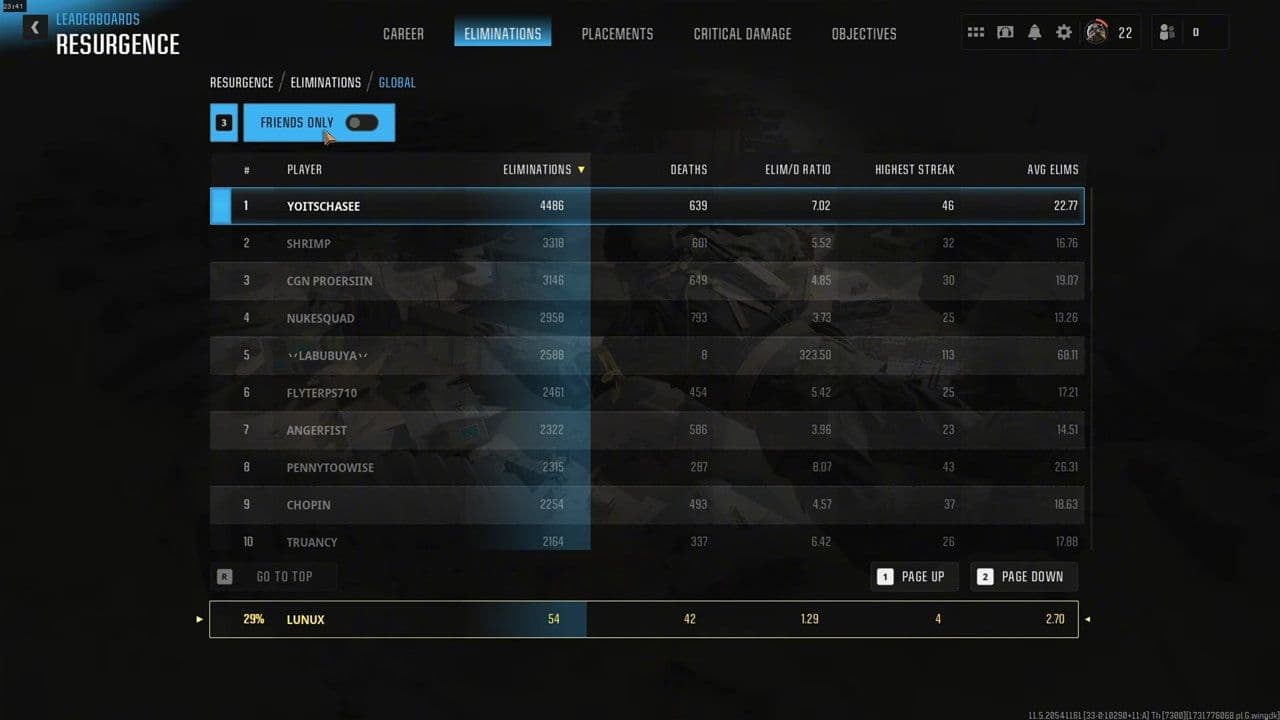
Your KD ratio is displayed alongside your lifetime stats.
Why do some players see E/D instead of KD
A common issue when searching for how to check KD in Warzone is confusion between KD and E/D. Recent Warzone versions sometimes show Elimination/Death Ratio (E/D) instead of traditional KD.
Traditional KD:
- Warzone KD = Kills/Deaths
E/D ratio:
- Warzone ED = Eliminations/Deaths
The difference is that eliminations may include assists or contributed kills. Because of that, E/D is usually higher than true KD.
If you want accurate kill-based stats, third-party trackers are often more reliable.
How to check KD in Warzone using tracker websites
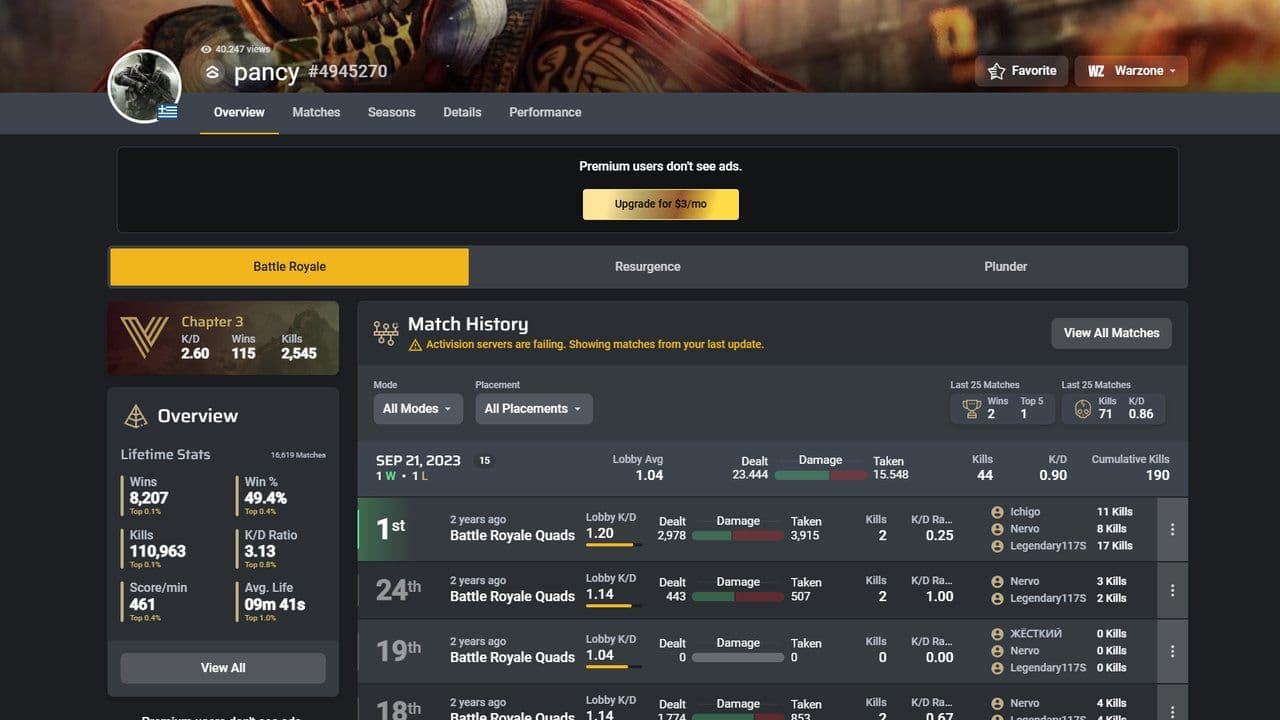
Many players prefer stat tracking websites because they provide more detailed information than the in-game menus.
One of the most popular options is: Warzone Tracker
Warzone Tracker lets you check:
- Lifetime KD
- Match history
- Ranked stats
- Win percentage
- Weapon stats
- Recent performance
- Headshot accuracy
How to use Warzone Tracker
Go to Warzone Tracker and search using your Activision ID, Xbox Gamertag, PlayStation username, Steam, or Battle.net account.
Select the correct profile, since many usernames appear on multiple platforms.
Once opened, you can view:
- Overall KD
- Weekly KD
- Match history
- Total kills and deaths
- Ranked stats
This is one of the fastest ways to check KD in Warzone.
What is a good KD in Warzone?
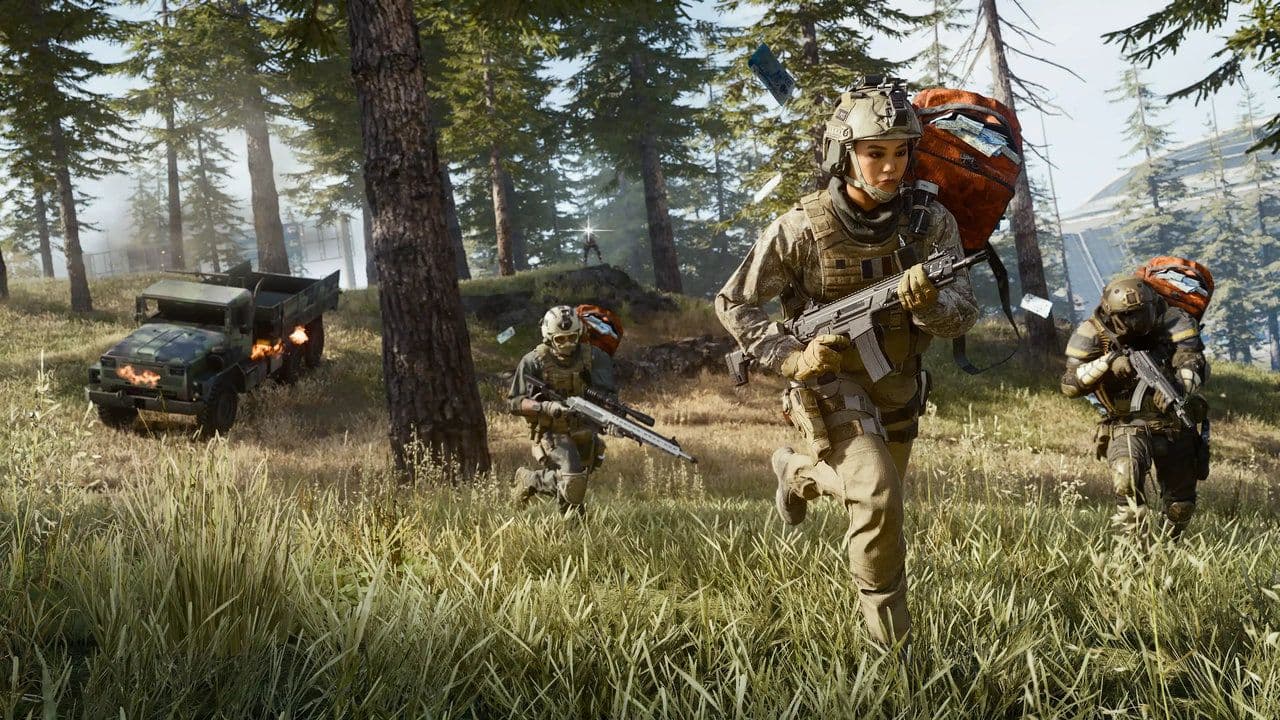
Most Warzone players stay close to a 1.0 KD.
Keep in mind:
- Resurgence usually produces higher KDs
- Ranked lobbies are harder
- Team support players may have lower KD despite strong gameplay
Why your KD might not appear
Sometimes players cannot find their KD after updates.
Common reasons include:
- UI changes after seasonal patches
- Stats temporarily bugged
- Looking at Multiplayer instead of Warzone stats
- E/D replacing KD
If your stats are missing:
- Restart the game
- Update Warzone
- Reopen Barracks
- Use Warzone Tracker temporarily
Whether you play Battle Royale, Resurgence, or Ranked Play, monitoring your KD is one of the best ways to track your progress in Warzone.
That’s all for today! Don’t forget to check out these Warzone guides and news too:
Guide Categories
All Related Guides
 Fortune's Keep Warzone guide: Best landing spots, key areas & moreMaster Fortune’s Keep in Warzone with the best landing spots, POIs, rotations, and strategies to secure more k...
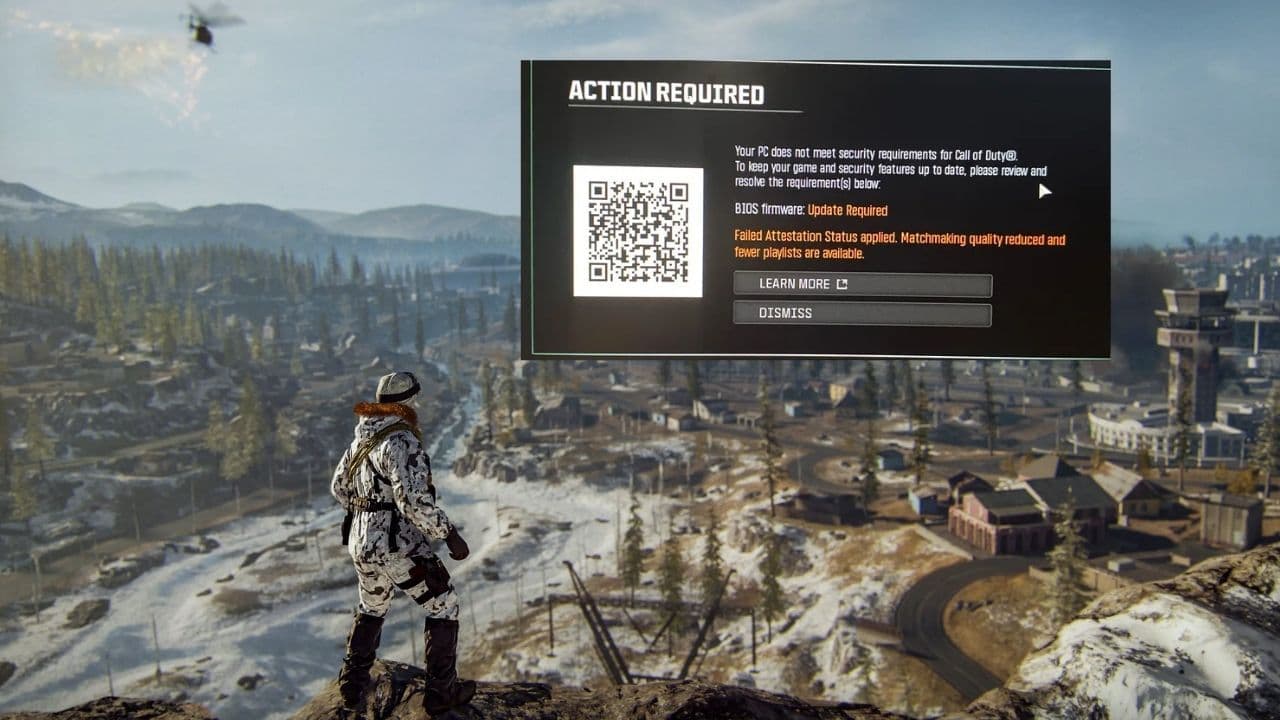 9 ways to fix the Failed Attestation Status Call of Duty errorLearn how to fix the Failed Attestation Status error in Call of Duty with TPM 2.0, Secure Boot, BIOS, UEFI, an...
 What is Clash in Warzone & how to play itWhat is Clash in Warzone? Learn how the 52v52 mode works, scoring rules, best loadouts, objectives, and winnin...
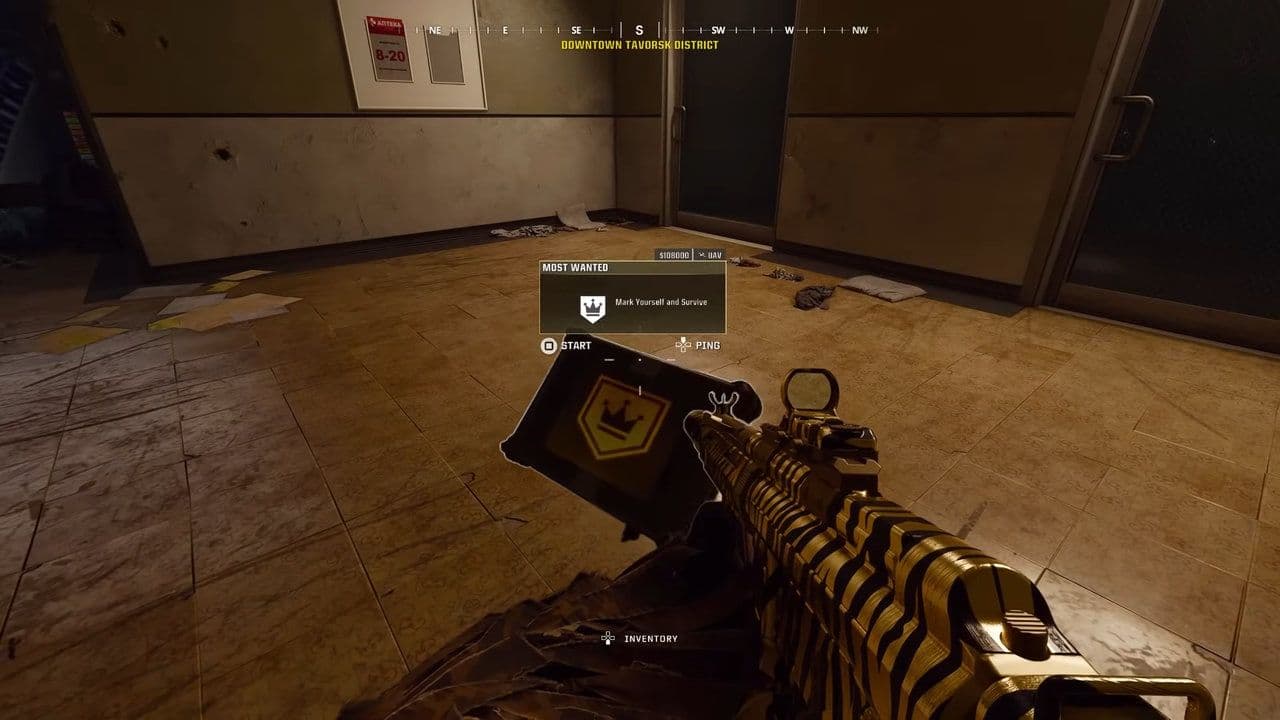 How to get a Most Wanted Contract in WarzoneLearn how to get a Most Wanted Contract in Warzone, where it spawns, how it works, and the best survival strat...
 Guide to Warzone Loaded Resurgence CasualWarzone Loaded Resurgence Casual guide: best loadouts, drop spots, rotations, Specialist perks, and winning ti...
 How to get the Terry Crews Warzone skinHow to get the Terry Crews Warzone skin: bundle price, release date, all cosmetics, and The Replacer details....
 All Warzone Ranked levels & rewards: Every rank from Bronze to Top 250 (2026)All Warzone Ranked levels explained: SR ranges, rewards, Top 250, ranking system, and how to climb faster....
 Warzone Hot Pursuit guide: Everything you need to know to winWarzone Hot Pursuit guide: mode rules, Police vs Thieves roles, best loadouts, strategies, and winning tips....
- 1
- 2
- 3
- 4