Best CS2 surf servers & maps
Tired of all the shooting? Surfing is an alternate community game mode that lets you chill while still enjoying CS2. Here are some of the best CS2 surf servers and maps.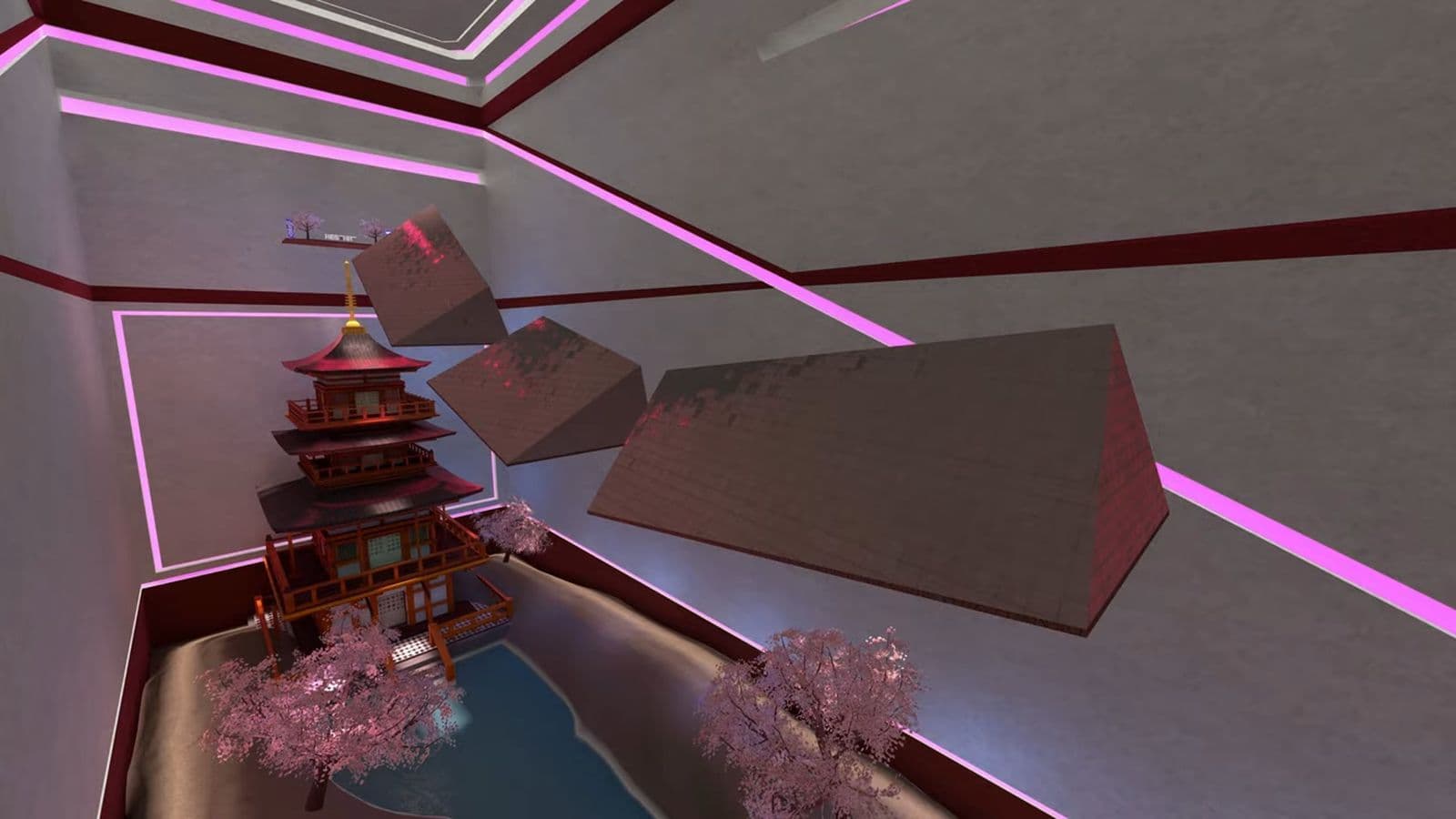
If you're looking for something different in Counter-Strike 2, it's worth checking out the best CS2 surf servers and maps. Like BHOP maps and servers, surfing is a fun skill to learn and improve and is something different than your traditional modes in the game
In this CS2 guide, we’ll explain what surfing is, how to get started, and share some of the best CS2 maps and servers you can try.
What is surfing in Counter-Strike 2?
Surfing in CS2 isn’t about shooting or team tactics like the main game modes. Instead, it’s all about gliding smoothly down angled surfaces called "ramps." The idea is to slide along these ramps, controlling your movement and speed to make it from start to finish without falling off.
You don’t need to shoot anyone or complete objectives; instead, surfing is about movement skills, timing, and practice. It might sound simple, but mastering surfing can be tricky and incredibly rewarding. It can also be useful in regular gameplay since some maps have sloped surfaces you can use for faster movement.
How to surf in CS2: Step-by-step guide
Now let’s break down exactly how to surf in Counter-Strike 2:
- Approach the ramp: Move towards the ramp, then let go of the "W" key. Once you’re on the ramp, only use "A" and "D" to control your movement.
- Choose the correct key: If the ramp is on your right side, hold "A." If the ramp is on your left side, hold "D."
- Use smooth mouse movements: Guide yourself along the ramp by gently moving your mouse. This keeps you balanced and lets you steer.
- Maintain speed: Staying in the middle of the ramp helps you keep your speed. If you slide too high, you’ll slow down. If you slide too low, you might fall off.
- Turn properly: To turn while surfing, move your mouse in the direction you want to go and hold the opposite key. For example, if you want to turn right, move the mouse to the right but hold the "A" key.
- Learn to jump between ramps: Sometimes you’ll need to jump from one ramp to another. To do this, move your mouse where you want to jump and hold the right key just before you leave the ramp.
![Credit: 悪魔[4K]/YouTube](/_next/image?url=https%3A%2F%2Fthespike-strapi-cms.s3.us-east-1.amazonaws.com%2Fimage4_bfd0b726ef.jpg&w=3840&q=75)
When starting out with surfing in CS2, pick beginner-friendly maps to practice and master the basics before tackling harder ones. Be patient and calm, as falling off is normal in the beginning—focus on making smooth and controlled movements to improve. To do this, you’ll need the best CS2 surf servers and maps.
10 best CS2 surf maps
Let’s explore some of the best CS2 surf maps:
- surf_utopia_njv
- surf_kitsune
- surf_boreas
- surf_1win
- surf_nyx
- surf_astra
- surf_beginner
- surf_4fun_2016
- surf_rocco
- surf_rookie
surf_utopia_njv
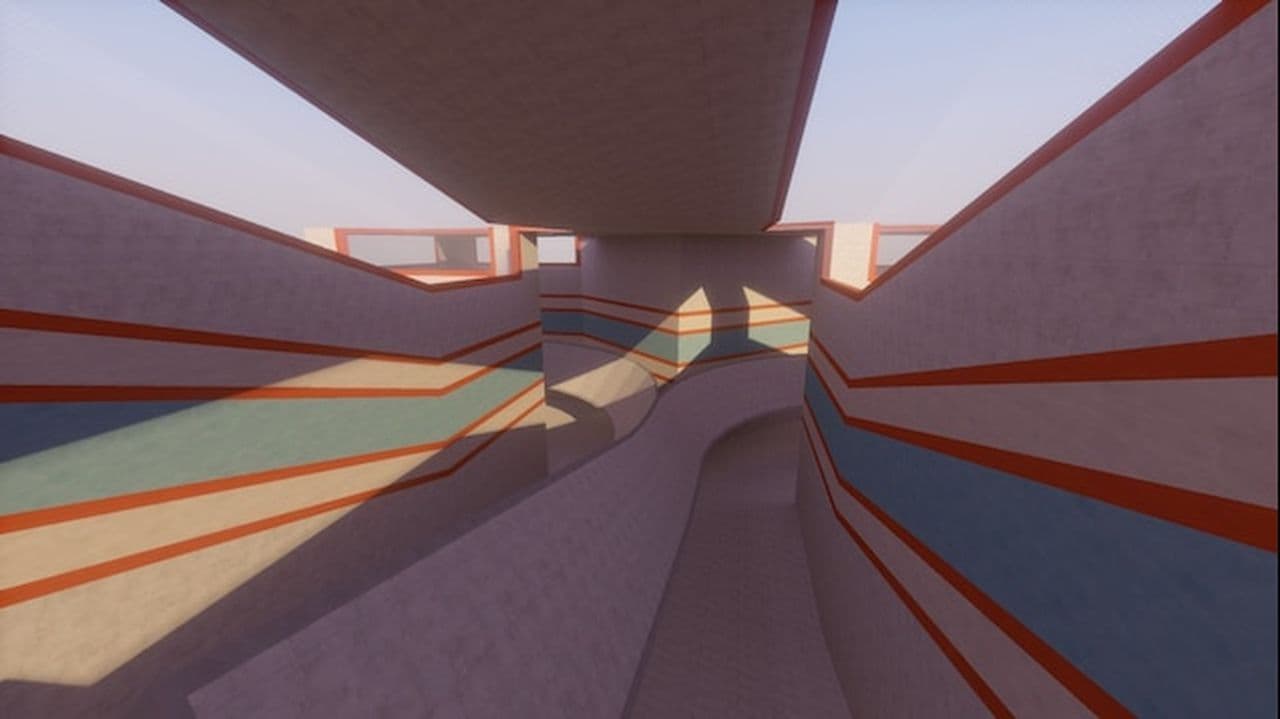
surf_utopia_njv is a timeless, easy linear map by Panzer, perfect for learning the fundamentals of surfing. This version eliminates the jail feature, providing a smooth and modern experience. While minor ramp bugs persist due to engine limitations, it remains a favorite among beginners and casual players.
surf_kitsune
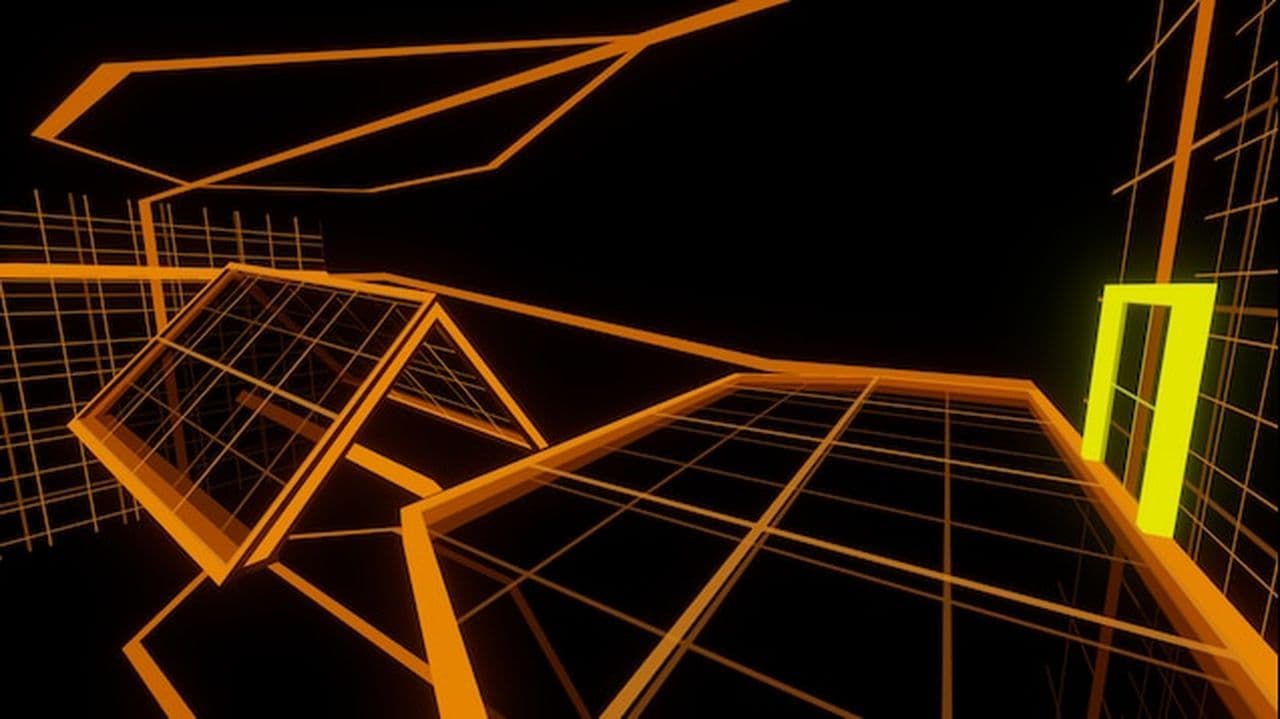
Created by Arblarg, surf_kitsune is a fan-favorite map with nine stages, each offering a different challenge. Its popularity stems from the map’s seamless flow and balanced difficulty, making it perfect for players to gradually hone their skills without getting overwhelmed.
surf_boreas
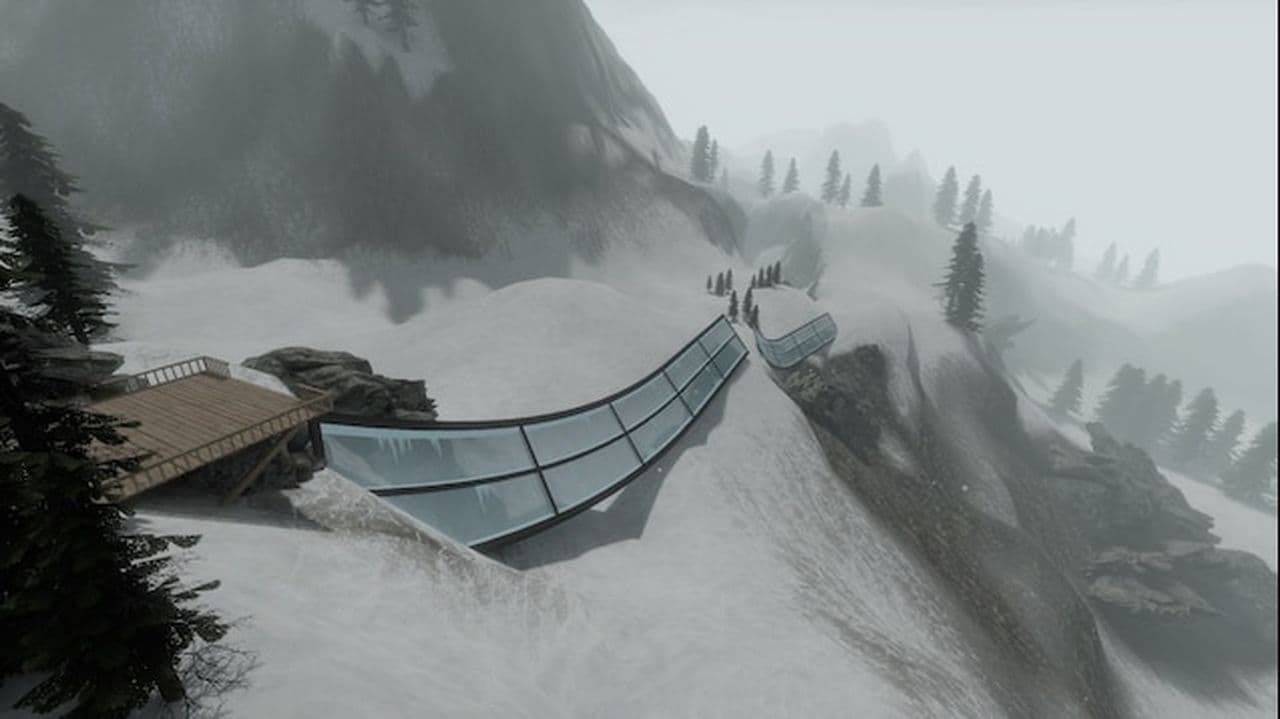
surf_boreas sets you on a snowy mountain, designed by Syncronyze. With its stunning visuals and gentle learning curve, this map delivers a serene yet engaging surfing experience. It’s a fantastic option for those who appreciate breathtaking scenery while practicing surf basics.
surf_1win
Surf_1win map brings a Japanese theme to surfing, making it visually distinctive and peaceful. Created to help beginners train their surf skills, surf_1win is simple yet captivating. It provides a relaxing environment to practice and improve, especially suited for players who enjoy an artistic backdrop while they learn.
surf_nyx
Another visually appealing map by Syncronyze, surf_nyx is fast-paced yet beginner-friendly. It features a linear design with three bonus stages for an added challenge. The map is known for its quick, fluid movement, and offers just enough complexity to keep players engaged and improving.
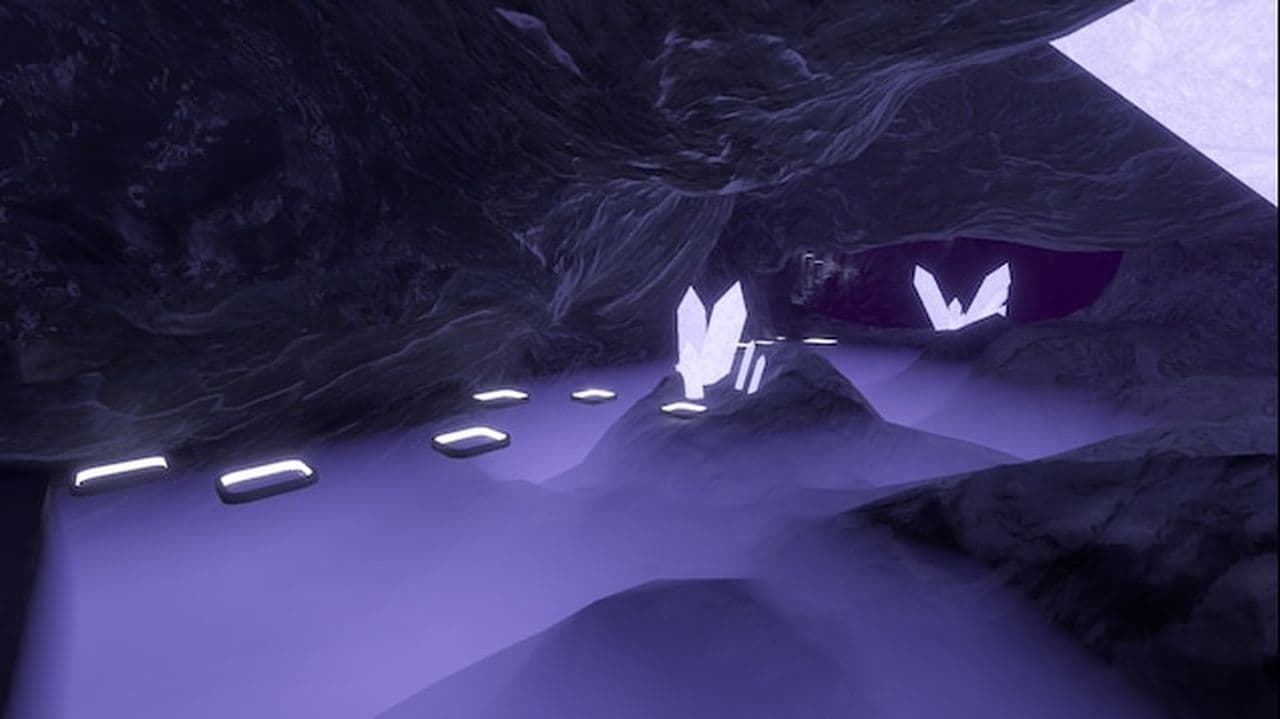
surf_astra
surf_astra by Tetrix takes you into Tier 2 territory, where things get a bit more challenging. It’s a linear map that requires more precision and skill than beginner maps. With planned future bonus stages, it promises a fresh experience for players who want to up their game and tackle more difficult surf mechanics.
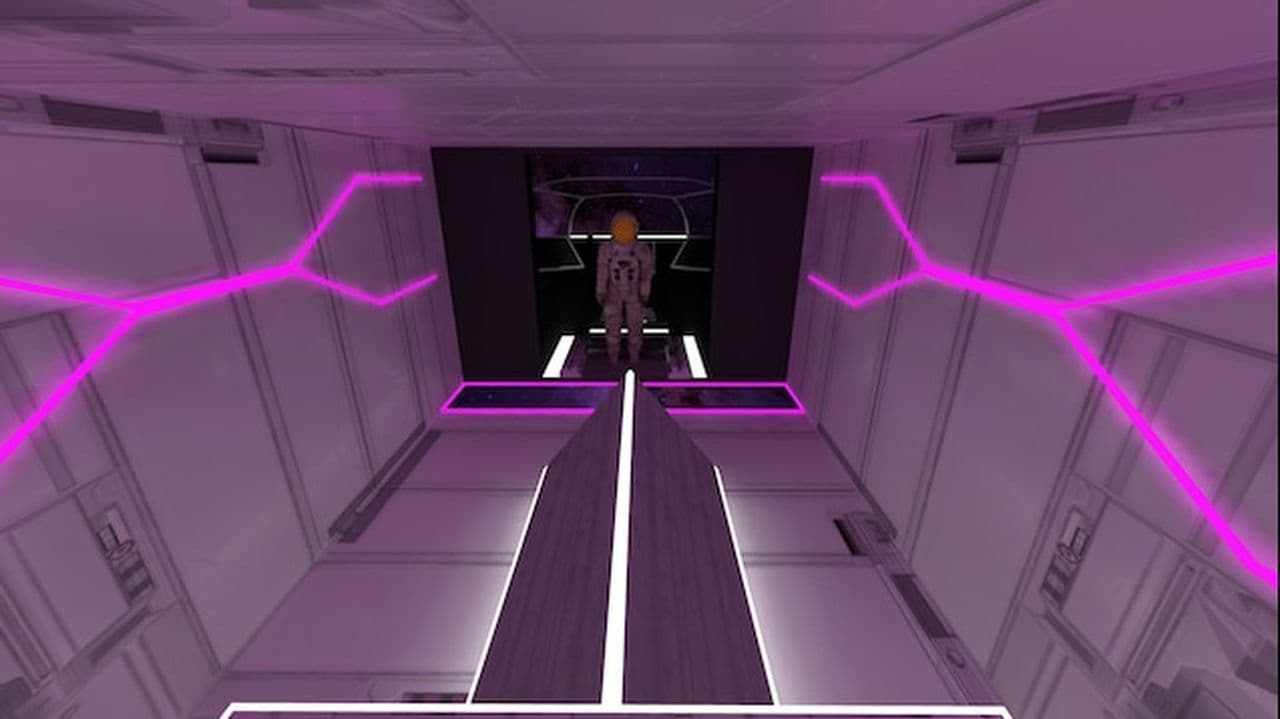
surf_beginner
As its name suggests, surf_beginner is ideal for newcomers. Created by Kiiru, this map features seven progressively challenging stages that introduce players to a variety of surf concepts. The pacing is perfect for gradual learning, making it a must-try for anyone just getting into surf maps.
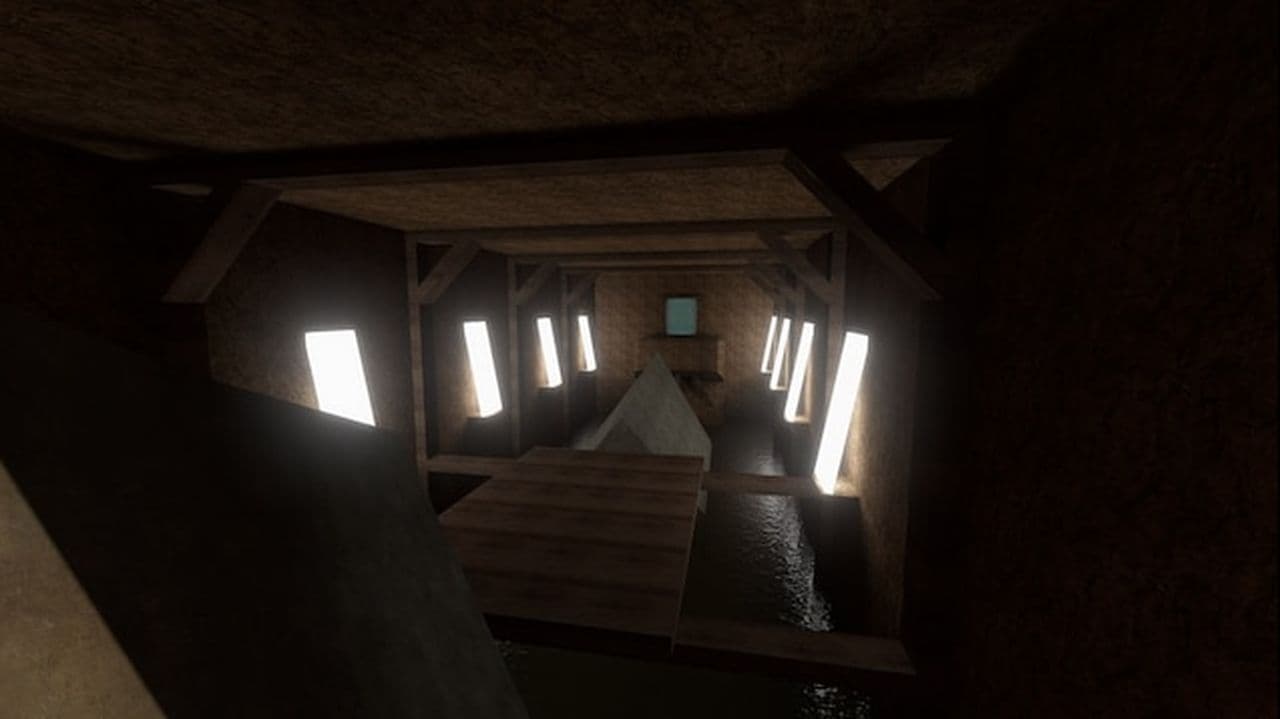
surf_4fun_2016
A nostalgic remake of surf_4fun_e, this map is a port from CS and appeals to old-school surf fans. It includes bomb locations, added music, and various tweaks to keep it engaging. Designed for those who cherish classic surf experiences, it’s a fun and sentimental throwback to the early surf days.

surf_rocco
surf_rocco is tailored for CK surf servers and offers an exhilarating ride. To play offline, specific console commands are necessary for a smooth experience. With a mix of speed ramps and intricate turns, it’s a well-rounded map that challenges your technique while keeping the fun factor high.
surf_rookie
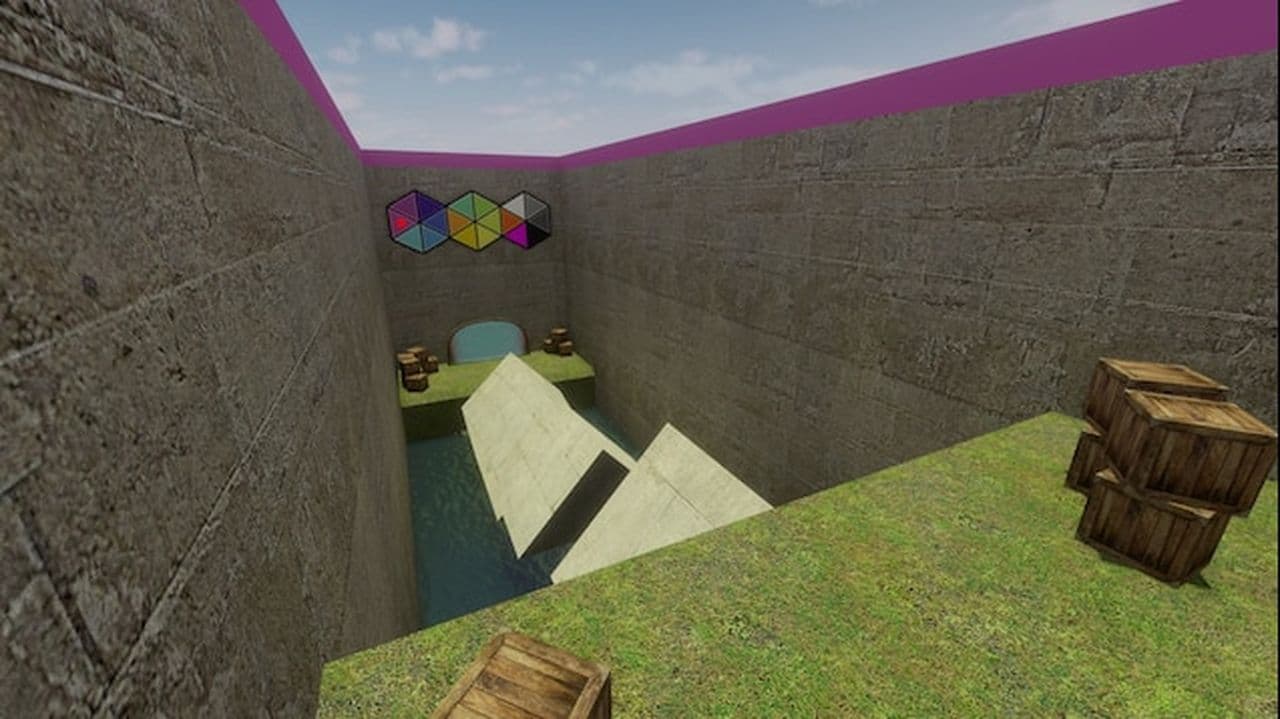
Another Kiiru creation, surf_rookie is a more advanced map designed for those ready to graduate from beginner levels. It has 18 stages, each progressively more challenging, making it ideal for players wanting to refine their skills and test their endurance.
How to get CS2 surf maps
To get CS2 surf maps, follow these steps:
- Open Steam and navigate to Counter-Strike 2 in your game library.
- Click on "Community Hub" or directly visit the Steam Workshop for CS2.
- In the Workshop, use the search bar to type "surf" and browse through the available surf maps.
- You’ll find various maps created by the community, including popular ones like surf_utopia_njv, surf_kitsune, and surf_boreas.
- Click on the surf map you want to play and press the "Subscribe" button. This will automatically download the map and add it to your game.
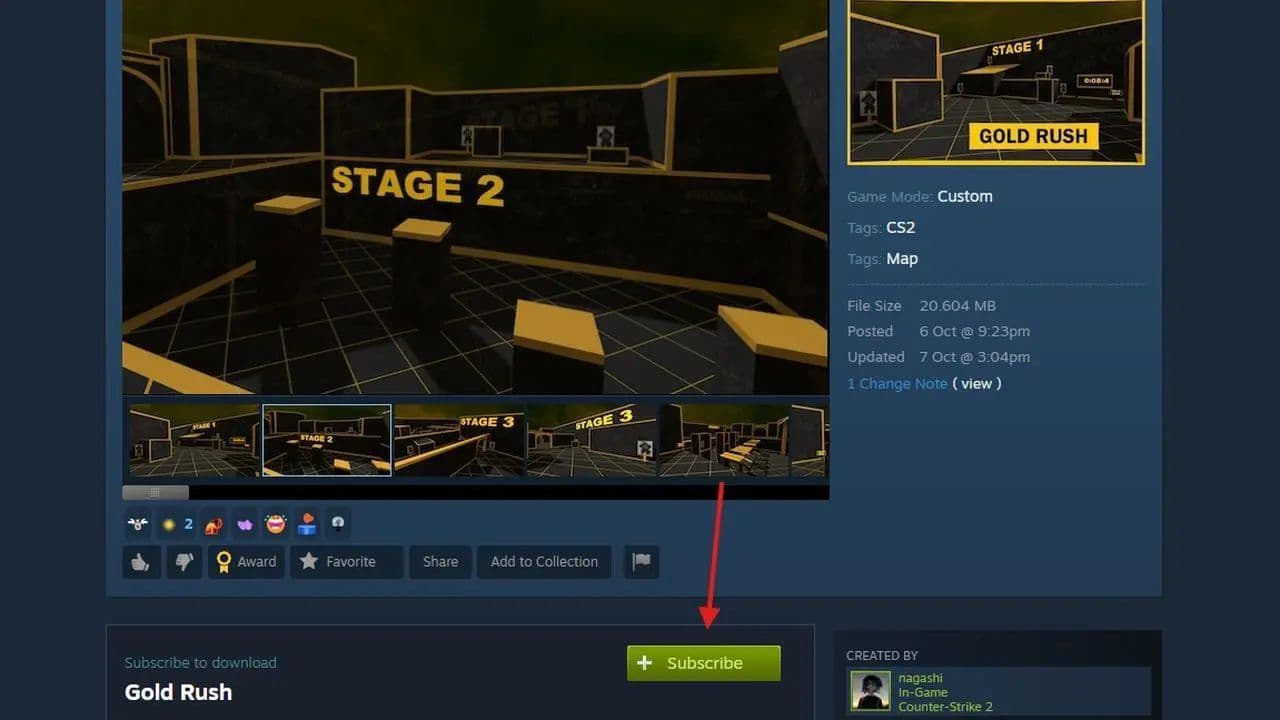
- You can subscribe to as many maps as you like, and they will be stored in your CS2 game files.
- Start Counter-Strike 2.
- Open the console (~ key) and use the command map [map_name] to load the surf map. For example, map surf_utopia_njv.
That’s all! Need more details? Check out how to run CS2 custom maps.
Best CS2 surf maps
Surf servers are popular for offering a different gameplay experience, focusing on agility and smooth navigation through ramps instead of traditional combat. Here are some of the top servers to check out:
- Cybershoke Surf Servers: Known for a large community, Cybershoke hosts various surf maps suitable for a range of skill levels. They have a high level of player activity and regularly update their map pool, making them a go-to for surf enthusiasts.
- KZG (Killzone Gaming): This server offers a diverse set of maps, from easy and beginner-friendly to more challenging stages. KZG is well-known in the surfing community for its smooth experience and frequent competitions.
- SurfHeaven: A server offering both combat surf and skill surf maps. It’s ideal if you want to switch between perfecting your movement skills and combining them with gunplay elements.
How to join a surf server in CS2
Surfing happens on special community servers made by players, not in the regular game modes. These servers have custom maps filled with ramps and obstacles. Here’s how you can join one:
- Open CS2 and click "PLAY": Launch the game through Steam, then click the "PLAY" button.
- Find the community servers: Click on the small globe icon in the top menu. This will minimize CS2 and bring up the "Community Server Browser."
- Search for surf servers: Type "surf" into the search bar and hit Enter. This will show only the surf servers.
- Pick a server: Scroll through the list and find one that looks good. Check the ping (the lower, the better) and make sure there are spots open. You don’t need other players to enjoy surfing, so feel free to join even if the server is empty.
- Join and download maps: Double-click the server to connect. The game may need to download the map and extra files, like sounds or textures.
- Start surfing: Once you load in, you can practice and have fun!
Why can't I find CS2 surf servers?
There are a few reasons why surf servers might not show up.
- Filters in the server list: Your game filters may hide surf servers. Check the filters for map type, ping, and game mode.
- Server browser issues: The browser may not refresh correctly. Close the browser and open it again.
- Region or network blocks: Some servers may not appear because of your region or firewall settings. Check your internet and firewall.
- Servers shut down: Some surf servers may have closed or moved. They will not show in the list anymore.
- Wrong server tags: Some servers may not have the correct tags. They might not appear when you search for surf.
Check these points first to find more servers.
Is surfing gone in CS2?
Surfing is still part of CS2 and remains popular. Many players continue to enjoy surf maps on community servers. Large communities keep surf servers running and fix issues when they appear. Some bugs can happen on ramps or teleports, but updates and server hosts keep improving the mode. Surfing is not an official game mode, but it stays active through these community efforts.
Is it safe to join community servers in CS2?
Most community servers are safe when you join trusted ones. Pick servers with good reviews and active admins. Never share your Steam login or personal keys. Avoid servers that ask for extra files or information outside the game