How to run CS2 custom maps in 7 easy steps
Want to run your own custom maps in Counter-Strike 2? Here's how to do just that.
Running custom maps in CS2 can make your experience more fun, challenging, and even can help improve your aim and game sense. In this guide, we’ll show you how to download and play custom maps easily, even if you’ve never done it before.
How to run CS2 custom maps
Here is the roadmap to running CS2 maps:
- Open Steam and Find CS2: Open Steam on your PC and go to your Counter-Strike 2 game in the library. Look under the "Play" button and click on "Workshop." Also, you can access the CS2 Workshop on the web.
- Search for a Custom Map: In the CS2 Workshop, browse or search for the custom map you want to download. For example, you can search for popular maps like ‘aim_botz’.
- Subscribe to the Map: On the map's page, click the "Subscribe" button. The map will automatically start downloading in Steam. You can subscribe to multiple maps, but remember that their sizes may vary.
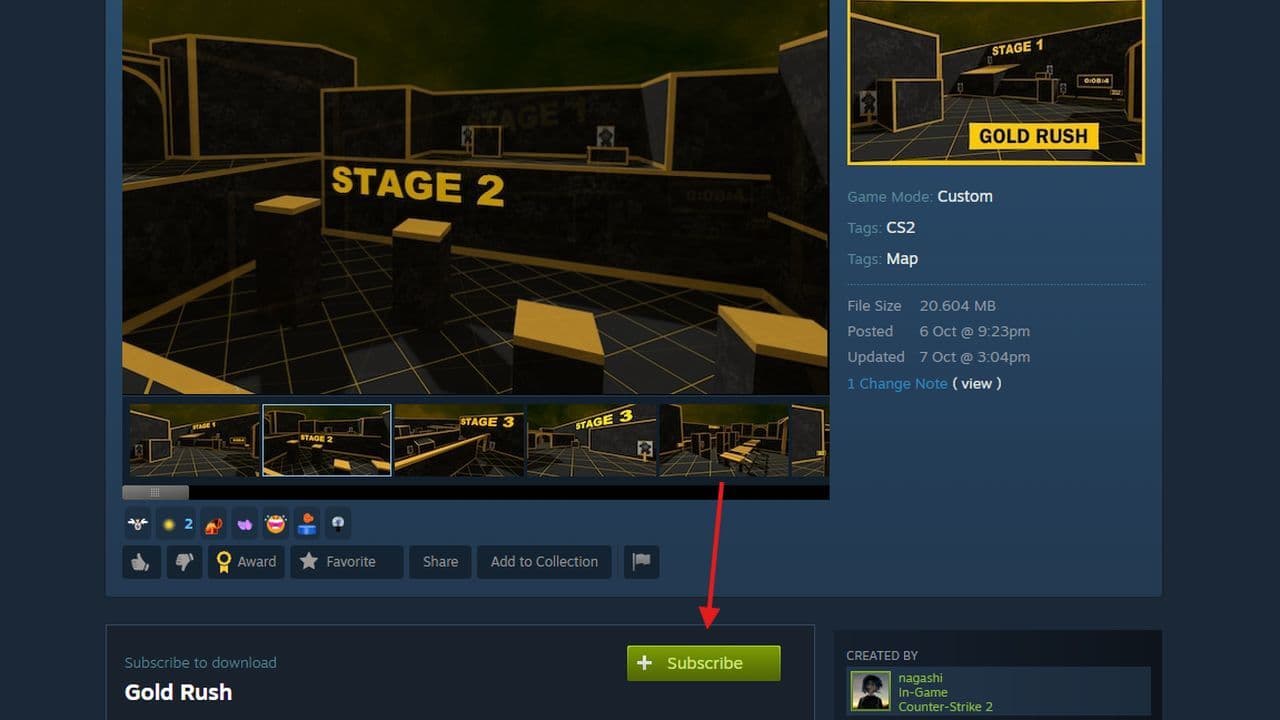
Start playing CS2 Workshop Maps
- Launch Counter-Strike 2: Once your maps are downloaded, launch Counter-Strike 2 from Steam.
- Go to Workshop Maps: Inside the game, go to ‘Play > Workshop Maps’. You’ll see a list of all the downloaded workshop maps.
- Select and Play the Map: Choose the map you want to play and click ‘Go’. If prompted, select the appropriate game mode (usually Custom) and click ‘Go’ again.
If you’re playing with friends, invite them to a custom lobby. The map will automatically download for them as well.
That’s it! Now you can easily enjoy custom workshop maps in Counter-Strike 2. Keep checking the workshop for new maps as more get added!
A bonus way to run any CS2 custom maps you want
According to SoyElykat’s guide on Counter-Strike 2 Steam Community, there is a clever way to run any CS2 custom maps you want to play. Here is a quick look at it:
- Enable Developer Console: Go to Settings, search "console," enable Developer Console, and set a key to open it.
- Download a Custom Map: Find maps in VPK format on the Internet.
- Move the Map to the CS2 Folder: Paste the downloaded map in C:\Program Files (x86)\Steam\steamapps\common\Counter-Strike Global Offensive\game\csgo\maps.
- Create an Insecure Launcher: Use Notepad to create a .bat file with this path:
- cd "C:\Program Files (x86)\Steam\steamapps\common\Counter-Strike Global Offensive\game\bin\win64"cs2.exe -insecure
- Play the Custom Map: Open the .bat file, open the console in-game, and type the map name to start playing.
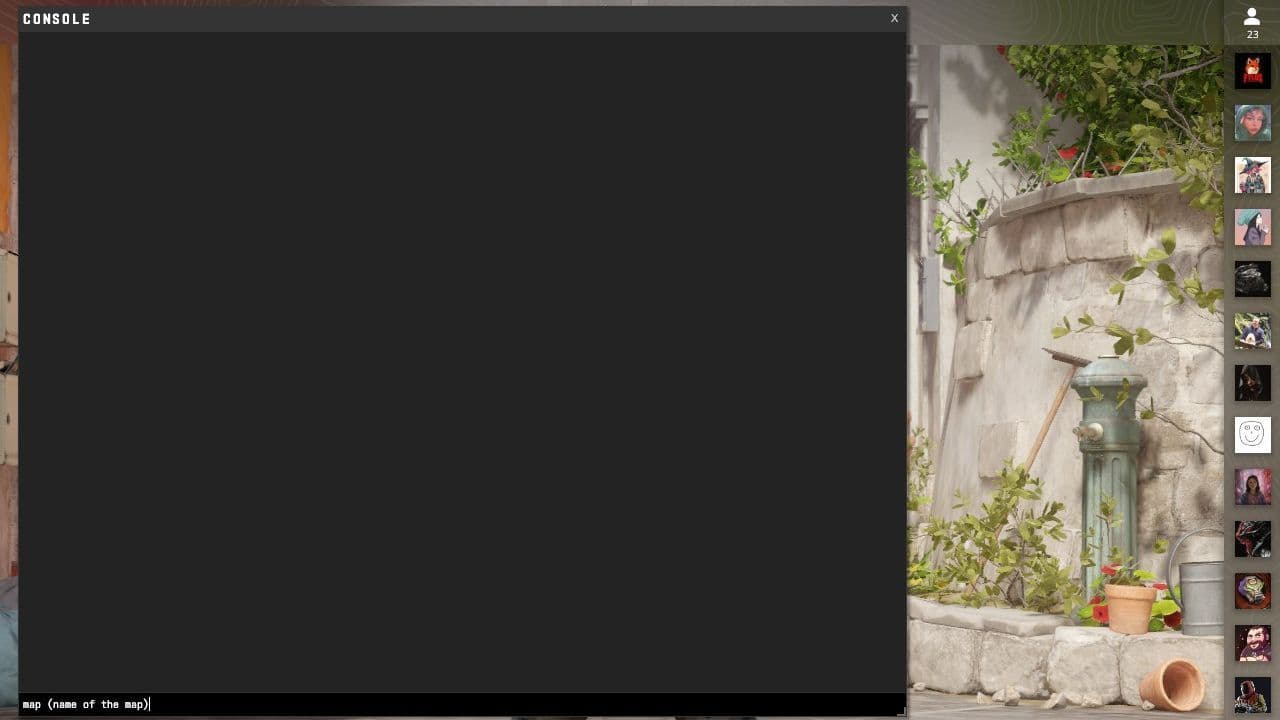
9 things you need to know before running & playing CS custom maps
- Ensure You Have the Right Map Format: Counter-Strike 2 uses the VPK format for custom maps. Make sure you're downloading maps compatible with CS2, as older CS .bsp maps won’t work.
- Use the Developer Console: The console is essential for loading maps if you're not using the workshop. Make sure it's enabled and a key is set for quick access.
- Be Cautious with -insecure Mode: If you're launching CS2 using the -insecure parameter to load non-workshop maps, remember that this disables security features. Avoid playing competitive games in this mode and always switch back to secure mode via Steam for regular matches.
- Back-Up Important Files: When experimenting with custom content, always keep a backup of your essential game files. This ensures that if something goes wrong, like installing a corrupt map, you can easily restore your game to normal.
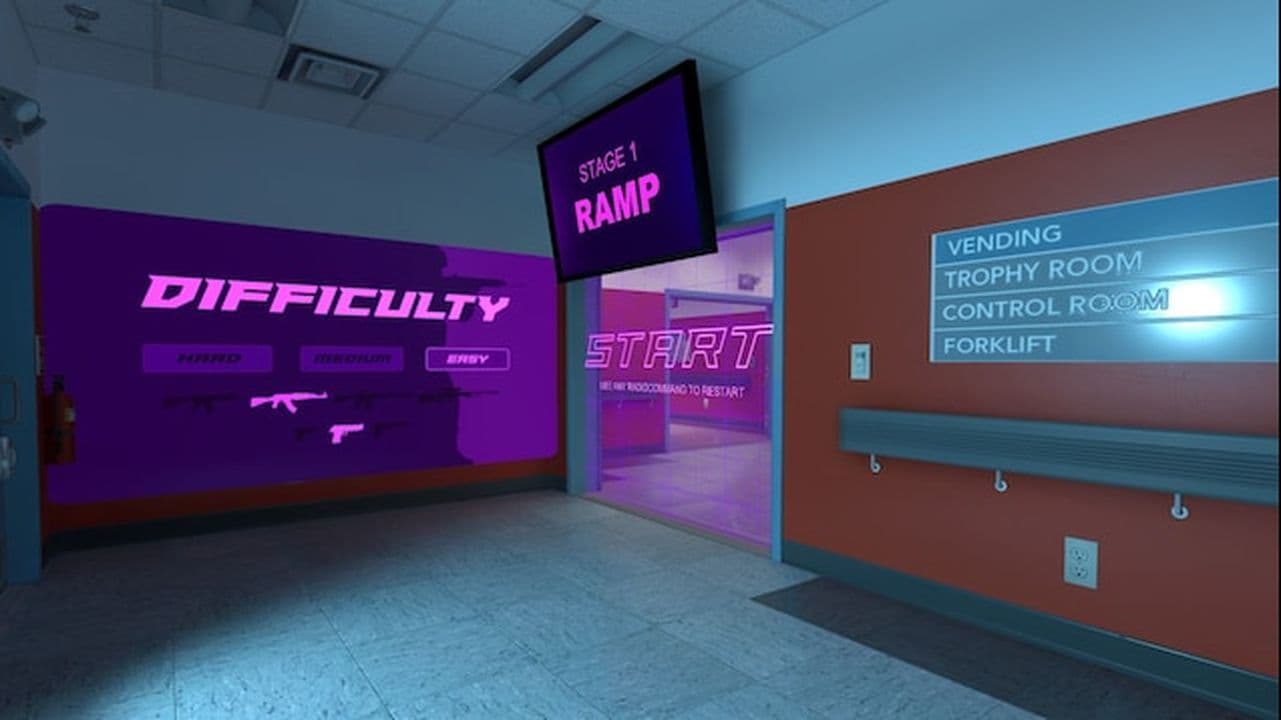
- Adjust Graphics Settings for Custom Maps: Some custom maps may be more graphically demanding or poorly optimized. Lowering your graphics settings can help maintain smooth gameplay, especially on detailed or larger maps.
- Hosting for Friends: If you want to play with friends on a custom map, create a private lobby. When you start the map, it will automatically download for anyone joining your game, making the process seamless.
- Check Map Quality: Not all custom maps are well-designed. If a map negatively impacts gameplay or doesn’t serve your purpose, don’t hesitate to try others. For training, focus on maps that help with aim, movement, or utility practice.
- Test Maps Before Serious Play: Always test custom maps before using them in practice or scrimmages. Familiarizing yourself with the layout ensures better performance and helps avoid bugs or design flaws.
- Look Out for New Maps: The CS2 Workshop is growing, so regularly check for new maps. Creators are constantly updating and releasing new content that can improve your skills or provide fresh challenges.
How to create a CS2 custom map
You can download the CS2 Authoring Tools, which includes the Source level editor (Hammer) and other utilities. Start with the tutorials provided to get familiar with creating your own maps.
Can you make CS2 maps without RTX?
You cannot fully create CS2 maps without an RTX graphics card. The tools for CS2 require ray tracing to compile lighting, and this process only works on modern GPUs with RTX support. Valve removed the option to compile lightmaps using the CPU, so non-RTX cards cannot complete the process. Without RTX you may still open the editor and preview some parts of a map, but you will not be able to finish or publish it. For full map creation an RTX-capable GPU is required.
Why can't I play custom maps with friends on CS2?
There are several reasons why custom maps may not work with friends in CS2.
- Different map versions: If players do not have the same version of the map, the game will not load. Everyone should subscribe to the same Workshop file.
- Lobby settings: If the lobby is set incorrectly, friends may not be able to join. Make sure the lobby allows friends and select Private Match for Workshop maps.
- Broken or missing files: Corrupted game files or incomplete map downloads can stop the game from loading. Use Steam’s Verify Game Files option and confirm that each player has the full map installed.
Fixing these issues usually allows you to play custom maps together without problems.
All Related Guides
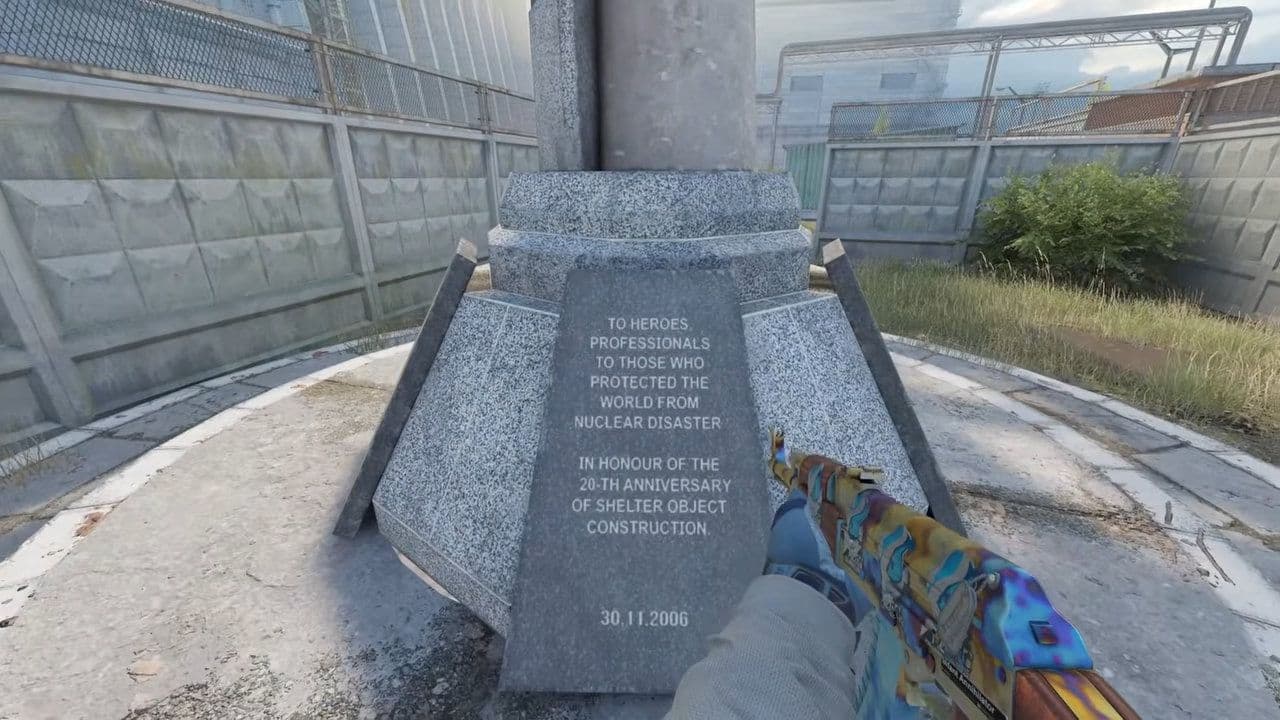 Cache CS2 map guide: Callouts, how to play & new updateCache CS2 map guide: callouts, strategies, April 28 update changes, Premier status, and how to play Cache in C...
 CS2 Splinter map guide: Layout, strategies & moreCS2 Splinter map guide: layout, bombsites, strategies, T & CT tips, and how to play this vertical competitive ...
 Everything about CS2 workshop map 1v1 commandsIn this piece, we will show you everything you need to now about CS2 workshop 1v1 maps!...
 How to play retakes on CS2Did you know that you can improve your game sense by training on CS2 retake servers? Here are the best servers...