Can you play Fortnite on a Samsung tablet in 2025?
Samsung tablets are immensely popular...and so is Fortnite. Can you play Fortnite on Samsung tablets? Let's dive in.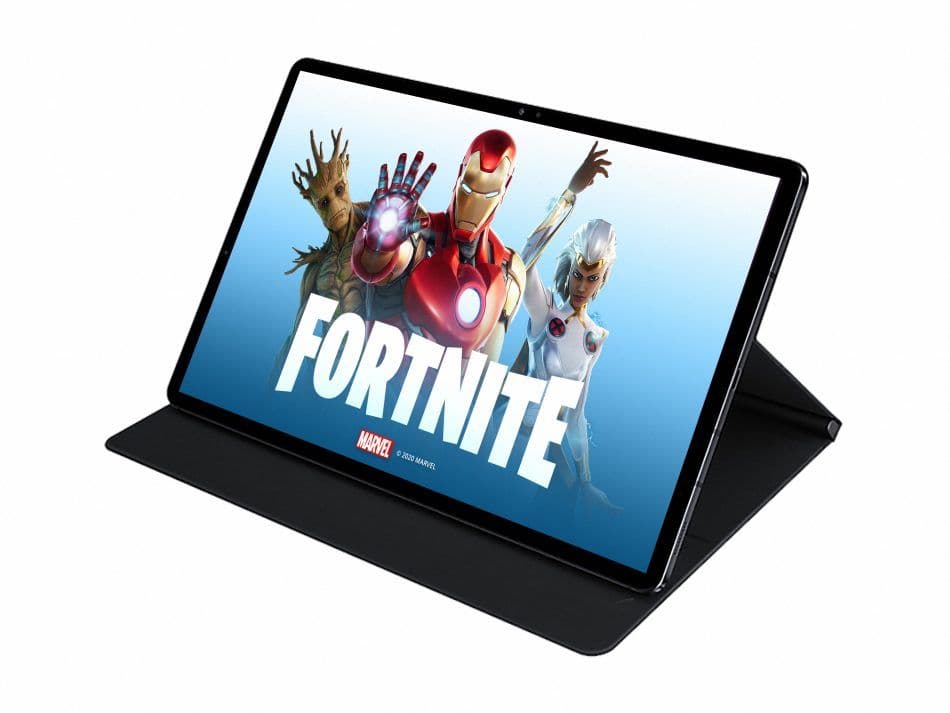
Can you play Fortnite on a Samsung tablet in 2025? Before taking a closer look at specifically Samsung tablets, you should learn the Fortnite system requirements for tablets:
The question: Can you play Fortnite on a Samsung tablet in 2025?
Yes, you can absolutely play Fortnite on a Samsung tablet in 2025! With several options available, both for downloading the game directly and utilizing cloud gaming services, players have flexibility in how they engage with this popular battle royale game.
How to play Fortnite on a Samsung tablet in 2025?
Here’s a detailed breakdown of how to play Fortnite on a Samsung tablet:
Downloading Fortnite directly
To play Fortnite directly on your Samsung tablet, follow these steps:
- Step 1: Download the Epic Games Store
- Access the Epic Games Website: Since Fortnite is not available on the Google Play Store or the Samsung Galaxy Store, you'll need to download the Epic Games Store from the Epic Games website.
- Install the Store: Follow the prompts to install the Epic Games Store on your tablet.
- Step 2: Install Fortnite
- Launch the Epic Games Store: Once installed, open the Epic Games Store app.
- Find Fortnite: Search for Fortnite within the store.
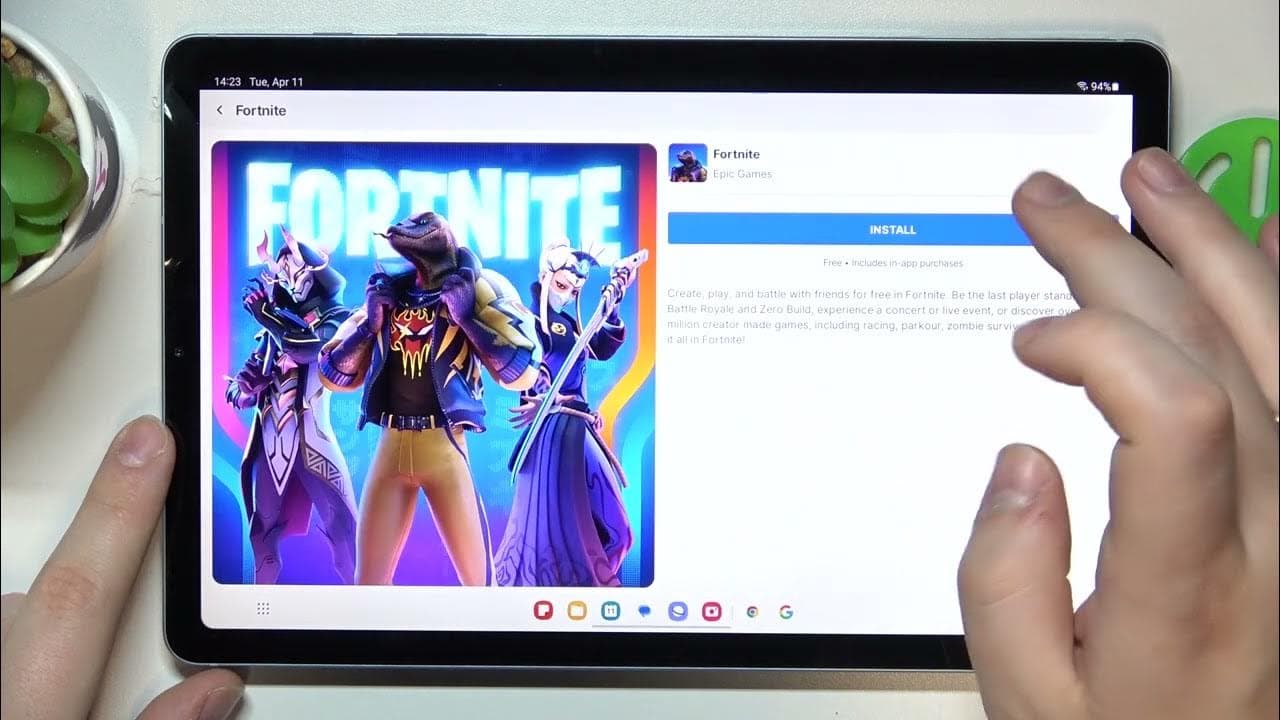
- Download the Game: Tap to download and install the game directly onto your tablet.
Cloud gaming options
If you prefer not to download Fortnite or if your tablet has limited storage, cloud gaming is an excellent alternative. Here are the platforms through which you can access Fortnite via cloud gaming:
Xbox Cloud Gaming
- Access: Simply visit the Xbox Cloud Gaming website or use the Xbox Game Pass app if installed.
- No Download Required: You can stream Fortnite directly, eliminating the need for downloads. A subscription may be required.
NVIDIA GeForce NOW
- Setup: Sign up for an account on GeForce NOW, then launch it on your Samsung tablet.
- Stream Fortnite: Once logged in, you can find Fortnite in the library and start playing instantly, provided you have a stable internet connection.
Amazon Luna
- Access: Similar to the other platforms, access Amazon Luna through its website or app.
- Play Instantly: Stream Fortnite without needing to download it on your device.
What about voice chat and cross-platform play?
When playing Fortnite on your Samsung tablet, you can use voice chat to talk to your teammates. If you’re using Bluetooth headsets, remember that the microphone will work through your tablet’s mic, not the headset.
Also, Fortnite lets you play with friends on different devices. Whether they are on a console, PC, or mobile, you can team up with them in the game.
Which controllers are supported?
For a better gaming experience, especially in a fast-paced game like Fortnite, using a controller is highly recommended and here’s a list of compatible controllers for playing Fortnite on a Samsung tablet:
- Amazon Luna Controller
- Razer Kishi Ultra & V2
- Sony DualSense & DualShock 4 Wireless Controllers
- Steelseries Stratus XL
- Xbox Wireless Controller
FAQs
How can I play Fortnite natively on Android?
To play directly on Android, go to the official Fortnite website and download the Epic Games App or install via the Samsung Galaxy Store if using a Samsung device. Once installed, open the app, select Fortnite, and follow the prompts to download and install the game. Make sure your device runs Android 8.0 or higher, has at least 4 GB of RAM, sufficient storage (about 10 GB), and meets the GPU requirements (e.g., Adreno 530 or Mali-G71 MP20 and above).
How can I play Fortnite natively on iPhone?
Fortnite is now available through the Epic Games Store app on iOS devices—but currently only in the EU region. If you're eligible, head to fortnite.com/download, install the Epic Games Store via your browser, allow third-party installs in settings, and then download Fortnite. Compatibility requires iOS 17.6 or later and is supported on newer models like iPhone XS and above.
What about mobile users outside of supported regions?
If native install isn’t available for your device, you can still play Fortnite via cloud gaming. Services like Xbox Cloud Gaming, NVIDIA GeForce NOW, or Amazon Luna allow you to stream Fortnite directly to your mobile device—no install needed. You'll need a reliable, high-speed internet connection for smooth performance.
What should I do if my device isn’t supported?
If your phone isn’t meeting the performance or compatibility criteria, Fortnite might show errors like "Device not supported" or fail to install. If that happens, your best options are cloud streaming or using a supported device. Some players report workarounds via third-party APKs, but these may lead to poor performance or compatibility issues.
All Related Guides
 The best Fortnite players in the WorldIf you ever wondered who is the best among all Fornite competitive players, you may find you answer in this ar...
 How many players play FortniteCurious about Fortnite's player count? Dive into stats on concurrent & active players, platform breakdowns, an...