Best Minecraft seeds (1.21.4): How to get & use them easily
Seeking a more personalized adventure in Minecraft? That's where seeds come in.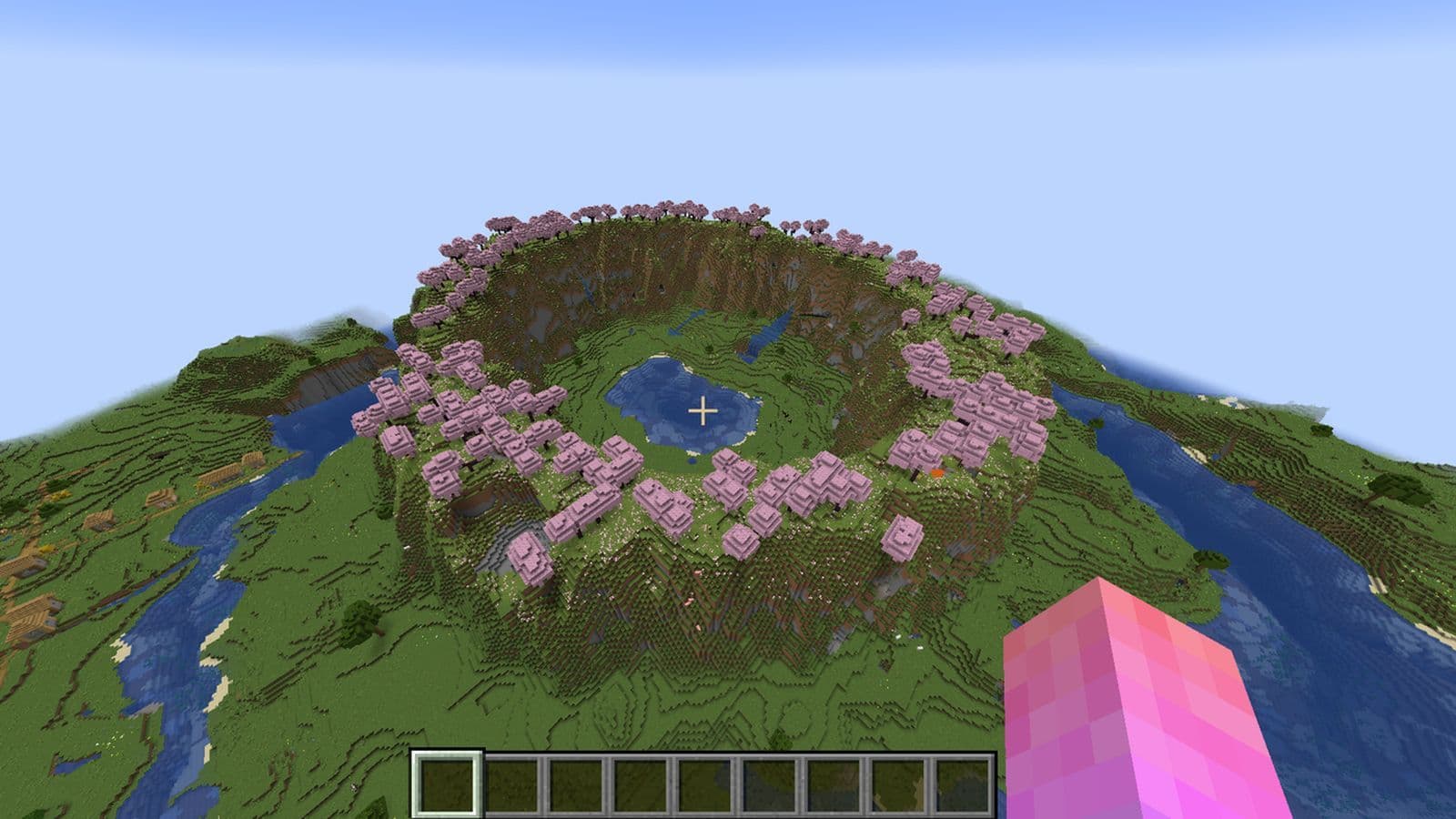
Best Minecraft seeds are your ticket to a unique world full of adventure, resources, and surprises. Whether you're after a challenging survival experience, a beautiful spot for building, or just a fresh start, we’ve got the best seeds for version 1.21.4 to kickstart your journey.
What is a seed in Minecraft?
In Minecraft, a seed is a string of characters, which can include numbers (positive or negative) or even words/phrases. This seed is the starting point for generating the world, determining the terrain, biomes, and structures.
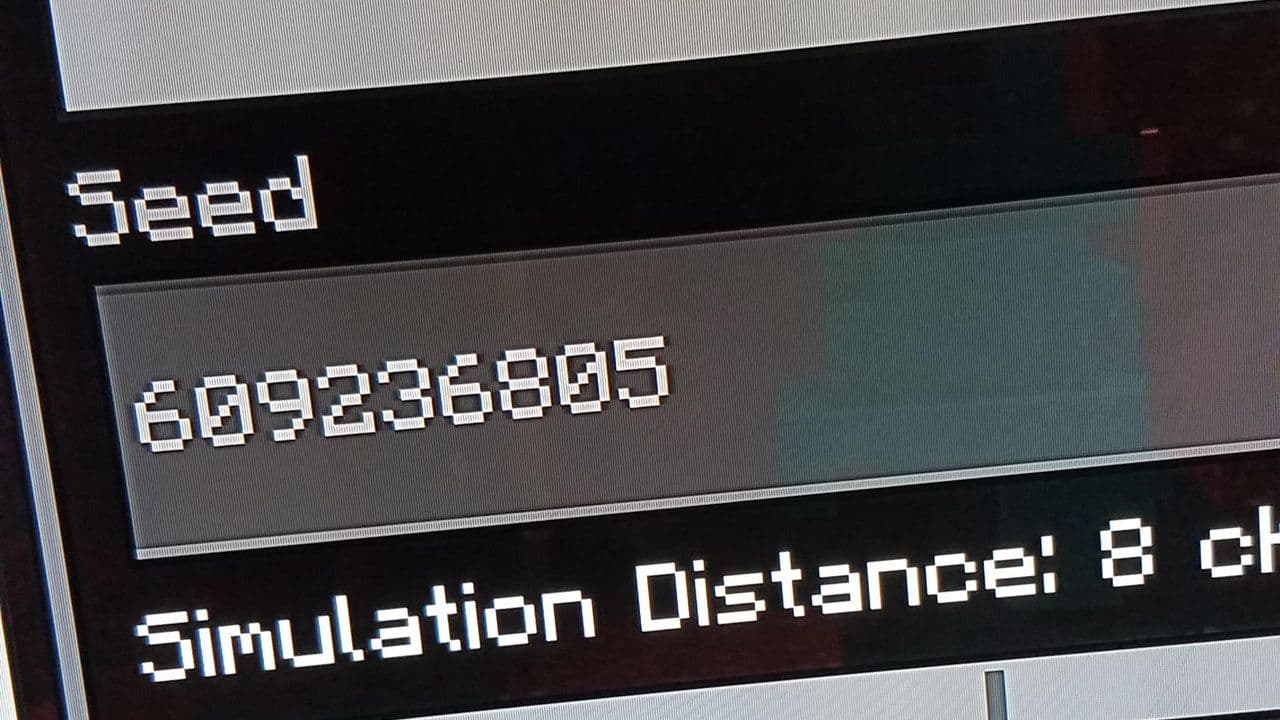
The game uses an algorithm called Perlin noise, which creates a random value based on the seed and generates the world. The interesting thing is that the same seed will always generate the same world. So, if you use the same seed as another player, you will get the same world, but there are some differences in how the world is generated depending on the editions.
While terrain and biomes are mostly the same across both editions, the locations of structures (like villages, temples, and strongholds) will differ. So, although you can use the same seed and see the same general landscape, the placement of certain features will be unique to each edition. But first, let’s find your Minecraft seed.
How to get your seed in Minecraft (Java & Bedrock)
If you’re curious about the seed of your world, here’s how to find it:
How to see Minecraft seed in Java Edition
You can view the seed by typing the command /seed in the chat (this works even if cheats are off). You can also find the seed by selecting ‘Re-create’ in the Worlds menu.

How to see Minecraft seed in Bedrock Edition
The seed is visible on the world options screen. Additionally, seed templates allow players to choose pre-set seeds for worlds with specific features near the spawn point.

How to use seeds in Minecraft (Java & Bedrock)
Using a seed in Minecraft is easy, and it allows you to generate a world with a specific layout and features. Here's how to use a seed in both Java Edition and Bedrock Edition:
How to use seed in Java Edition:
- Open Minecraft and go to the Main Menu.
- Click on Singleplayer to create a new world, or select an existing world you want to use the seed for.
- If creating a new world:
- Click Create New World.
- On the world creation screen, click More World Options.
- In the Seed for the World Generator field, type in the seed you want to use. You can use either a number or a word/phrase (Minecraft will convert it into a 32-bit integer).
- After typing the seed, click Done to go back to the world creation screen.
- Adjust other settings as you like (game mode, difficulty, etc.), then click Create New World.
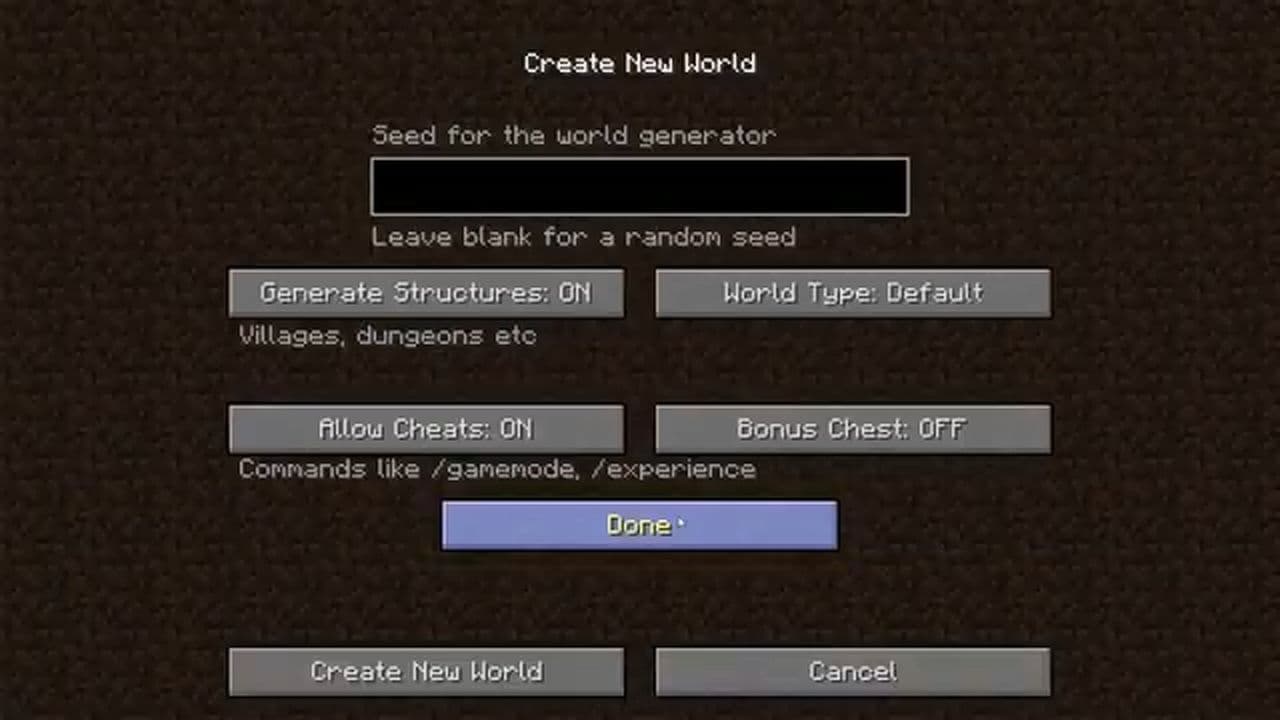
The world will be generated based on the seed you entered.
How to use seed in Bedrock Edition
- Open Minecraft and go to the Main Menu.
- Click on Play to create a new world, or select an existing world.
- If creating a new world:
- Tap on Create New.
- On the World Options screen, you’ll find a field labeled Seed.
- Type in the seed you want to use. You can input a number or a word/phrase.
- After typing the seed, tap Create or Create New World.
- The world will generate with the seed you entered.
What makes a Minecraft seed good?
A good Minecraft seed is one that offers a balanced mix of resources, diverse biomes, and interesting terrain features, all within a reasonable distance from the spawn point.
Players often look for seeds that feature a variety of biomes, such as forests, plains, deserts, and mountains, in close proximity to each other, allowing for diverse adventures and easy access to different materials. Additionally, having structures like villages, temples, or mineshafts near the spawn can significantly enrich the early-game experience.
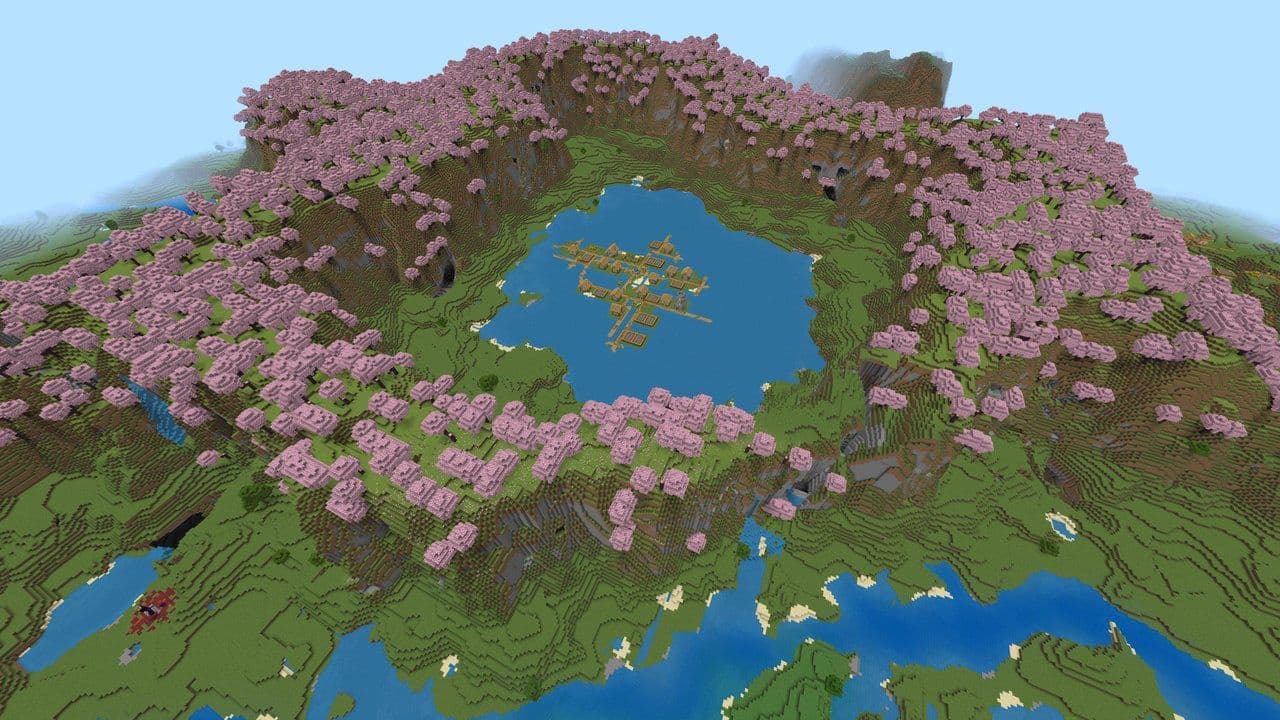
Ultimately, the ideal seed varies based on personal preferences, but generally, a good seed combines diverse environments, abundant resources, and unique landmarks to create a captivating Minecraft world.
10 best Minecraft seeds you can try right now
Below are some of the best Minecraft seeds categorized by their suitability for different purposes.
Want to explore more? Simply click on their categories to discover the best Minecraft seeds that suit you.
3 things you probably don’t know about Minecraft seeds
Minecraft seeds aren’t just random—they can produce strange and fascinating effects.
Changing terrain, same structures
Small tweaks to a seed can change the terrain but keep features like caves and biomes the same.
Repetition
Some seeds cause features to repeat. For example:
- Seed 164311266871034 (Java) makes caves repeat along the Z-axis.
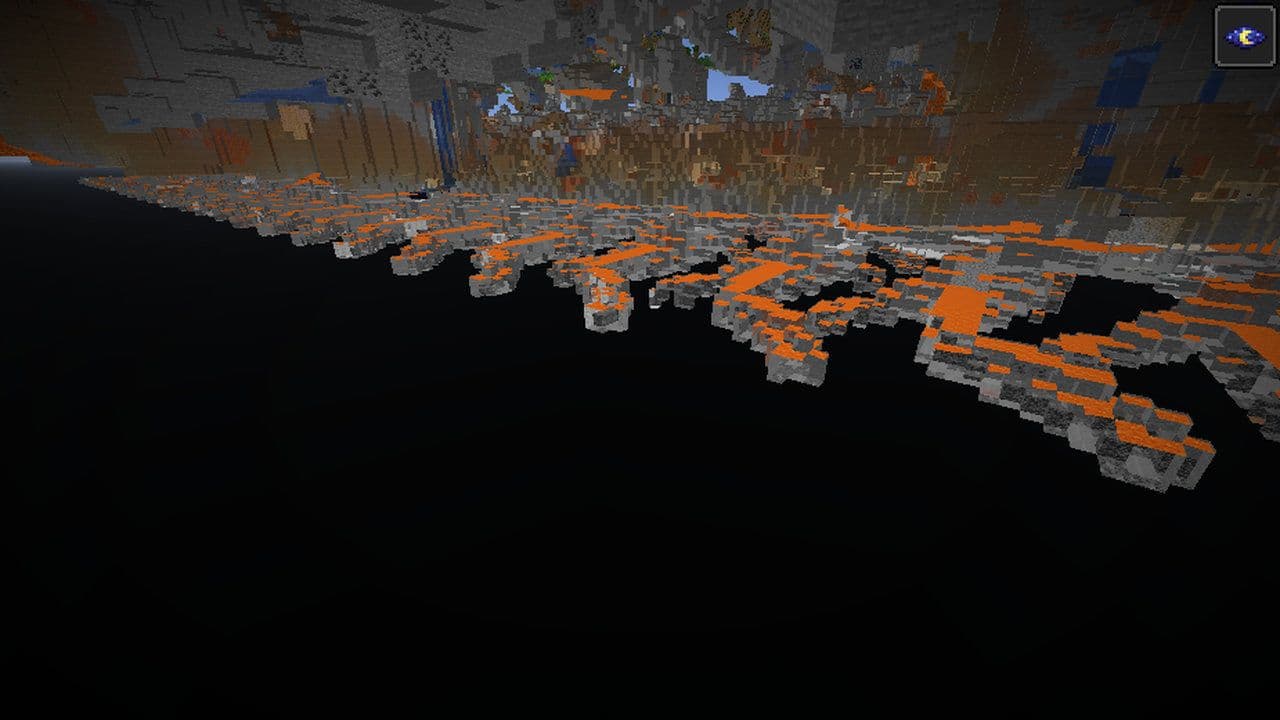
- Seed 1669320484 (Bedrock) causes repeating canyons. Some seeds even repeat features diagonally or in a loop.
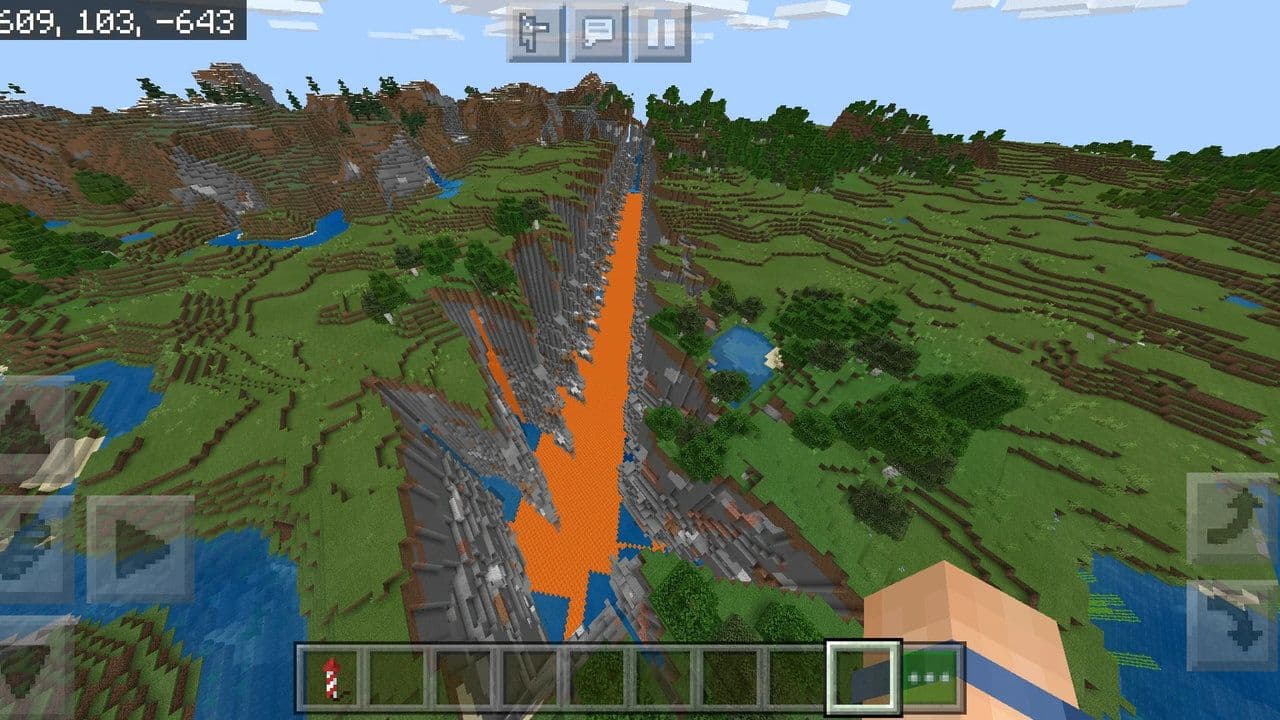
Repeating features
Seeds like 4294967296 × n + 1669320484 create worlds with repeating structures, leading to a surreal exploration experience.
How to explore more Minecraft seeds
- Online websites: Search for Minecraft seed websites or community forums like THESPIKE or Reddit’s Minecraft community. Players often share seeds along with descriptions and screenshots.
- YouTube/Twitch: Many content creators showcase interesting seeds in videos or live streams.
- Friends: Ask friends if they have any cool seeds they’ve used.
Looking for more Minecraft guides? Check out these: