Minecraft villagers guide: Jobs, trades & everything you need to learn
Knowing how to operate your villagers in Minecraft is fantastic knowledge if you want to make your life easier.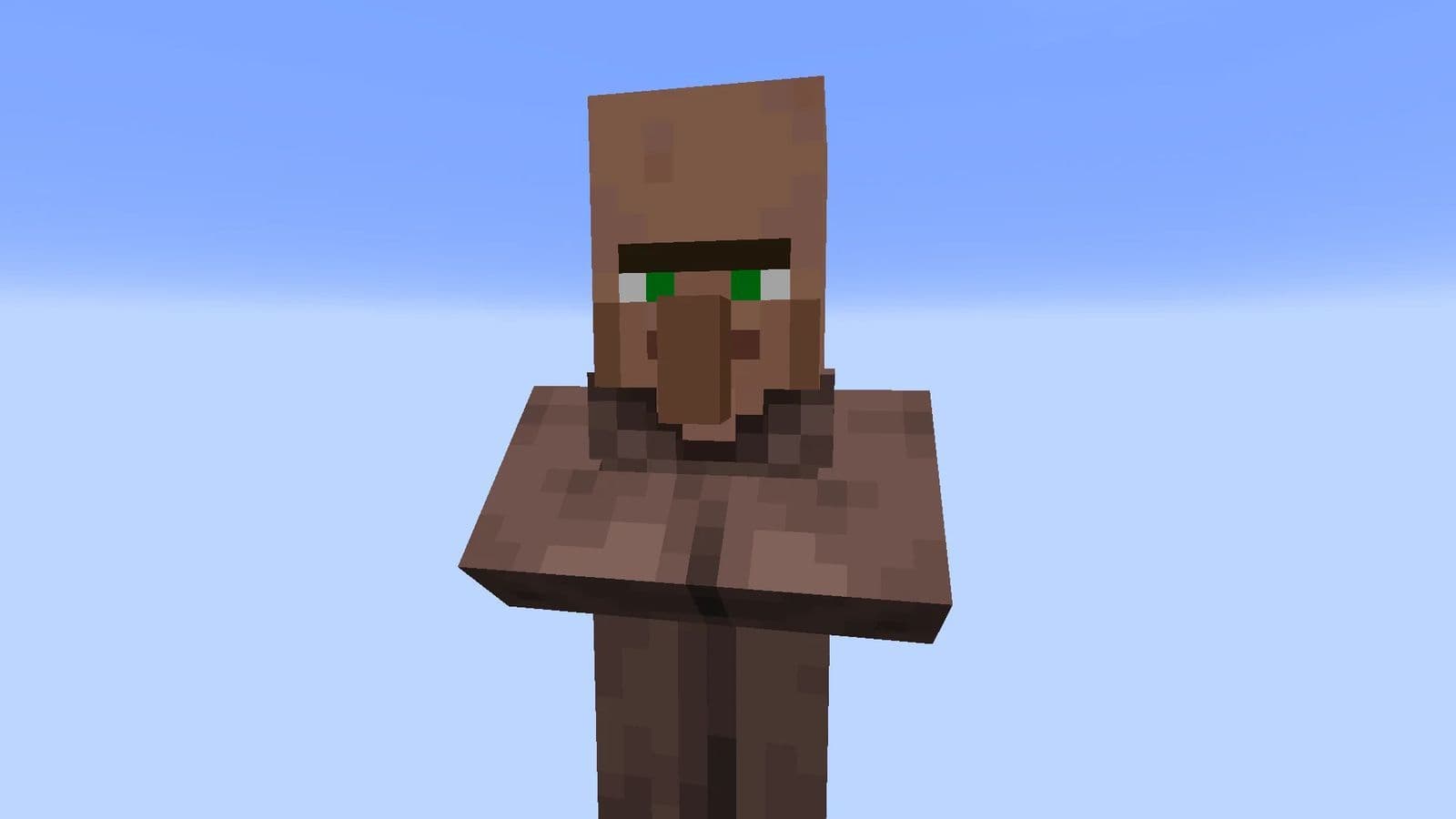
If you want to master trading and village life, this Minecraft Villagers guide has everything you need. We'll break down everything you need to know about villagers—from their professions and trade mechanics to advanced strategies like resetting trades and breeding villagers.
Minecraft villagers explained
Villagers are passive NPCs (non-playable characters) in Minecraft that spawn in villages and interact with the world around them. They have unique professions, trade valuable items, and play a crucial role in village life. Villagers can be found naturally in generated villages, or they can be created through villager breeding.
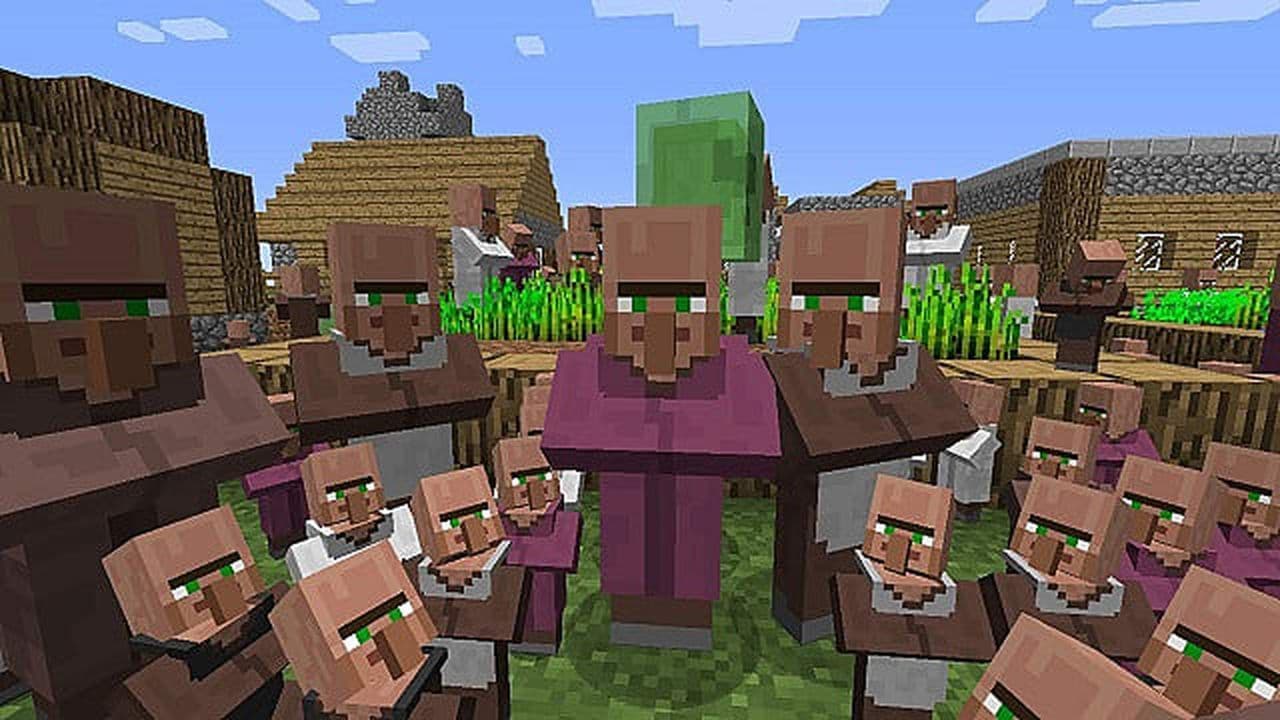
Each villager has a job based on their assigned workstation, allowing them to trade specific items. Players can use emeralds to buy rare resources, enchanted books, diamond gear, and more from villagers. Additionally, villagers contribute to iron farms, making them an essential part of many advanced Minecraft builds.
Villagers also have different behaviors based on their profession and environment. They sleep at night, gather around bells when a raid occurs, and can even gossip with each other. If infected by a zombie, villagers turn into zombie villagers, which can be cured with a golden apple and a splash potion of weakness.
Minecraft villager jobs
Villagers in Minecraft can take on different professions based on the workstation they are assigned. Each profession allows the villager to offer specific trades, making them essential for obtaining valuable resources, enchanted books, and powerful gear.
How to assign villager jobs
Villagers lock in their trades permanently once a player has traded with them. However, if no trades have been completed, you can reset their trades:
- Break the workstation: The villager will become unemployed.
- Place a new workstation: The villager will take a new profession.
- Check the trades: If unsatisfied, repeat the process until you get desirable trades.

This method is commonly used to cycle through Librarian trades until you obtain Mending, Unbreaking III, or Fortune III books.
Now that you understand villager professions, it’s time to build your own village trading system!
Minecraft villager trades
Trading allows players to exchange emeralds and other items for useful goods from villagers with professions. Only adult villagers with jobs offer trades—nitwits, unemployed villagers, and baby villagers cannot trade.
Each villager has a unique set of trades based on their profession and level. As players trade, villagers gain experience and unlock new trade options.
When interacting with a villager, the trading GUI appears, showing available trade options. Trades refresh up to twice per day when the villager works at its job site.
- Green particles appear when a new trade is unlocked, signifying that the villager is happy.
- Pink regeneration particles appear when a villager gains a new trade, briefly granting Regeneration I.
- Villagers cannot trade indefinitely—each trade has a limited supply before it temporarily locks.

Villager trading supply & demand
Villager trades have limited stock, and once an item runs out, the trade is temporarily locked.
- Villagers restock up to twice per day by working at their job site block.
- If a player buys a trade frequently, its price may increase due to demand.
- Trades that are ignored for a while may become cheaper when restocked.
Trade prices can change
Villagers adjust trade prices based on a player's actions:
How to breed villagers in Minecraft
Breeding villagers allows players to expand their trading network. To breed villagers:
- Provide beds: Each new villager requires an available bed.
- Give food: Villagers need bread, carrots, potatoes, or beetroots to breed.
- Ensure enough space: Villagers won’t breed if there’s not enough space in the village.
For a detailed step-by-step guide, check out our full guide on breeding Minecraft villagers.
All Related Guides
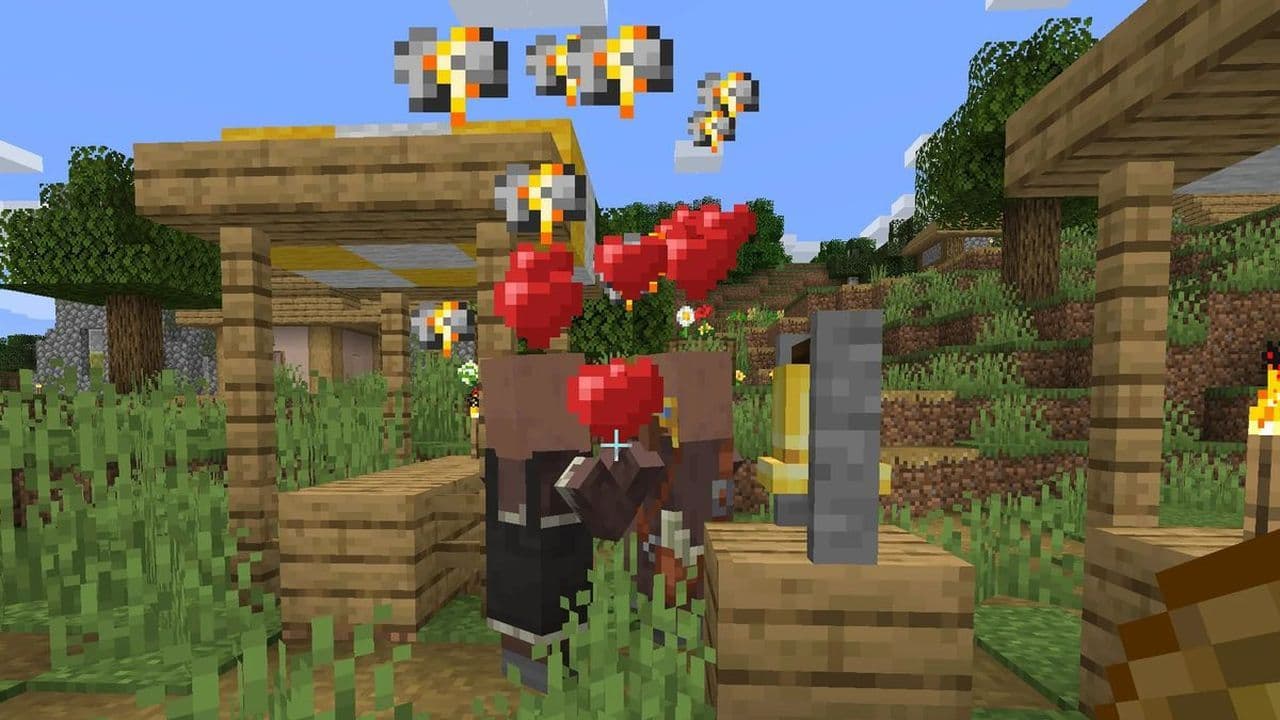 How to breed villagers in Minecraft in 5 easy stepsLearn how to breed villagers in Minecraft in 5 easy steps! Get better trades, infinite iron, and a thriving vi...
 How to make a Minecraft villager breederYou can find a village and villager in Minecraft, but what if you want to have more of them? Here is how to ma...