All Minecraft enchantments
If you want to get stronger, enchanting in Minecraft is the way.

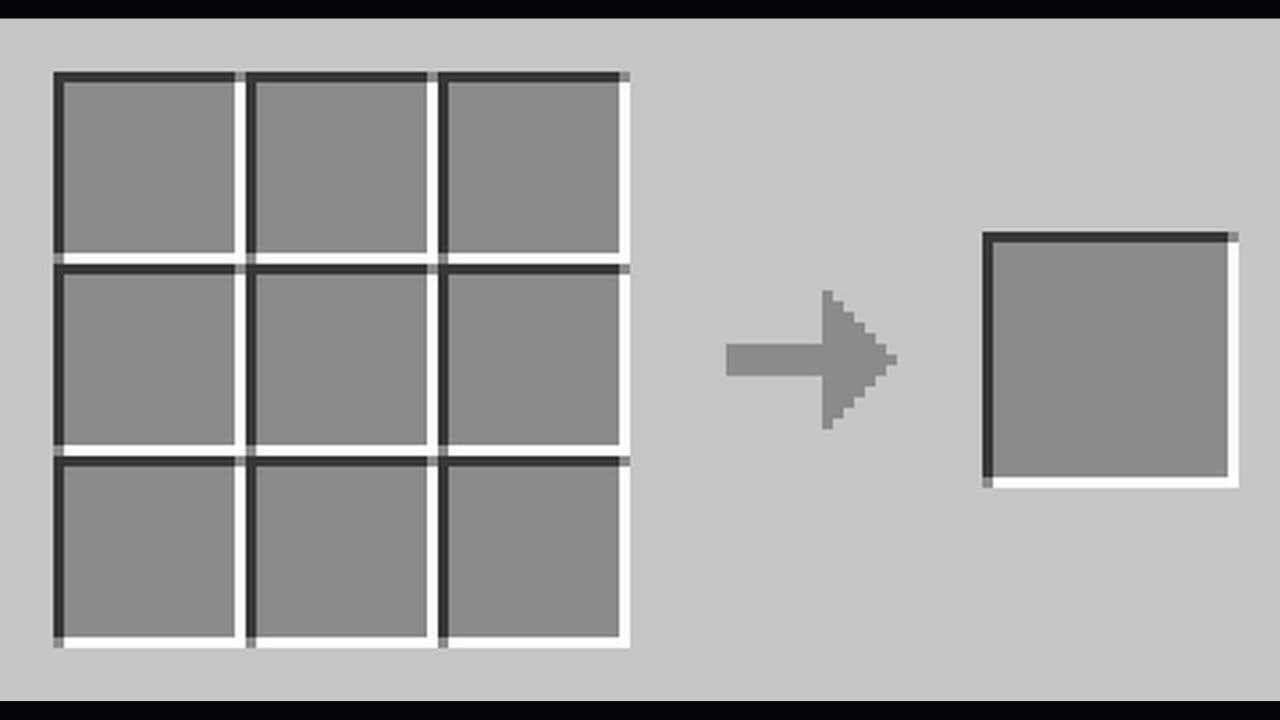

Almost all of the games offer ways to strengthen your weapons or character, and Minecraft is no exception. Players can upgrade their weapons by using enchantments and the process is very similar to crafting recipes in the game. Here are all of the Minecraft enchantments and everything you need to know about them!
What are enchantments?
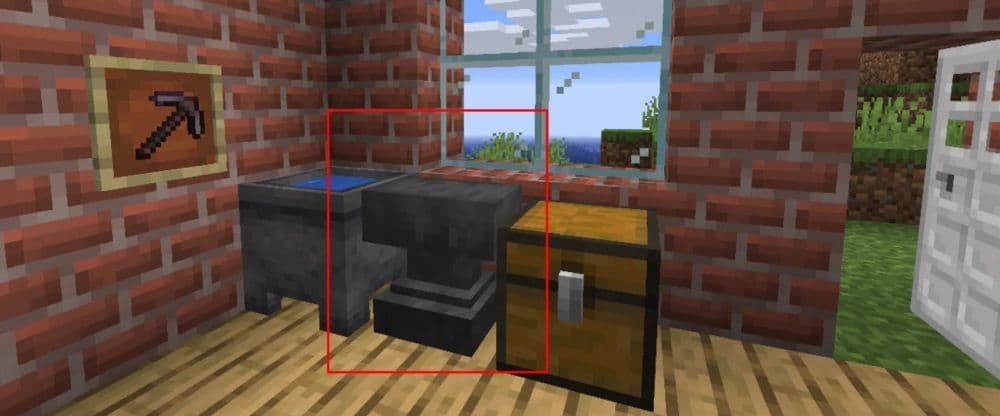
Enchantments are upgrades that add extra abilities to your items. They work on weapons, tools, armor, and books. When you enchant an item, it shows a bright glint and helps items perform better and last longer. For example, they let you mine faster, fight harder, and defend better. You can add enchantments using an enchanting table, an anvil, or game commands.
All enchantments in Minecraft
Here are all the Minecraft enchantments you can find in the game:
What is an enchanting table?
An enchanting table is a block that gives your items magic. You spend experience levels and lapis lazuli on it to add enchantments to tools, weapons, armor, and books. Place bookshelves near the table to boost the enchantment options. When you use the table, put your item in one slot and lapis lazuli in another. Three choices appear based on your level and the lapis provided. You must use 15 bookshelves to reach the highest enchantment level.

How to enchant an item in Minecraft
There three different ways to enchant an item in Minecraft, either by using a table, anvil or the command menu. Here are step-by-step guides on all three ways:
Enchanting Table
- Stand near the enchanting table with your item and lapis lazuli.
- Arrange 15 bookshelves around the table to boost enchantment levels.
- Open the enchanting table. You will see two slots.
- Place your item in the left slot and lapis lazuli in the right slot.
- Review the three options that appear. Each option shows a required experience level.
- Click on the desired option. Your item will gain a purple glow to show it is enchanted.

Anvil
- Stand by an anvil with your item and an enchanted book.
- Open the anvil. You will see three slots.
- Place your item in the first slot.
- Place the enchanted book in the second slot.
- Check the output in the third slot and note the experience level cost.
- Confirm the operation. Your item is upgraded with the enchantment.

Command
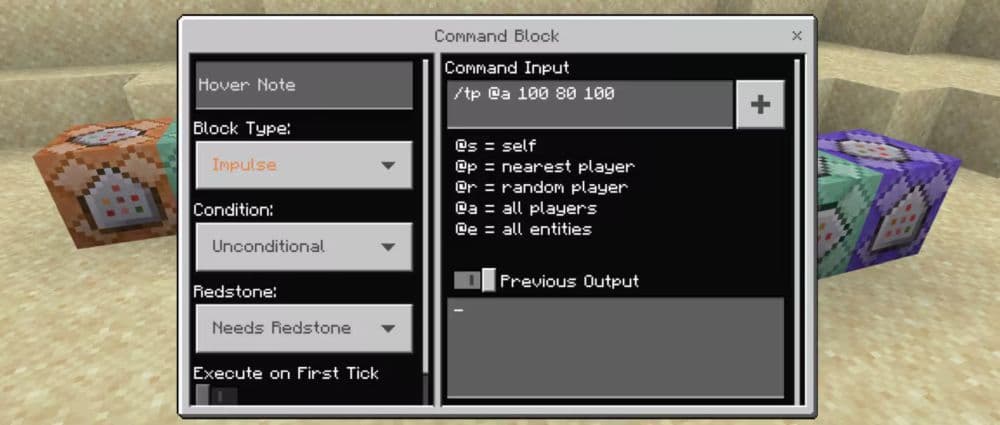
- Ensure that cheats are enabled in your world.
- Open the chat window using the appropriate key or button.
- Type the command: /enchant <player> <enchantment> [level].
- Press Enter to apply the enchantment. Your item will show a purple glow.
How many Minecraft enchantments are there?
At the time of writing, Minecraft has 42 enchantments if you include legacy options. Most players use 38 enchantments in the current game version.
How to enchant up to 255?
Minecraft lets you use enchantment level 255, but only with commands. You cannot get it from an enchanting table. To do this, you must turn on cheats. Then, open the chat and type a command like this: /give @p diamond_sword{Enchantments:[{id:sharpness,lvl:255}]}
This command gives you a diamond sword with Sharpness 255. You can change the item and the enchantment name to fit your needs. This method works only in Creative Mode or in a world with cheats on. It does not work in Survival Mode without commands.
Is Mending 1 the highest in Minecraft?
Yes, Mending only has one level in Minecraft. It is called Mending I. You cannot upgrade it to a higher level. Even if you use commands or an anvil, the enchantment stays at one level. Mending I already works at full strength. It uses your experience points to repair your tools and armor. This makes it very useful, even without more levels.
What are level 30 enchantments?
Level 30 is the highest level for the enchanting table. To use it, you need 15 bookshelves around the table. Leave one block of space between the table and each shelf. At this level, you can get strong enchantments like Efficiency IV, Fortune III, or Power IV. The enchantments are still random, but level 30 gives you better chances.
All Related Guides
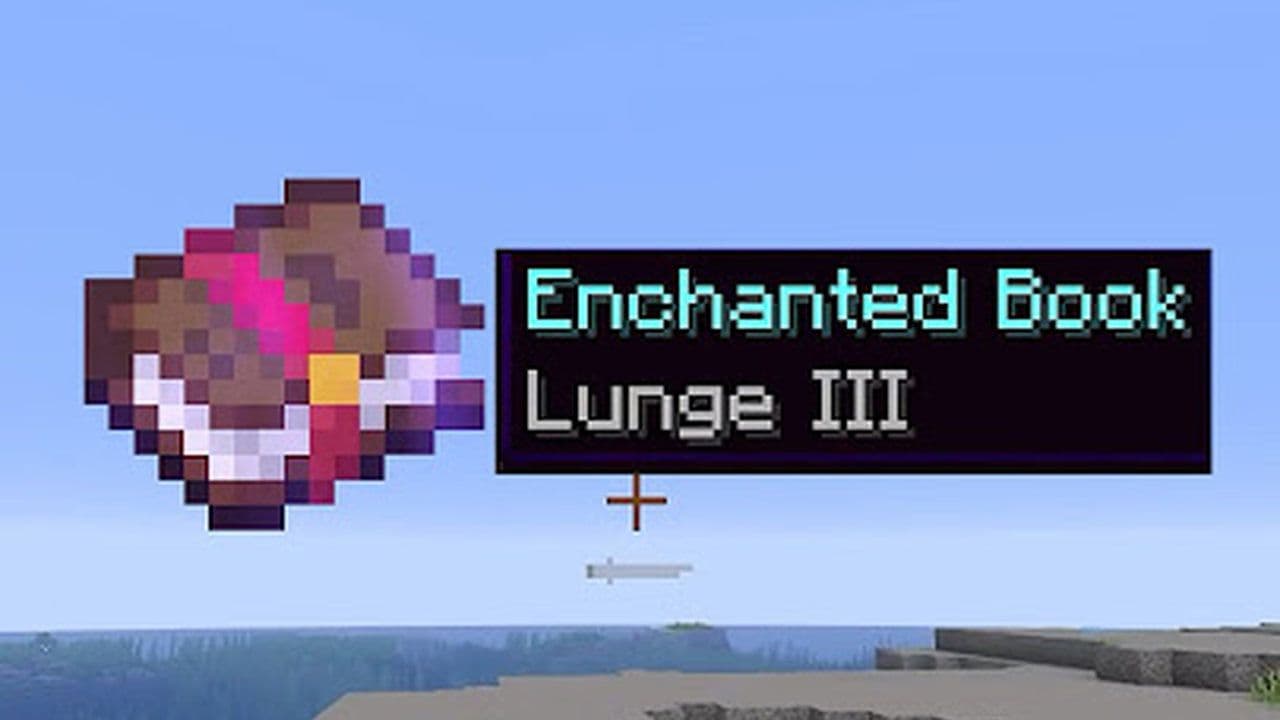 How to get the Minecraft Lunge enchantment: What does it do, how to lunge with spear & moreLearn how to use Minecraft Lunge enchantment, how to dash with a spear, and when this powerful mobility tool i...
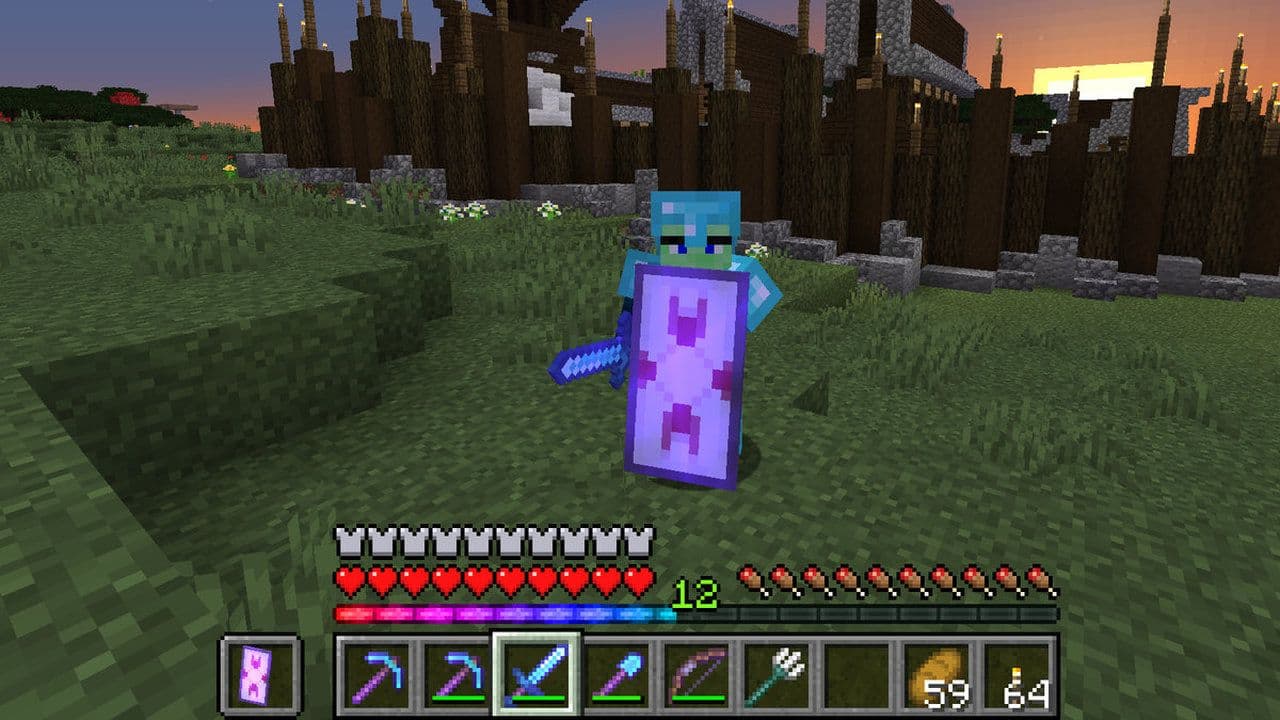 The best Minecraft shield enchantments and how to get themDiscover the best Minecraft shield enchantments — Mending, Unbreaking, and how to get them for unbeatable defe...
 What does density do in Minecraft?Density is one of the most popular enchantments in Minecraft. But what does density do? Here is everything you...
 What does smite do in Minecraft?Smite is one of the enchantments in Minecraft but what does it actually do? Here is your answer!...
 What does Loyalty do in Minecraft?What does Loyalty do in Minecraft? It makes your trident return after being thrown, saving time and effort dur...
 What does Channeling do in Minecraft?Channeling is a useful enchantment you can use in Minecraft. Here is everything you need to know about it!...
 What does Respiration do in Minecraft: Everything you need to knowMinecraft players cant stay for long underwater. Thanks to Respiration, you can increase the number significan...
 What does Wind Burst do in Minecraft?What does Wind Burst do in Minecraft? This enchantment launches you into the air after a smash attack, adding ...
- 1
- 2