Minecraft Beginner's Guide
New to Minecraft? Here's a full beginner's guide to the game of Minecraft.
Have you thought about creating your own world? In Minecraft, you can. From peaceful Creative mode to the challenging Hardcore mode, there's always something new to discover. This game has a lot to unravel with all the different modes and items. We put together a guide that covers all the basics you need to know about Minecraft!
What is Minecraft?
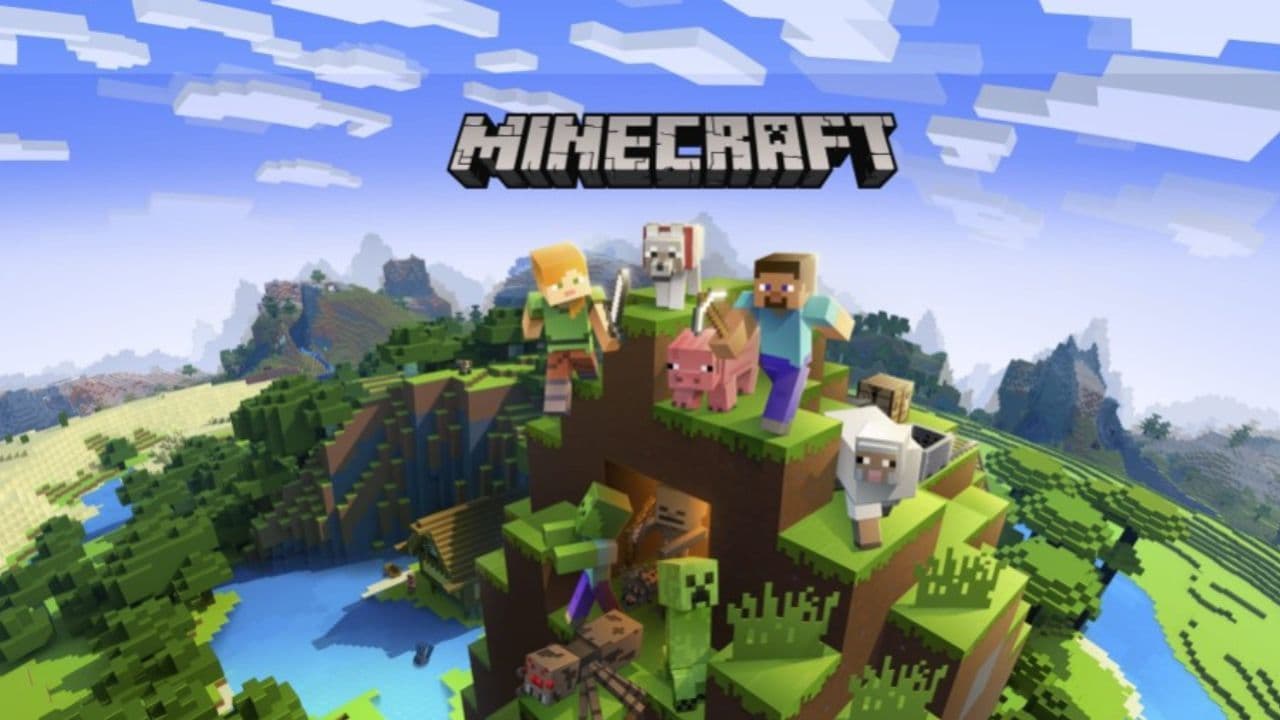
Minecraft is a game that lets you create and explore your own worlds. The game began with its creator Markus Persson and has been developed further by Jens Bergensten and Mojang Studios. Minecraft stands out because of its signature blocky graphics and open-ended gameplay. Players can build structures, battle mobs, and explore landscapes that the game generates. There are different ways to play, from the resource-driven Survival mode to the unlimited Creative mode. The game also supports a wide range of community-made content, which includes everything from new items to entire worlds.
Basic mechanics of Minecraft
Here are all the basic mechanics that you need to know in Minecraft:
Controls and Gameplay
Minecraft is simple to start but offers deep mechanics that reward exploration and experimentation. The game involves moving around in a world made up of various blocks. Each block represents different materials in the game world. Players use keyboard and mouse controls to navigate and manipulate these blocks. For example, the WASD keys move the player, and the mouse lets them look around and interact with items. For console players, you can use the on-screen controls or the buttons on your controller.
Crafting and Building
At the core of Minecraft is crafting. This is where players use collected materials to make tools and build structures. You start by collecting basic materials like wood and stone. These materials can be crafted into tools and building blocks on a crafting grid, which is a simple interface where you place materials to create new items. This system is essential for progressing in the game, whether you're making a simple tool or building a complex machine.
Day and Night Cycle
Understanding the day and night cycle in Minecraft is crucial. The game cycles between day and night, with each cycle lasting 20 minutes. Daytime is safe for exploring as most hostile creatures, or mobs, do not appear. Nighttime brings danger, as mobs spawn in the dark. Players must use this time to find shelter or prepare defenses.

Minecraft tips and tricks for beginners
If you are new to Minecraft, there are some tricks that will help you in your first nights in survival mode. Here are some of the most important points:
First Steps
When you first play Minecraft, your priority is to gather materials. Start with wood, which you can get by hitting trees. Wood is essential for creating your first tools and building a simple shelter. Also, make sure to create torches as soon as possible. Torches provide light, which prevents dangerous mobs from spawning near you.
Building a Shelter
Your first shelter doesn’t need to be large or complex. It just needs to protect you from the night-time mobs. You can dig a hole in the ground or build a small hut. Use doors and light to keep the shelter safe from creatures. As you gather more resources, you can expand and improve your shelter.

Exploring Further
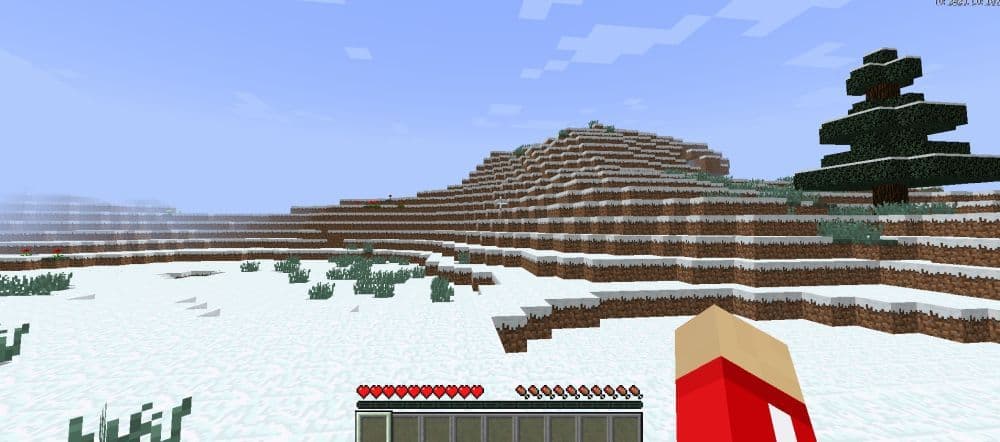
Once you’re comfortable with the basics, start exploring the world. Minecraft generates different landscapes, called biomes, each with unique traits and materials. Experiment with these new areas and the materials they offer. This not only adds variety to your game but also helps you discover new aspects of Minecraft.
Advanced Techniques
After mastering the basics, consider learning more complex parts of the game like enchanting or potion brewing. Enchanting tools and armor can give you special abilities, such as mining faster or surviving bigger falls. Brewing potions can grant you temporary powers like healing faster or breathing underwater.
What should a beginner do in Minecraft?
Here are some of the things that a beginner should do in Minecraft:
Crafting table
First, create a Crafting Table. Begin by gathering wood from trees. You can do this by clicking on a tree with your mouse or using the right trigger on your console controller. Hit the tree about 15 times until the log breaks and you can pick it up. Don’t forget to replant any saplings that drop to ensure trees keep growing. Also, try to collect apples from the tree leaves for food later on.
With the wood you've gathered, make Wooden Planks. Go into your crafting screen by pressing "E" on PC or the corresponding button on consoles, and convert your logs into planks. Use these planks to create a Crafting Table by filling all four crafting slots with planks. Place the Crafting Table from your inventory into the world by setting it down in a convenient spot.
Set a spawn point
To avoid respawning at the game’s starting point when you die, set a new spawn point. This is done by sleeping in a bed or interacting with it during the day. This action sets your new respawn location to wherever the bed is placed.

Gather materials
As your tools wear out, you'll need better ones made from iron. Look for iron ore, which appears as small tan spots in stone, usually found underground or in caves. Collect the iron ore and coal, and smelt them in your furnace to create iron ingots. These ingots are necessary for crafting stronger tools.
Build a shelter
Building a shelter before nightfall is crucial as it protects you from zombies, creepers, and skeletons that appear in the dark. An easy shelter can be made by digging into a hillside or the ground. Use the dug-up blocks to build walls and seal off an entrance.
Find food
Finally, keeping your hunger bar full is essential as it affects your health and ability to heal. Early food sources include meat from animals, fish, berries, or apples. Cook meat to increase its benefits. Keeping your hunger bar full helps you stay healthy and active while you explore and build in Minecraft.

Minecraft modes
Minecraft offers five main game modes, each with its own set of rules:
- Survival Mode: In this mode, players must collect resources and craft items to stay alive while fighting off enemies.
- Creative Mode: Players have unlimited resources and cannot die, making it perfect for building and experimenting freely.
- Adventure Mode: This mode is for playing custom maps created by other players. You must complete specific tasks to progress.
- Hardcore Mode: It's like Survival mode but much harder. If you die, your game ends permanently.
- Spectator Mode: This mode lets you fly around and observe the game without interacting. It's often used to watch what other players are doing.
What's the point of Minecraft survival?
In Minecraft's Survival mode, the main idea is to survive. You need to find resources, which are often hidden in caves, to help you keep going. You must build shelters, find food, and fight off enemies. While trying to stay alive is the basic goal, there is also an extra challenge you can choose to take on: defeating the ender dragon. This dragon is a powerful enemy, and beating it is considered a major achievement in the game.
Is there a goal in Minecraft?
Minecraft doesn't have a specific goal. It is known as a "sandbox game." This means you can do whatever you like. There are many things to do and many ways to play. If you enjoy creating things, you can use the blocks in the game to build whatever comes to mind. The freedom to choose what you want to do makes Minecraft unique. Each player can decide on their own goals and explore different ways to play and enjoy the game.
How to survive your first day in Minecraft
It is very important to get ready for your first day in Minecraft.. You must find resources, build shelter, and stay safe before nightfall. Here is a simple guide:
- Start by collecting wood: Punch a few trees. Gather at least 10 logs. Turn them into planks and sticks.
- Make a crafting table: Use 4 wooden planks to craft it. You will need this to make tools.
- Craft basic tools: Make a wooden pickaxe, axe, and sword. These tools help you mine, chop trees faster, and defend yourself.
- Find food: Look for animals like cows, pigs, or chickens. You can also collect berries or apples.
- Mine stone: Find stone blocks. Mine at least 8 blocks to make a furnace and better tools.
- Build a shelter: Use wood, dirt, or stone blocks. Make a small box with a door or a simple entrance. This keeps you safe from monsters.
- Make torches: Use coal or charcoal and sticks. Place torches in your shelter to stop monsters from spawning.
- Stay inside at night: Monsters appear in the dark. Wait until morning before going out again.
How long is 1 day in Minecraft in real life?
One full day in Minecraft lasts 20 real-time minutes. This includes both daytime and nighttime. Daytime lasts around 10 minutes, followed by about 7 minutes of night. The remaining time includes sunset and sunrise.
How to install Minecraft on PC
To get Minecraft set up on your PC, Mac, or Linux, you can download the Minecraft Launcher. This app helps you manage your game installations and updates. Here are the ways you can download it:
- Microsoft Store:
- Go to the Minecraft Launcher page in the Microsoft Store.
- Click "Get" or "Install."
- Minecraft.net:
- Visit the Launcher download page on Minecraft.net.
- Select the appropriate download for your platform.
- Xbox app:
- Open the Xbox app.
- Search for "Minecraft Launcher."
- Click "Get" or "Install."
Once you install the launcher, open it and sign in with your Microsoft account. This lets you access and download your Minecraft games.

Is Minecraft a cross-platform game?
Yes, Minecraft is a cross-platform game. This means you can play with friends who have different types of devices.
What age is Minecraft for?
Minecraft is suitable for players aged ten and up, as it has an ESRB rating of Everyone 10+.
Is Minecraft a multiplayer game?
You can play Minecraft alone or with others. For multiplayer gaming, you can connect to an online server or set up a local network game using LAN.
Now that you know the basics of Minecraft, including its different modes and installation, you're ready to start your adventure. Minecraft is about creating and exploring your own world, whether alone or with friends. So, pick up your tools and start building.
All Related Guides
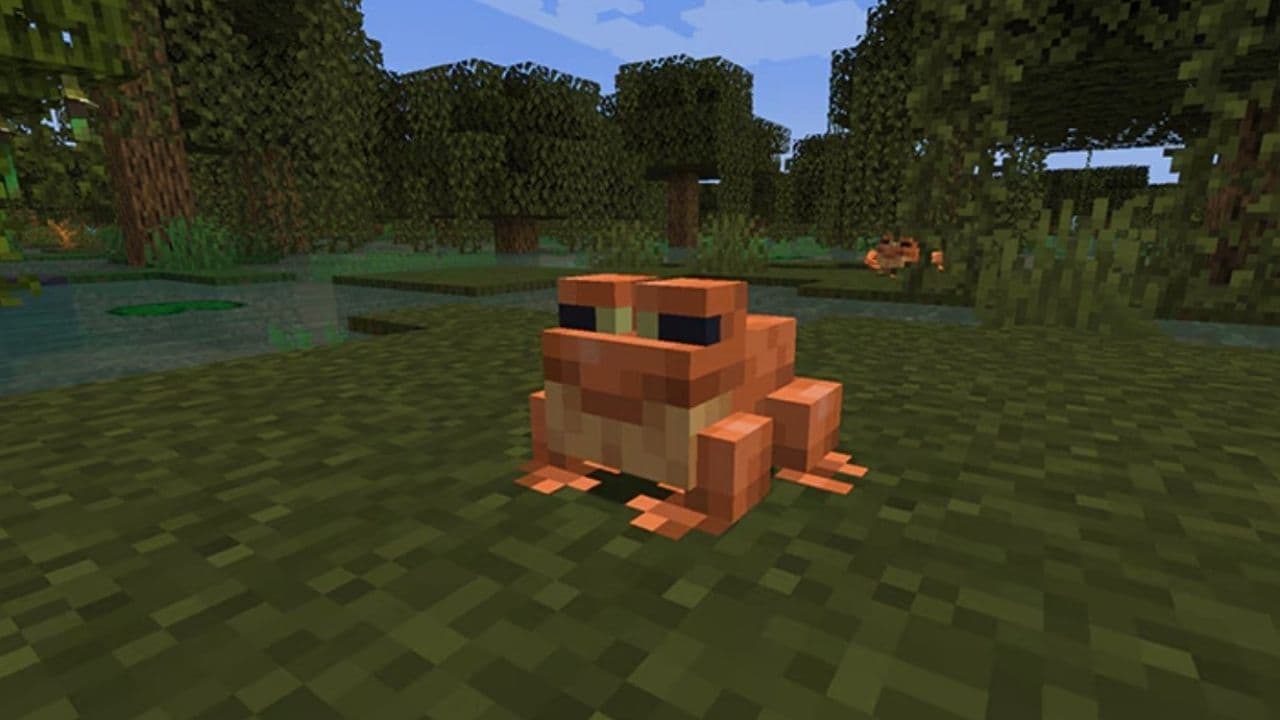 How to breed frogs in MinecraftBreed frogs in Minecraft with this simple guide to slimeballs, frogspawn, tadpoles, frog variants, and common ...
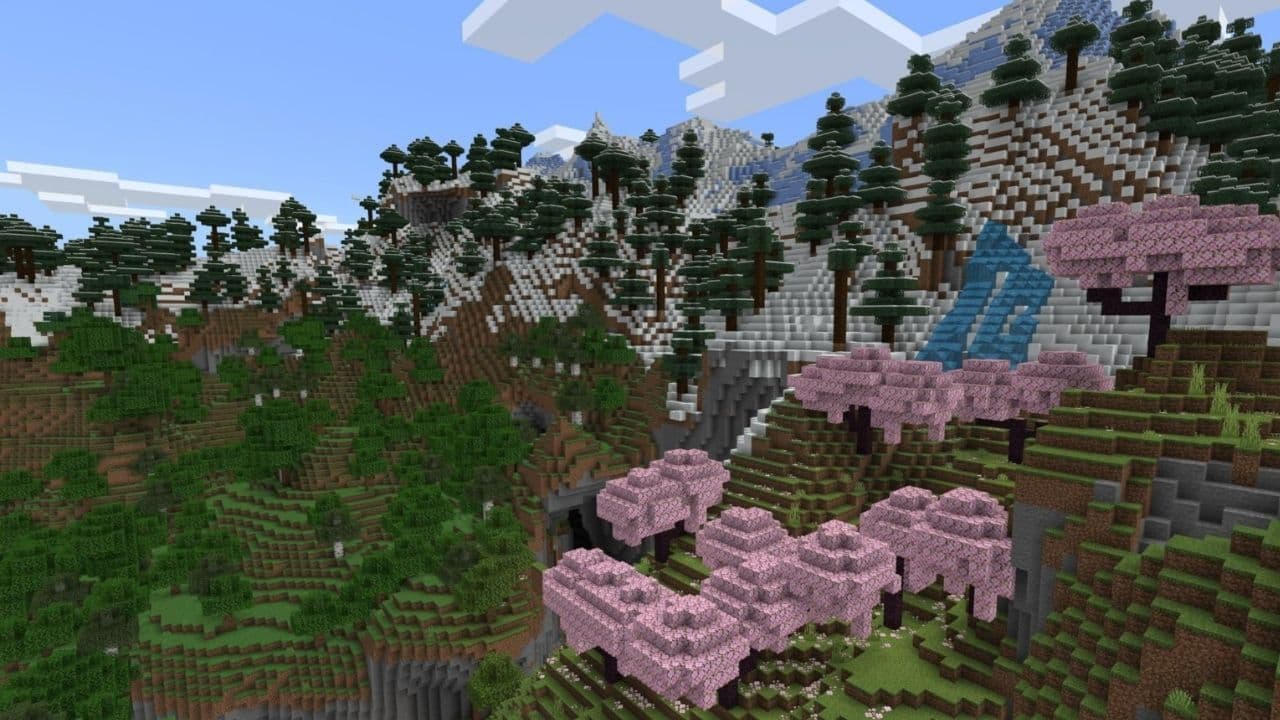 Best Minecraft PS5 seeds in 2026 - Version 26.2Discover the best Minecraft PS5 seeds in 2026, with strong Bedrock worlds for survival and creative projects....
 Best Minecraft PS5 seeds in 2026 - Version 26.2Find the best Minecraft PC seeds in 2026, with great worlds for survival, villages, building, exploration, and...
 Top 5 Minecraft 26.1 seeds you must try todayFind the best Minecraft 26.1 seeds for villages, rare biomes, island survival, and creative builds, with seed ...
 How to turn on keep inventory in MinecraftUse the correct Keep Inventory command in Minecraft and learn how it works across Java, Bedrock, servers, and ...
 How to breed tropical fish in MinecraftCan you breed tropical fish in Minecraft? Here is the clear answer, plus how to catch, move, and use tropical ...
 Minecraft Chaos Cubed guide: Everything new in the 2026 updateExplore everything new in Minecraft Chaos Cubed, including Sulfur Caves, Sulfur Cubes, geysers, new blocks, co...
 How to change render distance in MinecraftChange render distance in Minecraft with simple steps for Java and Bedrock, plus tips to balance better visibi...
- 1
- 2
- 3
- 4
- 5
- 6
- 7
- 8
- 9