How to get the Blossoming Gift of New Beginnings in Roblox (Mystery box)
Get this Roblox Plus mystery box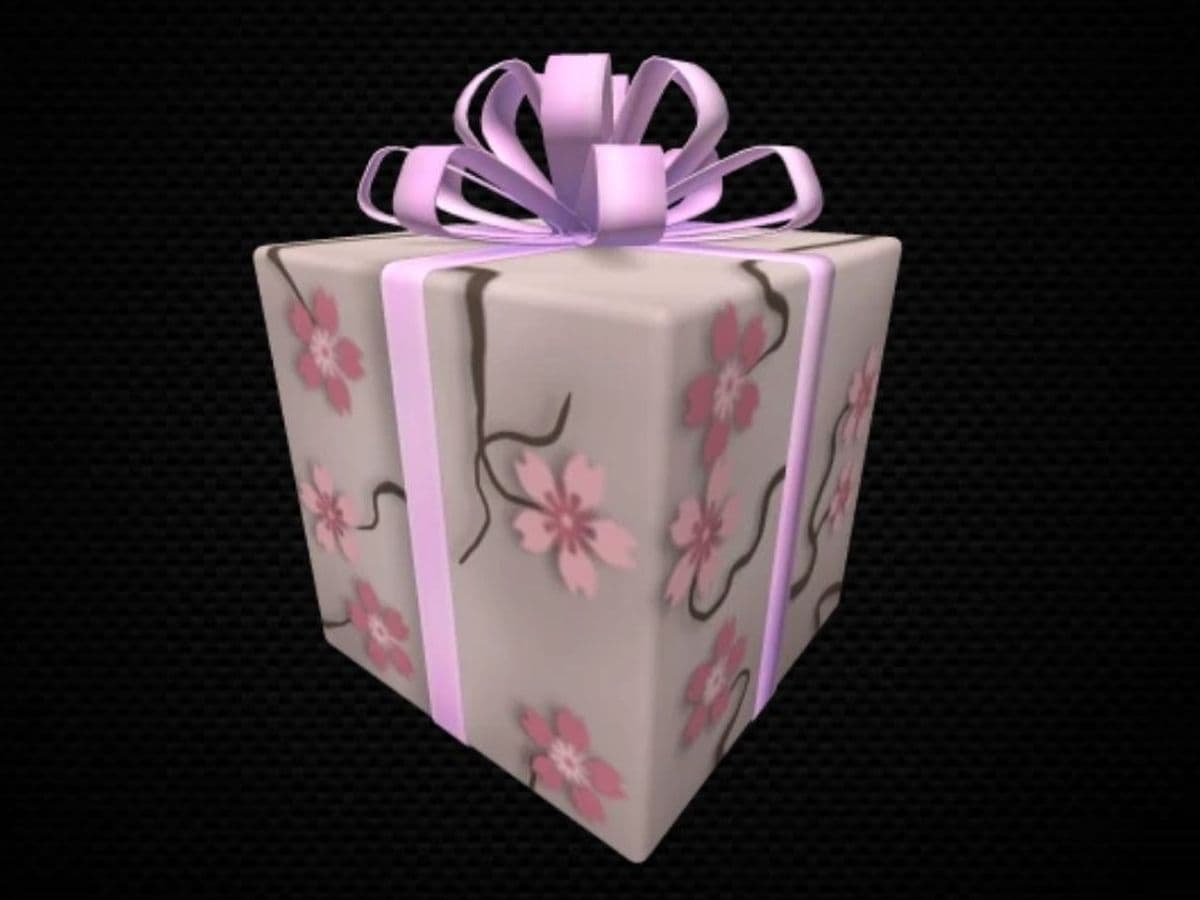
The Blossoming Gift of New Beginnings is awarded automatically to eligible Roblox Plus members. You do not need to complete a quest, join a specific experience, enter a code, or buy the gift from the Marketplace.
Quick answer
To get the Blossoming Gift of New Beginnings, activate Roblox Plus and keep the subscription active during the eligibility window. Roblox distributes the gift to qualifying accounts automatically, and the sealed box opens on the scheduled unlock date.
- Eligibility starts: Jul 31, 2026
- Eligibility ends: Aug 14, 2026
- Gift opens: Aug 14, 2026
So, how to get the Blossoming Gift of New Beginnings in Roblox
- Sign in to the Roblox account that should receive the item.
- Open the Robux or subscription purchase area.
- Find Roblox Plus among the available plans.
- Start the Roblox Plus subscription.
- Confirm the subscription is active in your account settings.
- Keep it active through the eligibility deadline.
- Check your Inventory or Avatar items for the gift.
- Wait for Roblox to open the sealed gift automatically.
There is no separate Claim button on the item page. The Marketplace listing is informational and currently off sale, so trying to purchase it directly will not work.
Is the Blossoming Gift of New Beginnings free?
The gift does not have a separate purchase price, but it requires a paid Roblox Plus subscription.
Can you still get the Blossoming Gift?
Yes, the published eligibility period is still open at the time of writing. If Roblox Plus is available on your account, activate it before the deadline and keep the plan active until Roblox completes the eligibility check.
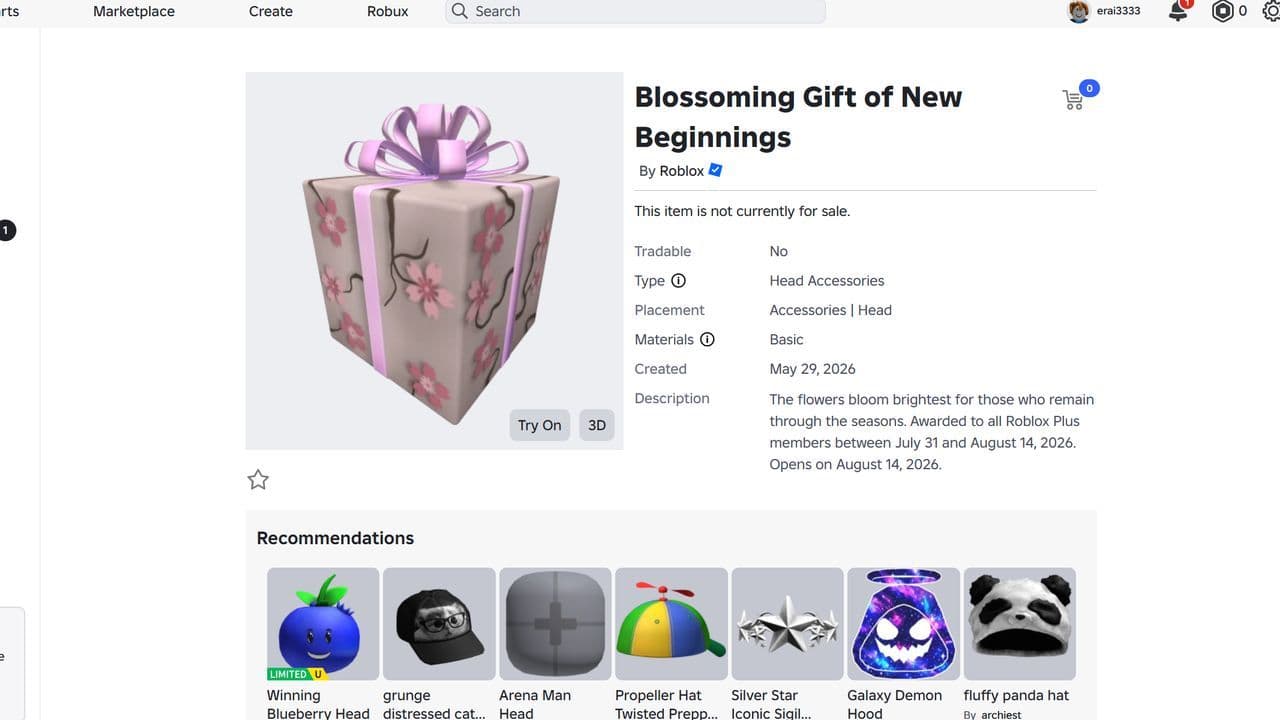
Do not rely on the older claim that a subscription had to remain active only until the first day of the promotion. Roblox’s current item description uses a wider award window, and that current listing should take priority over earlier social posts.
How to get Roblox Plus
On the Roblox website or app, open the Robux purchase area and look for the Roblox Plus option. If the plan does not appear, check the Subscriptions section in Settings and make sure the app is updated.
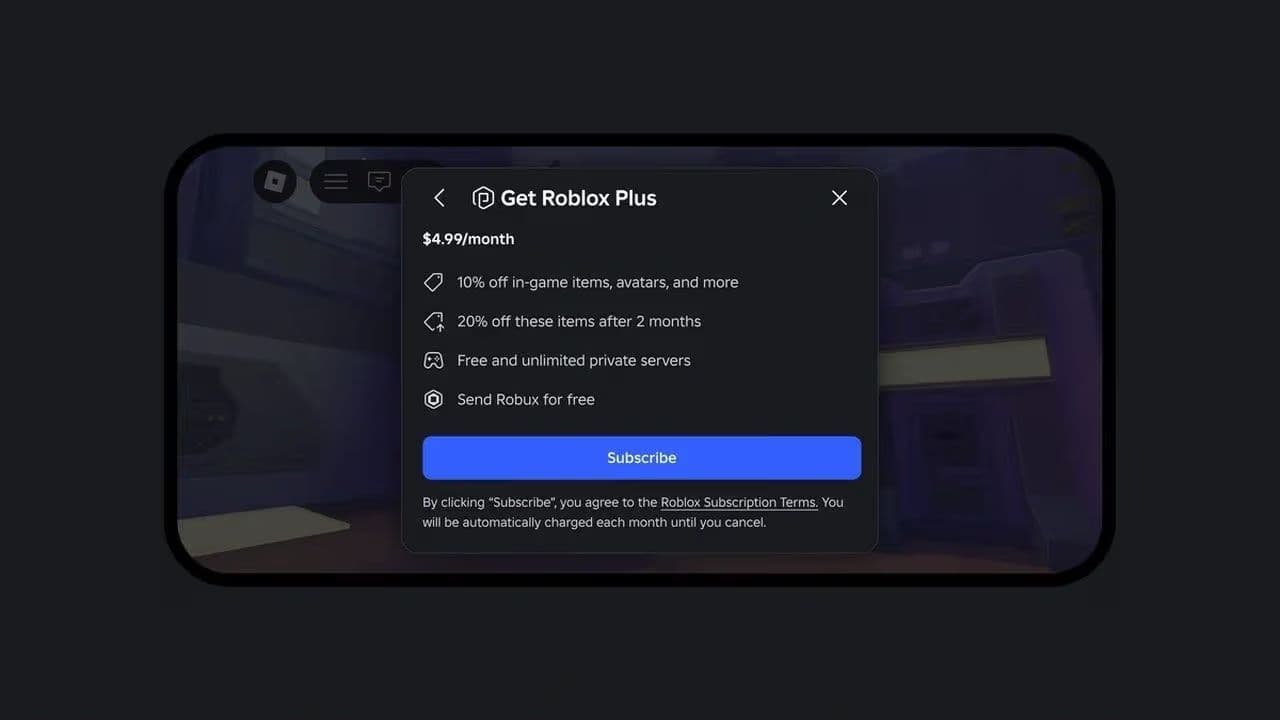
Roblox Plus availability may differ by region, platform, age setting, or account type. Do not purchase an unrelated Roblox Premium plan expecting it to count automatically; the published requirement specifically names Roblox Plus.
When does the gift open?
The gift remains sealed until the scheduled opening. You do not need to click the box or join a Roblox game to open it. Roblox handles the transformation automatically.
A sealed gift in your inventory is therefore normal. It does not mean the reward is broken or incomplete.
Can I claim the gift after the deadline?
No late-claim method has been announced. Subscribe before the deadline and keep Roblox Plus active until the eligibility period ends.
Why is the Blossoming Gift not showing up?
- Your Roblox Plus subscription is not active. Check Settings and confirm that the correct account has an active plan.
- The reward is still rolling out. Automatic account rewards may not appear for every eligible user at the same moment. Wait and check the Inventory again.
- You subscribed on the wrong account. Confirm the username and account details used for the Roblox Plus purchase.
- You purchased Roblox Premium instead of Roblox Plus. These are different subscriptions, and the gift requirement specifically identifies Roblox Plus.
- The item is hidden by an Inventory filter. Search under accessories, hats, or recent items, and use the direct Marketplace listing to verify the correct asset.
- Your subscription ended too early. Keep Roblox Plus active through the published deadline to avoid losing eligibility.
If the deadline passes and the item is still missing despite an uninterrupted eligible subscription, save the purchase receipt and contact Roblox Support. Include the account username, subscription start date, platform used for payment, and transaction reference. Never post full payment details publicly.
Can you buy or trade the gift?
The item is currently off sale, so it cannot be purchased directly from the Marketplace. A future Limited or resale status has not been guaranteed by Roblox.
Do not pay another user for a link, code, or “claim method.” The official acquisition method is automatic distribution through Roblox Plus eligibility.
Soooooooooooooo, getting the Blossoming Gift of New Beginnings is super simple; just make sure you have an active Roblox Plus subscription anytime between July 31 and August 14, 2026.
Since Roblox sends it out automatically, you don't need to enter any codes, finish quests, or press a claim button. Just keep your subscription active through the deadline, and once August 14 hits, the sealed box sitting in your inventory will open up on its own!
That’s all for today! Meanwhile want more free Roblox items? Check out these:
All Related Guides
 How to connect Claude to Roblox StudioConnect Claude to Roblox Studio with the current MCP method and see how Claude can work with your scripts and ...
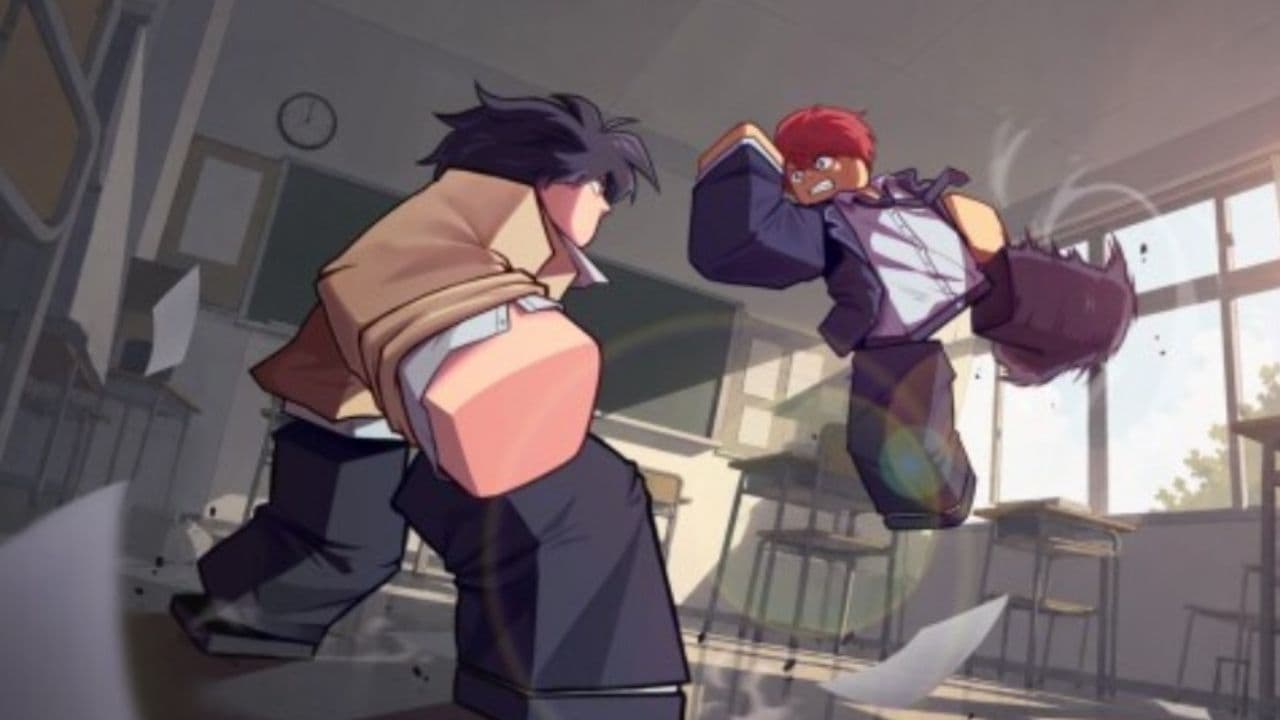 How to fight in Gakuran RobloxLearn how to fight in Gakuran Roblox, from basic attacks to blocking, parrying, posture, and fighting styles....
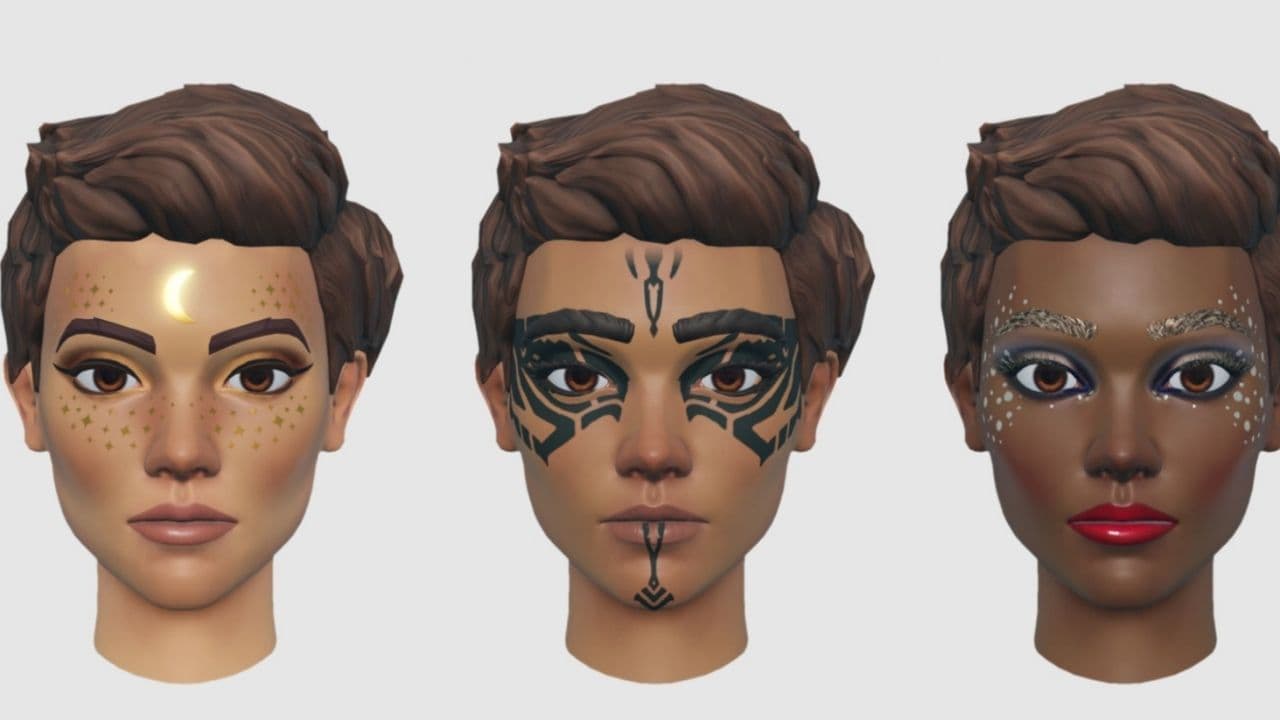 How to get a free avatar in RobloxFind out how to get a free Roblox avatar without spending Robux, from free character bundles to Marketplace it...
 How to reduce lag in Roblox: Comprehensive guideRoblox feeling slow or choppy? Find out how to reduce lag in Roblox and improve your game with a few simple ch...
 How to check Roblox player countHow many people play Roblox in 2026? Check the latest Roblox player count and learn what the numbers actually ...
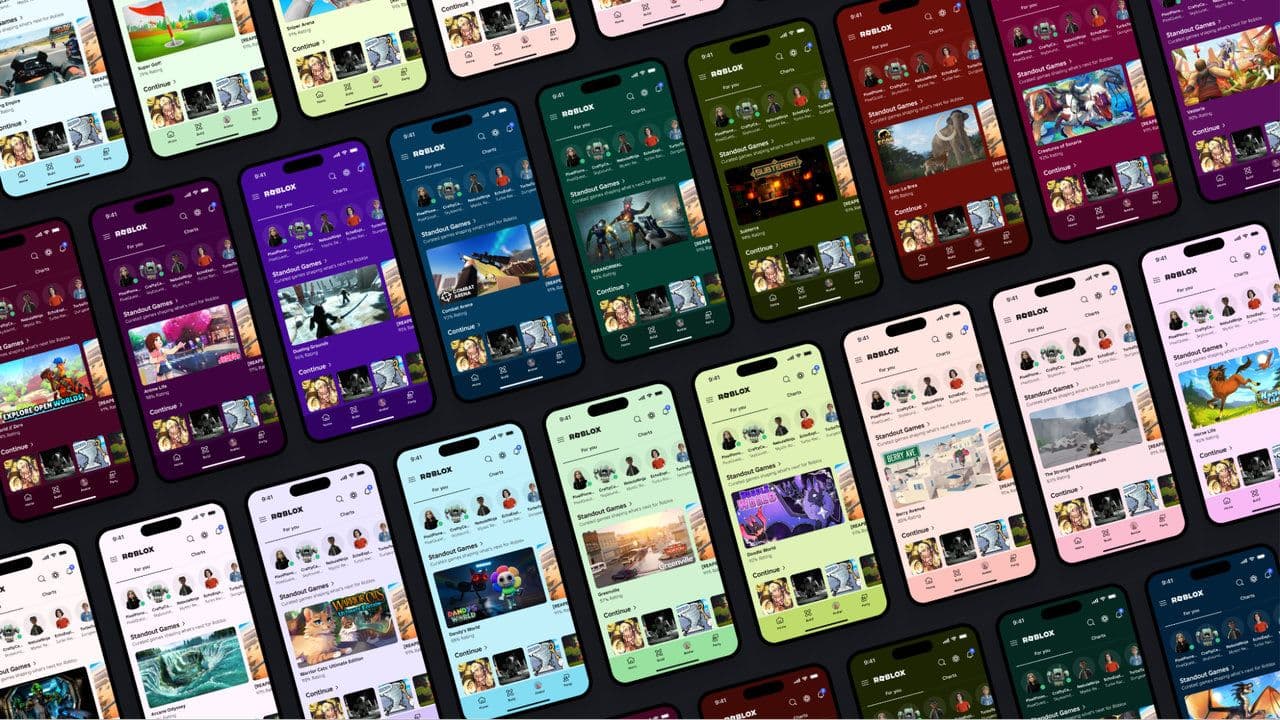 App Themes: How to change a Roblox Background (2026)Here’s how to change your Roblox background and theme, including Roblox Plus themes, Dark Mode, Light Mode, an...
 Roblox Safety Dashboard: How to check account status & ban riskLearn how the Roblox Safety Dashboard works, check your Account Status, review recent violations, and see whet...
 Roblox Vortex guide: Tornadoes, vehicles, codes & moreLearn how to play Roblox Vortex with our beginner guide covering tornadoes, radar, vehicles, intercepts, money...
- 1
- 2
- 3
- 4
- 5
- 6
- 7
- 8
- 9
- 10
- 11
- 12