Can you play Roblox on Nintendo Switch?
Nintendo Switch is a huge platform for playing video games. Here's all that you need to know about Roblox on the Switch.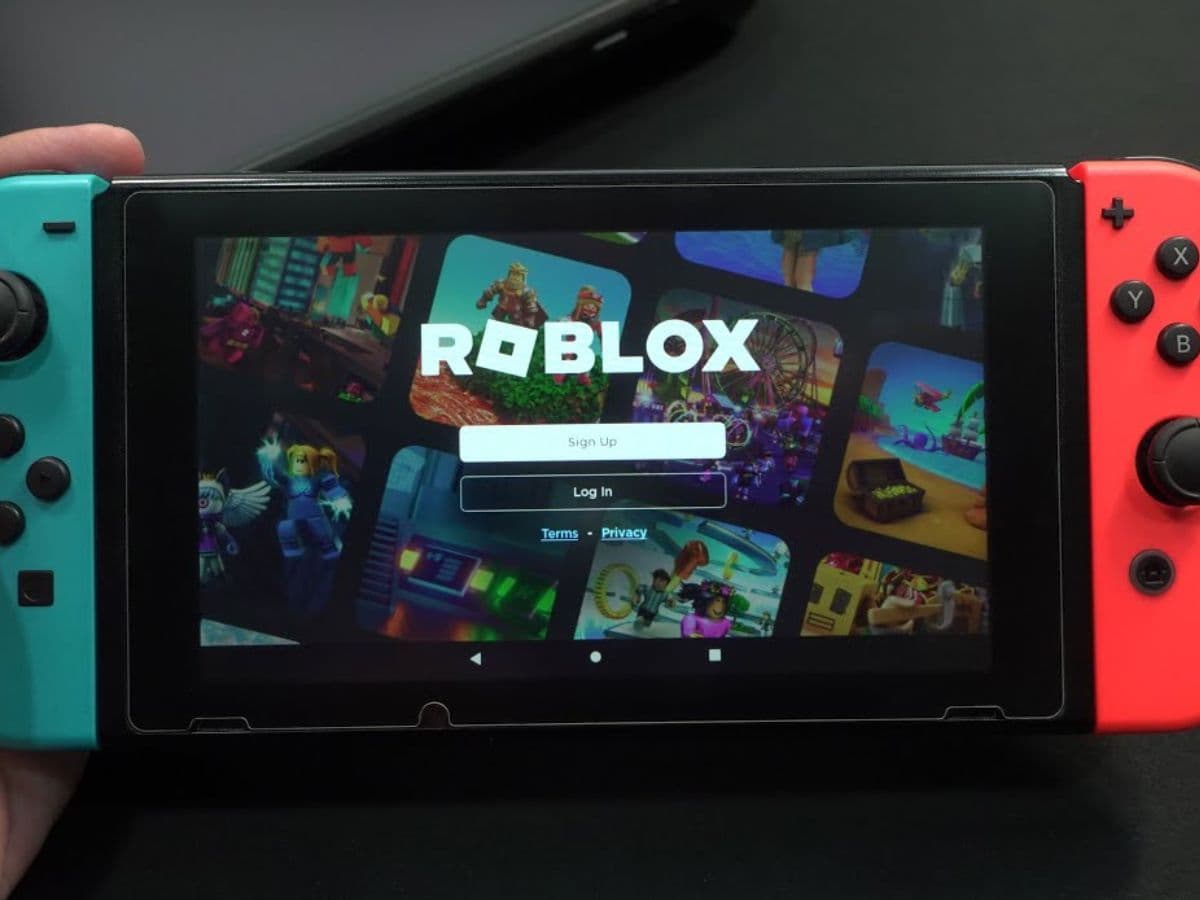
Roblox is a large online platform for games. It runs many user-created experiences that cover different genres. On the other side of the bridge, Nintendo Switch is a popular console that many families and casual gamers enjoy. Its hybrid design allows people to use it at home on a TV or carry it around. Roblox runs on many platforms. Beginners and experienced players often ask if it works on Nintendo Switch. Switch may be seen as a go-to platform for Roblox players but is it, really? Can you play Roblox on Nintendo Switch? Let’s take a closer look at it!
Can you play Roblox on Nintendo Switch?
At the moment, there is no official Roblox app for the Nintendo Switch. Nintendo’s eShop does not offer Roblox. The game supports quite a few platforms but Nintendo Switch is not on the list. Some fans feel disappointed, but there is no confirmed news about a Switch version of Roblox.
A few years ago, Roblox Corporation’s CEO said a Switch version would make sense. After that comment, no concrete updates appeared. It is unclear why Roblox remains absent on this platform. Some people think policies, technical issues, or business negotiations may cause delays.
Some players try to access Roblox on Switch through a browser method. This approach is not official. It requires changing certain DNS settings and then visiting Roblox’s website. It does not provide good performance, and it may not be reliable. It is best to wait for an official release. Without official support, Roblox on Switch may run poorly or lose features. You may encounter different Roblox error codes with this method.
How to play Roblox on Nintendo Switch
You can only try unofficial methods to play Roblox on your Switch. The method you will find below may not work well and has not been approved by Nintendo or Roblox. According to Beebom, here is how you can play Roblox on Nintendo Switch:
- Go to the Nintendo Switch Home screen.
- Select “System Settings.”
- Choose “Internet” and then “Internet Settings.”
- Select your network and choose “Change Settings.”
- Switch “DNS Settings” from “Automatic” to “Manual.”
- Enter 045.055.142.122 as the Primary DNS.
- Change the Secondary DNS, then save and connect.
- After the SwitchBru DNS page appears, select “Useful Links.”
- Find Roblox.com and log in with your account.
You can also check out the YouTube video below, by TEST GAME
This method only allows limited access. It also requires careful steps that do not guarantee good results. There is no official support for this method. The best option is to wait for an official release of Roblox on Switch. Official support would ensure stable performance and better controls.
Best Roblox games for Nintendo Switch
If Roblox ever arrives on Nintendo Switch, certain games would fit well. These games match the Switch’s family-friendly focus and simple controls.
Adopt Me
Adopt Me is a role-playing game that includes raising pets and personalizing homes. It uses simple controls and bright colors. This approach matches the Switch’s reputation for fun, social experiences. Adopt Me encourages cooperation and friendly interaction. Players trade pets and join events that keep the community active.

Jailbreak
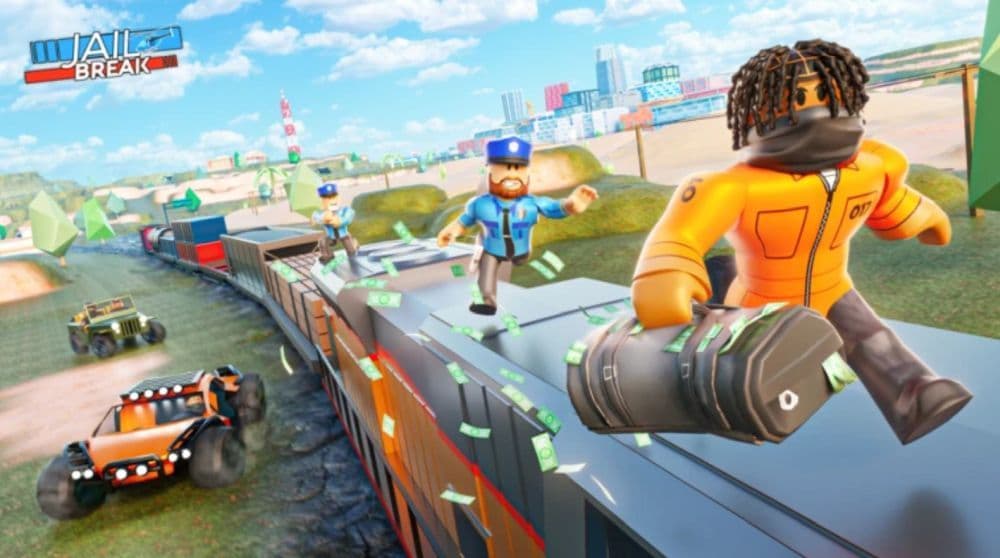
Jailbreak sets players in a world of cops and robbers. It includes vehicles, chases, and heists. The Switch’s Joy-Con controllers would feel natural for driving and action sequences. Local play would allow friends to team up or compete. Regular updates and new events would keep the experience fresh.
MeepCity
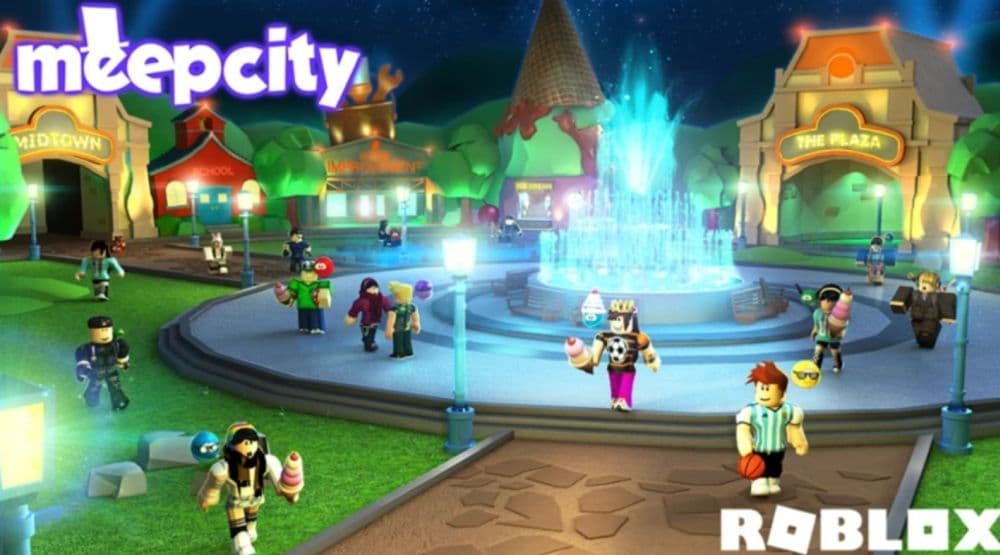
MeepCity focuses on socializing and customizing homes. Players chat with others, attend parties, and play mini-games. Its friendly atmosphere suits the Switch’s broad audience. MeepCity encourages creativity and offers a relaxed environment. Frequent updates keep players interested over time.
Royale High
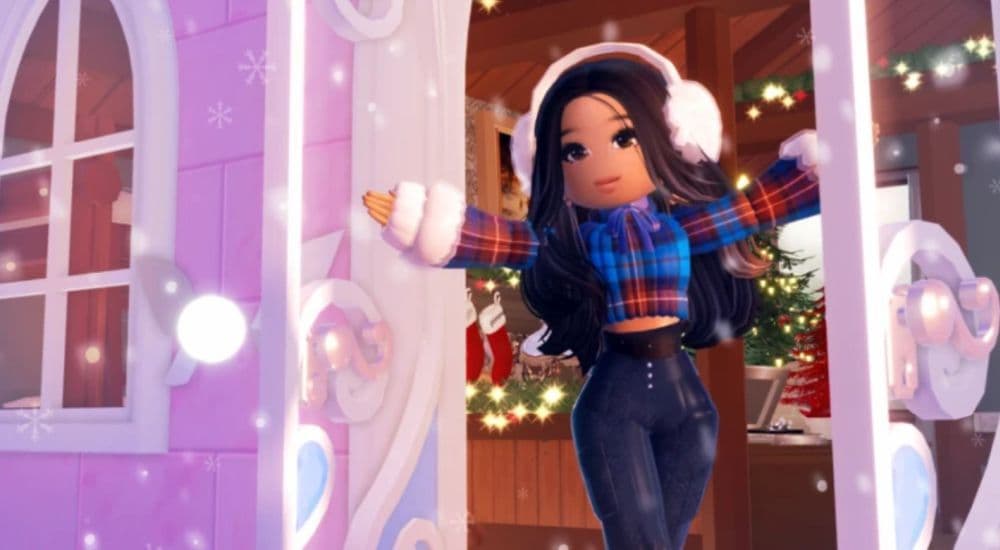
Royale High involves attending a magical school, choosing outfits, and joining events. Its design invites players to explore realms and meet others. Royale High fits the Switch’s style because it promotes creativity and cooperative gameplay. Regular events and seasonal changes ensure that the game remains interesting.
Natural Disaster Survival
Natural Disaster Survival challenges players to survive random events like floods or earthquakes. Its quick rounds and simple objectives suit the Switch’s pick-up-and-play nature. This game would work well in both docked and handheld mode. Local multiplayer could create fun sessions with friends who watch or join in.
Why isn’t Roblox on Nintendo Switch?
While we don’t have an offiical answer regarding Roblox’s absence on Nintendo, there are a couple of factors to consider. The Roblox platform involves a large number of user-created games. Adapting its interface and performance to the Switch would take resources. Developers would need to ensure stable frame rates, simple controls, and smooth menus.
Nintendo also has strict guidelines. Its policies protect younger audiences and ensure quality. Roblox’s user-generated content requires careful moderation. Some platforms delayed Roblox’s arrival because of concerns about content and audience safety. Nintendo may share these worries.
Business negotiations may also play a role. Roblox Corporation and Nintendo must agree on terms. They need to consider revenue, support, and future updates. Without a clear agreement, Roblox may remain unavailable on Switch. No official announcements confirm or deny future plans.
What devices can you play Roblox on?
Roblox is available on several official platforms. These devices include:
Players who want to enjoy Roblox can pick from the available platforms. If Roblox comes to Switch, Nintendo fans would likely welcome this addition. Until Roblox becomes an official Switch game, using the supported devices listed above is the best option to play the game.
While you are here, check out more of our Roblox guides below:
- Roblox Anime Reborn: Codes & everything you need to know
- Roblox Driving Empire codes
- Active It Girl Roblox codes & how to redeem them
- Roblox Murder Mystery 2 codes with free knives
- All working Roblox Pixel Piece codes
Featured Image Credit: TEST GAME on YouTube
All Related Guides
 Guide to the Roblox Bite By Night x Medal Quest: Get your free Fighter Class skinRoblox Bite By Night x Medal Quest guide: how to unlock the free Fighter Class Skin fast and redeem the reward...
 What is Roblox Reality? A detailed look at Roblox’s new hybrid architectureWhat is Roblox Reality? Learn how Roblox’s new AI-powered hybrid architecture brings photorealistic multiplaye...
 What is Roblox Plus? Benefits, Robux, Premium changes & how to get itWhat is Roblox Plus? Learn benefits, pricing, Robux bundles, Premium changes, private servers, and whether Plu...
 How to cancel Roblox PremiumLearn how to cancel Roblox Premium on mobile, PC, iPhone, and Android with simple steps to stop renewal and av...
 How to change your avatar in RobloxRoblox Avatar Switcher lets you swap saved avatars in game. Learn how it works, where to find it, and how to c...
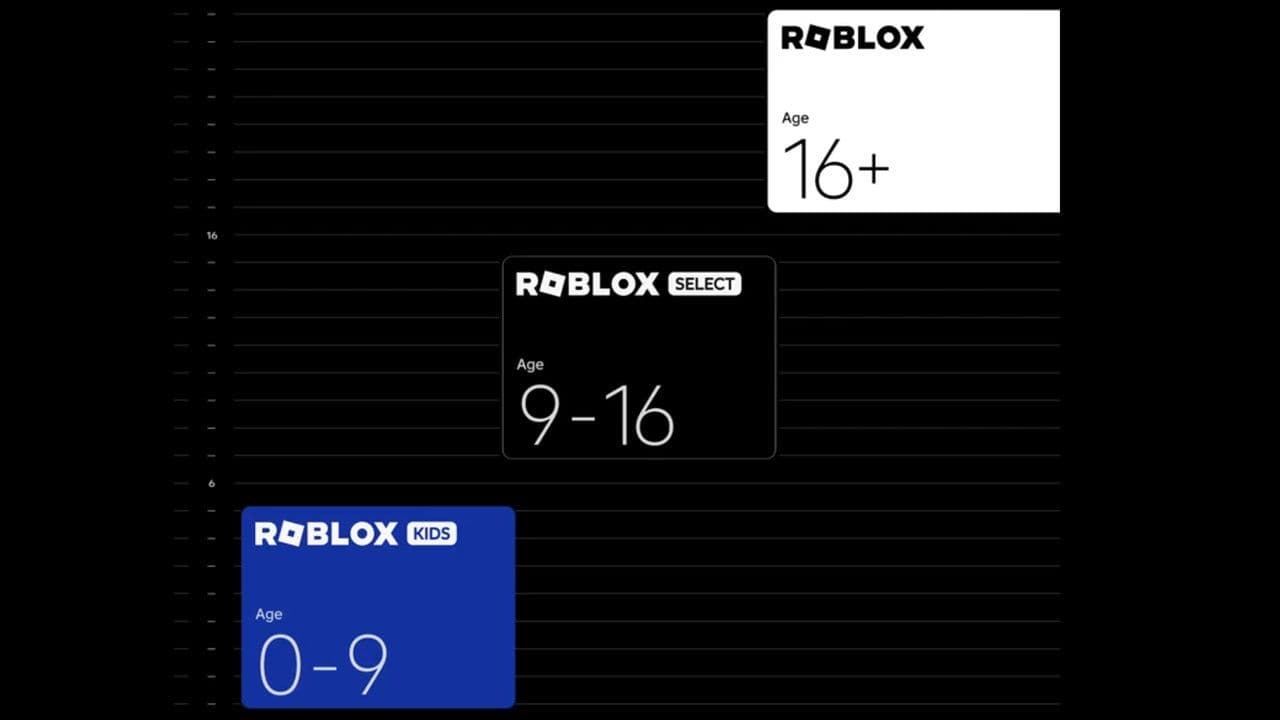 Roblox Kids and Roblox Select accounts explainedRoblox Kids and Select explained: features, differences, safety settings, age system, and June 2026 release de...
 Roblox PS5 version: Guide for console playersRoblox PS5 version guide: features, performance, install steps, crossplay settings, and console limitations ex...
 Roblox Philippines ban explained: Is Roblox getting banned in the Philippines?Is Roblox getting banned in the Philippines? Current Roblox Philippines ban status, reasons, government warnin...
- 1
- 2
- 3
- 4
- 5
- 6
- 7
- 8
- 9
- 10