Roblox PS5 version: Guide for console players
Console Roblox just got better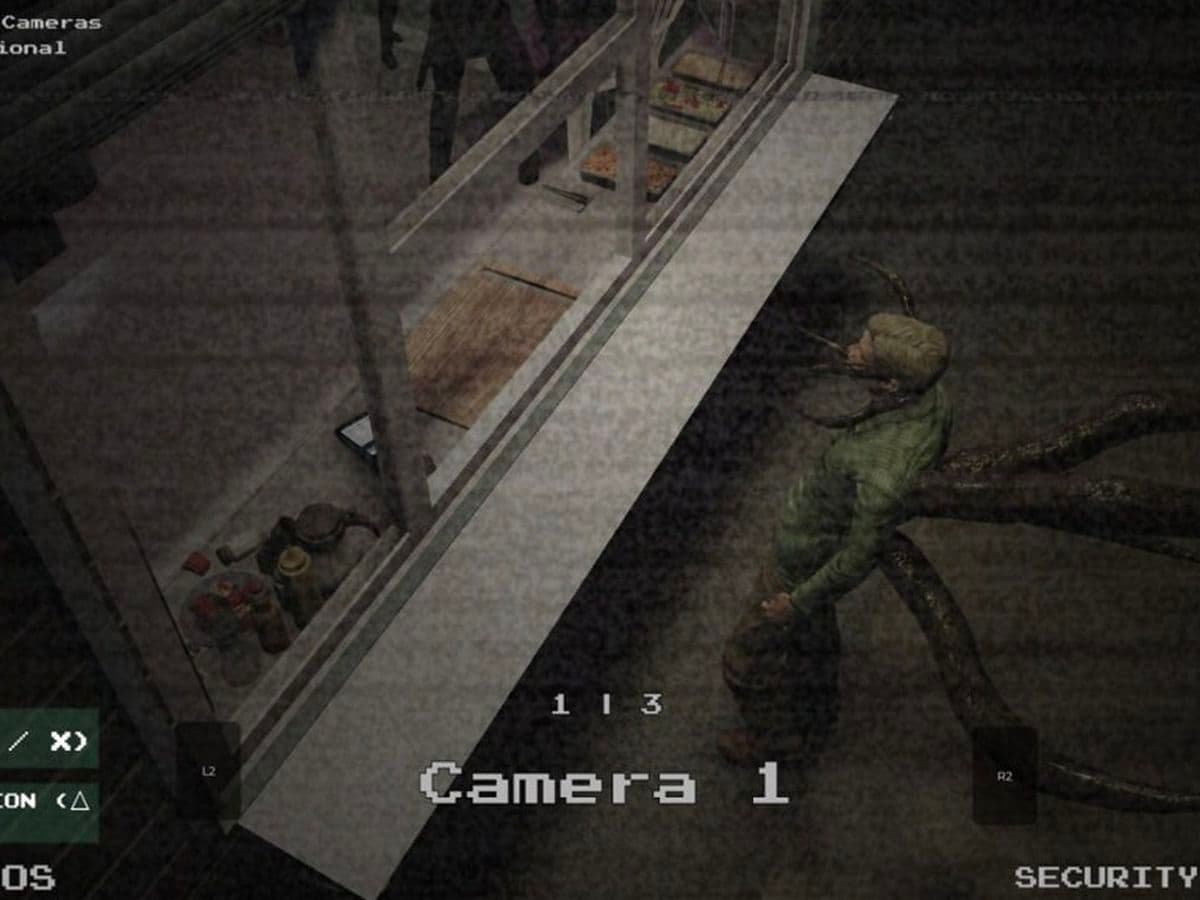
The Roblox PS5 version finally brings a fully optimized experience to console players. After years of relying on the PlayStation 4 version, players can now enjoy a native release built specifically for PlayStation 5 hardware.
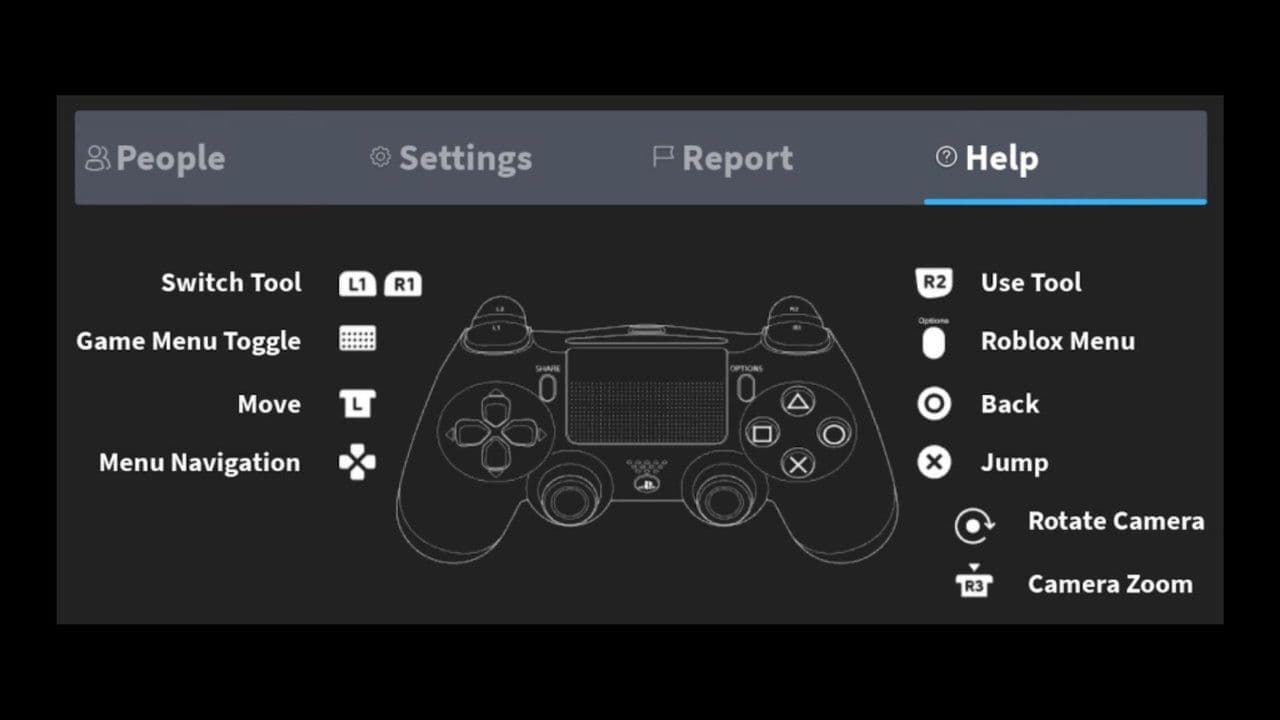
This upgrade delivers faster loading times, smoother gameplay, and improved controls with the DualSense Wireless Controller. It also keeps full cross-platform support, so you can play with friends on PC, mobile, and Xbox without restrictions.
In this guide, you’ll learn everything you need to know about the Roblox PS5 version, including its features, installation steps, limitations, and how to enable crossplay.
Roblox PS5 version is live
The Roblox PS5 version is a native application built specifically for PlayStation 5 hardware. Unlike the older PS4 version, this release is optimized for:
- Faster performance
- Better visuals
- Improved controller navigation
It also supports cross-platform play, meaning you can join friends on PC, mobile, or Xbox without any limitations.
Key features of the Roblox PS5 version
How to get the Roblox PS5 version
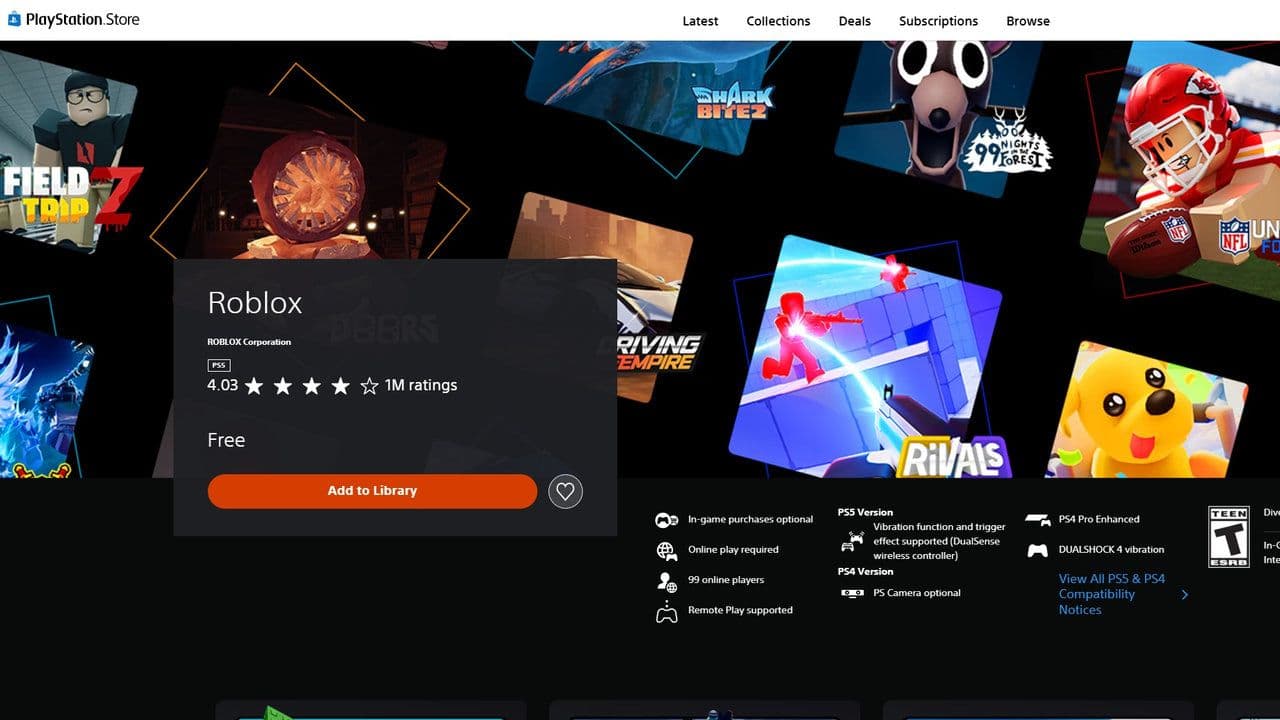
Installing the Roblox PS5 version is simple:
- Turn on your PS5
- Open the PlayStation Store
- Search for “Roblox”
- Select the official app
- Click Download
The game is free to play.
After installing:
- Log in with your existing account
- Or create a new account
Tip: Account creation is faster on mobile or PC.
Limitations of the Roblox PS5 version
Even with improvements, there are still some limitations:
- No keyboard chat support (typing is slower)
- No split-screen multiplayer
- Some games are not fully optimized for console
These issues depend mostly on individual game developers.
Is Roblox crossplay?
The Roblox PS5 version fully supports cross-play.
You can:
- Join friends on different platforms
- Invite players to your session
- Play in large multiplayer servers
How to enable crossplay on the Roblox PS5 version?
To adjust cross-platform play settings on the Roblox PS5 version, follow these steps:
- Log into Roblox on your PlayStation
- Open the More menu (top right corner)
- Select Settings
- Go to PlayStation Network Settings
- Choose Cross-Platform Play
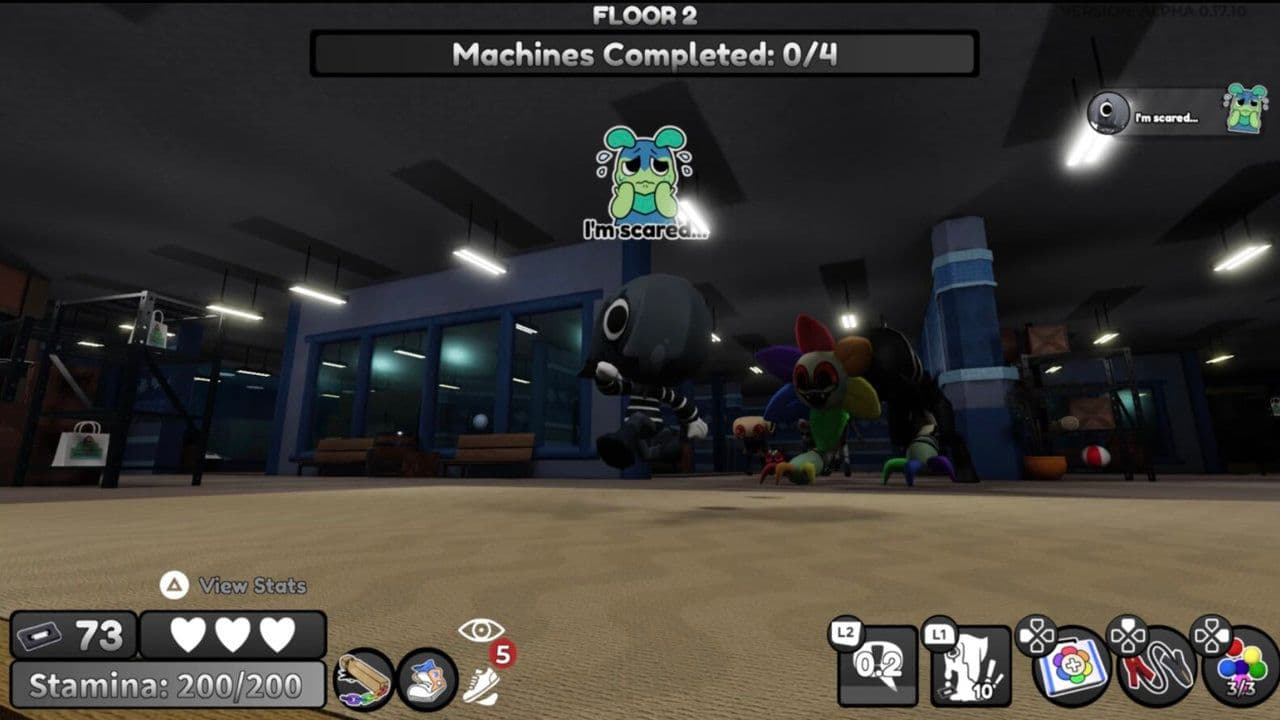
The Roblox PS5 version delivers a faster, smoother, and more polished experience for console players. With improved performance, better controls using the DualSense Wireless Controller, and full crossplay support, it brings Roblox closer to its PC experience.
Despite a few limitations, it provides a smoother and more enjoyable experience, making it one of the best ways to play Roblox on console.
That’s all for today! Want free Roblox items? Check out these:
All Related Guides
 How to see Roblox purchase historyLearn how to see your Roblox purchase history, check Robux transactions and find real-money receipts on deskto...
 How to find the Monochrome Roblox code and escapeFind the Monochrome Roblox code, collect all four keys, survive the basement maze and open the elevator to com...
 How to connect Claude to Roblox StudioConnect Claude to Roblox Studio with the current MCP method and see how Claude can work with your scripts and ...
 How to fight in Gakuran RobloxLearn how to fight in Gakuran Roblox, from basic attacks to blocking, parrying, posture, and fighting styles....
 How to get a free avatar in RobloxFind out how to get a free Roblox avatar without spending Robux, from free character bundles to Marketplace it...
 How to reduce lag in Roblox: Comprehensive guideRoblox feeling slow or choppy? Find out how to reduce lag in Roblox and improve your game with a few simple ch...
 How to check Roblox player countHow many people play Roblox in 2026? Check the latest Roblox player count and learn what the numbers actually ...
 App Themes: How to change a Roblox Background (2026)Here’s how to change your Roblox background and theme, including Roblox Plus themes, Dark Mode, Light Mode, an...
- 1
- 2
- 3
- 4
- 5
- 6
- 7
- 8
- 9
- 10
- 11
- 12
- 13