The ultimate guide to Roblox PS4: Best games, tips, and more
Got a Playstation 4 and want to play the best games on Roblox? Here's a guide specifically for you.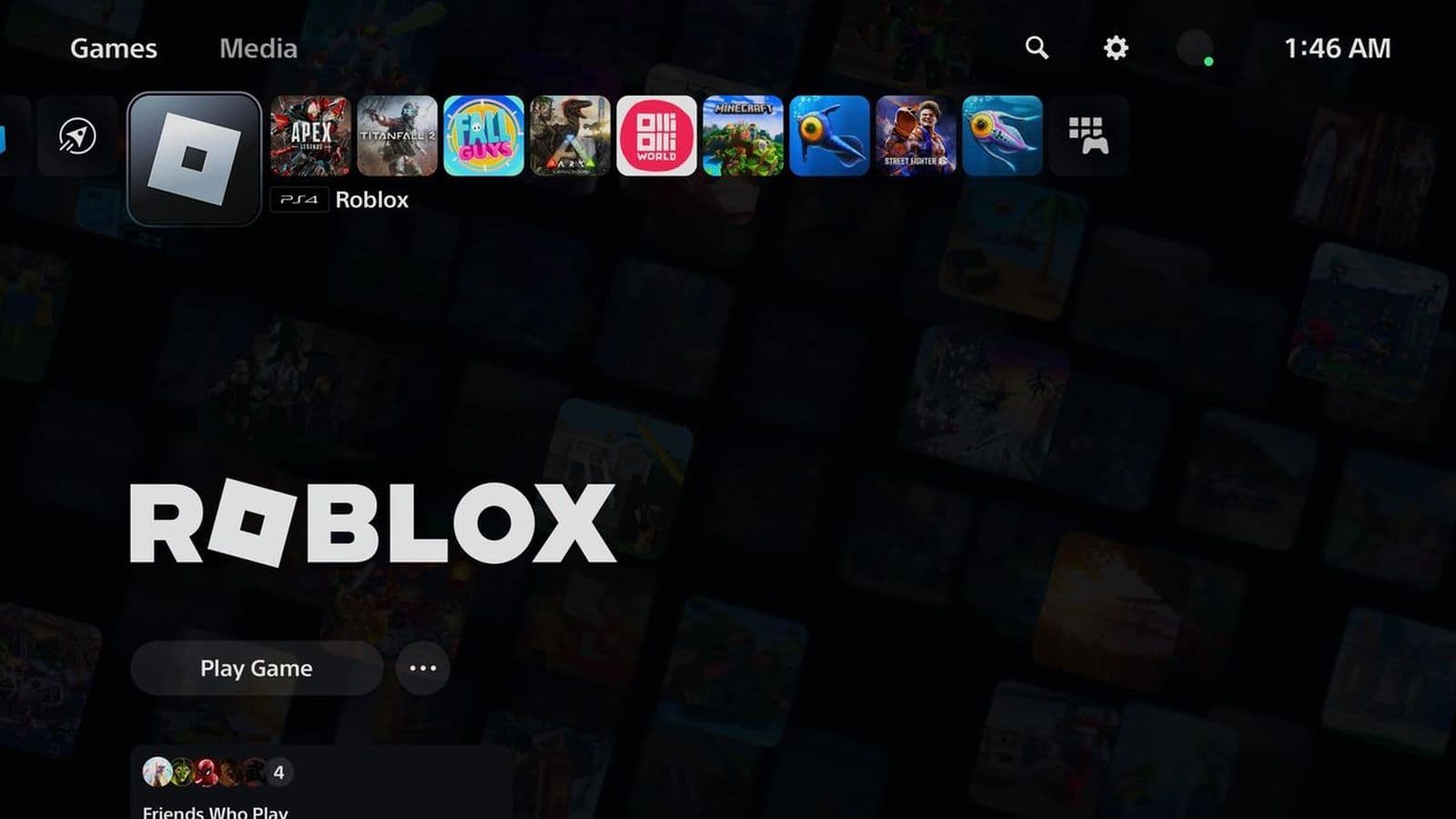
Roblox on PS4 gives players the opportunity to explore a wide variety of games and creative experiences. In this guide, we'll go over everything from how the controls and performance compare to the PS5, to tips for cross-platform play and the best games to try.
Is Roblox available for PS4?
Yes, Roblox is available for PlayStation 4. It was officially released on PS4 on October 9, 2023, in the UK, and worldwide on October 10, 2023. PlayStation 4 owners can now download the Roblox app from the PlayStation Store and enjoy a wide range of user-generated experiences.
Roblox PS4 controls and interface
Playing Roblox on PS4 is a bit different because the game’s interface and controls are made for a console, not a PC or mobile. The default button layout on the DualShock 4 controller is designed to make the game easy to play.
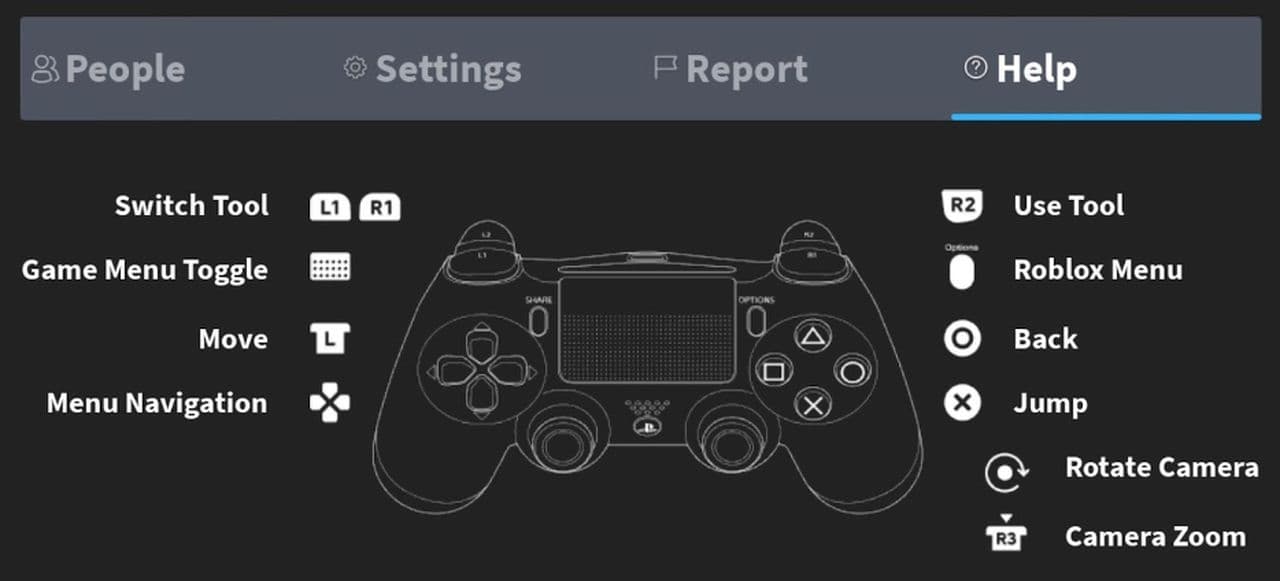
Some experiences might require you to adapt to different control schemes depending on the game’s genre. However, the core functionality remains the same, and the controller’s ergonomics make it comfortable for extended play sessions.
Roblox PS4 performance
Roblox on PS4 offers a fun and accessible experience with some performance differences compared to the PS5. On PS4, larger games run at 30 FPS with high graphics settings, while smaller games can reach 60 FPS. The game's simple, blocky visuals run smoothly on the PS4, and the loading times are longer than on the PS5. Despite these differences, Roblox on PS4 remains enjoyable, with cross-platform play allowing users to connect with friends on other devices.
Is Roblox cross-platform?
One of the standout features of Roblox on PS4 is Cross-Platform Play. This allows you to play with users across different platforms, such as PC, Mac, iOS, Android, and Meta Quest. Whether your friends are on other consoles or devices, you can join them for a shared experience.
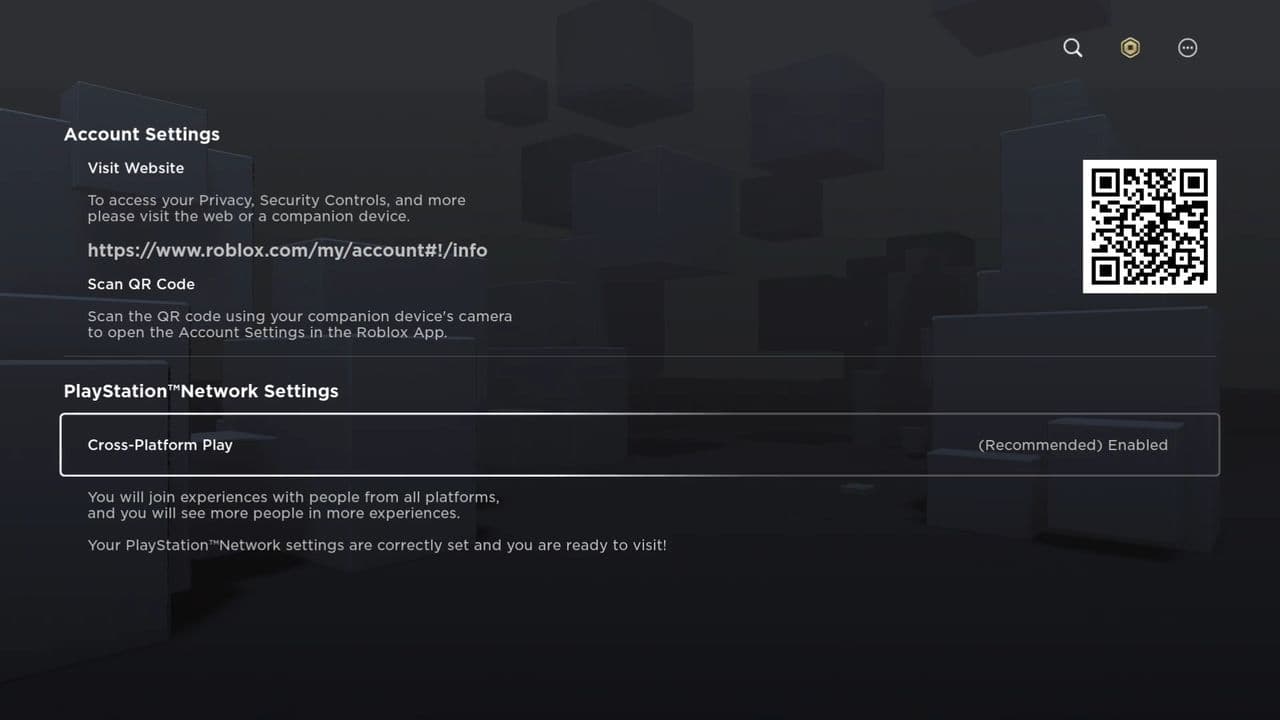
You can toggle Cross-Platform Play on or off through the settings menu:
- Open the Roblox app on PS4.
- Go to your settings by clicking on the More icon in the top-right corner.
- Navigate to Settings > PlayStation Network Settings.
- Under Cross-Platform Play, you can choose whether to enable or disable the feature.
Best Roblox PS4 games
While most Roblox experiences are available across platforms, certain games might have specific requirements or limitations that make them inaccessible or not optimized for the PlayStation version. Here are some of the standout Roblox games you can play on PS4:
- Phantom Forces
- FRONTLINES
- Kitty
- DOORS
- Arsenal
Phantom Forces
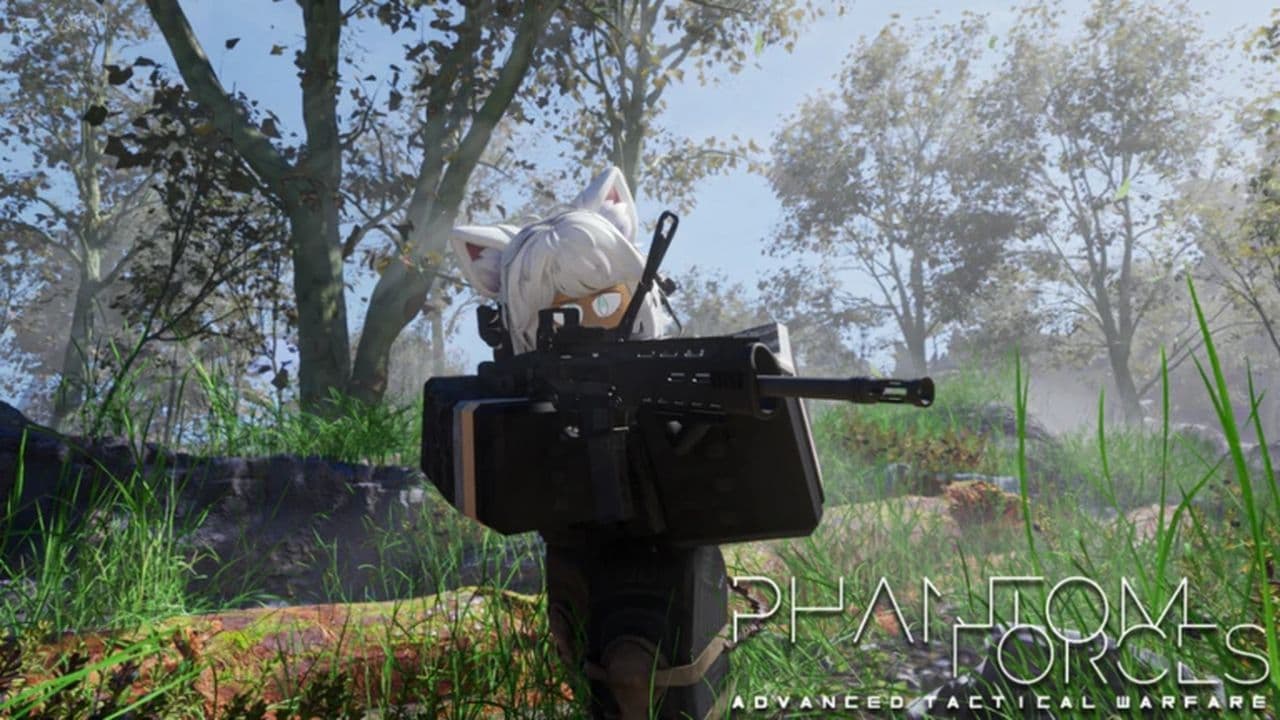
Phantom Forces is a popular deathmatch shooter where players can enjoy a variety of weapons, tactical gameplay, and regular updates. With 1.6 billion visits and 5.8 million favorites, this game has remained a top choice for Roblox games on PS4.
FRONTLINES
FRONTLINES is a first-person shooter where players engage in tactical combat in a fast-paced environment. With 152.6 million visits and 1.4 million favorites, it’s a well-loved FPS offering intense battles on your PS4.
Kitty
Kitty is an adventure-filled escape game where players solve riddles, tackle challenges, and explore dimensions inspired by cartoons. With over 1.4 billion visits and 2 million favorites, it's a good choice for PS4.
DOORS
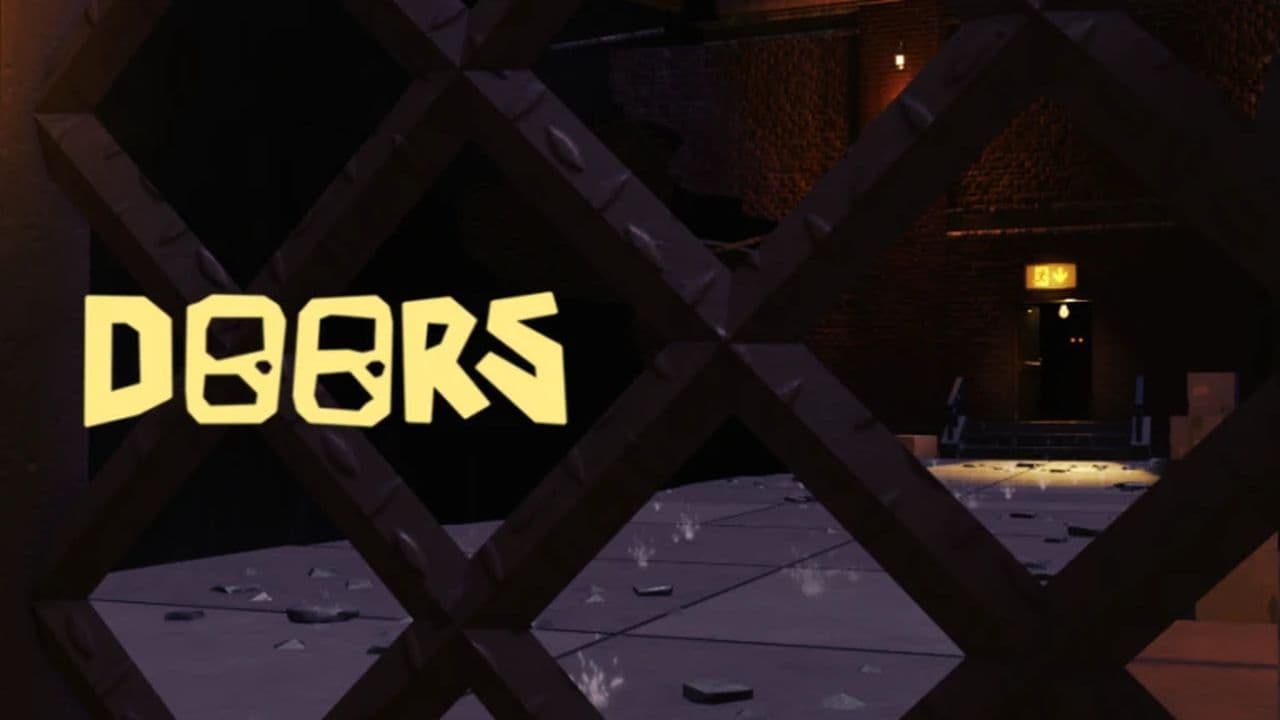
DOORS is a chilling horror game that tests your survival skills as you navigate through mysterious and unpredictable doors. Its gripping atmosphere and engaging gameplay make it even more fascinating when played on PS4.
Arsenal
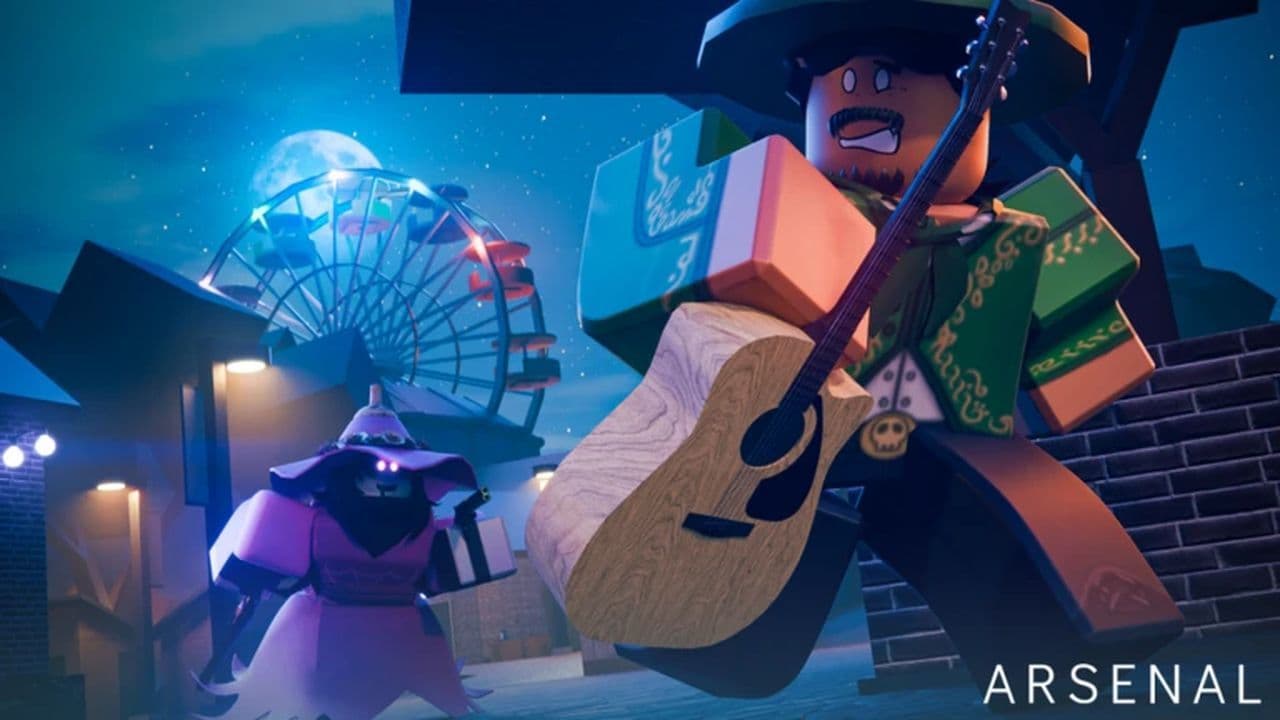
Arsenal is a fast-paced arcade shooter where players race through a variety of weapons, from bazookas to spell books, in intense combat. Players can earn BattleBucks to customize their experience with characters, skins, and more. The game has received over 5.6 billion visits and 11.2 million favorites since its 2015 release, and it's perfect for playing on PS4 for an exciting, console-friendly experience.
You should know these before starting to play Roblox on PS4.
Roblox on PS4 has a few known issues, such as occasional crashes when loading certain games, missing badges in some experiences, and sound issues in some games.
Also, players cannot create or join groups, and in-game chat is unavailable, limiting communication to PlayStation Network chat. Additionally, there is no option to customize the screen size, a feature available on Xbox. These restrictions are important to keep in mind when playing Roblox on PS4.
That’s all! Want to explore more? Check out these game codes & top Roblox games :
- 25 best Roblox tycoon games to build your empire
- 16 best fun Roblox games to play with friends: Explore multiplayer experiences
- 13 best fun role-playing Roblox games you need to try
- Best OG Roblox games that you can play right now
- 30 best Roblox RPG games for every roleplay fan
- Best high graphics Roblox games: 20 most realistic games you should try
- Best Roblox horror games: Dare to play these scary and creepy games?
FAQs
Is Roblox free to download on PS4?
Yes, Roblox is free to download and play on PS4. You can install it directly from the PlayStation Store without any cost.
Why can't my child play Roblox on PS4?
Roblox on PlayStation is restricted to users aged 13 and above. If your child's account is set below this age, they won't be able to access the game. Adjusting the age settings on the PlayStation account may help, but it's essential to ensure compliance with age-appropriate content guidelines.
Can I play Roblox on PS5?
Yes, you can play Roblox on PS5 by downloading it from the PlayStation Store. The game runs via backward compatibility, so some features available on PS4 may be absent.
Where can I play Roblox?
Roblox is available on multiple platforms, including Windows, macOS, iOS, Android, Xbox One, and PlayStation 4 and 5. Additionally, you can play Roblox games directly in your web browser without downloading.
All Related Guides
 How to connect Claude to Roblox StudioConnect Claude to Roblox Studio with the current MCP method and see how Claude can work with your scripts and ...
 How to fight in Gakuran RobloxLearn how to fight in Gakuran Roblox, from basic attacks to blocking, parrying, posture, and fighting styles....
 How to get a free avatar in RobloxFind out how to get a free Roblox avatar without spending Robux, from free character bundles to Marketplace it...
 How to reduce lag in Roblox: Comprehensive guideRoblox feeling slow or choppy? Find out how to reduce lag in Roblox and improve your game with a few simple ch...
 How to check Roblox player countHow many people play Roblox in 2026? Check the latest Roblox player count and learn what the numbers actually ...
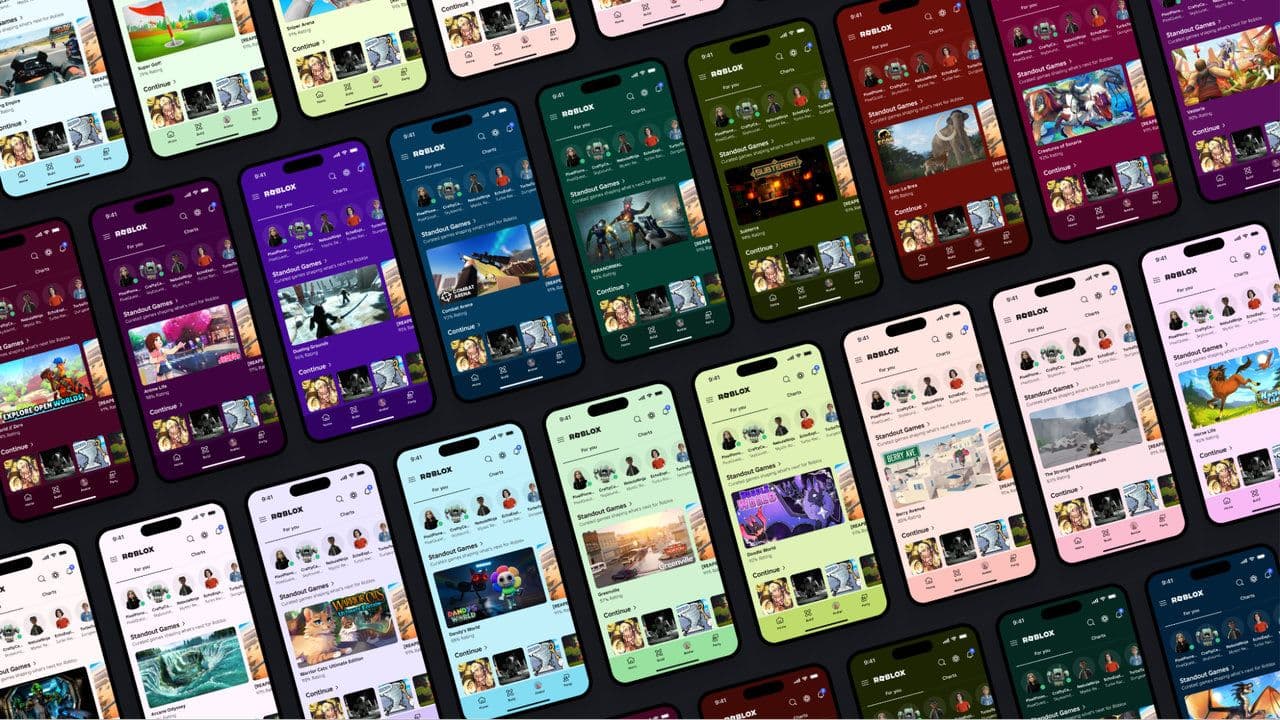 App Themes: How to change a Roblox Background (2026)Here’s how to change your Roblox background and theme, including Roblox Plus themes, Dark Mode, Light Mode, an...
 Roblox Safety Dashboard: How to check account status & ban riskLearn how the Roblox Safety Dashboard works, check your Account Status, review recent violations, and see whet...
 How to get the Blossoming Gift of New Beginnings in Roblox (Mystery box)Learn how to get the Blossoming Gift of New Beginnings in Roblox, including Roblox Plus requirements, eligibil...
- 1
- 2
- 3
- 4
- 5
- 6
- 7
- 8
- 9
- 10
- 11
- 12