The Takeover Roblox event explained: Dates, rewards, tips & more
Grab some Roblox rewards for this event in the game.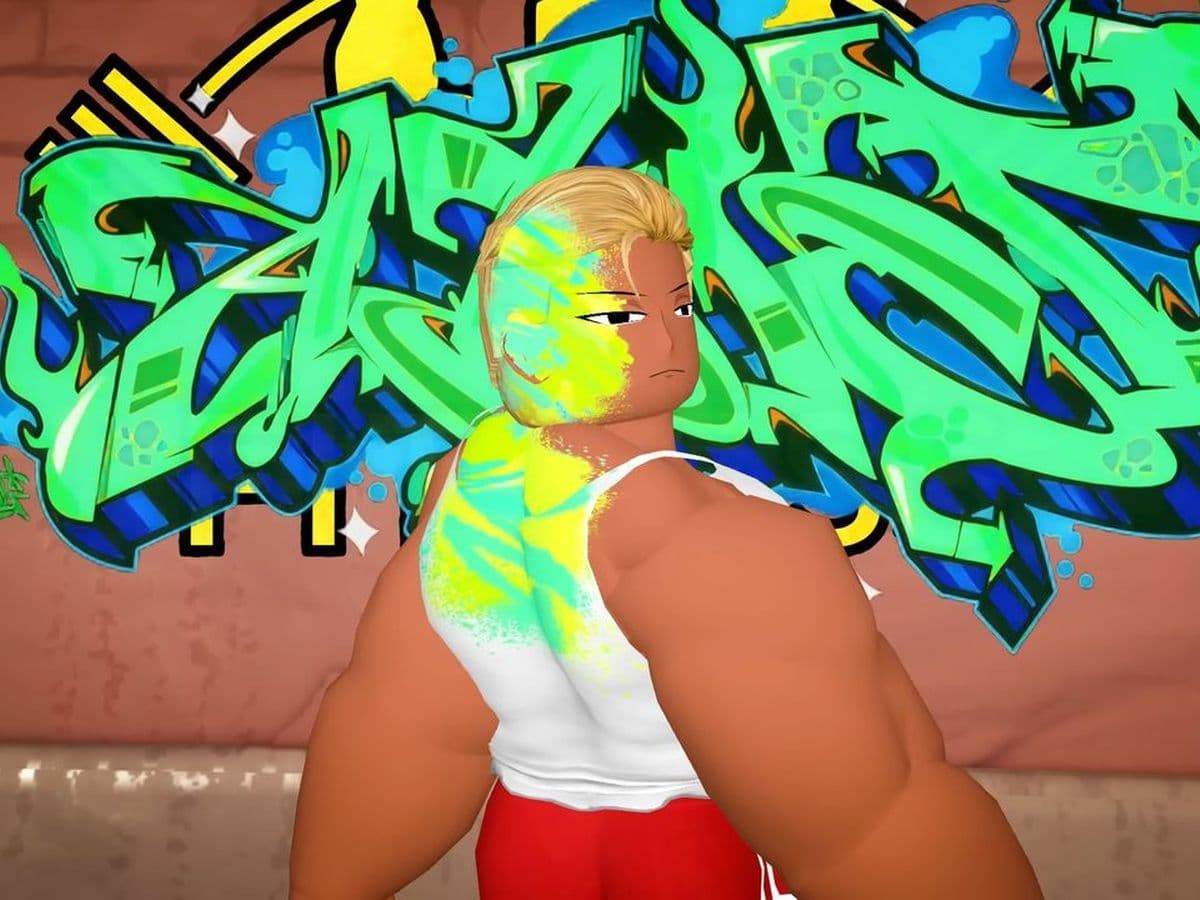
If you thought past Roblox events were exciting, the Takeover is about to raise the bar. For ten days only, the entire platform transforms into a massive battleground.
Unlike smaller Roblox events, the Takeover Roblox event spans multiple genres and districts. You can play solo or in groups, compete for zones, and unlock exclusive avatar items. This Roblox guide explains how the event works, what rewards are available, and how to get the most out of it.
What is the Takeover Roblox event?
The Takeover is Roblox’s latest large-scale event designed to highlight co-opetition—a mix of cooperation and competition. The idea is simple: you can play solo or team up in a crew, travel across themed districts, complete quests, and earn Creds, the special currency of the event.
Every challenge you complete adds to your progress, whether you are defending a zone for your crew or just chasing rewards on your own.
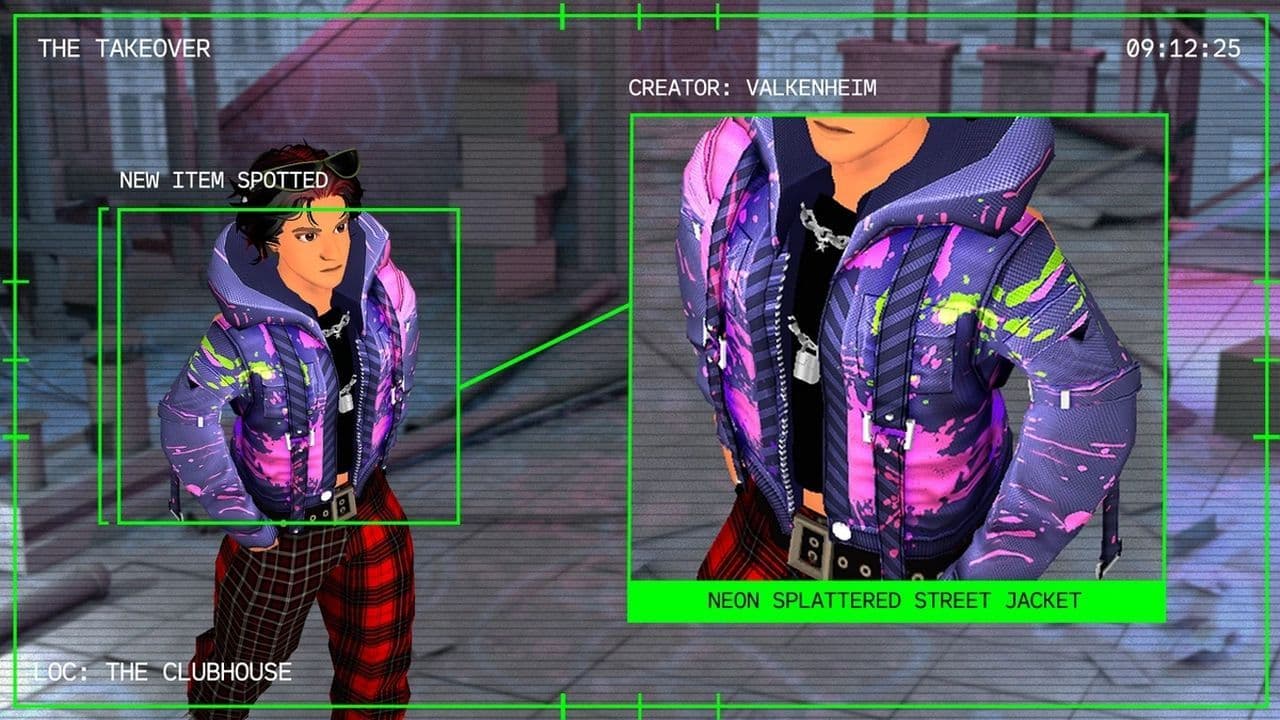
The Takeover Roblox event dates and duration
- Start date: September 12, 2025
- End date: September 22, 2025
That means players have just 10 days to explore all districts, complete as many quests as possible, and collect free rewards before the event closes.
How does the Takeover Roblox event work?
Players begin in the Clubhouse, the main hub of the event. From there, portals lead to four themed Districts, each representing a different style of gameplay:
- Strat University: Focused on strategy and planning.
- Adrenaline Heights: Built for action and speed.
- Artists Alley: Creative challenges and artistic experiences.
- Competition Park: A place for classic head-to-head games.
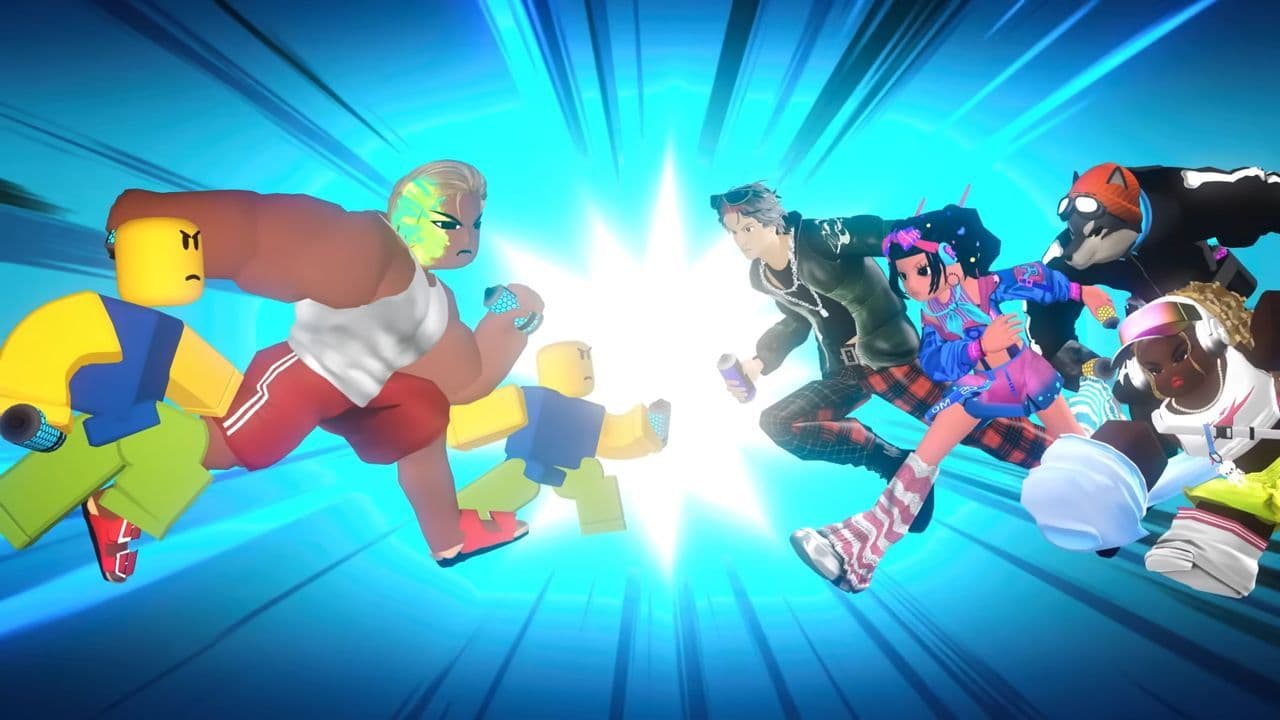
Each district is further divided into Zones, and every zone features different Roblox games tied to the event. Completing quests in these games earns you Creds.
Roblox Creds: The event currency
Creds are the heart of the Takeover Roblox event. There are two types:
- Solo Creds: Collected by individual players.
- Crew Creds: Earned by your group when competing as a crew.
These Creds unlock avatar items, exclusive cosmetics, and leaderboard recognition. The harder the challenge, the more Creds you gain.
Solo Play vs. Crews
You can participate in two ways:
- Solo Mode: Earn Solo Creds by completing personal challenges.
- Crew Mode: Team up with other players to form a crew. Crews compete to capture zones, defend districts, and earn Crew Creds.
Playing with a crew gives access to extra challenges and usually offers more efficient ways to collect rewards.
Participating games
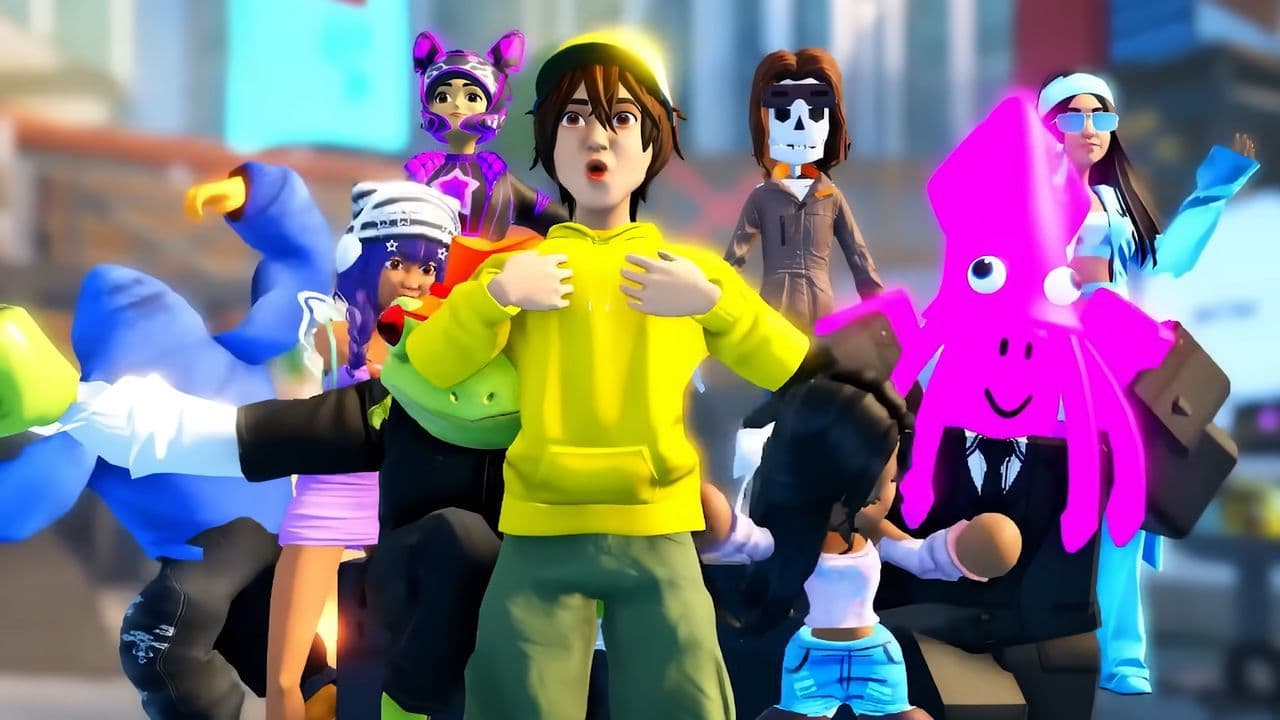
During the Takeover Roblox event, players can compete in 48 Roblox games across different genres. Highlights include:
- Pressure (Survival) by Urbanshade: Hadal Division
- Tennis: Zero (Sports) by Current x Blackstar
- SpongeBob Tower Defense (Strategy) by Krabby Krew
- Dress To Impress (Roleplay) by Dress to Impress Group
- Barry’s Prison Run (Obby) by PlatinumFalls
This wide mix ensures every type of player can find challenges suited to their style while earning Creds and rewards.
Challenges and difficulty levels
Each participating game in the Takeover Roblox event includes quests split into four difficulty tiers:
- Noob: Beginner-friendly challenges with quick rewards.
- Pro: Moderate difficulty requiring more effort.
- Master: Advanced objectives with higher payouts.
- Extreme: The toughest level, offering the biggest rewards.
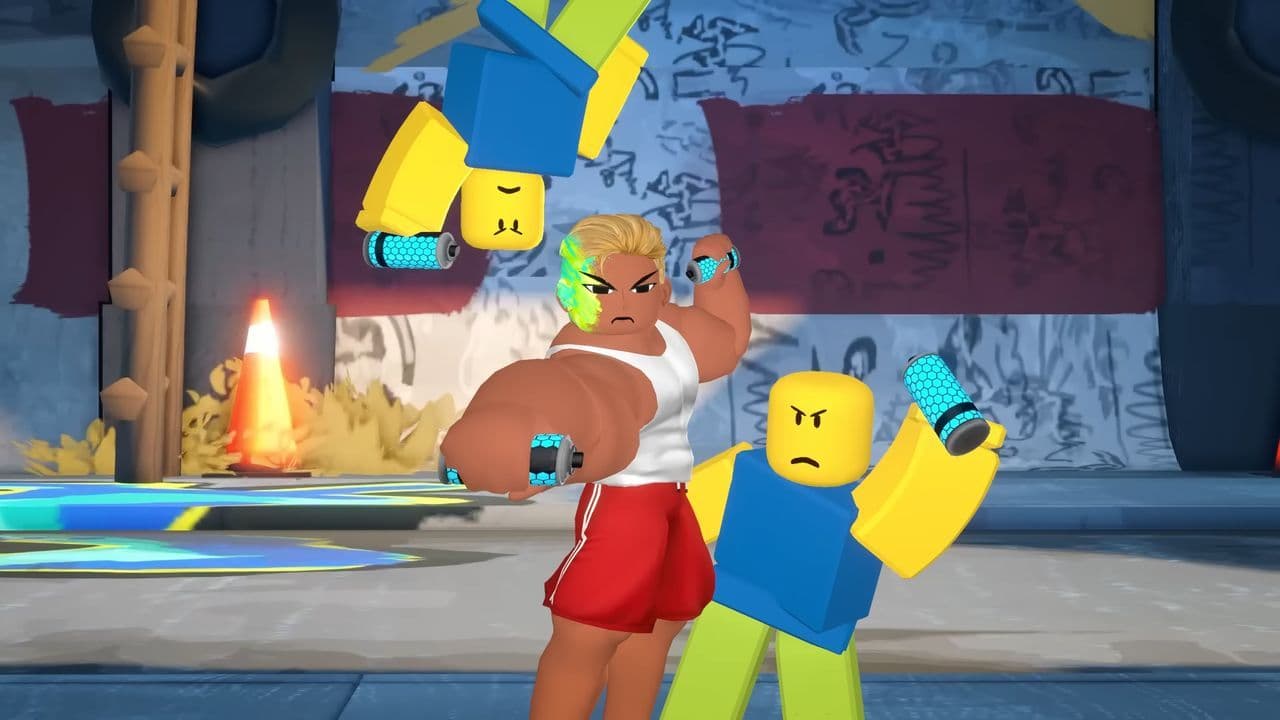
This system ensures all players, from casual fans to hardcore competitors, can enjoy the event at their own level.
The Takeover Roblox event rewards
The main reason players flock to this event is the exclusive The Takeover Roblox event rewards. These include:
- UGC avatar items: Accessories, outfits, and gear designed specifically for the event.
- Free rewards: Certain quests guarantee free items for everyone who completes them.
- Leaderboard bonuses: Top players and top crews can unlock rare items not available elsewhere.
- Daily rewards: Extra Creds or bonus challenges appear each day, encouraging players to log in regularly.
The Takeover Roblox event tips & tricks
If you want to get the most out of the Takeover Roblox event, here are some key tips:
- Join a crew early: Crews offer more opportunities to earn Creds and control zones. If you cannot create one, join an existing group.
- Start with easy quests: Complete Noob and Pro challenges first to quickly build a stockpile of Creds.
- Aim for daily bonuses: Logging in daily ensures you don’t miss extra rewards.
- Explore multiple districts: Each district offers unique challenges, so spreading your effort across different zones unlocks more items.
- Watch the leaderboards: Special prizes often go to top performers, so track your standing if you are aiming high.

The Takeover Roblox event is one of the biggest and most ambitious events Roblox has launched in 2025. With districts to explore, quests to complete, and rewards to claim, it delivers a mix of creativity, strategy, and competition that appeals to every kind of player.
Don’t miss your chance to experience The Takeover before it ends on September 22, 2025.
That’s all for today! Looking for more about Roblox? Check out:
- Dress to Impress School Trip outfits in 5 steps
- Detective DTI outfit & theme guide
- Android vs. Cyborg Dress to Impress outfit & theme
- Monster High Dress to Impress outfit & theme guide
- Make winner Met Gala Dress to Impress outfits in 4 easy steps
All Related Guides
 Guide to the Roblox Bite By Night x Medal Quest: Get your free Fighter Class skinRoblox Bite By Night x Medal Quest guide: how to unlock the free Fighter Class Skin fast and redeem the reward...
 What is Roblox Reality? A detailed look at Roblox’s new hybrid architectureWhat is Roblox Reality? Learn how Roblox’s new AI-powered hybrid architecture brings photorealistic multiplaye...
 What is Roblox Plus? Benefits, Robux, Premium changes & how to get itWhat is Roblox Plus? Learn benefits, pricing, Robux bundles, Premium changes, private servers, and whether Plu...
 How to cancel Roblox PremiumLearn how to cancel Roblox Premium on mobile, PC, iPhone, and Android with simple steps to stop renewal and av...
 How to change your avatar in RobloxRoblox Avatar Switcher lets you swap saved avatars in game. Learn how it works, where to find it, and how to c...
 Roblox Kids and Roblox Select accounts explainedRoblox Kids and Select explained: features, differences, safety settings, age system, and June 2026 release de...
 Roblox PS5 version: Guide for console playersRoblox PS5 version guide: features, performance, install steps, crossplay settings, and console limitations ex...
 Roblox Philippines ban explained: Is Roblox getting banned in the Philippines?Is Roblox getting banned in the Philippines? Current Roblox Philippines ban status, reasons, government warnin...
- 1
- 2
- 3
- 4
- 5
- 6
- 7
- 8
- 9
- 10