How to use Roblox scripts? Are executors & auto-farm scripts safe?
Roblox scripting made simple—and safe.
Roblox scripts are the backbone of every interactive experience on the Roblox platform. Whether you are building a small obstacle course or a large open-world adventure, scripts control how the game behaves, how players interact, and how the world responds. This guide explains what Roblox scripts are, how to use them, where people get them, and what to know about auto-farm scripts. Spoiler alert: They are not safe!
What are Roblox scripts?
Roblox scripts are pieces of code written in Luau, a programming language used inside Roblox Studio. Luau is similar to Lua but designed for Roblox’s tools, performance needs, and multiplayer features. Almost every dynamic part of a Roblox game uses scripts, for example:
- Interacting with objects
- Spawning enemies
- Creating animations
- Handling currency or XP
- Building menus and UI
- Triggering events when players move or click
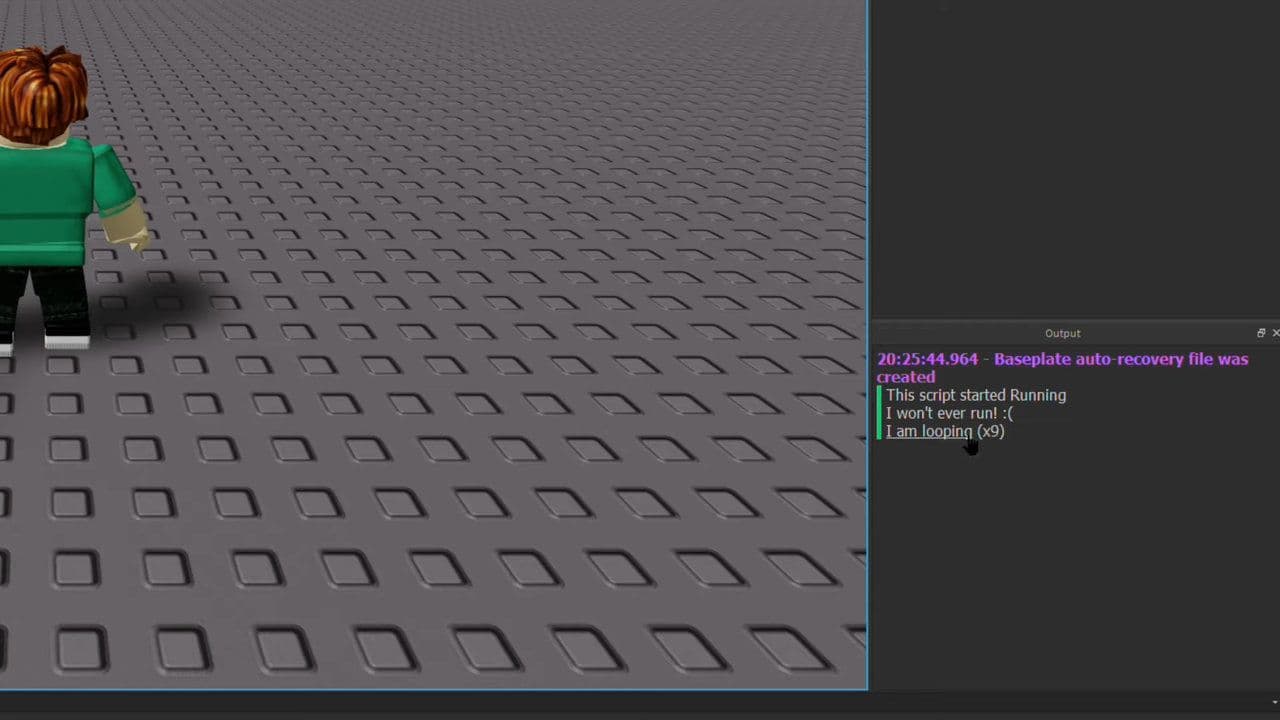
When someone says “a game uses Roblox scripts,” they are talking about the logic that makes the game function. Without scripts, a Roblox game would be static and lifeless.
How to use Roblox scripts
Before you use any scripts, you must work inside Roblox Studio, the official creation tool. Open Studio and load a new baseplate or an existing project.
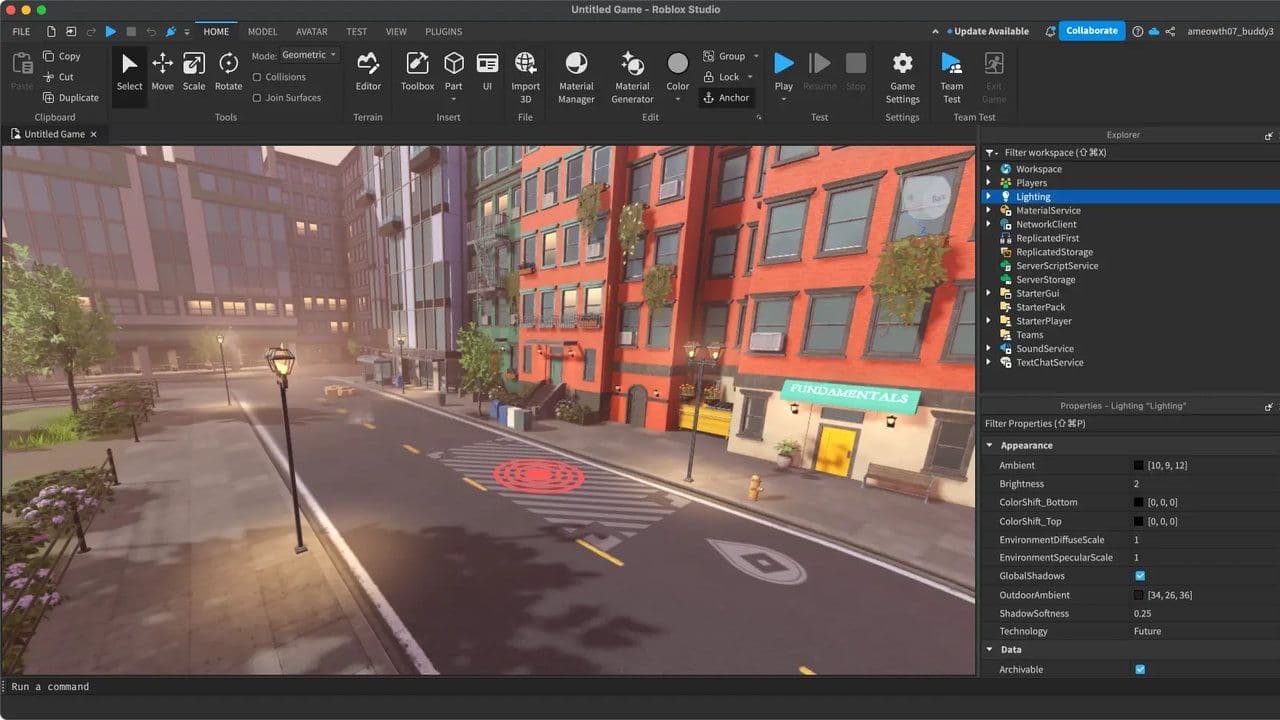
Make sure the following panels are enabled:
- Explorer
- Properties
- Output
You can enable them in View → Explorer / Properties / Output.
These windows make it easier to manage Roblox scripts and see what your code is doing. Start with:
Add a script
- In the Explorer window:
- Click ServerScriptService (or any object you want to script).
- Click the + button.
- Select Script.
- A new script will appear with default code.
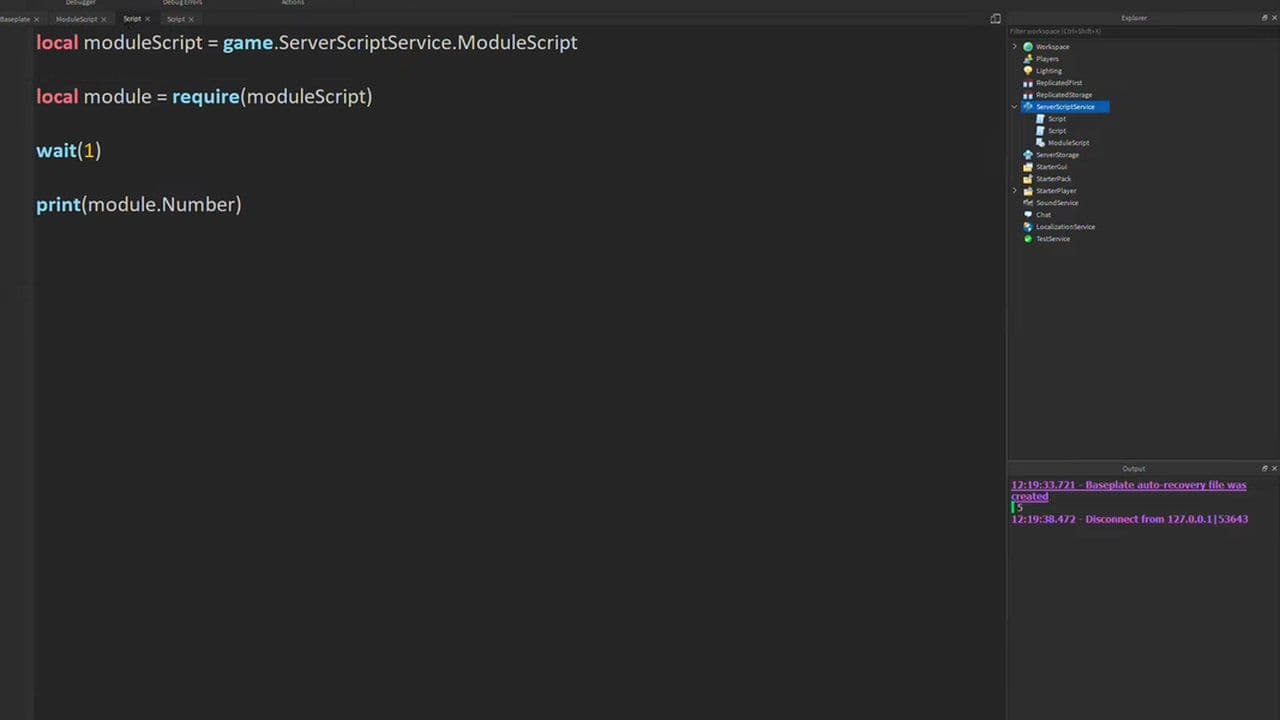
Write code inside the Roblox script
- Double-click the script to open it.
- Replace the default text with something simple like: print("Hello, Roblox!"). This is a basic Roblox script.
Run the game to see the script work
- Click Play at the top of Studio.
- Open Output (View → Output).
- You should see: Hello, Roblox!
- This confirms your Roblox script worked correctly.
Scripts can make objects move, change color, or react to players. For example: make a part turn invisible when touched:
script.Parent.Touched:Connect(function()
script.Parent.Transparency = 1
end)
Playtest and touch the part, it will disappear.
To get more detailed information about Roblox scripting, you can check the official guide here.
You can use Script Editor Tools to work faster
Roblox Studio includes helpful features:
- Autocomplete
- Bracket matching
- Color themes (light/dark mode)
- Jump to definition (Ctrl or Command + click)
- Find and Replace (Ctrl+F / Ctrl+Shift+F)
These tools make creating Roblox scripts easier, especially in large projects.
Roblox script locations
Where you place scripts in your game matters.
What are Roblox auto-farm scripts?
Roblox auto-farm scripts are exploit scripts designed to automate grinding or farming inside specific games. They perform repeated tasks such as:
- Collecting resources
- Killing NPCs
- Farming coins or XP
- Interacting with objects
- Completing quests automatically
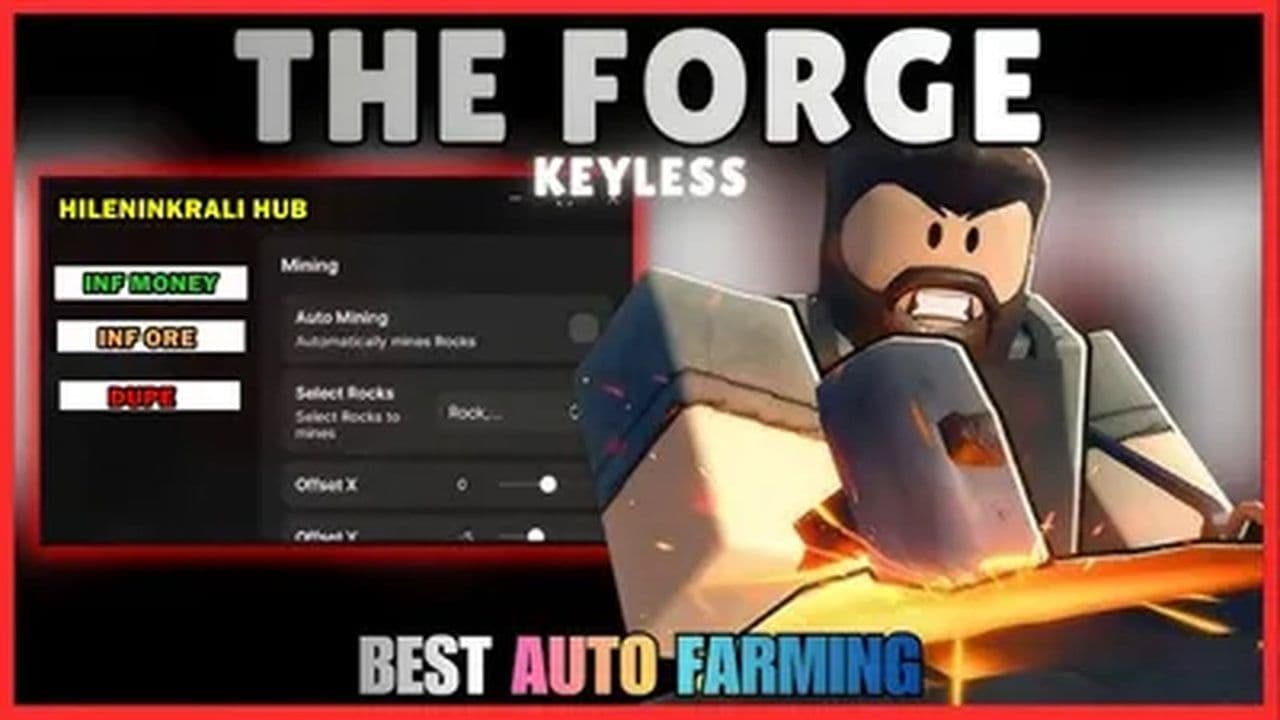
Players typically load these scripts using external software called executors, which violates Roblox’s Terms of Service. The executor injects Lua-like code into the Roblox client, allowing unauthorized control.
Are there any risks?
Given the rules, reported bans, and official statements, it is accurate to warn that using exploit scripts may lead to suspension or even permanent termination of your Roblox account. It’s not a guarantee every time, but the risk is real and significant.
The safer and better path is learning real Roblox scripting. Legitimate scripting lets you build your own systems, understand how Roblox works, join the developer community, collaborate with others, and even publish and monetize your own games.
What are Roblox executors? Are they safe?
Roblox executors are third-party programs that inject custom code into live Roblox games to run cheats, auto-farms, or other unauthorized scripts. They are not official tools and are widely used for exploiting.
Using executors is risky because they:
- Violate Roblox’s rules, which can lead to temporary or permanent bans.
- Often contain malware, including keyloggers and trojans.
- Damage game fairness and hurt players and developers.
- Can cause crashes, instability, or trigger anti-cheat actions.
If you want to script safely, use Roblox Studio and create your own systems within the platform’s rules. This is safe, legal, and much more reliable.
Best Roblox script libraries and resources
Here are several of the more well-regarded Roblox scripting resources and libraries (open-source / community-shared) many developers use as a foundation:
Many websites and repositories advertise “universal scripts,” auto-farms, cheats, and script hubs, but these come with major problems. They often violate Roblox’s rules, can lead to bans or account deletion, and may contain malware. They also aren’t suitable for real game development; they’re hacks, not proper game logic.
The safest and most effective approach is to use open-source, community-approved Roblox scripts.
That’s all for today! Do you want free Roblox items? It’s possible & legal with Roblox game codes like:
All Related Guides
 Roblox Robux codes (October 2026): Gift cards, free items & moreFind Roblox Robux codes & redeem gift cards, claim free avatar items, convert Roblox Credit, and fix codes tha...
 How to see Roblox purchase historyLearn how to see your Roblox purchase history, check Robux transactions and find real-money receipts on deskto...
 How to find the Monochrome Roblox code and escapeFind the Monochrome Roblox code, collect all four keys, survive the basement maze and open the elevator to com...
 How to connect Claude to Roblox StudioConnect Claude to Roblox Studio with the current MCP method and see how Claude can work with your scripts and ...
 How to fight in Gakuran RobloxLearn how to fight in Gakuran Roblox, from basic attacks to blocking, parrying, posture, and fighting styles....
 How to get a free avatar in RobloxFind out how to get a free Roblox avatar without spending Robux, from free character bundles to Marketplace it...
 How to reduce lag in Roblox: Comprehensive guideRoblox feeling slow or choppy? Find out how to reduce lag in Roblox and improve your game with a few simple ch...
 How to check Roblox player countHow many people play Roblox in 2026? Check the latest Roblox player count and learn what the numbers actually ...
- 1
- 2
- 3
- 4
- 5
- 6
- 7
- 8
- 9
- 10
- 11
- 12
- 13