Fortnite Sidekicks: Unlock, customize & earn Sidekick Points for your companions
Customize and collect Fortnite Sidekicks now.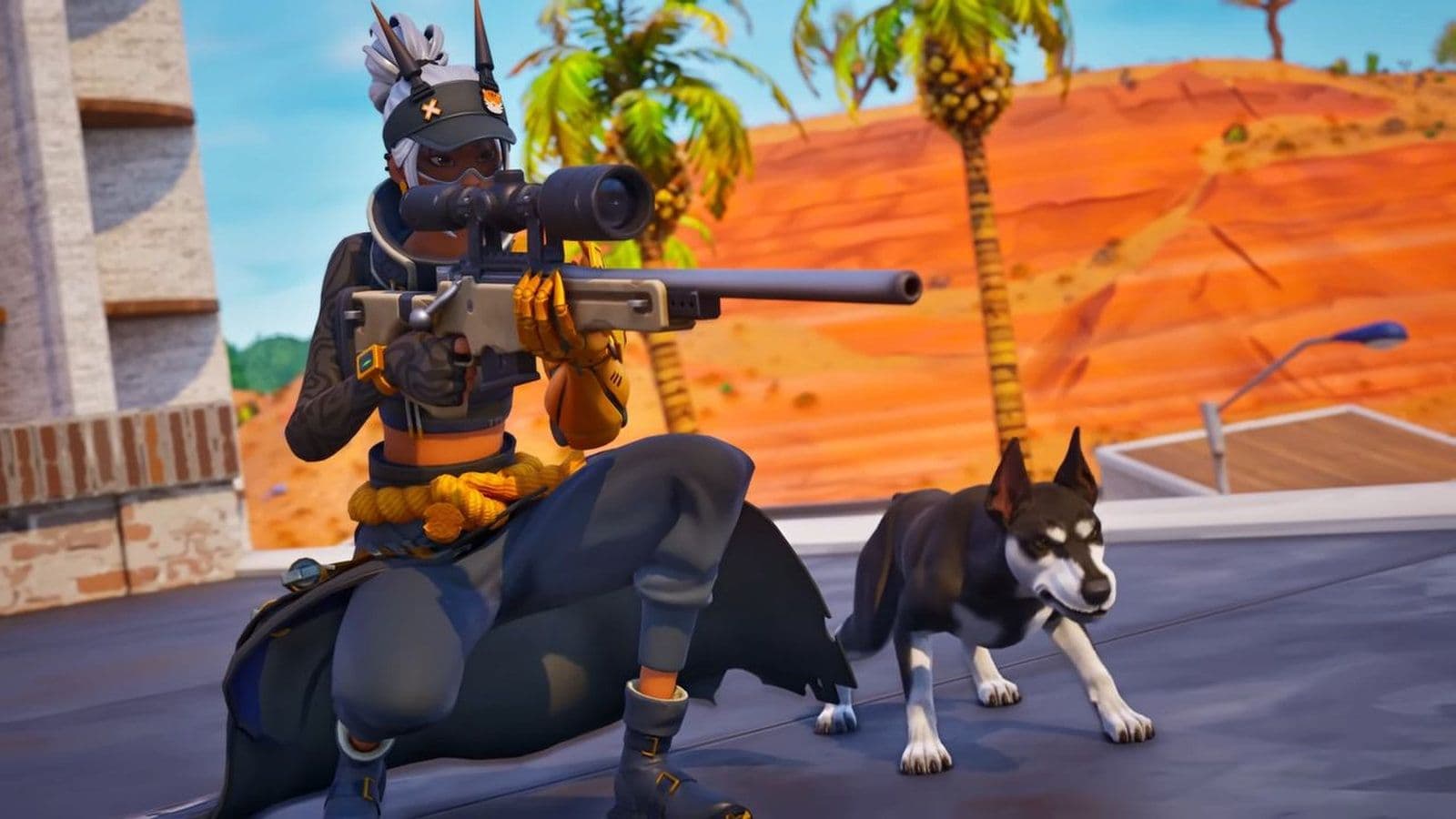
Epic keeps finding new ways to make the game feel alive, and the latest update brings something both adorable and exciting: Fortnite Sidekicks. These are your own pet companions that follow you through the Fortnite world.
What are Fortnite Sidekicks?
Sidekicks are small, animated companions that join your character in Fortnite. They follow you around the map, react to what’s happening, and show off little gestures and emotions. They don’t give you any competitive advantage, but they make your presence in the game more unique.
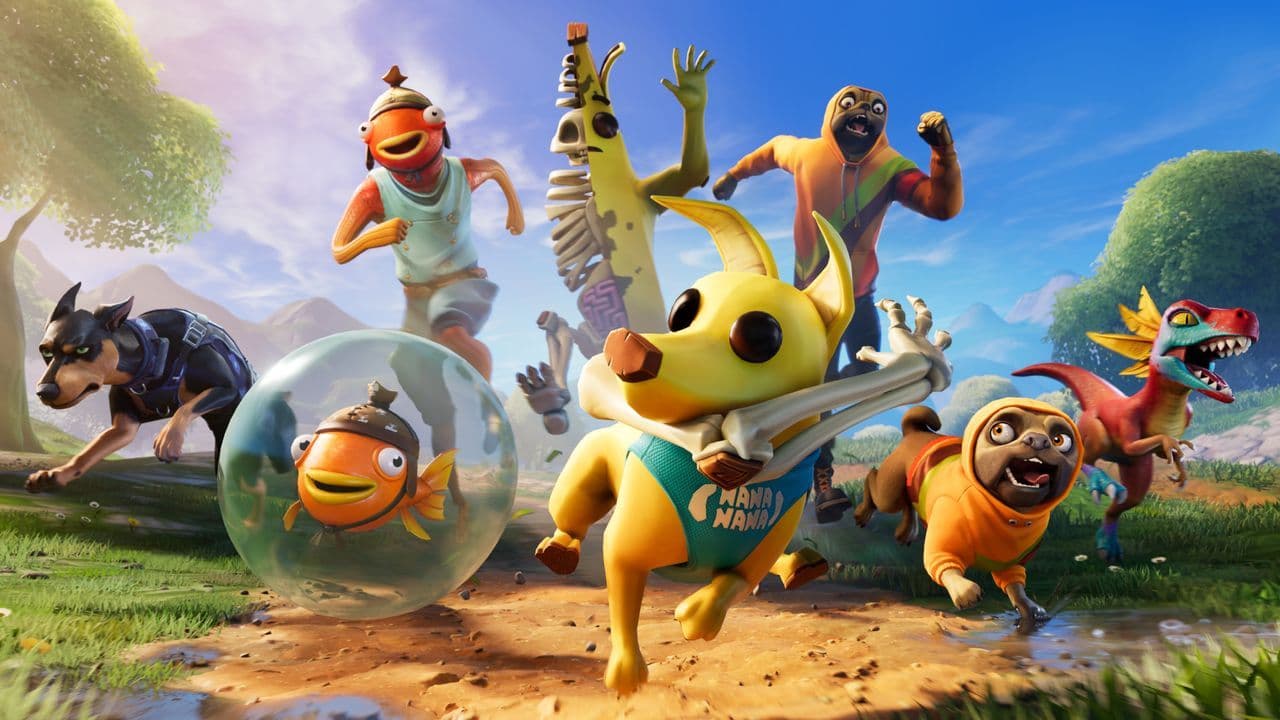
You can use Sidekicks in most Fortnite modes, including Battle Royale, LEGO Fortnite, and Creative maps if the island creator allows them. They stay with you in the lobby, on the battlefield, and even in peaceful exploration modes.
Be careful what you do with your Fortnite pet, they are permanent
One of the key elements of the Sidekicks system is the concept of locked-in physical traits. Here’s how it works:
- When you first unlock a Sidekick, you go into the Appearance customisation screen. You select their base physical traits (such as body/fur/skin, ears/horns, base colouring).
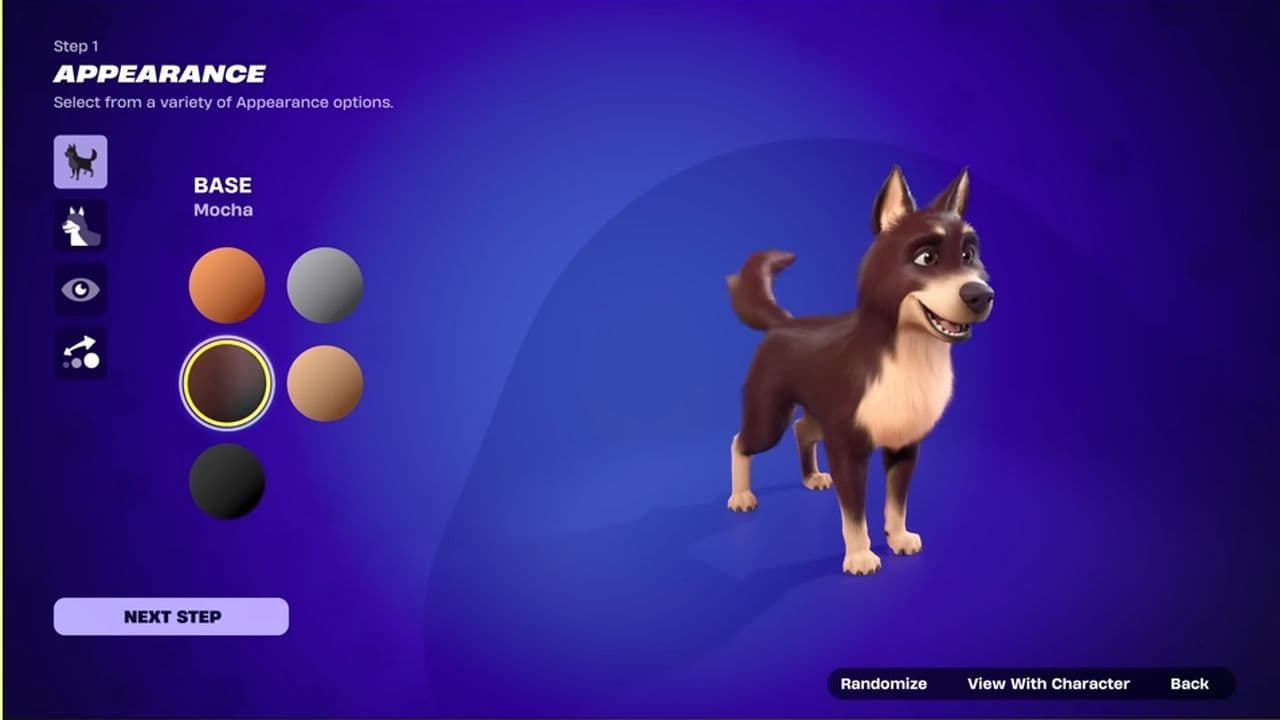
- Once you finalize (“Lock-In”) those physical traits, they become permanent for that copy of the Sidekick: you cannot later go back and change the base physical traits for that same instance.
- You can change accessories (hats, hoodies, shirts, etc) and change the Sidekick’s name at any time.
- If you want a different set of base physical traits (e.g., a different colour palette or body type), you must purchase a separate copy of the Sidekick.
This “permanent trait” system means your Sidekick becomes a unique companion with a consistent look across sessions—even as you customise accessories, the core identity stays fixed.
Fortnite Sidekick release date
The first Sidekick (Peels) is unlocked via the Battle Pass on 1 November. Additional Sidekicks (such as Bonesy, Spike, Lil’ Raptor) appear in the Item Shop starting 7 November.
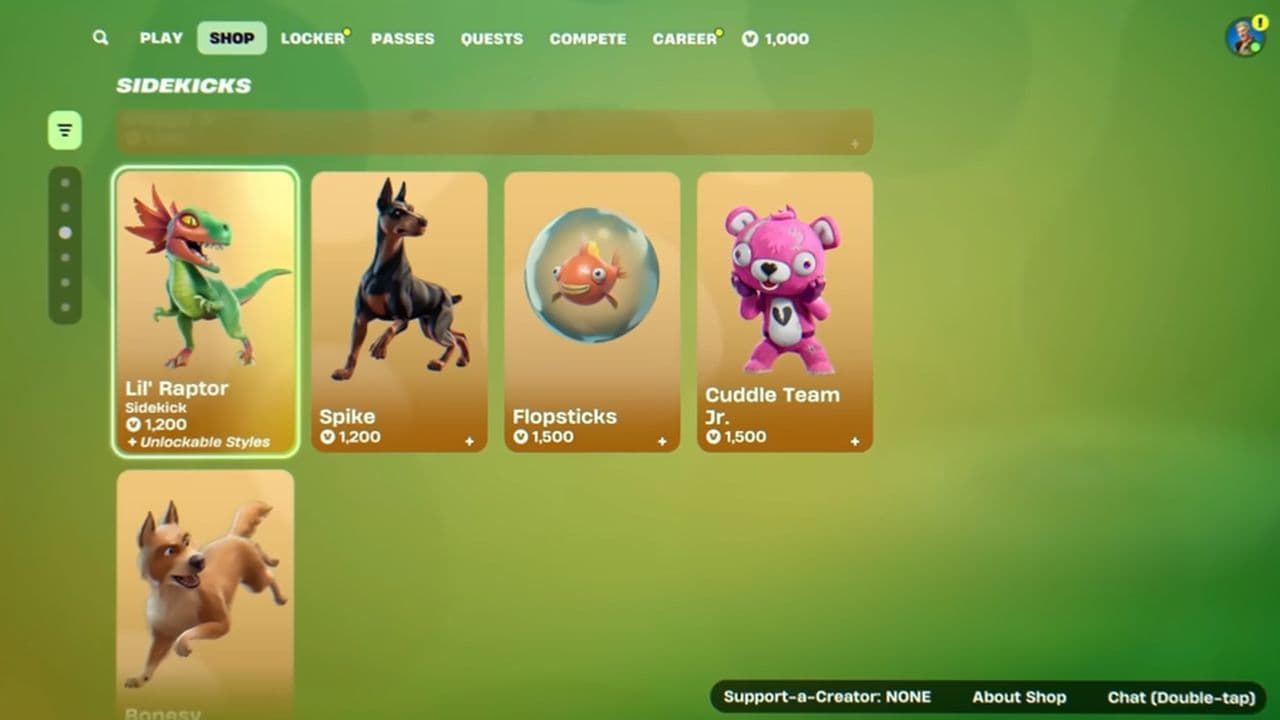
Do you have Fortnite Bonesy Back Bling? Get your Bonesy sidekick
Players who already own the original Bonesy Back Bling will automatically receive the new Bonesy Sidekick on November 7.
For players who don’t own it, Bonesy will appear in the Item Shop and can be purchased directly.
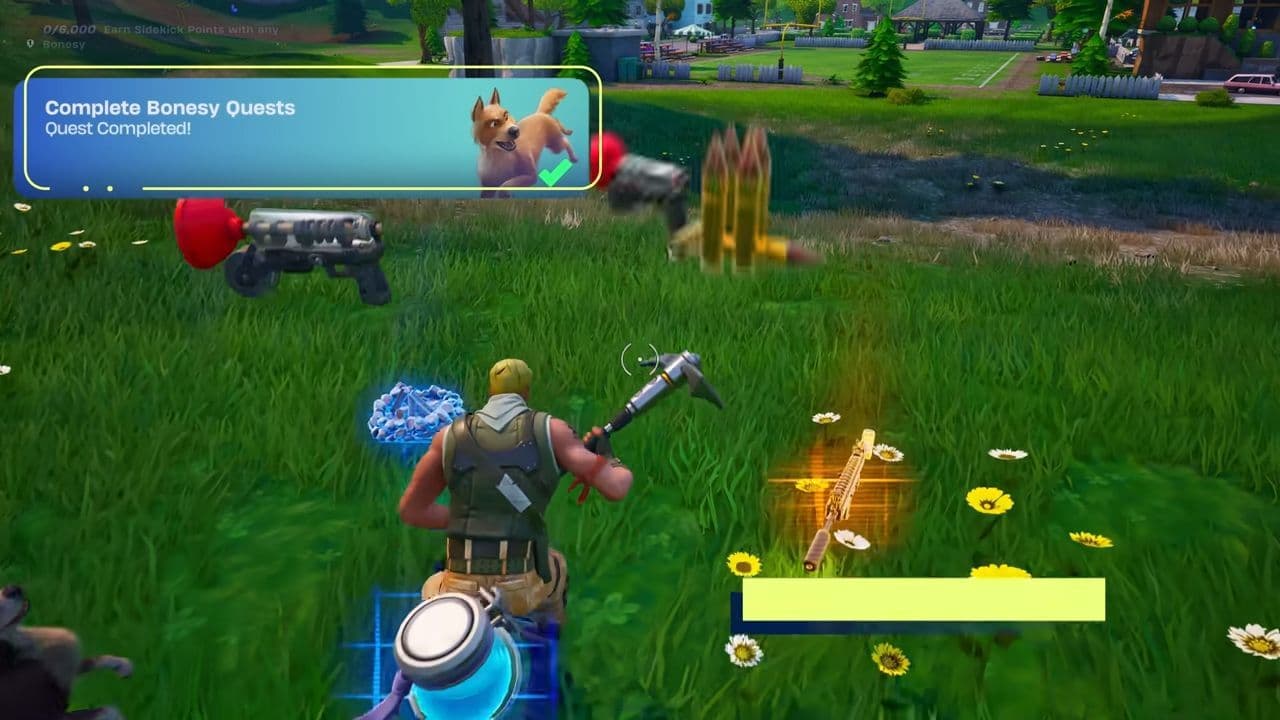
The original Bonesy first appeared as a reward in Chapter 1 Season 6, unlocked at Tier 12 of the Battle Pass.
How to customize Fortnite Sidekicks
Before you can customize one, you need to unlock it.
- The first Sidekick, Peels, is available through the Battle Pass.
- Others, like Bonesy, Spike, or Lil’ Raptor, can be purchased from the Item Shop or unlocked in future updates.
Once you’ve got your first Fortnite pet companion, you can start personalizing it right away. Just follow the steps below:
From Fortnite’s main menu:
- Open the Locker tab.
- Find the Sidekicks section.
- Select the Sidekick you want to edit.

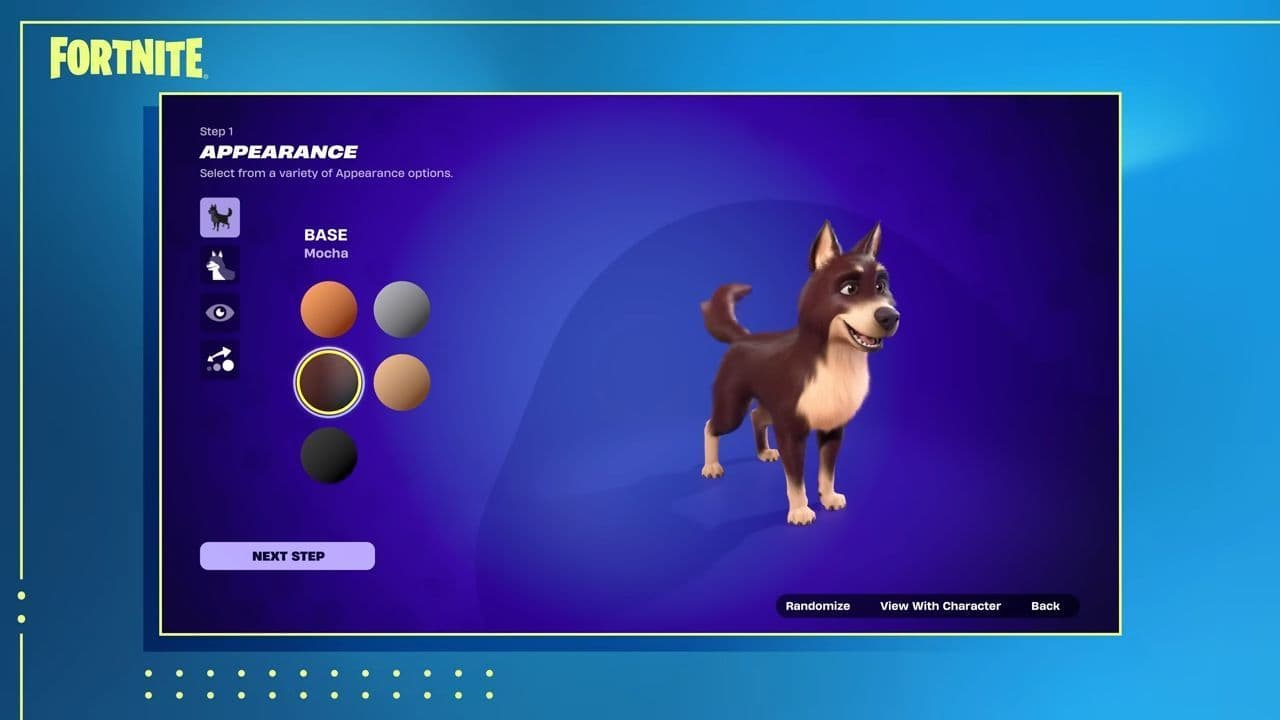
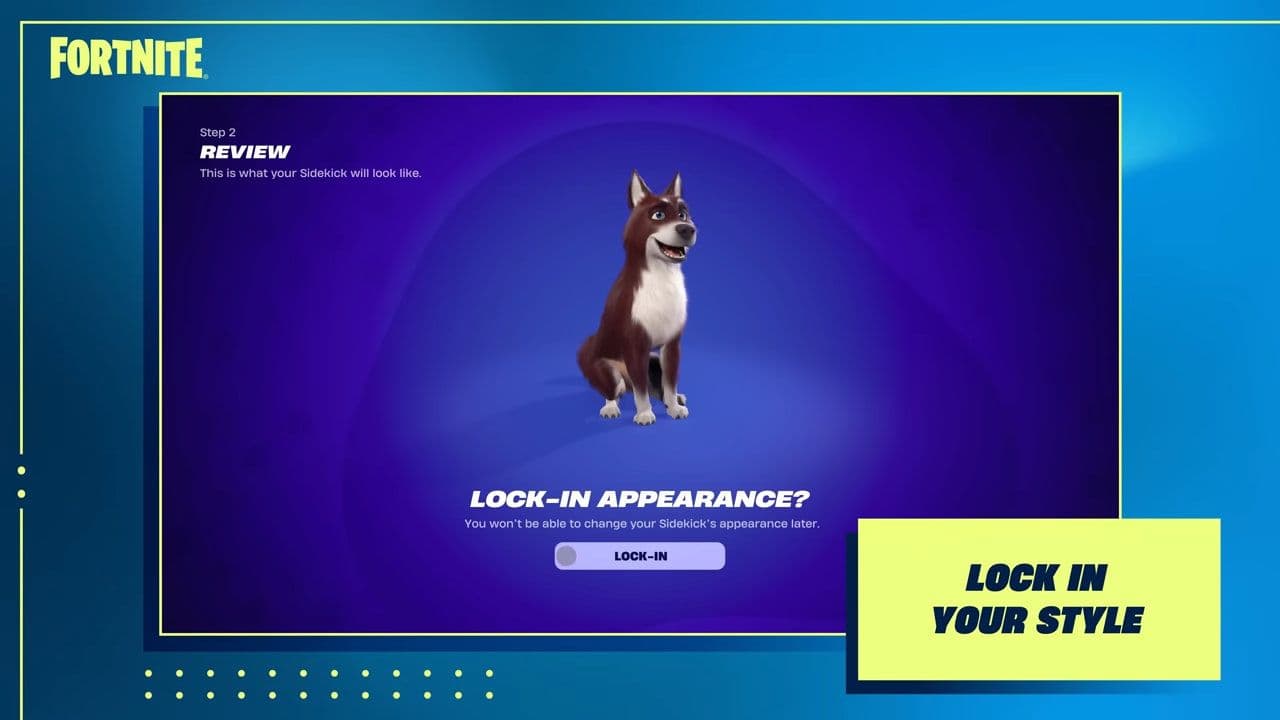
This will take you into the customization screen, where the fun begins.
Now you can shape your Sidekick’s base design. This includes its body type, fur or skin texture, ears or horns, and main color pattern.
Once you confirm these settings, they become permanent. That means you won’t be able to change the basic physical traits later — so take your time to get them right.
Think of it like creating your own unique creature. The appearance you lock in defines that Sidekick forever.
When everything’s set, click Finish Customization to save your Sidekick.
How to edit Fortnite Sidekicks
After setting the base look, you can add accessories such as:
- Hats or helmets
- Shirts or hoodies
- Back items
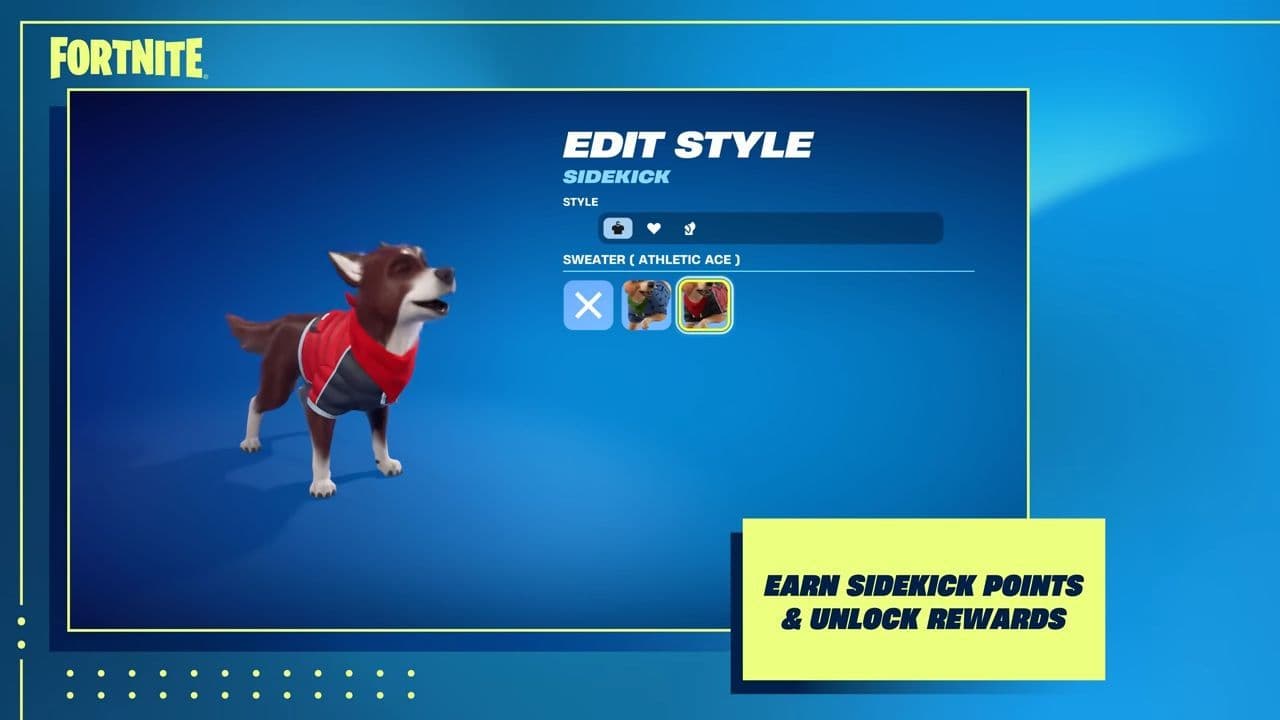
Unlike the permanent traits, accessories can be changed anytime you like. As you play, you’ll earn Sidekick Points (SP) that unlock more cosmetic items for your companion.
How to earn Fortnite Sidekick Points (SP)
The more you play with your Sidekick, the more Sidekick Points you’ll earn. These points help unlock new accessories and styles, keeping your companion fresh without changing its permanent design.
Does Fortnite sidekicks affect gameplay?
Sidekicks are Fortnite’s modern version of pets, loyal companions that grow alongside you. They are purely cosmetic companions, meaning they don’t change how the game plays, give you any kind of advantage, or interfere with balance in matches. Their main purpose is to make your Fortnite experience more personal and expressive. However,When Fortnite Sidekicks arrive, we may see a lof of interesting collabs soon:
That’s all for today! If you’re hungry for more Fortnite news, leaks, and guides, check out these must-reads next:
- How to get Art the Clown skin and cosmetics in Fortnite during Fortnitemares 2025
- Fortnite's Mystery Inc Bundle: A deep dive into the exclusive cosmetics
- What are Accolades in Fortnite and how to get them?
- Fortnitemares 2025: Skins, quests, new features, Twitch Drops & more
- Bart’s Treehouse Fortnite location: How to find it, what’s inside, and everything you need to know
All Related Guides
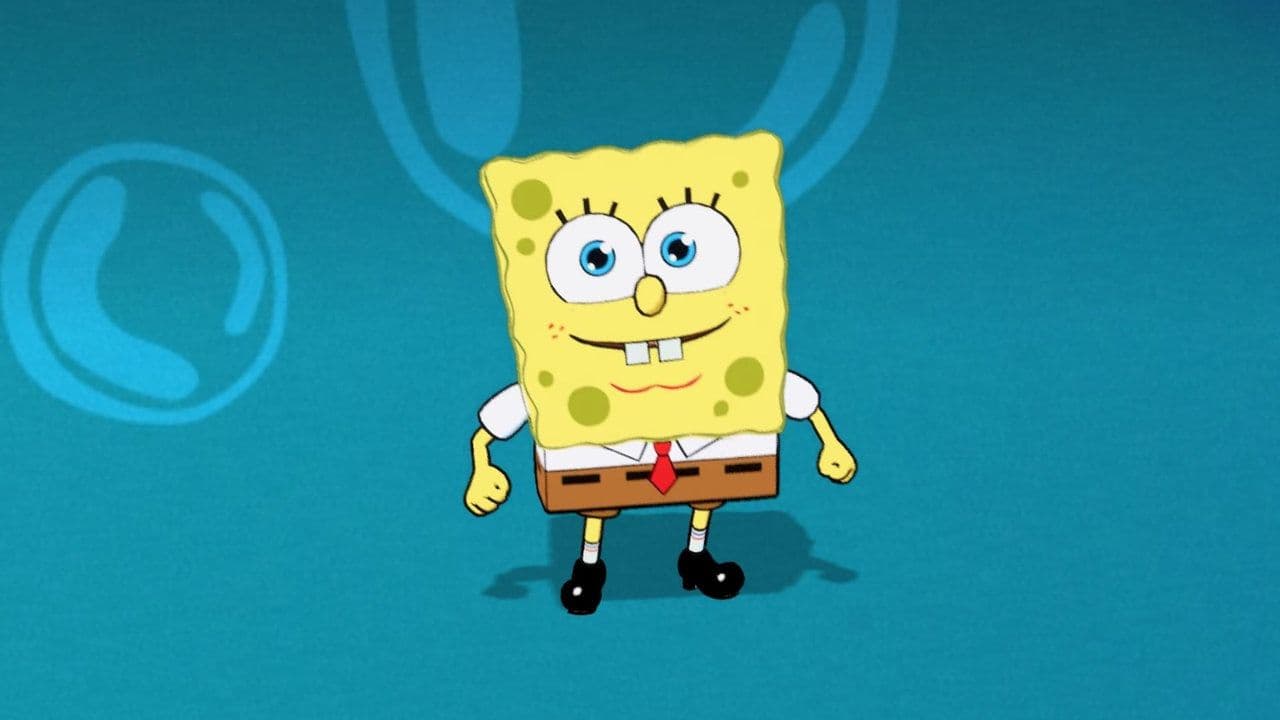 How to get the Fortnite SpongeBob Sidekick: Is Patrick available too?Get the Fortnite SpongeBob sidekick, bundle price, V-Bucks cost, and learn if Patrick Star is available in the...