How to increase bandwidth for League of Legends downloads
Got slow download speeds for LoL? Here are some solutions that should help you boost that speed.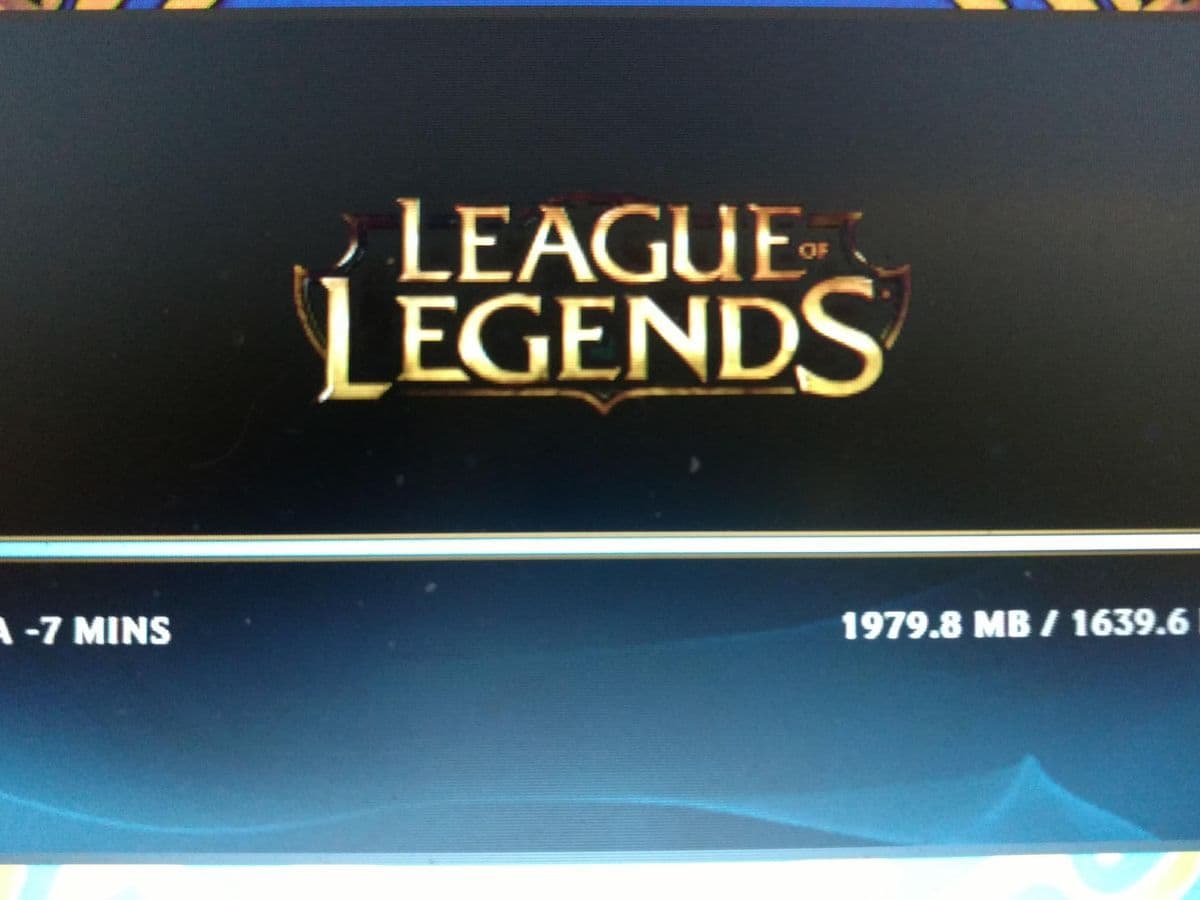
How to increase bandwidth for League of Legends downloads and get your game up and running faster is something every player wants to know. If you've noticed your League of Legends downloads are taking forever, you're not alone. In this LoL guide, we’ll go over some simple fixes and helpful tips to speed up your download, so you can start playing without the long wait.
Is League of Legends download taking forever? You are not alone
If you've noticed that League of Legends downloads are taking much longer than expected, you're not the only one. Many players face slow download speeds, especially when installing or updating the game. It can feel frustrating when the download seems stuck or is taking forever to finish.
Usual suspects for the LoL slow download issue
League of Legends slow download issues can continue for many players, but they are not always permanent. LoL Slow download speeds are usually caused by a variety of factors, such as:
- Network congestion (many people using the internet at the same time)
- ISP throttling (some ISPs limit download speeds for gaming traffic)
- Server issues (League of Legends servers might be experiencing high traffic)
- Background applications (other programs using your bandwidth)
- Game client settings (incorrect configurations or P2P settings slowing things down)
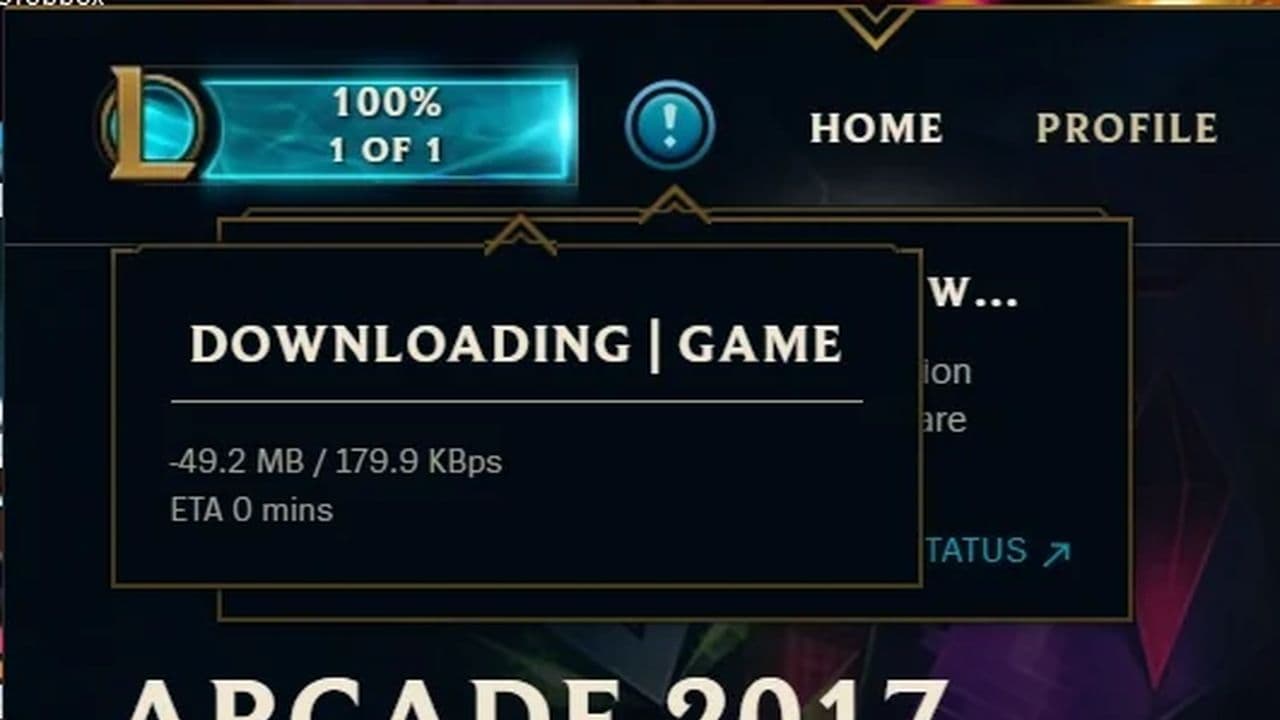
However, these problems can often be fixed with simple adjustments.
14 easy ways to increase bandwidth for League of Legends downloads
How can I speed up my download bandwidth? There are a few simple things you can, including but not limited to:
- Increase network bandwidth (Upgrade your Internet plan): Upgrade your Internet plan with a higher bandwidth option from your ISP to directly boost your download speed.
- Use a wired connection: Use an Ethernet cable to connect your computer directly to the router for a more stable and faster internet connection compared to Wi-Fi.
- Set priorities in router settings (Quality of Service - QoS): Some routers have Quality of Service (QoS) settings that allow you to prioritize traffic for League of Legends, ensuring it gets more bandwidth over other activities on your network.
- Close background applications: Terminate any unnecessary applications or downloads that might be consuming bandwidth during the download process, freeing up more for League of Legends.
- Disable Peer-to-Peer (P2P) transfers: In the League of Legends launcher settings, disable P2P transfers to ensure downloads come directly from Riot's servers, which can be more reliable.
- Limit other network activity: Make sure other devices or users on the same network aren’t consuming excessive bandwidth, such as streaming videos, large downloads, or video calls.
- Run as administrator: Right-click on the League of Legends installer or launcher and select "Run as administrator" to ensure the game has the necessary permissions to operate efficiently.

- Update network drivers: Ensure that your network drivers are up to date to avoid any issues that could affect download speeds.
- Choose a server with lower latency: In the League of Legends client, select a server that’s geographically closer to you for lower latency, which can also help improve download speed.
- Check firewall settings: Temporarily disable your firewall or add exceptions for League of Legends to ensure it’s not being blocked or slowed down during the download.
- Switch to a faster DNS server: Change your DNS settings to a faster and more reliable DNS server (like Google DNS or Cloudflare DNS) to improve connection speeds.
- Use a VPN (Optional): If your ISP is throttling gaming traffic, using a VPN could potentially help increase download speeds by bypassing restrictions. However, this can also sometimes cause slower speeds, so test it to see if it works in your case.
- Optimize download timing: Start downloads during off-peak hours (e.g., late at night or early morning) when internet traffic is lower, reducing congestion on your network.
- Network optimization tools: Consider using network optimization software designed to boost download speeds by prioritizing or optimizing your connection.
By following these steps, you can optimize both your bandwidth and connection settings, ensuring a faster and more reliable download experience for League of Legends.
Is 100 Mbps good for League of Legends?
Yes, a 100 Mbps connection is plenty for both downloading and playing League of Legends. For downloads, you’ll see fast speeds, with a 10 GB patch taking about 15 minutes. For playing, the game only needs around 3-6 Mbps, so 100 Mbps will easily handle smooth gameplay, even with other devices online. If you're experiencing slow downloads or lag, it’s likely due to factors like network congestion or background apps, not your connection speed.
Does RAM affect download speed?
No, RAM (Random Access Memory) does not directly affect download speed. Download speeds are primarily determined by your internet connection (e.g., bandwidth) and factors like network congestion, server load, or background applications.
However, insufficient RAM can impact your computer’s overall performance, especially if multiple applications are running while you're downloading. If your system runs out of available RAM, it could slow down other processes, which might make your download feel slower, but this is not because of the RAM affecting the actual download speed itself.
Does League of Legends use a lot of bandwidth?
You're definitely onto something! On the Riot Games forums, players report using between 15 and 100 MB of data for a 30-40 minute game of League of Legends. The amount of data used can vary based on several factors, such as the game mode, map, and even in-game settings like visual effects or quality. Generally, standard gameplay consumes relatively little data compared to more graphics-heavy games or those with constant streaming. If you're playing a typical 5v5 match, the data usage will usually stay on the lower end, while modes with more complex interactions or larger maps could use more bandwidth.
How to prioritize Riot to download faster?
If Riot Games is downloading slowly, you can speed it up by changing a few settings and closing other apps. This helps your internet focus more on the Riot download. Follow these steps to make it faster:
- Close any other downloads or apps that use the internet, like browsers or game launchers.
- Open Task Manager by pressing Ctrl + Shift + Esc.
- Go to the Details tab and find RiotClientServices.exe.
- Right-click on it, go to Set priority, and select High.
- Restart your router to refresh the connection.
- Use an Ethernet cable instead of Wi-Fi if possible.
- Pause background updates from other apps.
- Make sure your Riot Client is updated.
These steps help your computer focus on the Riot download. Most users see a speed increase after following them.
Is 200Mbps good for gaming?
Yes, 200Mbps is good enough for gaming. Most online games do not use much data. They only need around 3 to 6 Mbps. What matters more is having a stable connection and low ping.
With 200Mbps, you can play games, watch videos, and even download updates at the same time. It also works well for homes with more than one user. If you want the best result, use a wired connection. Wi-Fi can work too, but it may not always be as stable.
That’s all for today! Want to explore more? Check out these:
All Related Guides
 How to remove tokens in League of LegendsLearn how to remove tokens in League of Legends, clear Challenge Tokens from your profile, and fix them if the...
 2026 Riot Games parental controls update (LoL, VALORANT & TFT)Learn how Riot Games parental controls (2026) work for League of Legends, VALORANT, and TFT, including setup, ...
 How to disable Parental Controls in League of Legends (2026 update)Learn how to disable Riot's League of Legends parental controls, who can remove Parent Permissions, and what t...
 How to change the install path in League of LegendsFind the League of Legends install location and move the game safely to a new drive with this clear step-by-st...
 League of Legends player lookup: How to check an accountCheck a LoL account with a League of Legends player lookup tool and learn what Riot ID, match history, rank, a...
 How to link your Twitch account to League of LegendsWant League of Legends Twitch drops? Learn how to connect your Riot Account, watch eligible streams, and claim...
 What is low priority queue in League of Legends and how to fix itGot a 10-minute low priority queue in League of Legends? Learn how many games it lasts and what resets the pen...
 Guide to League of Legends Partner ProgramLeague of Legends Partner Program guide: benefits, requirements, application dates, Creator Hub access, and ho...
- 1
- 2
- 3
- 4
- 5
- 6