How to find the Copper Cape in Minecraft after the Copper Age update
Explore Copper Cape Quests.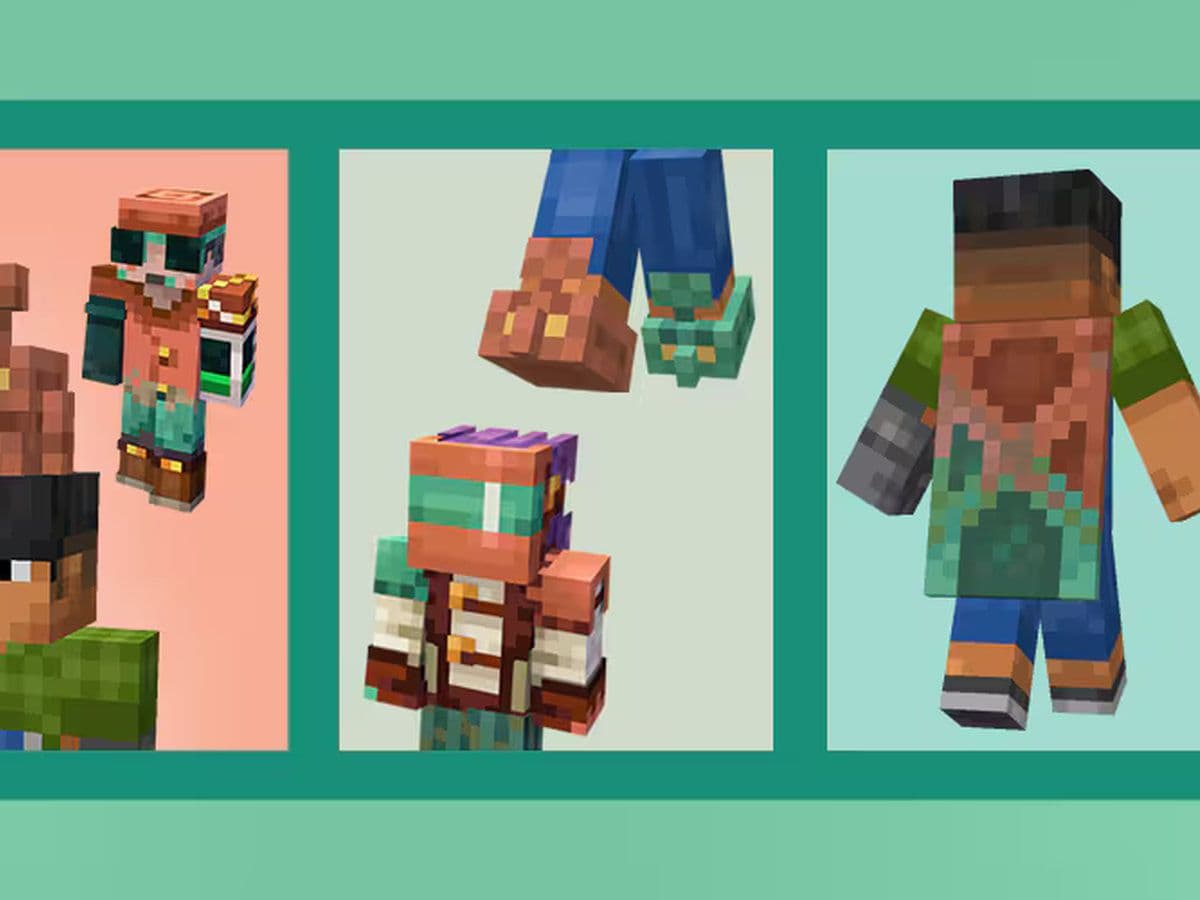
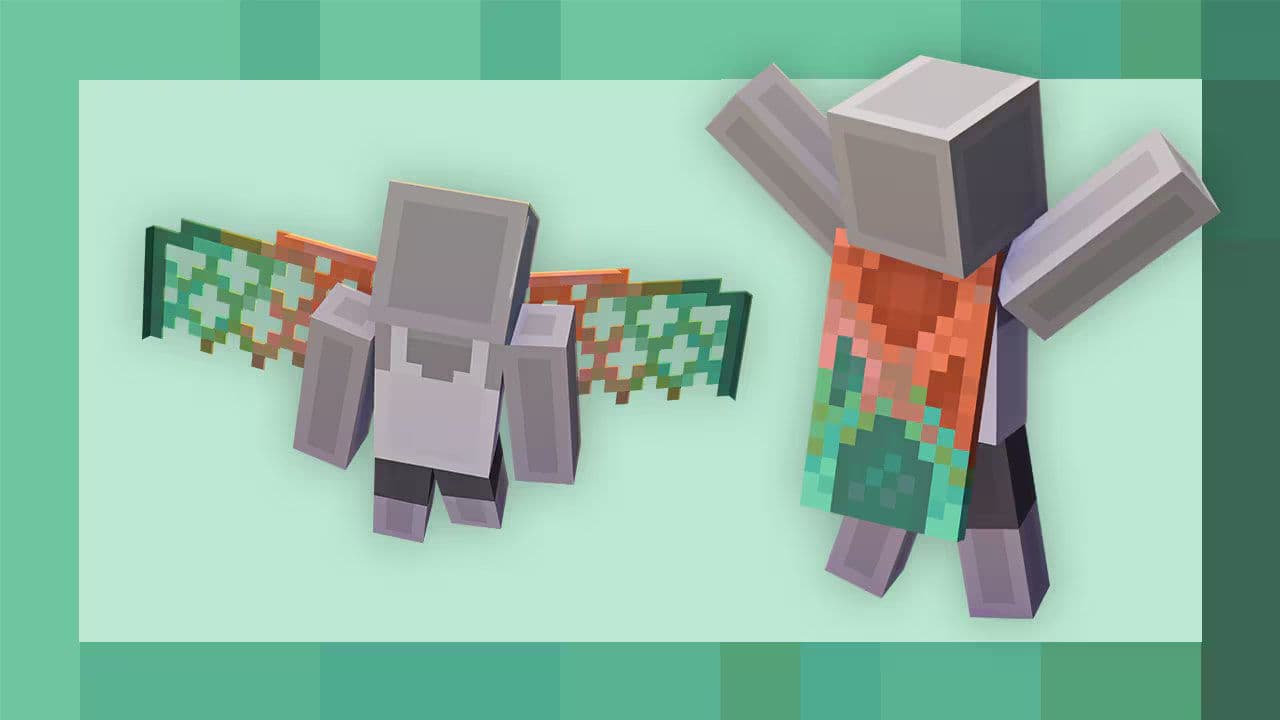
If you’re wondering how to get the Copper Cape in Minecraft, you’re not alone. The Copper Cape is a new cosmetic reward tied to the Copper Age update. But unlike traditional in-game items, you can’t just find or craft it any time. You must complete a series of challenges. Below is a clear, step-by-step Minecraft Copper Cape guide so you know exactly what to do.
What is Minecraft Copper Cape?
The Copper Cape is a special cosmetic reward introduced in the Copper Age update. It is not something you find in chests or craft with materials. Instead, you earn it by completing a set of challenges known as the Copper Cape Quest.
The Copper Cape is designed as a limited-time event reward. It’s part of a new model where special cosmetics are earned through community and individual effort, not by exploring or crafting in normal gameplay. Because of that, you can’t “find it later” — you must act within the event’s timeframe.
Copper Cape Quest explained
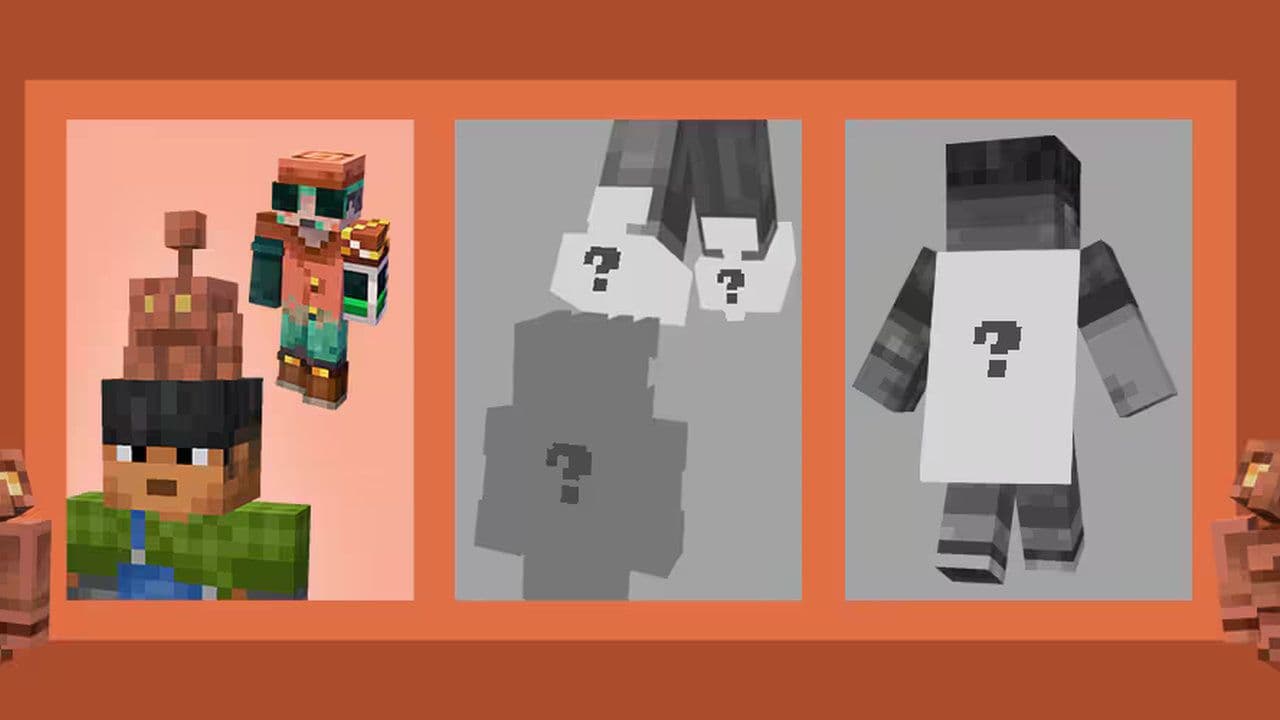
To get the Copper Cape in Minecraft, you must complete three challenges in sequence:
Only after finishing all three Minecraft challenges will you unlock the Copper Cape on your account.
So, how to get the Copper Cape in Minecraft
Before you jump into the Copper Cape challenges, you’ll need to make sure your game and account are ready. The Copper Cape quest runs on a tight schedule, and missing one stage means losing your chance to earn the cape.
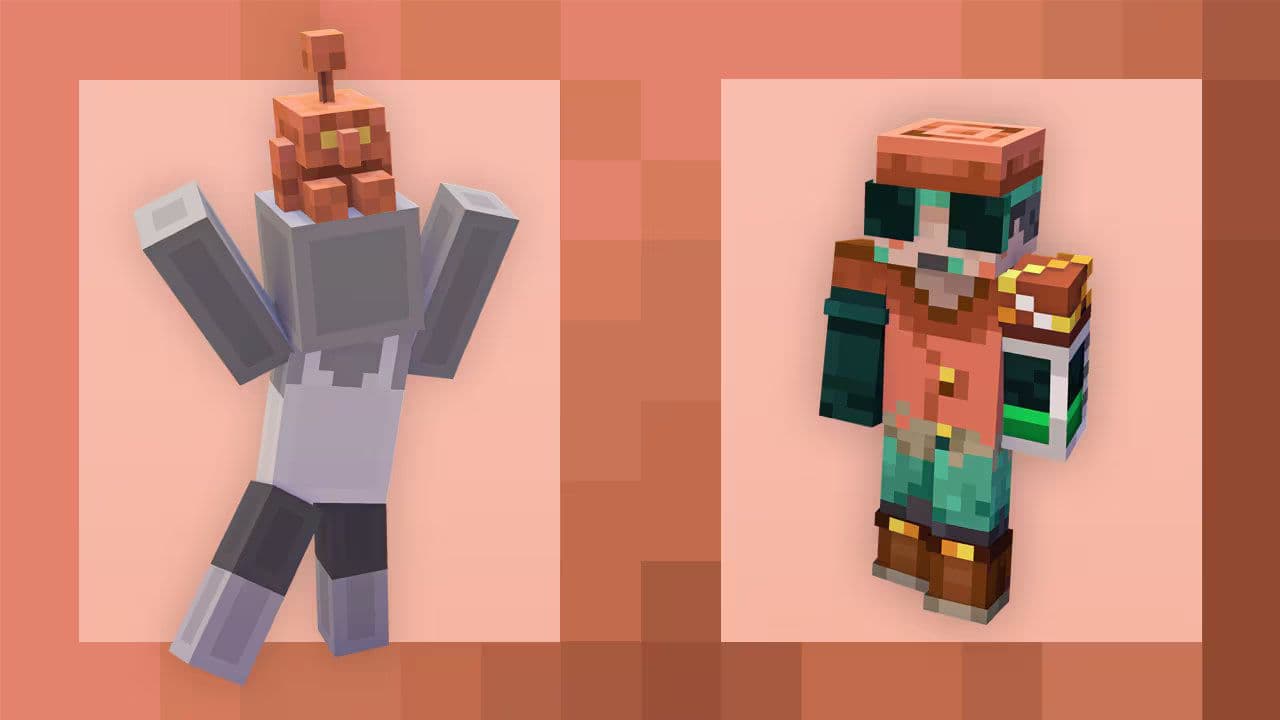
Challenge 1: Summon Copper Golems (Community Task)
The first challenge runs from Sept 30 @ 8 AM PDT until Oct 6 @ 10 AM PDT.
The community must together summon 75 million copper golems within that window.
To summon a copper golem:
- Carve a pumpkin using shears.
- Craft a copper block (requires 9 copper ingots).
- Place the carved pumpkin on top of the copper block.
Every valid summoning counts, whether you’re in Survival or Creative. Once the community goal is reached, the next challenge is unlocked for everyone.
Challenge 2: Organize Items with Copper Golems (Community Task)
After Challenge 1 ends, the second challenge begins the next week (from Oct 7 @ 8 AM PDT to Oct 13 @ 10 AM PDT).
In Challenge 2, players must organize a total of 500 million items using copper golems. That means using golems to sort or move items (inventory / storage cleanup tasks).
Your regular play will often count toward this. You don’t need to do anything extra beyond using golems to help sort and organize.
Challenge 3: Individual Task (Personal Task for Each Player)
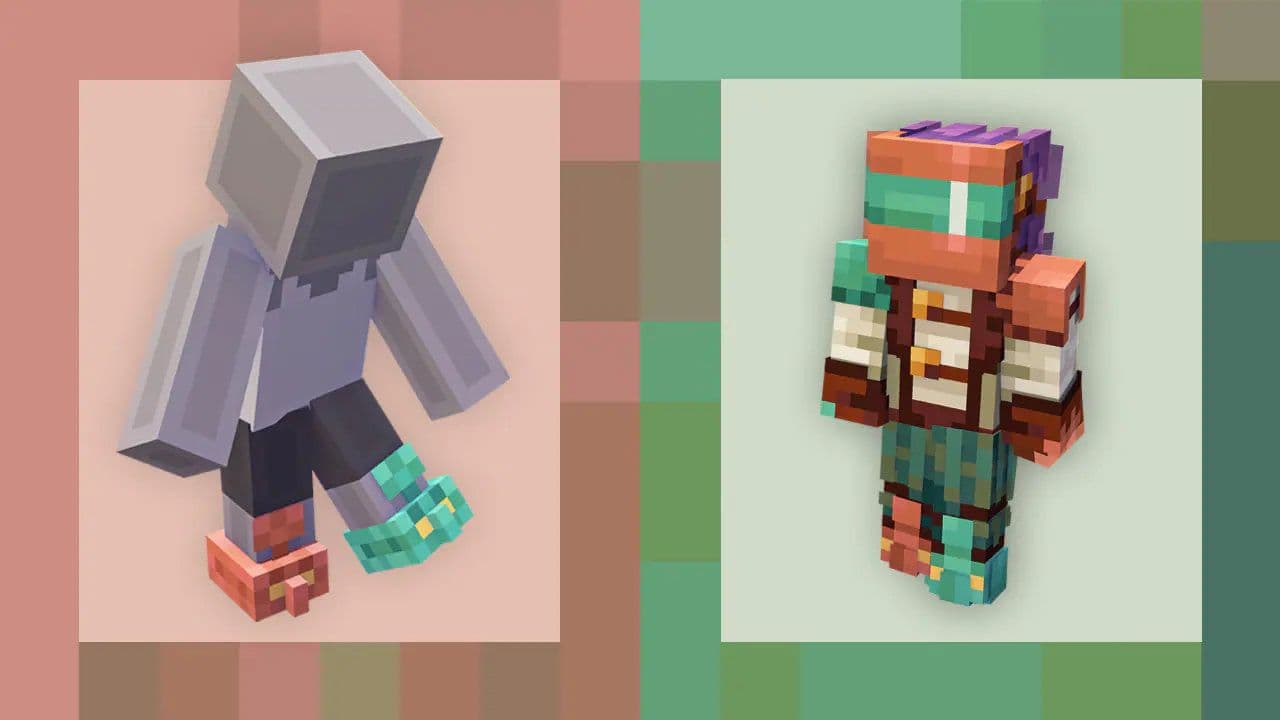
Once both community challenges (1 and 2) are completed, Challenge 3 unlocks for each player. Do one of these to earn the cape:
- Place a copper golem statue in a Bedrock world before the deadline.
- Complete a WatchTime Quest — watch 5 min on Twitch or 3 min on TikTok, then redeem the code by Nov 19.
- Get a code at MCC / TwitchCon San Diego (Oct 17–19) and redeem by Nov 19.
Cape arrives in your Dressing Room by Oct 31. One per account.
5 things to watch out for during the Copper Cape Quest
- Don’t skip windows: All challenges run during specific times only.
- Keep track of the announcements: Minecraft informs players when each challenge starts and ends.
- You must complete all three challenges to receive the cape — failing one means no cape.
- Participation across editions is separate: Finishing the quests in Java doesn’t automatically trigger the cape in Bedrock if you didn’t do the tasks there.
- Every summon helps: Even if you can’t summon many golems, your contribution counts toward the community goal.
To get the Copper Cape in Minecraft, players must stay active throughout the Copper Cape Quest, completing all three challenges before their deadlines. Each stage — from summoning copper golems to organizing items and finishing your personal task — brings you closer to unlocking this unique cosmetic. Stay updated, play with the community, and don’t miss your window to claim the Copper Cape before it’s gone.
What to know more about the Copper Cape Update
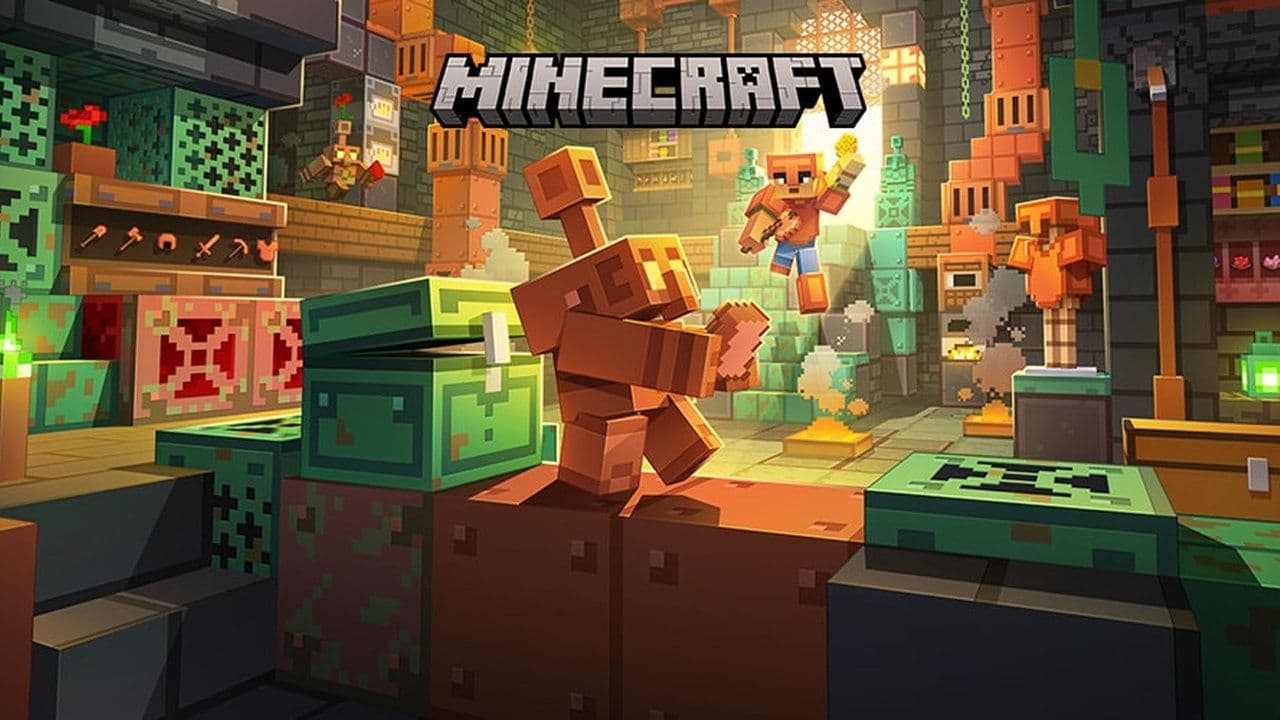
The Copper Age is the third major content drop of 2025 for Minecraft. It was officially released on September 30, 2025. It’s built around expanding the role of copper in the game — not just as a decorative metal, but as a functional, useful material. Here is how:
That’s all for today! Want to explore more? Check out these Minecraft guides:
All Related Guides
 Top 5 Minecraft 26.1 seeds you must try todayFind the best Minecraft 26.1 seeds for villages, rare biomes, island survival, and creative builds, with seed ...
 How to turn on keep inventory in MinecraftUse the correct Keep Inventory command in Minecraft and learn how it works across Java, Bedrock, servers, and ...
 How to breed tropical fish in MinecraftCan you breed tropical fish in Minecraft? Here is the clear answer, plus how to catch, move, and use tropical ...
 Minecraft Chaos Cubed guide: Everything new in the 2026 updateExplore everything new in Minecraft Chaos Cubed, including Sulfur Caves, Sulfur Cubes, geysers, new blocks, co...
 How to change render distance in MinecraftChange render distance in Minecraft with simple steps for Java and Bedrock, plus tips to balance better visibi...
 How to grow mangrove trees in MinecraftFind out how to grow mangrove trees in Minecraft with simple steps, growth requirements, farming tips, and com...
 How to craft a name tag in MinecraftLearn how to craft a name tag in Minecraft, how to use it with an anvil, and why it matters for pets, mobs, an...
 Here is how to make a water elevator in MinecraftHere’s how to make a water elevator in Minecraft, including the materials you need and why your bubble column ...
- 1
- 2
- 3
- 4
- 5
- 6
- 7
- 8