How to follow people on Roblox
Follow players fast on Roblox
Roblox isn’t just a place to play, it’s a massive social universe. Knowing how to follow people on Roblox is one of the most important basics, because it lets you track players, join their games instantly, and stay connected with creators, friends, and developers.
In this guide, we’ll walk you through everything step-by-step, including how following works on PC, mobile, and console, and the key tips experienced Roblox players use to manage their social network safely.
What does following someone on Roblox mean?
Following is a feature that lets you keep track of another user without sending a full Connection request (formerly called a Friend request).
When you follow someone on Roblox, you can:
- See their profile easily
- Join their experience if they allow followers to join
- Stay updated with their activity
- Keep track of creators, developers, or friends
Following is different from Connections. It’s one-way and doesn’t require approval.
How to follow People on Roblox (PC)
This is the exact process for how to follow people on Roblox:
- Log into Roblox: Open the Roblox website or app and sign in with your username and password. You must be logged in to follow users.
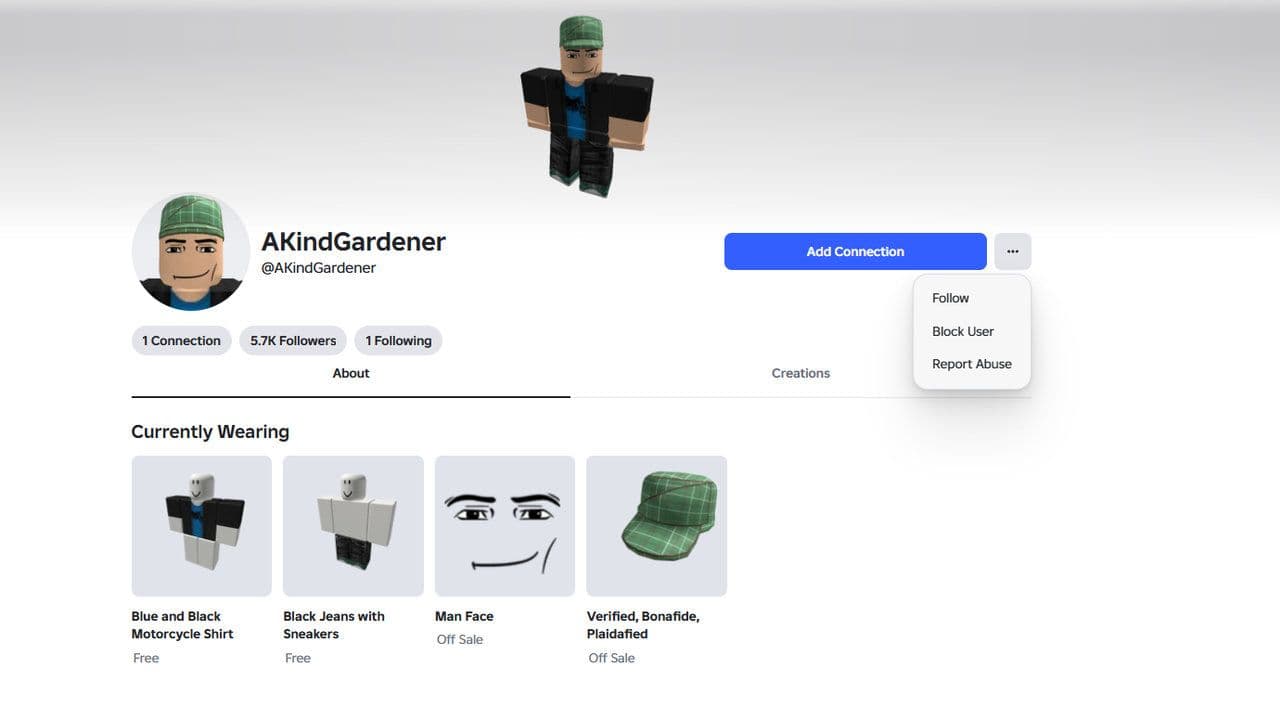
- Search for the user: Use the Search bar at the top and enter their username or display name. Press Enter and select the correct profile from the results.
- Open their profile: Click their name to open their profile page, where you can view their avatar, followers, connections, and experiences.
- Click Follow: Click the three dots (⋯) next to their username and select Follow. You’re now following them, and you can unfollow anytime from the same menu.
How to follow people on Roblox Mobile
The process is almost identical. Steps:
- Open the Roblox app
- Tap the Search icon
- Enter the username
- Open the profile
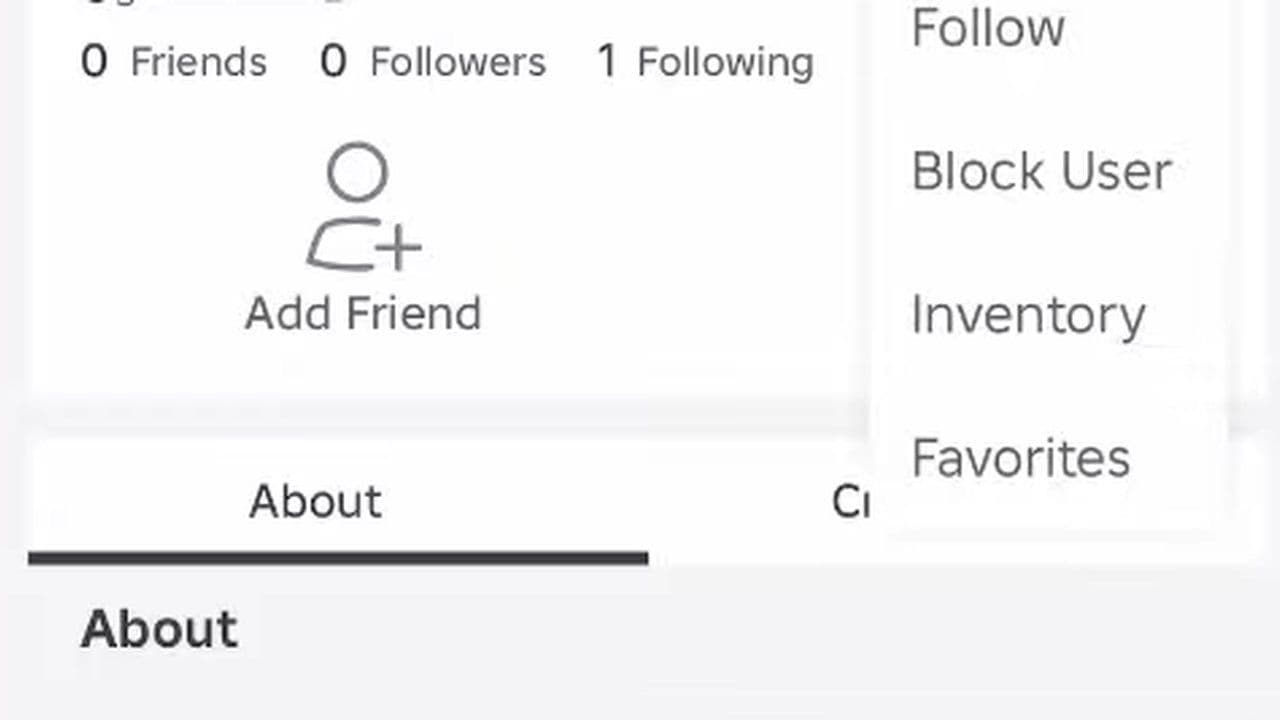
- Tap the three dots (⋯)
- Tap Follow
This works on:
- iPhone
- Android
- Tablet
How to join someone’s game after following them
One of the biggest benefits of following is joining their experience. If the user allows it:
- Go to their profile.
- Click Join Experience
You will enter their server.
If you don’t see this button, their privacy settings may block it.
Why can’t you follow someone on Roblox?
If you can’t follow someone on Roblox, it’s usually caused by privacy settings, account limits, or connection requirements. Here are the main reasons and quick fixes:
- Their privacy settings block followers
- Send them a Connection request instead
- Wait for them to allow followers
- Roblox glitch or Follow button missing
- Refresh the page
- Restart the Roblox app
- Update Roblox
- Try another device
- Your account has restrictions (Under 13 or parental controls)
- Go to Settings → Security → Parental Controls
- Disable restrictions if allowed
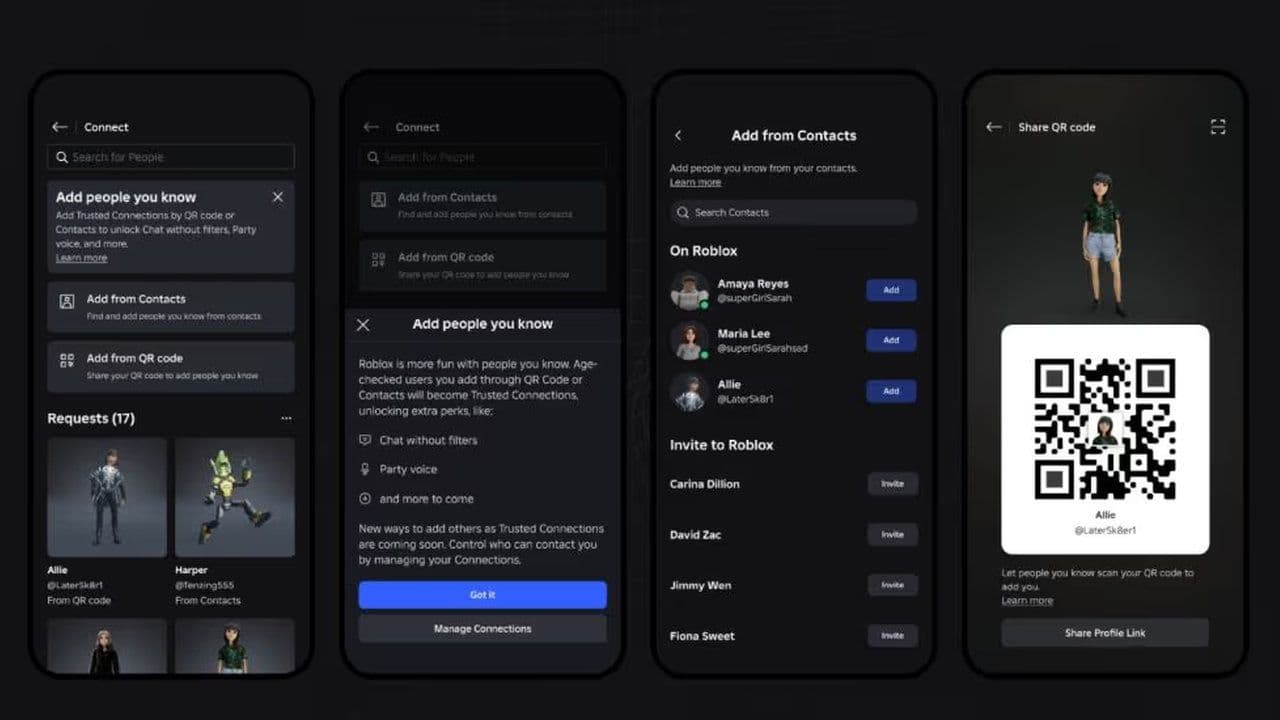
- They use Trusted Connections instead of followers: Some users prefer Trusted Connections for communication:
- Send a Connection request
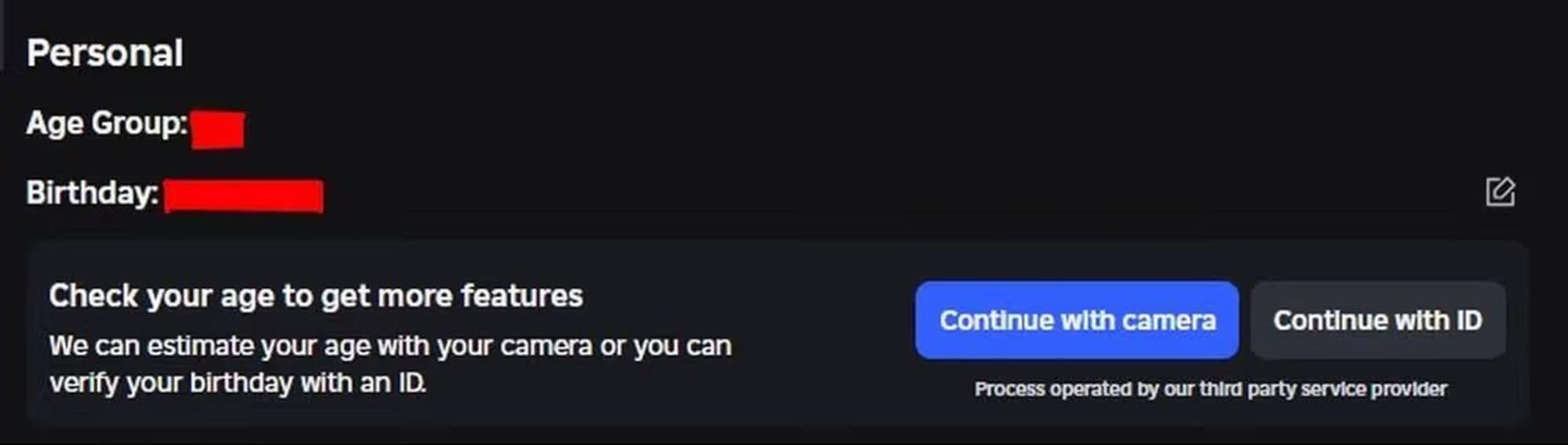
- Complete age verification
- Ask them to add you as a Trusted Connection. Trusted Connections unlock:
- Voice chat
- Better messaging
- More interaction features
- You were blocked: You can’t follow them unless they unblock you
- Temporary Roblox delay
- Wait a few minutes
- Try again later
Use Follow for casual tracking, and Trusted Connections for deeper interaction and communication.
How to unfollow someone on Roblox
Steps:
- Open their profile.
- Click:
- Three dots (⋯)
- Click Unfollow
Done.
Safety tips when following people
Follow only people you trust.
Avoid:
- Scams
- Fake accounts
- Suspicious users
Never share:
- Password
- Personal information
You can block or report users anytime.
4 benefits of following people on Roblox
- Join games faster
- Track creators
- Find friends easily
- Stay connected
Now you know exactly how to follow people on Roblox, including mobile, PC, and console steps. Following lets you quickly find players, join their experiences, and stay connected with creators, friends, and developers across PC, mobile, and console.
If you ever can’t follow someone, the issue is usually caused by privacy settings, account restrictions, or the need to use Trusted Connections, which unlock deeper features like voice chat and better communication. You can also unfollow users anytime and manage your network safely by avoiding suspicious accounts and protecting your personal information.
That’s all for today! Want free Roblox items? Check out these:
All Related Guides
 How to get Dark Ring in Roblox Sailor Piece fastLearn how to get Dark Rings fast in Sailor Piece, including Jinwoo boss location, drop rate, respawn timer, an...
 Opera GX Forsaken rewards guide (2026)Opera GX Forsaken rewards guide: unlock exclusive skins, XP Boosters, Killer Chance Tokens, and daily event re...
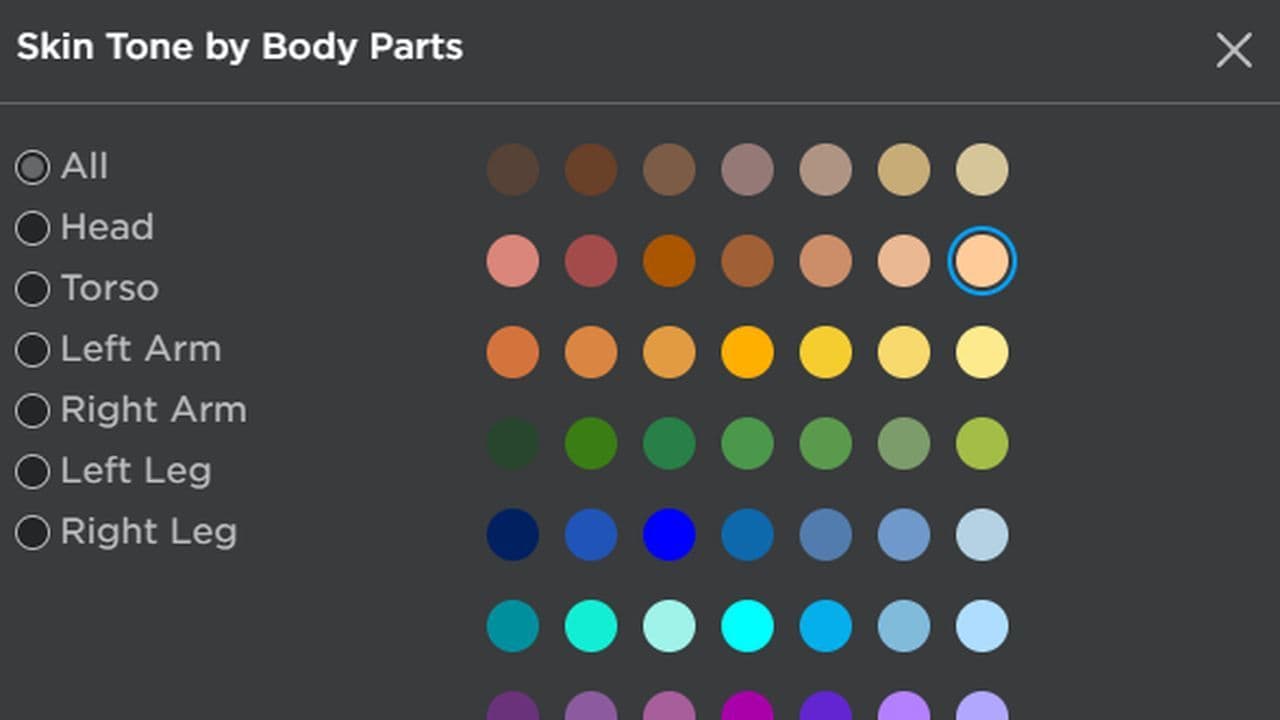 All Roblox color codes list & how to use themComplete Roblox color codes guide: BrickColors, RGB values, Color3, HEX conversion, and how to use colors in R...
 Guide to the Roblox Bite By Night x Medal Quest: Get your free Fighter Class skinRoblox Bite By Night x Medal Quest guide: how to unlock the free Fighter Class Skin fast and redeem the reward...
 What is Roblox Reality? A detailed look at Roblox’s new hybrid architectureWhat is Roblox Reality? Learn how Roblox’s new AI-powered hybrid architecture brings photorealistic multiplaye...
 What is Roblox Plus? Benefits, Robux, Premium changes & how to get itWhat is Roblox Plus? Learn benefits, pricing, Robux bundles, Premium changes, private servers, and whether Plu...
 How to cancel Roblox PremiumLearn how to cancel Roblox Premium on mobile, PC, iPhone, and Android with simple steps to stop renewal and av...
 How to change your avatar in RobloxRoblox Avatar Switcher lets you swap saved avatars in game. Learn how it works, where to find it, and how to c...
- 1
- 2
- 3
- 4
- 5
- 6
- 7
- 8
- 9
- 10