What are trusted connections on Roblox and how to add or remove them
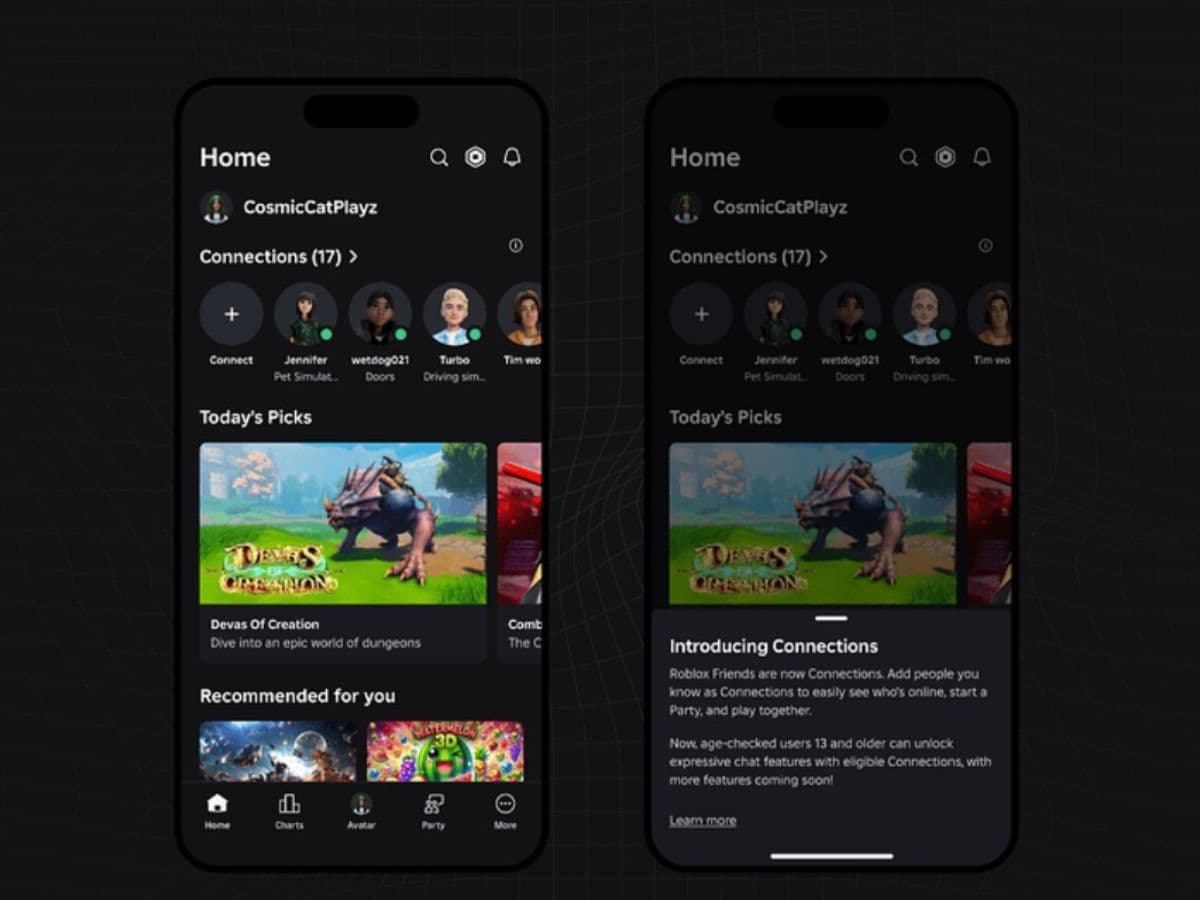
Roblox keeps expanding how players connect and communicate, but it also tightens safety rules at the same time. The platform now uses Connections as the core way to link with other players, and it adds Trusted Connections for people you know in real life. Considering the recent updates, this is an important setting to know if you want to keep chatting with your friends. Here is what trusted connections are and how to add or remove them in Roblox!
What are Trusted Connections on Roblox?
A Trusted Connection is a special type of Connection that Roblox reserves for people you know and trust. Roblox designs it as a two-way status. If either person removes the Trusted label, Roblox removes it for both sides.
Trusted Connections mainly exist for communication. When Roblox confirms eligibility, it can unlock:
- Party Voice, which enables real-time voice chat inside a Party with your Connections.
- Chat without filters, which reduces automatic text filtering in eligible chats, while Roblox still blocks some content types.
Roblox also keeps its safety enforcement active in these spaces. Roblox monitors conversations for critical harm and still enforces its Community Standards.
Connections vs Trusted Connections and who can use them
Connections work like the updated version of the friends system. They help you see who is online, start Parties, and join experiences together. Trusted Connections sit inside that system and unlock extra chat features for eligible users.
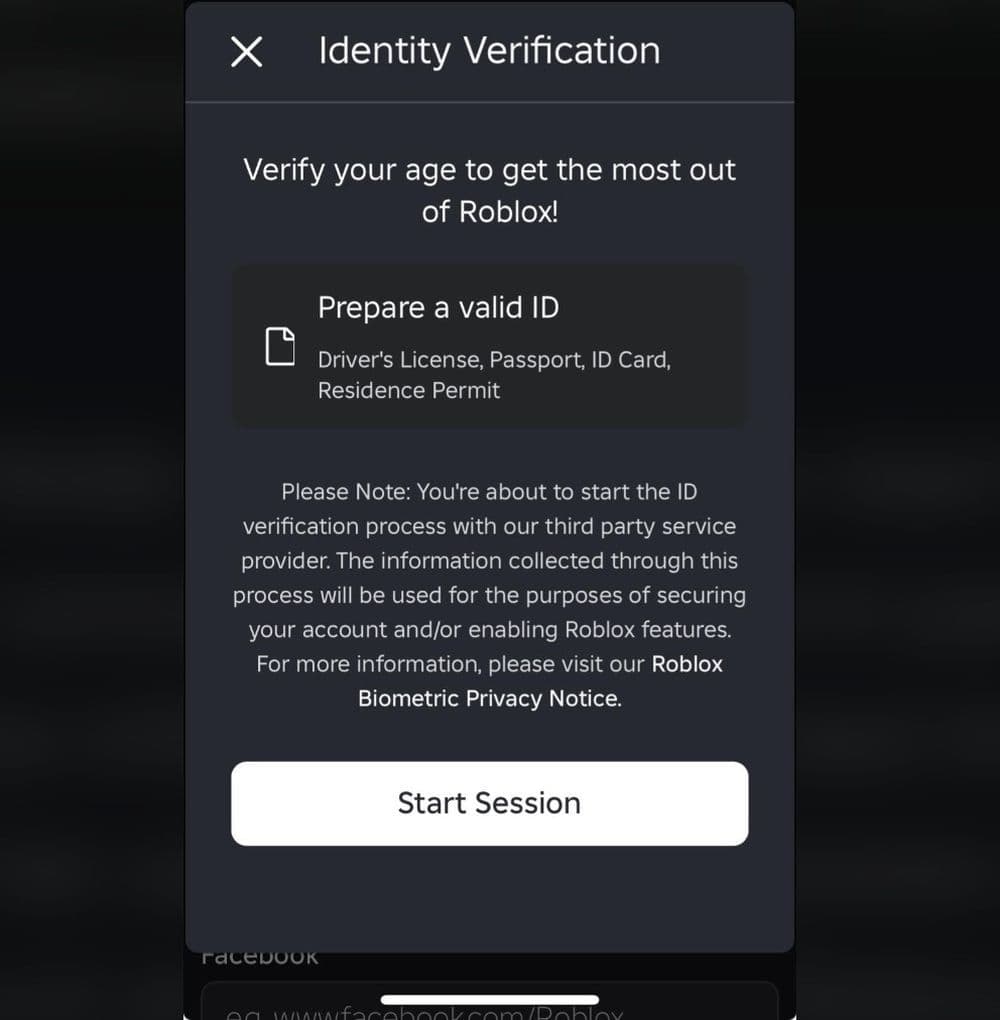
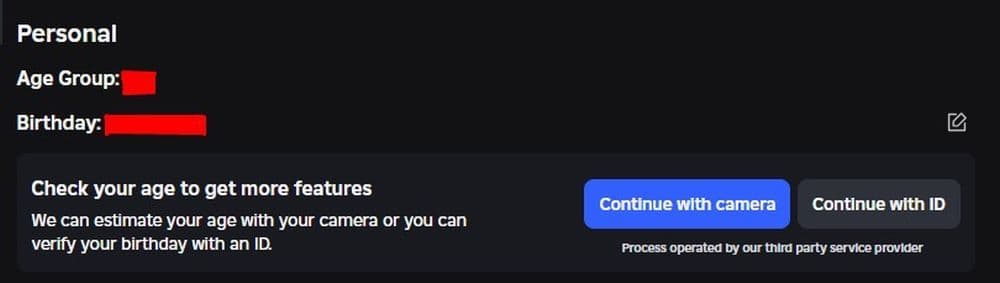
Eligibility depends on an age check. Roblox uses facial age estimation through a short selfie-style video, and Roblox also supports ID verification in many cases. Roblox assigns an age group after the check and uses that group to control feature access.
The key eligibility rules work like this:
- Under 13: Roblox does not offer Trusted Connections.
- Ages 13–17: Roblox allows Trusted Connections, but it limits cross-age Trusted Connections unless you use real-life methods.
- Ages 18+: Roblox enables expressive chat features with other age-checked adults in certain 1:1 chat cases, and it restricts adult-to-teen Trusted Connections to real-life methods.
How to add someone as a Trusted Connection on Roblox
Roblox makes Trusted Connections depend on two things: your age check and the method you use to connect. In practice, Roblox pushes users toward real-life linking methods, such as contacts and QR codes.
Step 1: Complete the Roblox age check
Use one of these options in your account flow:
- Facial age estimation with a short video selfie.
- ID verification if Roblox offers it for your account or region.
Roblox states it deletes images and video after processing for facial age estimation, and it describes separate privacy notices for biometric and facial media handling through its vendor flow.
Step 2: Add the person using the correct Trusted method
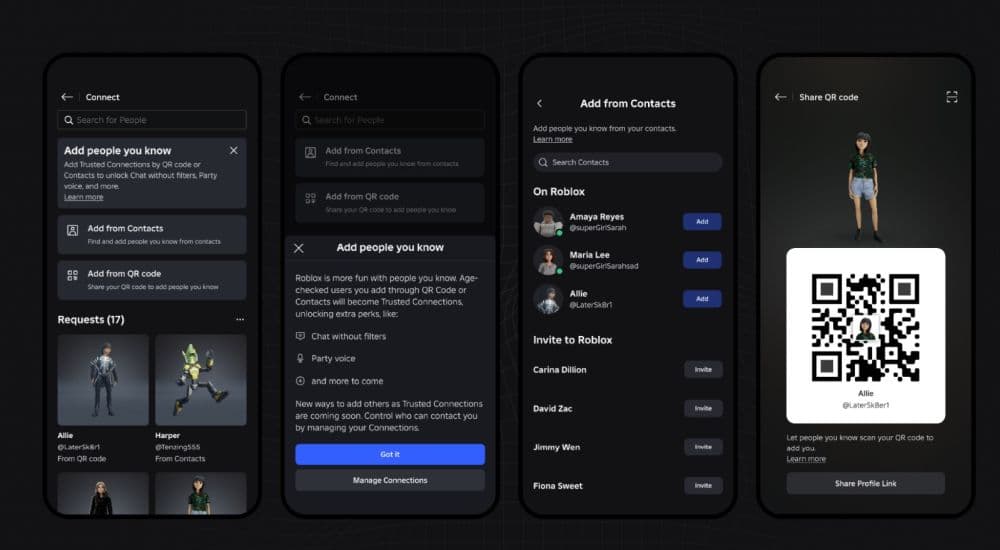
On mobile, Roblox typically routes Trusted Connections through the Connect flow that sits near the top of Home.
Use one of these real-life methods:
- Contact Importer: Roblox matches eligible people from your phone contacts or lets you accept requests that start from contacts.
- QR code: You show your Roblox QR code for a friend to scan, or you scan theirs.
If the other person does not complete an age check yet, Roblox may add them as a regular Connection first. Roblox can upgrade the relationship after the other person completes the age check and meets eligibility.
Step 3: Confirm the Trusted status and test features
After you connect, you can confirm status in the Connections area or on the user profile menu. Then test Party Voice inside a Party or test the chat experience in a direct conversation, based on eligibility rules.
Roblox voice chat age requirement: 13+ vs 18+
Roblox voice chat is 13+, not 18+. Roblox requires an age check, and it limits voice access to eligible age groups and to experiences that support voice. You can also turn voice on in settings after you complete the age check.
How to remove a Trusted Connection
Roblox gives you two clean options:
- Remove Trusted Connection to downgrade the person to a regular Connection.
- Remove Connection to disconnect fully.
Roblox keeps reporting tools active in these relationships, and Roblox still enforces its standards even in less filtered chat.
Check out these guides as well:
- Latest Roblox One Touch codes and how to use them
- Roblox Hunters codes: How to redeem rewards
- New Roblox Peroxide codes & hair IDs
- Latest Roblox Elemental Dungeons codes & how to redeem them
- New Roblox Project Mugetsu codes & how to redeem them
Featured Image Credit: Roblox
All Related Guides
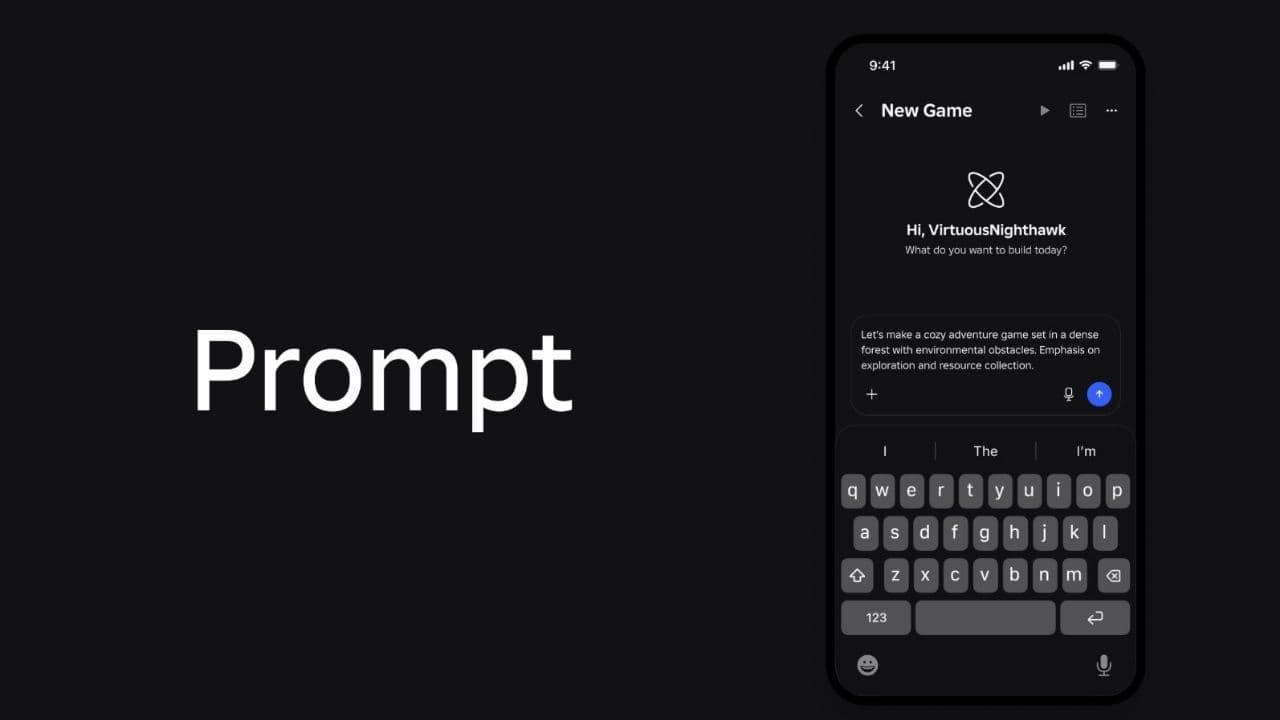 How to connect Claude to Roblox StudioConnect Claude to Roblox Studio with the current MCP method and see how Claude can work with your scripts and ...
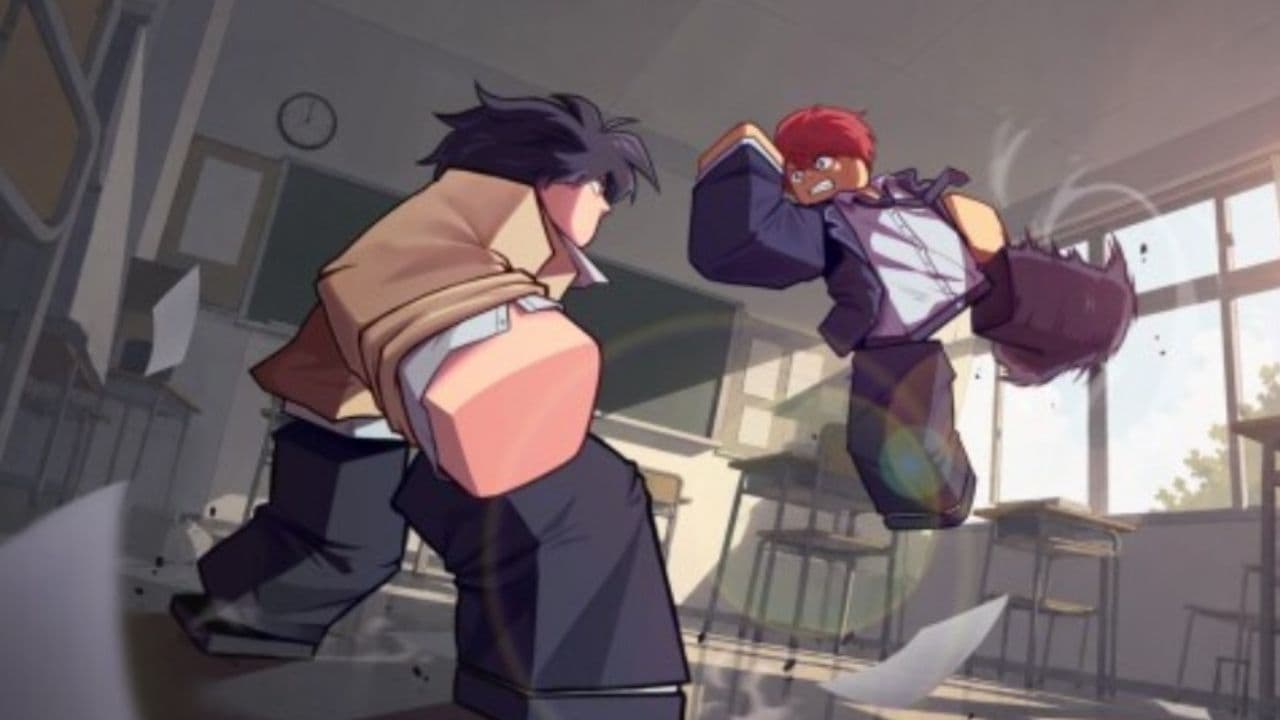 How to fight in Gakuran RobloxLearn how to fight in Gakuran Roblox, from basic attacks to blocking, parrying, posture, and fighting styles....
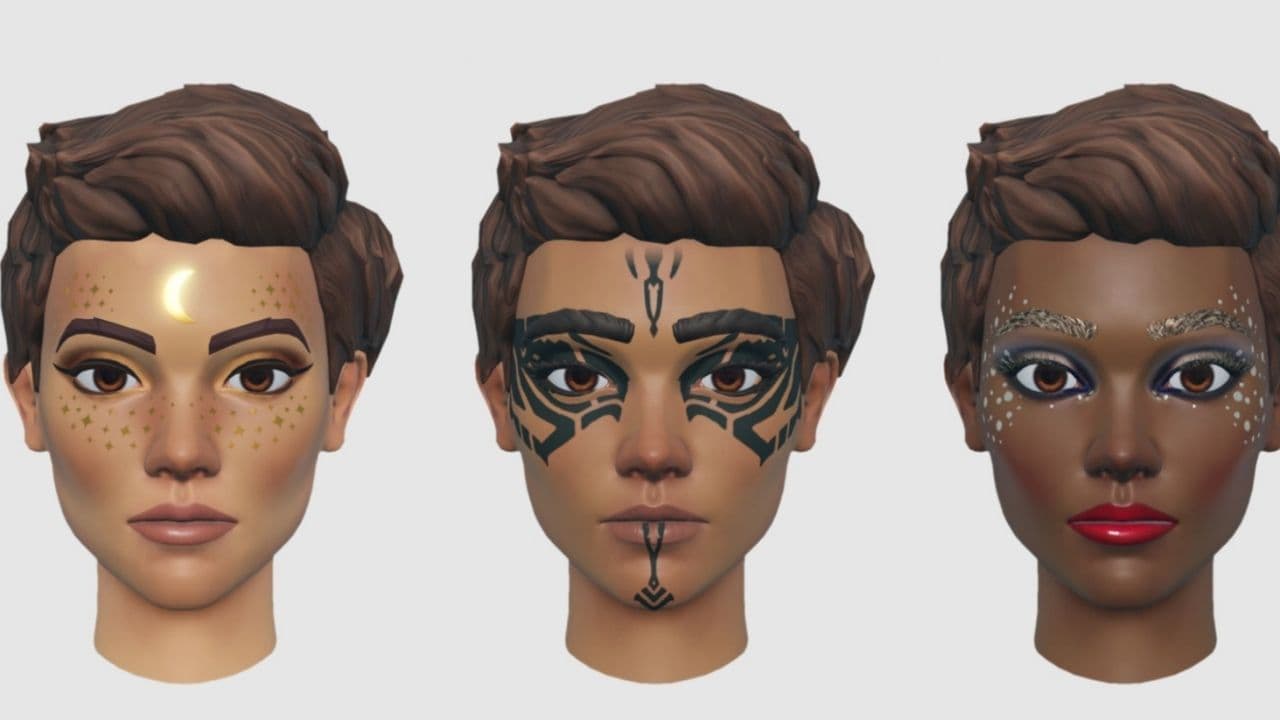 How to get a free avatar in RobloxFind out how to get a free Roblox avatar without spending Robux, from free character bundles to Marketplace it...
 How to reduce lag in Roblox: Comprehensive guideRoblox feeling slow or choppy? Find out how to reduce lag in Roblox and improve your game with a few simple ch...
 How to check Roblox player countHow many people play Roblox in 2026? Check the latest Roblox player count and learn what the numbers actually ...
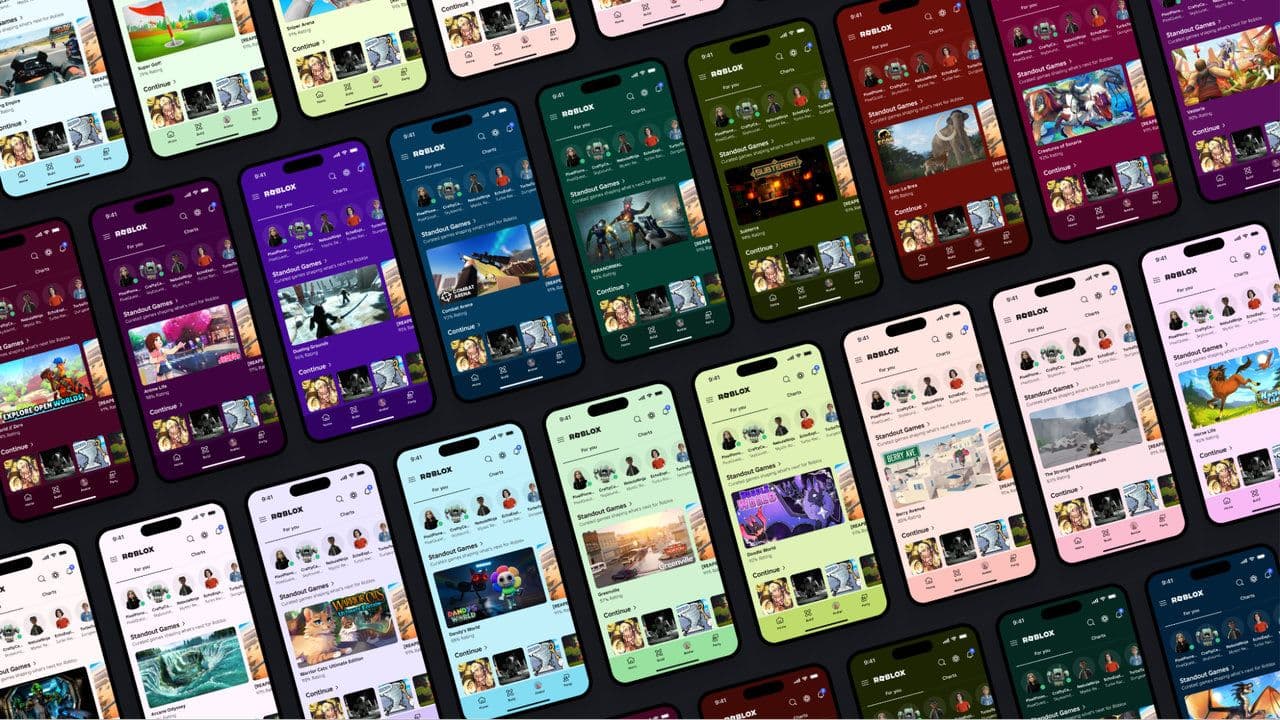 App Themes: How to change a Roblox Background (2026)Here’s how to change your Roblox background and theme, including Roblox Plus themes, Dark Mode, Light Mode, an...
 Roblox Safety Dashboard: How to check account status & ban riskLearn how the Roblox Safety Dashboard works, check your Account Status, review recent violations, and see whet...
 How to get the Blossoming Gift of New Beginnings in Roblox (Mystery box)Learn how to get the Blossoming Gift of New Beginnings in Roblox, including Roblox Plus requirements, eligibil...
- 1
- 2
- 3
- 4
- 5
- 6
- 7
- 8
- 9
- 10
- 11
- 12