How to play Roblox on school Chromebook
Got a Chromebook handy? Here's how to launch Roblox on it and other options you have.
Roblox is one of the most popular games in the world, offering millions of user-created experiences. Some students may wonder if they can play Roblox on their school Chromebooks. While there are different methods that you can try to play Roblox on a school Chromebook, it can often be tricky as schools are aware of many of these methods and they are already blocked beforehand. However, there may be some that have been missed. In this piece, we explain how to play Roblox on school Chromebook!
Can you play Roblox on school Chromebook?
The short answer is that it depends on the school’s policies and network settings.
Most schools block platforms like Roblox to keep students focused on learning. They use firewalls and filters to stop access to gaming websites and apps. While there are ways to bypass these blocks, such as using VPNs or cloud gaming platforms, it is important to know that these methods might break school rules. Using workarounds without permission can lead to consequences, including losing access to your school Chromebook.
If your school allows certain games or you have free time for recreation, Roblox may be an option. Always follow the rules and use your Chromebook responsibly.
How to play Roblox on school Chromebook
Playing Roblox on a school Chromebook can be tricky because schools often block access to gaming platforms. However, there are ways to get Roblox running. Below are several methods you can try. Always check your school’s rules before attempting any of these methods:
Playing Roblox through a browser
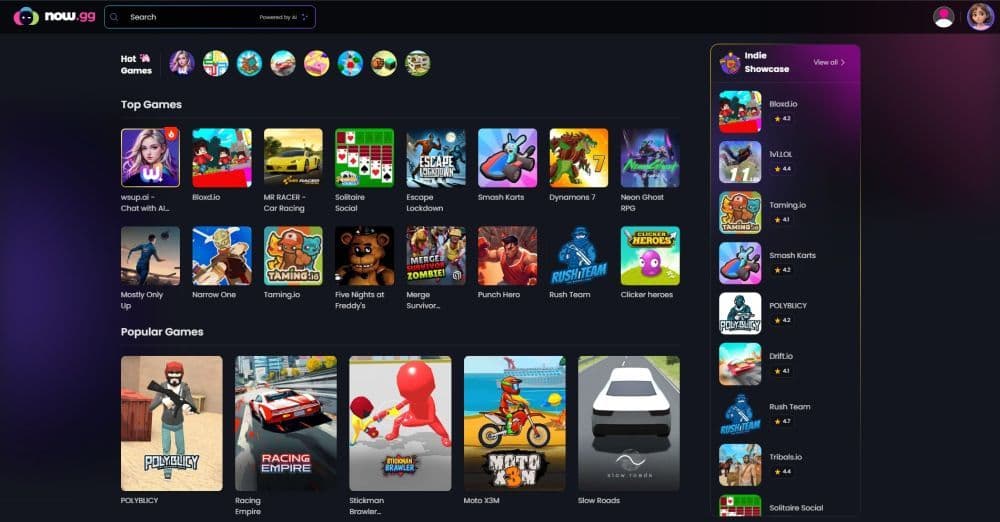
Cloud gaming platforms like Now.gg allow you to play Roblox directly in a browser:
- Open Chrome and visit Now.gg.
- Search for Roblox in the game library.
- Click on the game and log in with your Roblox account.
- Start playing Roblox in your browser.
This method avoids installing apps, but it may not work if your school blocks Now.gg or similar websites. Slow internet connections may also cause lag.
Using a VPN
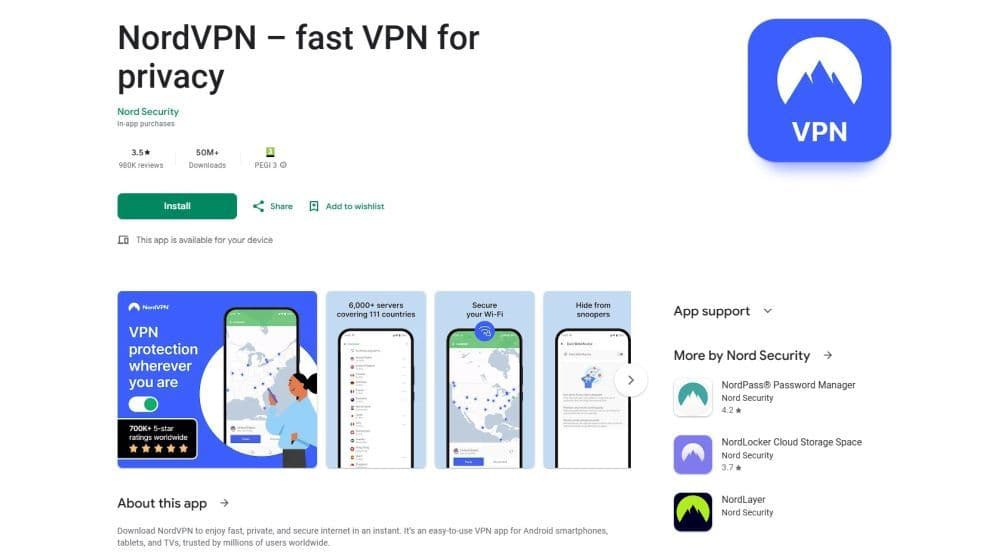
A VPN can help bypass school firewalls that block Roblox:
- Download a VPN app like NordVPN or ExpressVPN from the Play Store.
- Install the app and log in to your account.
- Connect to a VPN server to mask your IP address.
- Open the Play Store or Now.gg to access Roblox.
Using a VPN might go against your school’s rules. Many schools also block VPNs, so this method may not always work.
Enabling Developer Mode
Developer Mode allows you to install apps that aren’t available through the Play Store:
- Back up all your data because enabling Developer Mode erases everything on your Chromebook.
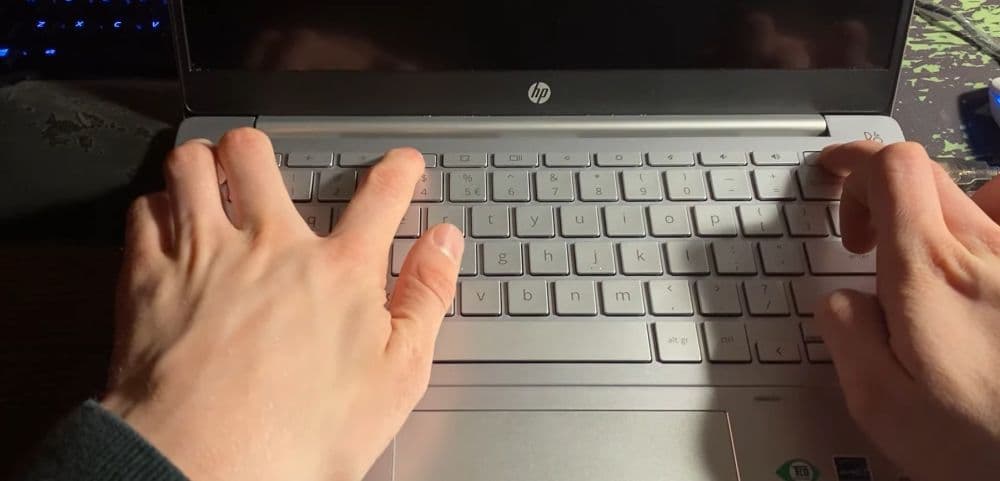
- Restart your Chromebook and press Esc + Refresh + Power to enter recovery mode.
- Follow the on-screen prompts to enable Developer Mode.
- Download the Roblox APK file on another device from a trusted source.
- Transfer the APK file to your Chromebook and install it.
This method is risky and technical. It can reduce your Chromebook’s security and may not be worth the effort for casual gaming.
Using proxy servers
Proxy servers allow you to bypass restrictions by rerouting your connection:
- Search for a reliable proxy website.
- Enter the Roblox URL into the proxy’s search bar.
- Log in to your Roblox account and start playing.
Proxy servers can be slow and unreliable. Schools often block proxy websites, so this method may only work in rare cases.
Using cloud gaming platforms
Platforms like Crazygames or Now.gg stream Roblox directly to your browser.
These platforms don’t require installation, making them easy to use:
- Visit the platform’s website in Chrome.
- Search for Roblox in the library of games.
- Select Roblox, log in, and play directly in the browser.
Cloud gaming depends on a stable internet connection. If the internet is slow or the site is blocked, this method won’t work well.
Google Play Store
Some Chromebooks support the Google Play Store, making this the easiest option:
- Open Settings on your Chromebook.
- Go to Apps and enable the Google Play Store if it isn’t already turned on.
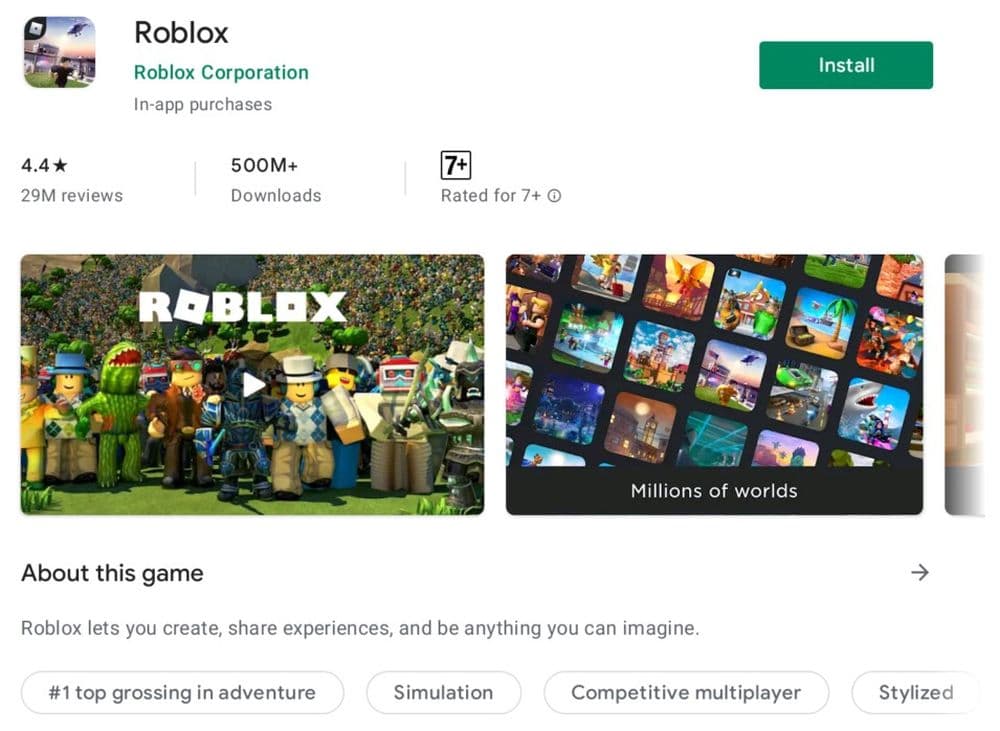
- Open the Play Store and search for "Roblox."
- Click Install to download the app.
- Launch Roblox, log in, and start playing.
This method works only if your school has not restricted the Google Play Store. It will most likely not work, but trying wouldn’t hurt.
Best Roblox games to play on a Chromebook
Once you have Roblox up and running on your Chromebook, it’s important to pick games that are lightweight and run smoothly. Some games are better suited for low-powered devices like Chromebooks, offering great performance without compromising on fun.
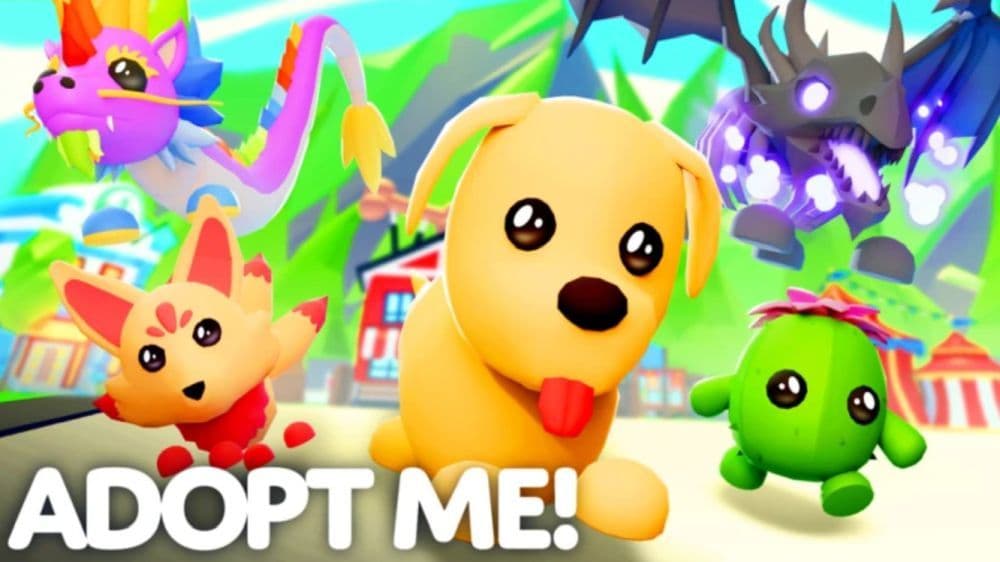
Adopt Me!
One of the best games to try is Adopt Me!. This role-playing game is ideal for all ages, letting players adopt pets, decorate homes, and explore a vibrant world. Its simplicity makes it easy to run, even on devices with limited power.
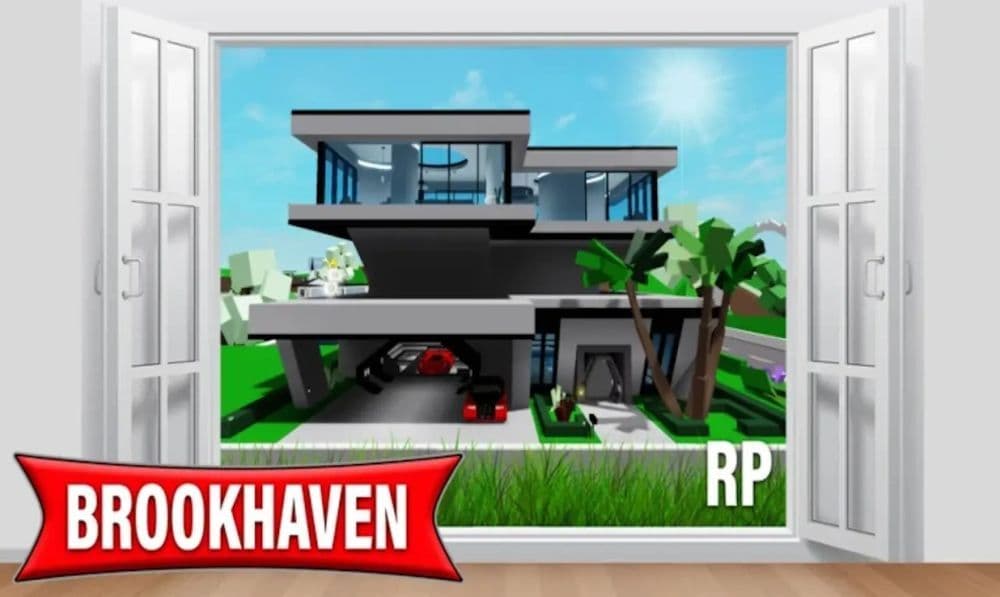
Brookhaven
Brookhaven is another great option. It provides a casual experience where players can explore a modern town, interact with others, and customize their characters. The lack of heavy graphics or objectives ensures smooth performance on most Chromebooks.
Tower of Hell
For players who enjoy challenges, Tower of Hell is a popular obstacle course game. It tests your parkour skills with randomly generated levels that become progressively harder. Its fast-paced gameplay keeps you engaged while running efficiently on Chromebooks

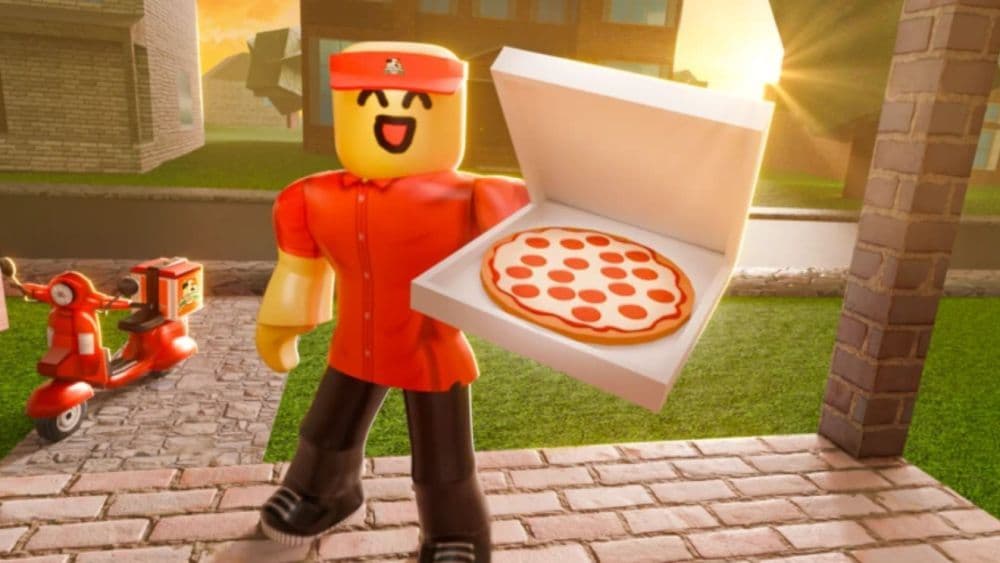
Pizza Place
If you prefer simulation games, Work at a Pizza Place is a fantastic choice. Players take on roles like cashier, cook, or delivery driver in a virtual pizza restaurant. The cooperative tasks and simple mechanics make it a fun, low-stress game for all types of players.
Murder Mystery 2
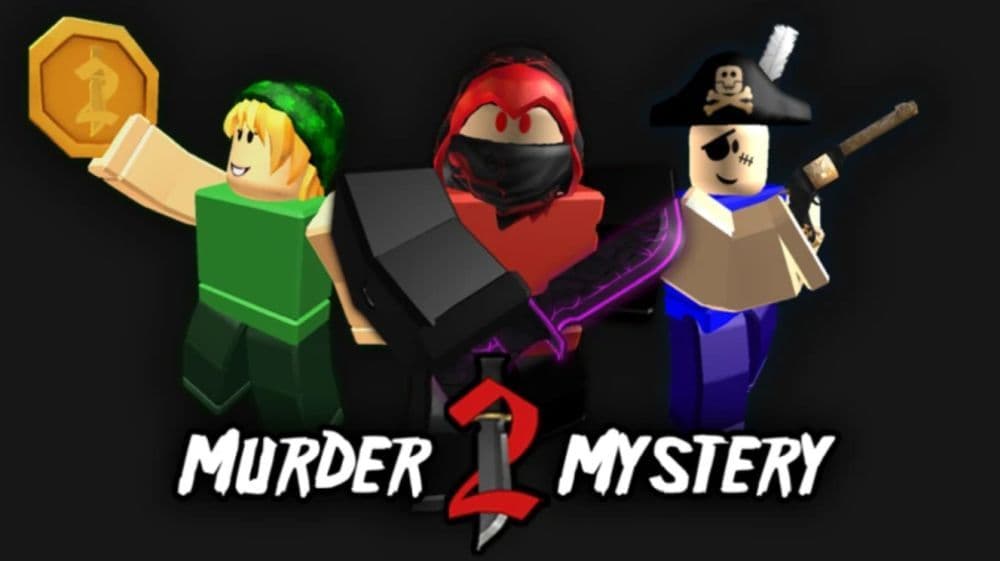
Lastly, Murder Mystery 2 is perfect for those who enjoy social deduction games. In this suspenseful title, players take on roles as Innocents, Sheriffs, or Murderers and must work together to solve the mystery. Its minimalistic graphics and quick rounds make it suitable for Chromebooks. Check out our piece on free Murder Mystery 2 codes!
Why do schools block Roblox?
Schools block Roblox for several reasons. Their main goal is to create a safe and focused environment for learning. Here are a couple of those reasons:
- Reducing Distractions: Roblox is designed to be engaging, which can make it distracting. Schools block it to ensure students stay focused on their studies.
- Managing Bandwidth: Roblox requires a lot of internet bandwidth, especially for multiplayer games. This can slow down the network, affecting other educational activities.
- Protecting Students: User-generated games on Roblox sometimes include inappropriate content. Schools block the platform to protect students from such material.
- Ensuring Online Safety: Roblox has chat features and online interactions that can expose students to risks. Schools block it to reduce the chances of cyberbullying or exposure to harmful conversations.
- Following Policies: Schools follow regulations like the Children’s Internet Protection Act (CIPA), which requires blocking non-educational websites. Blocking Roblox helps them comply with these rules.
Check out these Roblox guides as well:
- Roblox Anime Reborn: Codes & everything you need to know
- Roblox Driving Empire codes
- Active It Girl Roblox codes & how to redeem them
- All working Roblox Pixel Piece codes
Featured image credit: Roblox
All Related Guides
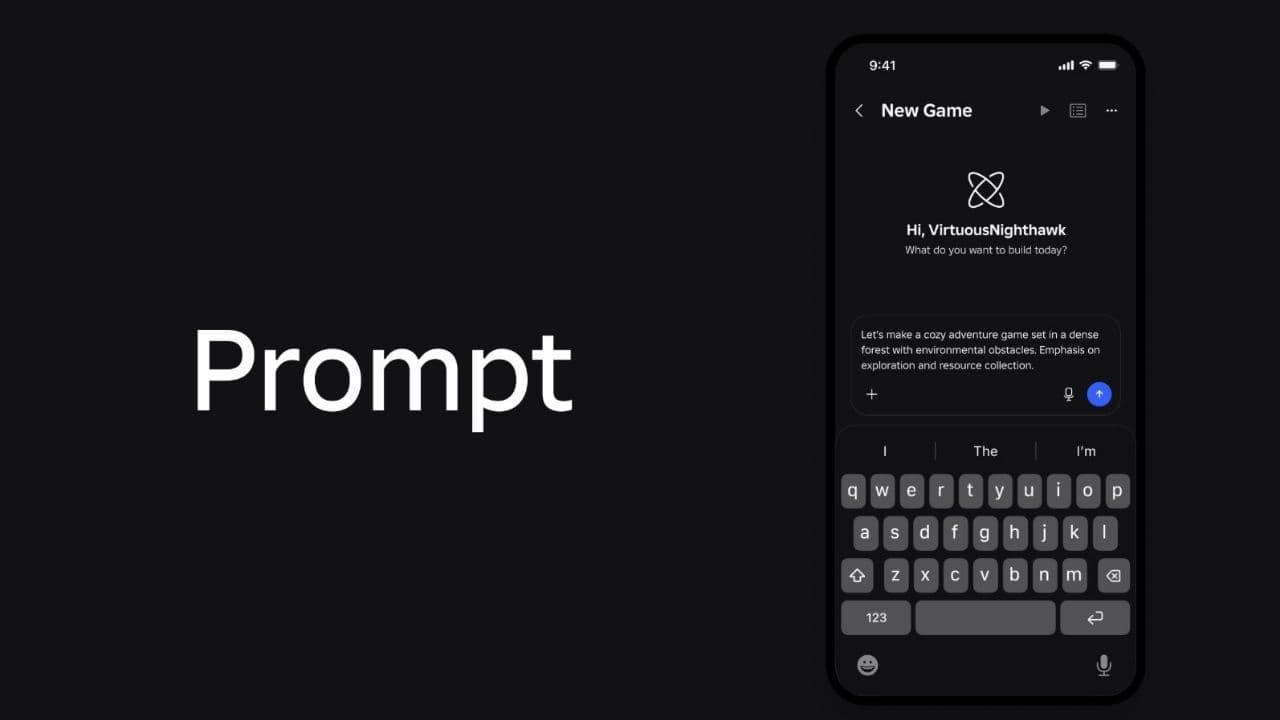 How to connect Claude to Roblox StudioConnect Claude to Roblox Studio with the current MCP method and see how Claude can work with your scripts and ...
 How to fight in Gakuran RobloxLearn how to fight in Gakuran Roblox, from basic attacks to blocking, parrying, posture, and fighting styles....
 How to get a free avatar in RobloxFind out how to get a free Roblox avatar without spending Robux, from free character bundles to Marketplace it...
 How to reduce lag in Roblox: Comprehensive guideRoblox feeling slow or choppy? Find out how to reduce lag in Roblox and improve your game with a few simple ch...
 How to check Roblox player countHow many people play Roblox in 2026? Check the latest Roblox player count and learn what the numbers actually ...
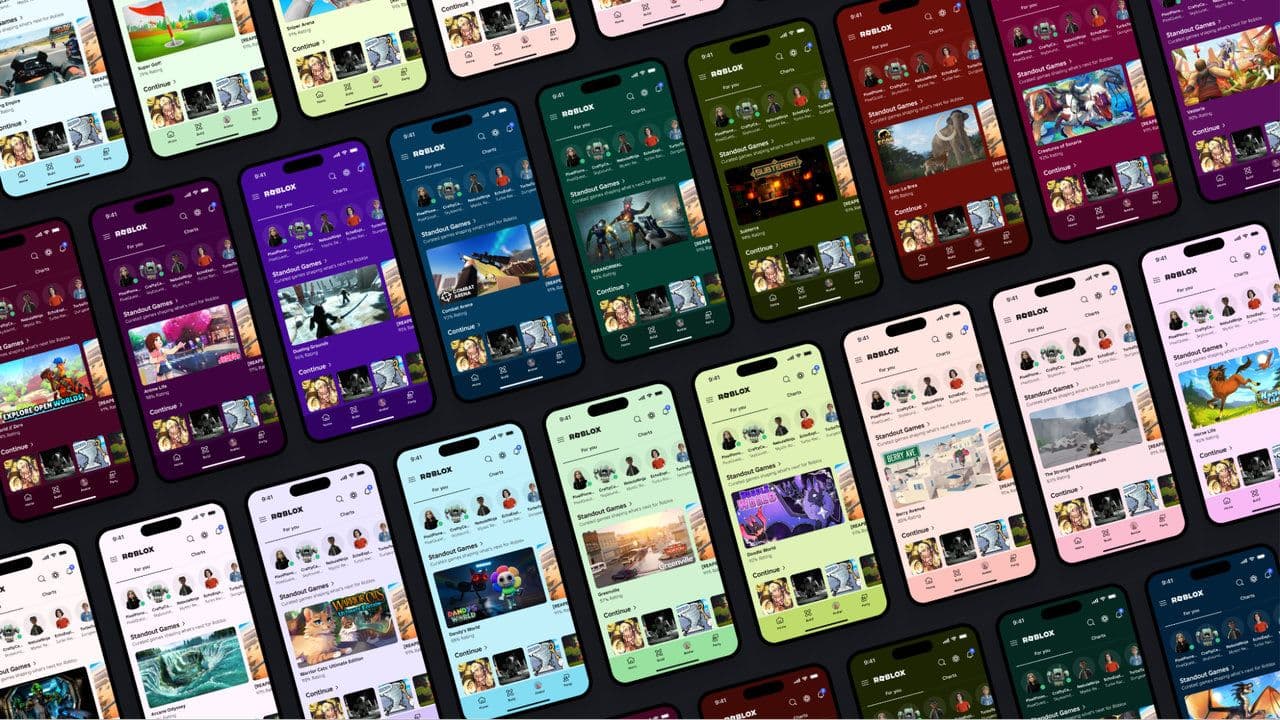 App Themes: How to change a Roblox Background (2026)Here’s how to change your Roblox background and theme, including Roblox Plus themes, Dark Mode, Light Mode, an...
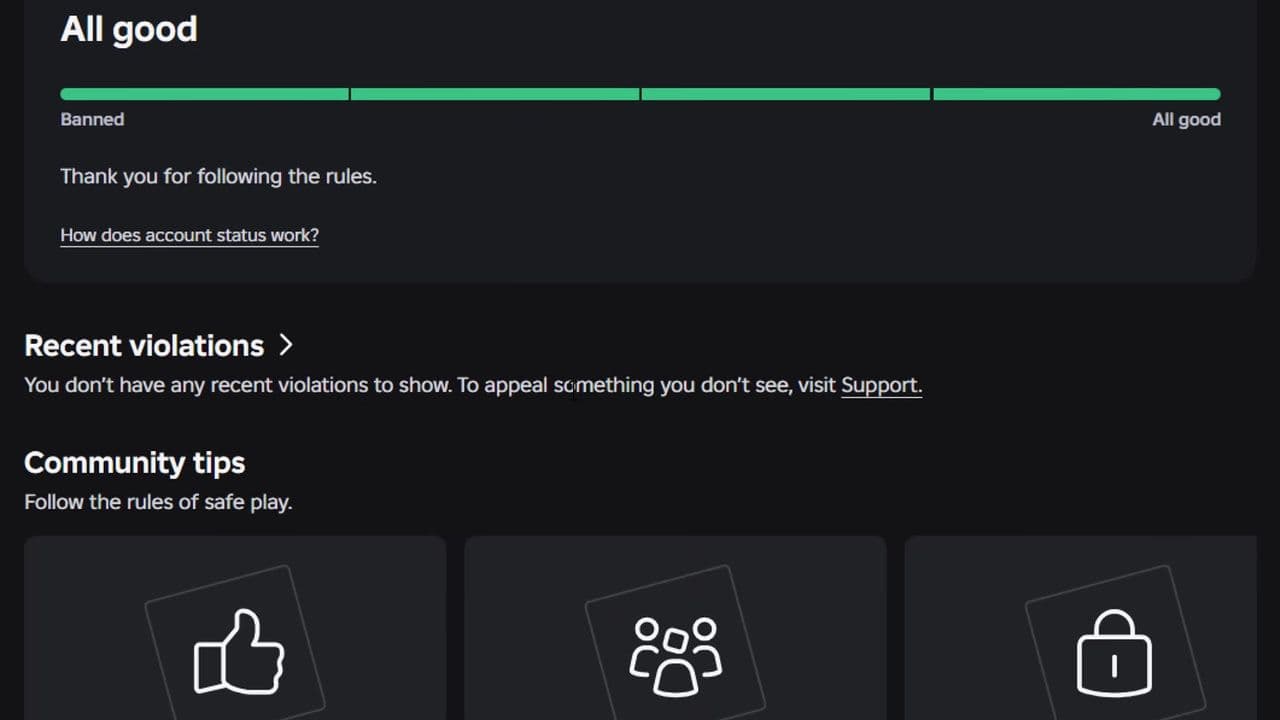 Roblox Safety Dashboard: How to check account status & ban riskLearn how the Roblox Safety Dashboard works, check your Account Status, review recent violations, and see whet...
 How to get the Blossoming Gift of New Beginnings in Roblox (Mystery box)Learn how to get the Blossoming Gift of New Beginnings in Roblox, including Roblox Plus requirements, eligibil...
- 1
- 2
- 3
- 4
- 5
- 6
- 7
- 8
- 9
- 10
- 11
- 12