Roblox Practical Basketball: What It Is, How to Play, and the Full Controls Guide
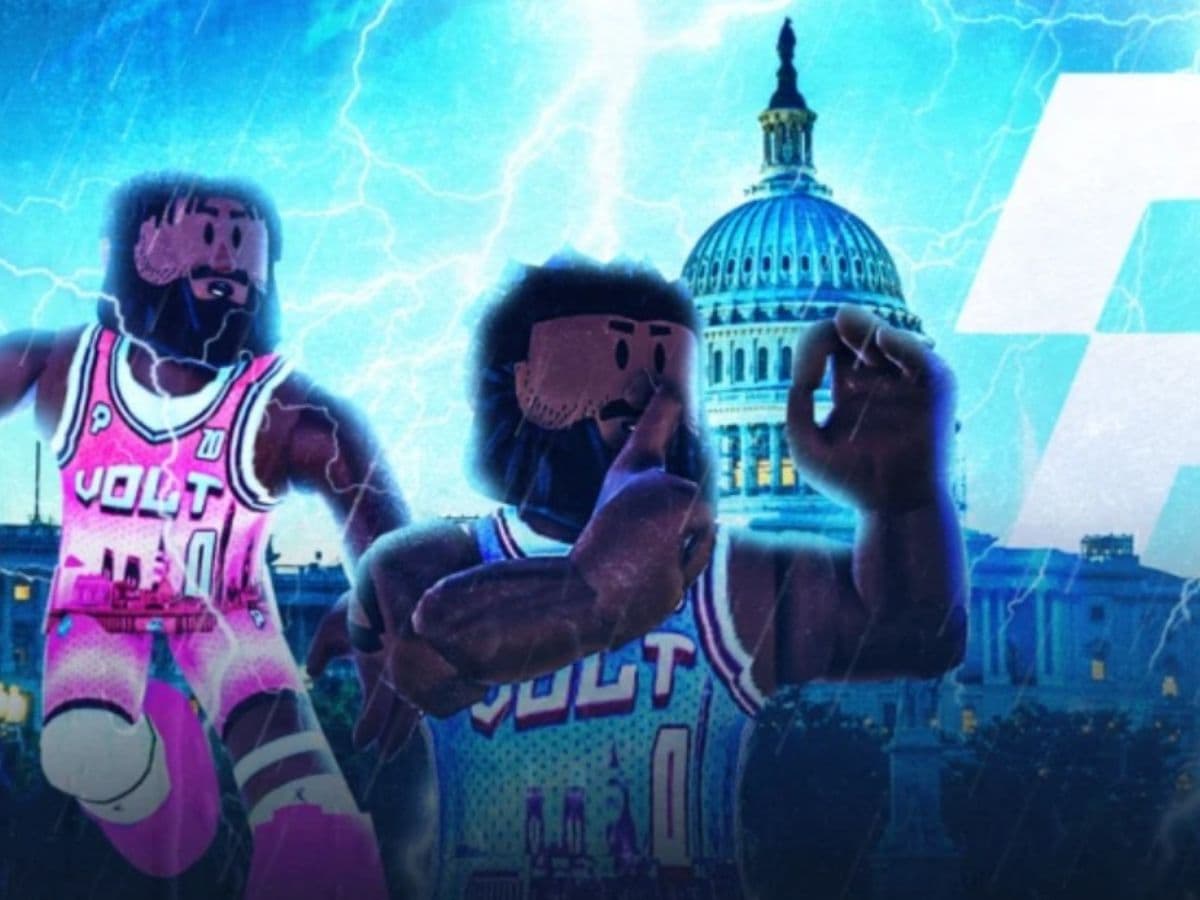
Roblox continues to expand beyond casual experiences, and sports games sit at the center of that shift. Basketball, in particular, has become a testing ground for realism inside the platform. Practical Basketball aims to recreate how basketball feels rather than how it looks. It focuses on timing, spacing, and player decisions. Here is everything you need to know about this game!
What is the Practical Basketball game on Roblox?
Practical Basketball is a skill-based basketball experience built inside Roblox. The game prioritizes realistic movement, ball physics, and input timing. Shooting depends on release control. Passing relies on direction and awareness. Finishing at the rim requires momentum and spacing.
The game often runs in testing phases. Availability can change, and updates focus on balance and mechanics. This approach allows developers to fine-tune gameplay instead of pushing constant cosmetic content.
Practical Basketball separates itself through some gameplay differences compared to other games:
- No upgrade systems or stat boosts (yet)
- No assisted shooting mechanics
- No arcade-style animations
Here is a YouTube video explaining the gameplay and mechanics thoroughly:
How to play Practical Basketball on Roblox
Practical Basketball does not hold the player’s hand. New players learn through repetition and court awareness. The basic flow stays simple.
You join a court, play organized runs, and rely on teamwork. There is no stat grinding or upgrade system. Performance depends on skill alone.
Core gameplay principles
- Space the floor and avoid crowding the paint
- Move with purpose instead of spamming dribbles
- Time shots and finishes carefully
- Pass early when help defense arrives
Essential PC controls
- Shoot: Hold E
- Pump fake: Tap E
- Layup: Hold E while driving
- Driving dunk: Shift + Spacebar
- Standing dunk: Hold Spacebar
- Pass to teammates: Use 1 / 2 / 3 / 4
- Bounce pass: Double tap 1 / 2 / 3 / 4
- Chest pass: Shift + 1 / 2 / 3 / 4
Keyboard and mouse offer the best control. Precision matters, especially for shooting and passing angles. Mobile support exists, but competitive players prefer PC.
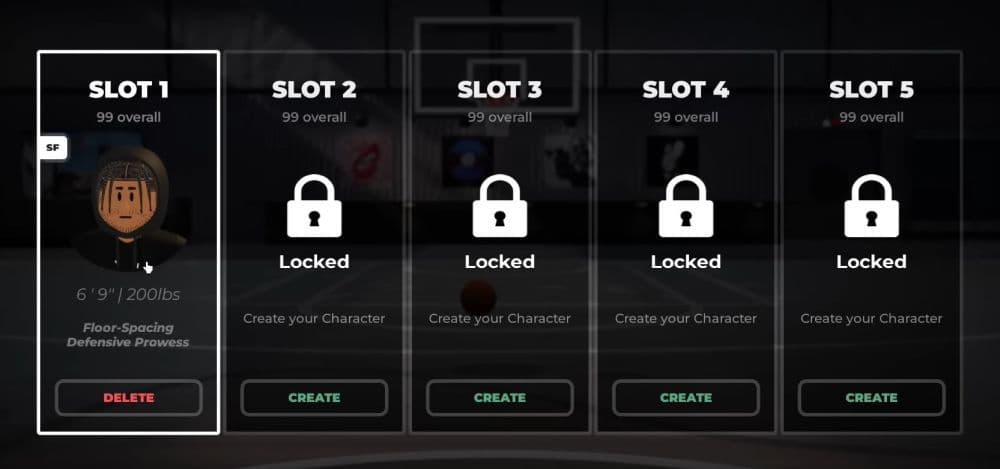
How shooting works in Practical Basketball
Shooting relies on timing, not percentages. The game uses a release window system. Holding the shoot button too long or releasing too early leads to misses.
New players should start with stationary shots. Moving shots add difficulty. Defensive pressure tightens the release window even more.
If you are a beginner, you need to improve consistency. Here’s how to do that:
- Take open shots only
- Square your player to the basket
- Avoid rushing releases
- Learn one spot before expanding range
This system creates a real skill gap and rewards discipline.
How to dunk in Practical Basketball
Dunking depends on positioning and movement. The game does not allow automatic finishes.
Driving dunk
- Sprint toward the basket
- Press Shift + Spacebar at the right angle
- Avoid defenders directly under the rim
Standing dunk
- Position close to the basket
- Hold Spacebar
- Use only when unguarded
Dunks fail when spacing is poor. Smart players treat dunks as rewards, not defaults.
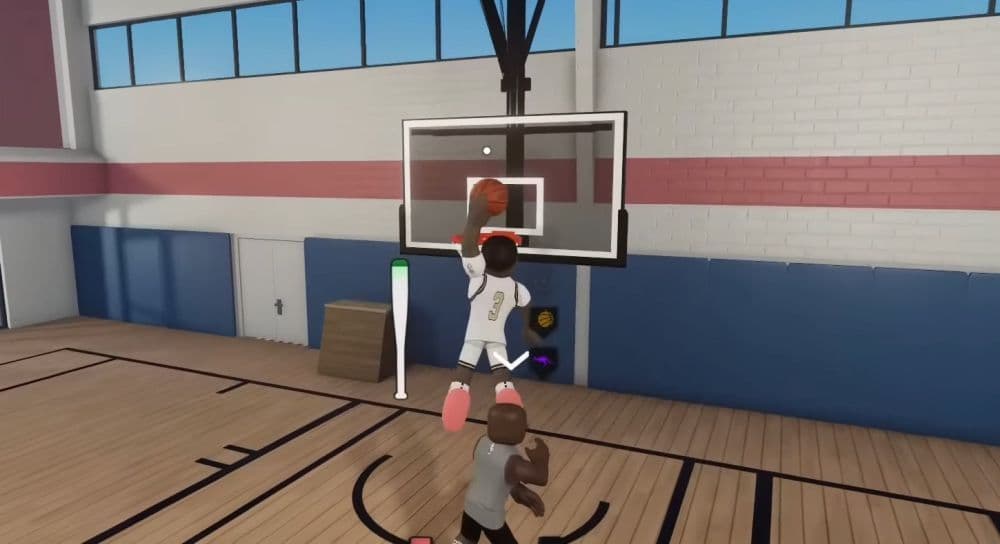
How to alley-oop in Practical Basketball
Alley-oops require coordination and timing. They fail if used randomly or in traffic.
Self alley-oop
- Press F while driving toward the basket
- Maintain forward momentum
- Finish quickly before defenders recover
Self lobs work best in open lanes. They fail in crowded paint situations.
Alley-oop to a teammate
- Press T plus the teammate number
- Throw the pass early
- Target cutters, not stationary players
Good alley-oops come from reads, not reactions.
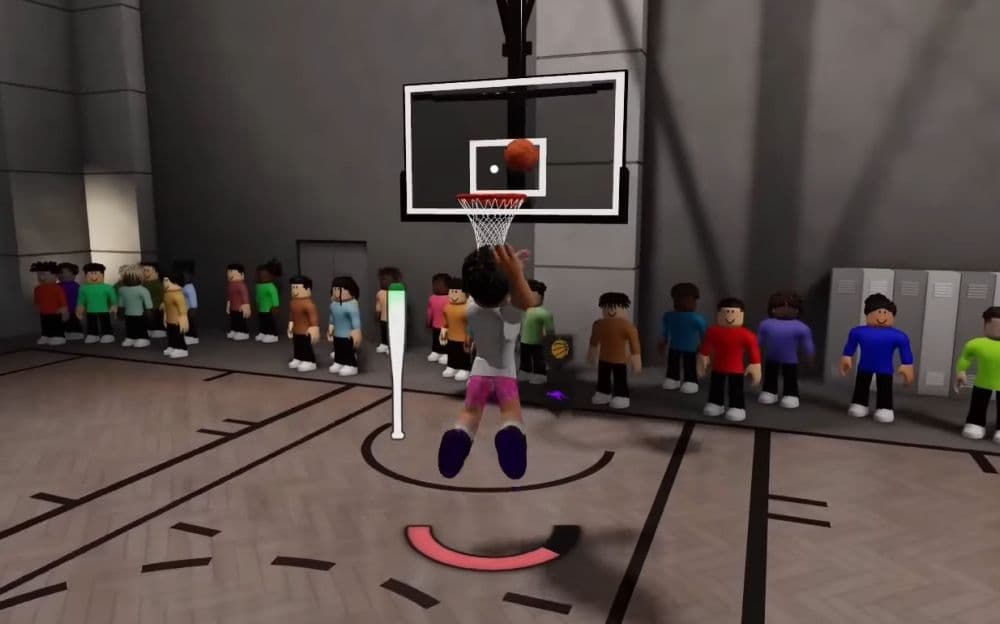
Passing, spacing, and team play
Passing defines high-level play in Practical Basketball. The game supports several pass types, each with a purpose.
- Overhead passes clear defenders
- Bounce passes beat tight coverage
- Chest passes move the ball quickly
Good teams rely on ball movement. Solo play struggles against organized defense. Spacing creates lanes. Passing punishes help defense.
Players often specialize in roles such as ball handler, wing scorer, or rim protector.
When it comes to competitive play, it emphasizes:
- Communication
- Discipline
- Shot selection
- Defensive positioning
This ecosystem keeps the game active even during limited public availability.
Practical Basketball suits players who value learning curves and skill expression. It fits those who enjoy realistic sports mechanics and team-based competition. Casual players may struggle early, but committed players find long-term depth.
Here are more guides for you to check:
- Latest Roblox One Touch codes and how to use them
- Roblox Hunters codes: How to redeem rewards
- New Roblox Peroxide codes & hair IDs
- Latest Roblox Elemental Dungeons codes & how to redeem them
- New Roblox Project Mugetsu codes & how to redeem them
Featured Image Credit: Practical
All Related Guides
 How to see Roblox purchase historyLearn how to see your Roblox purchase history, check Robux transactions and find real-money receipts on deskto...
 How to find the Monochrome Roblox code and escapeFind the Monochrome Roblox code, collect all four keys, survive the basement maze and open the elevator to com...
 How to connect Claude to Roblox StudioConnect Claude to Roblox Studio with the current MCP method and see how Claude can work with your scripts and ...
 How to fight in Gakuran RobloxLearn how to fight in Gakuran Roblox, from basic attacks to blocking, parrying, posture, and fighting styles....
 How to get a free avatar in RobloxFind out how to get a free Roblox avatar without spending Robux, from free character bundles to Marketplace it...
 How to reduce lag in Roblox: Comprehensive guideRoblox feeling slow or choppy? Find out how to reduce lag in Roblox and improve your game with a few simple ch...
 How to check Roblox player countHow many people play Roblox in 2026? Check the latest Roblox player count and learn what the numbers actually ...
 App Themes: How to change a Roblox Background (2026)Here’s how to change your Roblox background and theme, including Roblox Plus themes, Dark Mode, Light Mode, an...
- 1
- 2
- 3
- 4
- 5
- 6
- 7
- 8
- 9
- 10
- 11
- 12
- 13