How to leave a party in Rocket League
Done with your current party in Rocket League? Here's how to leave the group.
Ready to break free from your Rocket League crew or just need to go solo? Either way, you need to learn how to leave a party in Rocket League.
Whether you’re looking to switch things up or simply need a breather, leaving a party in Rocket League is a breeze. Here’s a quick guide to help you exit gracefully, whether you’re playing on PC or console. Get ready to take control and get back to your game with these easy steps!
How to leave a party in Rocket League in 3 steps
Leaving a party in Rocket League is a straightforward process, whether you’re playing on PC or console. Here’s how to do it:
Step 1: Go to the main menu
Ensure you're on the main menu screen where you can see your party members. This is the screen where you manage your game and party settings.
Step 2: Find the party icon
Look for the crossed-out circle icon located next to your player banner in the bottom left corner of the screen. This icon is your access point for party management. Now, click on the crossed-out circle icon.
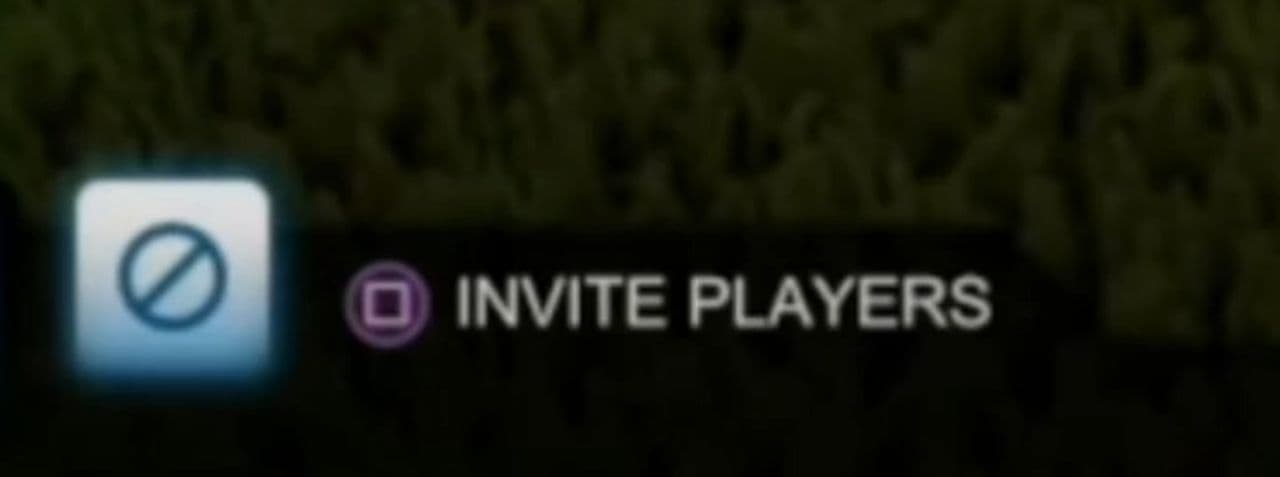
Step 3: Confirm your exit
A confirmation prompt will appear asking if you want to leave the party. Select “Ok” to exit the party.

Alternative option: Kick a player
If you prefer to remove a specific player rather than leaving the party yourself, you can do so through the same menu. Select the player you want to remove and choose the kick option.
By following these steps, you can easily leave or manage your party in Rocket League.
What happens if your teammate leaves in Rocket League?
A loss will be recorded regardless of the context. Unsportsmanlike behavior is taken very seriously, and there is a constant effort to improve the Matchmaking system.
Leaving a game early is unfair to teammates.
Do you get banned for leaving Rocket League?
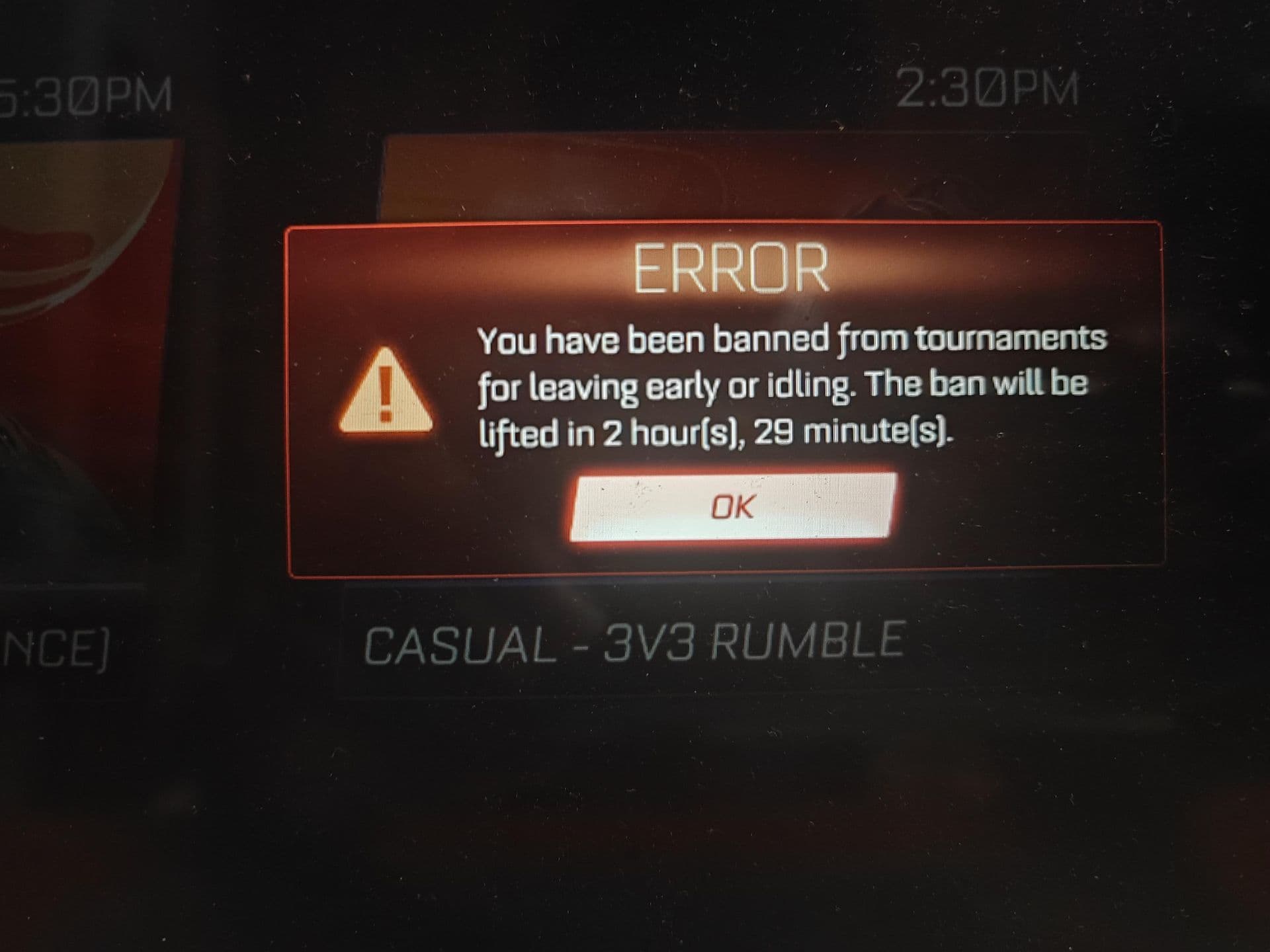
Players who exit a match prematurely will receive a Matchmaking Ban, with the first player to leave facing a more significant MMR loss.
What is the longest ban in Rocket League?
Rocket League bans can vary in duration based on the type of ban and the severity of the offense, ranging from as short as 5 minutes to a permanent ban.
How do you leave a Rocket League match without penalty?
You can quit a Casual match once per day without receiving a Matchmaking Ban. However, leaving another match within the next 12 hours will result in a 5-minute ban. The system has 7 ban levels, including:
- First - 0 Minutes
- Second - 5 Minutes
- Third - 10 Minutes
- Fourth - 20 Minutes
- Fifth - 40 Minutes
- Sixth - 1 hour
- Seventh or more - 2 hours
Each successive ban increasing in duration for additional matches left.
Remember, leaving a match early can lead to bans and MMR losses. Penalties range from 5 minutes to permanent bans. Exit wisely to avoid consequences.
In case you need: How do you get out of team chat in Rocket League?
To exit team chat in Rocket League, you can simply switch to a different chat channel (like party or quick chat) or disable chat altogether. Here's how:
- Open Rocket League and go to the Settings menu.
- Click on the CHAT tab.
- For Quick Chat, Match Chat, and Party Chat, open each one individually.
- To disable chat, change each option to "Allow with Nobody (Off)".
- To restrict chat, you can choose "Teammates Only" or "Friends Only" instead.
- Click Back to save your settings.
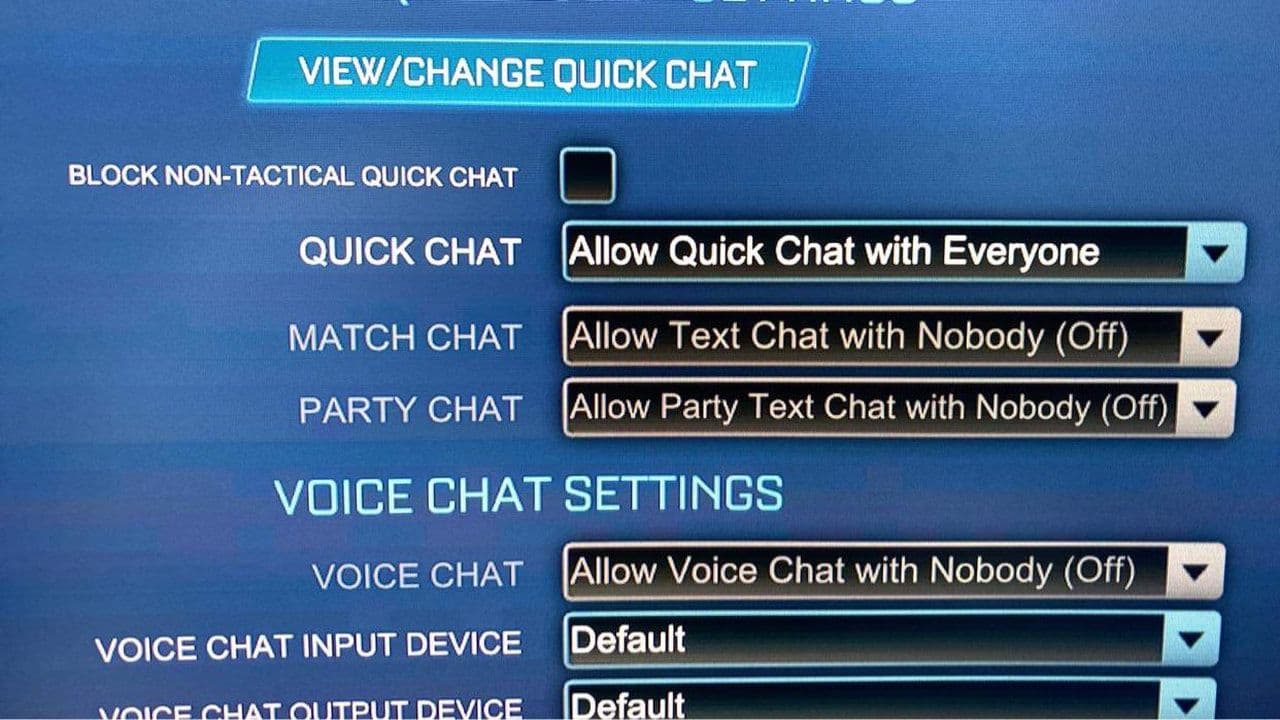
This will effectively remove you from team chat and limit (or eliminate) all incoming/outgoing chat messages.
Guide Categories
All Related Guides
 Rocket League Easy Anti-Cheat (EAC) explainedRocket League Easy Anti-Cheat explained: how EAC works, online requirements, mod support, Linux compatibility,...
 How to play custom maps in Rocket LeagueDiscover how to play custom maps in Rocket League with a quick guide to setup, loaders, and the best maps for ...
 How to horse dash in Rocket LeagueLearn how to horse dash in Rocket League with simple steps, key tips, and common mistakes to avoid in this qui...
 How to air roll in Rocket LeagueHow to air roll in Rocket League: controls, settings, tips, and step-by-step guide to improve aerial control....
 How to fast aerial in Rocket League like a proMaster how to fast aerial in Rocket League with a clear guide on timing, boost control, aerial practice, and c...
 How to get your Rocket Rundown 2026How to get your Rocket Rundown 2026: access your Rocket League stats recap, view playstyle insights, and impro...
 Rocket League “Complete a Custom Training Using Randomization” challenge explainedLearn how to complete the Rocket League Complete a Custom Training Using Randomization challenge with this qui...
 9 ways to get goal explosions in Rocket League Learn how to get goal explosions in Rocket League with 9 methods including Rocket Pass, Drops, tournaments, bl...
- 1
- 2
- 3
- 4
- 5
- 6
- 7